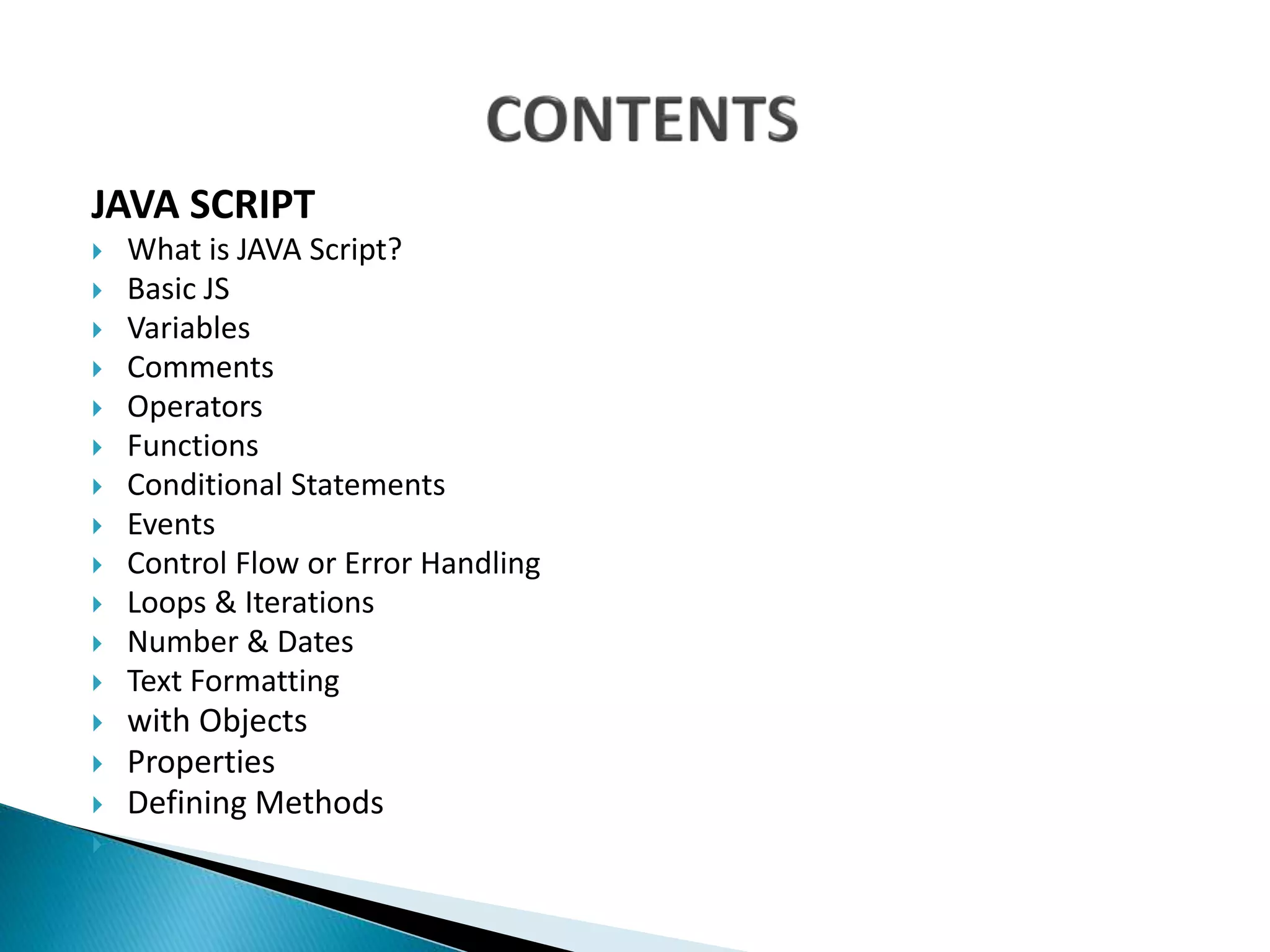
JAVA SCRIPT
 What is JAVA Script?
 Basic JS
 Variables
 Comments
 Operators
 Functions
 Conditional Statements
 Events
 Control Flow or Error Handling
 Loops & Iterations
 Number & Dates
 Text Formatting
 with Objects
 Properties
 Defining Methods

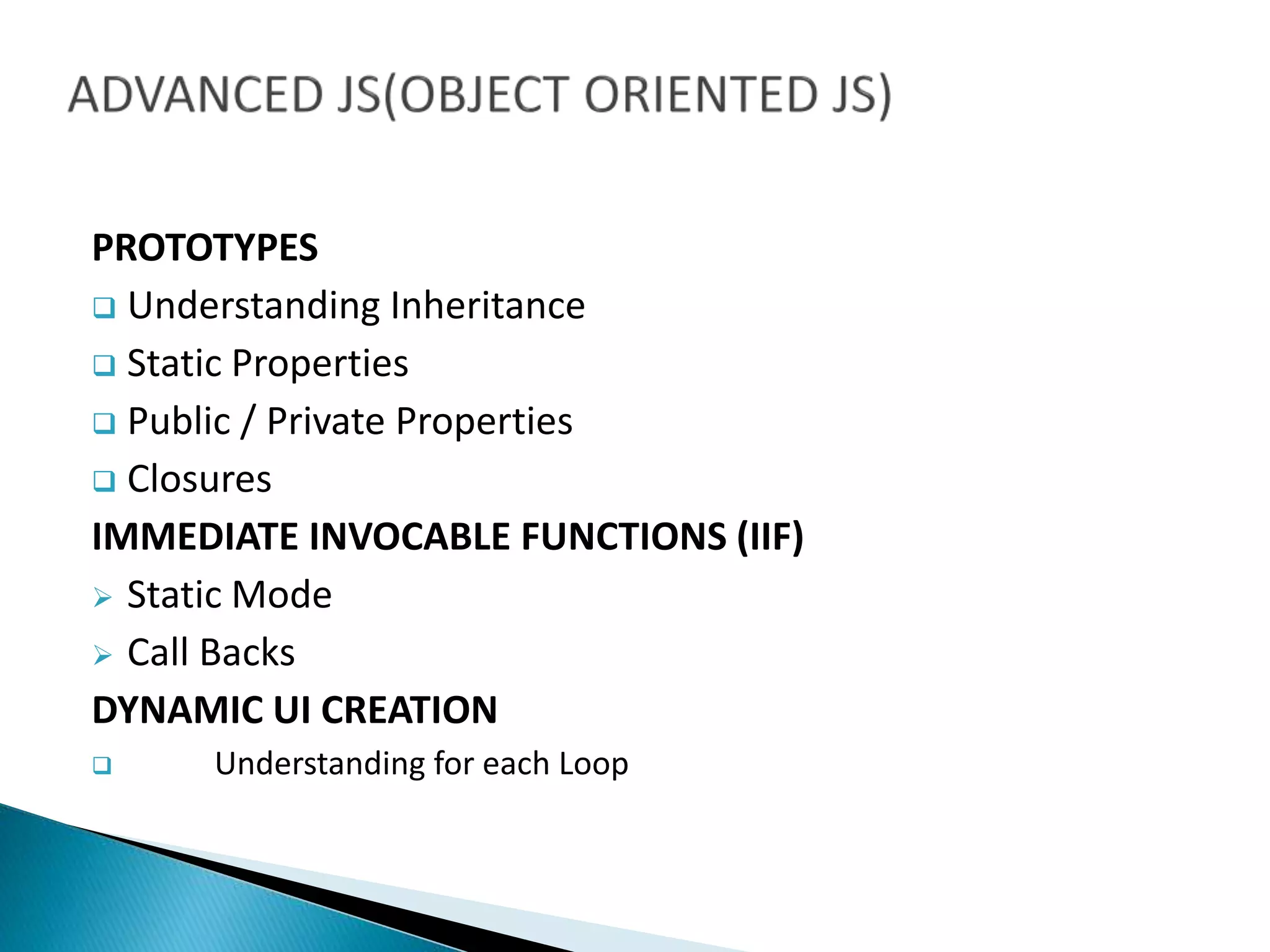
PROTOTYPES
 Understanding Inheritance
 Static Properties
 Public / Private Properties
 Closures
IMMEDIATE INVOCABLE FUNCTIONS (IIF)
 Static Mode
 Call Backs
DYNAMIC UI CREATION
 Understanding for each Loop
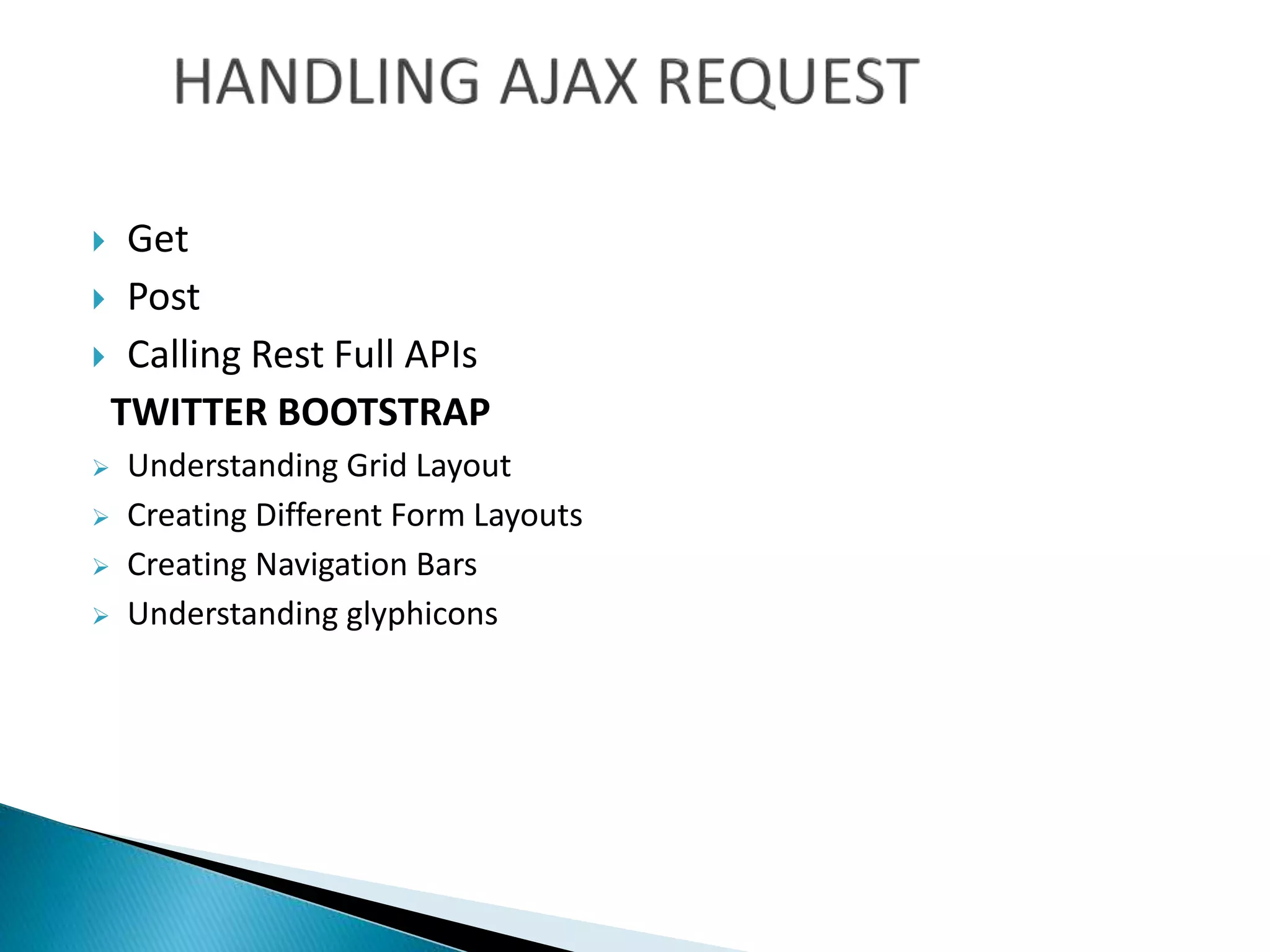
 Get
 Post
 Calling Rest Full APIs
TWITTER BOOTSTRAP
 Understanding Grid Layout
 Creating Different Form Layouts
 Creating Navigation Bars
 Understanding glyphicons
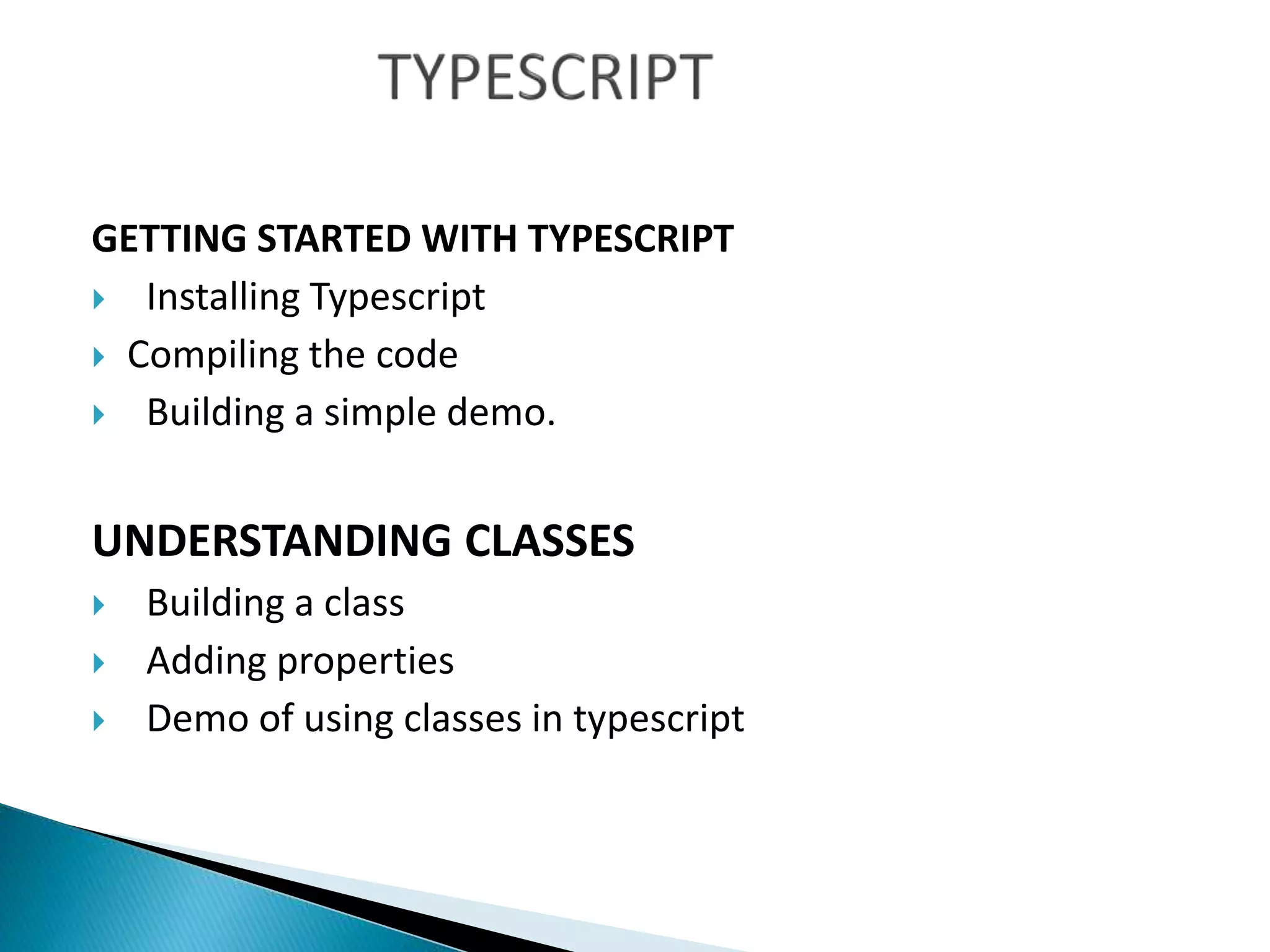
GETTING STARTED WITH TYPESCRIPT
 Installing Typescript
 Compiling the code
 Building a simple demo.
UNDERSTANDING CLASSES
 Building a class
 Adding properties
 Demo of using classes in typescript
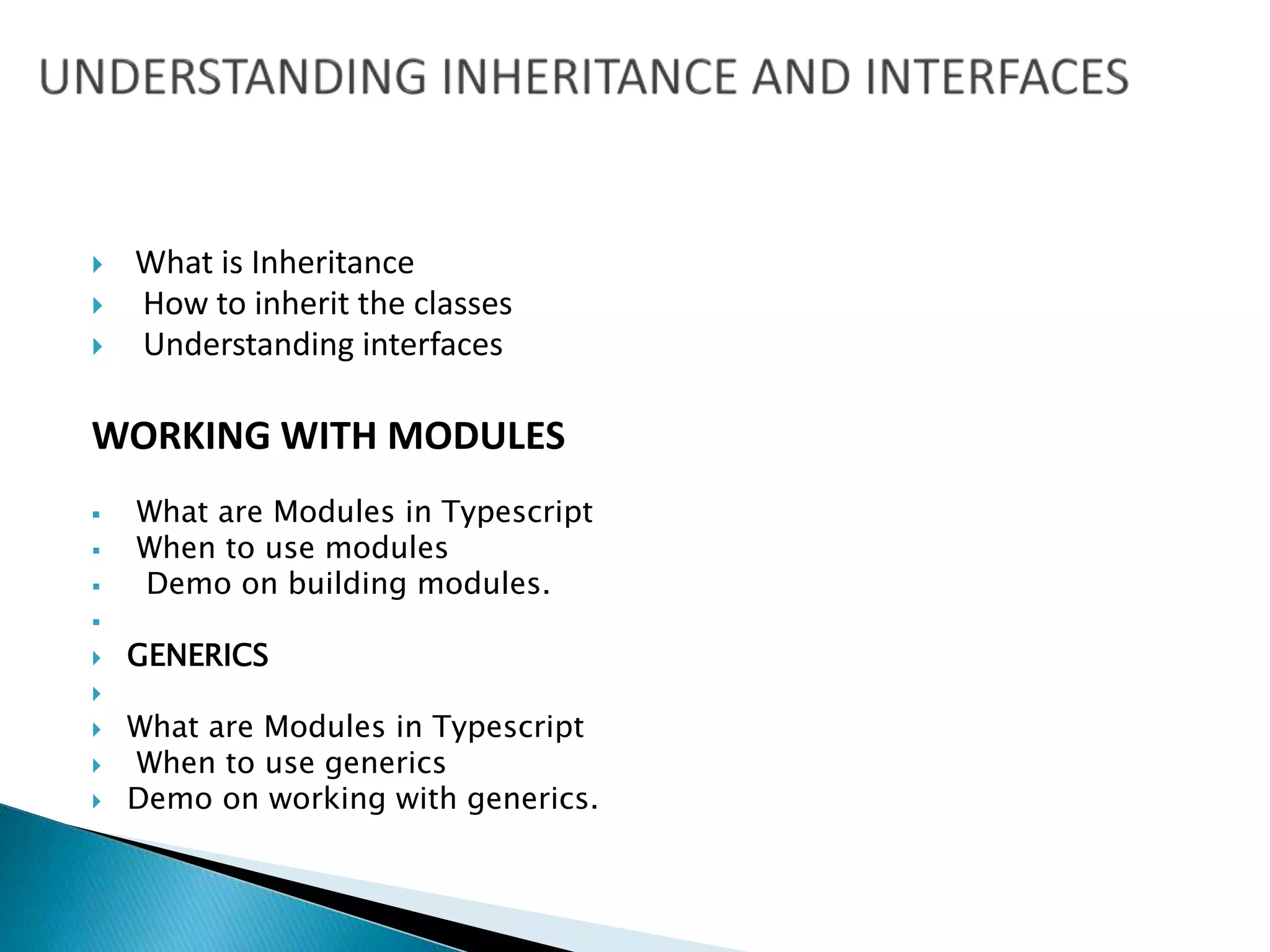
 What is Inheritance
 How to inherit the classes
 Understanding interfaces
WORKING WITH MODULES
 What are Modules in Typescript
 When to use modules
 Demo on building modules.

 GENERICS

 What are Modules in Typescript
 When to use generics
 Demo on working with generics.
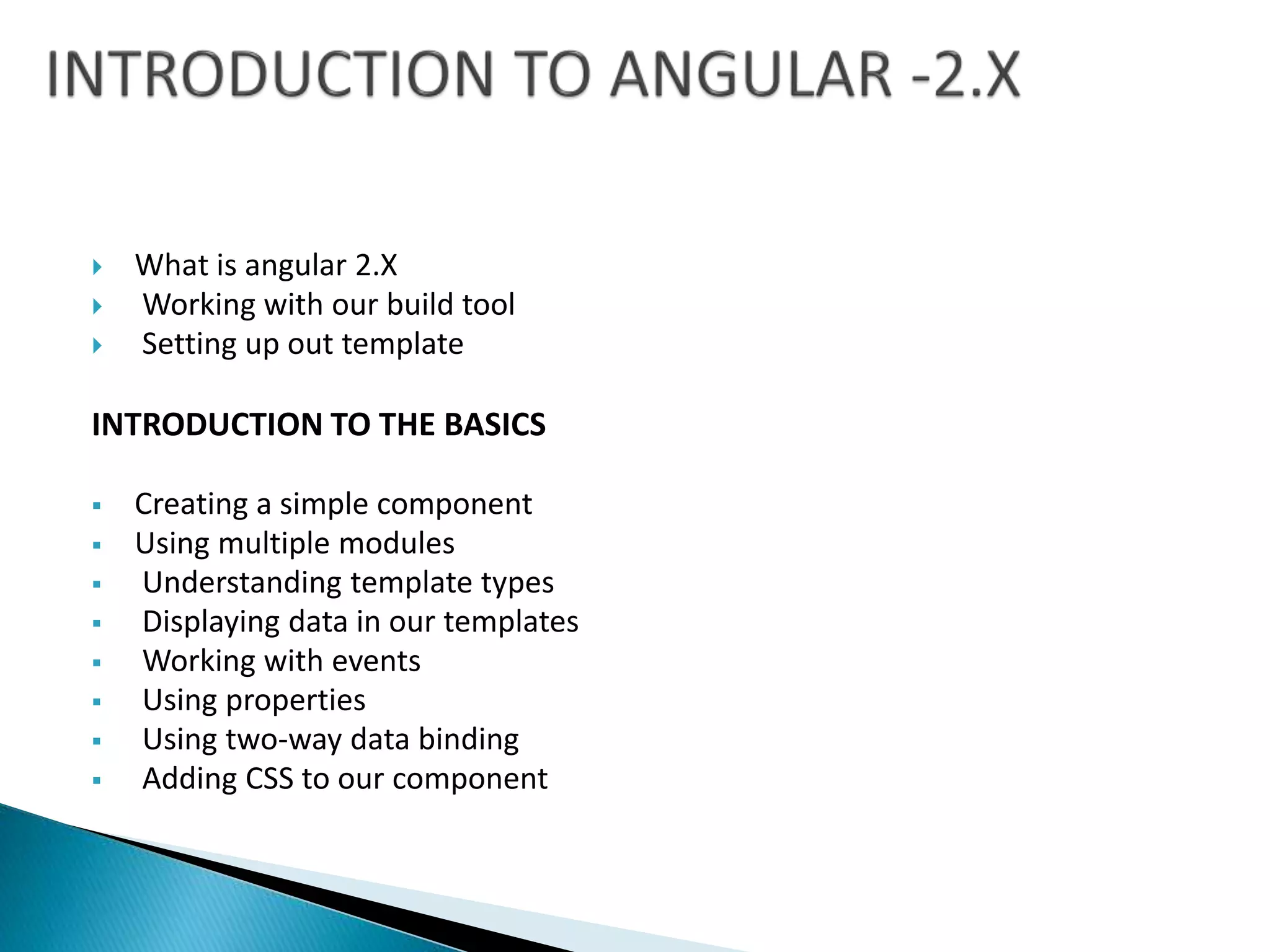
 What is angular 2.X
 Working with our build tool
 Setting up out template
INTRODUCTION TO THE BASICS
 Creating a simple component
 Using multiple modules
 Understanding template types
 Displaying data in our templates
 Working with events
 Using properties
 Using two-way data binding
 Adding CSS to our component
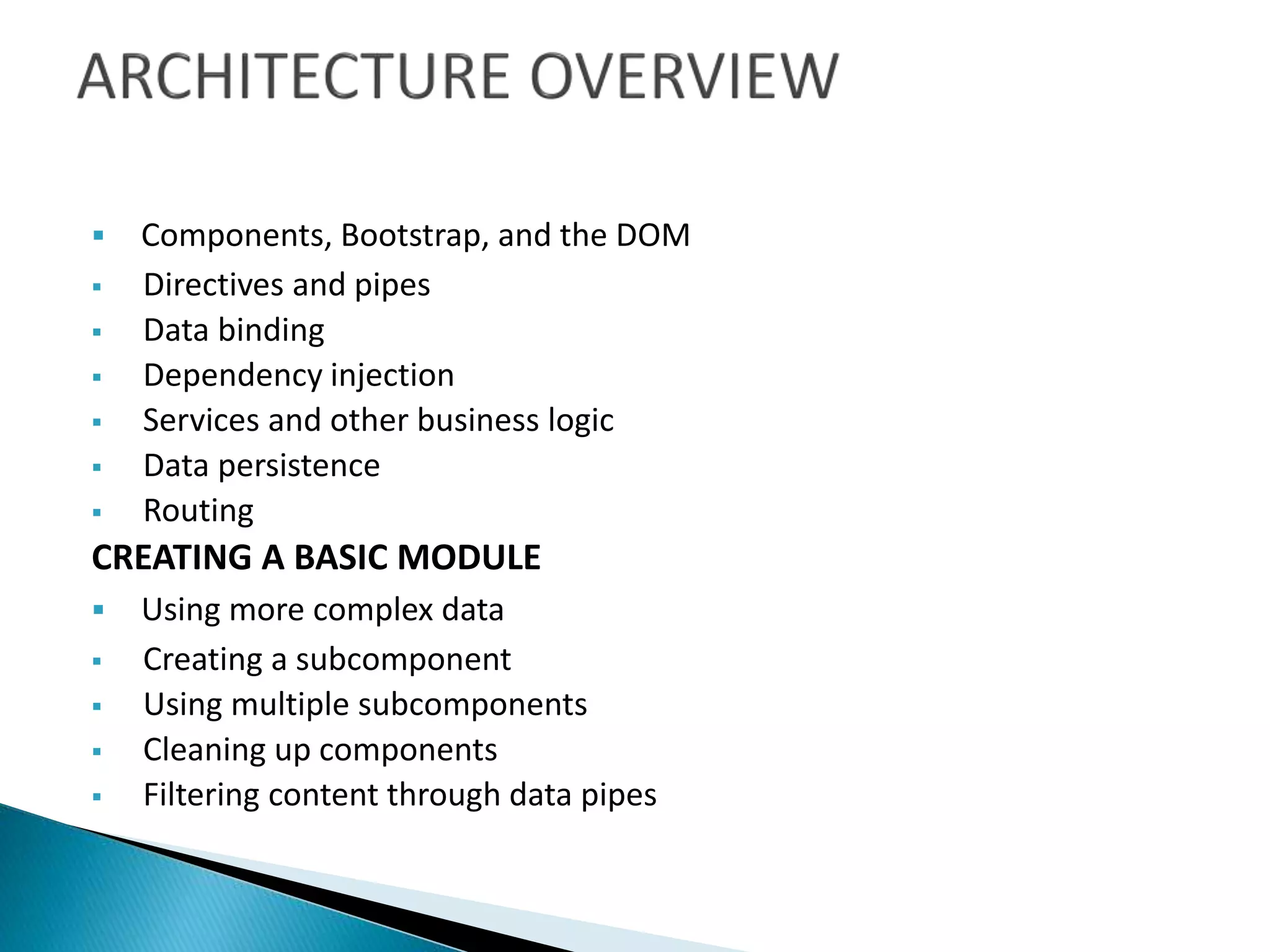
 Components, Bootstrap, and the DOM
 Directives and pipes
 Data binding
 Dependency injection
 Services and other business logic
 Data persistence
 Routing
CREATING A BASIC MODULE
 Using more complex data
 Creating a subcomponent
 Using multiple subcomponents
 Cleaning up components
 Filtering content through data pipes
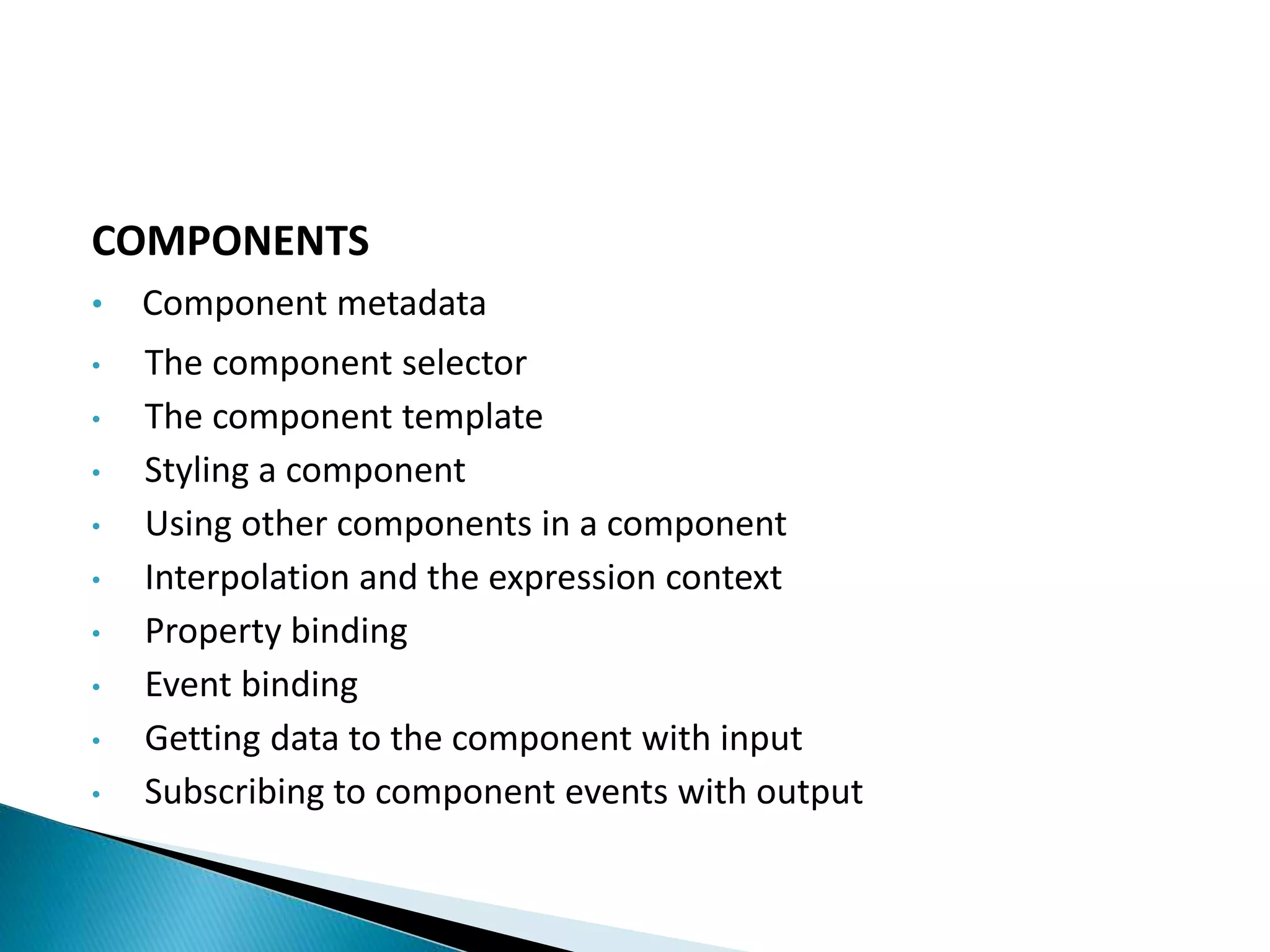
COMPONENTS
• Component metadata
• The component selector
• The component template
• Styling a component
• Using other components in a component
• Interpolation and the expression context
• Property binding
• Event binding
• Getting data to the component with input
• Subscribing to component events with output
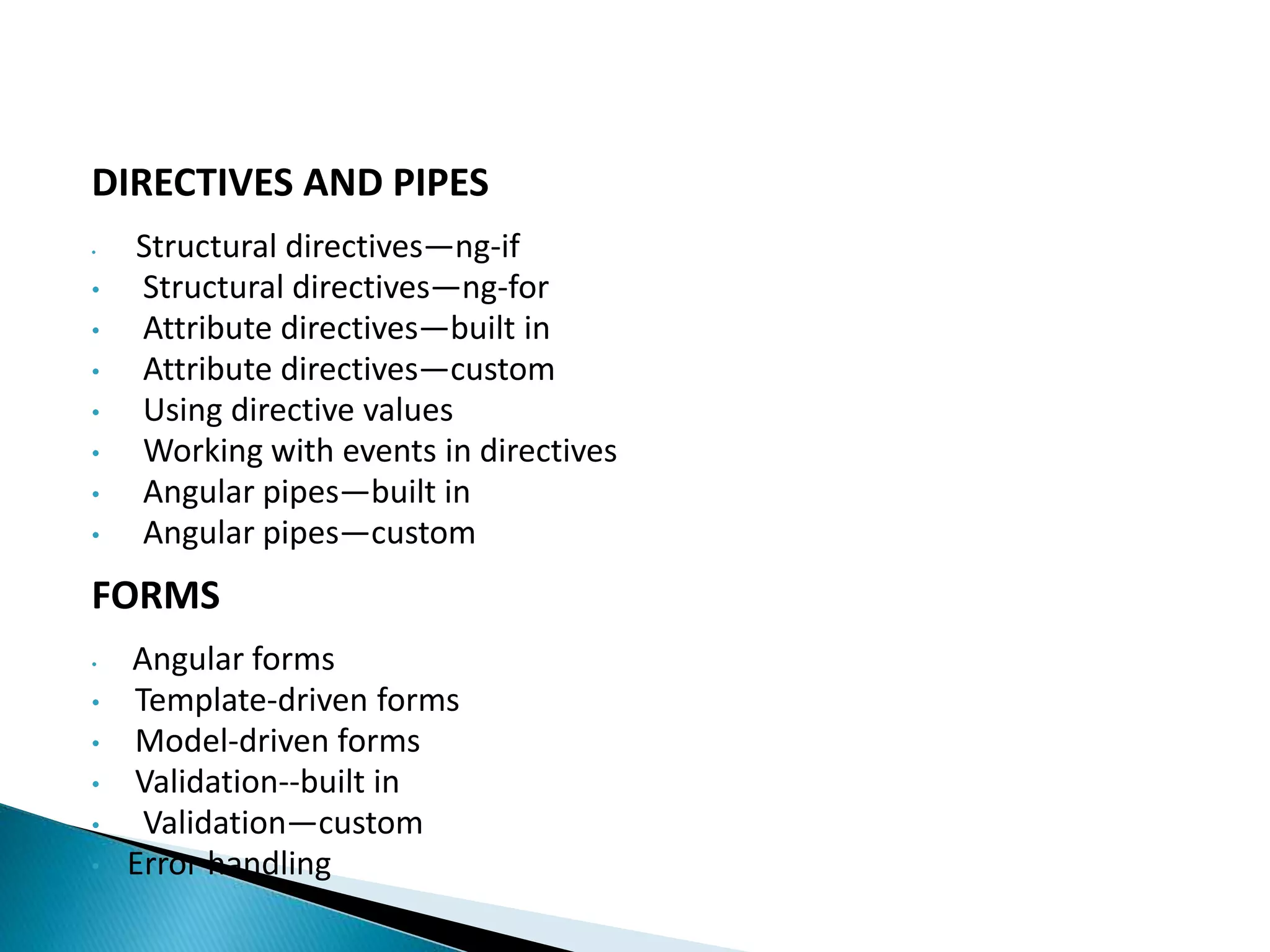
DIRECTIVES AND PIPES
• Structural directives—ng-if
• Structural directives—ng-for
• Attribute directives—built in
• Attribute directives—custom
• Using directive values
• Working with events in directives
• Angular pipes—built in
• Angular pipes—custom
FORMS
• Angular forms
• Template-driven forms
• Model-driven forms
• Validation--built in
• Validation—custom
• Error handling
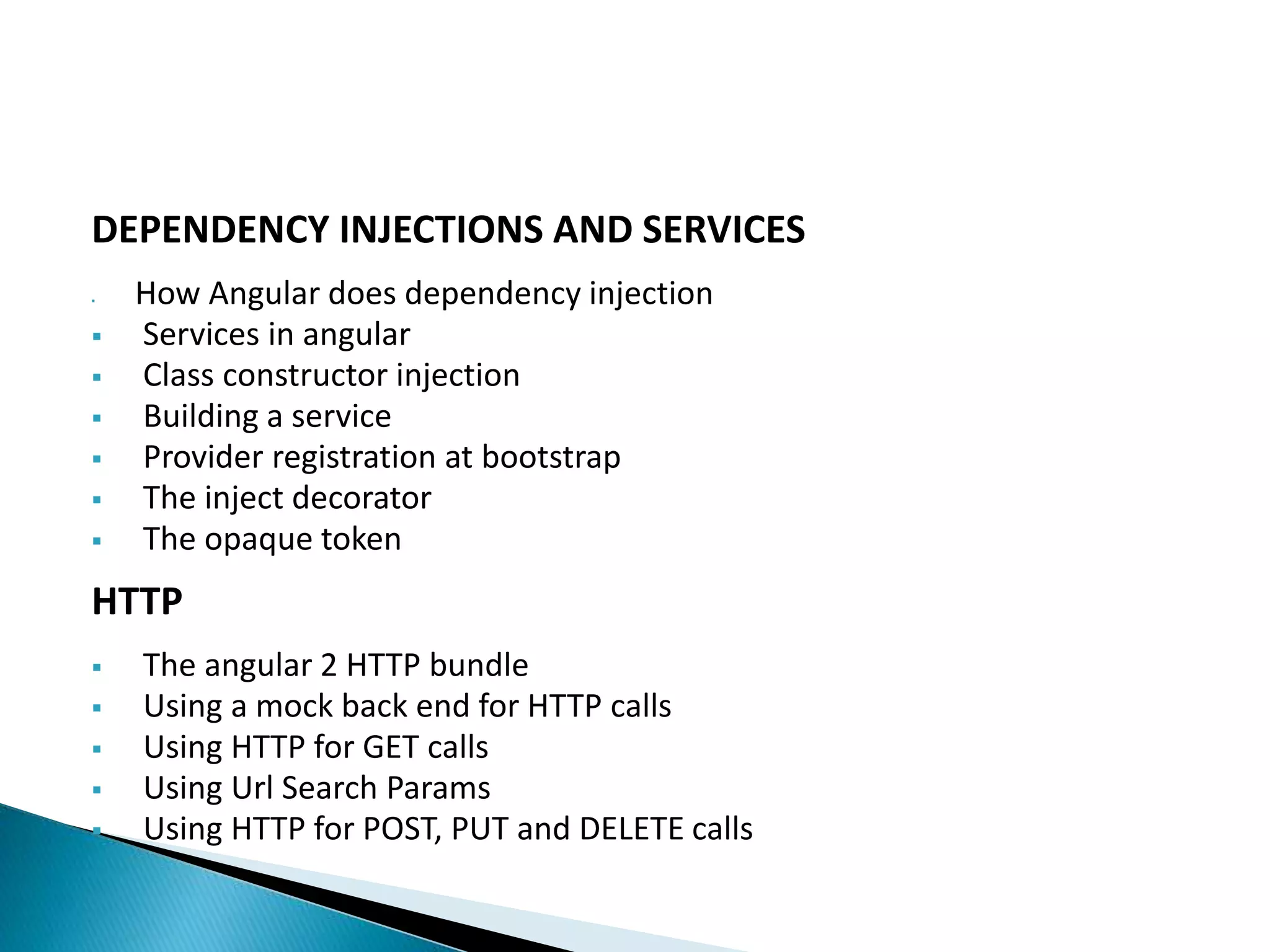
DEPENDENCY INJECTIONS AND SERVICES
 How Angular does dependency injection
 Services in angular
 Class constructor injection
 Building a service
 Provider registration at bootstrap
 The inject decorator
 The opaque token
HTTP
 The angular 2 HTTP bundle
 Using a mock back end for HTTP calls
 Using HTTP for GET calls
 Using Url Search Params
 Using HTTP for POST, PUT and DELETE calls
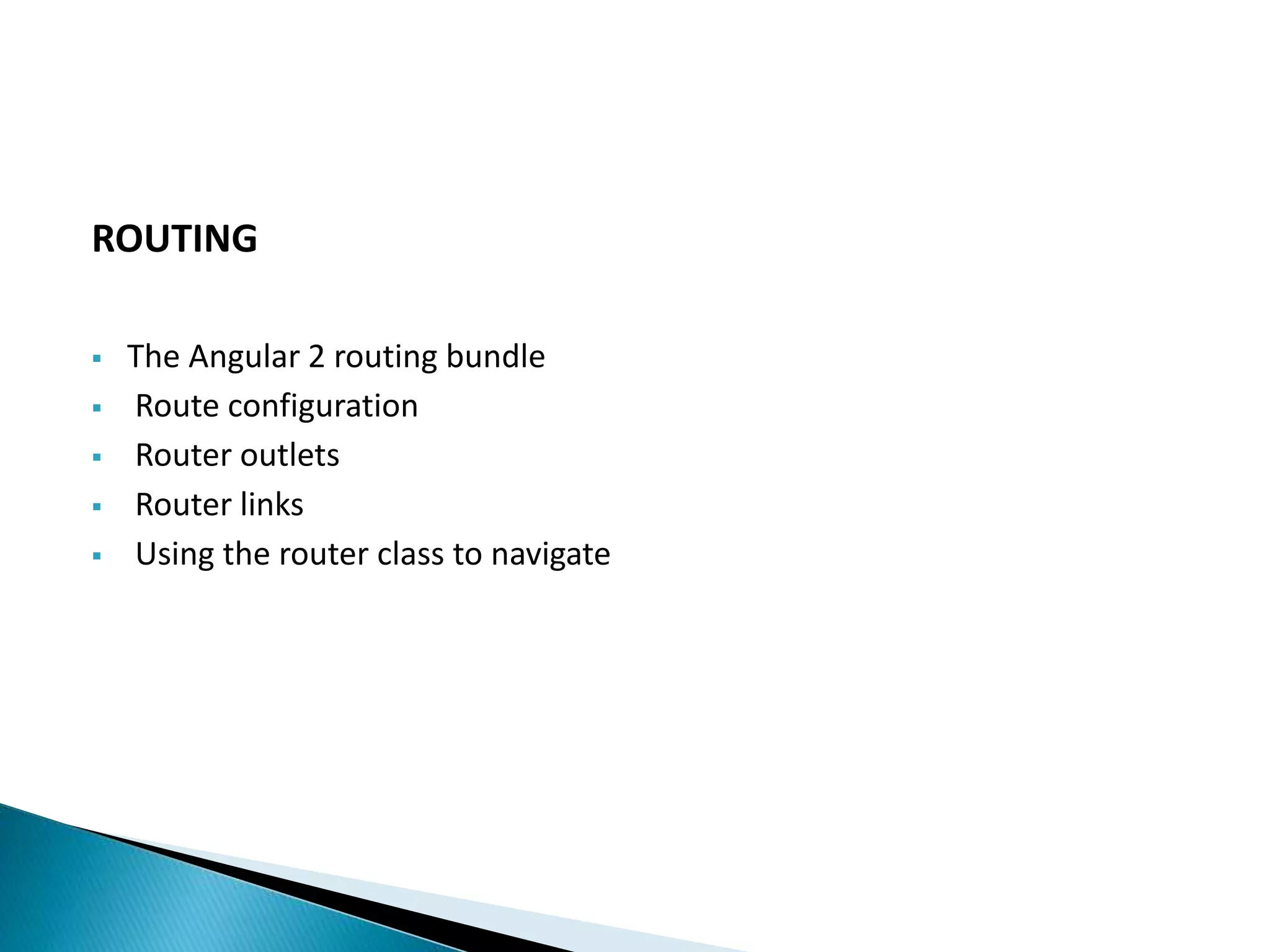
ROUTING
 The Angular 2 routing bundle
 Route configuration
 Router outlets
 Router links
 Using the router class to navigate
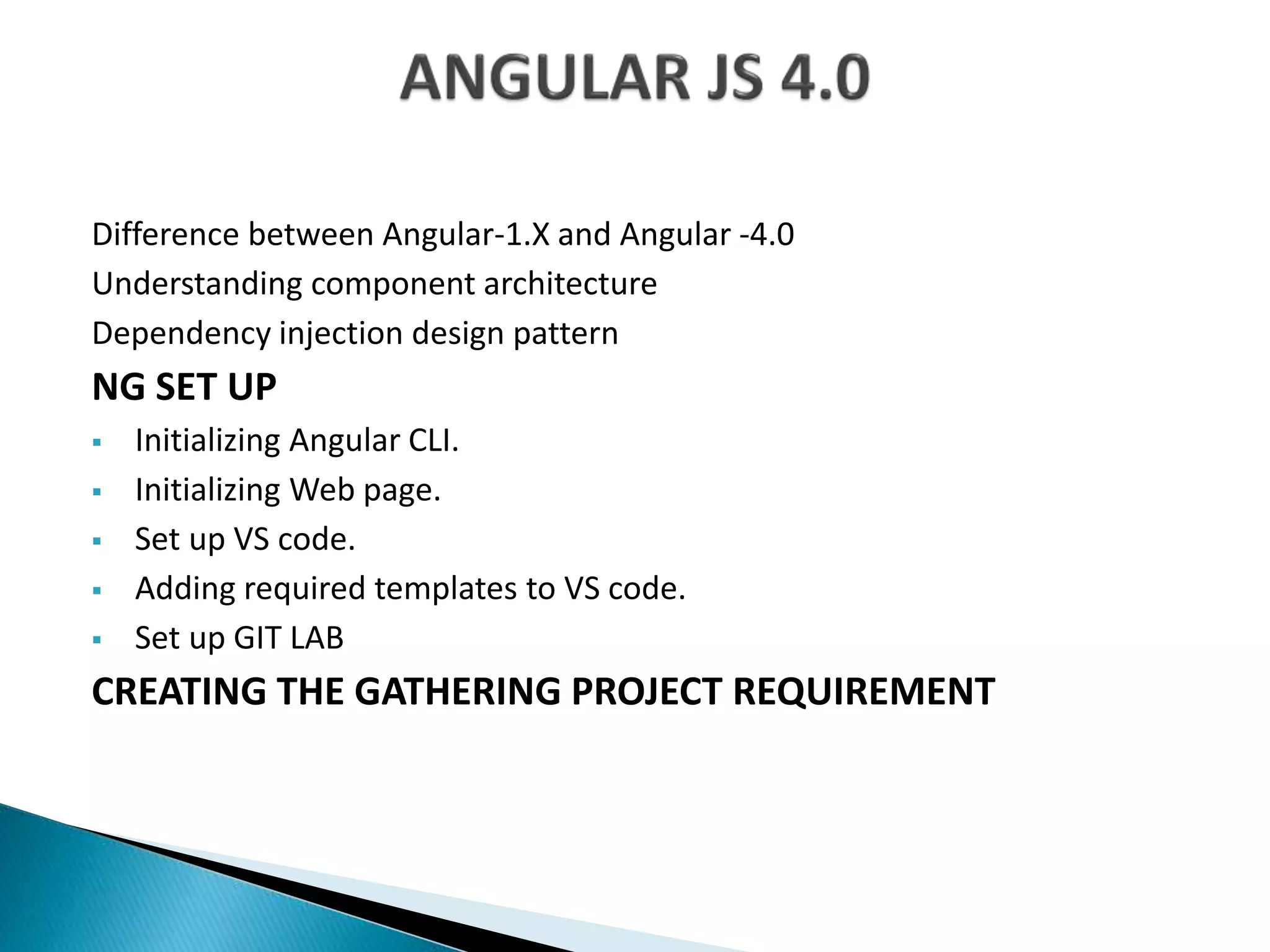
Difference between Angular-1.X and Angular -4.0
Understanding component architecture
Dependency injection design pattern
NG SET UP
 Initializing Angular CLI.
 Initializing Web page.
 Set up VS code.
 Adding required templates to VS code.
 Set up GIT LAB
CREATING THE GATHERING PROJECT REQUIREMENT
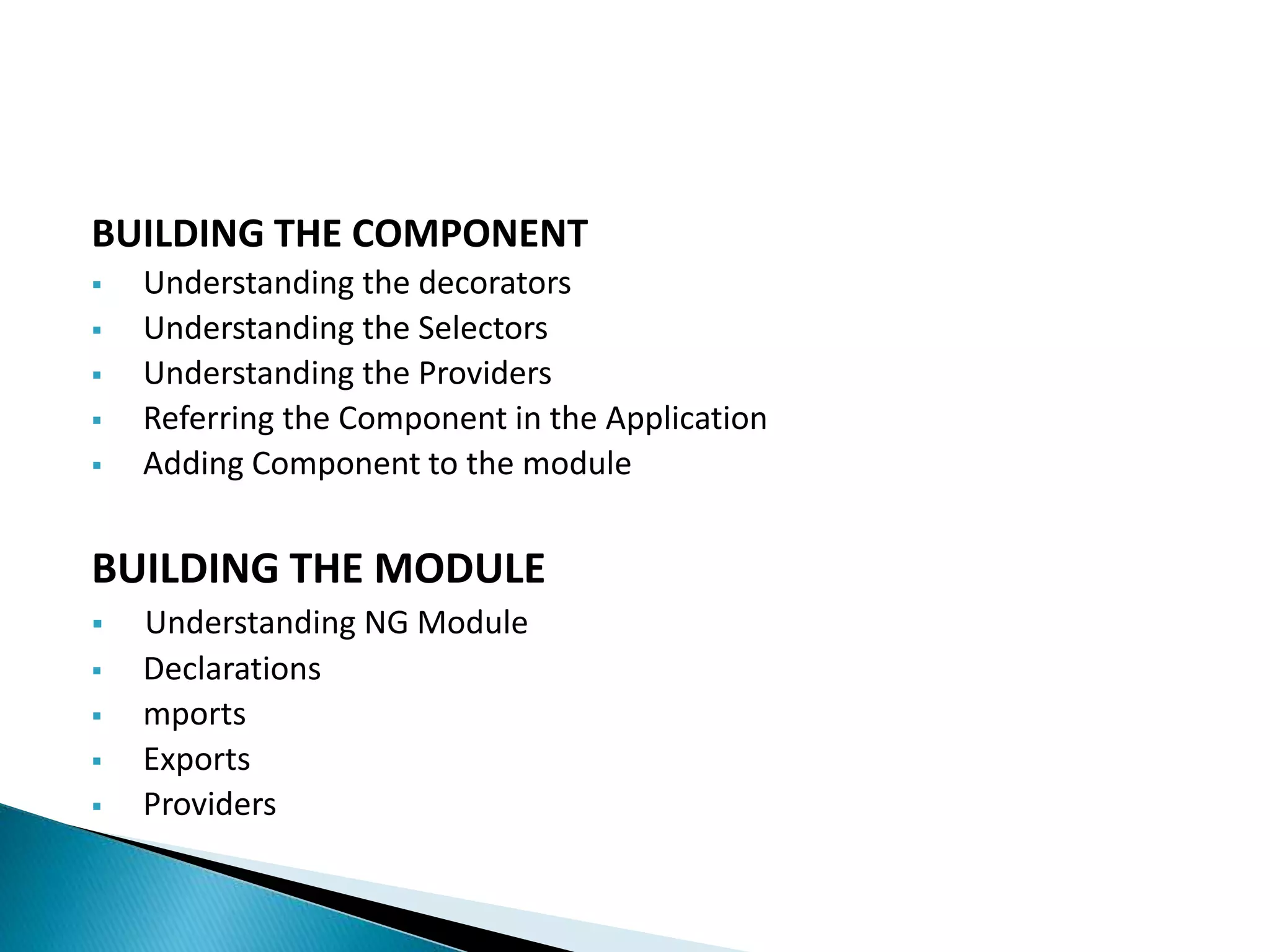
BUILDING THE COMPONENT
 Understanding the decorators
 Understanding the Selectors
 Understanding the Providers
 Referring the Component in the Application
 Adding Component to the module
BUILDING THE MODULE
 Understanding NG Module
 Declarations
 mports
 Exports
 Providers
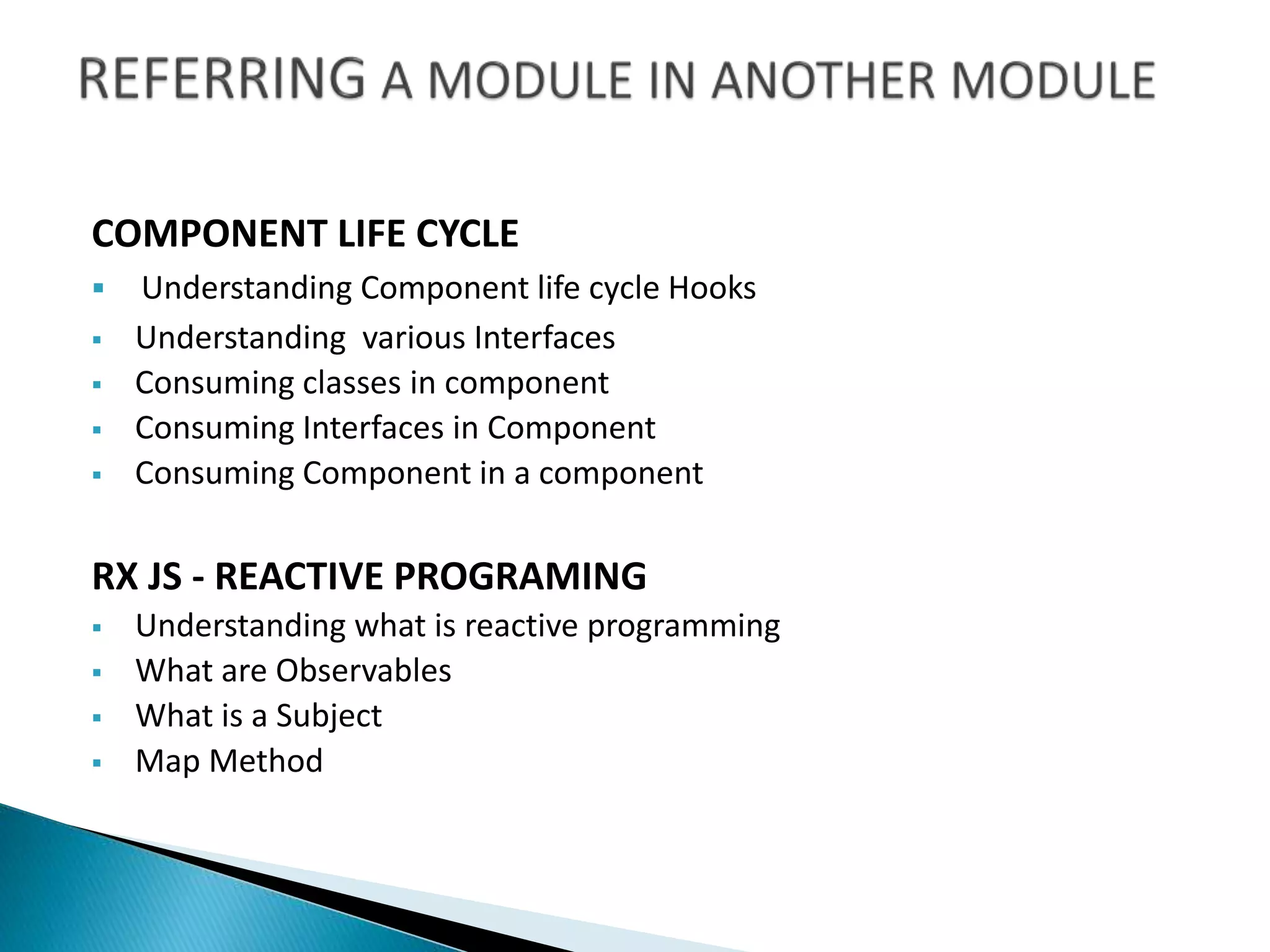
COMPONENT LIFE CYCLE
 Understanding Component life cycle Hooks
 Understanding various Interfaces
 Consuming classes in component
 Consuming Interfaces in Component
 Consuming Component in a component
RX JS - REACTIVE PROGRAMING
 Understanding what is reactive programming
 What are Observables
 What is a Subject
 Map Method
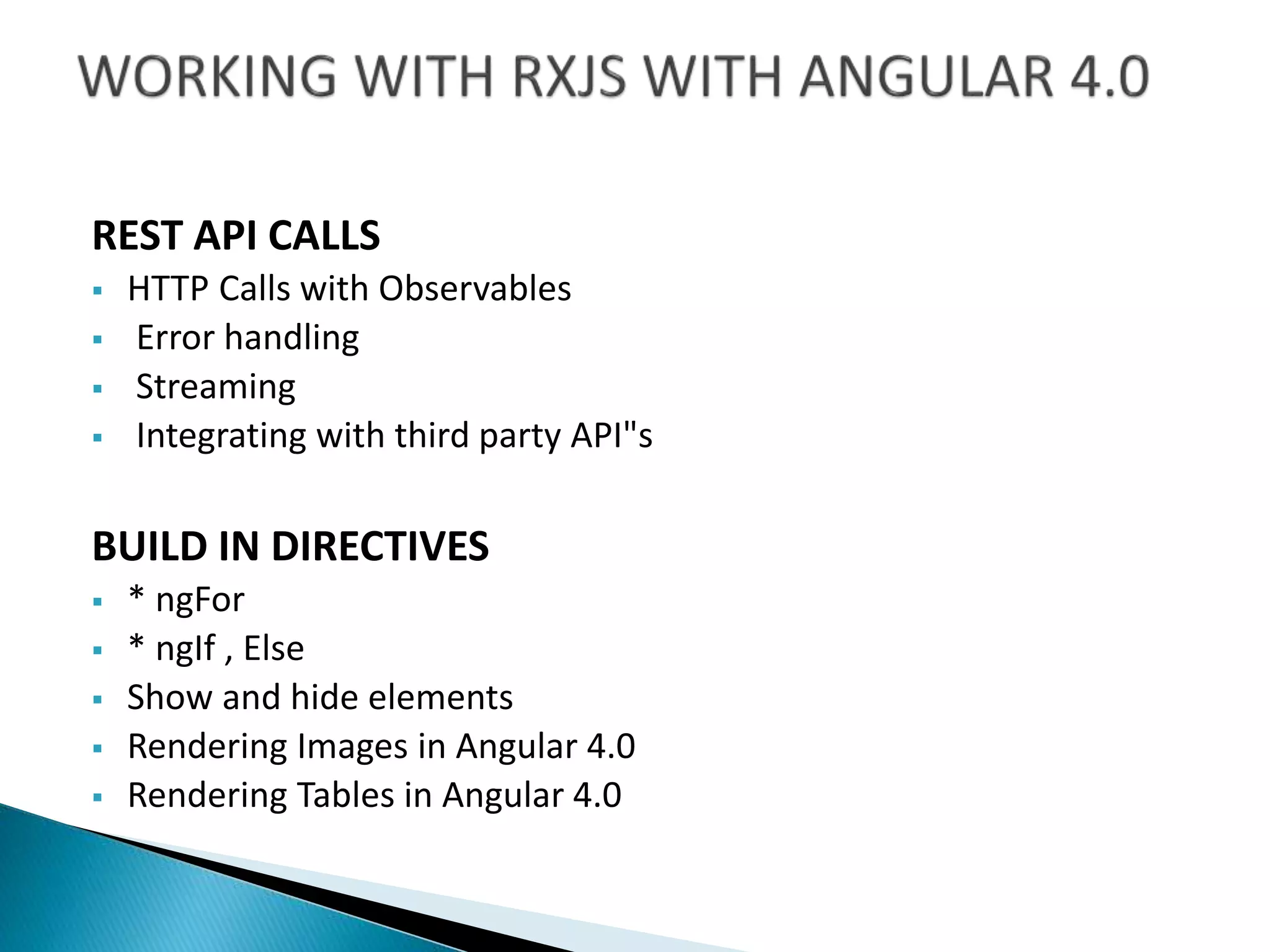
REST API CALLS
 HTTP Calls with Observables
 Error handling
 Streaming
 Integrating with third party API"s
BUILD IN DIRECTIVES
 * ngFor
 * ngIf , Else
 Show and hide elements
 Rendering Images in Angular 4.0
 Rendering Tables in Angular 4.0
PROVIDERS
 How to Use Providers
 Communicate with Component
 Working with RXJS in Providers
CREATING PIPES
 Understanding Build in pipes
 Creating Custom pipes
ADVANCES ANGULAR 4.0
 Working with Routing
 Authenticating and Authorization
 Component to component communication
 Understanding input output methods
 Understanding Subjects
 Understanding Event emitters
SETTING UP REVERSE PROXY WITH WEBSERVER
 NPage nation
 Calendar
 More
CONCLUSION
Additional benefits from NBITS
 Course Material
 Sample resumes and Fine tuning of Resume
 Interview Questions
 Mock Interviews by Real time Consultants
 Certification Questions
 Job Assistance.

Angular js training

  • 2.
    JAVA SCRIPT  Whatis JAVA Script?  Basic JS  Variables  Comments  Operators  Functions  Conditional Statements  Events  Control Flow or Error Handling  Loops & Iterations  Number & Dates  Text Formatting  with Objects  Properties  Defining Methods 
  • 3.
    PROTOTYPES  Understanding Inheritance Static Properties  Public / Private Properties  Closures IMMEDIATE INVOCABLE FUNCTIONS (IIF)  Static Mode  Call Backs DYNAMIC UI CREATION  Understanding for each Loop
  • 4.
     Get  Post Calling Rest Full APIs TWITTER BOOTSTRAP  Understanding Grid Layout  Creating Different Form Layouts  Creating Navigation Bars  Understanding glyphicons
  • 5.
    GETTING STARTED WITHTYPESCRIPT  Installing Typescript  Compiling the code  Building a simple demo. UNDERSTANDING CLASSES  Building a class  Adding properties  Demo of using classes in typescript
  • 6.
     What isInheritance  How to inherit the classes  Understanding interfaces WORKING WITH MODULES  What are Modules in Typescript  When to use modules  Demo on building modules.   GENERICS   What are Modules in Typescript  When to use generics  Demo on working with generics.
  • 7.
     What isangular 2.X  Working with our build tool  Setting up out template INTRODUCTION TO THE BASICS  Creating a simple component  Using multiple modules  Understanding template types  Displaying data in our templates  Working with events  Using properties  Using two-way data binding  Adding CSS to our component
  • 8.
     Components, Bootstrap,and the DOM  Directives and pipes  Data binding  Dependency injection  Services and other business logic  Data persistence  Routing CREATING A BASIC MODULE  Using more complex data  Creating a subcomponent  Using multiple subcomponents  Cleaning up components  Filtering content through data pipes
  • 9.
    COMPONENTS • Component metadata •The component selector • The component template • Styling a component • Using other components in a component • Interpolation and the expression context • Property binding • Event binding • Getting data to the component with input • Subscribing to component events with output
  • 10.
    DIRECTIVES AND PIPES •Structural directives—ng-if • Structural directives—ng-for • Attribute directives—built in • Attribute directives—custom • Using directive values • Working with events in directives • Angular pipes—built in • Angular pipes—custom FORMS • Angular forms • Template-driven forms • Model-driven forms • Validation--built in • Validation—custom • Error handling
  • 11.
    DEPENDENCY INJECTIONS ANDSERVICES  How Angular does dependency injection  Services in angular  Class constructor injection  Building a service  Provider registration at bootstrap  The inject decorator  The opaque token HTTP  The angular 2 HTTP bundle  Using a mock back end for HTTP calls  Using HTTP for GET calls  Using Url Search Params  Using HTTP for POST, PUT and DELETE calls
  • 12.
    ROUTING  The Angular2 routing bundle  Route configuration  Router outlets  Router links  Using the router class to navigate
  • 13.
    Difference between Angular-1.Xand Angular -4.0 Understanding component architecture Dependency injection design pattern NG SET UP  Initializing Angular CLI.  Initializing Web page.  Set up VS code.  Adding required templates to VS code.  Set up GIT LAB CREATING THE GATHERING PROJECT REQUIREMENT
  • 14.
    BUILDING THE COMPONENT Understanding the decorators  Understanding the Selectors  Understanding the Providers  Referring the Component in the Application  Adding Component to the module BUILDING THE MODULE  Understanding NG Module  Declarations  mports  Exports  Providers
  • 15.
    COMPONENT LIFE CYCLE Understanding Component life cycle Hooks  Understanding various Interfaces  Consuming classes in component  Consuming Interfaces in Component  Consuming Component in a component RX JS - REACTIVE PROGRAMING  Understanding what is reactive programming  What are Observables  What is a Subject  Map Method
  • 16.
    REST API CALLS HTTP Calls with Observables  Error handling  Streaming  Integrating with third party API"s BUILD IN DIRECTIVES  * ngFor  * ngIf , Else  Show and hide elements  Rendering Images in Angular 4.0  Rendering Tables in Angular 4.0
  • 17.
    PROVIDERS  How toUse Providers  Communicate with Component  Working with RXJS in Providers CREATING PIPES  Understanding Build in pipes  Creating Custom pipes ADVANCES ANGULAR 4.0  Working with Routing  Authenticating and Authorization  Component to component communication  Understanding input output methods  Understanding Subjects  Understanding Event emitters
  • 18.
    SETTING UP REVERSEPROXY WITH WEBSERVER  NPage nation  Calendar  More CONCLUSION Additional benefits from NBITS  Course Material  Sample resumes and Fine tuning of Resume  Interview Questions  Mock Interviews by Real time Consultants  Certification Questions  Job Assistance.