Downloaded 59 times
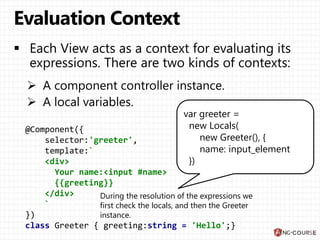
![@Component({
selector:'greeter',
template:`
<div>
Your name:
<input #name>
<br>
{{greeting}}
</div>
`
})
class Greeter { greeting:string = 'Hello';}
viewA = new View({
template: ...,
context: new Greeter(),
localVars: ['name'],
watchExp : ['greeting']
});](https://image.slidesharecdn.com/view-160219091701/85/Angular-2-0-Views-3-320.jpg)
![Count: {{items.length}}
<ul>
<template ngFor var-item [ngForOf]="items">
<li>{{item}}</li>
</template>
</ul>](https://image.slidesharecdn.com/view-160219091701/85/Angular-2-0-Views-6-320.jpg)
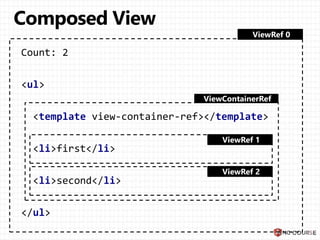
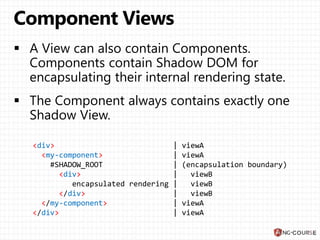


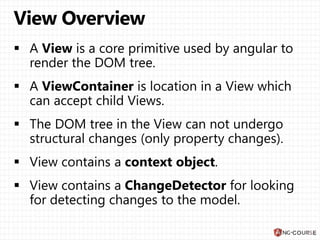
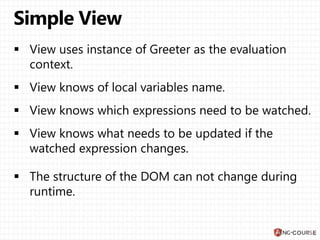
The document describes how Angular templates are rendered with local variables and bindings. It shows an example Greeter component with an input and greeting property. The component's template is rendered with a Greeter instance and a local name variable bound to the input. Expressions in the template first check locals then the component class properties. Other examples show ngFor rendering a list and encapsulated shadow DOM rendering.


