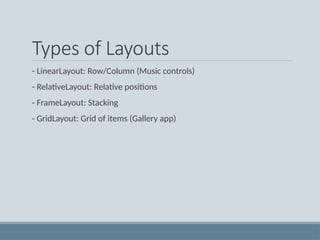
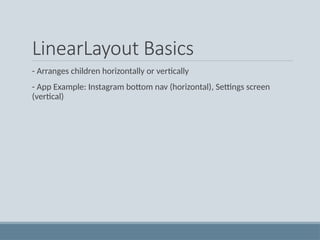
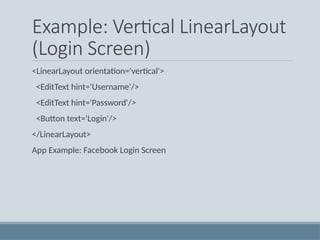
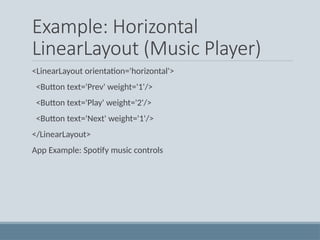
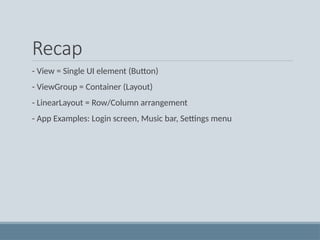
inearLayout is a fundamental layout model in Android that arranges its children in a single direction, either vertically or horizontally. This layout is particularly useful when you need to create a form or a list that has a consistent flow in one direction. The direction of the layout can be set using the android:orientation attribute, which accepts either vertical or horizontal as values.
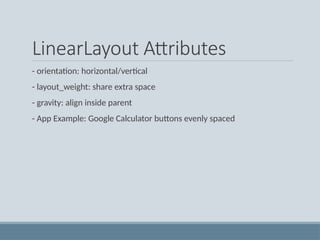
Key Attributes of LinearLayout
android:orientation: Determines the arrangement of child views. vertical stacks them one below the other, while horizontal aligns them side by side.
android:layout_weight: Assigns an "importance" value to a view, dictating how much space it should occupy relative to other views. A higher weight means more space.
android:weightSum: Defines the total weight sum within a LinearLayout, against which individual weights are measured.
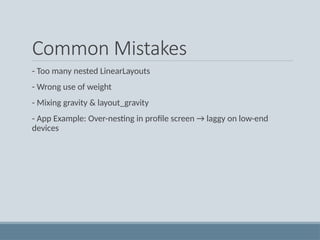
android:gravity: Specifies the alignment of the content within the LinearLayout itself, such as center, bottom, end, etc.
android:layout_gravity: Sets the gravity of the View or Layout relative to its parent.