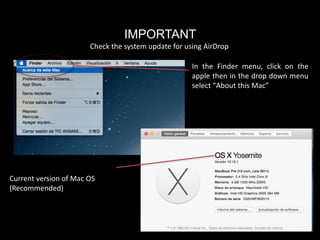
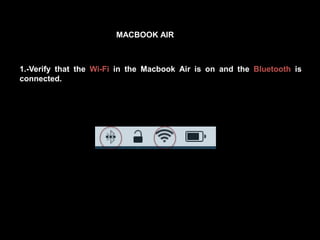
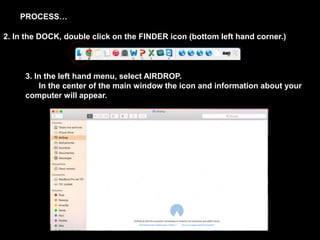
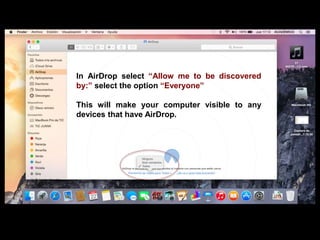
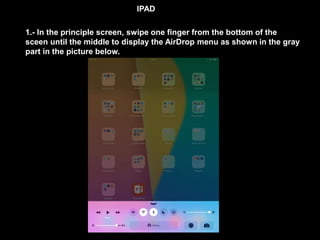
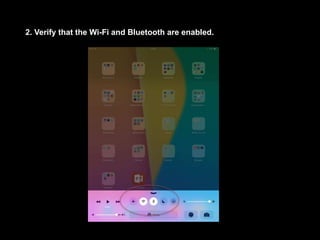
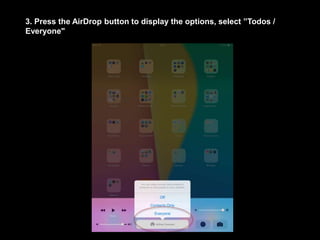
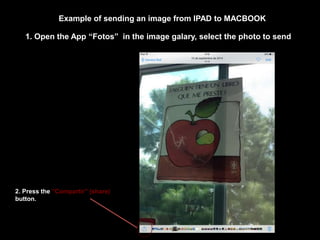
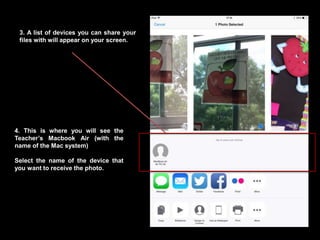
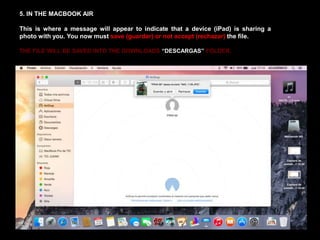
To use AirDrop to send files between an iPad and MacBook Air, you need to verify that both devices have Wi-Fi and Bluetooth enabled. On the MacBook Air, open Finder and select AirDrop to make the computer visible. On the iPad, swipe up from the bottom of the screen to open the AirDrop menu and select "Everyone". Then when selecting a file to share from the iPad, the MacBook Air will appear as an option to send the file to.



![谷歌留痕技术教程[ 𝙩𝙤𝙥 𝟮𝟯𝟯. 𝙘 𝙤𝙢 ]](https://cdn.slidesharecdn.com/ss_thumbnails/top233-260130173900-2eb784f9-thumbnail.jpg?width=640&height=640&fit=bounds)