Download to read offline

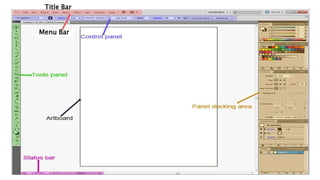
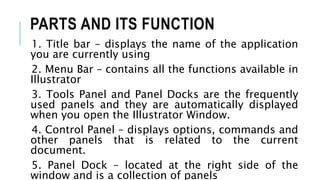

The document outlines the components of the Illustrator window as of November 2022, including the title bar, menu bar, tools panel, control panel, and panel dock. It describes the function of these parts, such as displaying the application name and providing access to available functions. Key panels are automatically shown upon opening the Illustrator window for user convenience.


![20260201 [FOSDEM] gomodjail - library sandboxing for Go modules.pdf](https://cdn.slidesharecdn.com/ss_thumbnails/20260201fosdemgomodjail-librarysandboxingforgomodules-260201225659-76609ec4-thumbnail.jpg?width=640&height=640&fit=bounds)


