Download to read offline
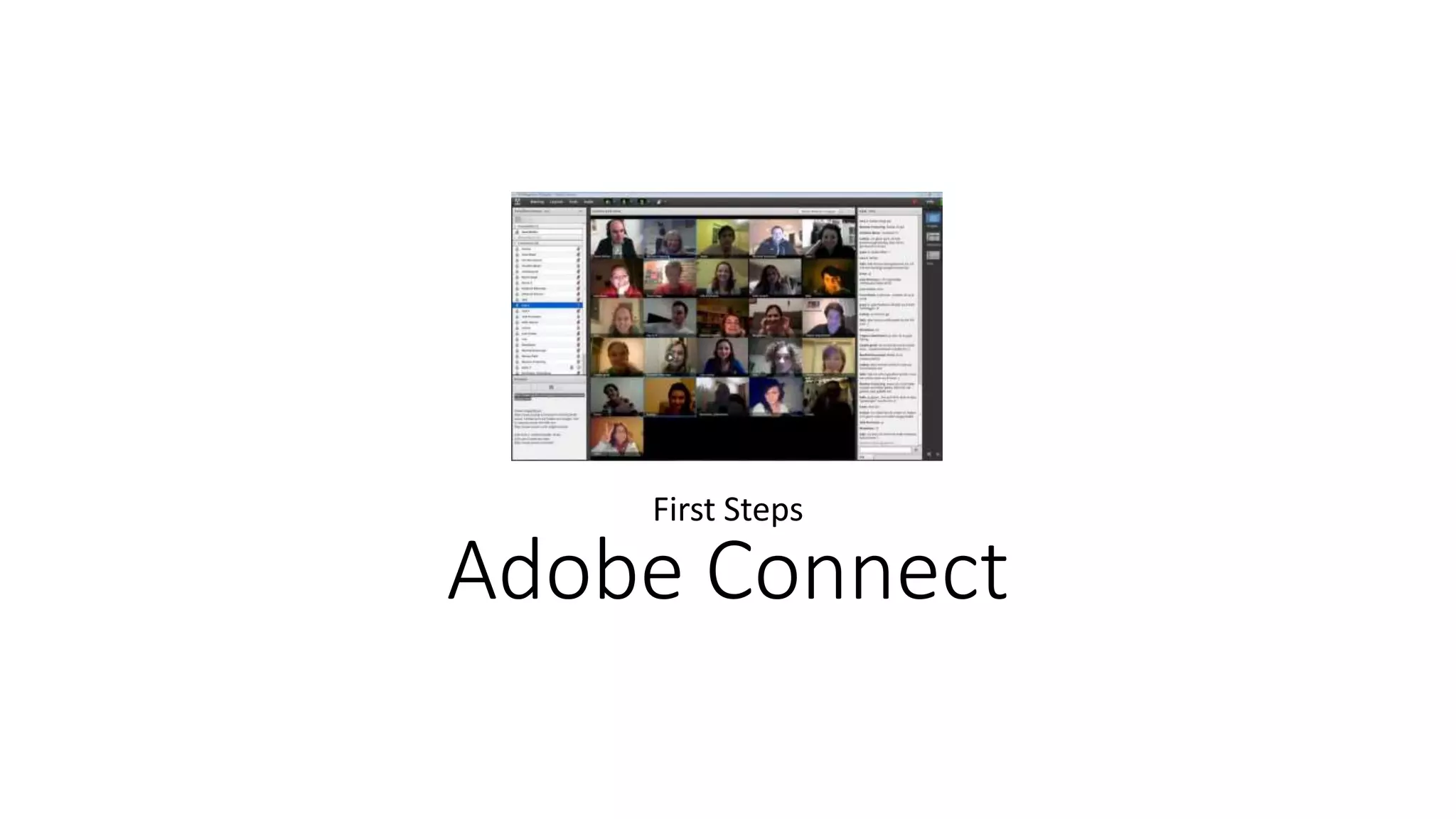
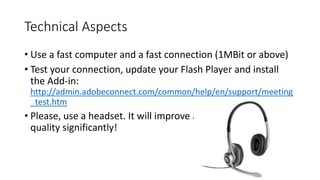
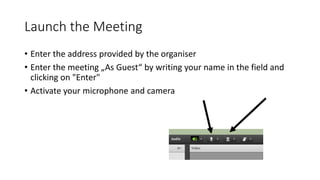

Adobe Connect provides instructions for first-time users to test and optimize their computer setup for online meetings. Users should have a fast computer and internet connection of 1MBit or higher. They should test their connection, update Flash Player, and install the Add-in. Using a headset is also recommended to improve audio quality. To join a meeting, users enter the provided address and click "Enter" as a guest after writing their name. They then activate their microphone and camera.


