Download to read offline


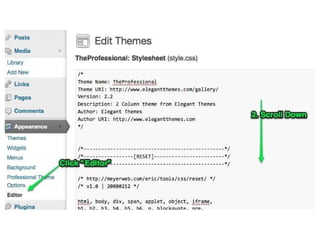
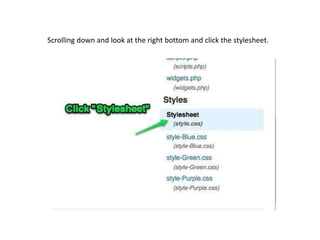
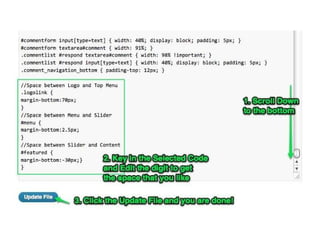
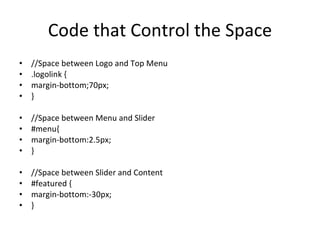
This document discusses adjusting the spacing on a homepage layout by modifying the CSS code that controls the space between key sections. It identifies the CSS code to increase or decrease the margin-bottom for the logo, menu, and featured slider to control the space between the logo and top menu, menu and slider, and slider and content areas of the homepage layout.


