2016 Tryall Limited
STAG E 1 : E VA LUAT I N G YO U R AC CO U N T I N G
S O F T WA R E R EQ U I R E M E N T S
ACCOUNTING SYSTEM IMPLEMENTATION
2016 Tryall Limited
Introduction
The initial assessment that you need a new accounting system is
where the process starts. There are many different accounting
software packages and making the right choice, right from the
beginning is the single best way to insure your implementation is a
success.
Therefore, you need to select with care what system you
implement for your business.
Often the best place to start is talk to your current software
provider if you have one to see if an upgrade is the answer as this
is the easiest and quickest way to improve your system.
1
2016 Tryall Limited
The Champion
Assuming you have decided to change your system you will first
need to appoint a champion within the organisation to take overall
command of the process. This is will be a person in authority
within the organisation, usually the CFO or Managing Director.
The Champion should aim to be involve in the evaluation stage as
much as possible.
2
2016 Tryall Limited
The Project Manager
Once a Champion is appointed a Project Manager is needed to
undertake the actual implementation.
This role can be delegated internally or externally to a consultant
either employed directly by the organisation or supplied by the
software house. Who to use as Project Manager depends on the
complexity of your business model and the depth of technical
expertise within your organisation.
In more compact organisations this could even be the champion
themselves!
3
2016 Tryall Limited
Using a Consultant
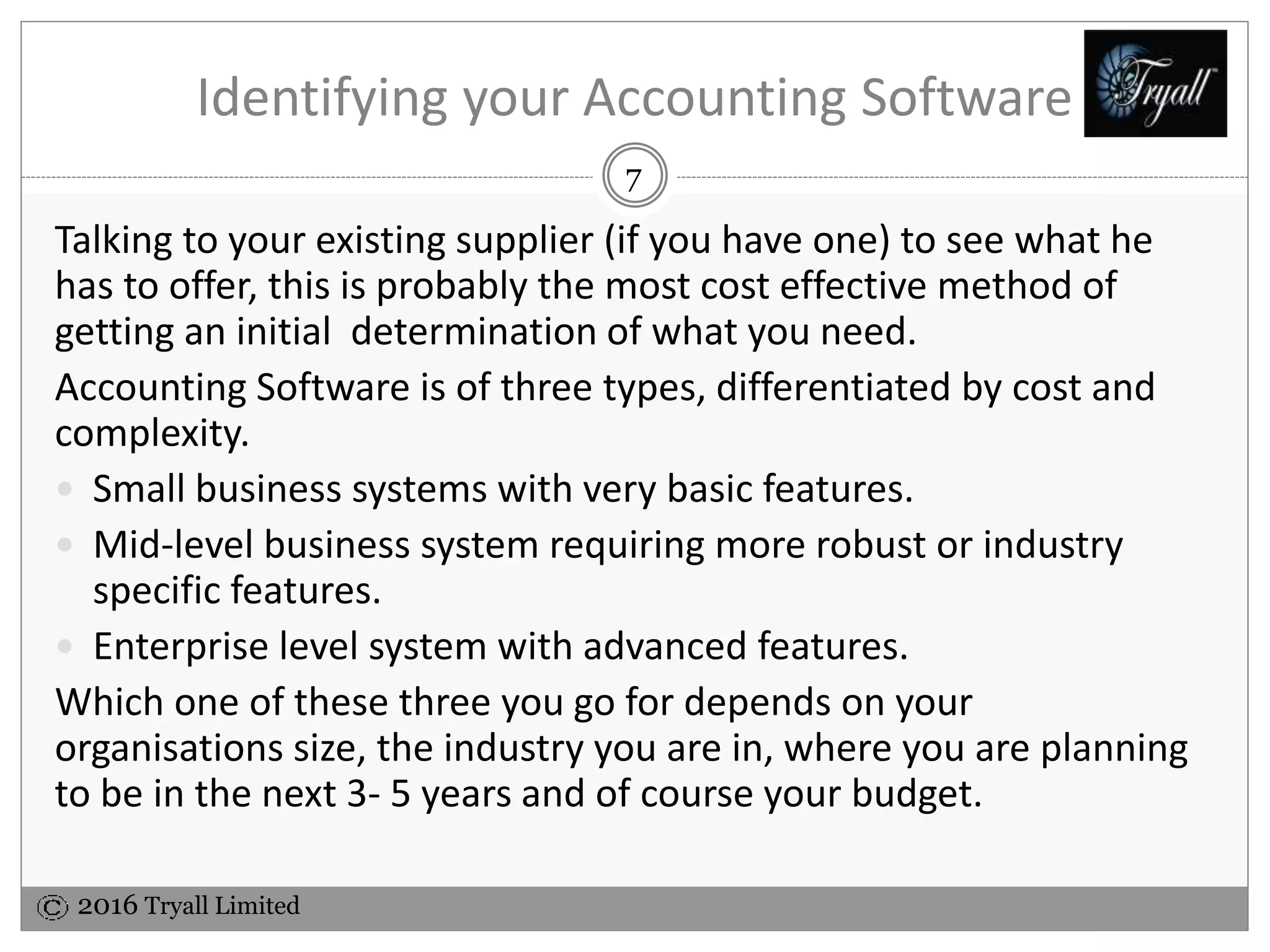
Bringing in a consultant may have cost advantages and allow you to
use their experience to tailor your system more closely to your
needs.
Cost savings can be gained in the first step of the process as
providers of accounting software are usually happy to involve
software buyers as much as possible.
You can help reduce your cost by doing much of the analysis work
in-house.
4
2016 Tryall Limited
Evaluation Steps
The evaluation stage consists of a number of component parts for
example:
 Fixing the implementation Budget.
 Reviewing the new accounting software to the ensure it matches
the size and complexity of your existing and planned business.
 Consider your Industry Type and making sure features you
require are included in the software package.
 Deciding which of your Software suppliers have the necessary
technical expertise and available resources to meet your needs.
5
2016 Tryall Limited
Constructing a Budget
You will need to fix how much you can spend on the
implementation based on the overall cost of Software, Hardware,
Implementation and Training.
The cost of the software maybe your initial concern, however it is
important to bear in mind this generally works out at around a
1/3rd of the total cost.
The overall spend should be monitored on a regular (weekly,
monthly) basis against the implementation budget throughout the
project by the project manager and reported on to those who have
the power to take action on any cost overrun.
6
2016 Tryall Limited
Identifying your Accounting Software
Talking to your existing supplier (if you have one) to see what he
has to offer, this is probably the most cost effective method of
getting an initial determination of what you need.
Accounting Software is of three types, differentiated by cost and
complexity.
 Small business systems with very basic features.
 Mid-level business system requiring more robust or industry
specific features.
 Enterprise level system with advanced features.
Which one of these three you go for depends on your
organisations size, the industry you are in, where you are planning
to be in the next 3- 5 years and of course your budget.
7
2016 Tryall Limited
Industry Specific Requirements
Once you have identified where you fit size wise you need to look at Accounting Systems
designed for your specific industry. This will offer far more functionality than basic industry-
neutral accounting packages. Typical examples of industry specific needs are:
 Cost control and budgeting – most companies
 Customer relationship management tools – marketing driven companies
 Document management – engineering, financial services
 Equipment and fixed asset management – oil and gas companies
 Financial management, cash management and reporting – most companies
 Inventory control – retail and manufacturing companies
 Investment tracking – financial services
 Multilingual, multi-currency – international companies
 Order entry – retail and manufacturing companies
 Payroll and HR – most large companies
 Production and quality control reporting – manufacturing companies
 Project management – engineering, oil and gas, construction companies
 Purchasing and procurement – most companies
 Time and labour management – engineering and service industry
8
2016 Tryall Limited
Matching Accounting Software
Your ideal software will be one that matches your
companies aspirations, provides flexibility for growth and
makes most efficient use of your resources.
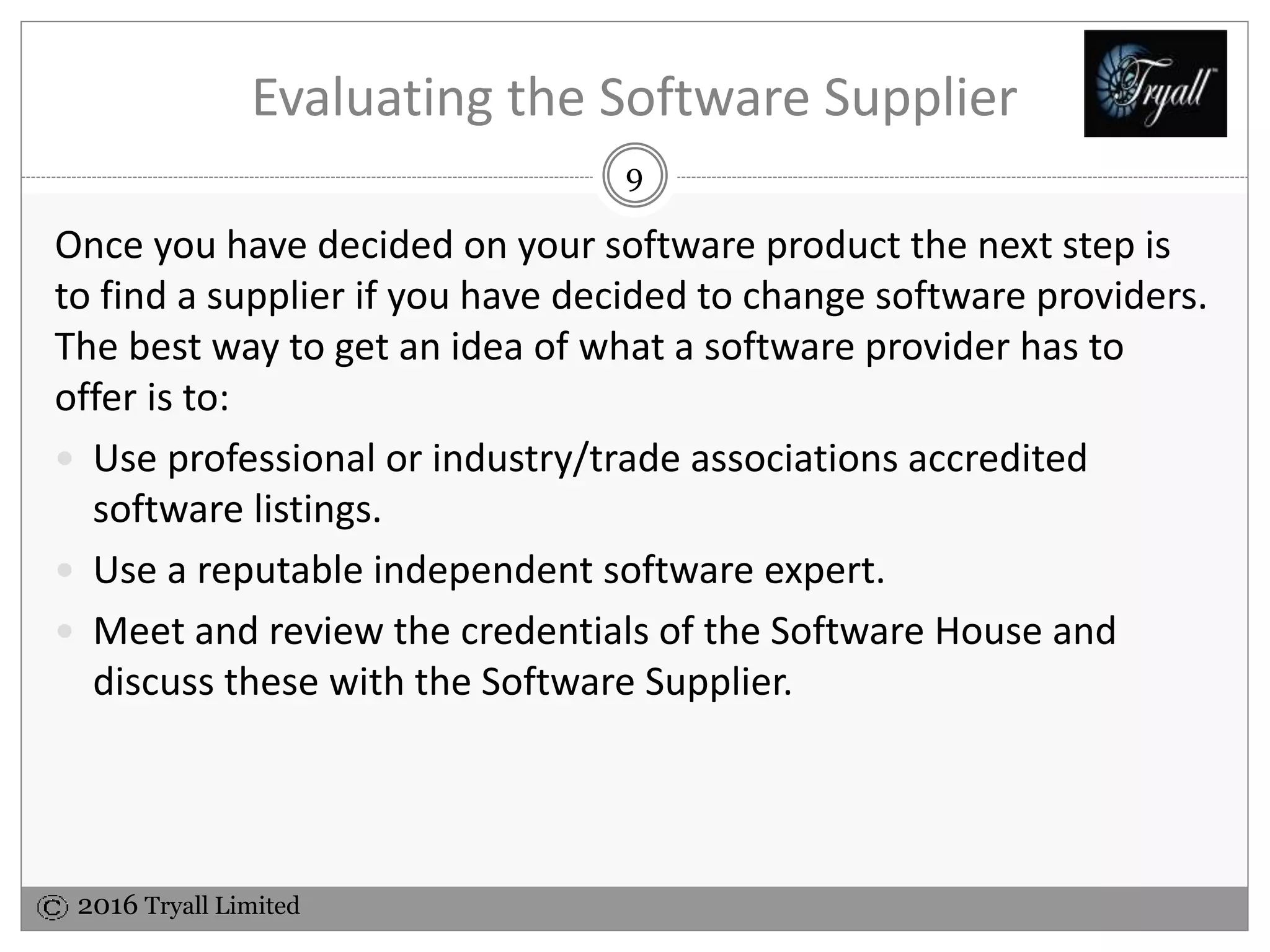
The final consideration is of course cost. Whatever you
choose in the end must fall within your budget where:
Software 33%
Implementation 50%
Hardware 17%
2016 Tryall Limited
Evaluating the Software Supplier
Having decided on your software product the next step is to find a
supplier if you have decided to change software providers. The
best way to get an idea of what a software provider has to offer is
to:
 Use professional or industry/trade associations accredited
software listings.
 Use a reputable independent software expert.
 Meet and review the credentials of the Software House and
discuss these with the Software Supplier.
9
2016 Tryall Limited
Follow on Stages
With your accounting software and software provider
selected you are ready for the next stages of your
implementation;
 Implementation planning
 Software installation
 Accounting system configuration
 System training
 Parallel running and Go live
 BAU
10

Accounting Systems - Evaluating your accounting software requirements

  • 1.
    2016 Tryall Limited STAGE 1 : E VA LUAT I N G YO U R AC CO U N T I N G S O F T WA R E R EQ U I R E M E N T S ACCOUNTING SYSTEM IMPLEMENTATION
  • 2.
    2016 Tryall Limited Introduction Theinitial assessment that you need a new accounting system is where the process starts. There are many different accounting software packages and making the right choice, right from the beginning is the single best way to insure your implementation is a success. Therefore, you need to select with care what system you implement for your business. Often the best place to start is talk to your current software provider if you have one to see if an upgrade is the answer as this is the easiest and quickest way to improve your system. 1
  • 3.
    2016 Tryall Limited TheChampion Assuming you have decided to change your system you will first need to appoint a champion within the organisation to take overall command of the process. This is will be a person in authority within the organisation, usually the CFO or Managing Director. The Champion should aim to be involve in the evaluation stage as much as possible. 2
  • 4.
    2016 Tryall Limited TheProject Manager Once a Champion is appointed a Project Manager is needed to undertake the actual implementation. This role can be delegated internally or externally to a consultant either employed directly by the organisation or supplied by the software house. Who to use as Project Manager depends on the complexity of your business model and the depth of technical expertise within your organisation. In more compact organisations this could even be the champion themselves! 3
  • 5.
    2016 Tryall Limited Usinga Consultant Bringing in a consultant may have cost advantages and allow you to use their experience to tailor your system more closely to your needs. Cost savings can be gained in the first step of the process as providers of accounting software are usually happy to involve software buyers as much as possible. You can help reduce your cost by doing much of the analysis work in-house. 4
  • 6.
    2016 Tryall Limited EvaluationSteps The evaluation stage consists of a number of component parts for example:  Fixing the implementation Budget.  Reviewing the new accounting software to the ensure it matches the size and complexity of your existing and planned business.  Consider your Industry Type and making sure features you require are included in the software package.  Deciding which of your Software suppliers have the necessary technical expertise and available resources to meet your needs. 5
  • 7.
    2016 Tryall Limited Constructinga Budget You will need to fix how much you can spend on the implementation based on the overall cost of Software, Hardware, Implementation and Training. The cost of the software maybe your initial concern, however it is important to bear in mind this generally works out at around a 1/3rd of the total cost. The overall spend should be monitored on a regular (weekly, monthly) basis against the implementation budget throughout the project by the project manager and reported on to those who have the power to take action on any cost overrun. 6
  • 8.
    2016 Tryall Limited Identifyingyour Accounting Software Talking to your existing supplier (if you have one) to see what he has to offer, this is probably the most cost effective method of getting an initial determination of what you need. Accounting Software is of three types, differentiated by cost and complexity.  Small business systems with very basic features.  Mid-level business system requiring more robust or industry specific features.  Enterprise level system with advanced features. Which one of these three you go for depends on your organisations size, the industry you are in, where you are planning to be in the next 3- 5 years and of course your budget. 7
  • 9.
    2016 Tryall Limited IndustrySpecific Requirements Once you have identified where you fit size wise you need to look at Accounting Systems designed for your specific industry. This will offer far more functionality than basic industry- neutral accounting packages. Typical examples of industry specific needs are:  Cost control and budgeting – most companies  Customer relationship management tools – marketing driven companies  Document management – engineering, financial services  Equipment and fixed asset management – oil and gas companies  Financial management, cash management and reporting – most companies  Inventory control – retail and manufacturing companies  Investment tracking – financial services  Multilingual, multi-currency – international companies  Order entry – retail and manufacturing companies  Payroll and HR – most large companies  Production and quality control reporting – manufacturing companies  Project management – engineering, oil and gas, construction companies  Purchasing and procurement – most companies  Time and labour management – engineering and service industry 8
  • 10.
    2016 Tryall Limited MatchingAccounting Software Your ideal software will be one that matches your companies aspirations, provides flexibility for growth and makes most efficient use of your resources. The final consideration is of course cost. Whatever you choose in the end must fall within your budget where: Software 33% Implementation 50% Hardware 17%
  • 11.
    2016 Tryall Limited Evaluatingthe Software Supplier Having decided on your software product the next step is to find a supplier if you have decided to change software providers. The best way to get an idea of what a software provider has to offer is to:  Use professional or industry/trade associations accredited software listings.  Use a reputable independent software expert.  Meet and review the credentials of the Software House and discuss these with the Software Supplier. 9
  • 12.
    2016 Tryall Limited Followon Stages With your accounting software and software provider selected you are ready for the next stages of your implementation;  Implementation planning  Software installation  Accounting system configuration  System training  Parallel running and Go live  BAU 10

Editor's Notes

  • #2 Enter name one of the front whiteboards (or cover slide) On other front whiteboard – write ‘‘Accounting Systems Implementation” Greet early delegates as they come in – and get them to sign in (Some easy listening background music would be a nice touch)
  • #3 The assessment and evaluation stage may seem like a waste of time and effort but you should resist rushing into an implementation without having an idea of the possible cost and considering all your options. As changing your accounting system is an expensive and time consuming exercise and one that you do not want to repeat often.
  • #5 For some tasks it’s actually better for you to do in-house either with a consultant or using your own staff. However, a number of these tasks are either time consuming or have a large potential for error making that task better done your software provider. How and if to import data from an existing system is a prime consideration. For example do you want to replicate the history contained in your old system or are you happy to start afresh with a trial balance at your implementation date?
  • #6 Given that your employees have normal day to day tasks that need to be done and are unlikely to have much spare time to review, select, install software, gather the accounting data, configure the accounting system and learn how to use it you may consider bringing in a consultant for the project or rely on your software provider. However before you hire a consultant you need to decide for what and how much of the implementation you will use them for and what tasks they will undertake and build this into your budget. If you are not using someone who knows the business well you need to give them enough of your time for them to get “close to your business” so as to get a good idea of what is needed and be communicate this to the software house. While working with you they will gain a good understanding of your particular business needs.
  • #7 Fix your Budget for the new system - based on cost for Software, Hardware, Implementation and Training Costs. Match the software to the size and complexity of your existing and planned business - this will help determine what software you need. Consider your Industry Type – are there any additional features you require. Software supplier – do they have the necessary technical expertise and available resources to meet your needs.
  • #8 The remainder 2/3 is additional hardware and the main cost often ½ or greater is the actual job of implementing the accounting system and staff training.
  • #10 These are examples from a selected number of industries there are many more dependant on industry for example: Software for property and tenant management Healthcare specific software Fleet management
  • #12 For example: ERP systems guides to your industry can be obtained from: http://findaccountingsoftware.com/expert-advice/roadmap-to-successfully-evaluate-and-select-erp-software/
  • #13 BAU = Business as Usual