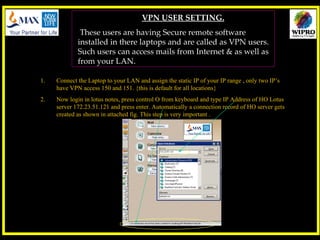
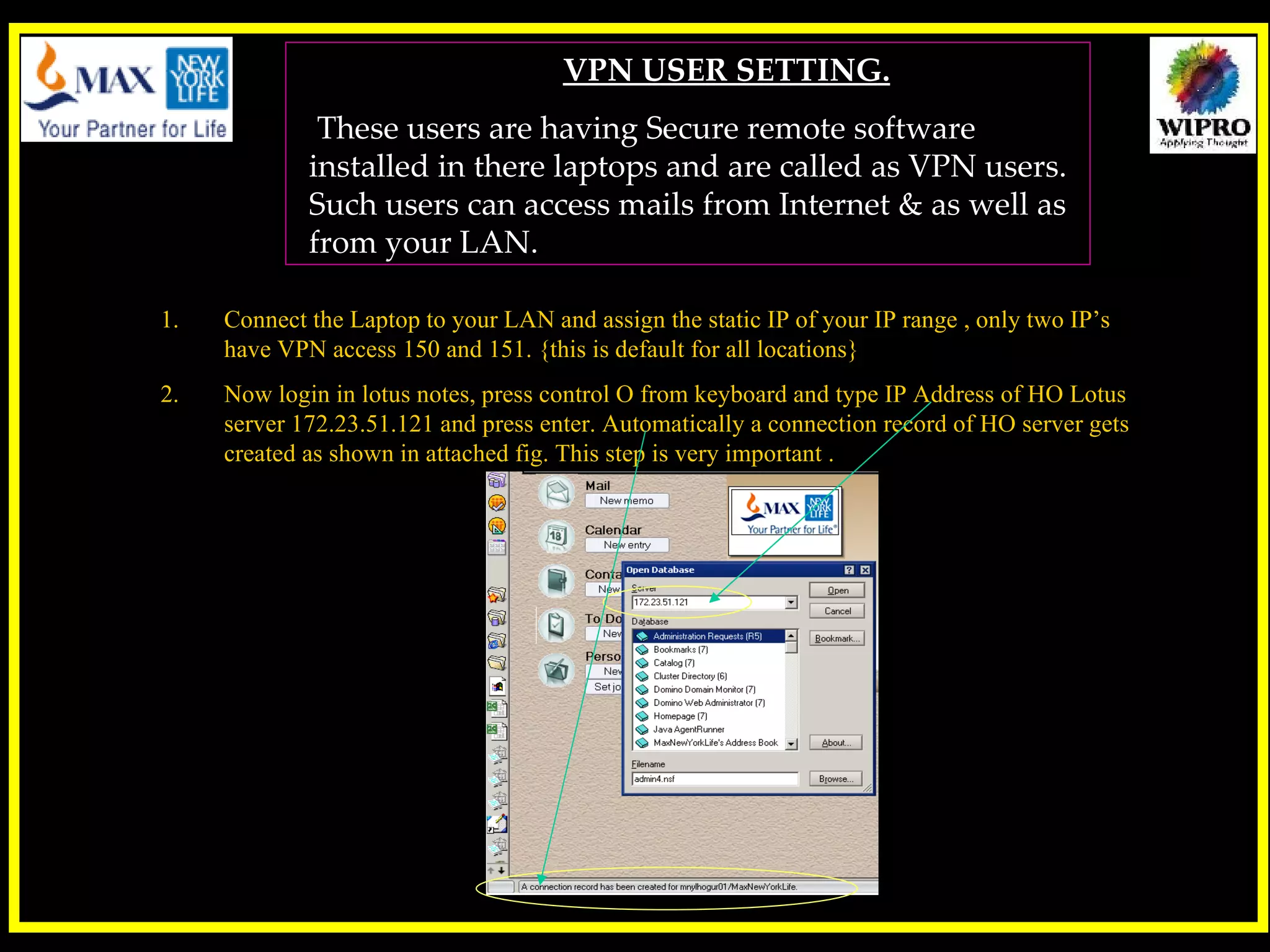
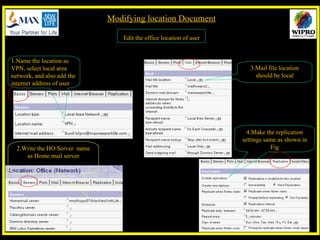
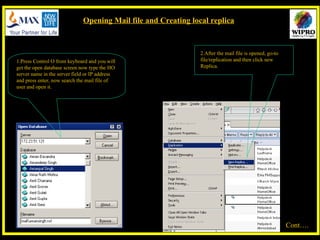
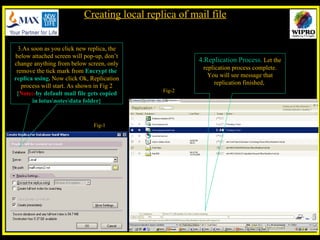
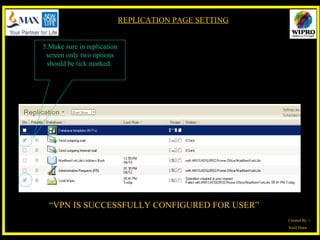
This document provides instructions for configuring VPN access for users' laptops to access email. It outlines setting a static IP address within the organization's IP range, configuring the mail file location and replication settings to access email from the central mail server remotely. The key steps are to create a connection to the central mail server, edit the user's location settings, open the mail file and create a local replica for access when connected remotely via VPN.


![What's new in lotus notes 8[1].5, 8.5.1, and 8.5](https://cdn.slidesharecdn.com/ss_thumbnails/whatsnewinlotusnotes81-130905095006--thumbnail.jpg?width=640&height=640&fit=bounds)


