6 Easy Fixes for Common Printer and
Photocopier Issues
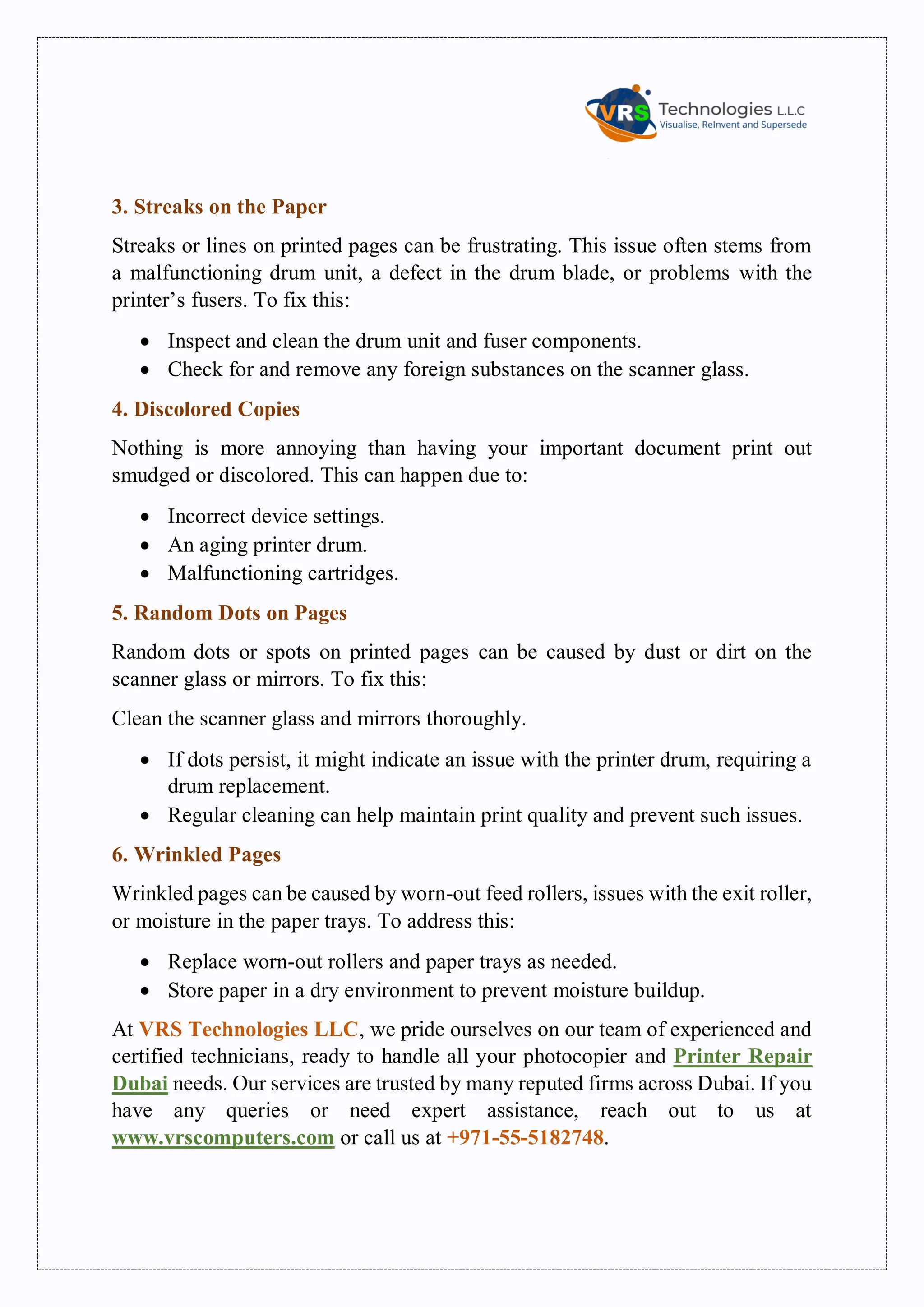
Printers and photocopiers are indispensable tools in every organization, school,
college, and hospital. However, they can sometimes run into issues, often due to
a lack of proper maintenance. In this blog, we’ll explore the common causes
behind printer and photocopier problems and how to fix them effectively.
1. Printer Paper Jam
Paper jams can be a real headache, often occurring due to improper paper loading,
incorrect paper size, thickness, or dust accumulation in the printer. When paper
jams, it halts your workflow, causing delays. To prevent this, make sure to:
ď‚· Keep the printer free from dust.
ď‚· Use paper that matches the recommended size and thickness.
2. Cartridge Issues
Cartridge problems are common, usually arising from improper installation,
using incompatible toner, or low toner levels. If your printer or photocopier isn't
working correctly, here’s what to do:
ď‚· Check if the cartridge is installed properly.
ď‚· Replace low or empty cartridges promptly.
3. Streaks on the Paper
Streaks or lines on printed pages can be frustrating. This issue often stems from
a malfunctioning drum unit, a defect in the drum blade, or problems with the
printer’s fusers. To fix this:
ď‚· Inspect and clean the drum unit and fuser components.
ď‚· Check for and remove any foreign substances on the scanner glass.
4. Discolored Copies
Nothing is more annoying than having your important document print out
smudged or discolored. This can happen due to:
ď‚· Incorrect device settings.
ď‚· An aging printer drum.
ď‚· Malfunctioning cartridges.
5. Random Dots on Pages
Random dots or spots on printed pages can be caused by dust or dirt on the
scanner glass or mirrors. To fix this:
Clean the scanner glass and mirrors thoroughly.
ď‚· If dots persist, it might indicate an issue with the printer drum, requiring a
drum replacement.
ď‚· Regular cleaning can help maintain print quality and prevent such issues.
6. Wrinkled Pages
Wrinkled pages can be caused by worn-out feed rollers, issues with the exit roller,
or moisture in the paper trays. To address this:
ď‚· Replace worn-out rollers and paper trays as needed.
ď‚· Store paper in a dry environment to prevent moisture buildup.
At VRS Technologies LLC, we pride ourselves on our team of experienced and
certified technicians, ready to handle all your photocopier and Printer Repair
Dubai needs. Our services are trusted by many reputed firms across Dubai. If you
have any queries or need expert assistance, reach out to us at
www.vrscomputers.com or call us at +971-55-5182748.

6 Easy Fixes for Common Printer and Photocopier Issues?

  • 1.
    6 Easy Fixesfor Common Printer and Photocopier Issues Printers and photocopiers are indispensable tools in every organization, school, college, and hospital. However, they can sometimes run into issues, often due to a lack of proper maintenance. In this blog, we’ll explore the common causes behind printer and photocopier problems and how to fix them effectively. 1. Printer Paper Jam Paper jams can be a real headache, often occurring due to improper paper loading, incorrect paper size, thickness, or dust accumulation in the printer. When paper jams, it halts your workflow, causing delays. To prevent this, make sure to:  Keep the printer free from dust.  Use paper that matches the recommended size and thickness. 2. Cartridge Issues Cartridge problems are common, usually arising from improper installation, using incompatible toner, or low toner levels. If your printer or photocopier isn't working correctly, here’s what to do:  Check if the cartridge is installed properly.  Replace low or empty cartridges promptly.
  • 2.
    3. Streaks onthe Paper Streaks or lines on printed pages can be frustrating. This issue often stems from a malfunctioning drum unit, a defect in the drum blade, or problems with the printer’s fusers. To fix this:  Inspect and clean the drum unit and fuser components.  Check for and remove any foreign substances on the scanner glass. 4. Discolored Copies Nothing is more annoying than having your important document print out smudged or discolored. This can happen due to:  Incorrect device settings.  An aging printer drum.  Malfunctioning cartridges. 5. Random Dots on Pages Random dots or spots on printed pages can be caused by dust or dirt on the scanner glass or mirrors. To fix this: Clean the scanner glass and mirrors thoroughly.  If dots persist, it might indicate an issue with the printer drum, requiring a drum replacement.  Regular cleaning can help maintain print quality and prevent such issues. 6. Wrinkled Pages Wrinkled pages can be caused by worn-out feed rollers, issues with the exit roller, or moisture in the paper trays. To address this:  Replace worn-out rollers and paper trays as needed.  Store paper in a dry environment to prevent moisture buildup. At VRS Technologies LLC, we pride ourselves on our team of experienced and certified technicians, ready to handle all your photocopier and Printer Repair Dubai needs. Our services are trusted by many reputed firms across Dubai. If you have any queries or need expert assistance, reach out to us at www.vrscomputers.com or call us at +971-55-5182748.