6 Chrome Keyboard Shortcuts
for Hardcore Productivity
Nerds
By Paul Sokol, Mad Scientist
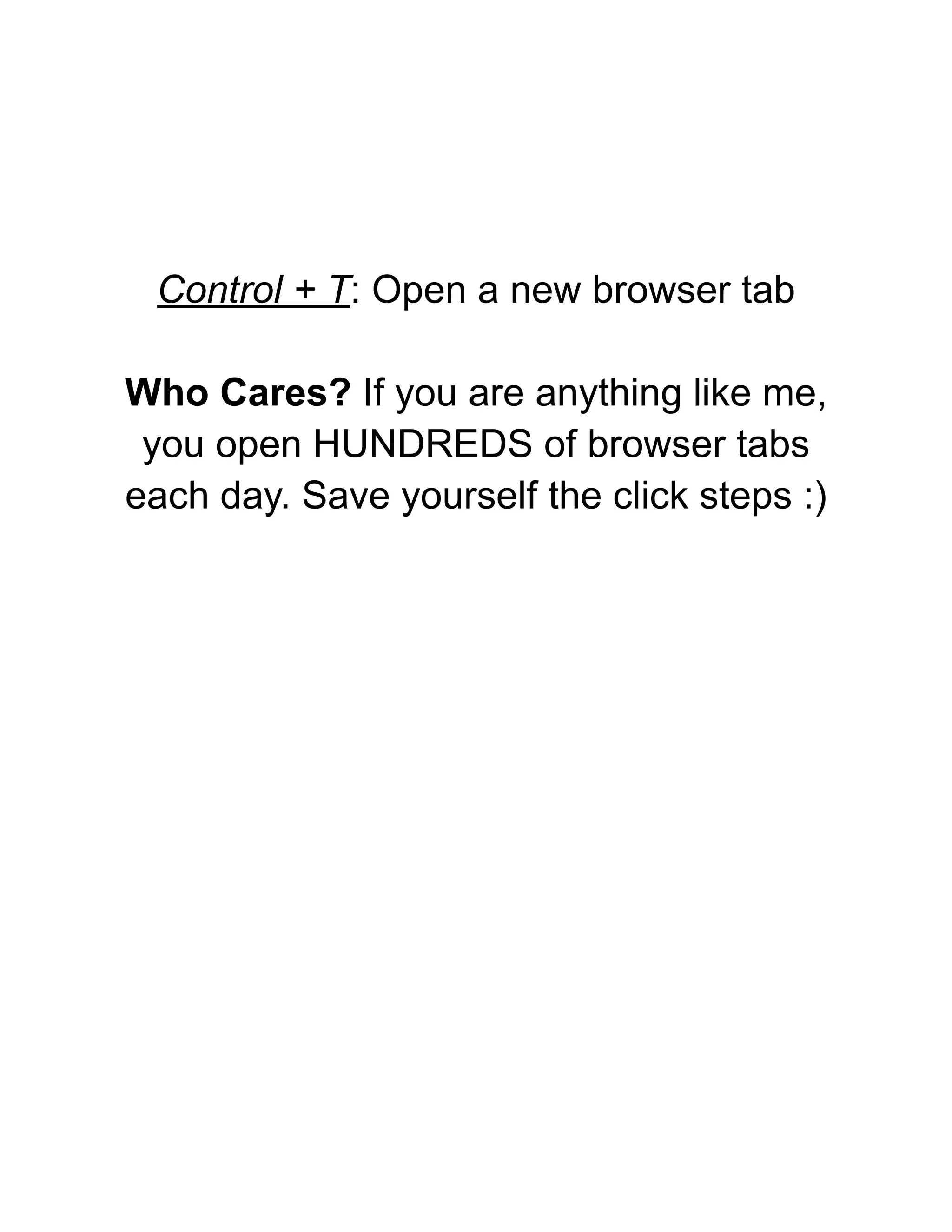
Control + T: Open a new browser tab
Who Cares? If you are anything like me,
you open HUNDREDS of browser tabs
each day. Save yourself the click steps :)
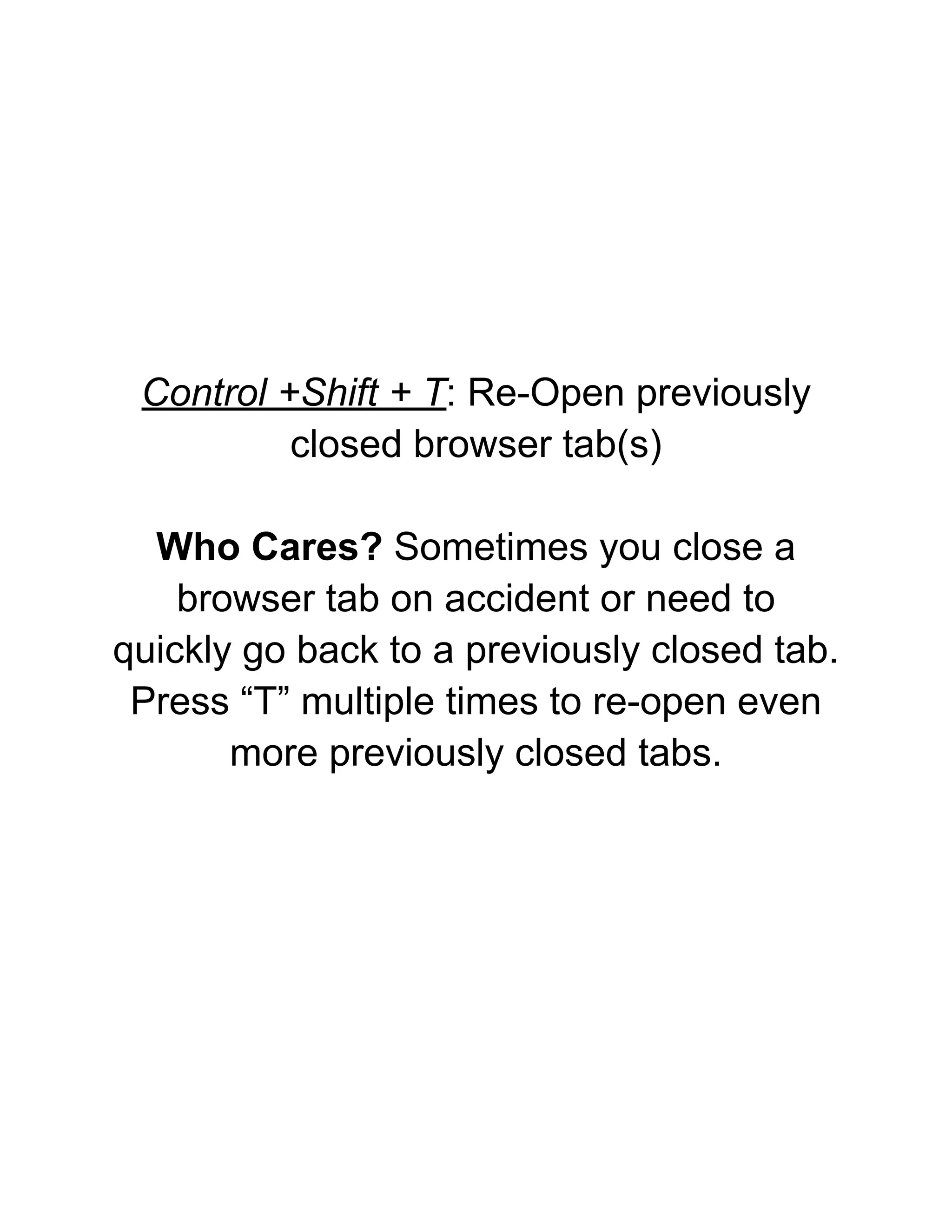
Control +Shift + T: Re-Open previously
closed browser tab(s)
Who Cares? Sometimes you close a
browser tab on accident or need to
quickly go back to a previously closed tab.
Press “T” multiple times to re-open even
more previously closed tabs.
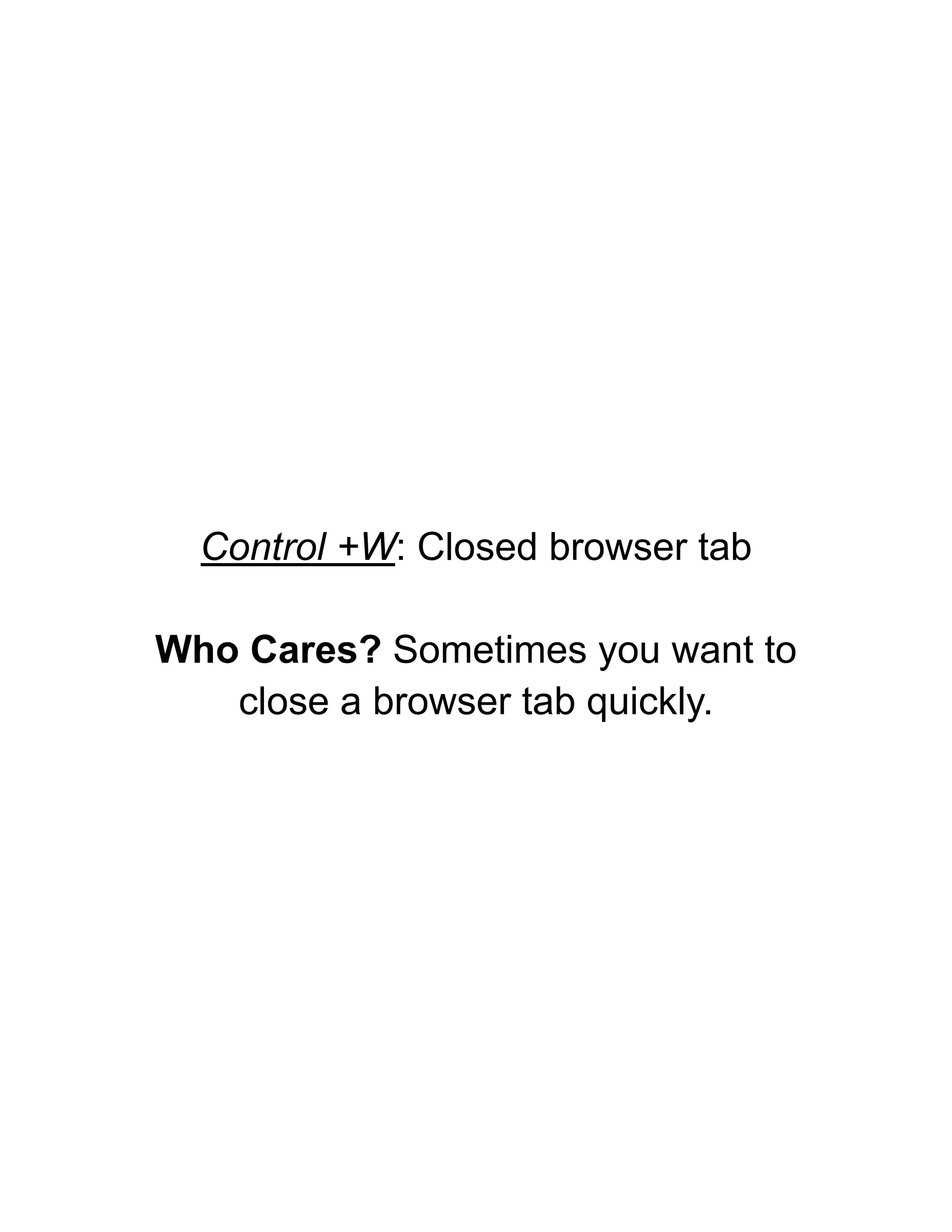
Control +W: Closed browser tab
Who Cares? Sometimes you want to
close a browser tab quickly.
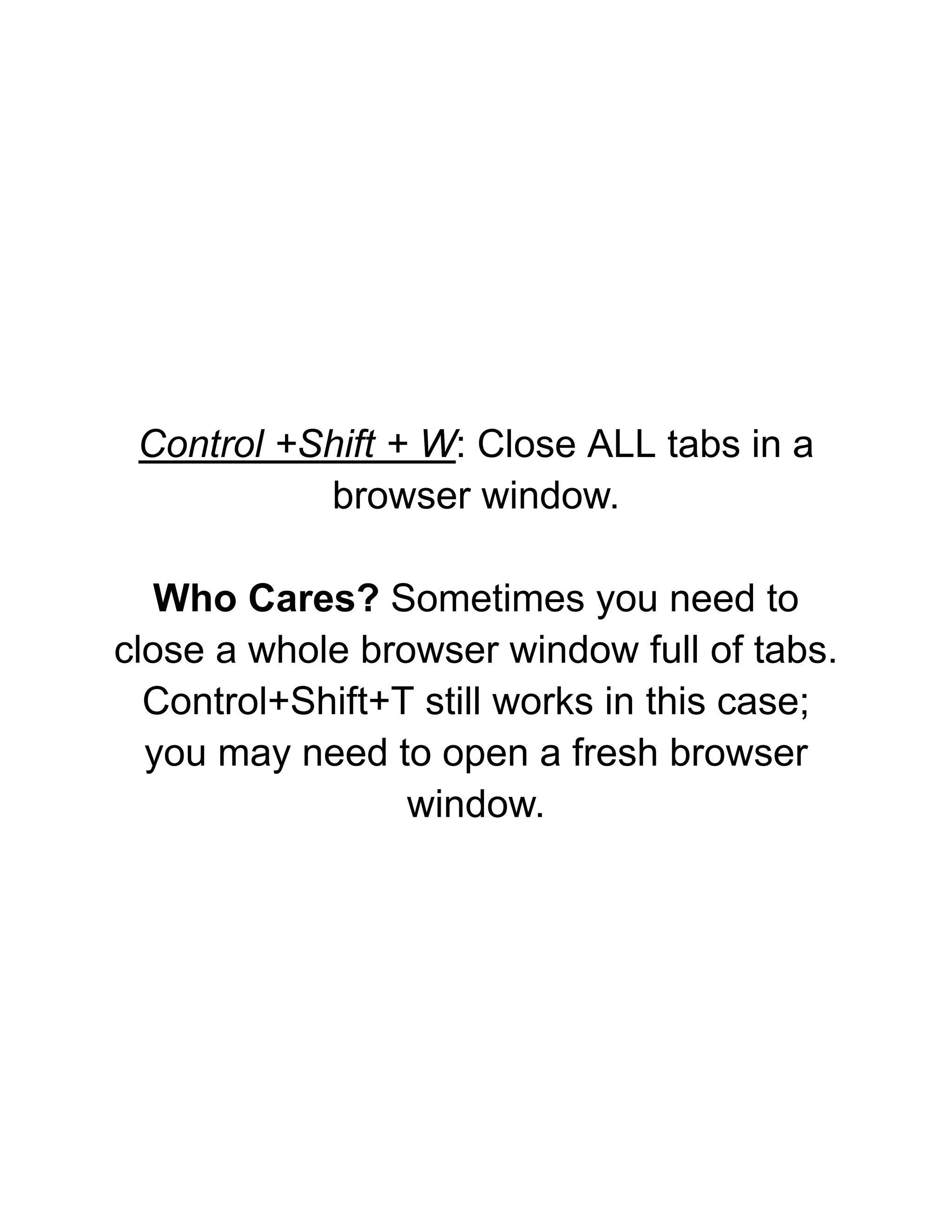
Control +Shift + W: Close ALL tabs in a
browser window.
Who Cares? Sometimes you need to
close a whole browser window full of tabs.
Control+Shift+T still works in this case;
you may need to open a fresh browser
window.
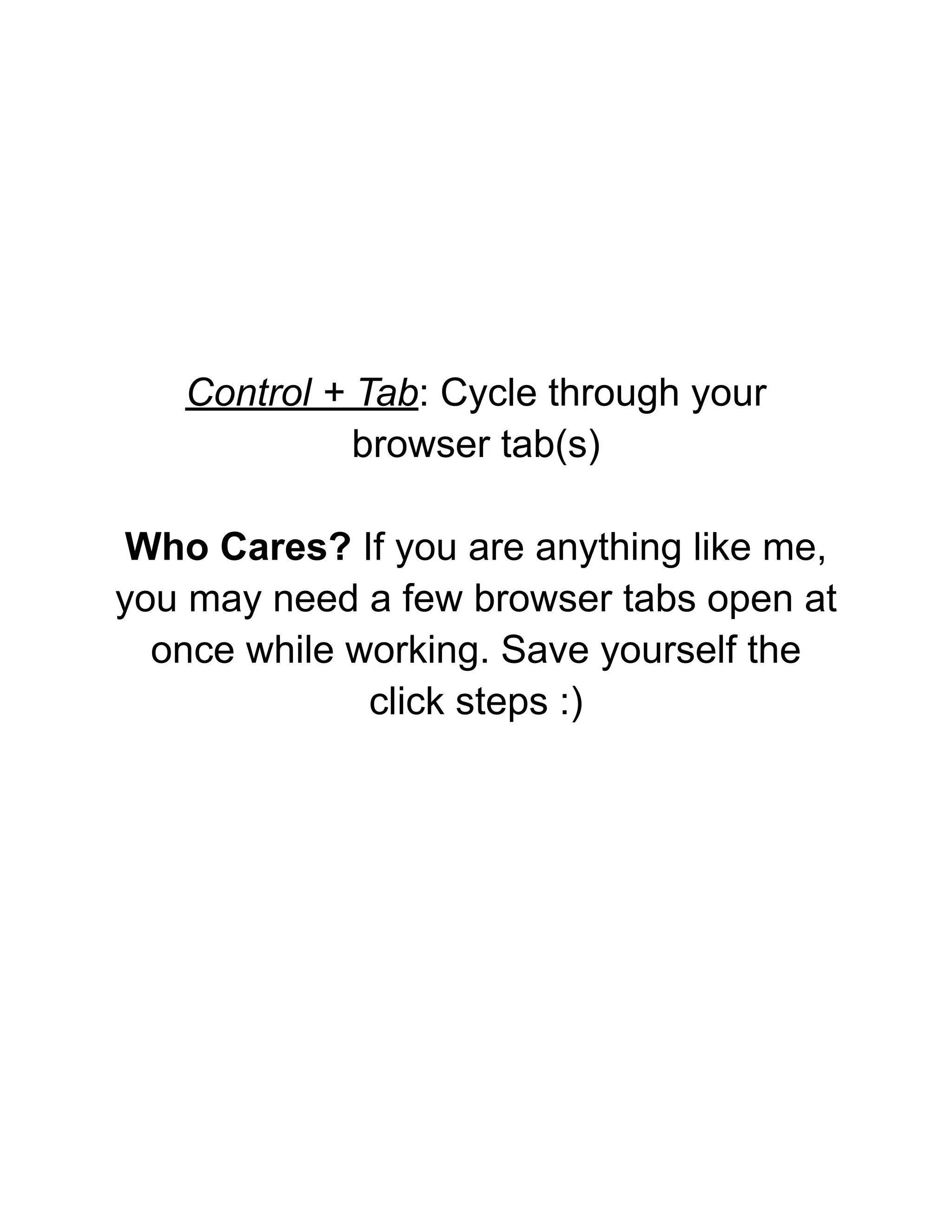
Control + Tab: Cycle through your
browser tab(s)
Who Cares? If you are anything like me,
you may need a few browser tabs open at
once while working. Save yourself the
click steps :)
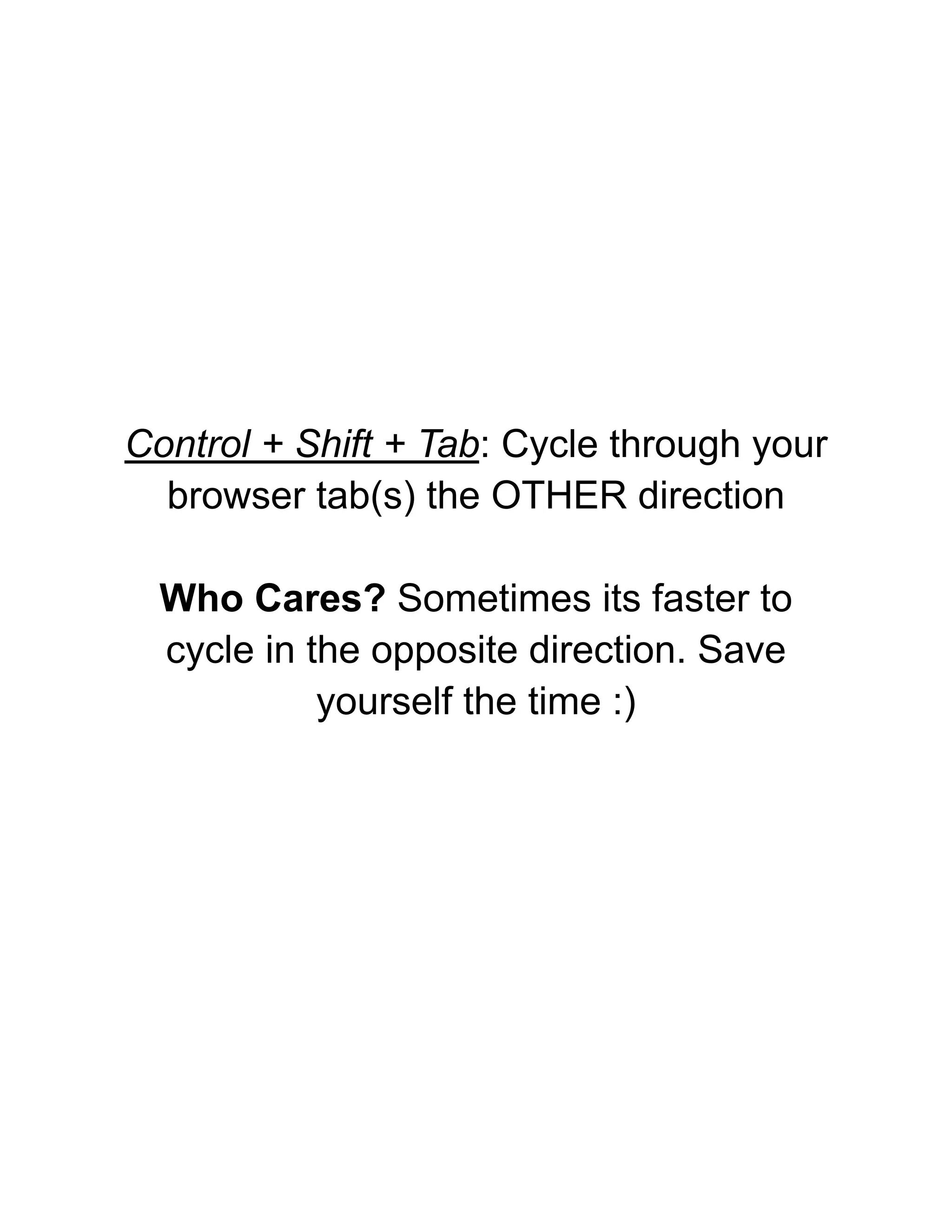
Control + Shift + Tab: Cycle through your
browser tab(s) the OTHER direction
Who Cares? Sometimes its faster to
cycle in the opposite direction. Save
yourself the time :)
Thanks for your attention!
What did you think?

6 Chrome Shortcut Keys For Nerds.pdf

  • 1.
    6 Chrome KeyboardShortcuts for Hardcore Productivity Nerds By Paul Sokol, Mad Scientist
  • 2.
    Control + T:Open a new browser tab Who Cares? If you are anything like me, you open HUNDREDS of browser tabs each day. Save yourself the click steps :)
  • 3.
    Control +Shift +T: Re-Open previously closed browser tab(s) Who Cares? Sometimes you close a browser tab on accident or need to quickly go back to a previously closed tab. Press “T” multiple times to re-open even more previously closed tabs.
  • 4.
    Control +W: Closedbrowser tab Who Cares? Sometimes you want to close a browser tab quickly.
  • 5.
    Control +Shift +W: Close ALL tabs in a browser window. Who Cares? Sometimes you need to close a whole browser window full of tabs. Control+Shift+T still works in this case; you may need to open a fresh browser window.
  • 6.
    Control + Tab:Cycle through your browser tab(s) Who Cares? If you are anything like me, you may need a few browser tabs open at once while working. Save yourself the click steps :)
  • 7.
    Control + Shift+ Tab: Cycle through your browser tab(s) the OTHER direction Who Cares? Sometimes its faster to cycle in the opposite direction. Save yourself the time :)
  • 8.
    Thanks for yourattention! What did you think?