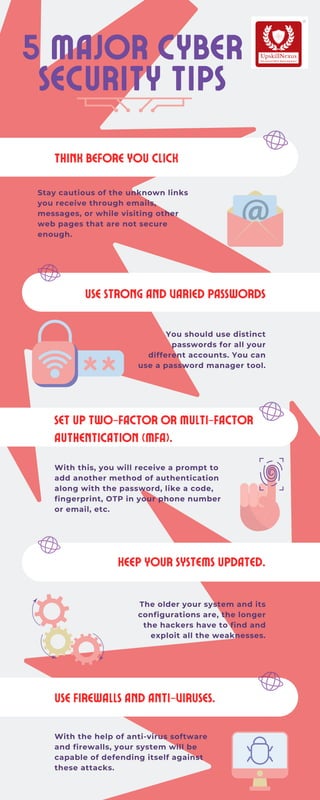
Set up Two-factor or Multi-factor
Authentication (MFA).
With the help of anti-virus software
and firewalls, your system will be
capable of defending itself against
these attacks.
Stay cautious of the unknown links
you receive through emails,
messages, or while visiting other
web pages that are not secure
enough.
Think Before You Click
You should use distinct
passwords for all your
different accounts. You can
use a password manager tool.
Use Strong and Varied Passwords
With this, you will receive a prompt to
add another method of authentication
along with the password, like a code,
fingerprint, OTP in your phone number
or email, etc.
Use Firewalls and Anti-viruses.
5 Major Cyber
Security Tips
The older your system and its
configurations are, the longer
the hackers have to find and
exploit all the weaknesses.
Keep Your Systems Updated.

5 major cyber security tips- UpskillNexus

  • 1.
    Set up Two-factoror Multi-factor Authentication (MFA). With the help of anti-virus software and firewalls, your system will be capable of defending itself against these attacks. Stay cautious of the unknown links you receive through emails, messages, or while visiting other web pages that are not secure enough. Think Before You Click You should use distinct passwords for all your different accounts. You can use a password manager tool. Use Strong and Varied Passwords With this, you will receive a prompt to add another method of authentication along with the password, like a code, fingerprint, OTP in your phone number or email, etc. Use Firewalls and Anti-viruses. 5 Major Cyber Security Tips The older your system and its configurations are, the longer the hackers have to find and exploit all the weaknesses. Keep Your Systems Updated.