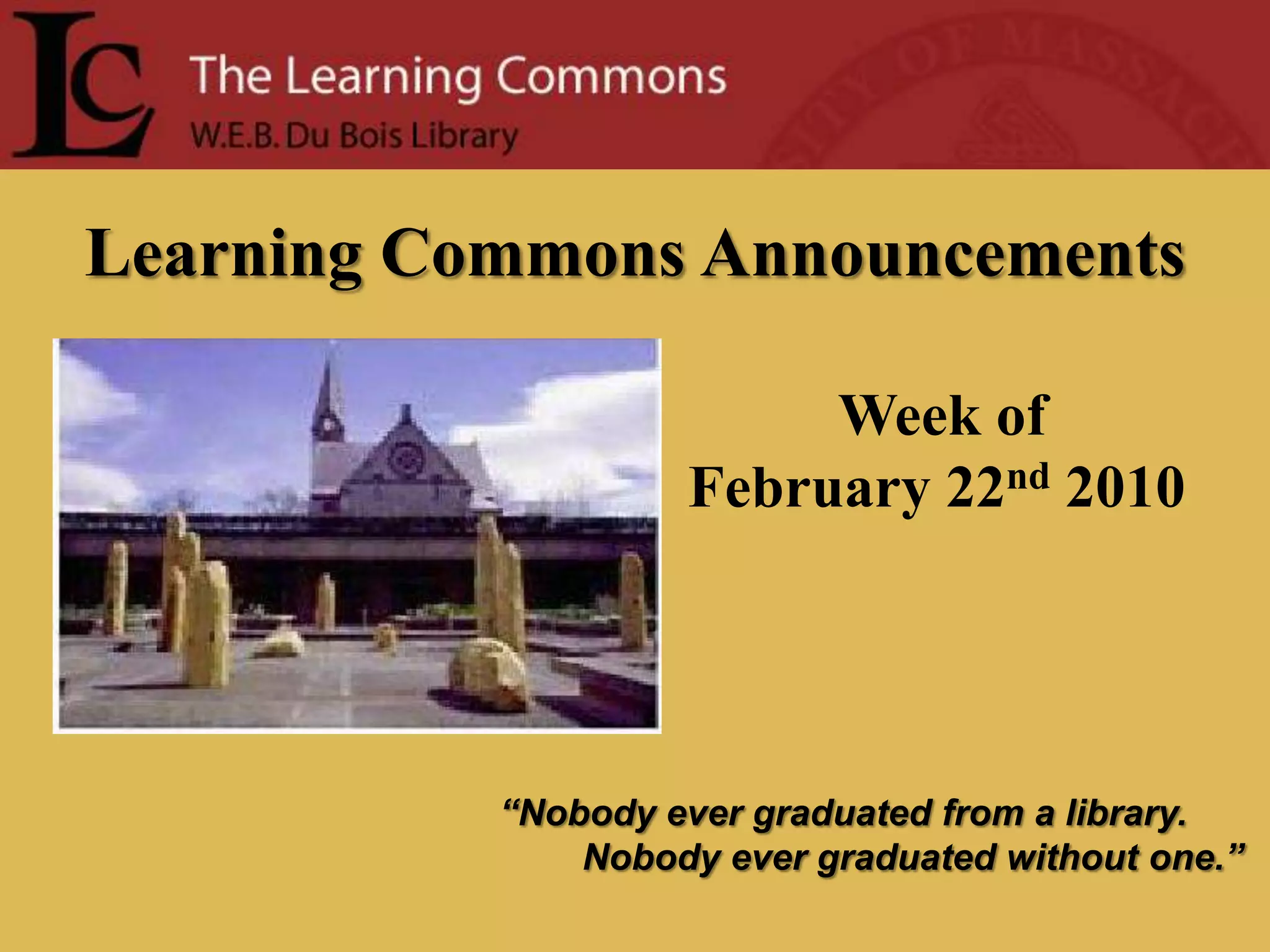
Learning Commons AnnouncementsWeek ofFebruary 22nd2010“Nobody ever graduated from a library.        Nobody ever graduated without one.”
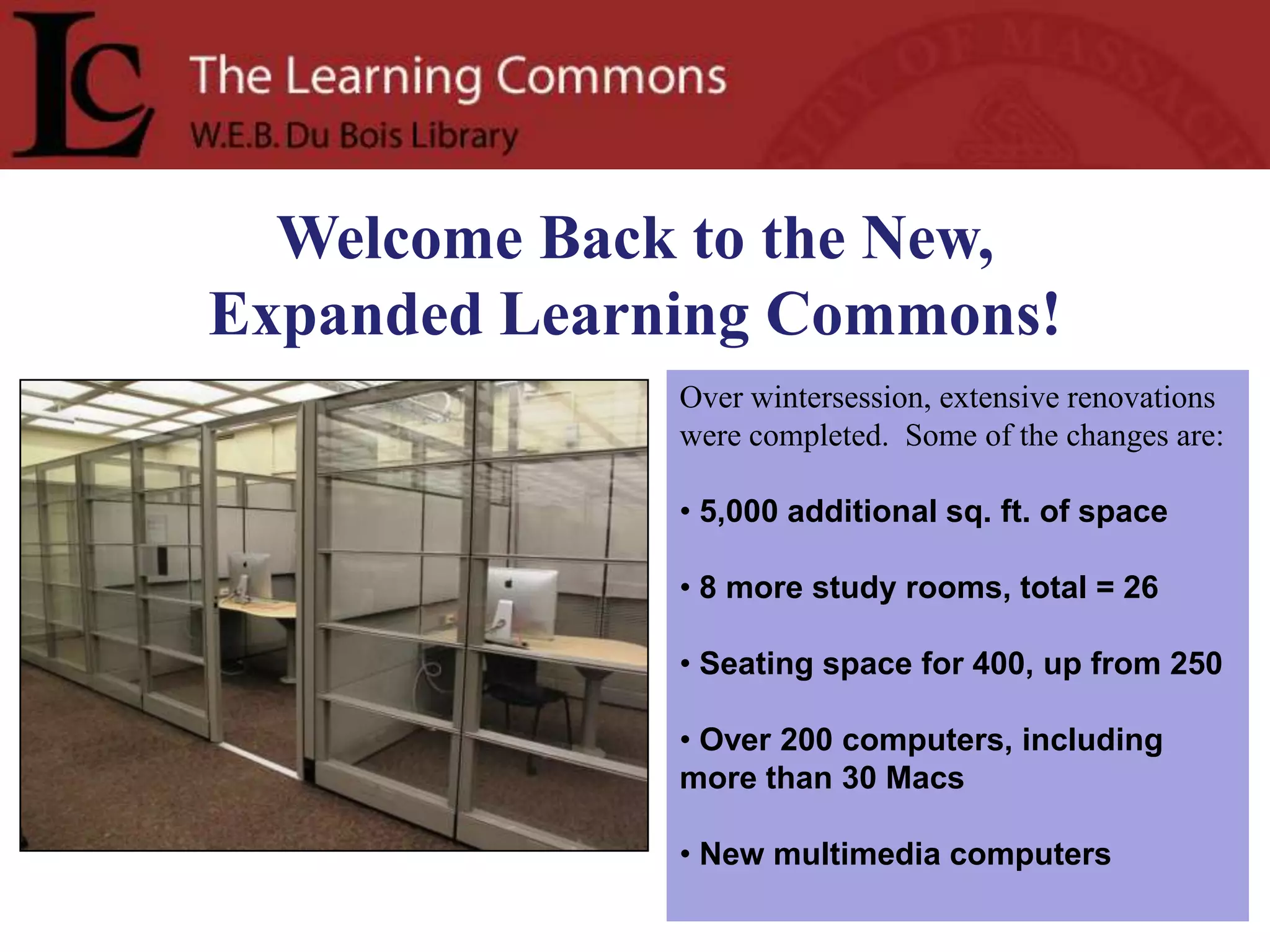
Welcome Back to the New, Expanded Learning Commons!Over wintersession, extensive renovations were completed.  Some of the changes are:5,000 additional sq. ft. of space
 8 more study rooms, total = 26
 Seating space for 400, up from 250
 Over 200 computers, including more than 30 Macs
 New multimedia computers
HAITIIn response to the earthquake in Haiti, librarians have compiled a list of resources for the campus community and the public: http://guides.library.umass.edu/haiti. You can also go to the Library home page and click on Subject Research Guides.  Look for Hot Topics on right hand side. The web page includes links to local/international news coverage of this tragedy and organizations that are providing assistance, as well as library resources for background information.    This page will be updated frequently in the coming days and will reflect current efforts by the library and community organizations to serve residents affected by this event. 
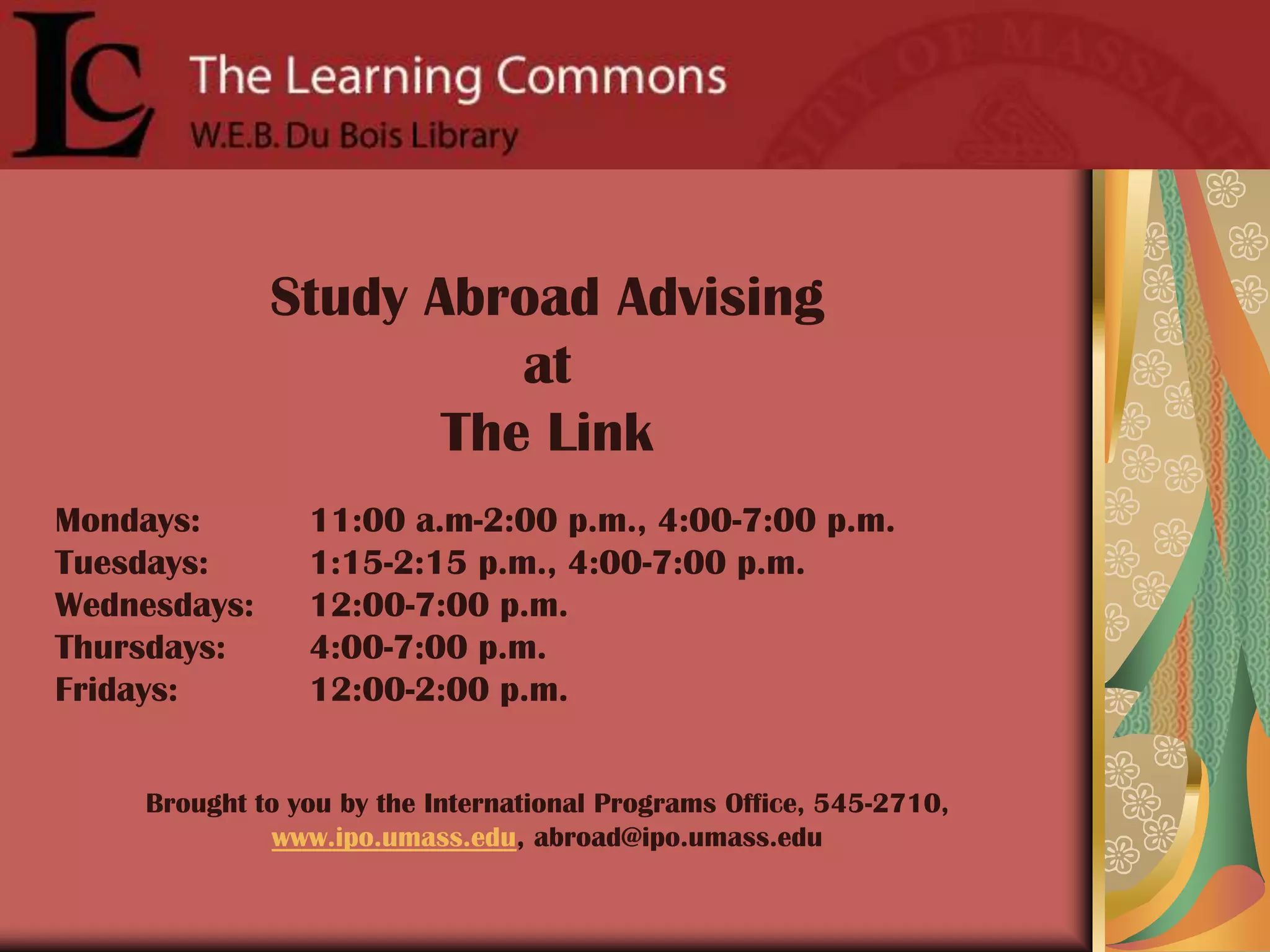
Study Abroad Advising at The LinkMondays: 	11:00 a.m-2:00 p.m., 4:00-7:00 p.m.Tuesdays: 	1:15-2:15 p.m., 4:00-7:00 p.m.Wednesdays: 	12:00-7:00 p.m.Thursdays: 	4:00-7:00 p.m.Fridays:		12:00-2:00 p.m.Brought to you by the International Programs Office, 545-2710, www.ipo.umass.edu, abroad@ipo.umass.edu
February 1 to May 20Opening receptionThursday, February 44:00-6:00 pmLower LevelDu Bois LibraryWRITING THE LANDSCAPEBooks from the Library ofAmerican Landscape History
www.twitter.com/umassLC
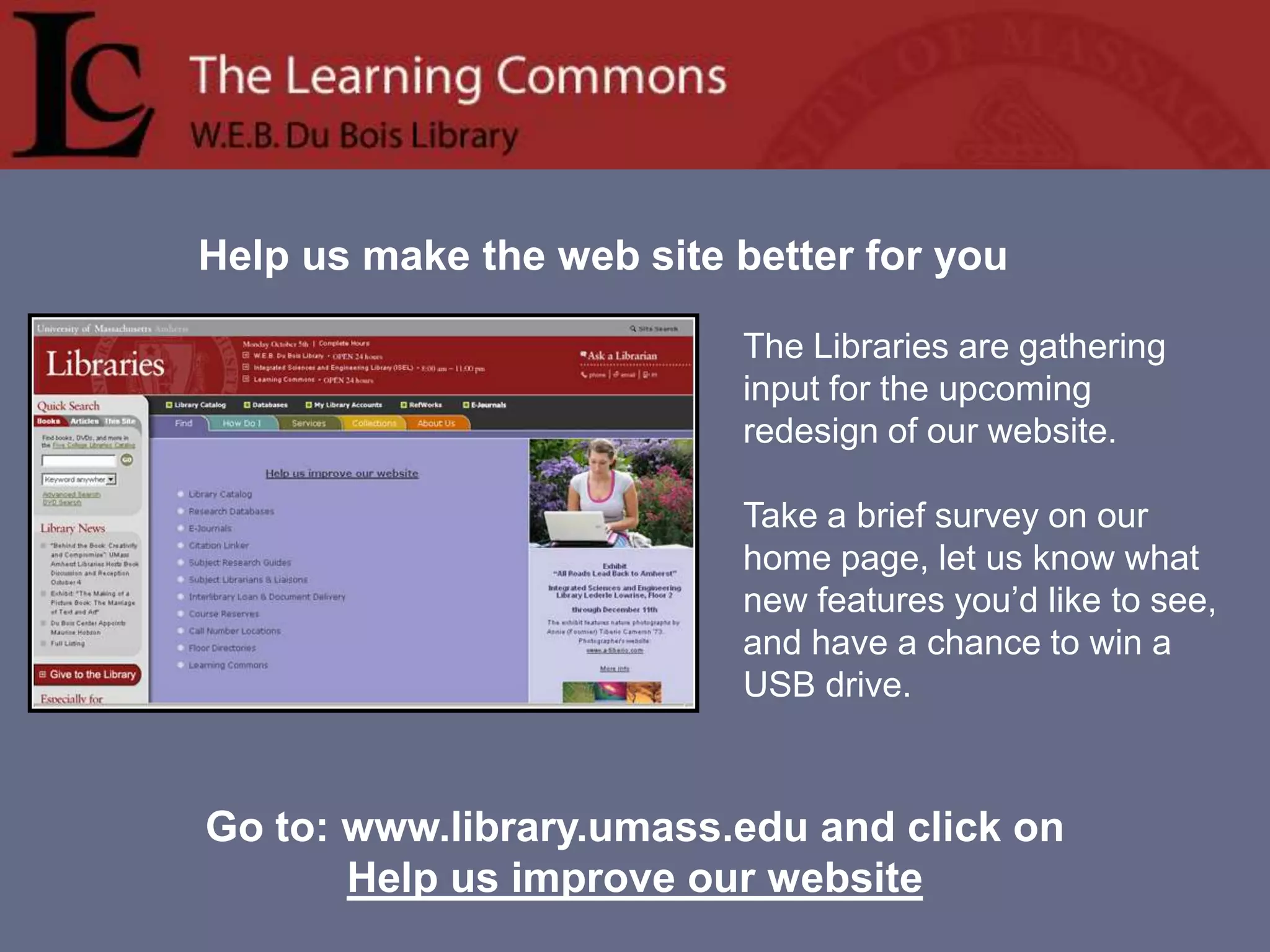
Help us make the web site better for youThe Libraries are gathering input for the upcoming redesign of our website.   Take a brief survey on our home page, let us know what new features you’d like to see, and have a chance to win a USB drive.  Go to: www.library.umass.edu and click on Help us improve our website
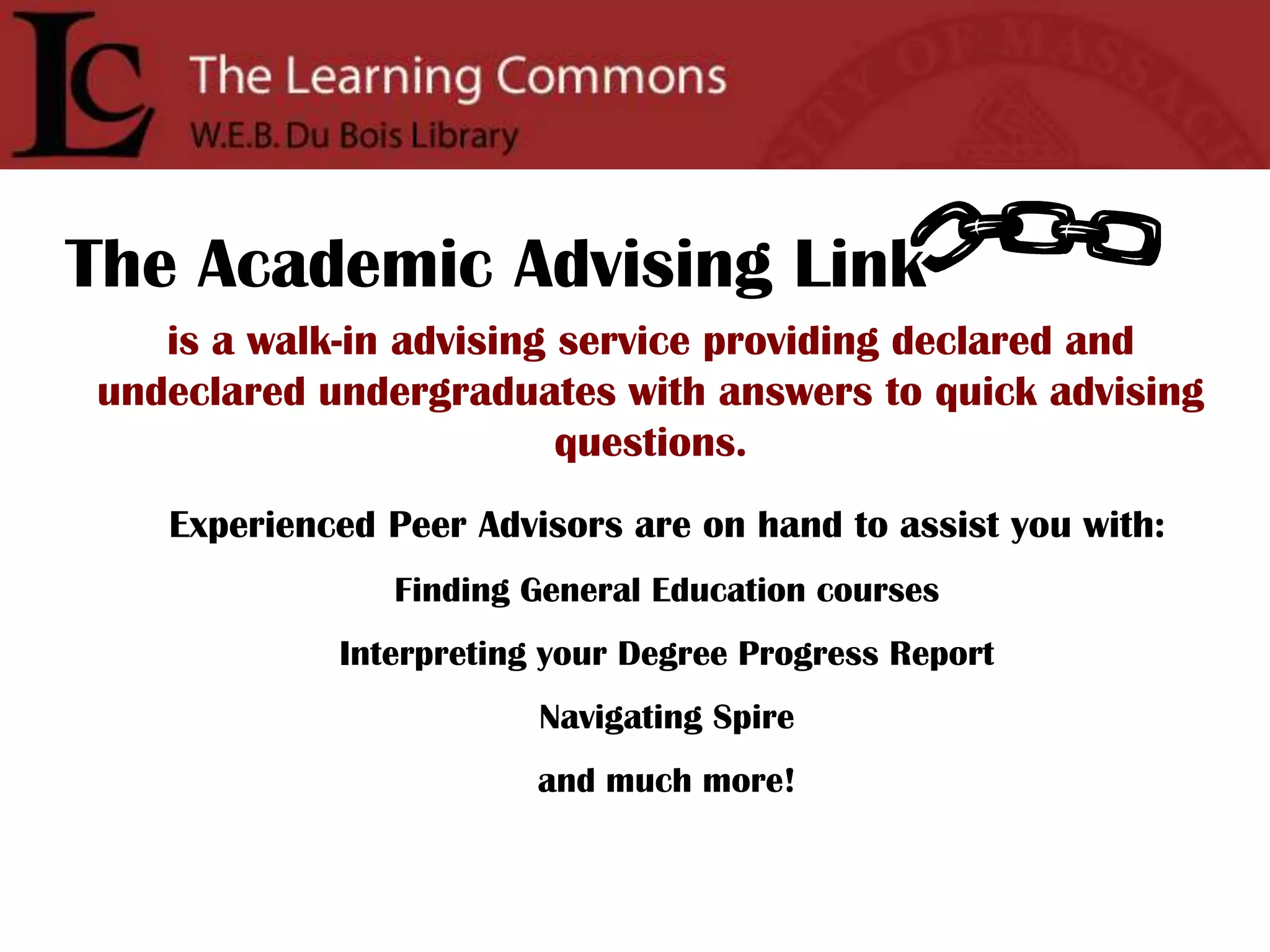
The Academic Advising Linkis a walk-in advising service providing declared and undeclared undergraduates with answers to quick advising questions.Experienced Peer Advisors are on hand to assist you with:Finding General Education coursesInterpreting your Degree Progress ReportNavigating Spireand much more!
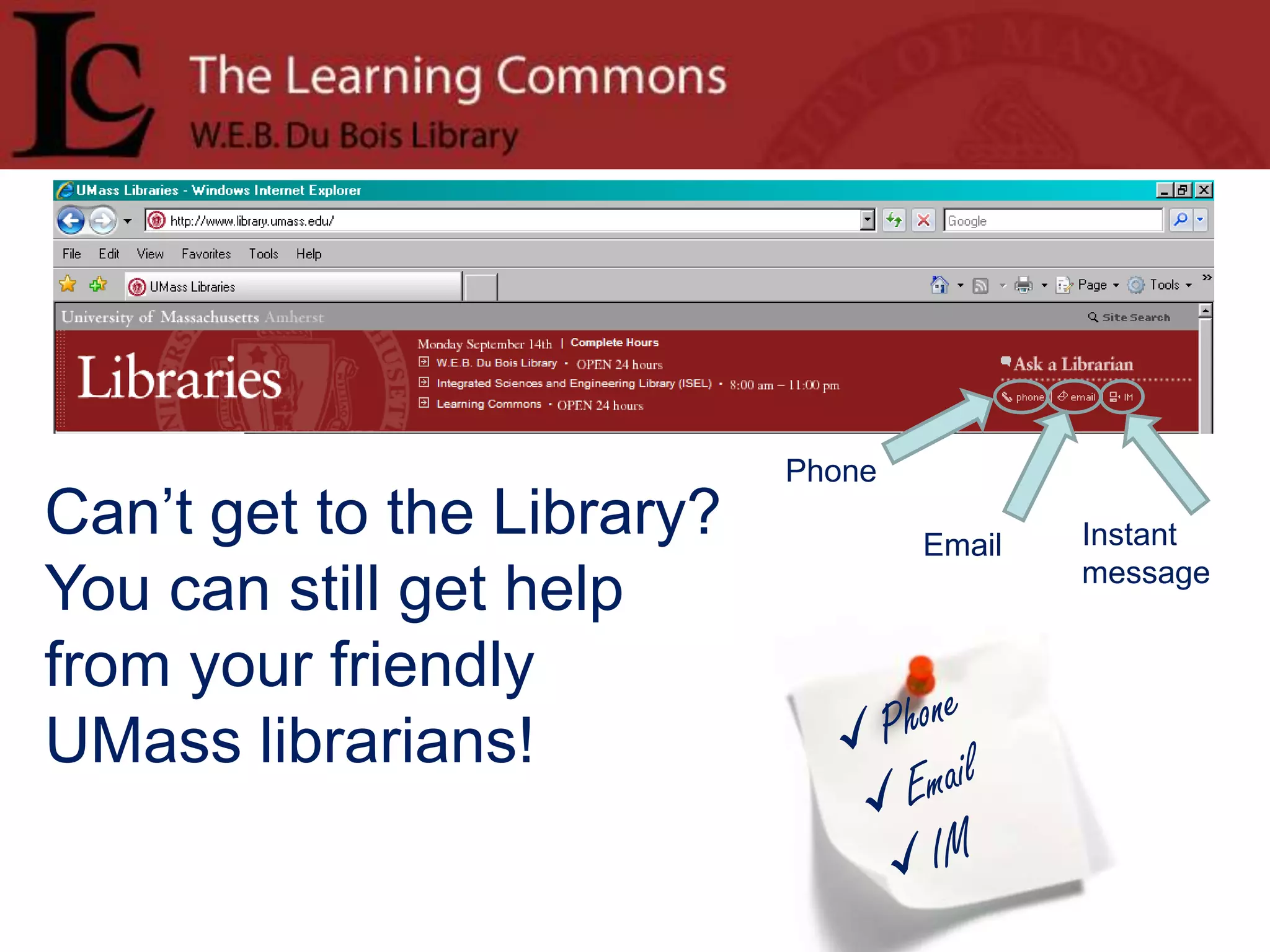
PhoneCan’t get to the Library? You can still get help from your friendly UMass librarians!InstantmessageEmailPhone
Email
IMPlease Excuse Our Appearance! The Du Bois Improvement ProjectRenovations are underway in the Du Bois Library to replace the building’s HVAC (heating, ventilating, and air conditioning) system and expand the Learning Commons on the Lower Level.  The project will take approximately two years and will add 5,000 square feet to the Learning Commons.
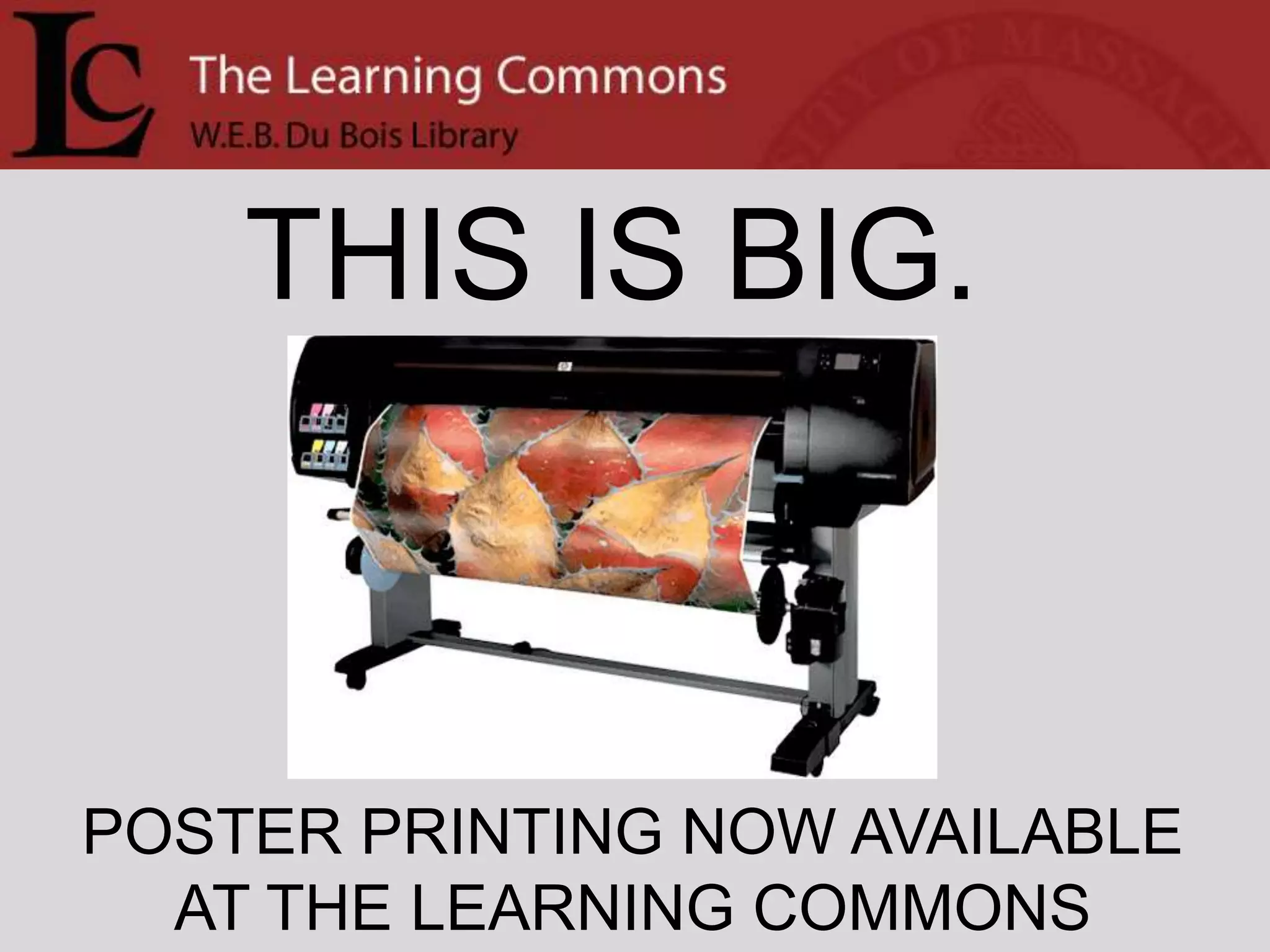
THIS IS BIG.POSTER PRINTING NOW AVAILABLEAT THE LEARNING COMMONS
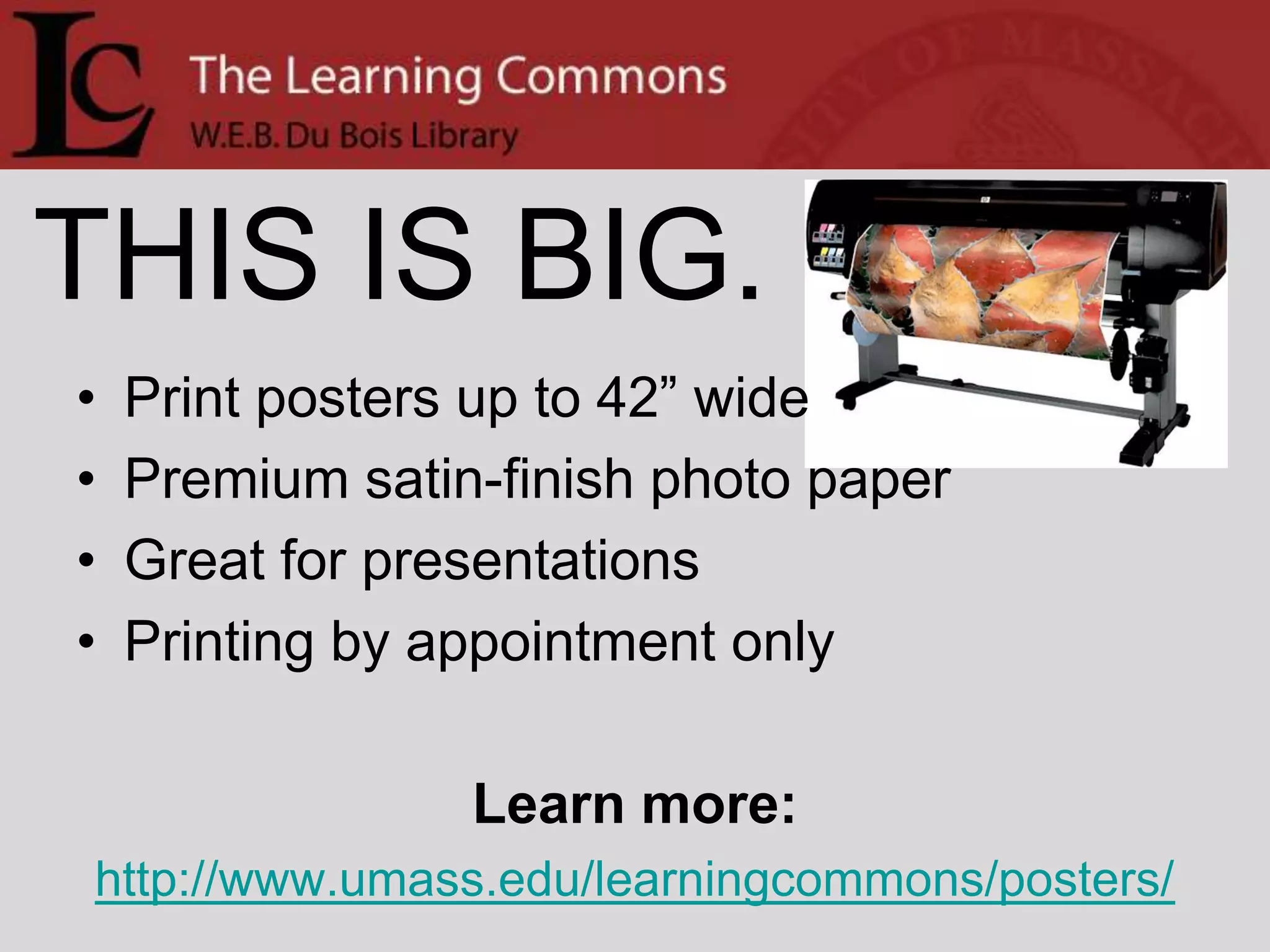
THIS IS BIG.Print posters up to 42” widePremium satin-finish photo paperGreat for presentationsPrinting by appointment onlyLearn more:http://www.umass.edu/learningcommons/posters/
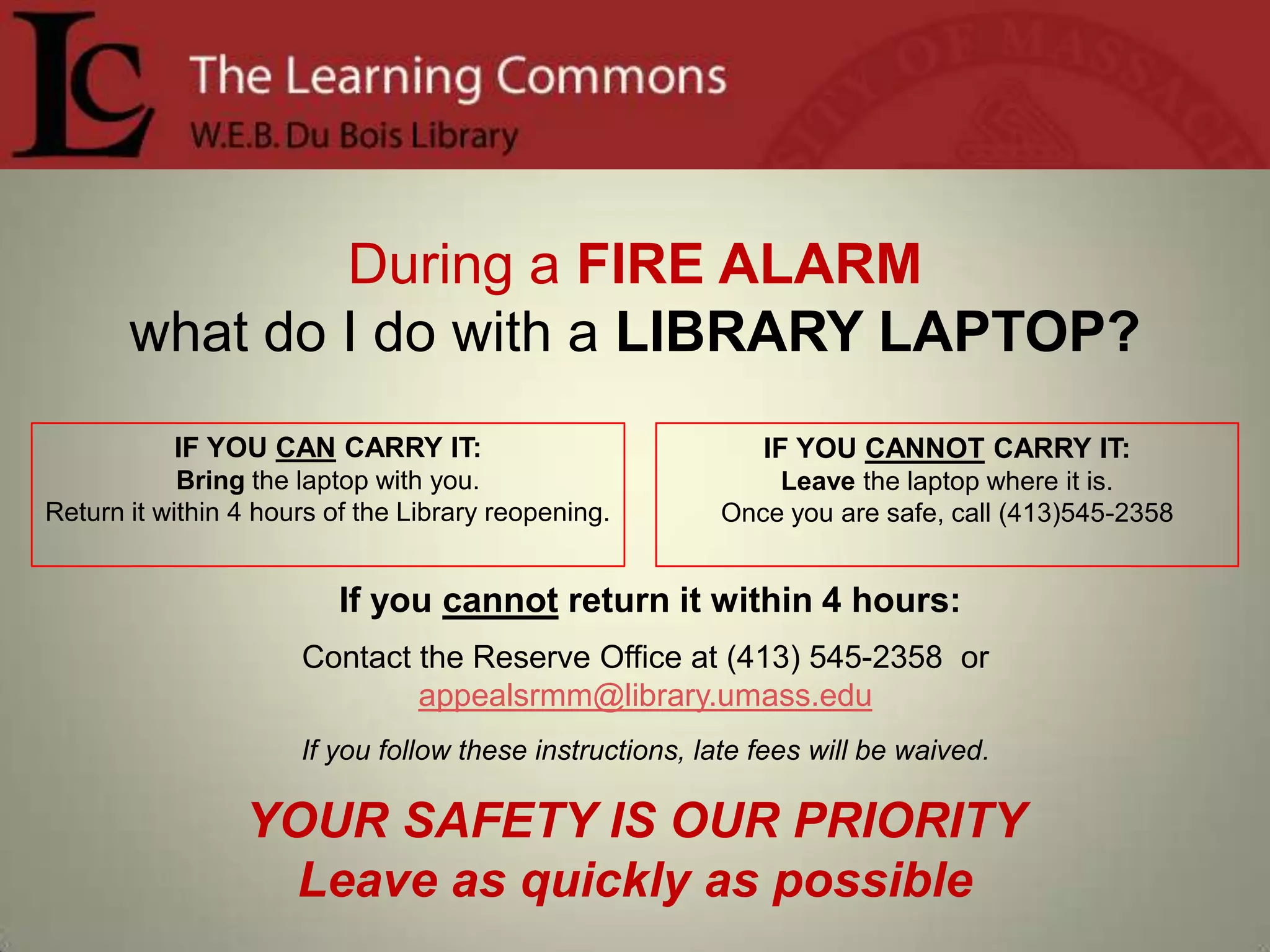
During a FIRE ALARMwhat do I do with a LIBRARY LAPTOP?IF YOU CANNOT CARRY IT:Leave the laptop where it is.Once you are safe, call (413)545-2358IF YOU CAN CARRY IT: Bring the laptop with you.Return it within 4 hours of the Library reopening.If you cannot return it within 4 hours:Contact the Reserve Office at (413) 545-2358  or  appealsrmm@library.umass.eduIf you follow these instructions, late fees will be waived.YOUR SAFETY IS OUR PRIORITY     Leave as quickly as possible
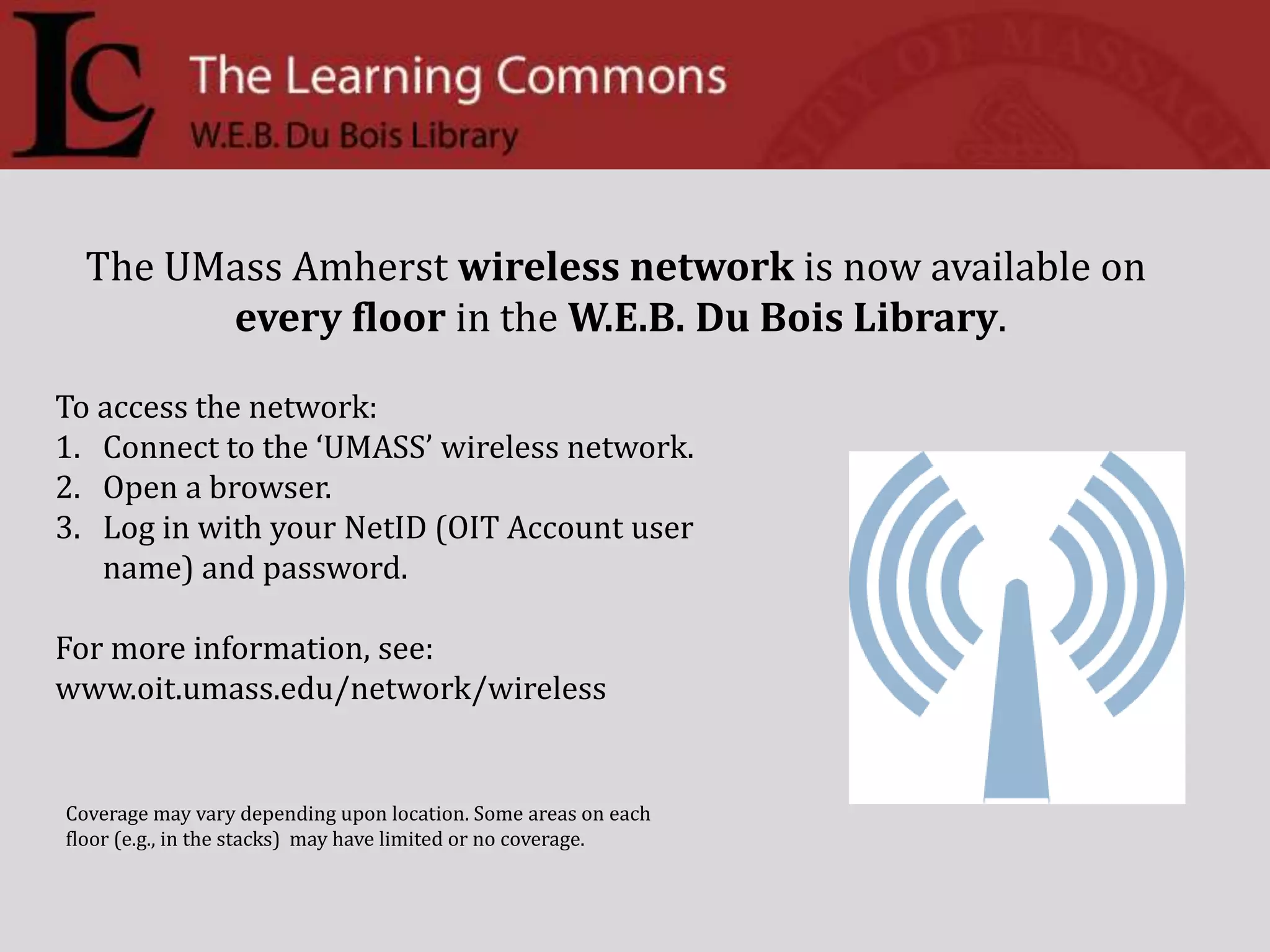
The UMass Amherst wireless network is now available onevery floor in the W.E.B. Du Bois Library. To access the network: Connect to the ‘UMASS’ wireless network.Open a browser.Log in with your NetID (OIT Account user name) and password.For more information, see: www.oit.umass.edu/network/wirelessCoverage may vary depending upon location. Some areas on each floor (e.g., in the stacks)  may have limited or no coverage.
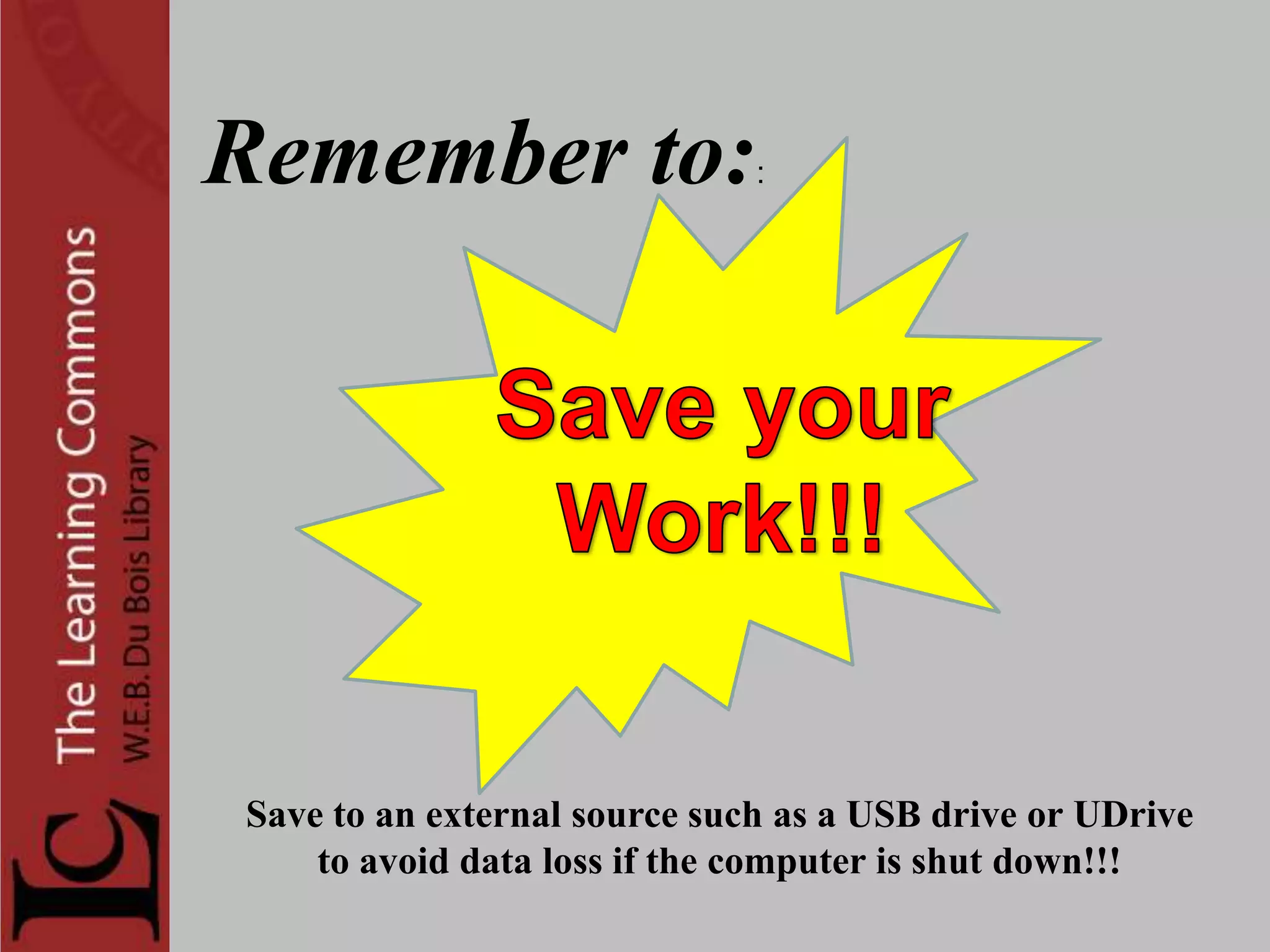
Remember to::Save your     Work!!! Save to an external source such as a USB drive or UDriveto avoid data loss if the computer is shut down!!!
Too many databases? Not sure where to start? Don’t be overwhelmed—use a Research Guide! A team of 18 librarians has created over 80 new subject research guides for various topics. These are designed to be convenient and relevant to students and faculty doing research, and can be embedded in SPARK. You can find them at http://www.library.umass.edu/subject  or just use the link on the homepage.
Check the availability of  OIT computerstations in the Learning Commons and the Computer Classrooms:http://classrooms-av.oit.umass.edu/view.phpBe sure to check the classroom hours and scheduled classes at the site before going to a classroom!
OIT’s Remote Printing Service is here! Install a small plug-in on your own computer
 Send print jobs from your dorm room or the campus wireless network to Learning Commons printers
 You have 8 hours to come pick up your print job.Want to learn more?Ask at the Learning Commons & Technical Support Desk, or
Visit the OIT website at http://www.oit.umass.edu/classrooms/printing/remote.htmlPrinting files from SPARK?Avoid problems! Before you print, SAVE YOUR FILE TO THE DESKTOPTHEN, open it and print.
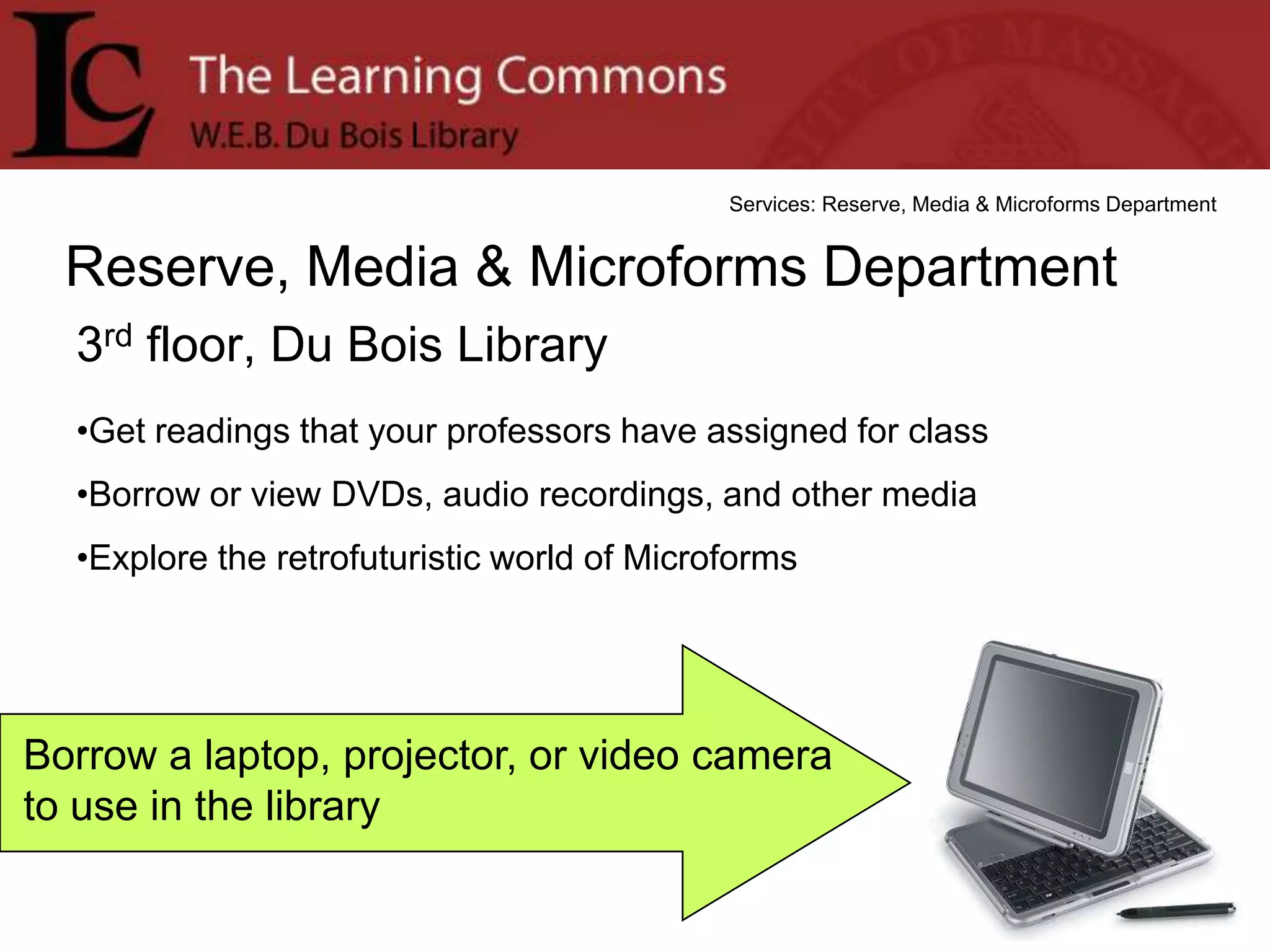
Services: Reserve, Media & Microforms DepartmentReserve, Media & Microforms Department3rd floor, Du Bois LibraryGet readings that your professors have assigned for class
Borrow or view DVDs, audio recordings, and other media
Explore the retrofuturistic world of MicroformsBorrow a laptop, projector, or video camera to use in the library
Remember to::Save your     Work!!! Save to an external source such as a USB drive or UDriveto avoid data loss if the computer is shut down!!!
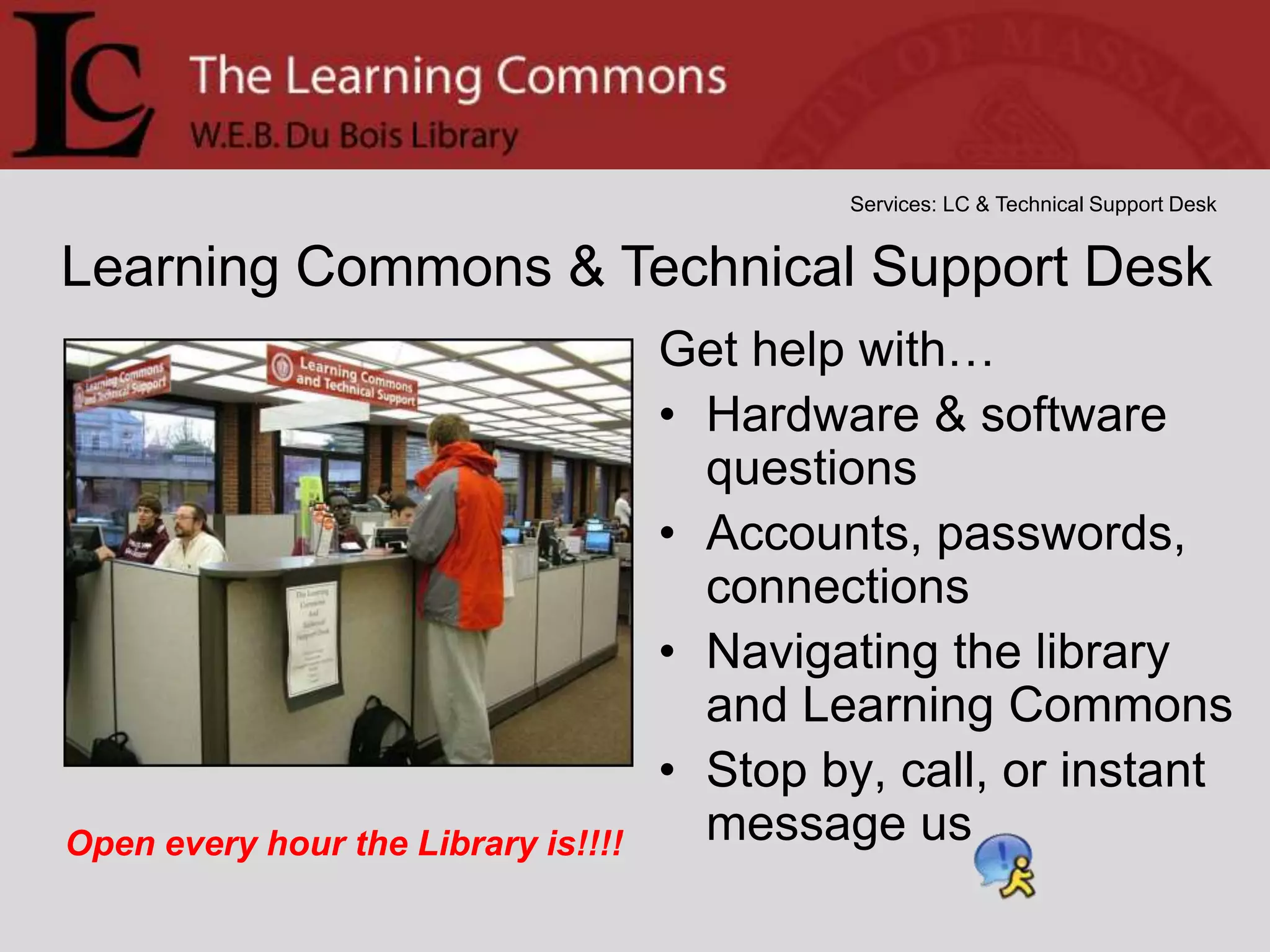
Services: LC & Technical Support DeskLearning Commons & Technical Support DeskGet help with…Hardware & software questionsAccounts, passwords, connections Navigating the library and Learning CommonsStop by, call, or instant message usOpen every hour the Library is!!!!
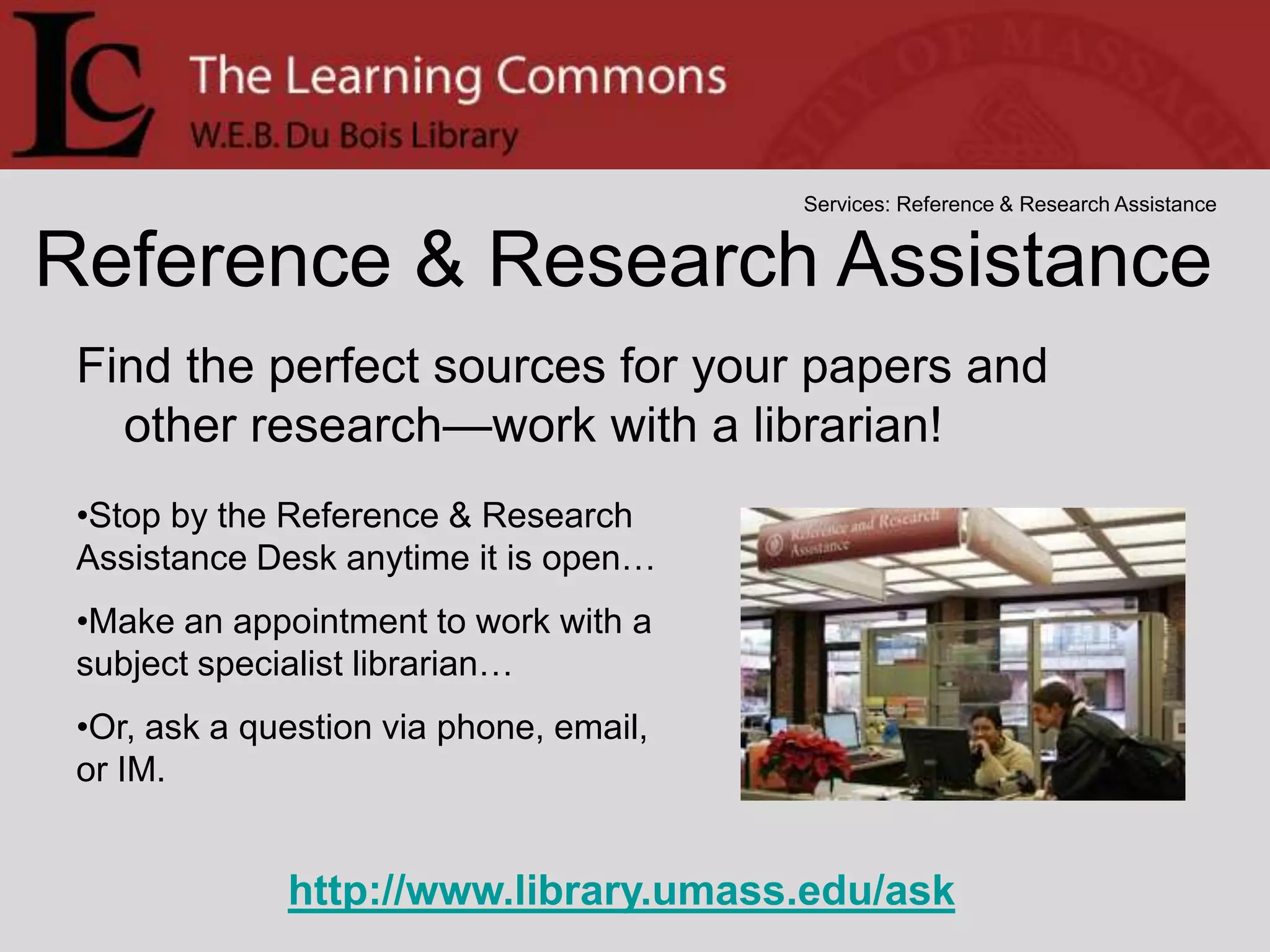
Services: Reference & Research AssistanceReference & Research AssistanceFind the perfect sources for your papers and other research—work with a librarian!Stop by the Reference & Research Assistance Desk anytime it is open…
Make an appointment to work with a subject specialist librarian…
Or, ask a question via phone, email, or IM.http://www.library.umass.edu/ask

2010 Feb 22

  • 1.
    Learning Commons AnnouncementsWeekofFebruary 22nd2010“Nobody ever graduated from a library. Nobody ever graduated without one.”
  • 2.
    Welcome Back tothe New, Expanded Learning Commons!Over wintersession, extensive renovations were completed. Some of the changes are:5,000 additional sq. ft. of space
  • 3.
    8 morestudy rooms, total = 26
  • 4.
    Seating spacefor 400, up from 250
  • 5.
    Over 200computers, including more than 30 Macs
  • 6.
  • 8.
    HAITIIn response tothe earthquake in Haiti, librarians have compiled a list of resources for the campus community and the public: http://guides.library.umass.edu/haiti. You can also go to the Library home page and click on Subject Research Guides. Look for Hot Topics on right hand side. The web page includes links to local/international news coverage of this tragedy and organizations that are providing assistance, as well as library resources for background information.    This page will be updated frequently in the coming days and will reflect current efforts by the library and community organizations to serve residents affected by this event. 
  • 9.
    Study Abroad Advisingat The LinkMondays: 11:00 a.m-2:00 p.m., 4:00-7:00 p.m.Tuesdays: 1:15-2:15 p.m., 4:00-7:00 p.m.Wednesdays: 12:00-7:00 p.m.Thursdays: 4:00-7:00 p.m.Fridays: 12:00-2:00 p.m.Brought to you by the International Programs Office, 545-2710, www.ipo.umass.edu, abroad@ipo.umass.edu
  • 10.
    February 1 toMay 20Opening receptionThursday, February 44:00-6:00 pmLower LevelDu Bois LibraryWRITING THE LANDSCAPEBooks from the Library ofAmerican Landscape History
  • 11.
  • 12.
    Help us makethe web site better for youThe Libraries are gathering input for the upcoming redesign of our website.  Take a brief survey on our home page, let us know what new features you’d like to see, and have a chance to win a USB drive.  Go to: www.library.umass.edu and click on Help us improve our website
  • 13.
    The Academic AdvisingLinkis a walk-in advising service providing declared and undeclared undergraduates with answers to quick advising questions.Experienced Peer Advisors are on hand to assist you with:Finding General Education coursesInterpreting your Degree Progress ReportNavigating Spireand much more!
  • 14.
    PhoneCan’t get tothe Library? You can still get help from your friendly UMass librarians!InstantmessageEmailPhone
  • 15.
  • 16.
    IMPlease Excuse OurAppearance! The Du Bois Improvement ProjectRenovations are underway in the Du Bois Library to replace the building’s HVAC (heating, ventilating, and air conditioning) system and expand the Learning Commons on the Lower Level. The project will take approximately two years and will add 5,000 square feet to the Learning Commons.
  • 17.
    THIS IS BIG.POSTERPRINTING NOW AVAILABLEAT THE LEARNING COMMONS
  • 18.
    THIS IS BIG.Printposters up to 42” widePremium satin-finish photo paperGreat for presentationsPrinting by appointment onlyLearn more:http://www.umass.edu/learningcommons/posters/
  • 19.
    During a FIREALARMwhat do I do with a LIBRARY LAPTOP?IF YOU CANNOT CARRY IT:Leave the laptop where it is.Once you are safe, call (413)545-2358IF YOU CAN CARRY IT: Bring the laptop with you.Return it within 4 hours of the Library reopening.If you cannot return it within 4 hours:Contact the Reserve Office at (413) 545-2358 or appealsrmm@library.umass.eduIf you follow these instructions, late fees will be waived.YOUR SAFETY IS OUR PRIORITY Leave as quickly as possible
  • 20.
    The UMass Amherstwireless network is now available onevery floor in the W.E.B. Du Bois Library. To access the network: Connect to the ‘UMASS’ wireless network.Open a browser.Log in with your NetID (OIT Account user name) and password.For more information, see: www.oit.umass.edu/network/wirelessCoverage may vary depending upon location. Some areas on each floor (e.g., in the stacks) may have limited or no coverage.
  • 22.
    Remember to::Save your Work!!! Save to an external source such as a USB drive or UDriveto avoid data loss if the computer is shut down!!!
  • 23.
    Too many databases?Not sure where to start? Don’t be overwhelmed—use a Research Guide! A team of 18 librarians has created over 80 new subject research guides for various topics. These are designed to be convenient and relevant to students and faculty doing research, and can be embedded in SPARK. You can find them at http://www.library.umass.edu/subject or just use the link on the homepage.
  • 25.
    Check the availabilityof OIT computerstations in the Learning Commons and the Computer Classrooms:http://classrooms-av.oit.umass.edu/view.phpBe sure to check the classroom hours and scheduled classes at the site before going to a classroom!
  • 26.
    OIT’s Remote PrintingService is here! Install a small plug-in on your own computer
  • 27.
    Send printjobs from your dorm room or the campus wireless network to Learning Commons printers
  • 28.
    You have8 hours to come pick up your print job.Want to learn more?Ask at the Learning Commons & Technical Support Desk, or
  • 29.
    Visit the OITwebsite at http://www.oit.umass.edu/classrooms/printing/remote.htmlPrinting files from SPARK?Avoid problems! Before you print, SAVE YOUR FILE TO THE DESKTOPTHEN, open it and print.
  • 30.
    Services: Reserve, Media& Microforms DepartmentReserve, Media & Microforms Department3rd floor, Du Bois LibraryGet readings that your professors have assigned for class
  • 31.
    Borrow or viewDVDs, audio recordings, and other media
  • 32.
    Explore the retrofuturisticworld of MicroformsBorrow a laptop, projector, or video camera to use in the library
  • 33.
    Remember to::Save your Work!!! Save to an external source such as a USB drive or UDriveto avoid data loss if the computer is shut down!!!
  • 34.
    Services: LC &Technical Support DeskLearning Commons & Technical Support DeskGet help with…Hardware & software questionsAccounts, passwords, connections Navigating the library and Learning CommonsStop by, call, or instant message usOpen every hour the Library is!!!!
  • 35.
    Services: Reference &Research AssistanceReference & Research AssistanceFind the perfect sources for your papers and other research—work with a librarian!Stop by the Reference & Research Assistance Desk anytime it is open…
  • 36.
    Make an appointmentto work with a subject specialist librarian…
  • 37.
    Or, ask aquestion via phone, email, or IM.http://www.library.umass.edu/ask
  • 38.
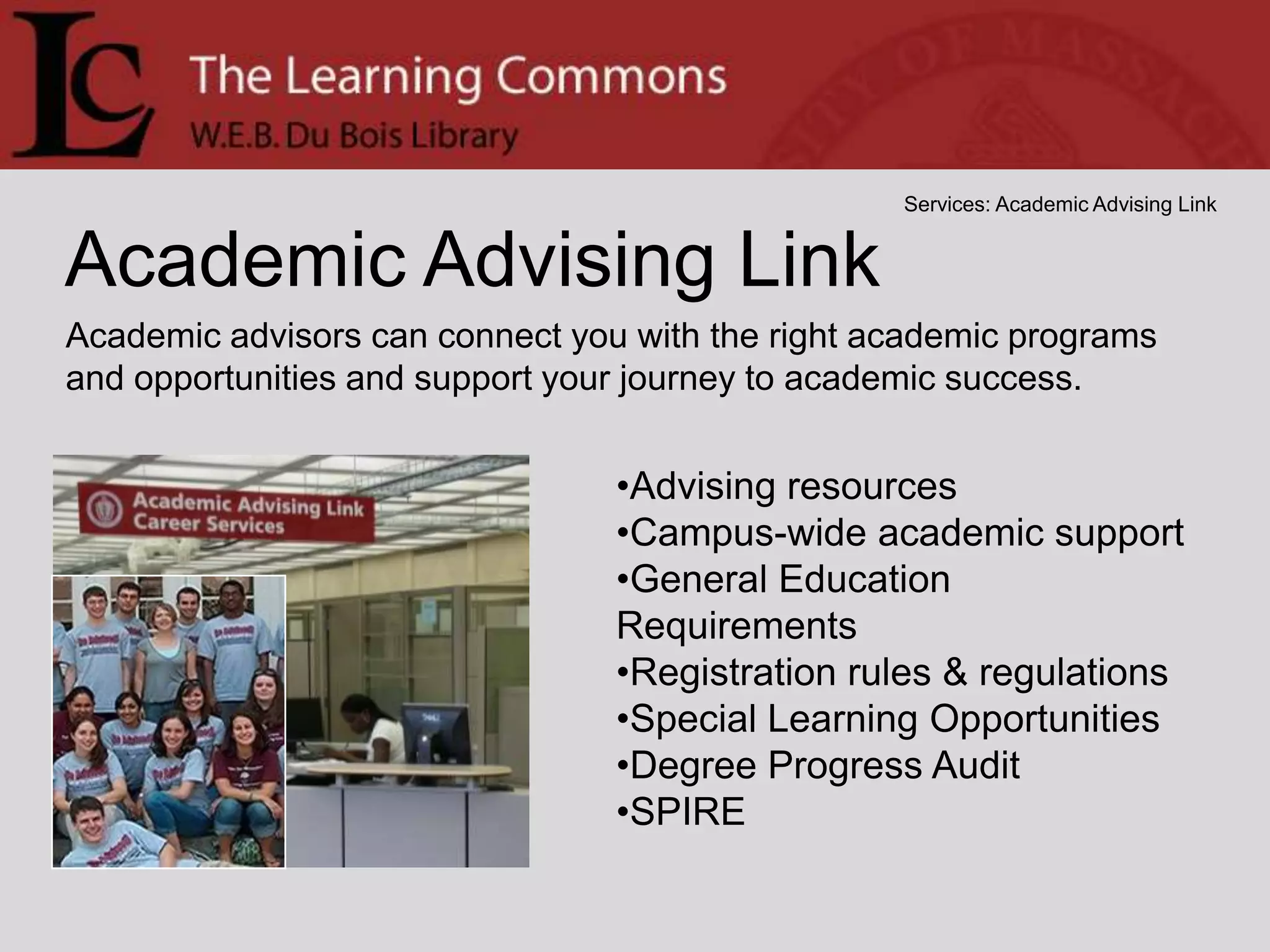
    Writing CenterServices: WritingCenterStop in or make an appointment to get 30 minutes of assistance on your writing project from trained experts. All levels and disciplines are welcome!Check out umass.edu/writingcenter for details and appointments
  • 39.
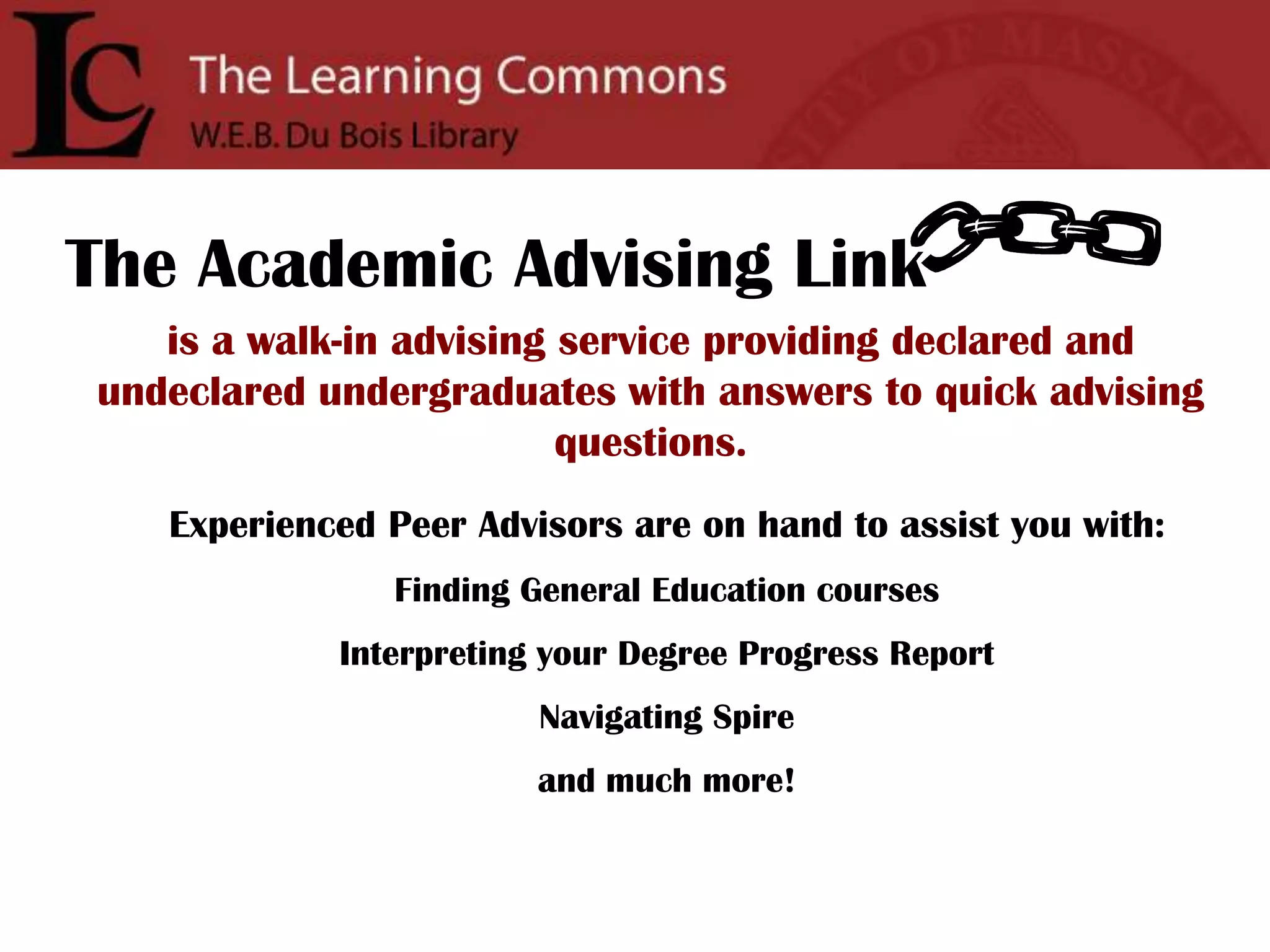
    Services: Academic AdvisingLinkAcademic Advising LinkAcademic advisors can connect you with the right academic programs and opportunities and support your journey to academic success.Advising resources
  • 40.
  • 41.
  • 42.
  • 43.
  • 44.
  • 45.
    SPIRE The AcademicAdvising Linkis a walk-in advising service providing declared and undeclared undergraduates with answers to quick advising questions.Experienced Peer Advisors are on hand to assist you with:Finding General Education coursesInterpreting your Degree Progress ReportNavigating Spireand much more!
  • 46.
    Services: Learning ResourceCenterLearning Resource Center(10th floor of the W.E.B. Du Bois Library) Tutoring and supplemental instruction for many difficult first and second year courses.
  • 47.
    Drop-in helpand weekly sessions
  • 48.
  • 49.
    Sunday 5-10 P.M.
  • 50.
    Monday - Thursday 1 - 10 P.M.Check umass.edu/LRC for details…
  • 51.
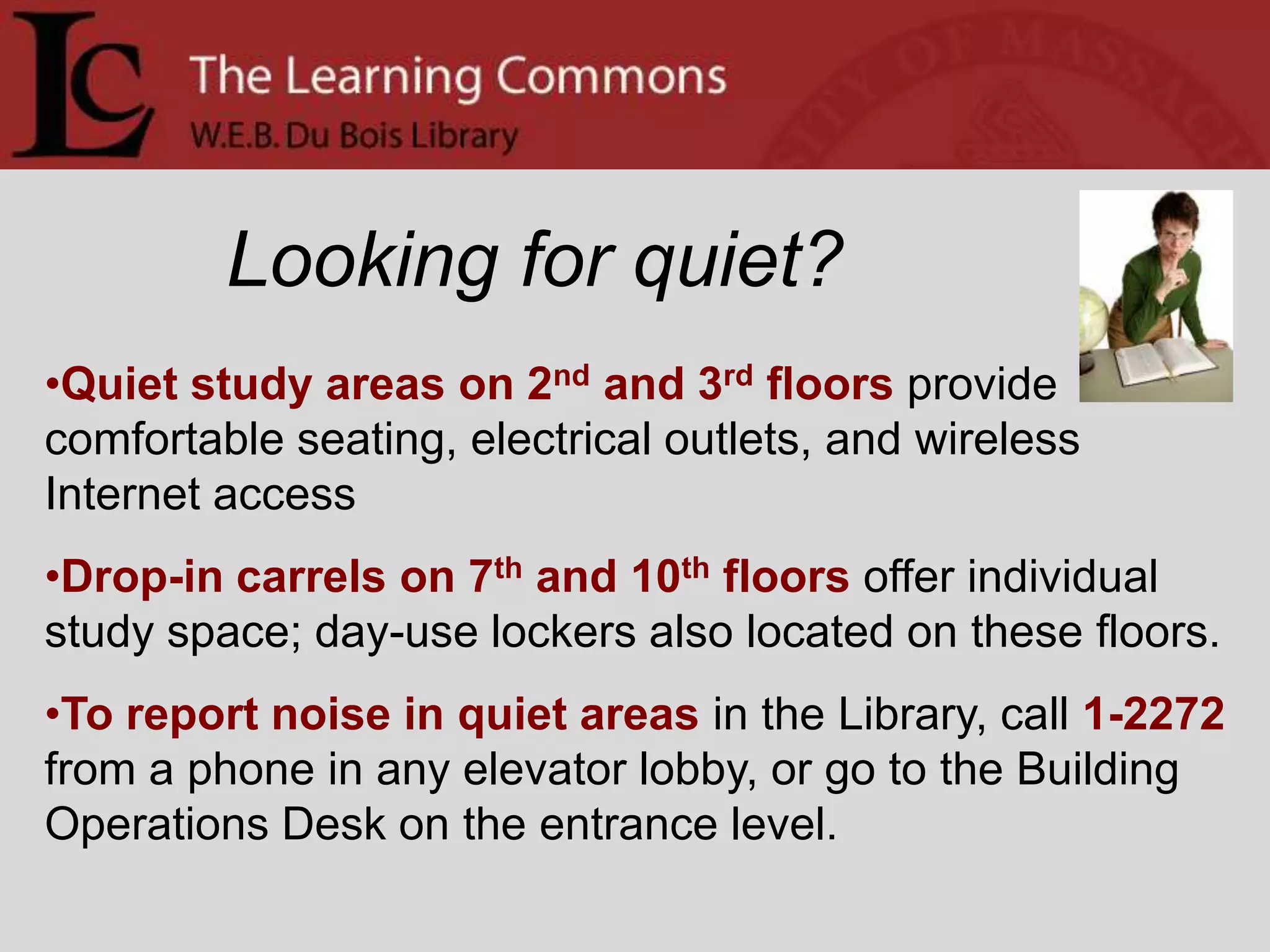
    Looking for quiet?Quietstudy areas on 2nd and 3rd floors provide comfortable seating, electrical outlets, and wireless Internet access
  • 52.
    Drop-in carrels on7th and 10th floors offer individual study space; day-use lockers also located on these floors.
  • 53.
    To report noisein quiet areas in the Library, call 1-2272 from a phone in any elevator lobby, or go to the Building Operations Desk on the entrance level.Sample question from OIT Copyright QuizWhat is the minimum the RIAA (Recording Industry Association of America) can make you pay for infringing copyright on just one song?(Choose one) a. $0.99 per song
  • 54.
    b. $75.00per song
  • 55.
    c. $100.00per song
  • 56.
    d. $500.00per song
  • 57.
    e. $750.00per songA federal jury today ordered a Boston University graduate student to pay four record labels $675,000 in damages for illegally downloading 30 songs and sharing them online. Boston.com 7/31/09
  • 58.
    That is theequivalent of 115 years of in-state tuition at UMassVisit oit.umass.edu/copyright/index.html for information.
  • 59.
    Sample question fromOIT Copyright QuizWhat is the minimum the RIAA (Recording Industry Association of America) can make you pay for infringing copyright on just one song?(Choose one)Inform yourself. Protect yourself.Take the OIT Copyright Quiz:http://www.oit.umass.edu/copyright/quiz.html
  • 60.
  • 61.
    Did a slidego by too quickly?View these announcements on the Web!Visit the Learning Commons website:http://www.umass.edu/learningcommonsand click Weekly Announcements(under News)