Download to read offline
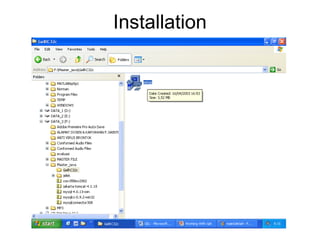
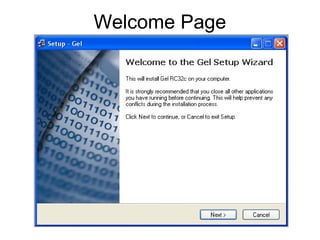
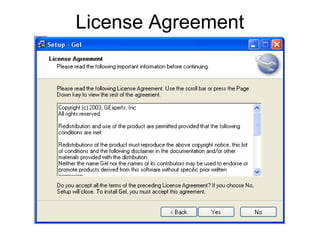
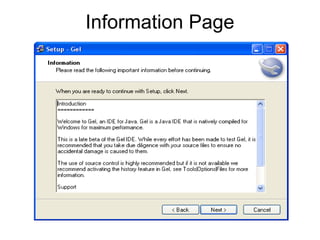
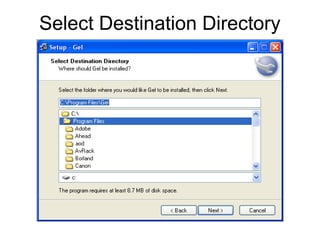
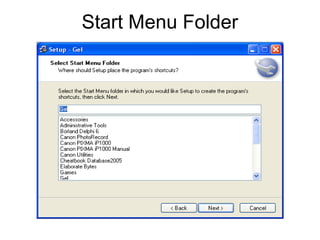
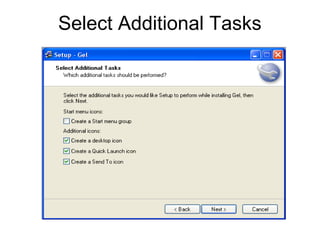
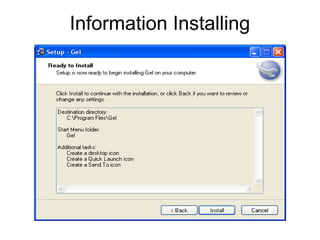
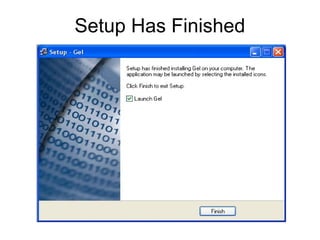
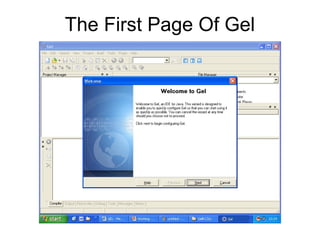
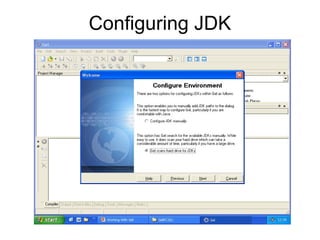
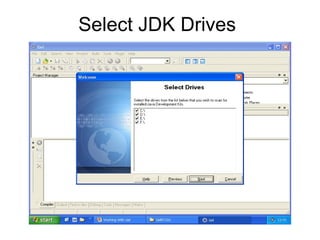
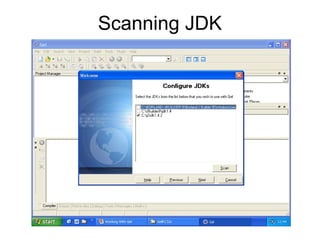
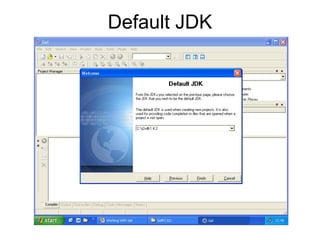
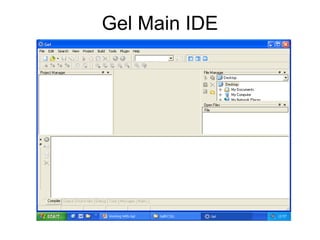
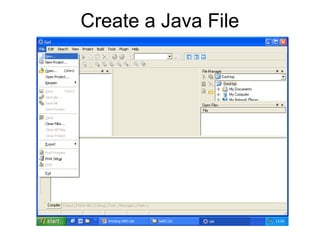
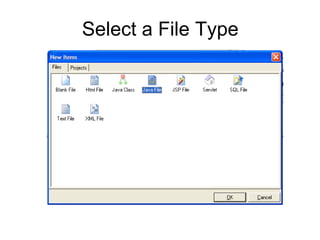
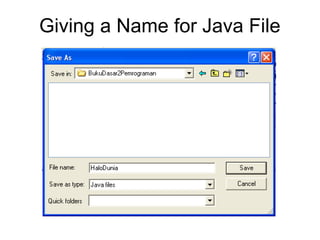
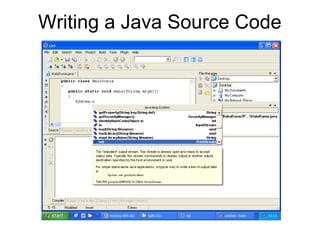
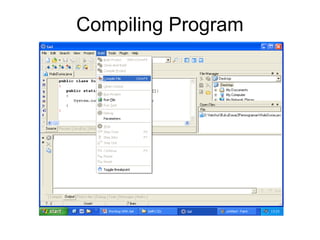
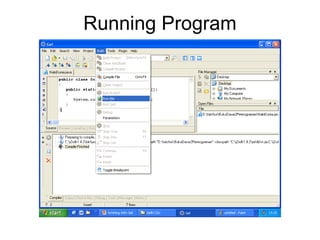
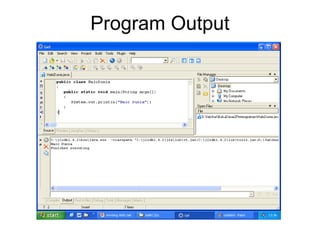


This document provides instructions for creating a Java program using the Gel IDE, including installing Gel, configuring the JDK, creating a Java file, writing source code, compiling and running the program, and viewing the output. The process involves accepting a license agreement, selecting installation directories, configuring the JDK location, giving a name to a new Java file, writing and compiling the source code, running the program, and seeing the program output.


