













14 Timeless Rules for Creating Intuitive Web Apps
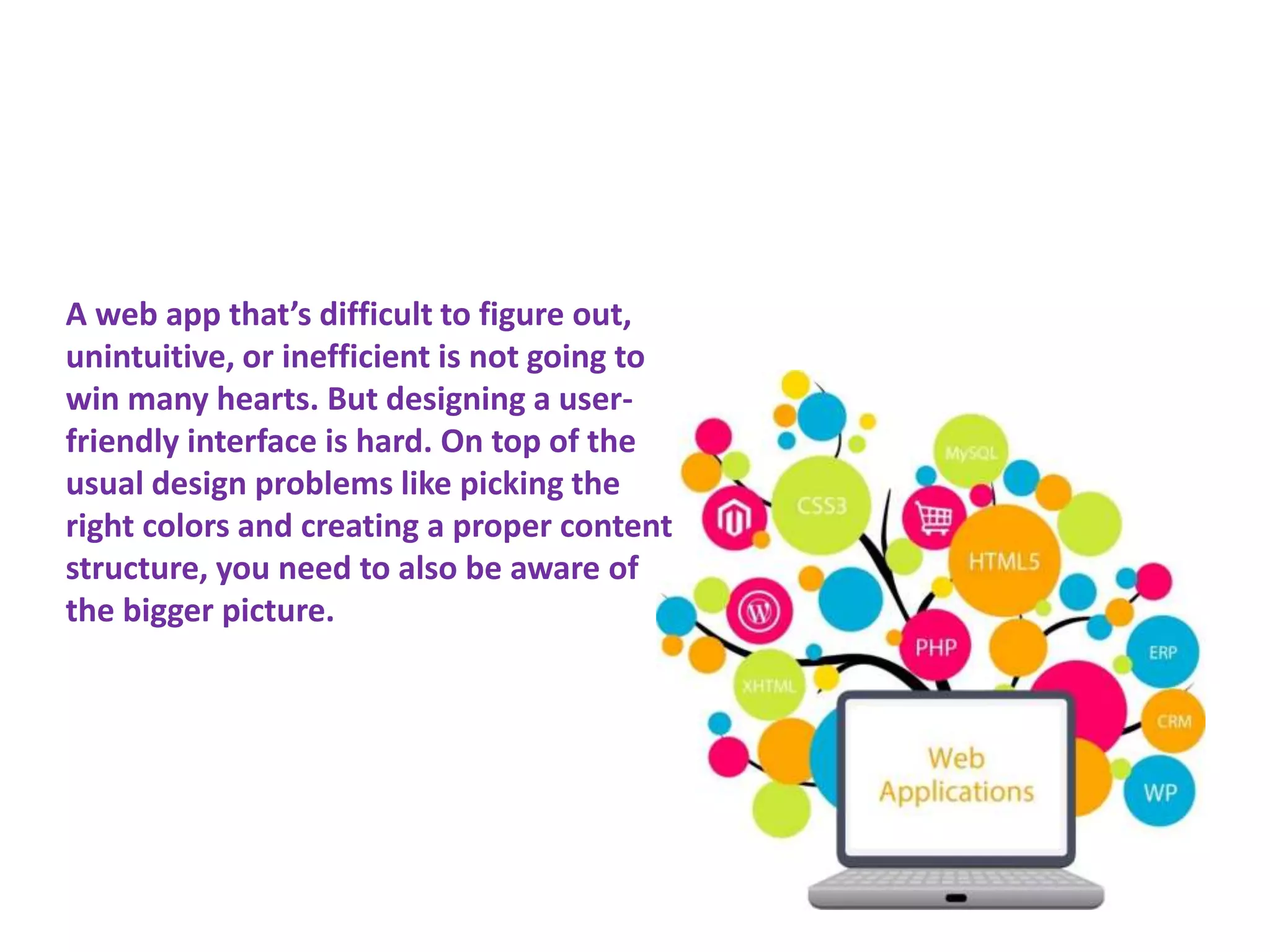
A web app that’s difficult to figure out,
unintuitive, or inefficient is not going to
win many hearts. But designing a user-
friendly interface is hard. On top of the
usual design problems like picking the
right colors and creating a proper content
structure, you need to also be aware of
the bigger picture.
Don’t Reinvent
Patterns
Rules for Creating Intuitive Web Apps
3
4
5
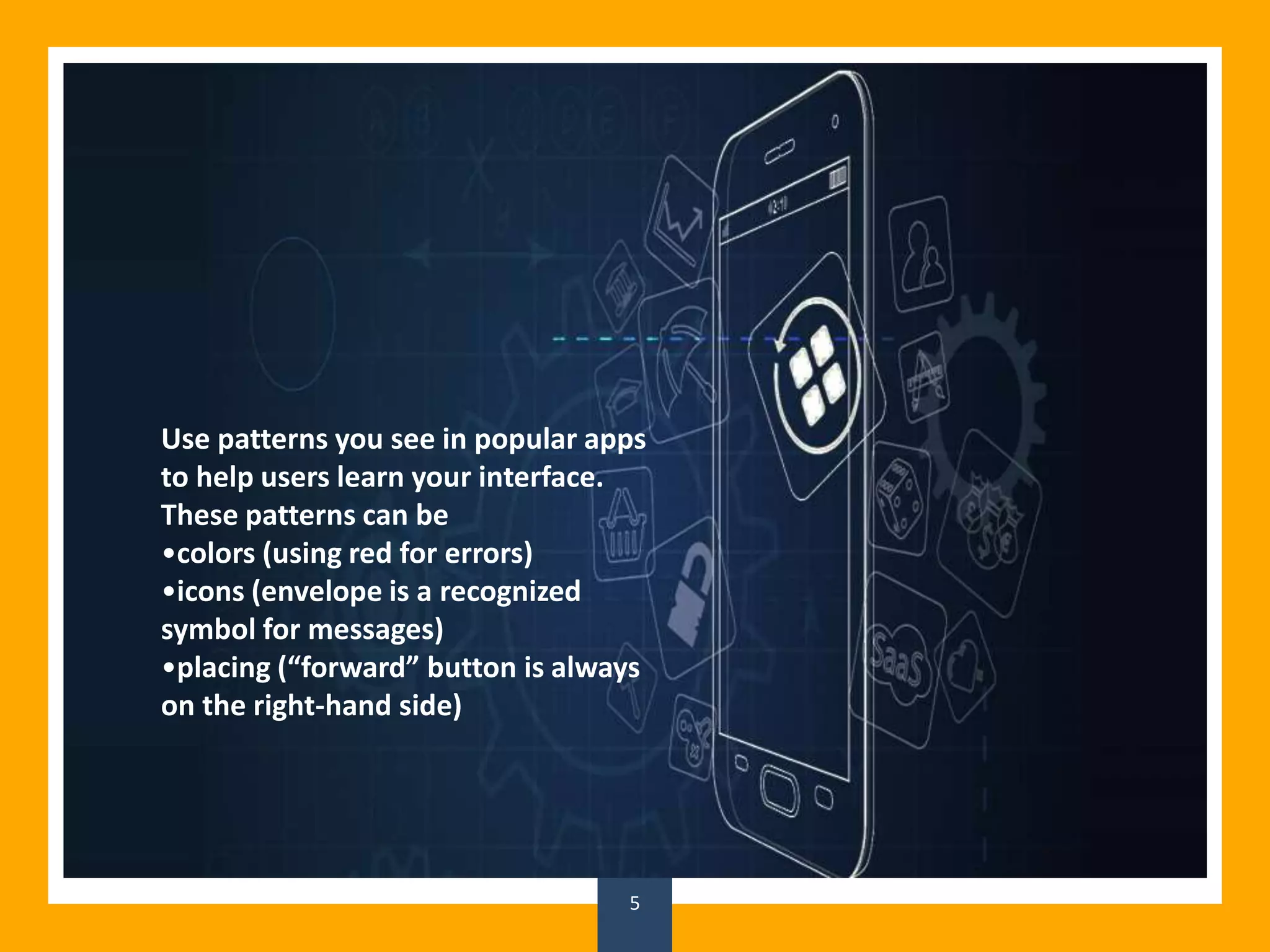
Use patterns you see in popular apps
to help users learn your interface.
These patterns can be
•colors (using red for errors)
•icons (envelope is a recognized
symbol for messages)
•placing (“forward” button is always
on the right-hand side)
Group Related
Elements
Rules for Creating Intuitive Web Apps
6
7
8
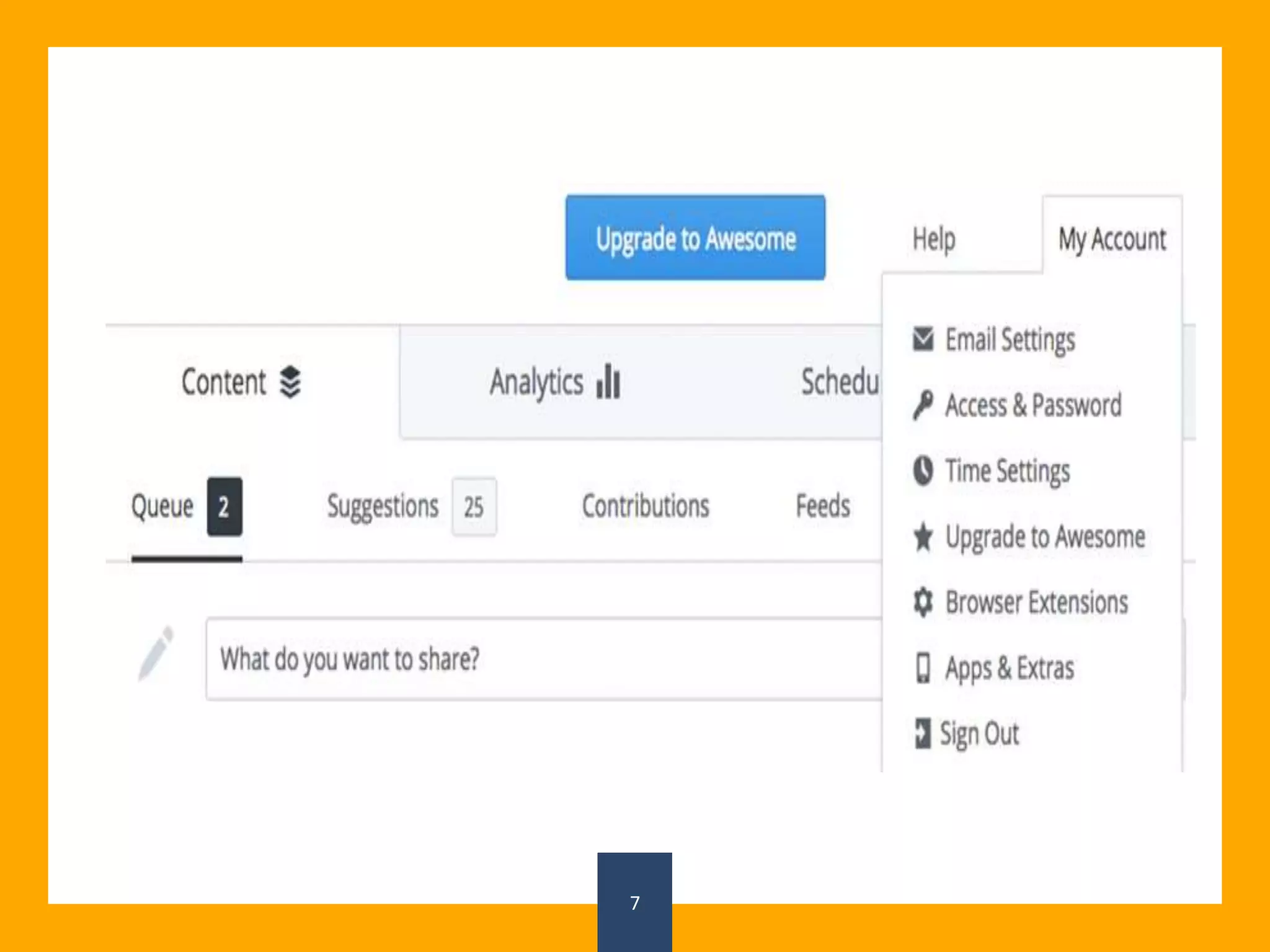
Users should (in most cases) be able to
guess where to find a control or
information. A great way to make sure
of that is to group related objects
together. For example, features like log
out, settings, profile, switch account
belong together, so they shouldn’t be
scattered around. We can connect them
with colour, styles (same size font), or
put them in the same box.
Less is Better
Rules for Creating Intuitive Web Apps
9
10
11
Feature requests will never stop. Your
app will never be perfect. But it can be
useful. And the only way to make sure
of that is by limiting the number of
features. Every button you add is
another chance for a new user to get
confused and leave. Ask yourself: If this
app only did one thing, what would it
be?
Plan Before
Developing
Rules for Creating Intuitive Web Apps
12
13
14
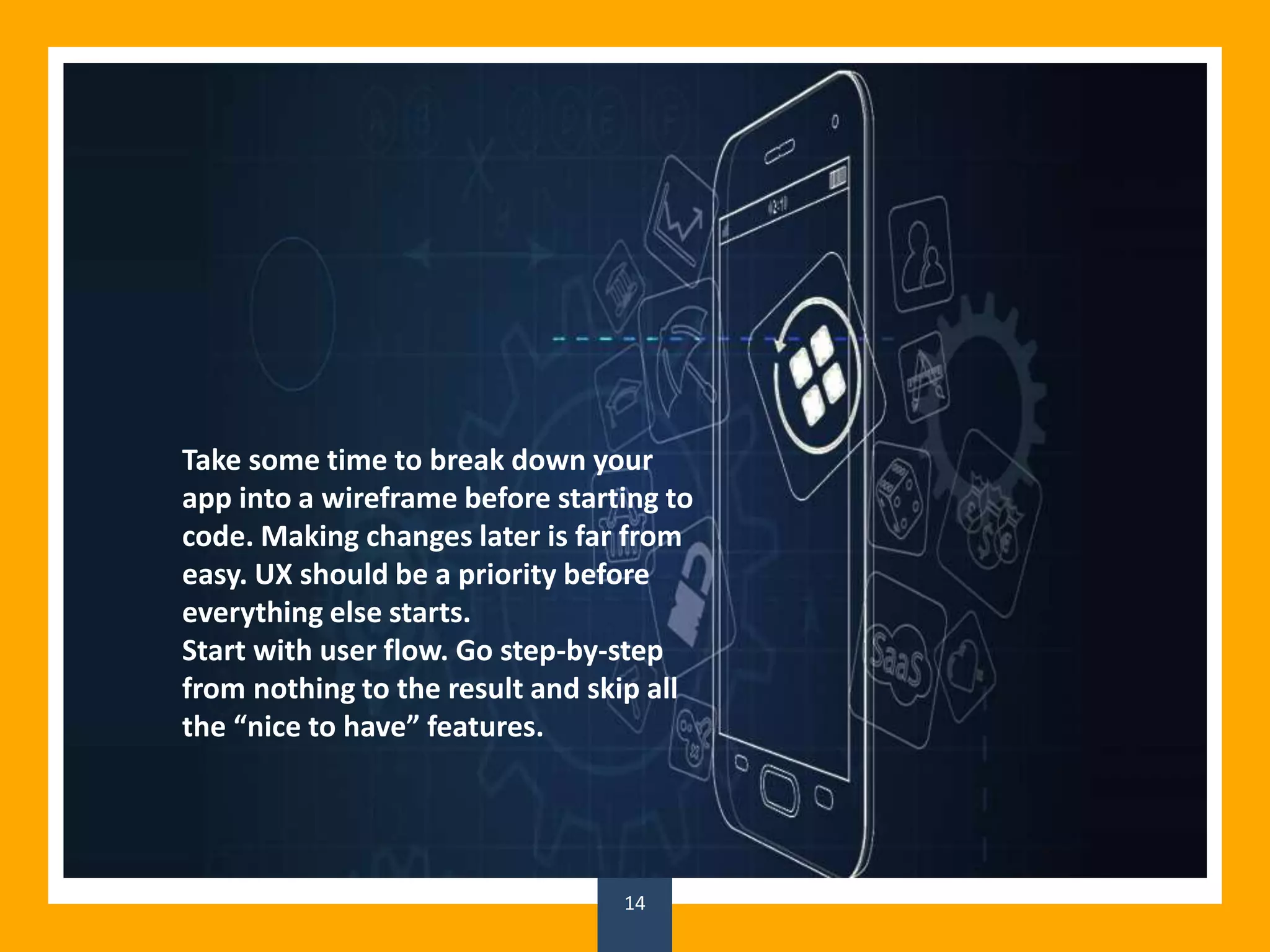
Take some time to break down your
app into a wireframe before starting to
code. Making changes later is far from
easy. UX should be a priority before
everything else starts.
Start with user flow. Go step-by-step
from nothing to the result and skip all
the “nice to have” features.
Provide Feedback
Rules for Creating Intuitive Web Apps
15
16
17
There’s nothing worse than buttons
that do nothing. To keep users from
clicking the same button five times just
because the site is loading, provide a
cue to let them know what’s going on.
This can be textual, using words like
“Loading …”, “Sending …”, or “Please
wait”, or using a loading bar.
Unobtrusive Help
Rules for Creating Intuitive Web Apps
18
19
20
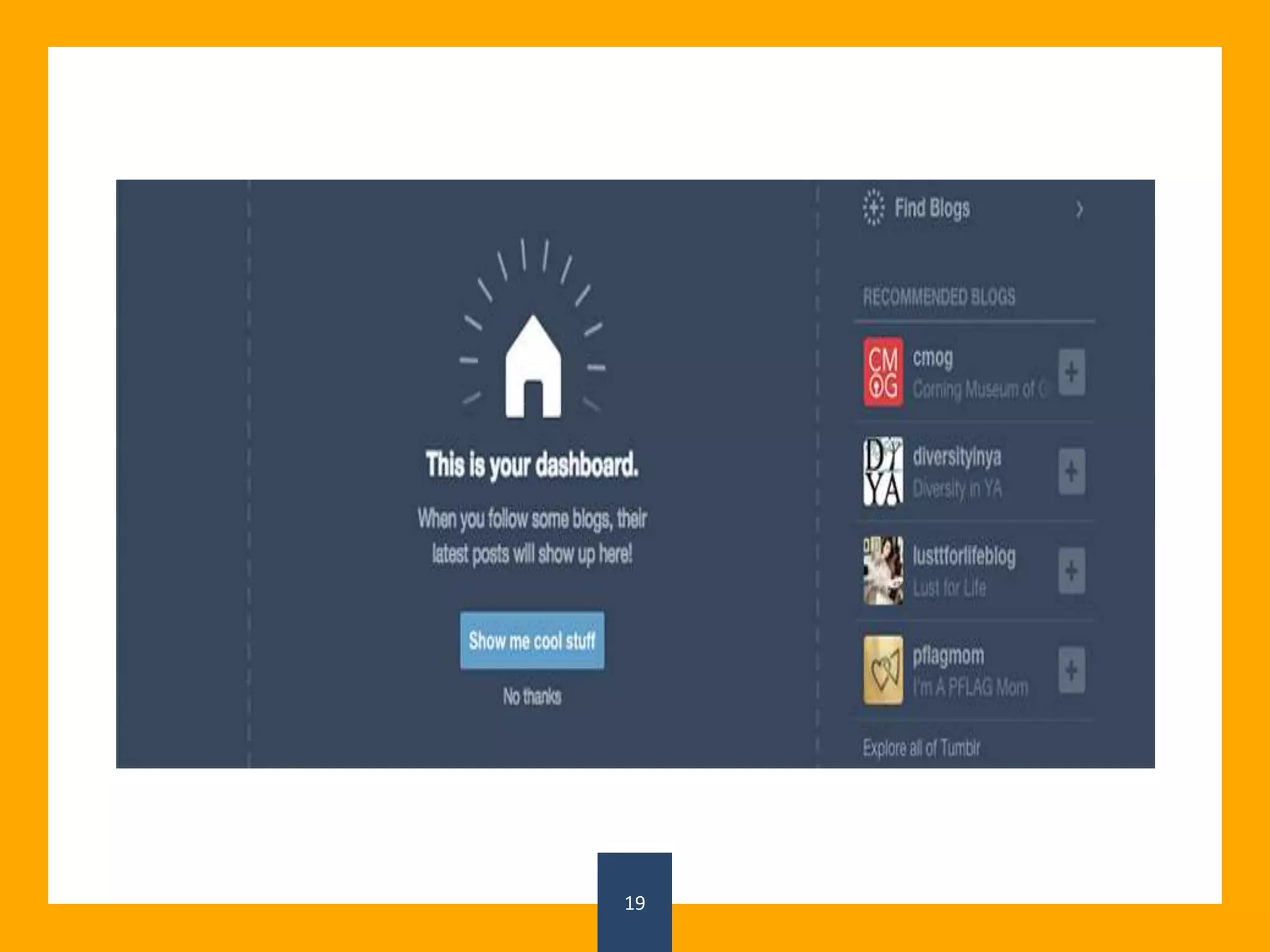
Your app’s interface should be as
intuitive as possible. However, users
will sometimes need a gentle push into
the right direction. It’s important to let
them learn on their own and only offer
help when it’s needed.
Help Users Decide
Rules for Creating Intuitive Web Apps
21
22
23
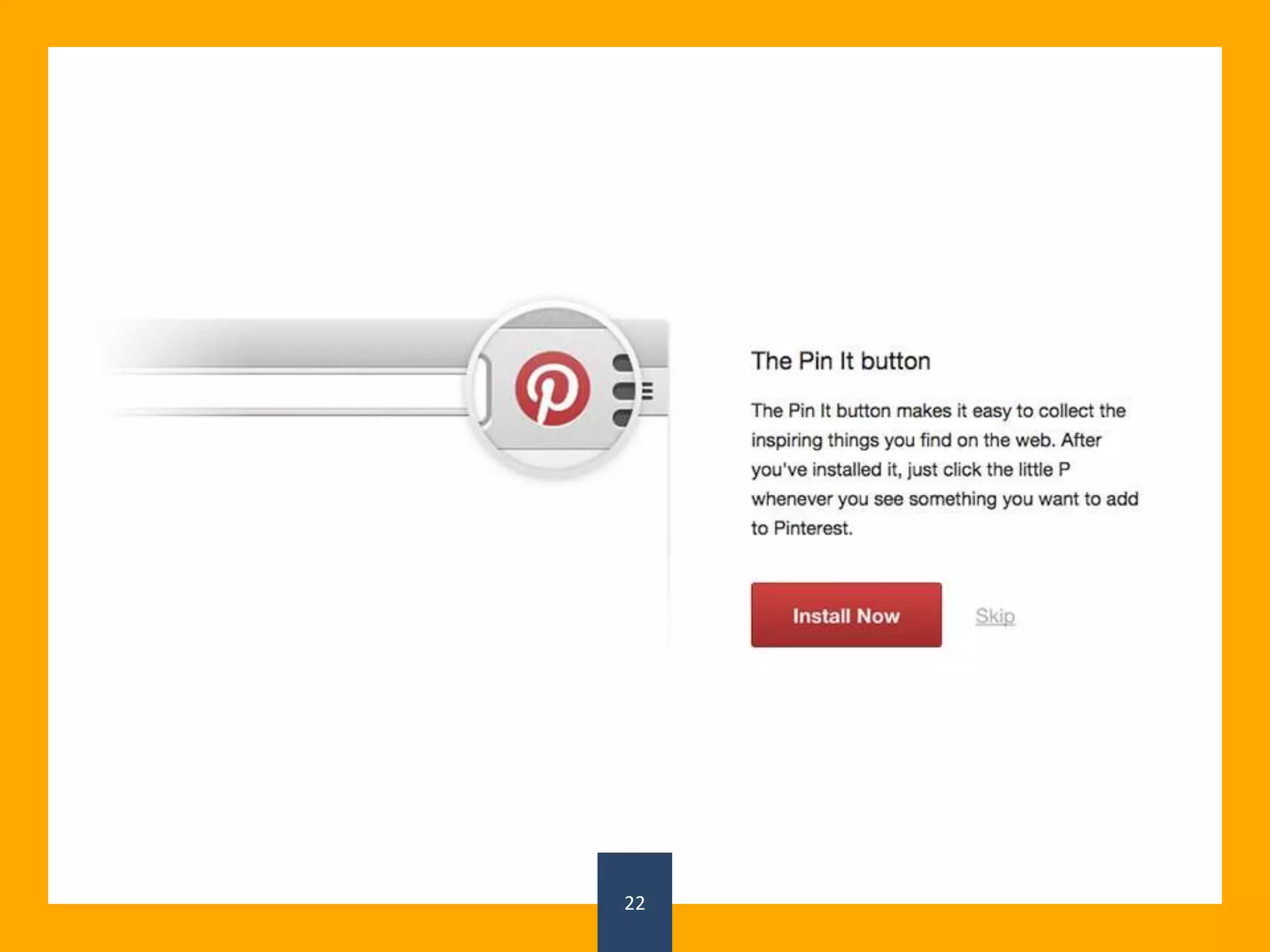
Looking at a new interface for the first time
can be overwhelming. Help new users follow
through with the task they’re most likely to
do by adding emphasis to the “next step”.
Should they create a new project? Install
software?
You can even start with a lean UI and only
add features as the user progresses.
Focus On Target Users
Rules for Creating Intuitive Web Apps
24
25
26
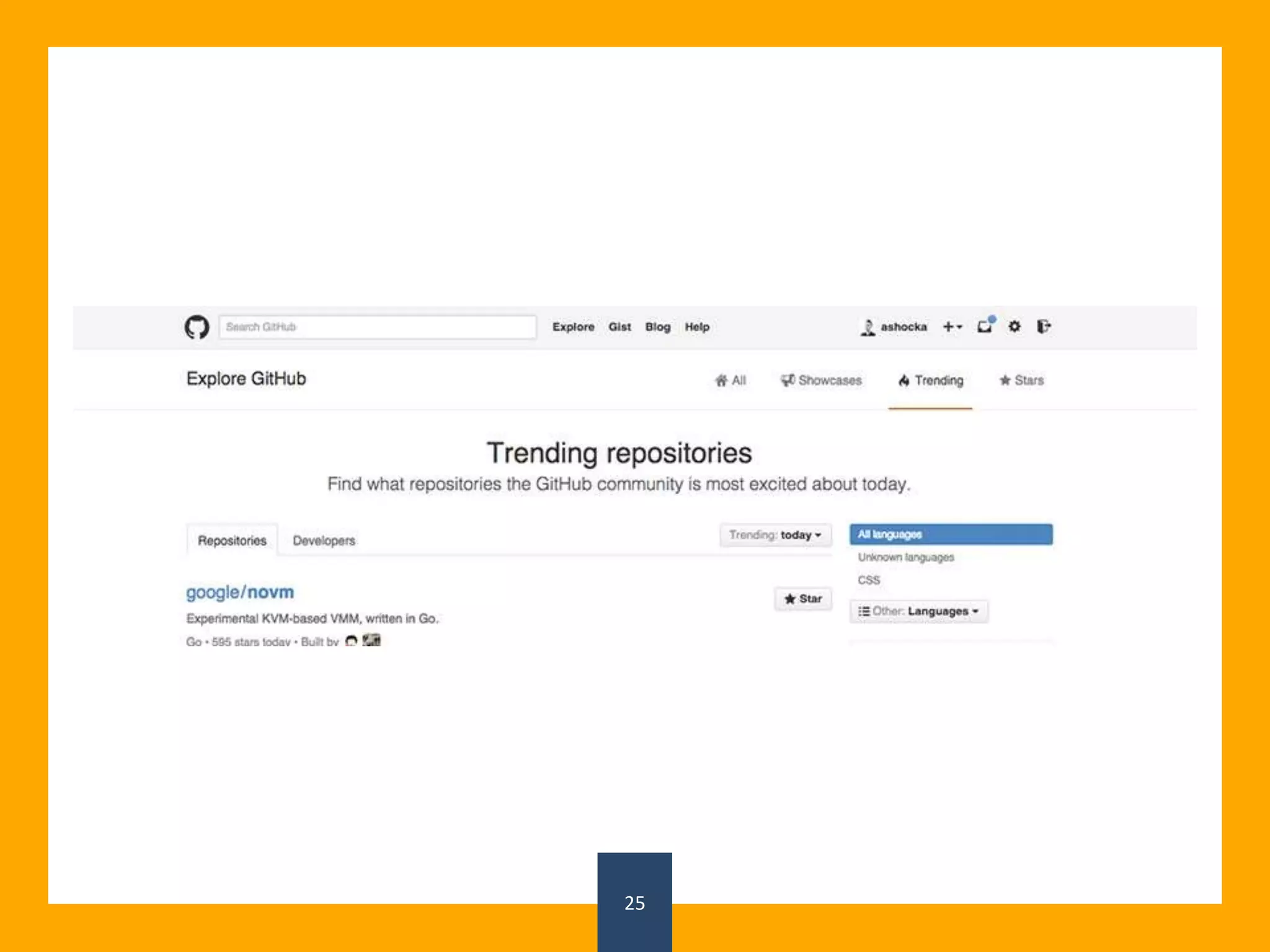
You should always design for your
audience. If the majority of your users
know Git, there’s really no point in also
tailoring the experience to non-techies.
At worst, you’ll clutter the interface for
everyone.
Where Am I?
Rules for Creating Intuitive Web Apps
27
28
29
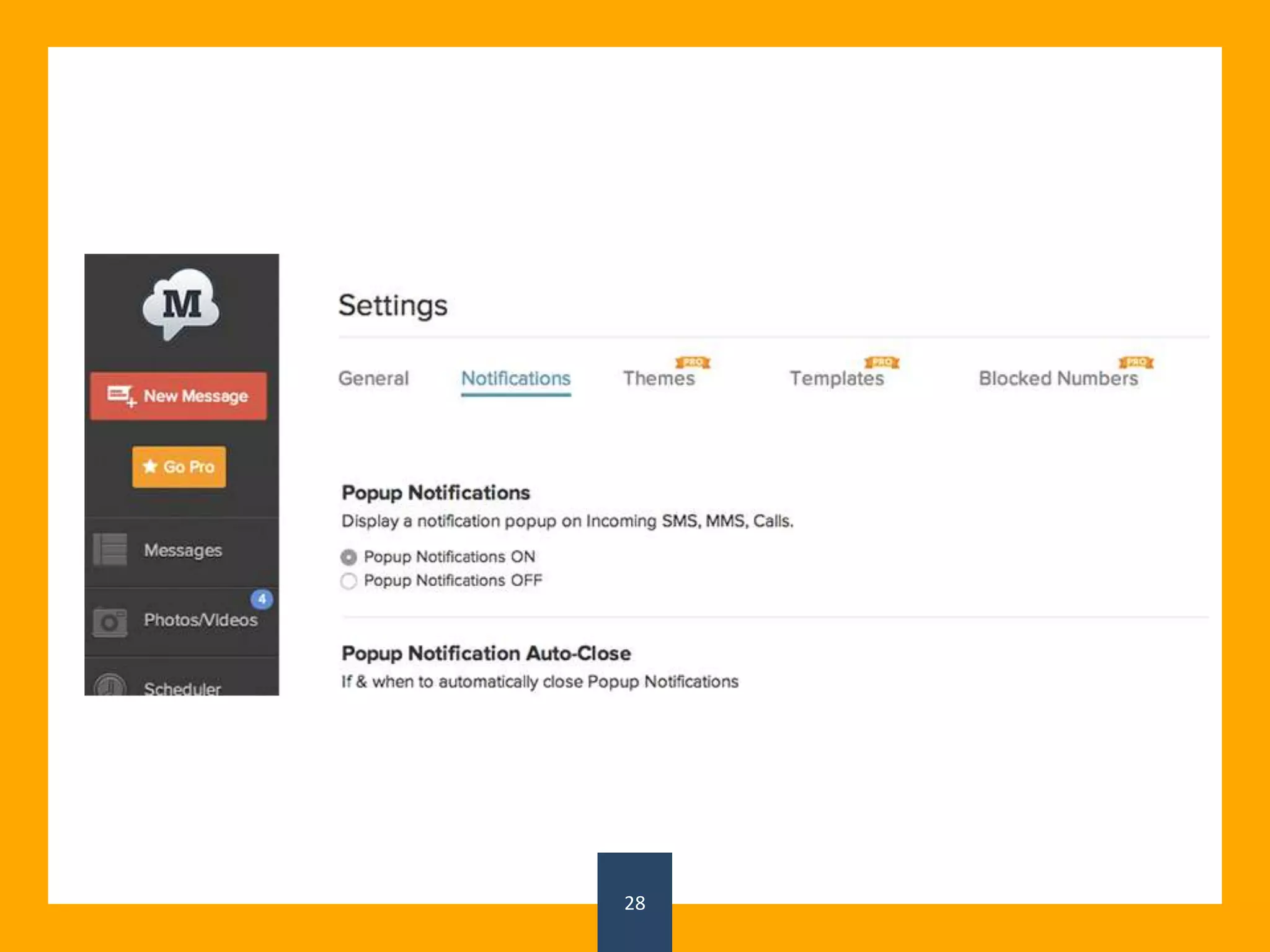
Don’t let your users get lost in your app.
Using elements like breadcrumbs or form
steps will help eliminate unnecessary clicks
and show hierarchy.
In simpler apps, Simply marking the current
page in the navigation will do the trick.
Where did that come
from?
Rules for Creating Intuitive Web Apps
30
31
32
Instead of just displaying data, show
transition. This way, you’ll avoid
surprising users with a different
interface.
Design For No Data
Rules for Creating Intuitive Web Apps
33
34
35
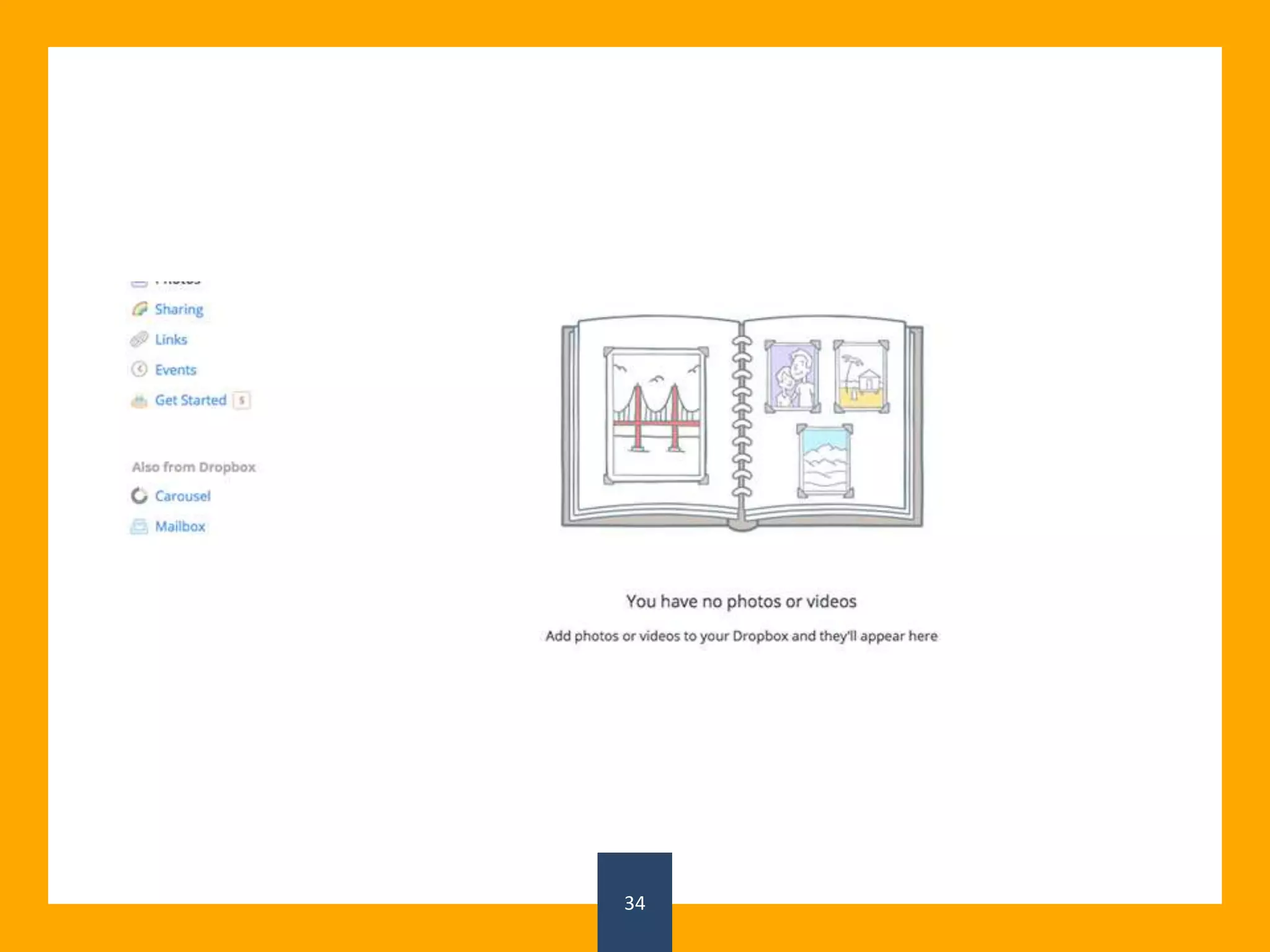
To make mockups look nicer and more realistic
(even if it’s just Lorem Ipsum), we design
apps with content. But that’s not what fist-time
users will see. In places where there should be a
list of files or friends there will be blank
space(sorry, I had to). We can either guide users
through creating some content or display helpful
and unobtrusive tips.
Keep Consistent
Rules for Creating Intuitive Web Apps
36
37
38
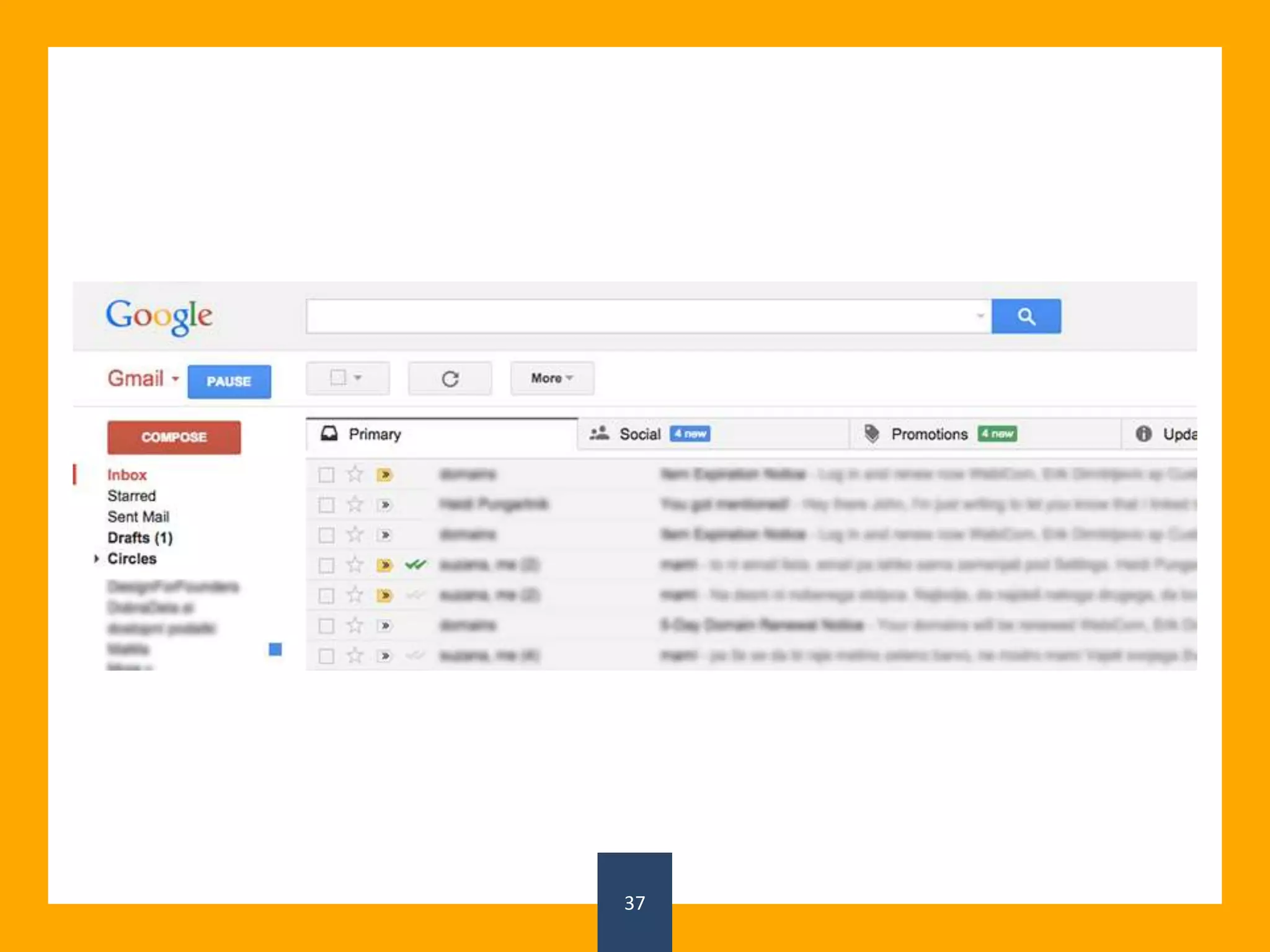
One of the top principles of good UX is
keeping the interface consistent
throughout the entire app. A user has to
already learn how to use it, so why not
make it similar from screen to screen?
Load Quickly
Rules for Creating Intuitive Web Apps
39
40
41
47% of consumers expect a web page to load
in 2 seconds or less.
Users are slightly easier on web apps, but
loading time is still important. Displaying a
part of the content or a loading bar is a great
way to keep users on the page.
Test
Rules for Creating Intuitive Web Apps
42
43
44
There is only so much a list of tips can give
you. Your users are different — ask them
what they want and test different ideas
with A/B testing, surveys, or usability
testing.
If you want to learn more about UX and
other aspects of design, be sure to sign up
for our free email course below!
Rules for Creating Intuitive Web Apps
45
Website - https://devtechnosys.ae/

14 timeless rules for creating intuitive web apps

  • 1.
    14 Timeless Rulesfor Creating Intuitive Web Apps
  • 2.
    A web appthat’s difficult to figure out, unintuitive, or inefficient is not going to win many hearts. But designing a user- friendly interface is hard. On top of the usual design problems like picking the right colors and creating a proper content structure, you need to also be aware of the bigger picture.
  • 3.
    Don’t Reinvent Patterns Rules forCreating Intuitive Web Apps 3
  • 4.
  • 5.
    5 Use patterns yousee in popular apps to help users learn your interface. These patterns can be •colors (using red for errors) •icons (envelope is a recognized symbol for messages) •placing (“forward” button is always on the right-hand side)
  • 6.
    Group Related Elements Rules forCreating Intuitive Web Apps 6
  • 7.
  • 8.
    8 Users should (inmost cases) be able to guess where to find a control or information. A great way to make sure of that is to group related objects together. For example, features like log out, settings, profile, switch account belong together, so they shouldn’t be scattered around. We can connect them with colour, styles (same size font), or put them in the same box.
  • 9.
    Less is Better Rulesfor Creating Intuitive Web Apps 9
  • 10.
  • 11.
    11 Feature requests willnever stop. Your app will never be perfect. But it can be useful. And the only way to make sure of that is by limiting the number of features. Every button you add is another chance for a new user to get confused and leave. Ask yourself: If this app only did one thing, what would it be?
  • 12.
    Plan Before Developing Rules forCreating Intuitive Web Apps 12
  • 13.
  • 14.
    14 Take some timeto break down your app into a wireframe before starting to code. Making changes later is far from easy. UX should be a priority before everything else starts. Start with user flow. Go step-by-step from nothing to the result and skip all the “nice to have” features.
  • 15.
    Provide Feedback Rules forCreating Intuitive Web Apps 15
  • 16.
  • 17.
    17 There’s nothing worsethan buttons that do nothing. To keep users from clicking the same button five times just because the site is loading, provide a cue to let them know what’s going on. This can be textual, using words like “Loading …”, “Sending …”, or “Please wait”, or using a loading bar.
  • 18.
    Unobtrusive Help Rules forCreating Intuitive Web Apps 18
  • 19.
  • 20.
    20 Your app’s interfaceshould be as intuitive as possible. However, users will sometimes need a gentle push into the right direction. It’s important to let them learn on their own and only offer help when it’s needed.
  • 21.
    Help Users Decide Rulesfor Creating Intuitive Web Apps 21
  • 22.
  • 23.
    23 Looking at anew interface for the first time can be overwhelming. Help new users follow through with the task they’re most likely to do by adding emphasis to the “next step”. Should they create a new project? Install software? You can even start with a lean UI and only add features as the user progresses.
  • 24.
    Focus On TargetUsers Rules for Creating Intuitive Web Apps 24
  • 25.
  • 26.
    26 You should alwaysdesign for your audience. If the majority of your users know Git, there’s really no point in also tailoring the experience to non-techies. At worst, you’ll clutter the interface for everyone.
  • 27.
    Where Am I? Rulesfor Creating Intuitive Web Apps 27
  • 28.
  • 29.
    29 Don’t let yourusers get lost in your app. Using elements like breadcrumbs or form steps will help eliminate unnecessary clicks and show hierarchy. In simpler apps, Simply marking the current page in the navigation will do the trick.
  • 30.
    Where did thatcome from? Rules for Creating Intuitive Web Apps 30
  • 31.
  • 32.
    32 Instead of justdisplaying data, show transition. This way, you’ll avoid surprising users with a different interface.
  • 33.
    Design For NoData Rules for Creating Intuitive Web Apps 33
  • 34.
  • 35.
    35 To make mockupslook nicer and more realistic (even if it’s just Lorem Ipsum), we design apps with content. But that’s not what fist-time users will see. In places where there should be a list of files or friends there will be blank space(sorry, I had to). We can either guide users through creating some content or display helpful and unobtrusive tips.
  • 36.
    Keep Consistent Rules forCreating Intuitive Web Apps 36
  • 37.
  • 38.
    38 One of thetop principles of good UX is keeping the interface consistent throughout the entire app. A user has to already learn how to use it, so why not make it similar from screen to screen?
  • 39.
    Load Quickly Rules forCreating Intuitive Web Apps 39
  • 40.
  • 41.
    41 47% of consumersexpect a web page to load in 2 seconds or less. Users are slightly easier on web apps, but loading time is still important. Displaying a part of the content or a loading bar is a great way to keep users on the page.
  • 42.
    Test Rules for CreatingIntuitive Web Apps 42
  • 43.
  • 44.
    44 There is onlyso much a list of tips can give you. Your users are different — ask them what they want and test different ideas with A/B testing, surveys, or usability testing. If you want to learn more about UX and other aspects of design, be sure to sign up for our free email course below!
  • 45.
    Rules for CreatingIntuitive Web Apps 45 Website - https://devtechnosys.ae/