10/27/2006                           ES 240 Solid Mechanics                             Nanshu Lu


                                   ABAQUS Tutorial
TF: Nanshu Lu
Email: nanshulu@fas.harvard.edu     Phone: 617-496-7107       Office: Pierce Hall 403
Schedule

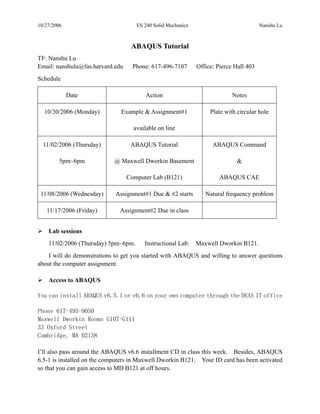
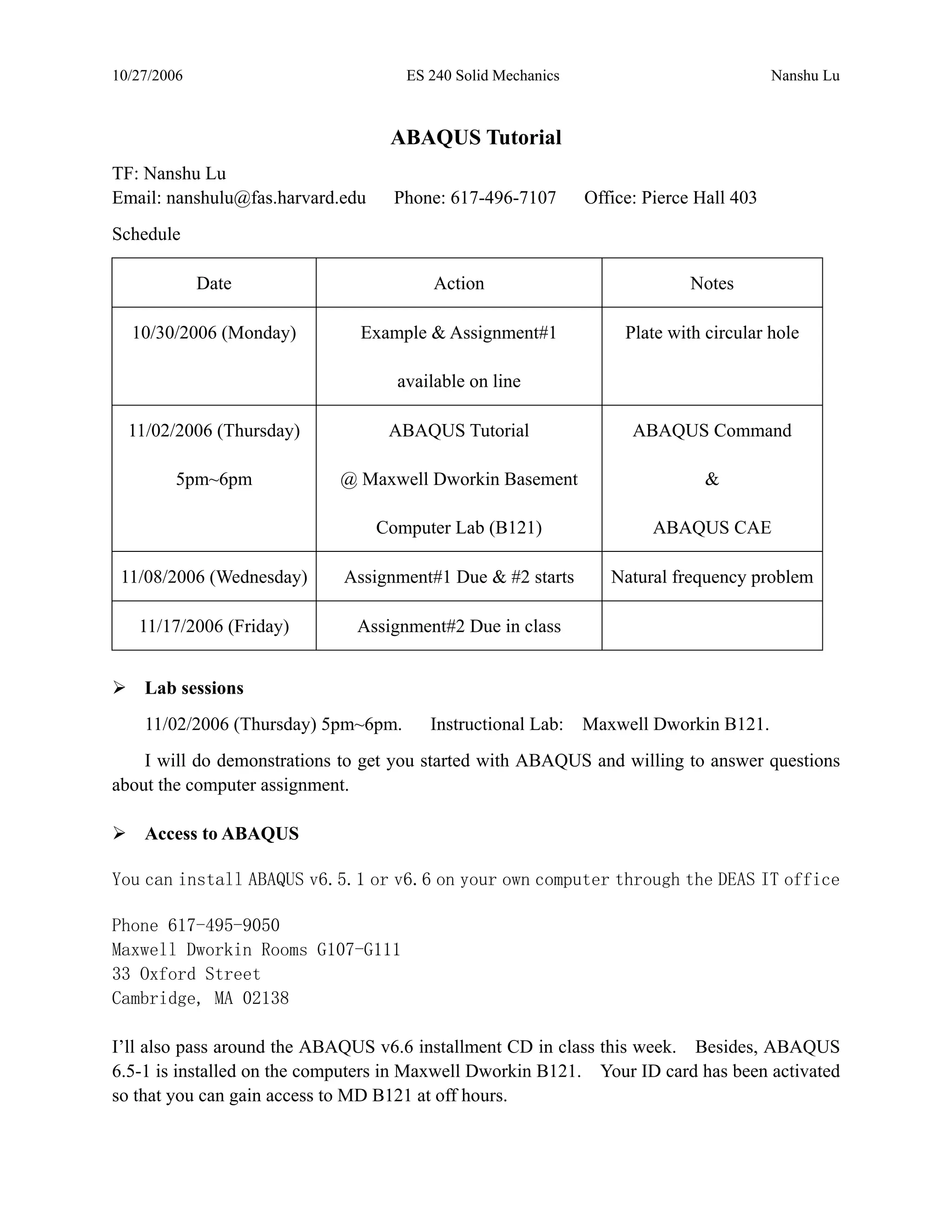
             Date                       Action                              Notes

  10/30/2006 (Monday)          Example & Assignment#1              Plate with circular hole

                                    available on line

  11/02/2006 (Thursday)            ABAQUS Tutorial                  ABAQUS Command

         5pm~6pm            @ Maxwell Dworkin Basement                        &

                                  Computer Lab (B121)                  ABAQUS CAE

 11/08/2006 (Wednesday)      Assignment#1 Due & #2 starts        Natural frequency problem

   11/17/2006 (Friday)        Assignment#2 Due in class


    Lab sessions
    11/02/2006 (Thursday) 5pm~6pm.      Instructional Lab:    Maxwell Dworkin B121.
    I will do demonstrations to get you started with ABAQUS and willing to answer questions
about the computer assignment.

    Access to ABAQUS

You can install ABAQUS v6.5.1 or v6.6 on your own computer through the DEAS IT office

Phone 617-495-9050
Maxwell Dworkin Rooms G107-G111
33 Oxford Street
Cambridge, MA 02138

I’ll also pass around the ABAQUS v6.6 installment CD in class this week. Besides, ABAQUS
6.5-1 is installed on the computers in Maxwell Dworkin B121. Your ID card has been activated
so that you can gain access to MD B121 at off hours.
10/27/2006                               ES 240 Solid Mechanics                             Nanshu Lu


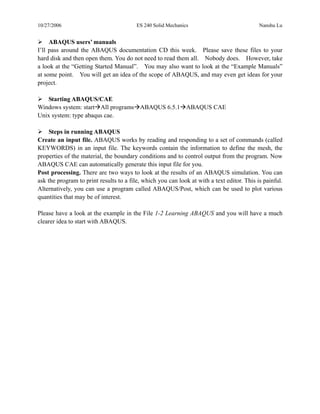
     ABAQUS users’ manuals
I’ll pass around the ABAQUS documentation CD this week. Please save these files to your
hard disk and then open them. You do not need to read them all. Nobody does. However, take
a look at the “Getting Started Manual”. You may also want to look at the “Example Manuals”
at some point. You will get an idea of the scope of ABAQUS, and may even get ideas for your
project.

   Starting ABAQUS/CAE
Windows system: start All programs ABAQUS 6.5.1 ABAQUS CAE
Unix system: type abaqus cae.

     Steps in running ABAQUS
Create an input file. ABAQUS works by reading and responding to a set of commands (called
KEYWORDS) in an input file. The keywords contain the information to define the mesh, the
properties of the material, the boundary conditions and to control output from the program. Now
ABAQUS CAE can automatically generate this input file for you.
Post processing. There are two ways to look at the results of an ABAQUS simulation. You can
ask the program to print results to a file, which you can look at with a text editor. This is painful.
Alternatively, you can use a program called ABAQUS/Post, which can be used to plot various
quantities that may be of interest.

Please have a look at the example in the File 1-2 Learning ABAQUS and you will have a much
clearer idea to start with ABAQUS.

1 1 abaqus tutorial

  • 1.
    10/27/2006 ES 240 Solid Mechanics Nanshu Lu ABAQUS Tutorial TF: Nanshu Lu Email: nanshulu@fas.harvard.edu Phone: 617-496-7107 Office: Pierce Hall 403 Schedule Date Action Notes 10/30/2006 (Monday) Example & Assignment#1 Plate with circular hole available on line 11/02/2006 (Thursday) ABAQUS Tutorial ABAQUS Command 5pm~6pm @ Maxwell Dworkin Basement & Computer Lab (B121) ABAQUS CAE 11/08/2006 (Wednesday) Assignment#1 Due & #2 starts Natural frequency problem 11/17/2006 (Friday) Assignment#2 Due in class Lab sessions 11/02/2006 (Thursday) 5pm~6pm. Instructional Lab: Maxwell Dworkin B121. I will do demonstrations to get you started with ABAQUS and willing to answer questions about the computer assignment. Access to ABAQUS You can install ABAQUS v6.5.1 or v6.6 on your own computer through the DEAS IT office Phone 617-495-9050 Maxwell Dworkin Rooms G107-G111 33 Oxford Street Cambridge, MA 02138 I’ll also pass around the ABAQUS v6.6 installment CD in class this week. Besides, ABAQUS 6.5-1 is installed on the computers in Maxwell Dworkin B121. Your ID card has been activated so that you can gain access to MD B121 at off hours.
  • 2.
    10/27/2006 ES 240 Solid Mechanics Nanshu Lu ABAQUS users’ manuals I’ll pass around the ABAQUS documentation CD this week. Please save these files to your hard disk and then open them. You do not need to read them all. Nobody does. However, take a look at the “Getting Started Manual”. You may also want to look at the “Example Manuals” at some point. You will get an idea of the scope of ABAQUS, and may even get ideas for your project. Starting ABAQUS/CAE Windows system: start All programs ABAQUS 6.5.1 ABAQUS CAE Unix system: type abaqus cae. Steps in running ABAQUS Create an input file. ABAQUS works by reading and responding to a set of commands (called KEYWORDS) in an input file. The keywords contain the information to define the mesh, the properties of the material, the boundary conditions and to control output from the program. Now ABAQUS CAE can automatically generate this input file for you. Post processing. There are two ways to look at the results of an ABAQUS simulation. You can ask the program to print results to a file, which you can look at with a text editor. This is painful. Alternatively, you can use a program called ABAQUS/Post, which can be used to plot various quantities that may be of interest. Please have a look at the example in the File 1-2 Learning ABAQUS and you will have a much clearer idea to start with ABAQUS.