Automated Accessibility
Testing via Pa11y
Raymond Angana
What to expect
 Learn About Accessibility Testing and how to Automate it
via Pa11y.
 No actual coding involve but just snippets of code/commands
to be used.
 Possibilities of improving/scaling your QA department
through Automated Accessibility.
What is Accessibility Testing?
Accessibility Testing is a subset of Usability
Testing, and it is performed to ensure that the
application being tested is usable by people with
disabilities like hearing, color-blindness, old age
and other disadvantaged groups.
Assistive Technologies:
People with disabilities use assistive technology which helps them in operating a
software product.
• Speech Recognition Software - It will convert the spoken word to text , which
serves as input to the computer.
• Screen reader software - Used to read out the text that is displayed on the
screenScreen
• Magnification Software - Used to enlarge the monitor and make reading easy for
vision-impaired users.
• Special keyboard made for the users for easy typing who have motor control
difficulties
Why make websites accessible?
Reason 1: Cater to market for Disabled People. Disabilities
include blindness, deaf, handicapped, or any disorders in the
body.
Reason 2: Abide by Accessibility Legislations
Government agencies all over the world have come out with
legalizations, which requires that IT products to be accessible by
disabled people.
Accessibility Testing is important to ensure legal compliance.
Reason 3: Avoid Potential Law Suits
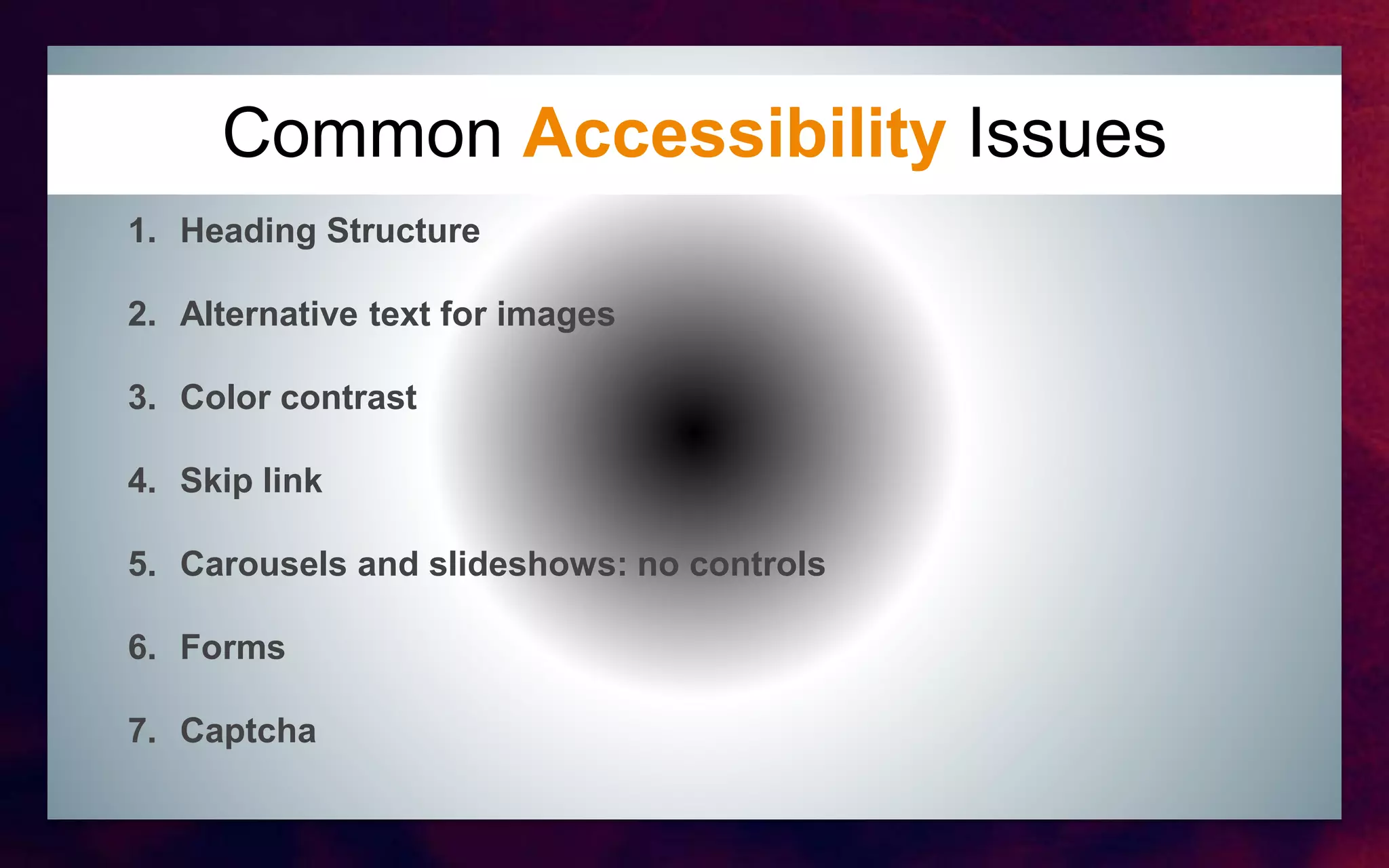
Common Accessibility issues
Common Accessibility Issues
1. Heading Structure
2. Alternative text for images
3. Color contrast
4. Skip link
5. Carousels and slideshows: no controls
6. Forms
7. Captcha
Tools Available
Tools Available
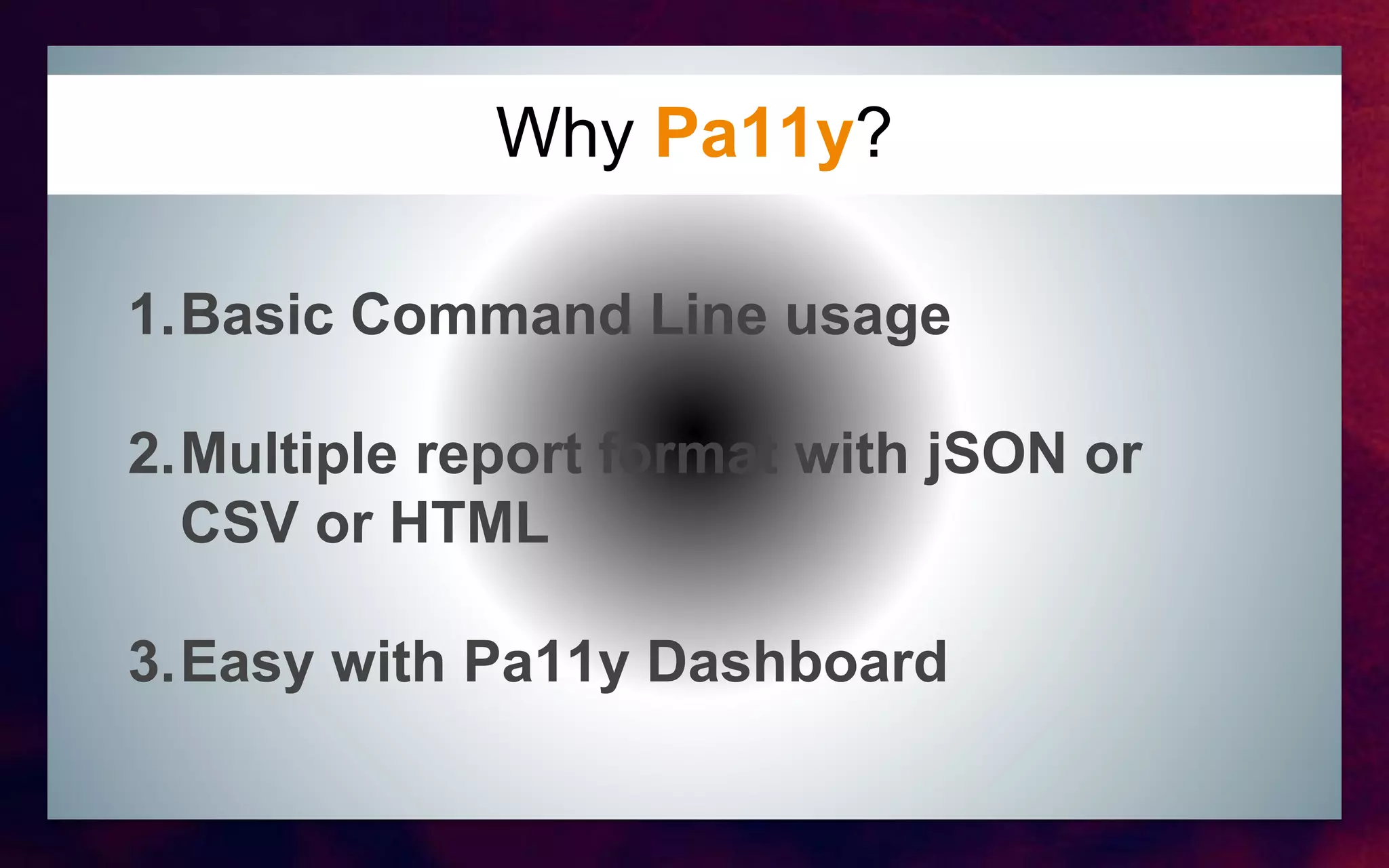
Why Pa11y?
http://pa11y.org/
Why Pa11y?
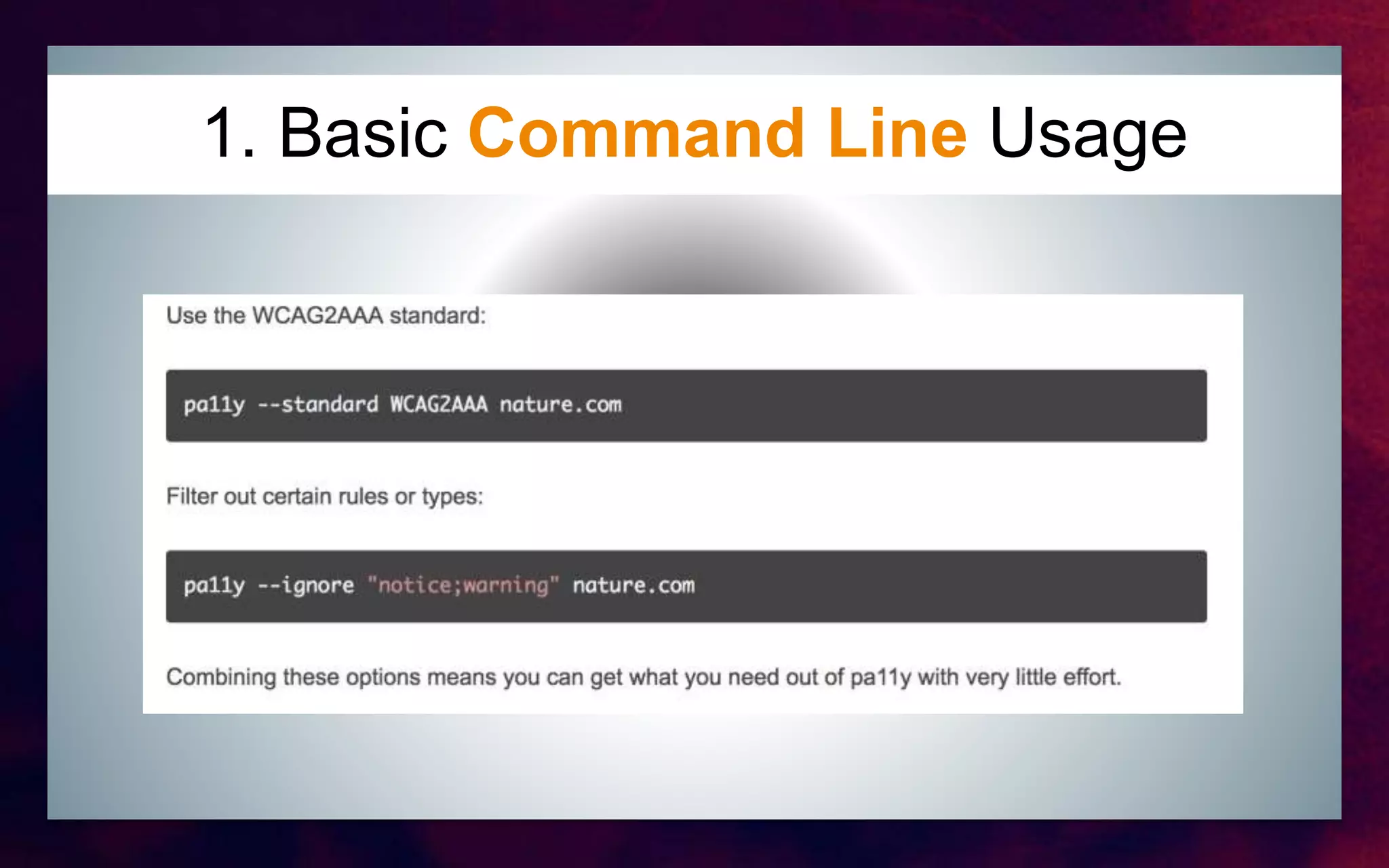
1.Basic Command Line usage
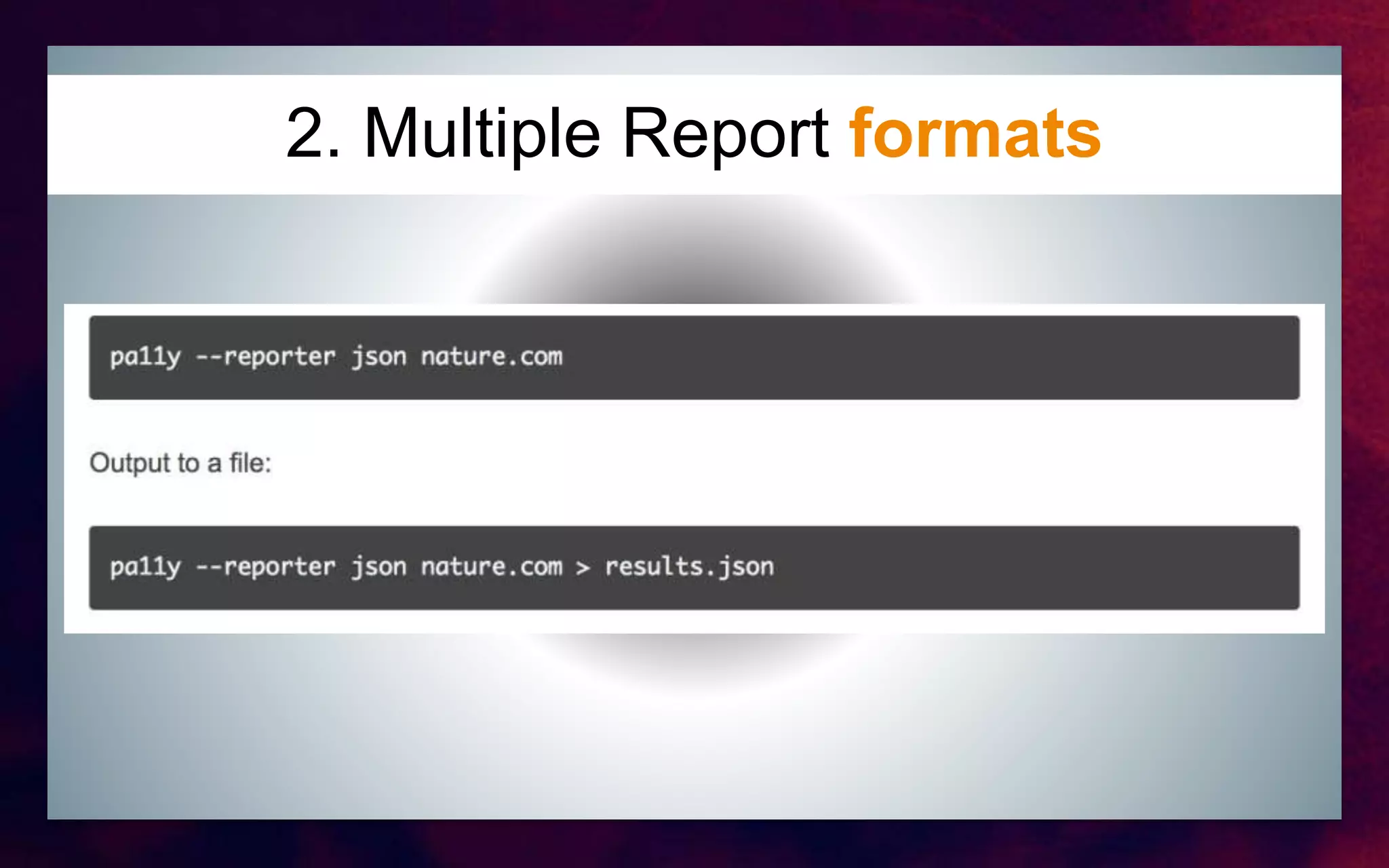
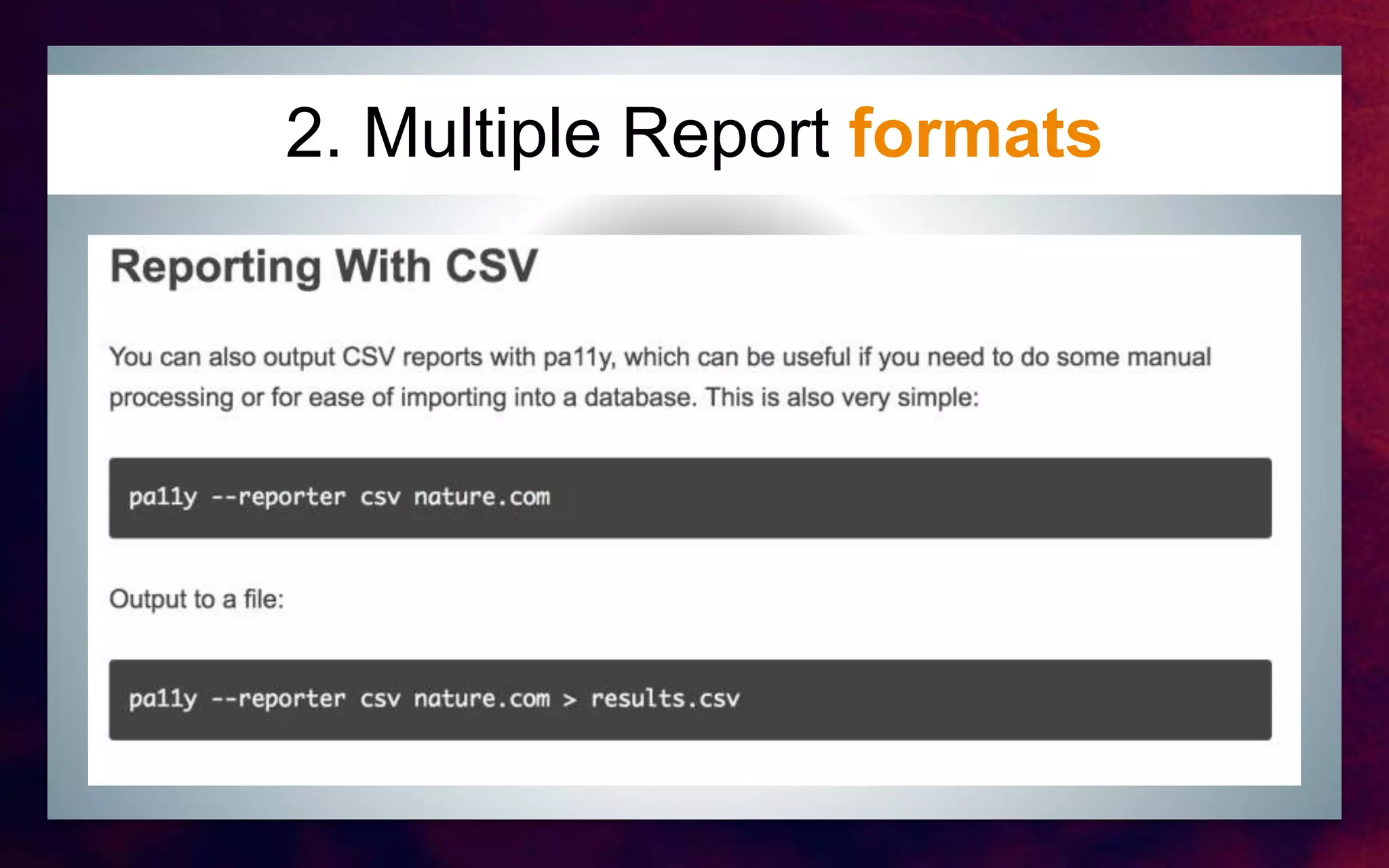
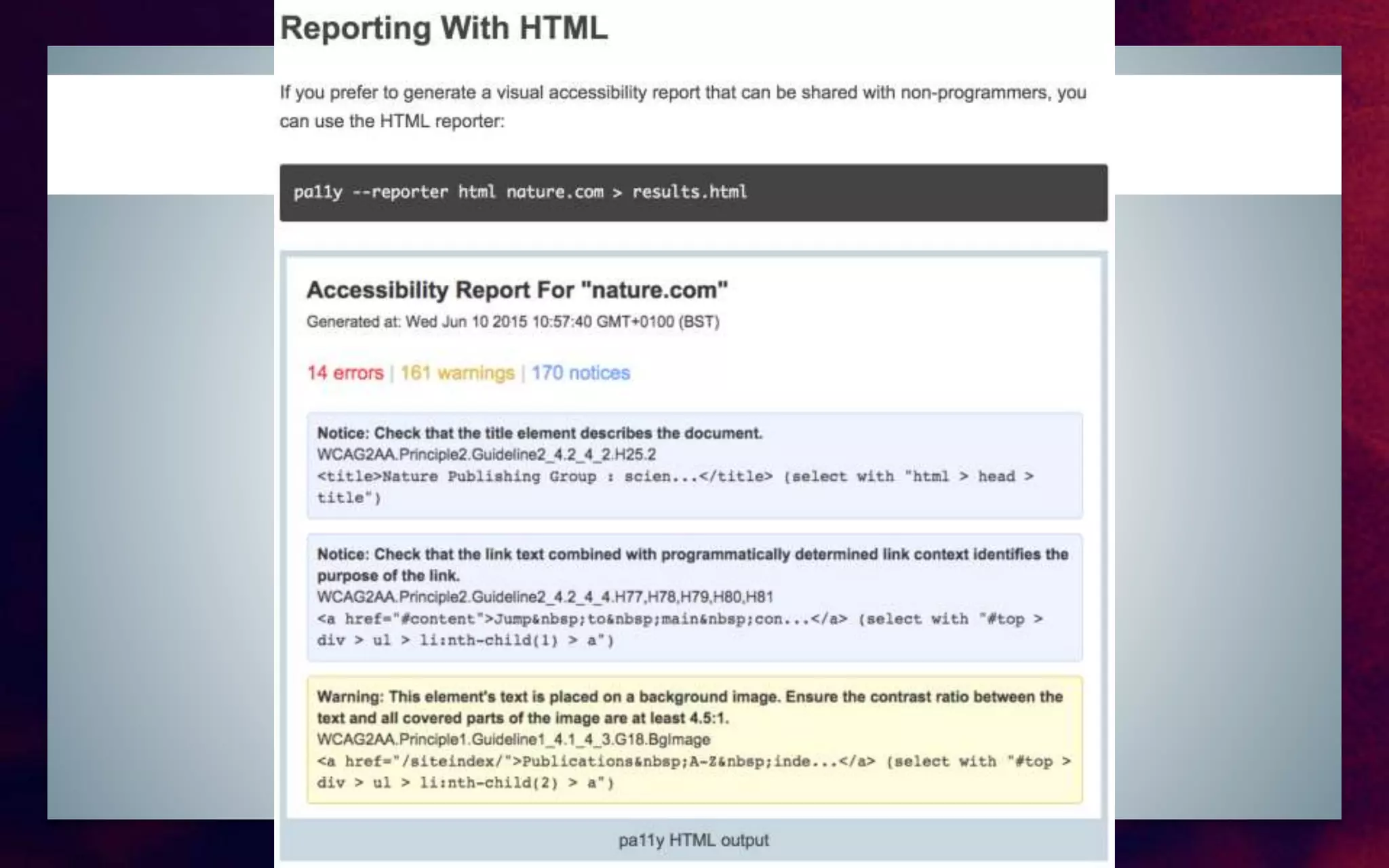
2.Multiple report format with jSON or
CSV or HTML
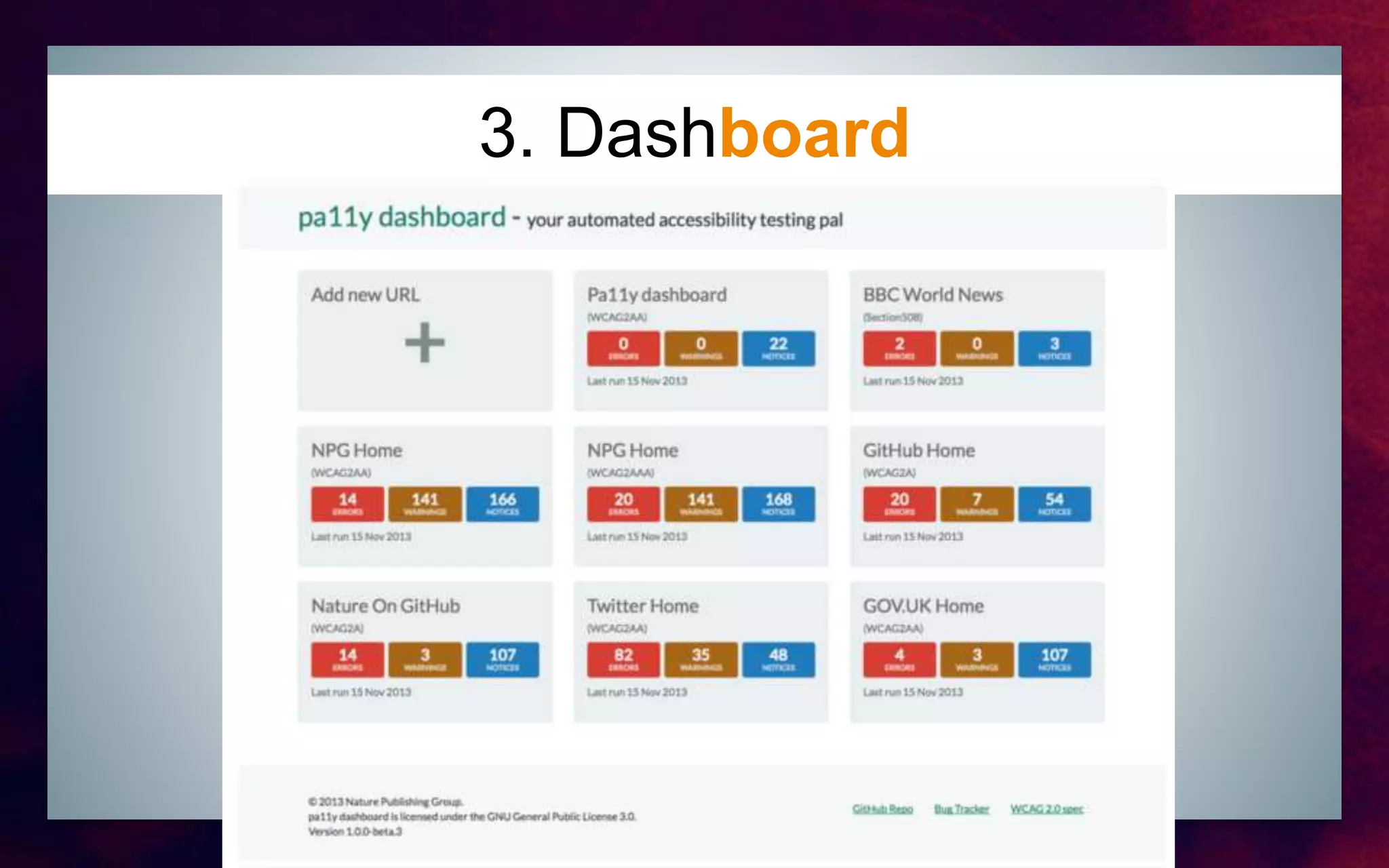
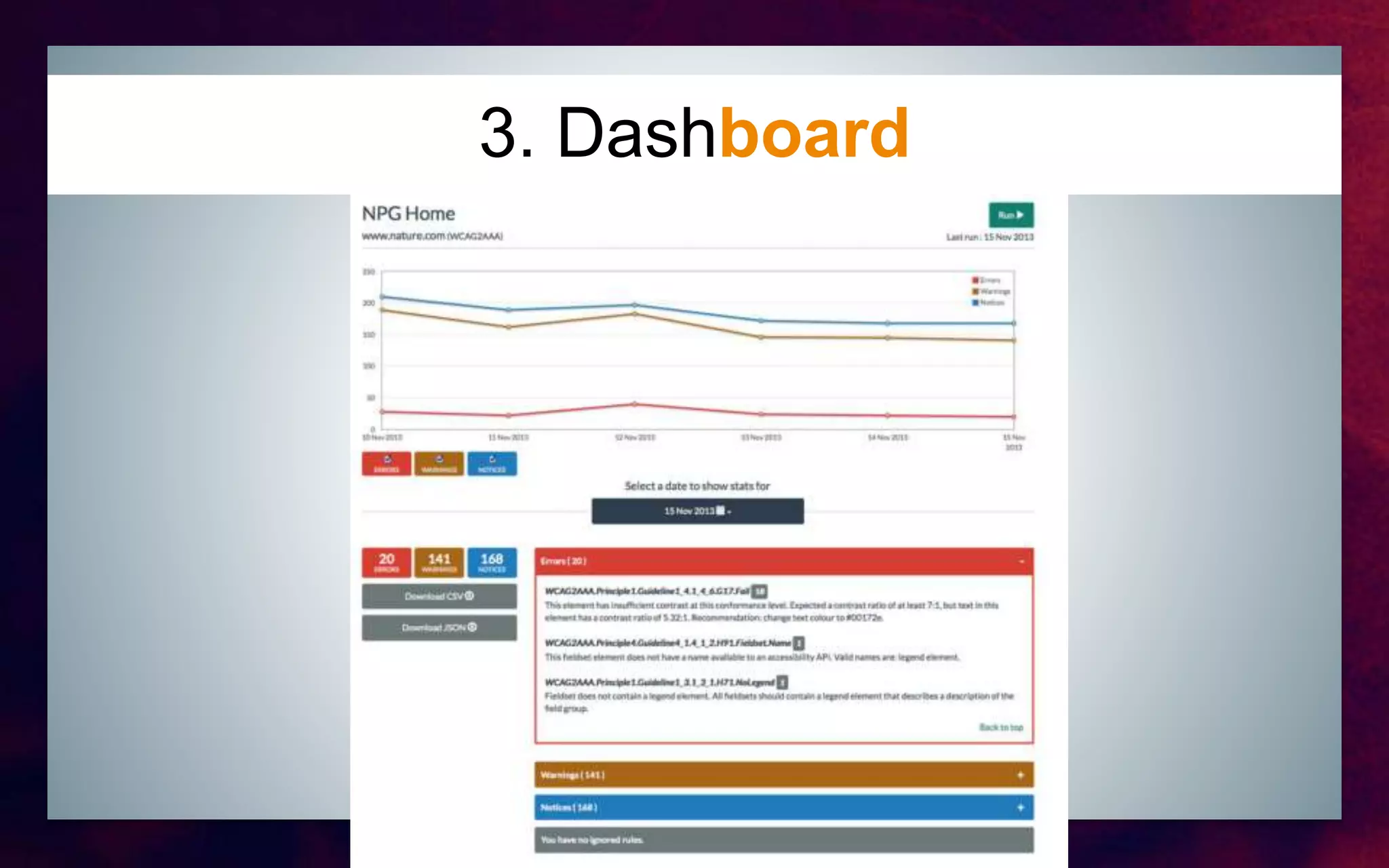
3.Easy with Pa11y Dashboard
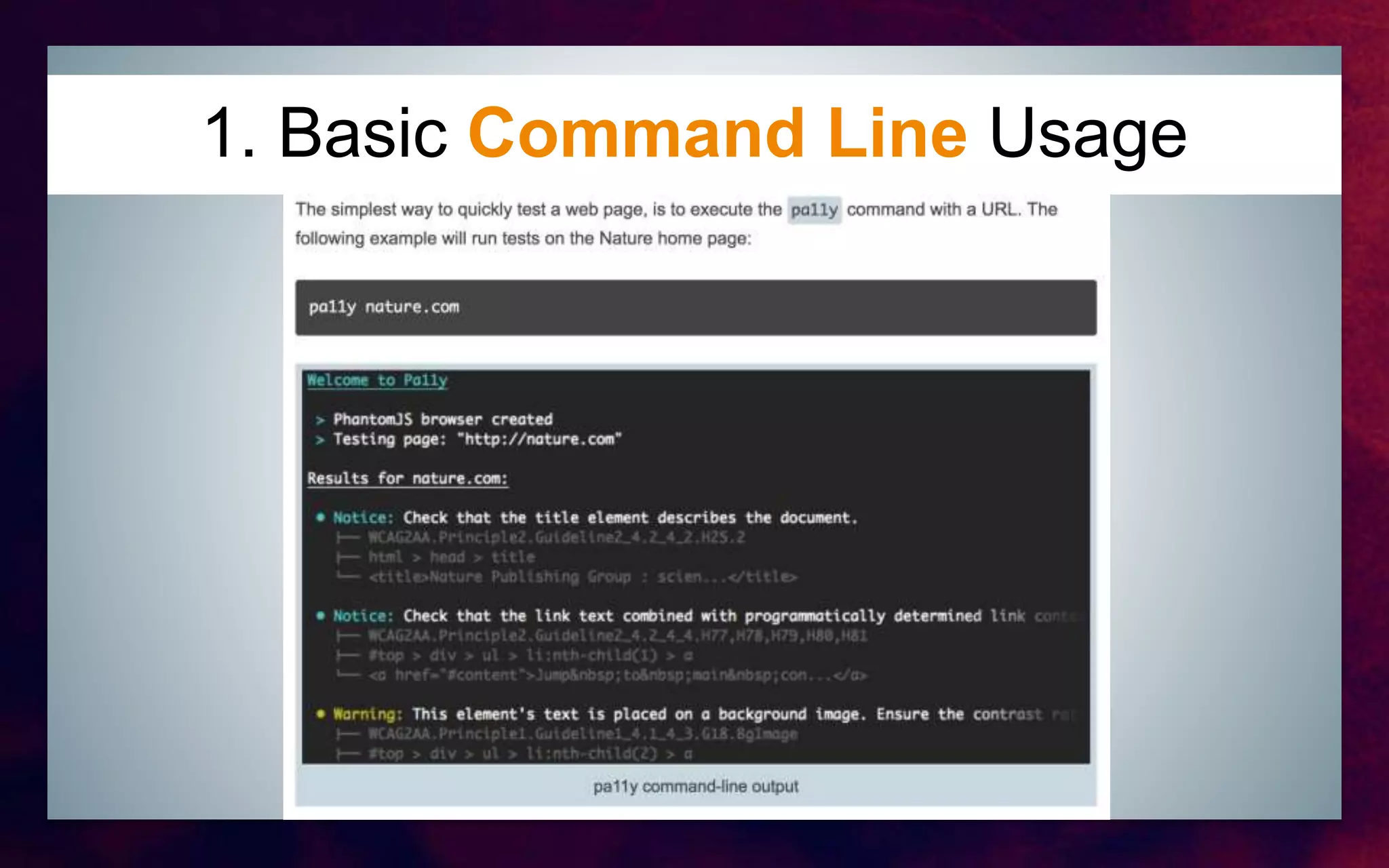
1. Basic Command Line Usage
2. Multiple Report formats
3. Dashboard
3. Dashboard
Real life test case
Generate an Accessibility Report of 2017.drupalcebu.org
Real Life Test Case: 2017.drupalcebu.org
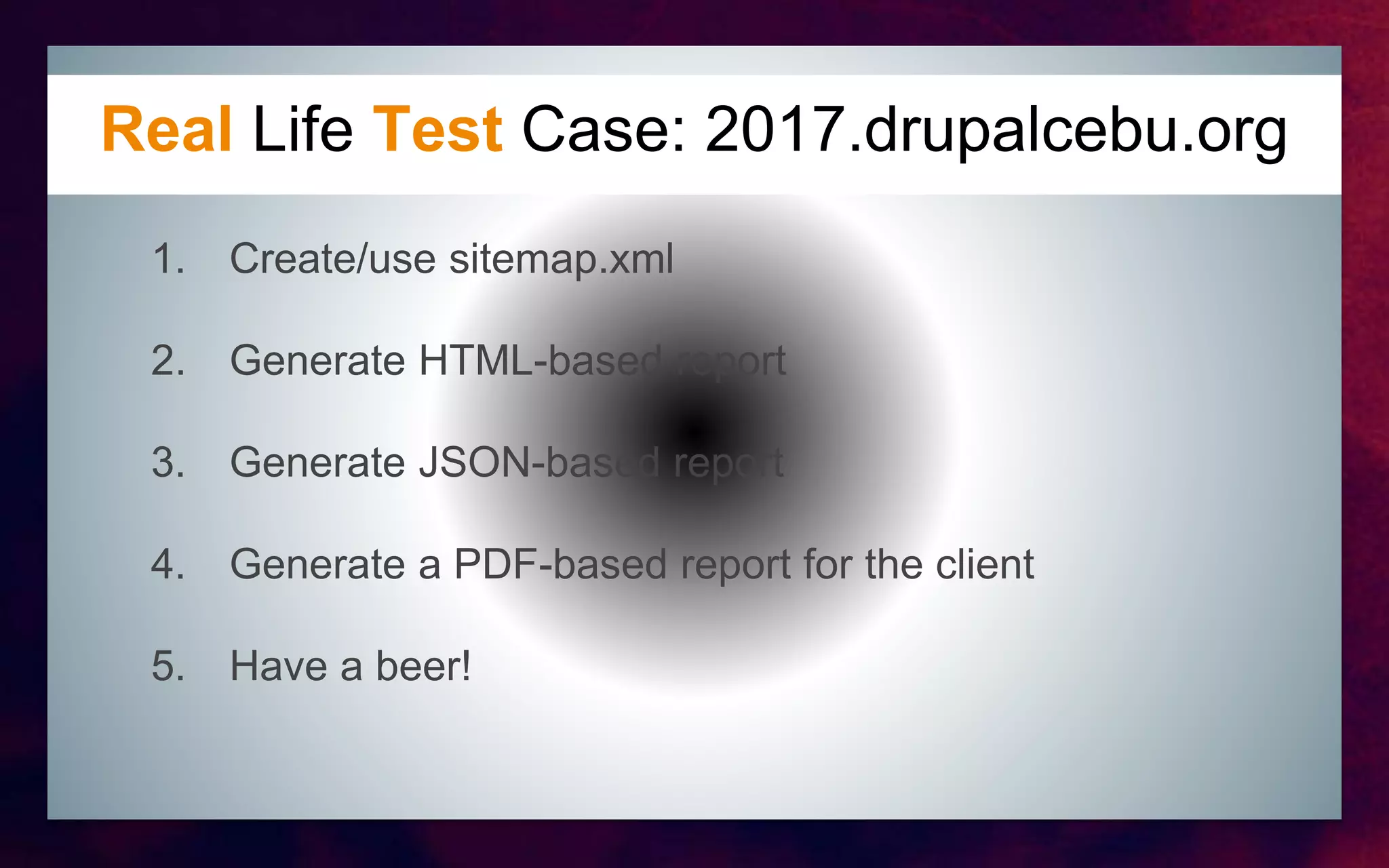
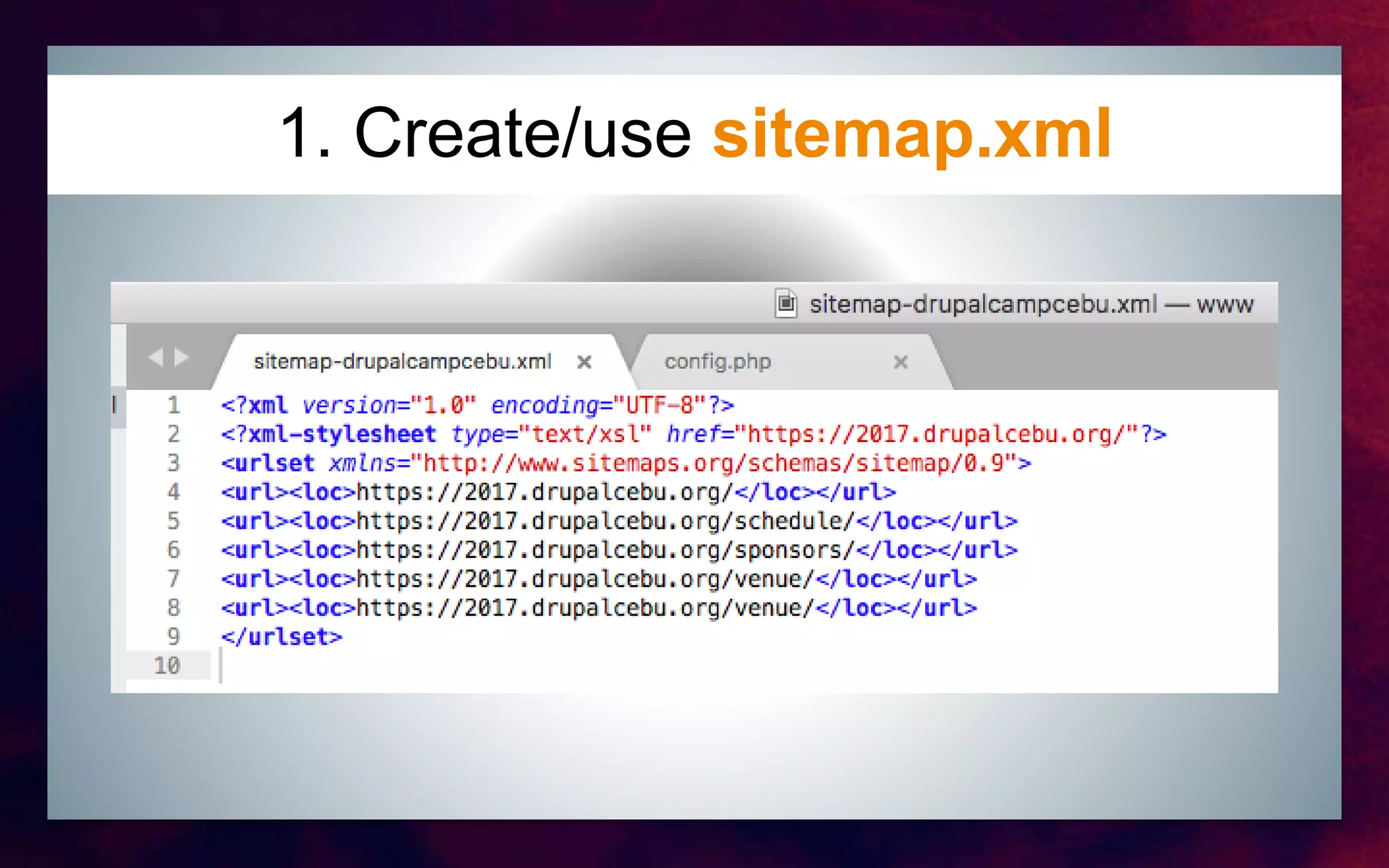
1. Create/use sitemap.xml
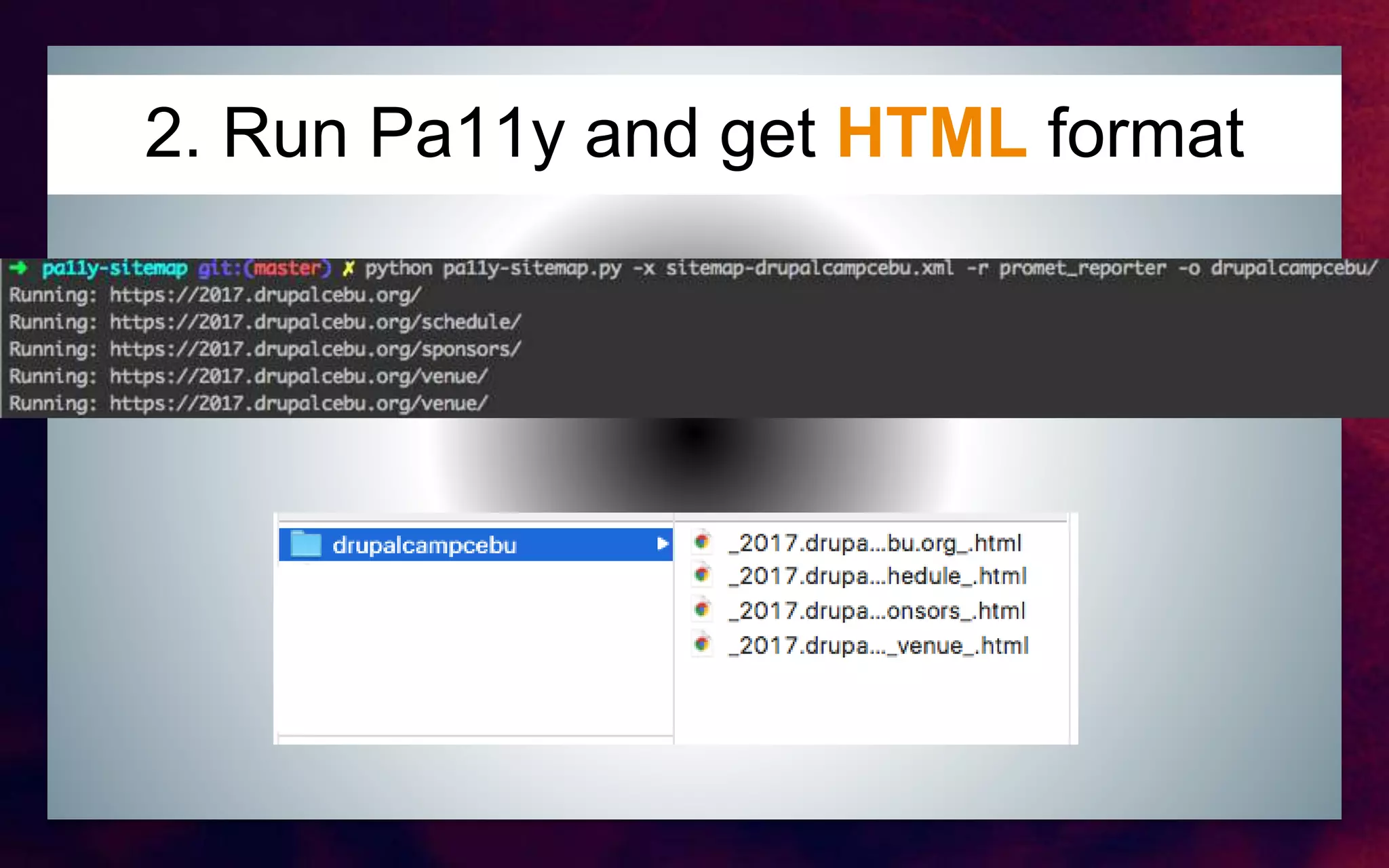
2. Generate HTML-based report
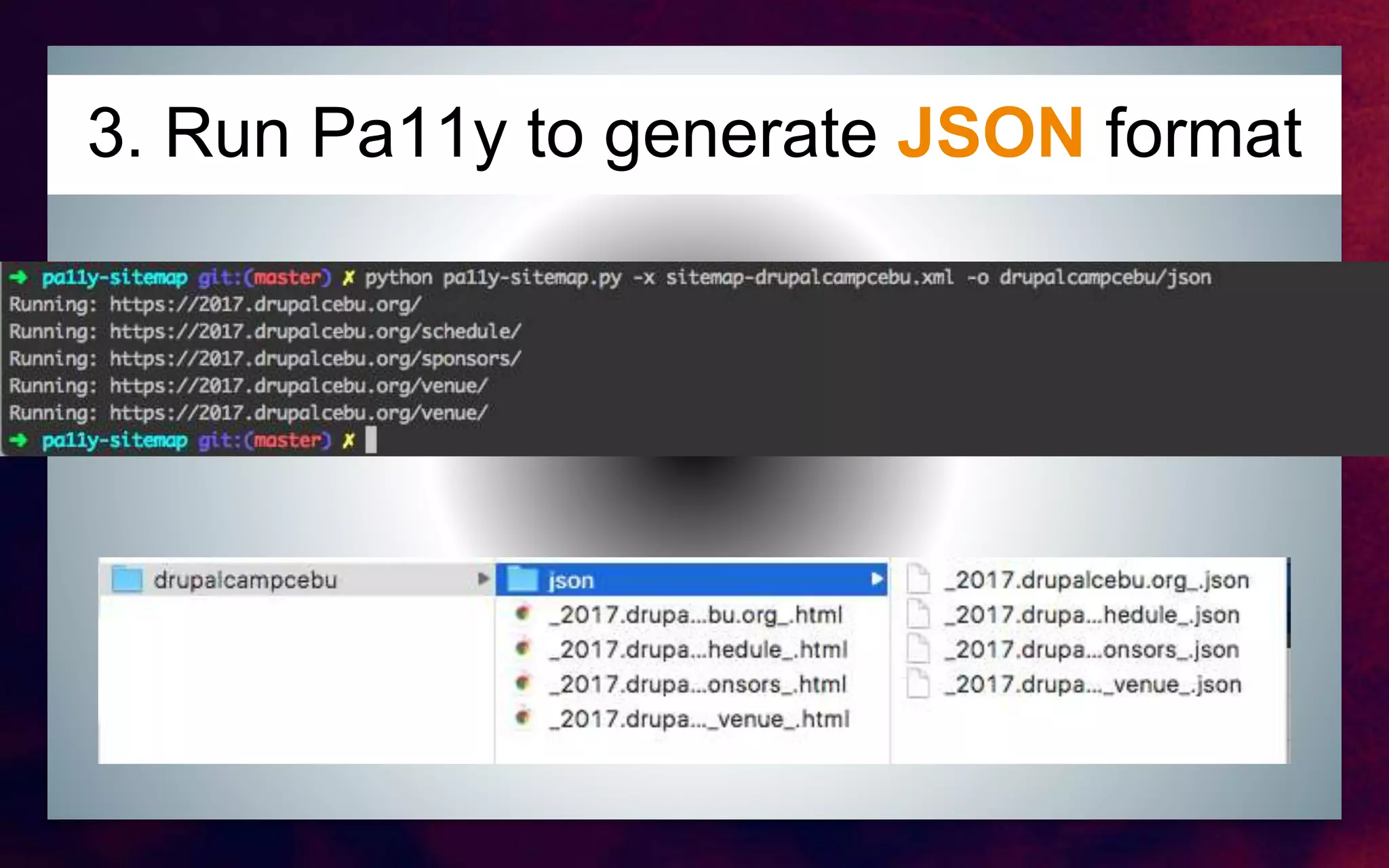
3. Generate JSON-based report
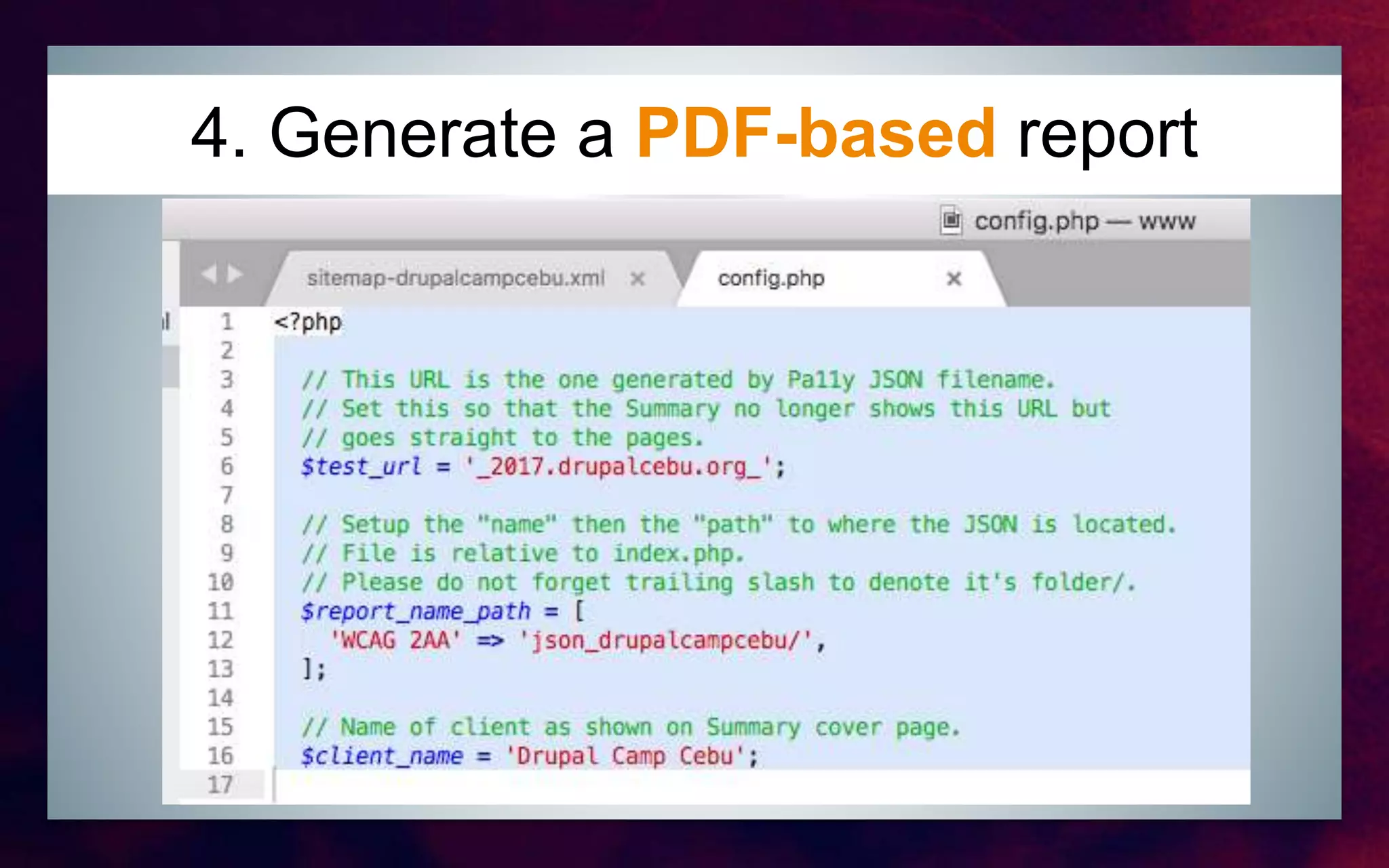
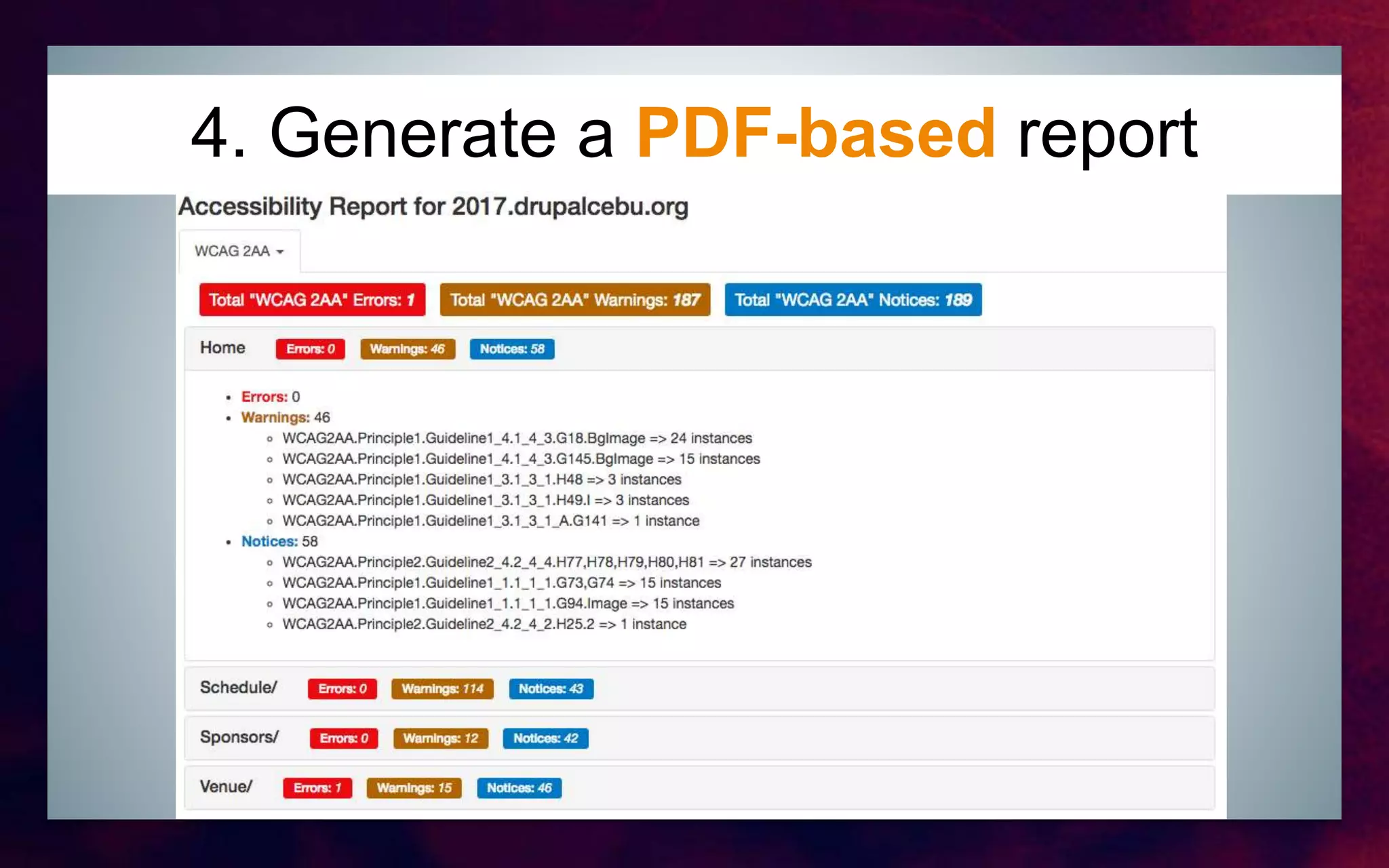
4. Generate a PDF-based report for the client
5. Have a beer!
1. Create/use sitemap.xml
2. Run Pa11y and get HTML format
3. Run Pa11y to generate JSON format
4. Generate a PDF-based report
5. Have a BEER!
The Promet way
Automate and Continuously Improve
Questions?
http://pa11y.org/
https://github.com/pa11y/pa11y
https://github.com/pa11y/pa11y-dashboard

Automated accessibility testing via pa11y