Download to read offline
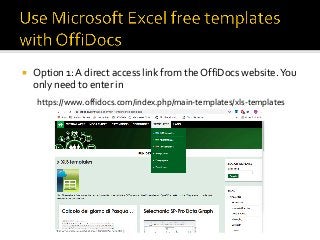
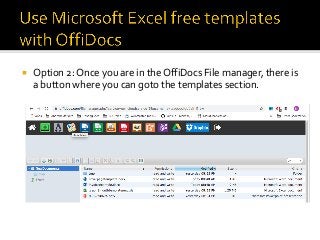
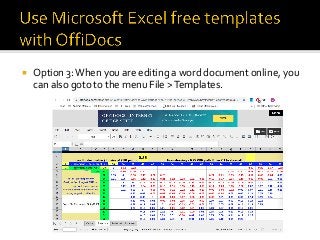


OffiDocs evolves and provides more features for a better user experience. With this goal in mind, OffiDocs provides a section in its website with a lot of Excel online templates that are compliant with LibreOffice online Calc, Microsoft Excel and Office 365. Our objective is that our end users do not need to perform repetitive actions when creating new XLS spreadsheets. As we have for the Word templates, there are 3 ways to access to the OffiDocs free Excel templates section: The first way is a direct access link from the OffiDocs website. You only need to enter in https://www.offidocs.com/ and click in the Templates tab. https://www.offidocs.com/index.php/main-templates/xls-templates The second one is that once you are in the OffiDocs File manager, there is a button where you can goto the templates section. The third one is when you are editing an online Excel or XLS document online, you can also goto to the menu File > Templates. The way to use these templates is very easy. In each free Excel template you will have three options: The first options is that you can download the template to be used in your PC. The second one is that you can edit the Excel office template online with LibreOffice online. The third one is that you can edit it with our Open Office online app.


