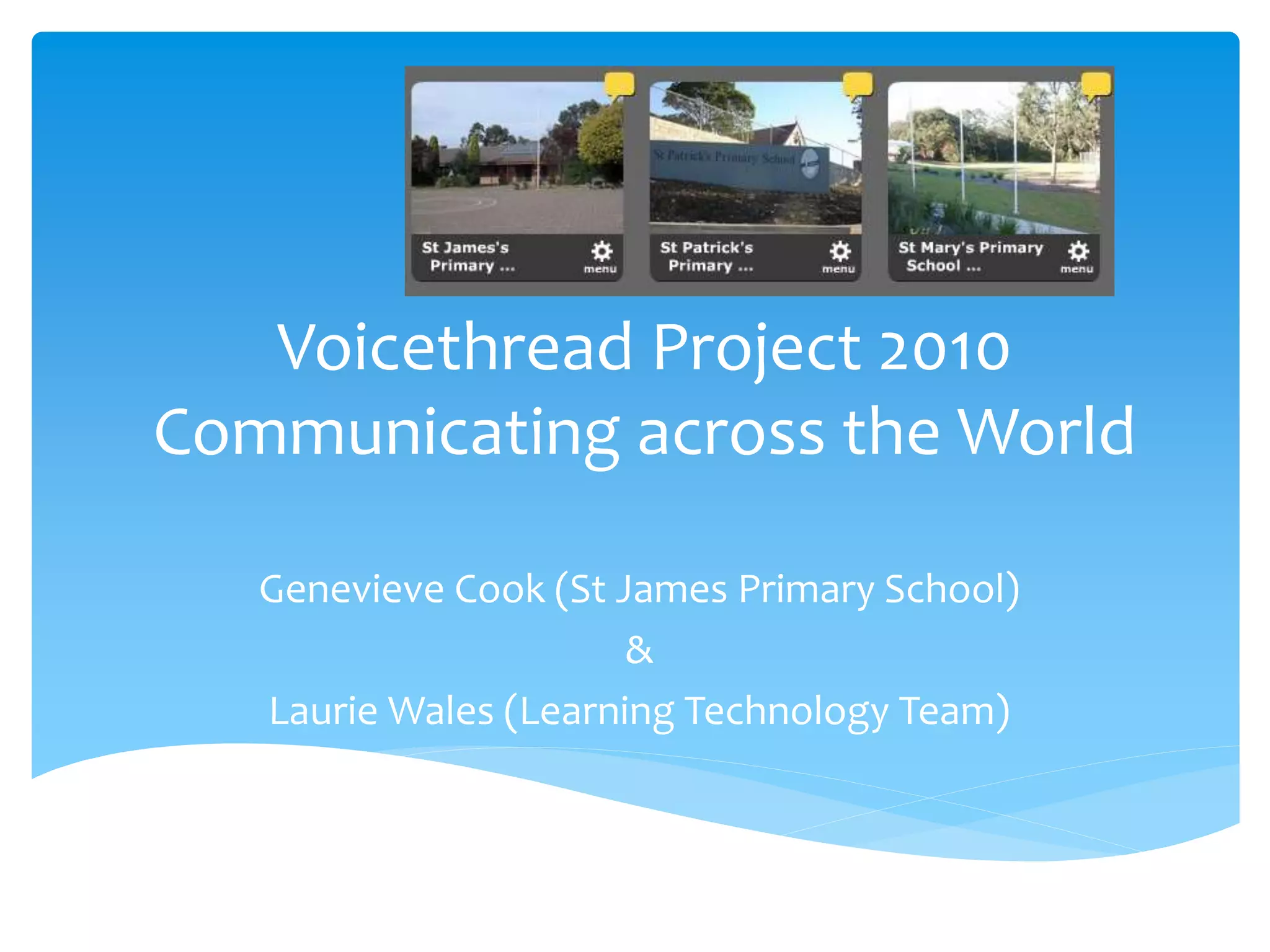
Voicethread Project 2010
Communicating across the World
Genevieve Cook (St James Primary School)
&
Laurie Wales (Learning Technology Team)
What is Voicethread?
 Collaboration made Simple - http://voicethread.com/
 A VoiceThread is a collaborative, multimedia slide
show that holds images, documents, and videos and
allows people to navigate pages and leave comments
in 5 ways - using voice (with a mic or telephone), text,
audio file, or video (via a webcam). Share a
VoiceThread with friends, students, and colleagues
for them to record comments too.
 Schools
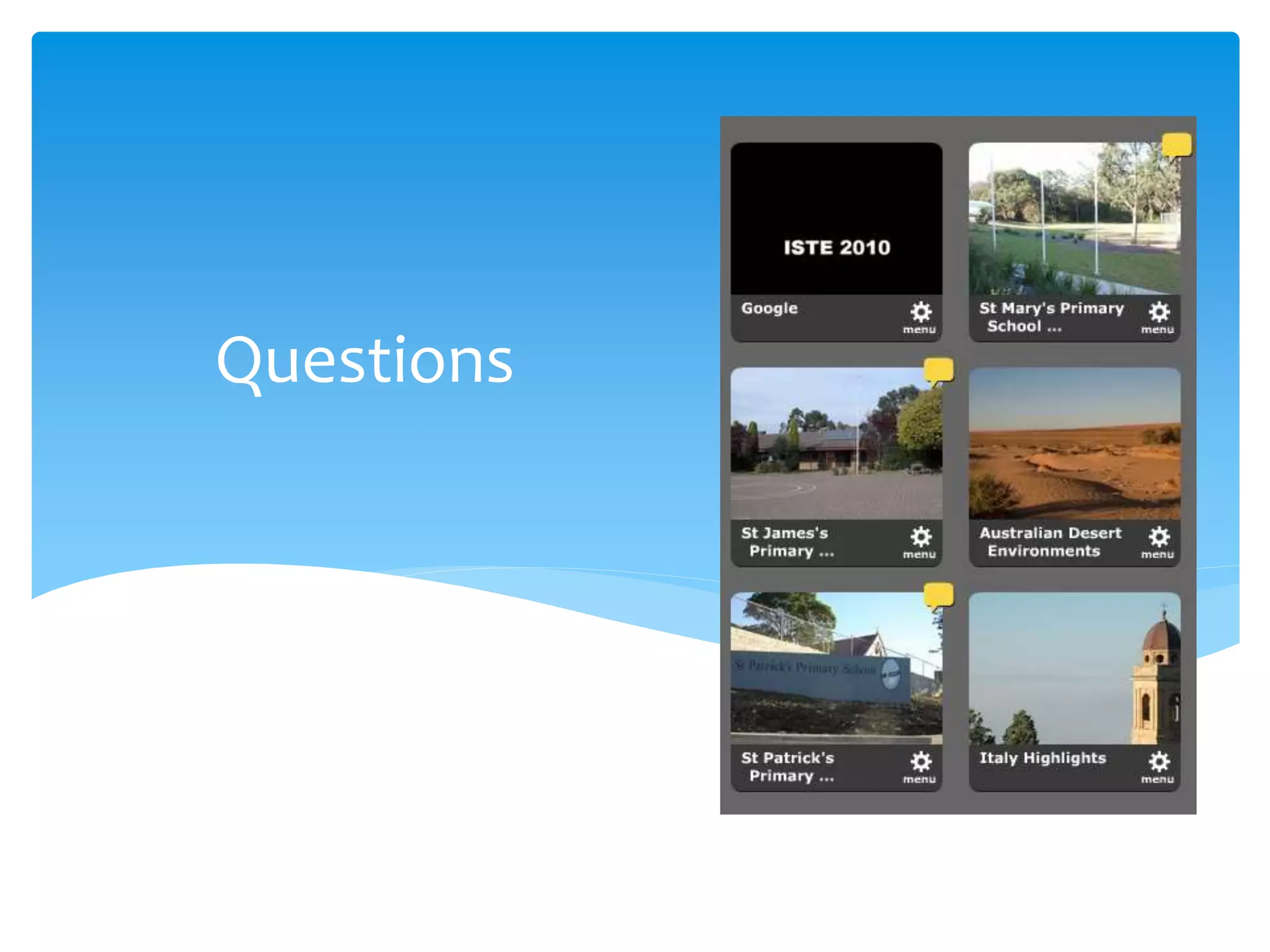
 St James, Muswellbrook
 St Patrick’s Wallsend
 St Mary’s Warners Bay
 Elisabeth Morrow School, Englewood New Jersey USA
Overview
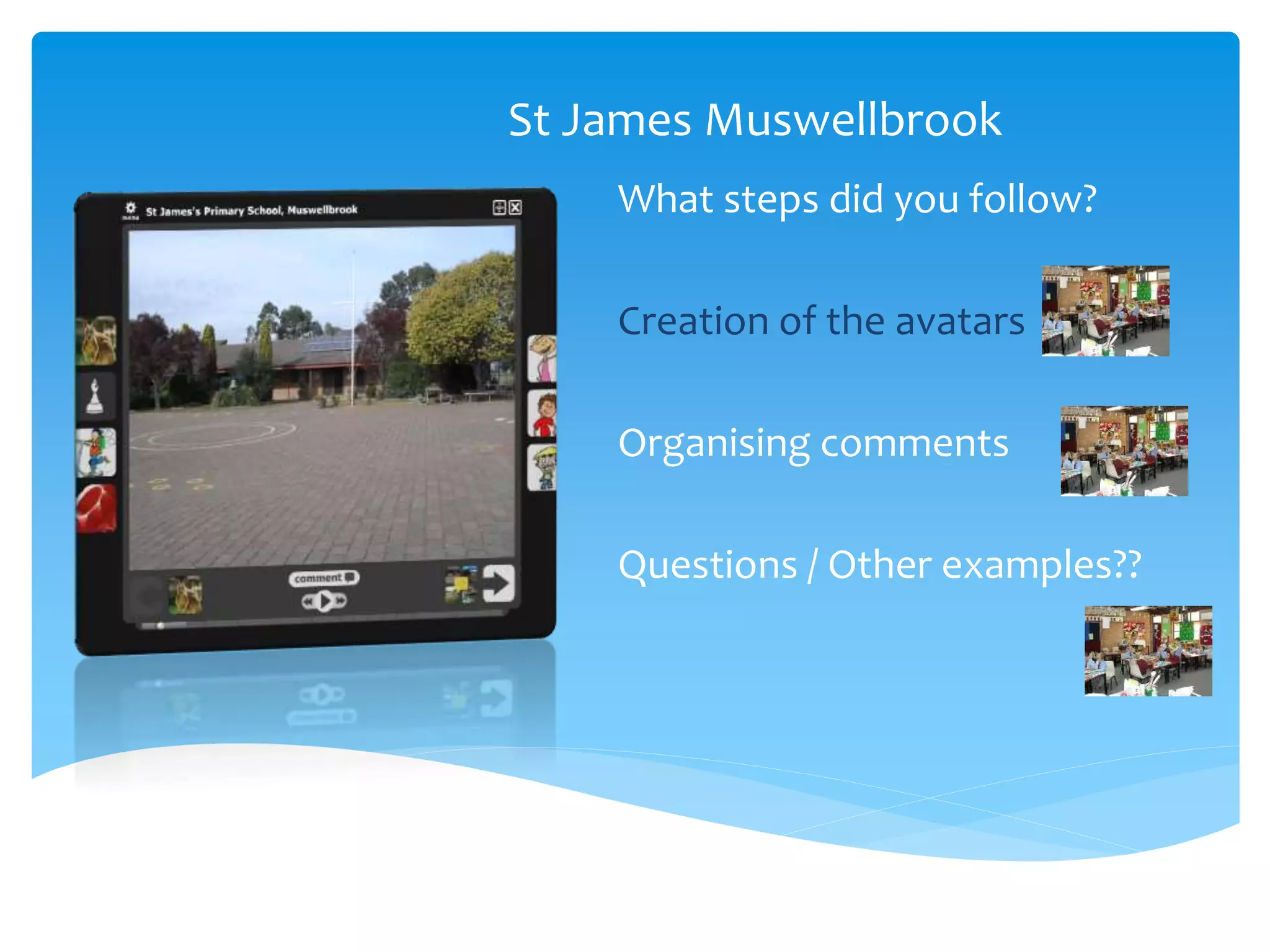
St James Muswellbrook
What steps did you follow?
Creation of the avatars
Organising comments
Questions / Other examples??
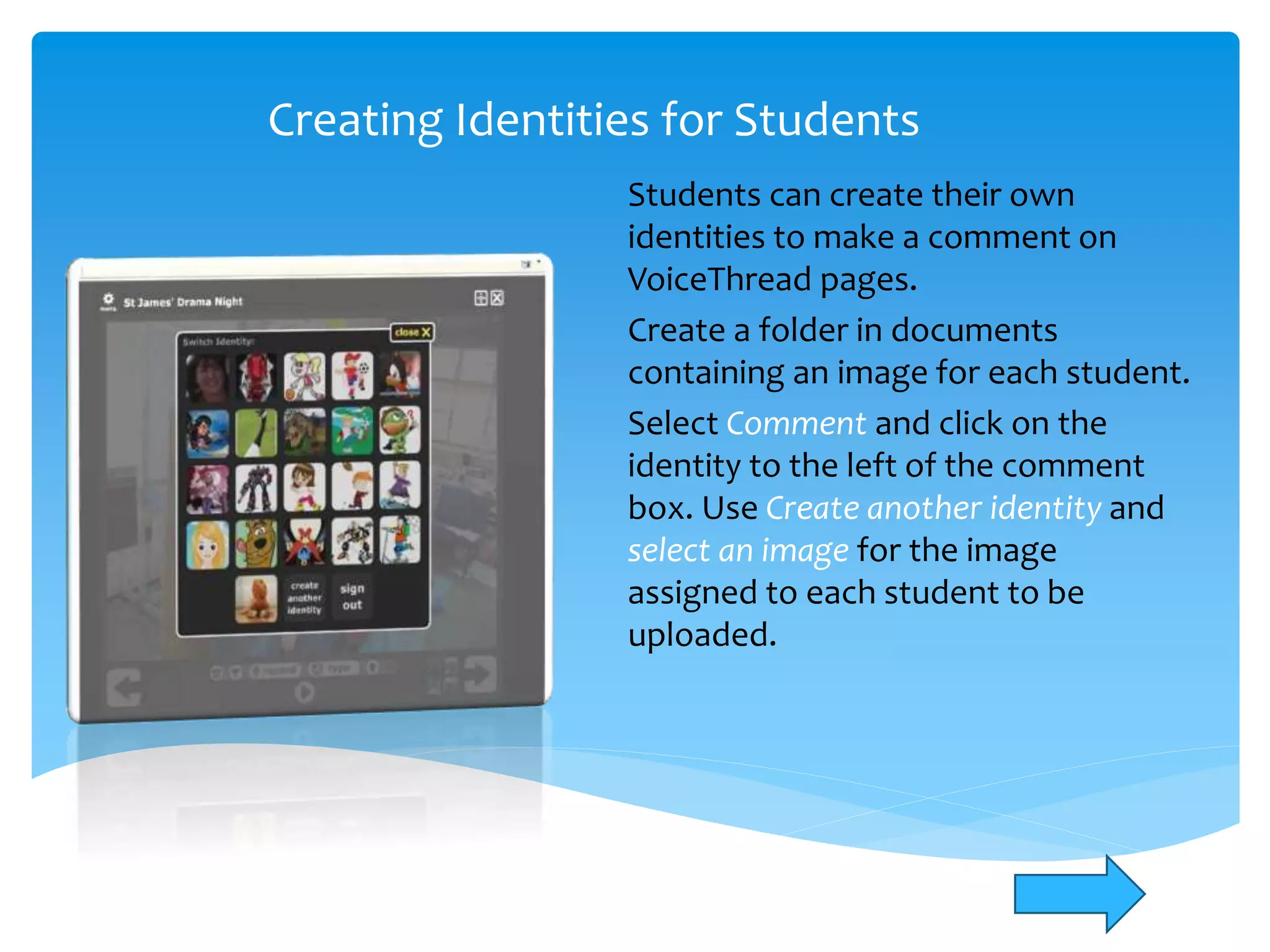
Creating Identities for Students
Students can create their own
identities to make a comment on
VoiceThread pages.
Create a folder in documents
containing an image for each student.
Select Comment and click on the
identity to the left of the comment
box. Use Create another identity and
select an image for the image
assigned to each student to be
uploaded.
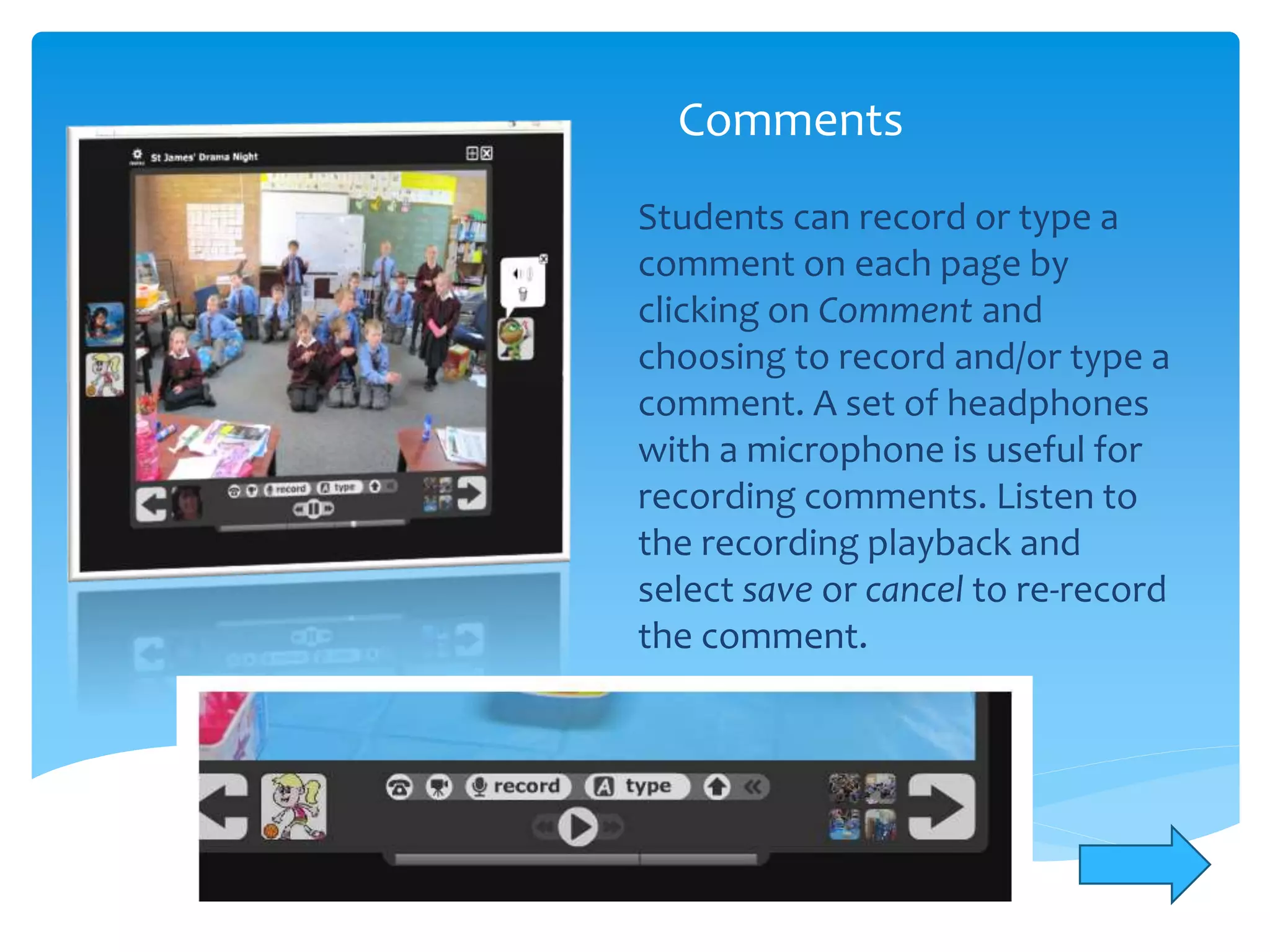
Comments
Students can record or type a
comment on each page by
clicking on Comment and
choosing to record and/or type a
comment. A set of headphones
with a microphone is useful for
recording comments. Listen to
the recording playback and
select save or cancel to re-record
the comment.
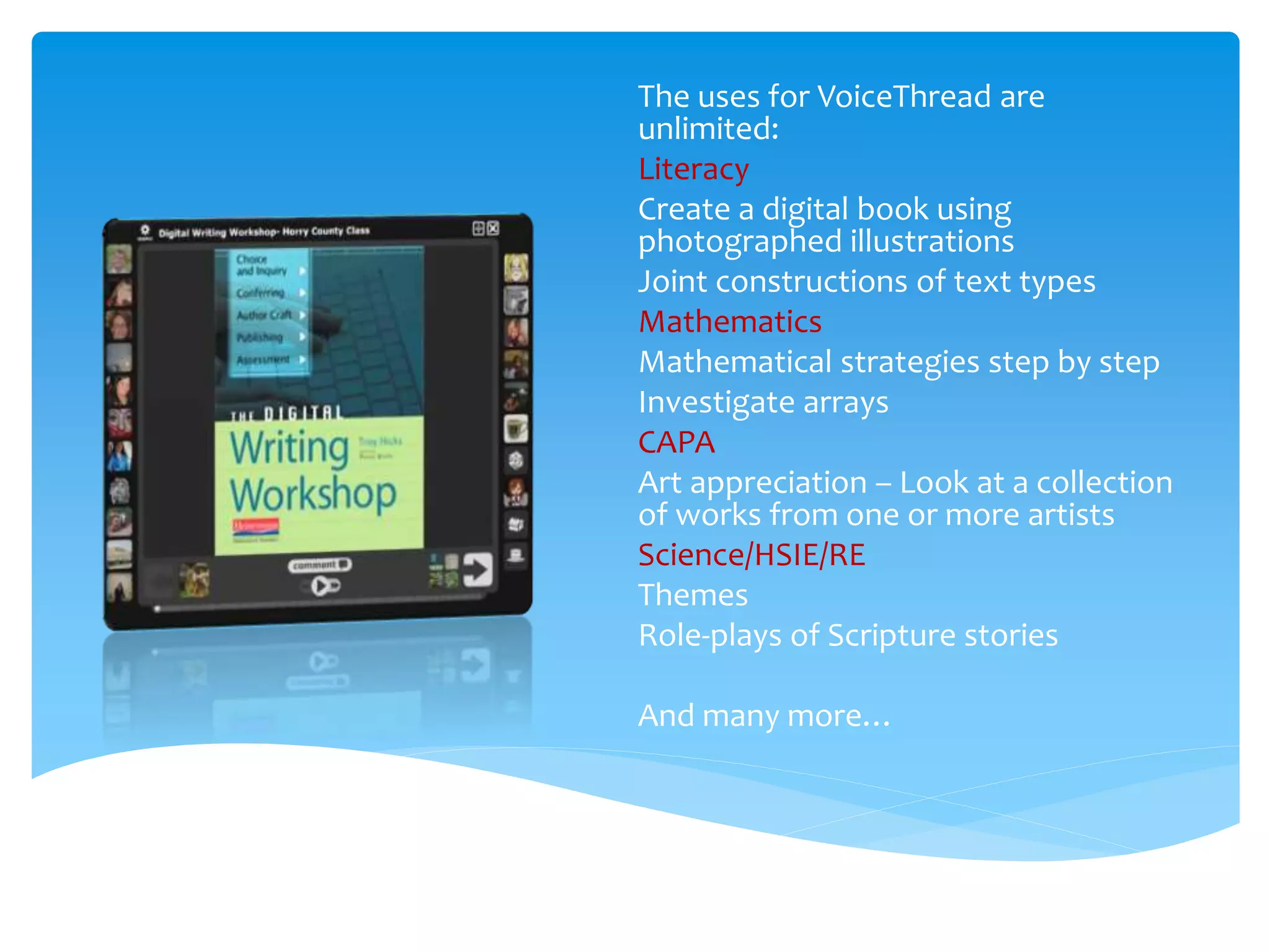
The uses for VoiceThread are
unlimited:
Literacy
Create a digital book using
photographed illustrations
Joint constructions of text types
Mathematics
Mathematical strategies step by step
Investigate arrays
CAPA
Art appreciation – Look at a collection
of works from one or more artists
Science/HSIE/RE
Themes
Role-plays of Scripture stories
And many more…
Reflections
o Use a set of headphones with microphone so
that the comments recorded are clear
o Work with a small group at a time
o Involve students in creating nicknames to
use online and in the selection of avatars
o Process
identify interested teachers in international schools
match with teachers in our diocesan schools
create email contacts
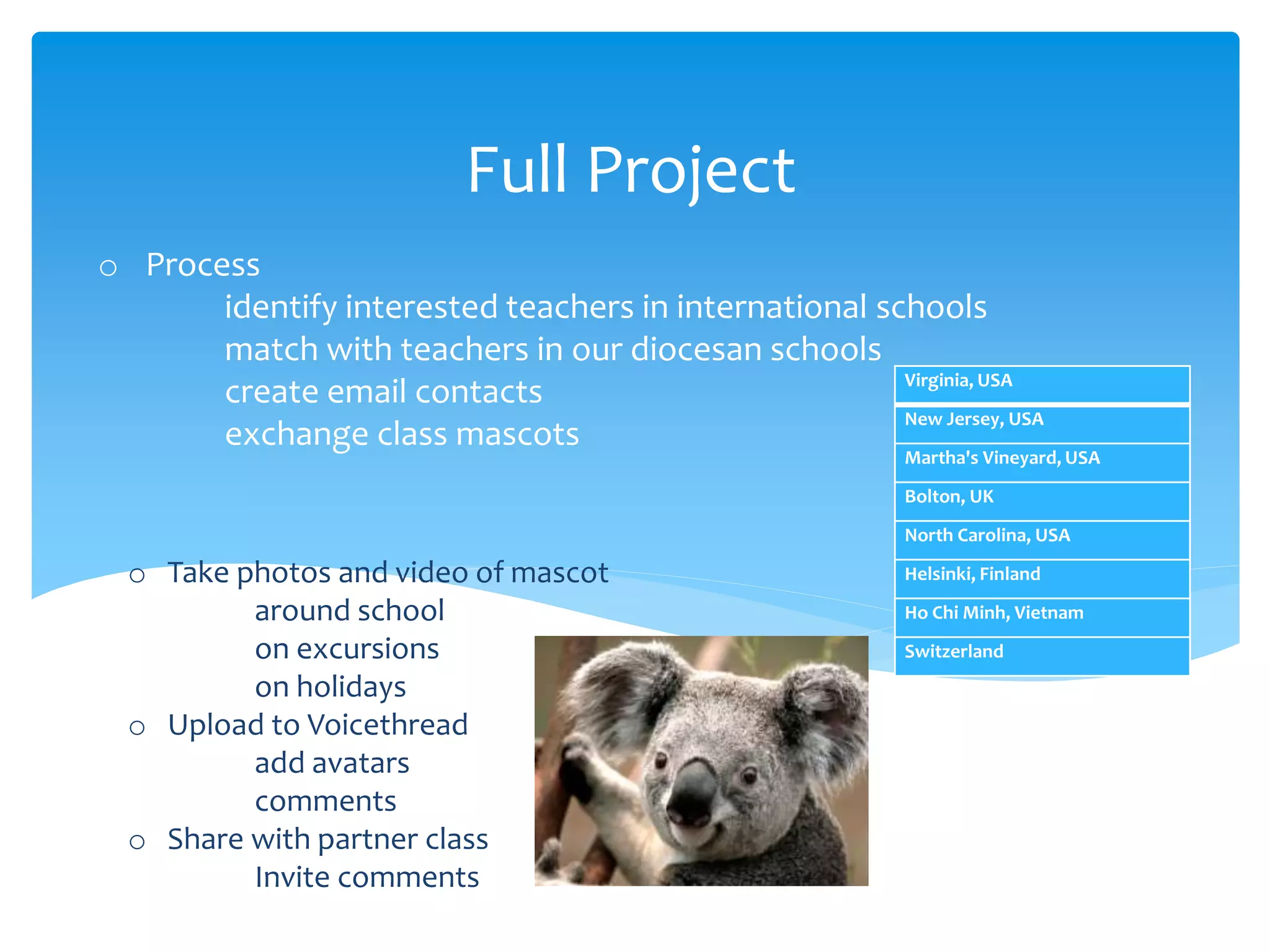
exchange class mascots
Full Project
Virginia, USA
New Jersey, USA
Martha's Vineyard, USA
Bolton, UK
North Carolina, USA
Helsinki, Finland
Ho Chi Minh, Vietnam
Switzerland
o Take photos and video of mascot
around school
on excursions
on holidays
o Upload to Voicethread
add avatars
comments
o Share with partner class
Invite comments
Questions

Voicethread project 2010

  • 1.
    Voicethread Project 2010 Communicatingacross the World Genevieve Cook (St James Primary School) & Laurie Wales (Learning Technology Team)
  • 2.
    What is Voicethread? Collaboration made Simple - http://voicethread.com/  A VoiceThread is a collaborative, multimedia slide show that holds images, documents, and videos and allows people to navigate pages and leave comments in 5 ways - using voice (with a mic or telephone), text, audio file, or video (via a webcam). Share a VoiceThread with friends, students, and colleagues for them to record comments too.
  • 3.
     Schools  StJames, Muswellbrook  St Patrick’s Wallsend  St Mary’s Warners Bay  Elisabeth Morrow School, Englewood New Jersey USA Overview
  • 4.
    St James Muswellbrook Whatsteps did you follow? Creation of the avatars Organising comments Questions / Other examples??
  • 5.
    Creating Identities forStudents Students can create their own identities to make a comment on VoiceThread pages. Create a folder in documents containing an image for each student. Select Comment and click on the identity to the left of the comment box. Use Create another identity and select an image for the image assigned to each student to be uploaded.
  • 6.
    Comments Students can recordor type a comment on each page by clicking on Comment and choosing to record and/or type a comment. A set of headphones with a microphone is useful for recording comments. Listen to the recording playback and select save or cancel to re-record the comment.
  • 7.
    The uses forVoiceThread are unlimited: Literacy Create a digital book using photographed illustrations Joint constructions of text types Mathematics Mathematical strategies step by step Investigate arrays CAPA Art appreciation – Look at a collection of works from one or more artists Science/HSIE/RE Themes Role-plays of Scripture stories And many more…
  • 8.
    Reflections o Use aset of headphones with microphone so that the comments recorded are clear o Work with a small group at a time o Involve students in creating nicknames to use online and in the selection of avatars
  • 9.
    o Process identify interestedteachers in international schools match with teachers in our diocesan schools create email contacts exchange class mascots Full Project Virginia, USA New Jersey, USA Martha's Vineyard, USA Bolton, UK North Carolina, USA Helsinki, Finland Ho Chi Minh, Vietnam Switzerland o Take photos and video of mascot around school on excursions on holidays o Upload to Voicethread add avatars comments o Share with partner class Invite comments
  • 10.