Ruby on Rails
Ruby

http://ruby-lang.org
is...

...a language that focuses on simplicity


        puts "hello world"
is...

...an open source programming
            language


http://www.ruby-lang.org
is...

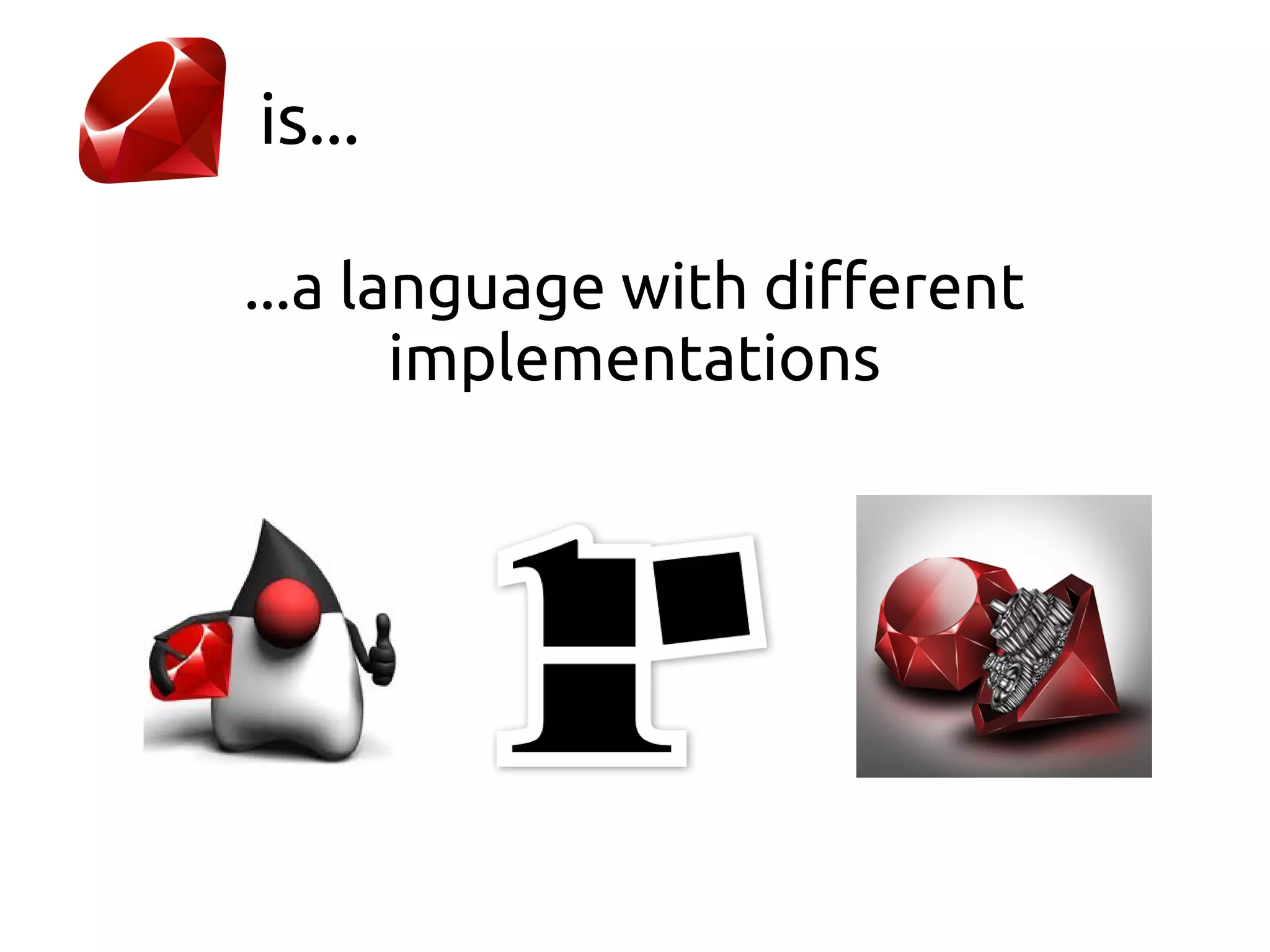
...a language with different
       implementations
is...

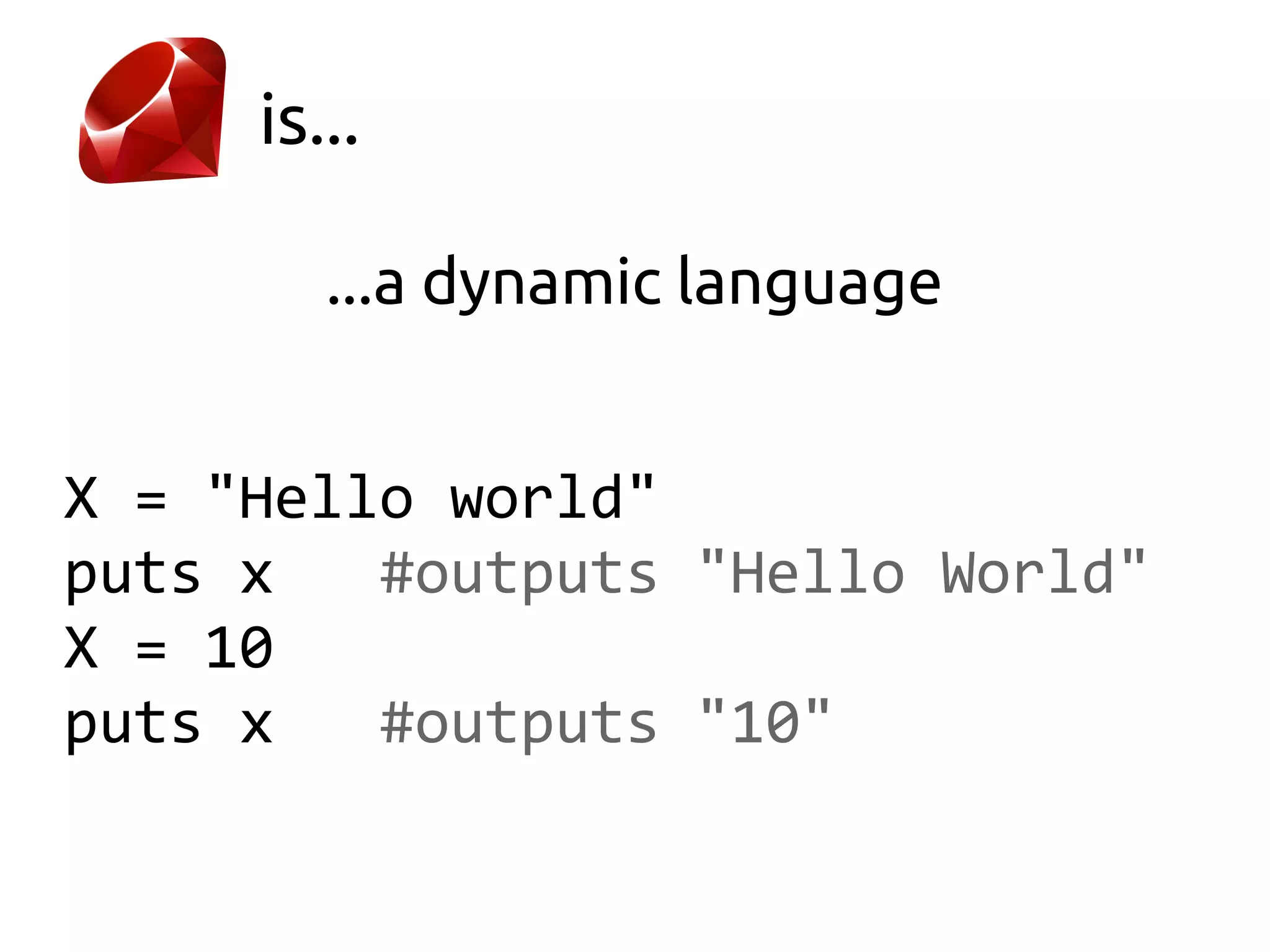
        ...a dynamic language


X = "Hello world"
puts x   #outputs "Hello World"
X = 10
puts x   #outputs "10"
is...

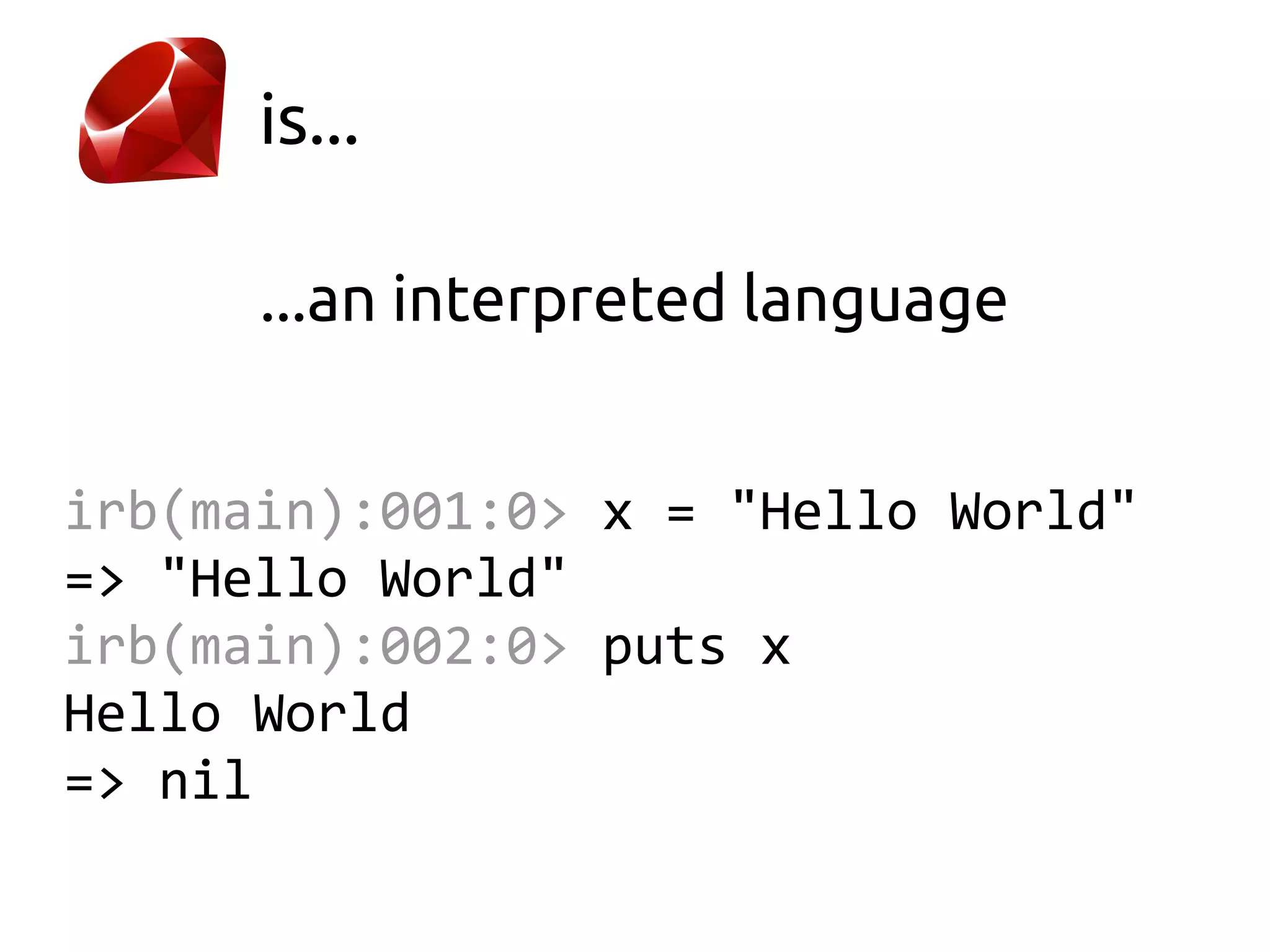
      ...an interpreted language


irb(main):001:0> x = "Hello World"
=> "Hello World"
irb(main):002:0> puts x
Hello World
=> nil
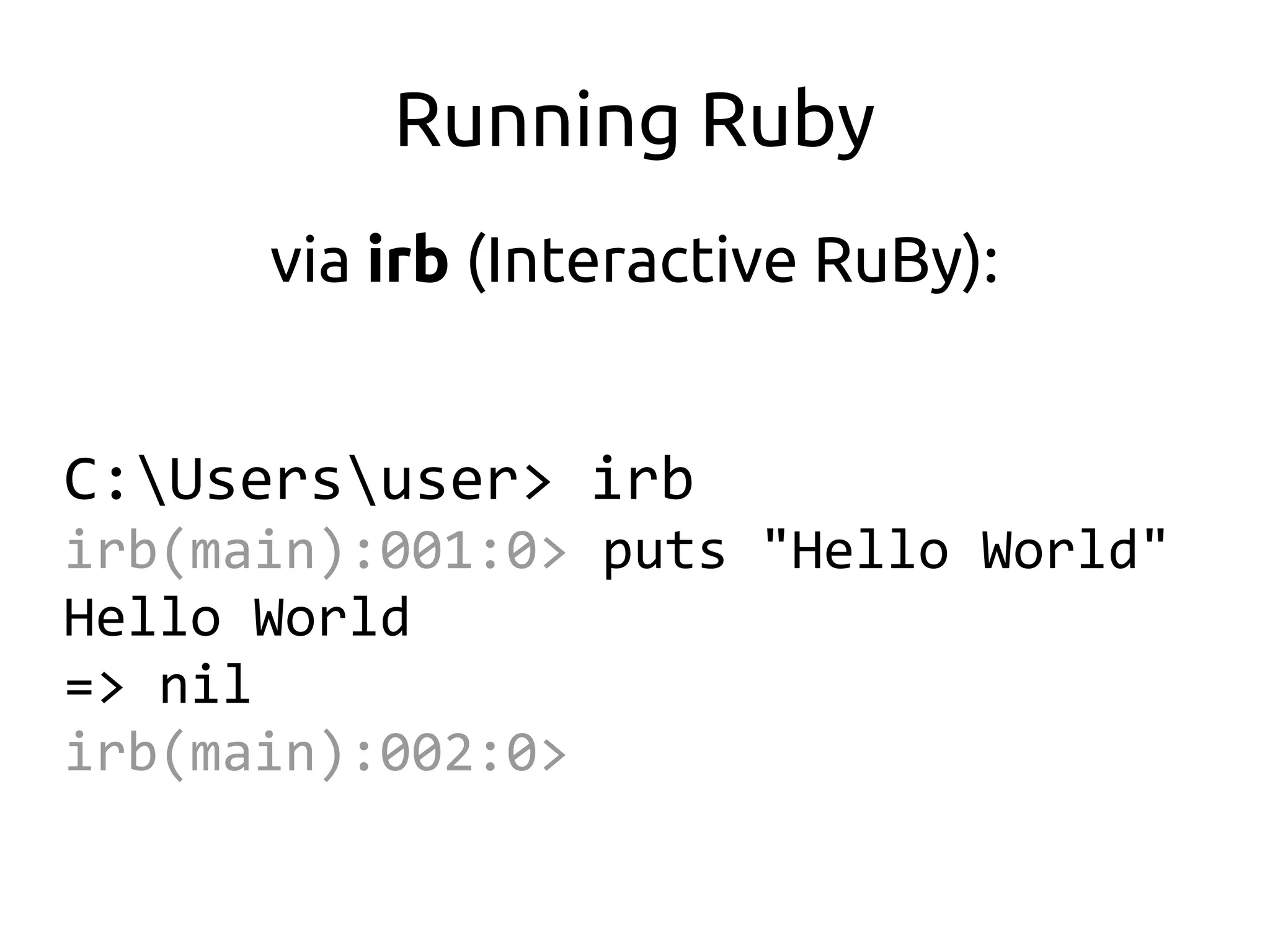
Running Ruby
      via irb (Interactive RuBy):


C:Usersuser> irb
irb(main):001:0> puts "Hello World"
Hello World
=> nil
irb(main):002:0>
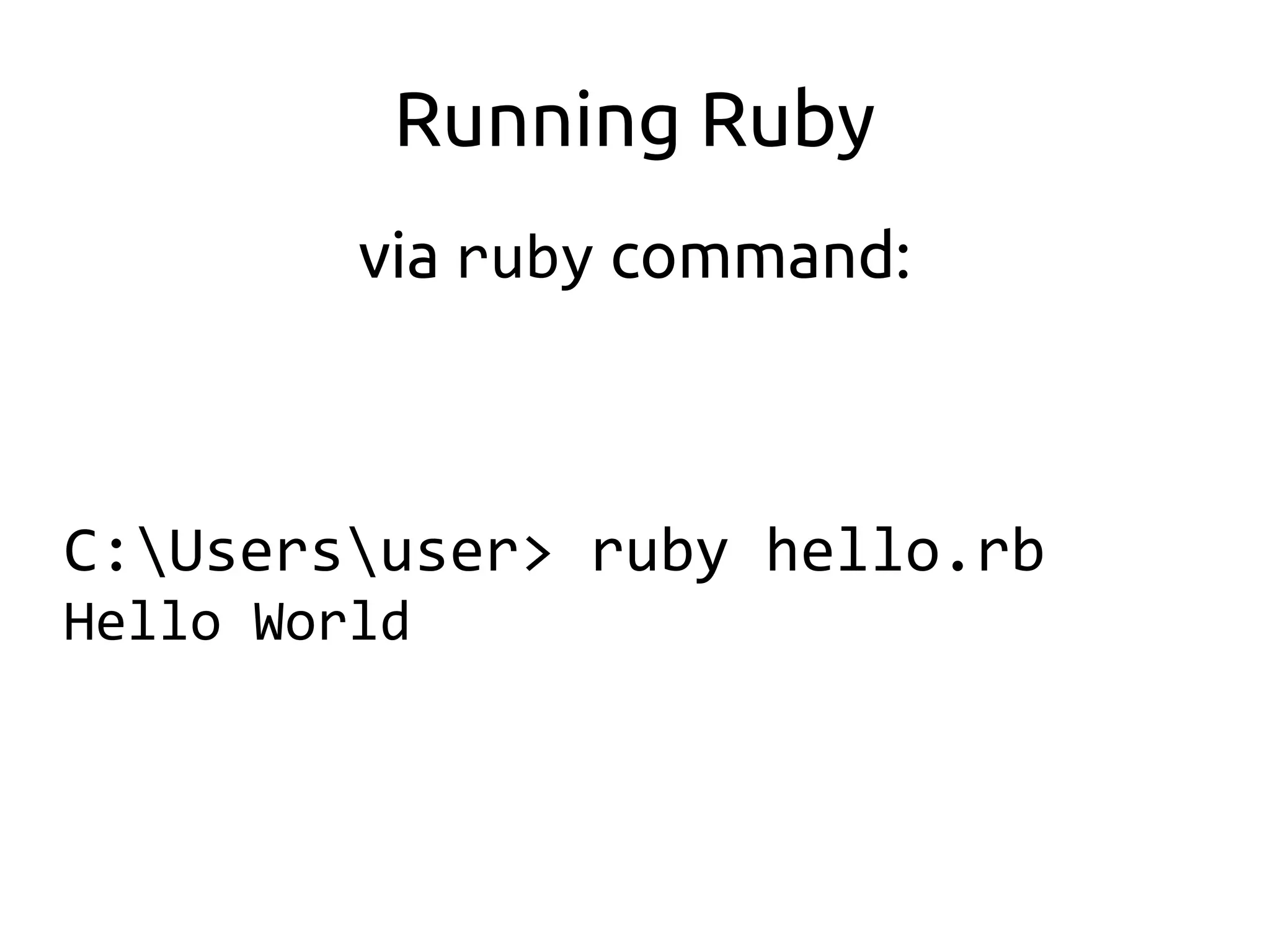
Running Ruby
         via ruby command:


C:Usersuser> ruby hello.rb
Hello World
is...

...a language that focuses on simplicity

              Look Ma, no IDE!
is...

...a language that focuses on simplicity

              Ok, there are IDEs
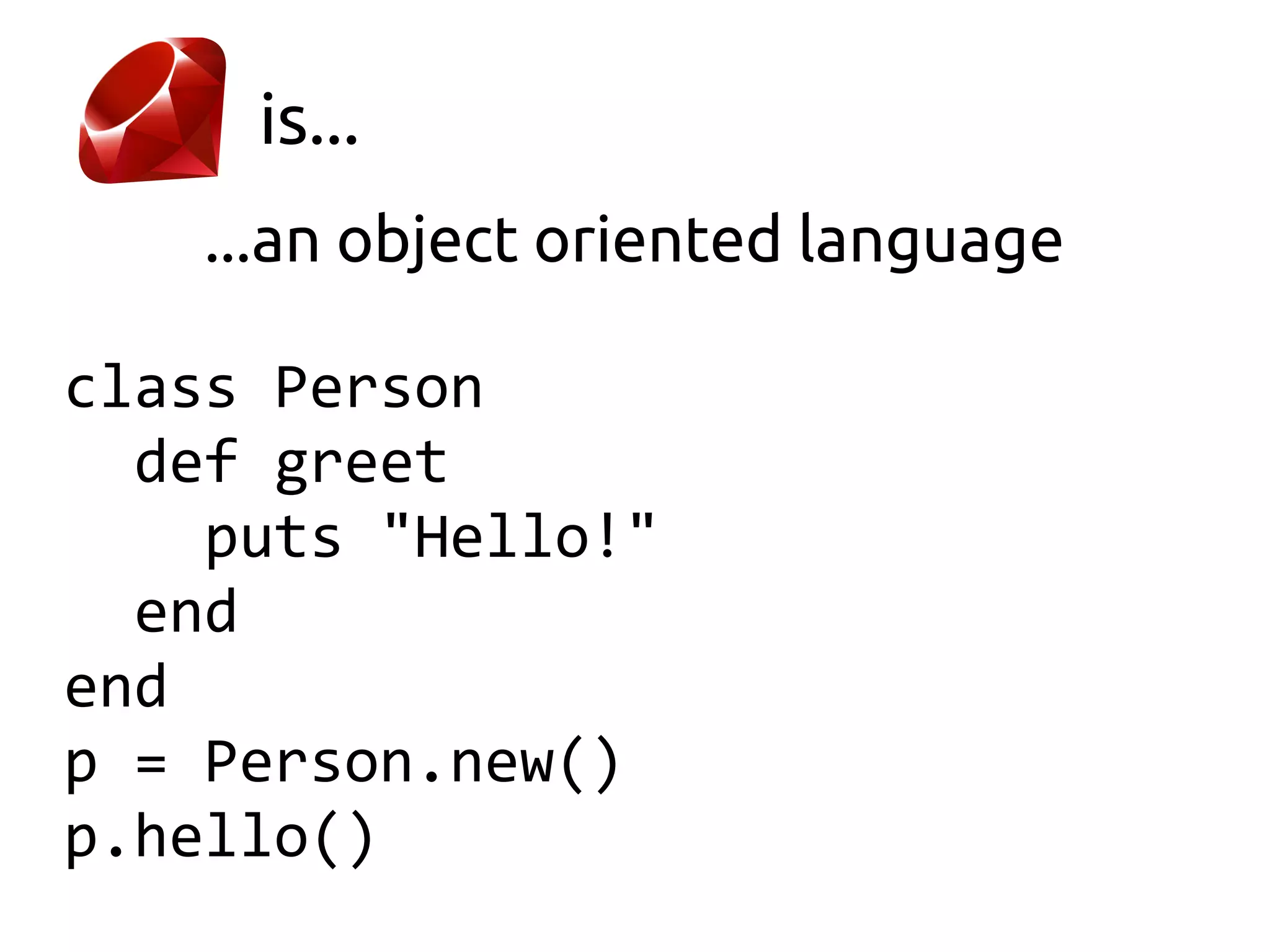
is...
    ...an object oriented language

class Person
  def greet
    puts "Hello!"
  end
end
p = Person.new()
p.hello()
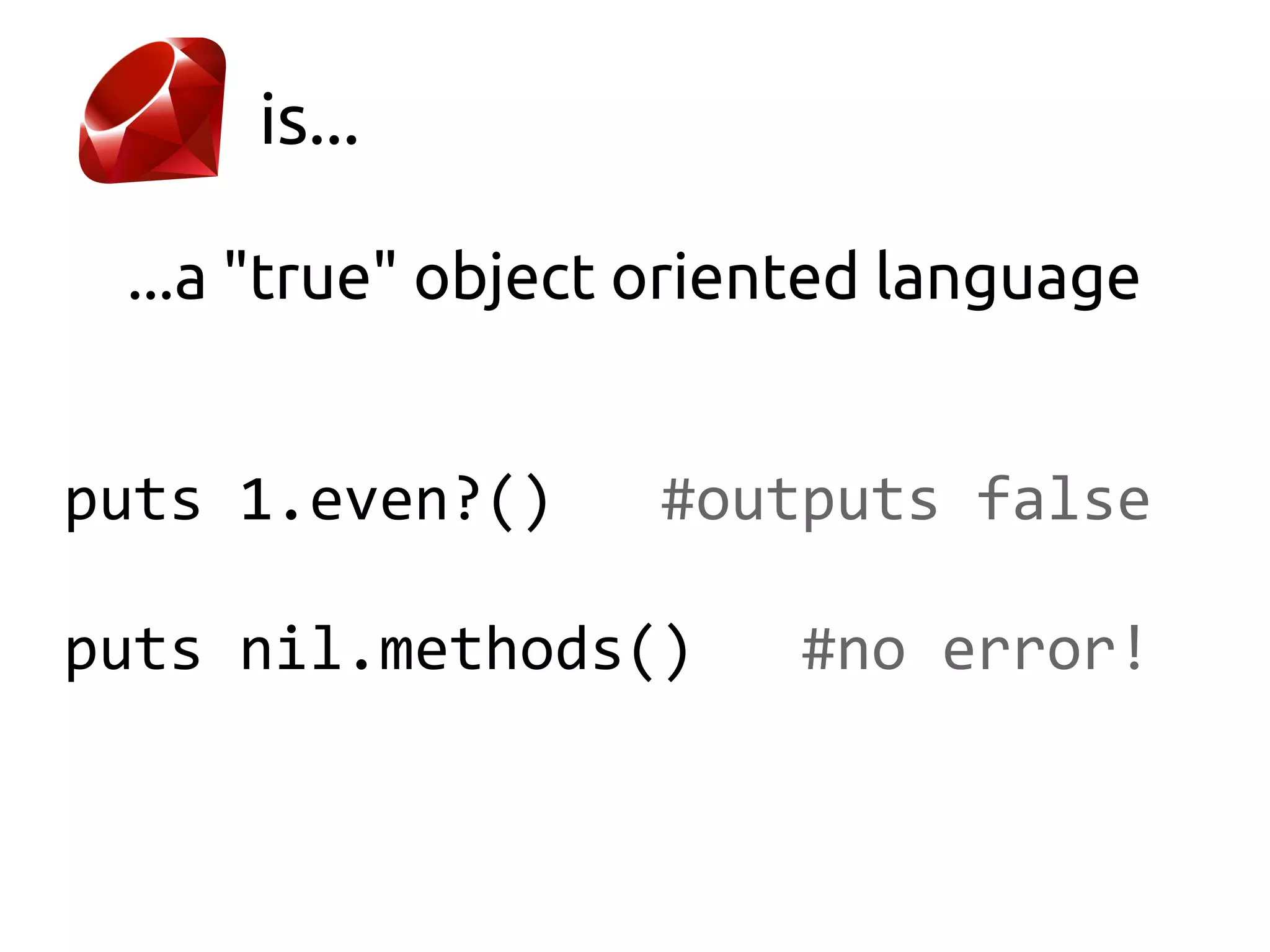
is...

 ...a "true" object oriented language


puts 1.even?()     #outputs false

puts nil.methods()      #no error!
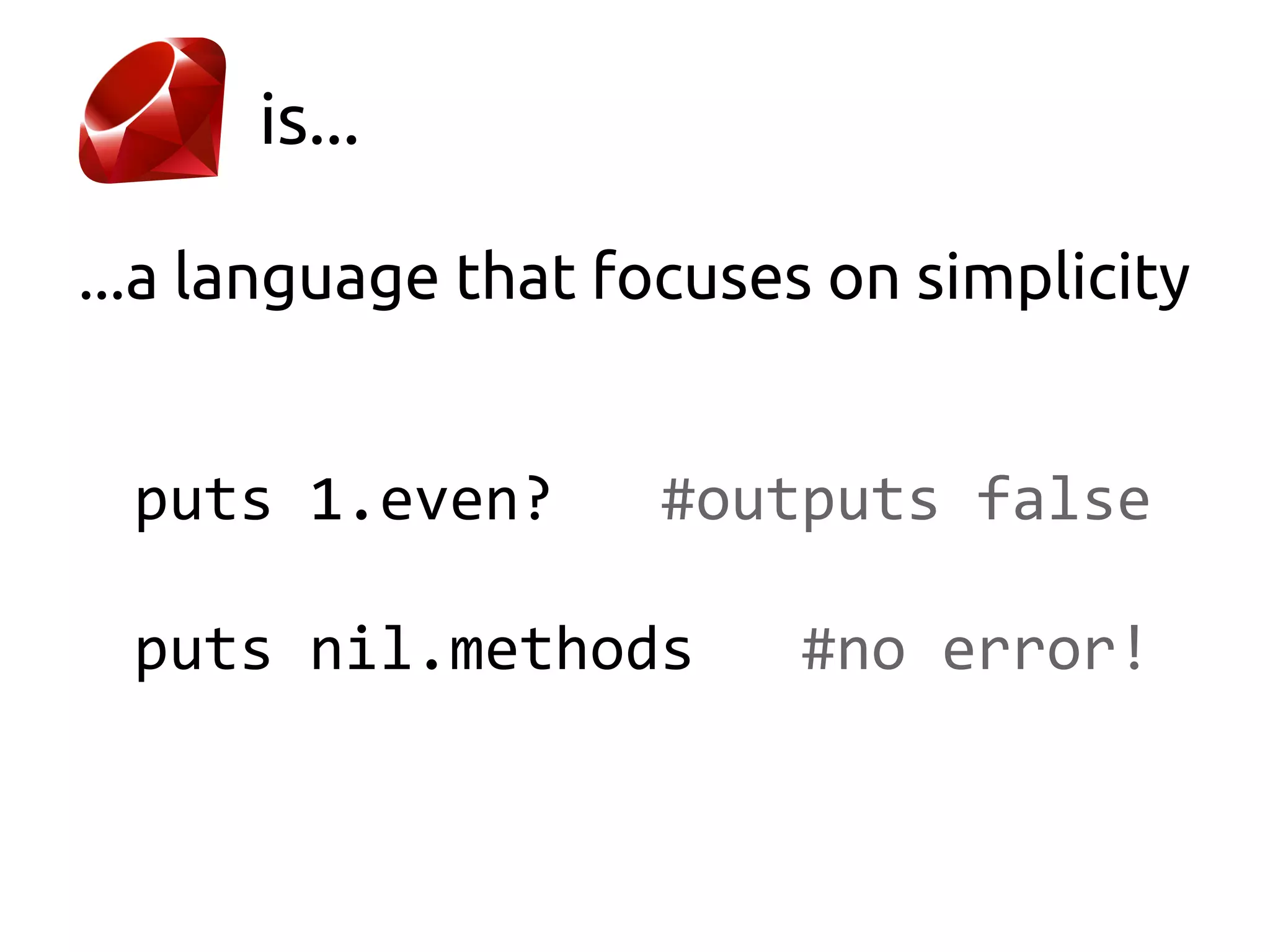
is...

...a language that focuses on simplicity


 puts 1.even?       #outputs false

 puts nil.methods        #no error!
is...
       ...a functional language


employees = ["Alex", "Bob", "Eve"]

employees.each do |employee|
  puts "Hello #{employee}"
end
is...

       ...a functional language


emps = ["Alex", "Bob", "Eve"]

reverse = emps.map { |e| e.reverse }
is...

       ...a functional language


employees = ["Alex", "Bob", "Eve"]

emps = employees.sort do |x, y|
  x.reverse <=> y.reverse
end
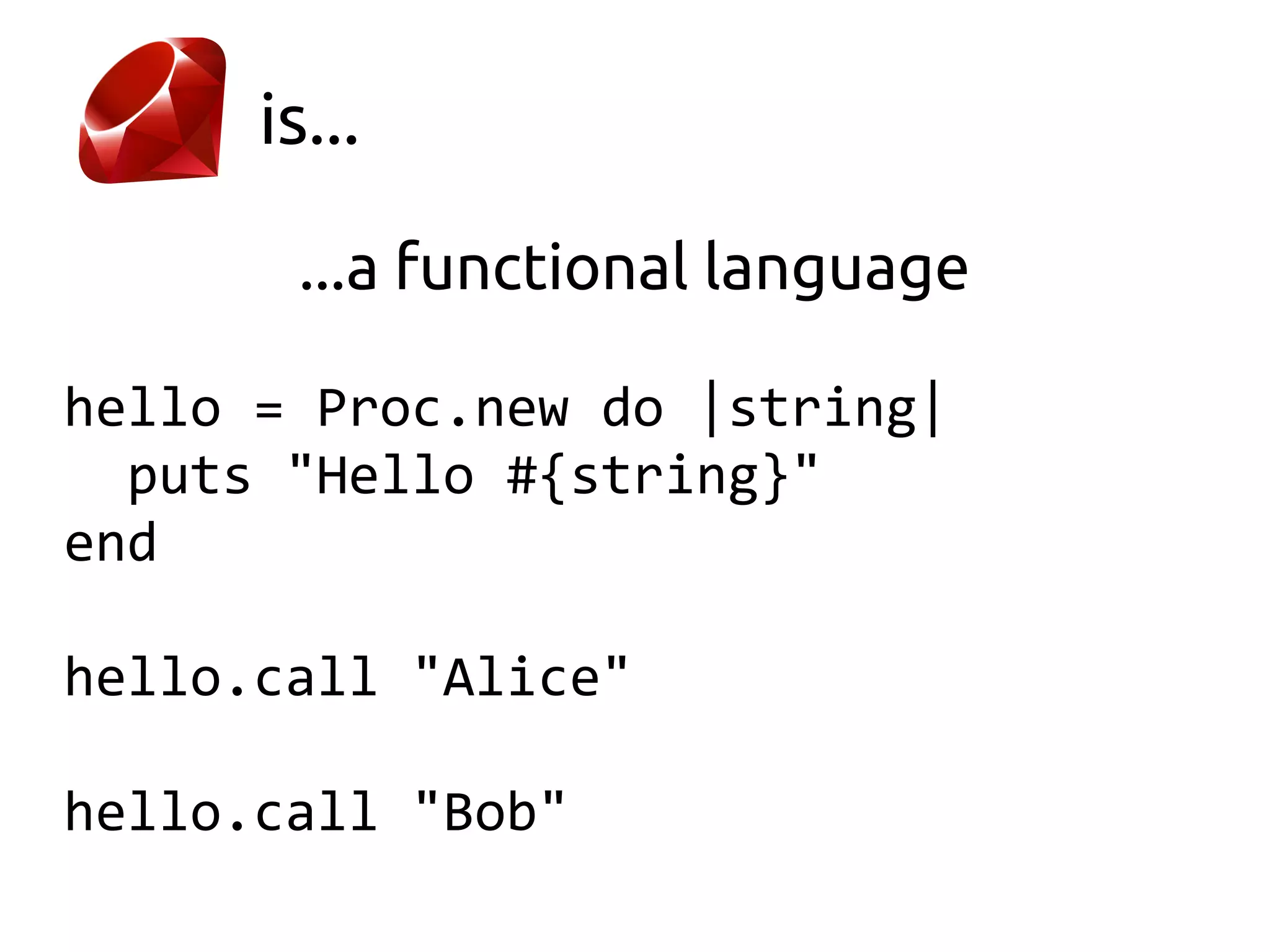
is...

       ...a functional language

hello = Proc.new do |string|
  puts "Hello #{string}"
end

hello.call "Alice"

hello.call "Bob"
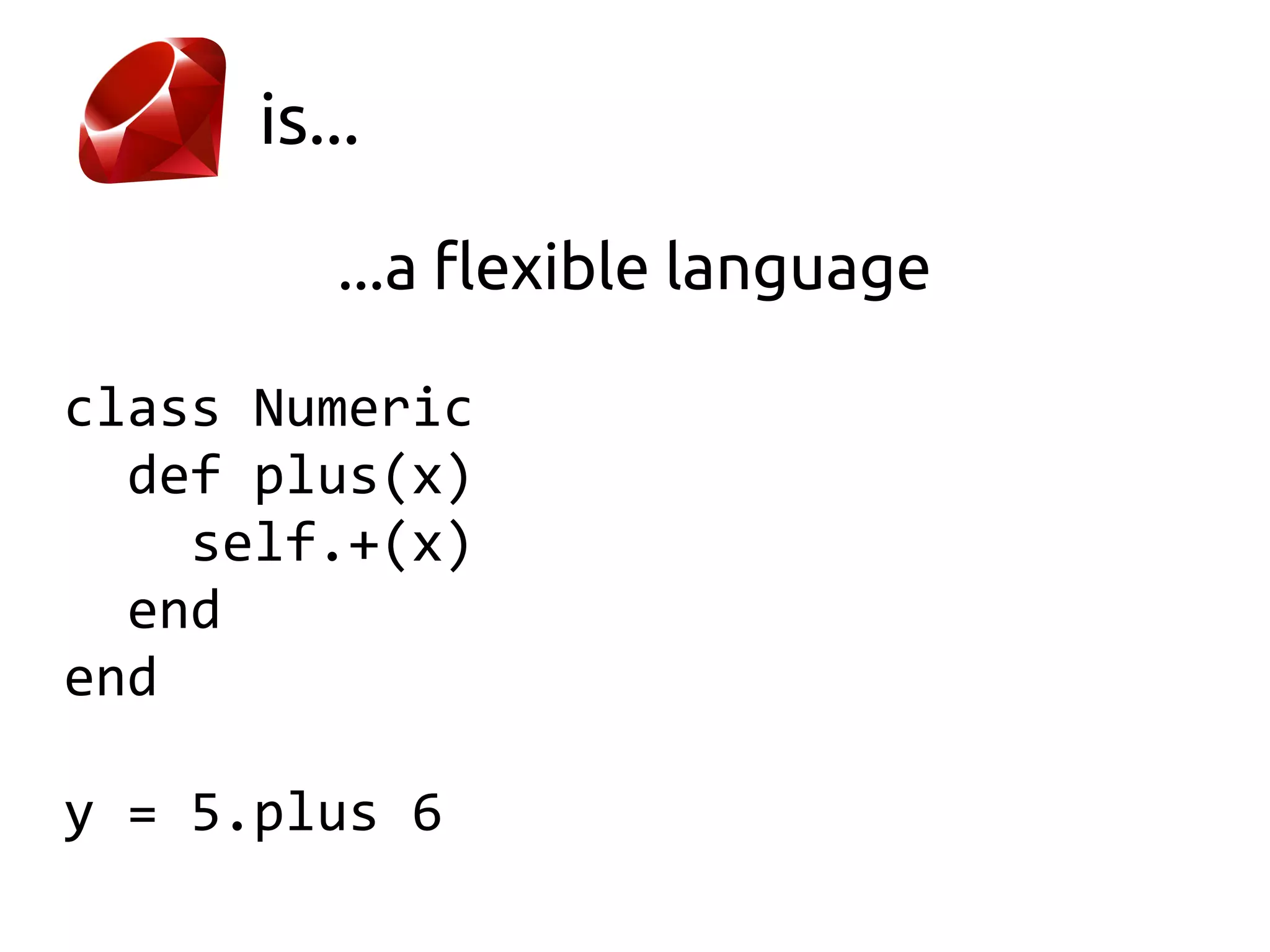
is...

         ...a flexible language

class Numeric
  def plus(x)
    self.+(x)
  end
end

y = 5.plus 6
Ruby Basics
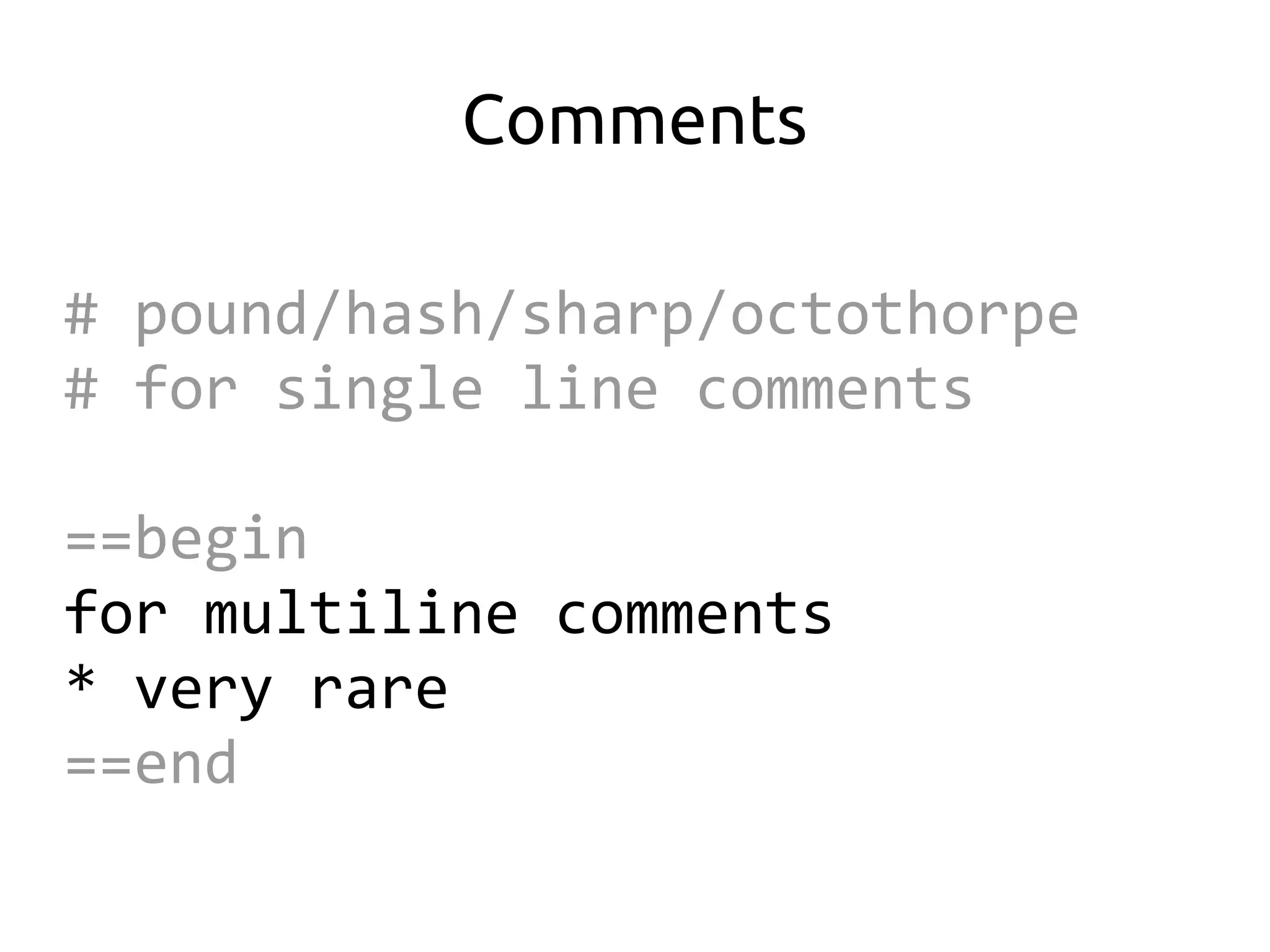
Comments

# pound/hash/sharp/octothorpe
# for single line comments

==begin
for multiline comments
* very rare
==end
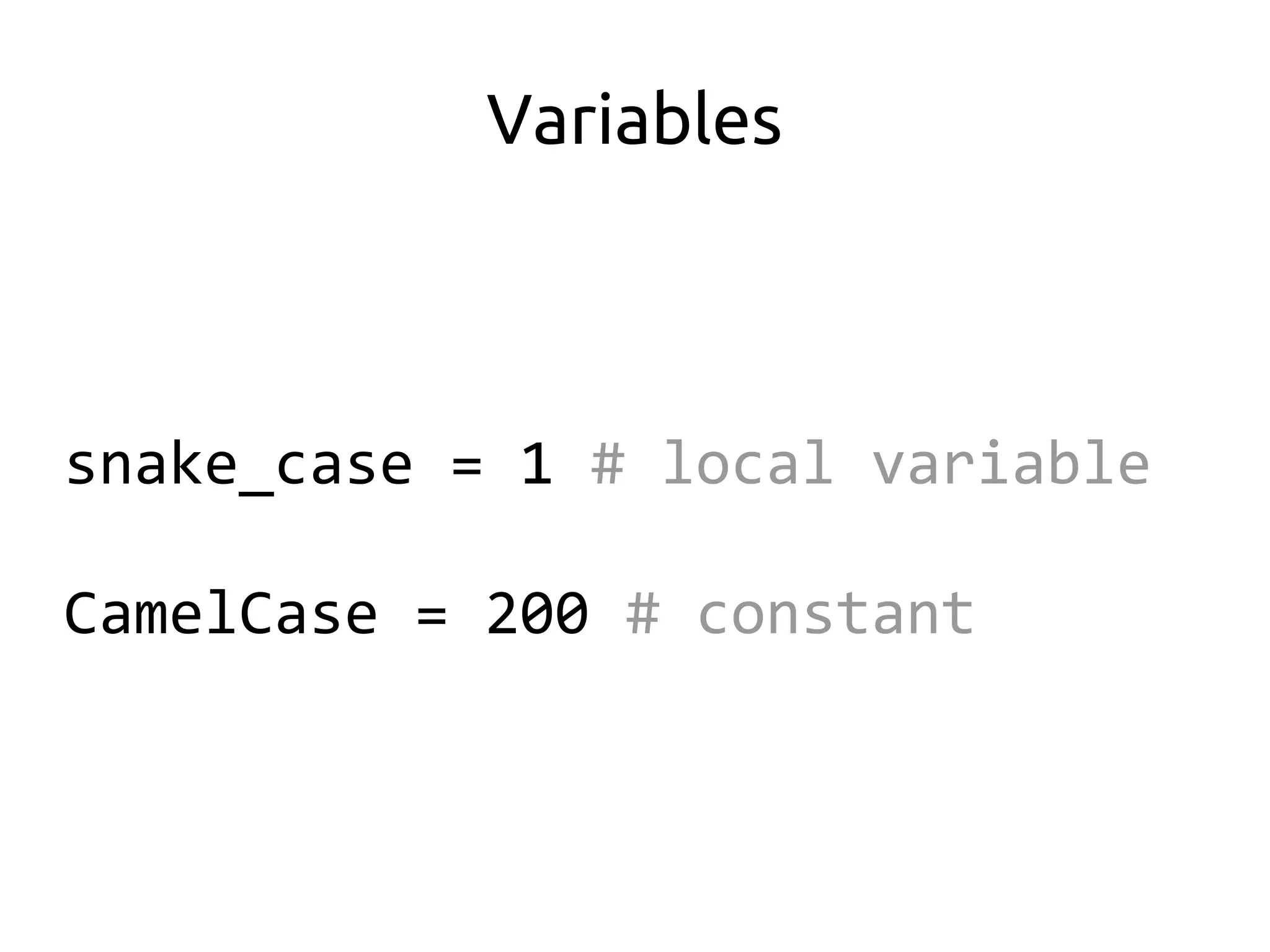
Variables


snake_case = 1 # local variable

CamelCase = 200 # constant
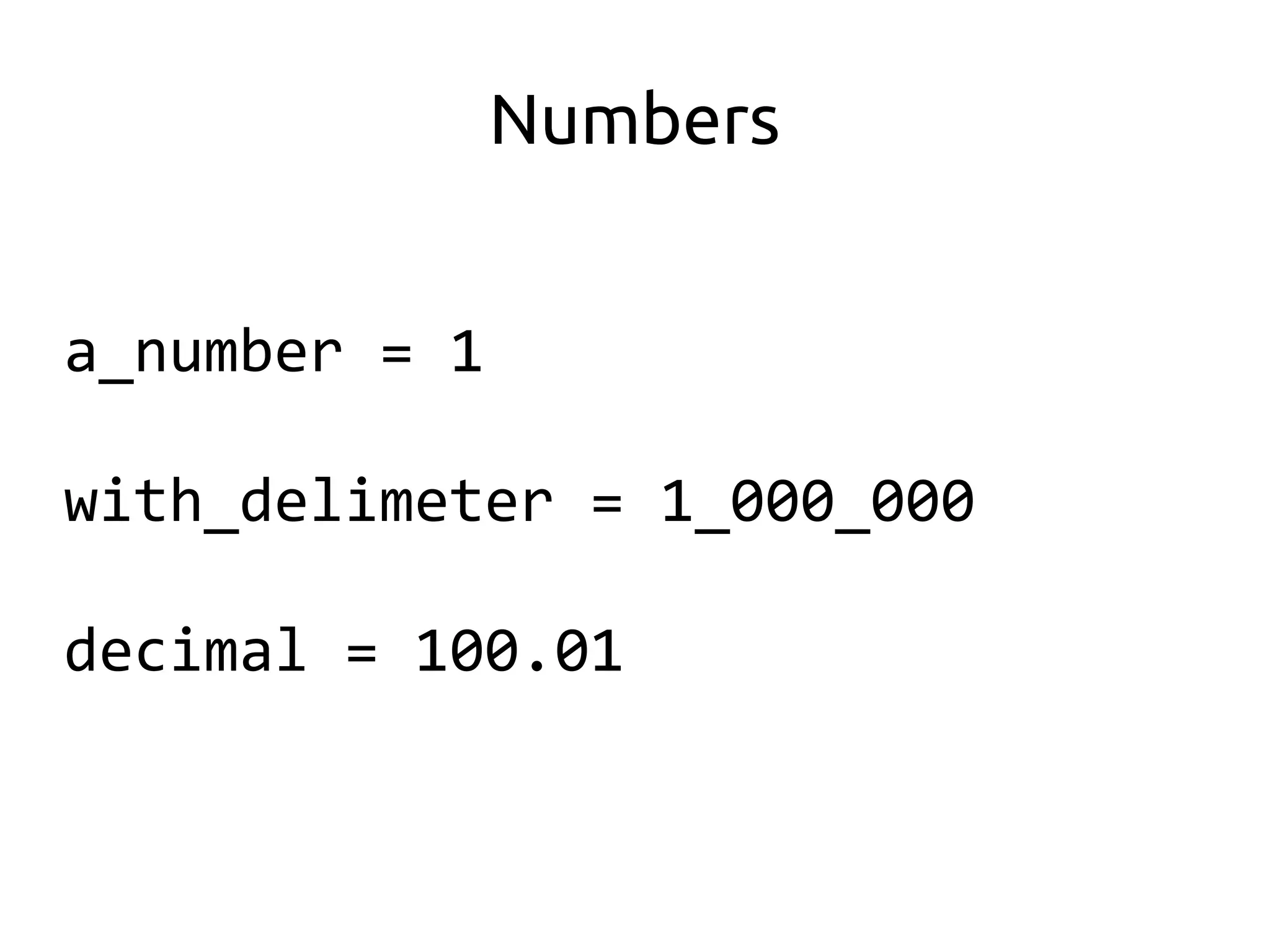
Numbers


a_number = 1

with_delimeter = 1_000_000

decimal = 100.01
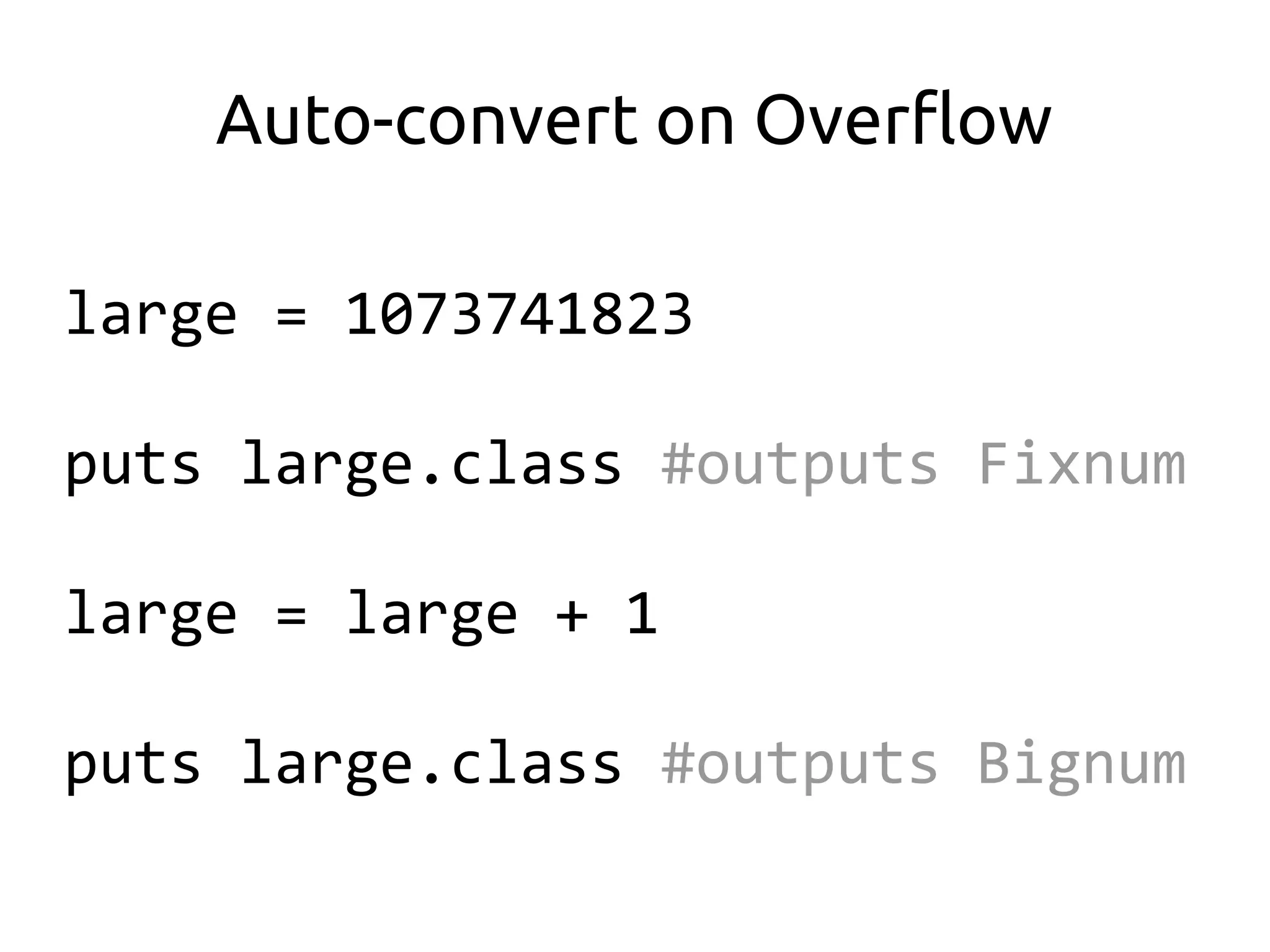
Auto-convert on Overflow

large = 1073741823

puts large.class #outputs Fixnum

large = large + 1

puts large.class #outputs Bignum
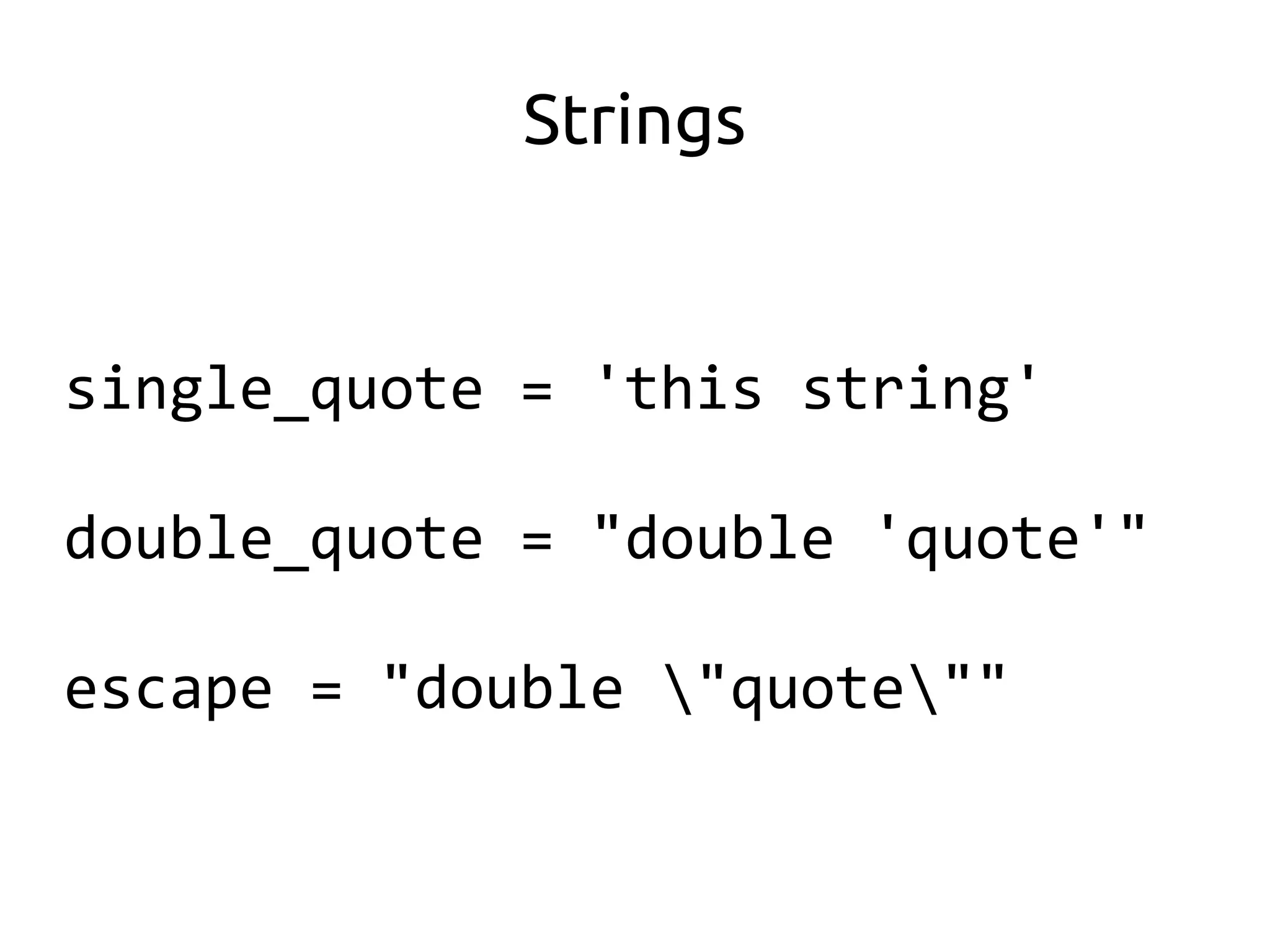
Strings


single_quote = 'this string'

double_quote = "double 'quote'"

escape = "double "quote""
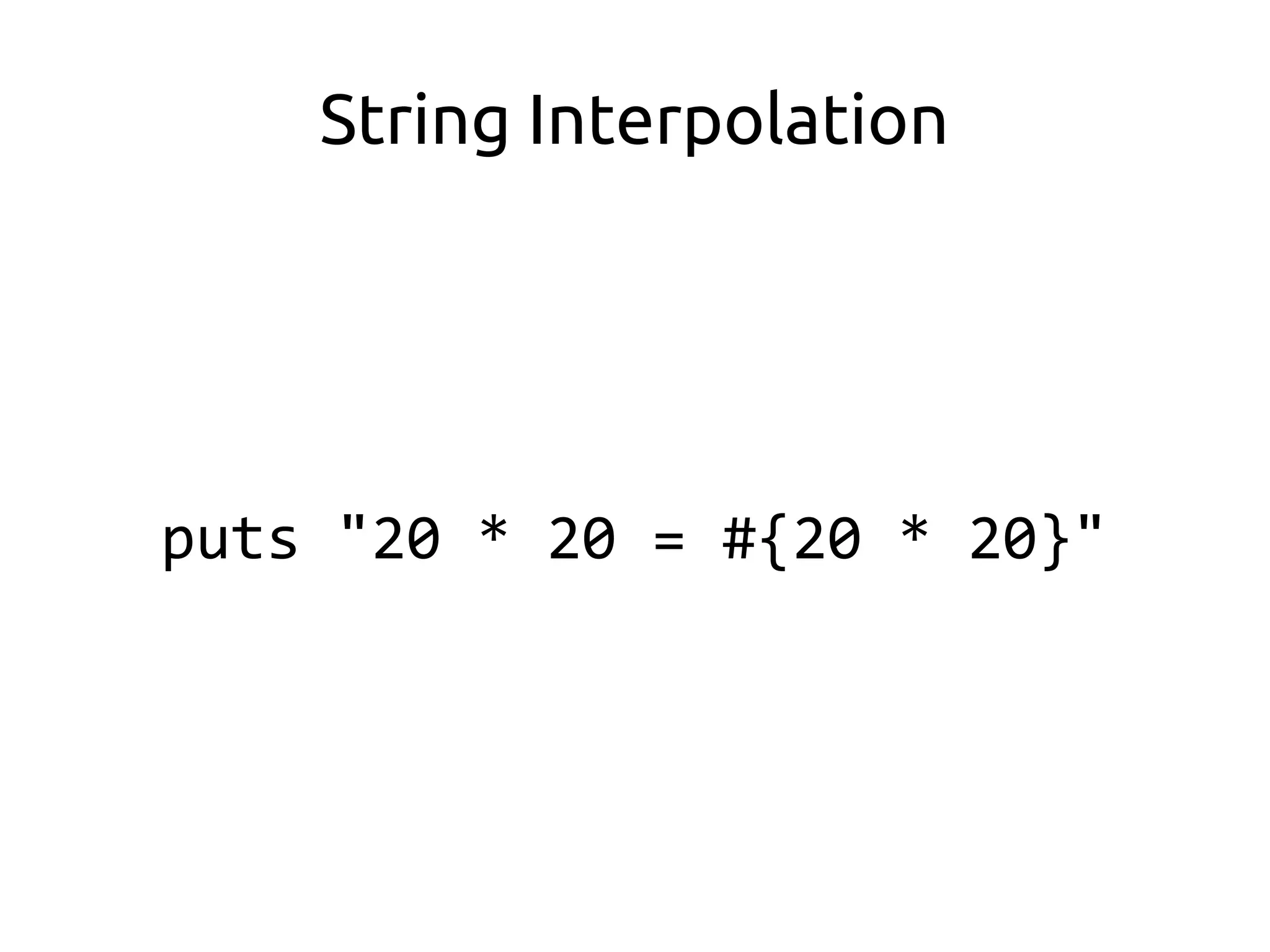
String Interpolation


puts "20 * 20 = #{20 * 20}"
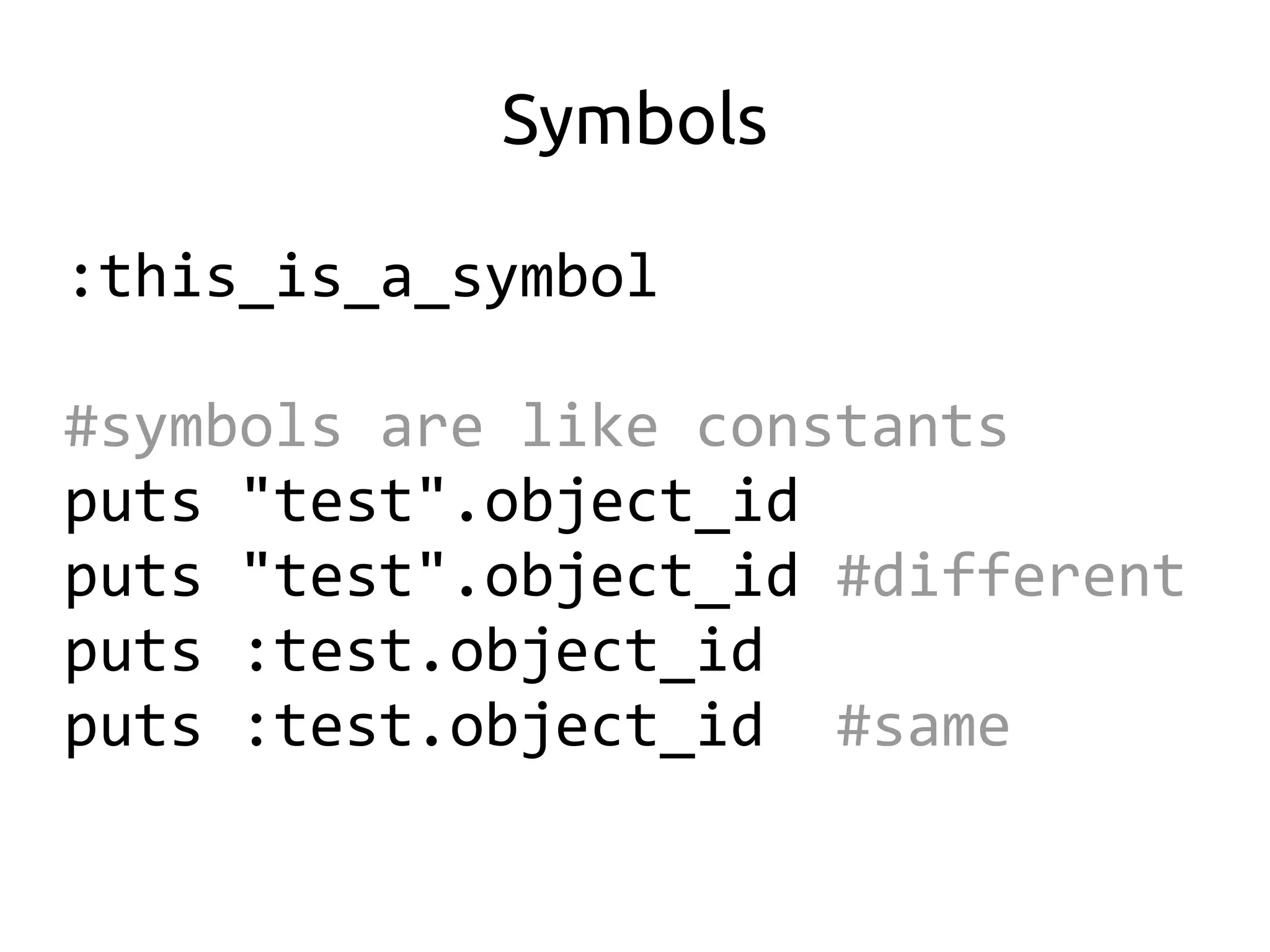
Symbols

:this_is_a_symbol

#symbols are like constants
puts "test".object_id
puts "test".object_id #different
puts :test.object_id
puts :test.object_id #same
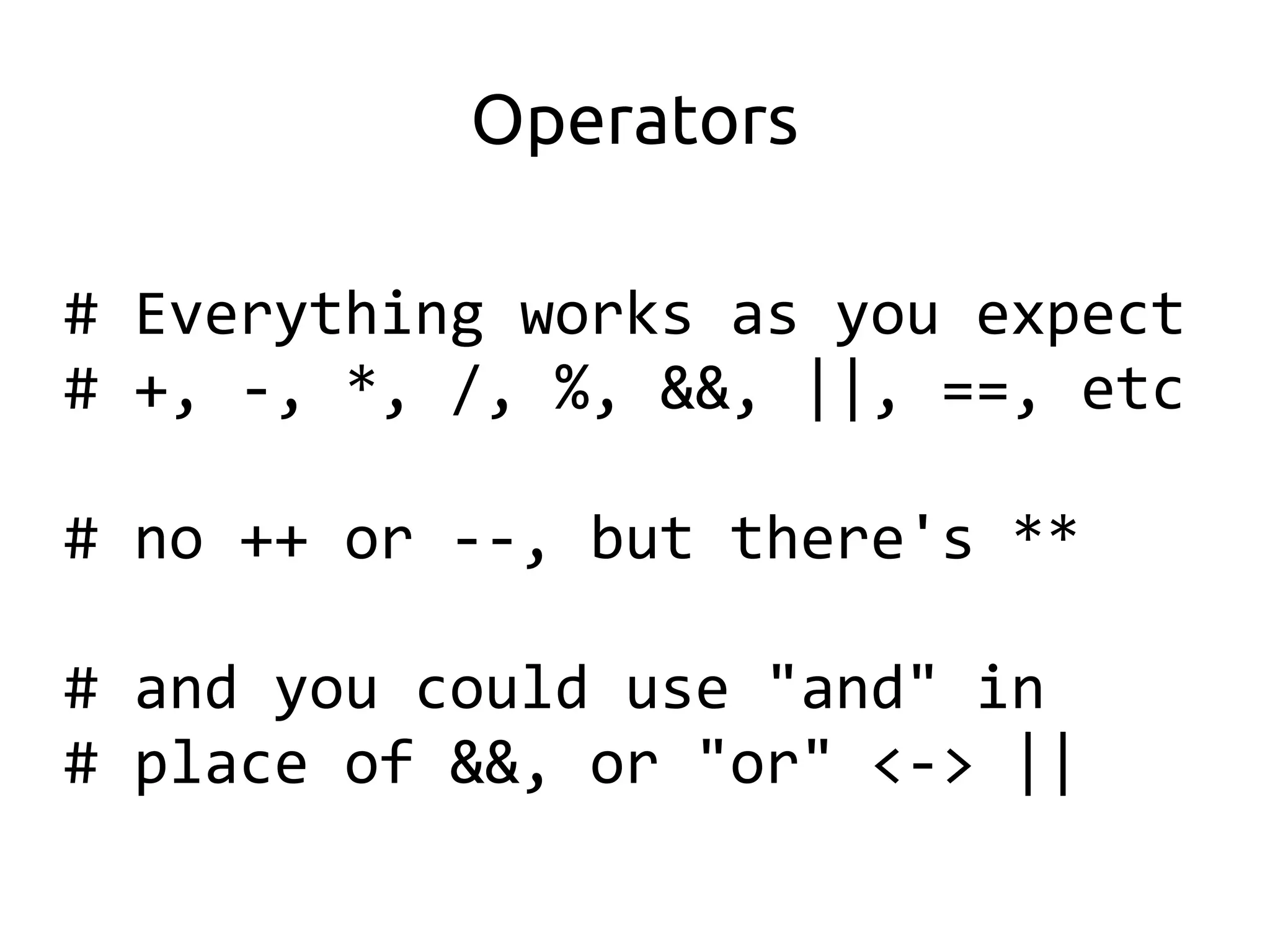
Operators

# Everything works as you expect
# +, -, *, /, %, &&, ||, ==, etc

# no ++ or --, but there's **

# and you could use "and" in
# place of &&, or "or" <-> ||
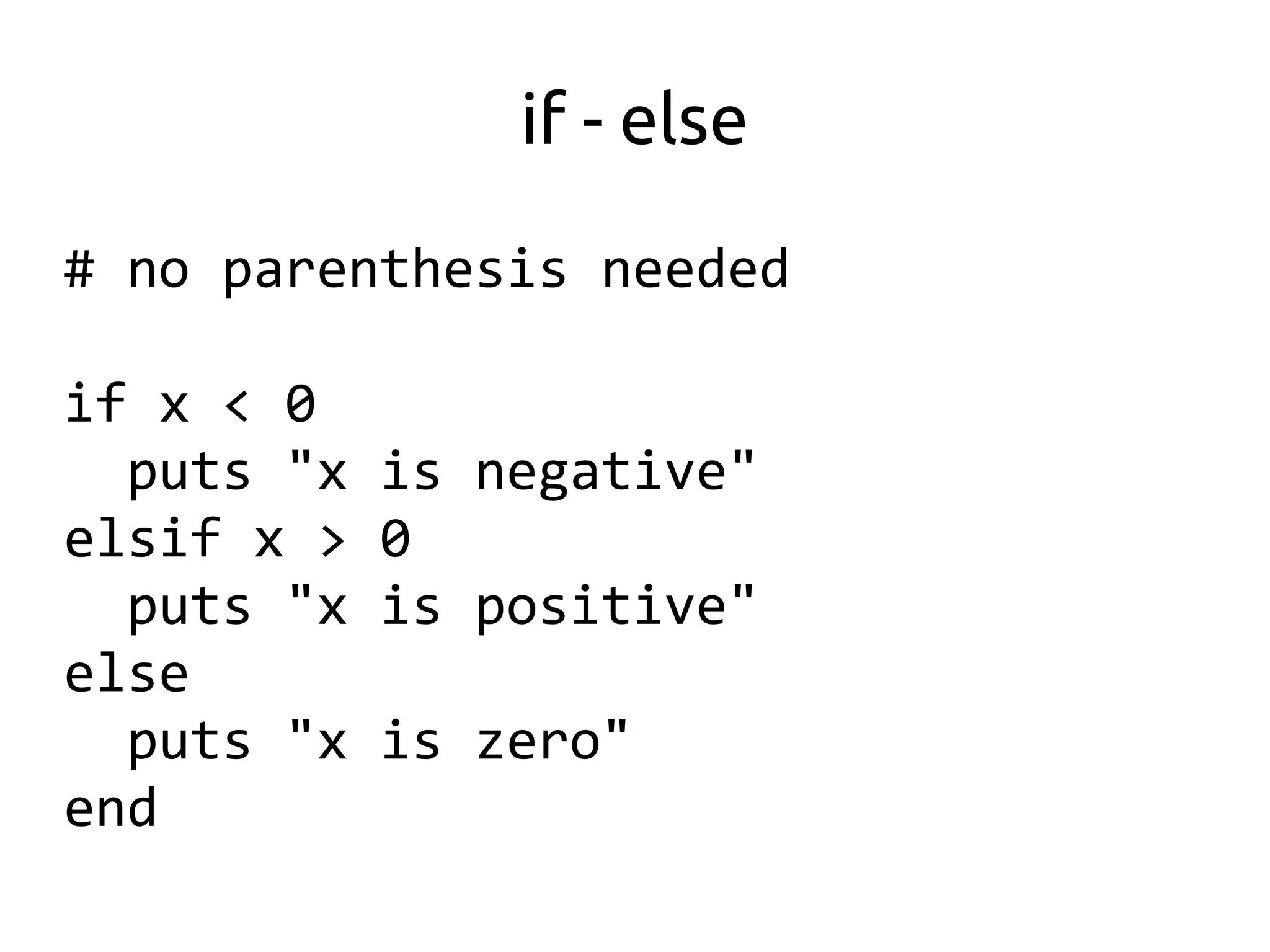
if - else

# no parenthesis needed

if x < 0
  puts "x   is negative"
elsif x >   0
  puts "x   is positive"
else
  puts "x   is zero"
end
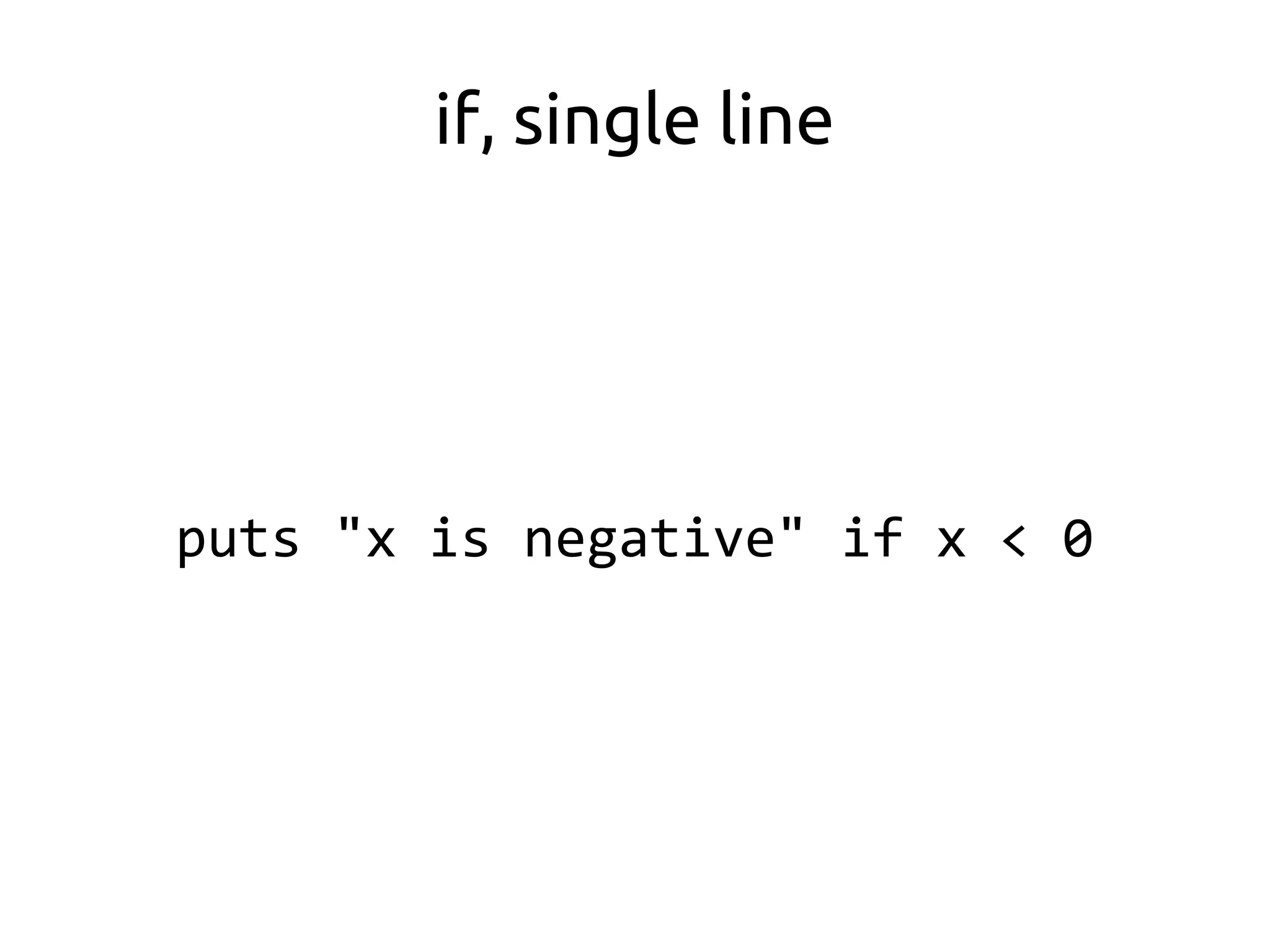
if, single line


puts "x is negative" if x < 0
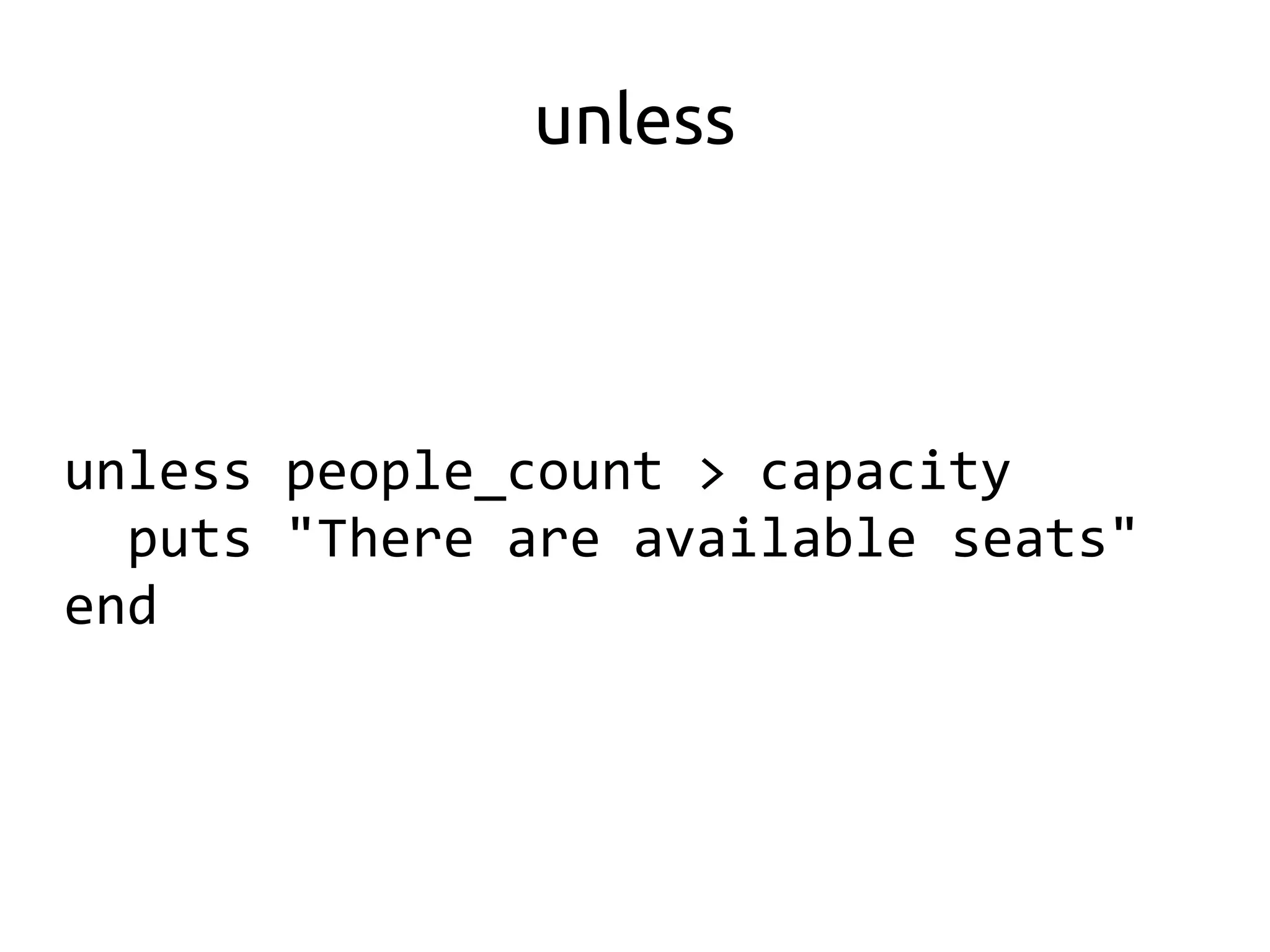
unless


unless people_count > capacity
  puts "There are available seats"
end
Arrays

list = [1, "two", 3]

list << "another item"

list[0] = "uno"

puts list[1]
Hashes


prices = {:soda => 30, :chips => 5}

puts prices[:soda]
prices[:rice] = 12.50
Iteration and Blocks


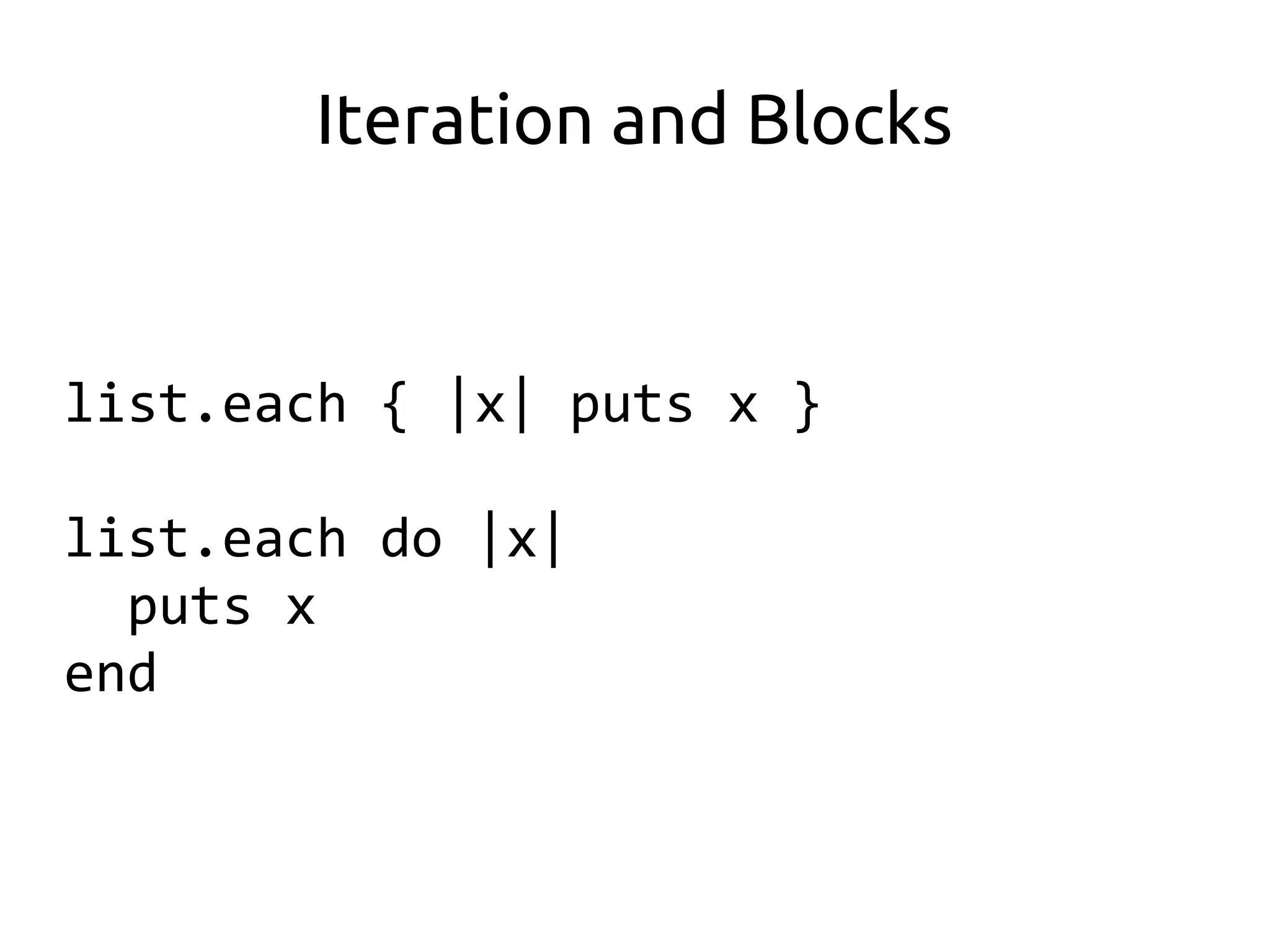
list.each { |x| puts x }

list.each do |x|
  puts x
end
More Iteration and Blocks


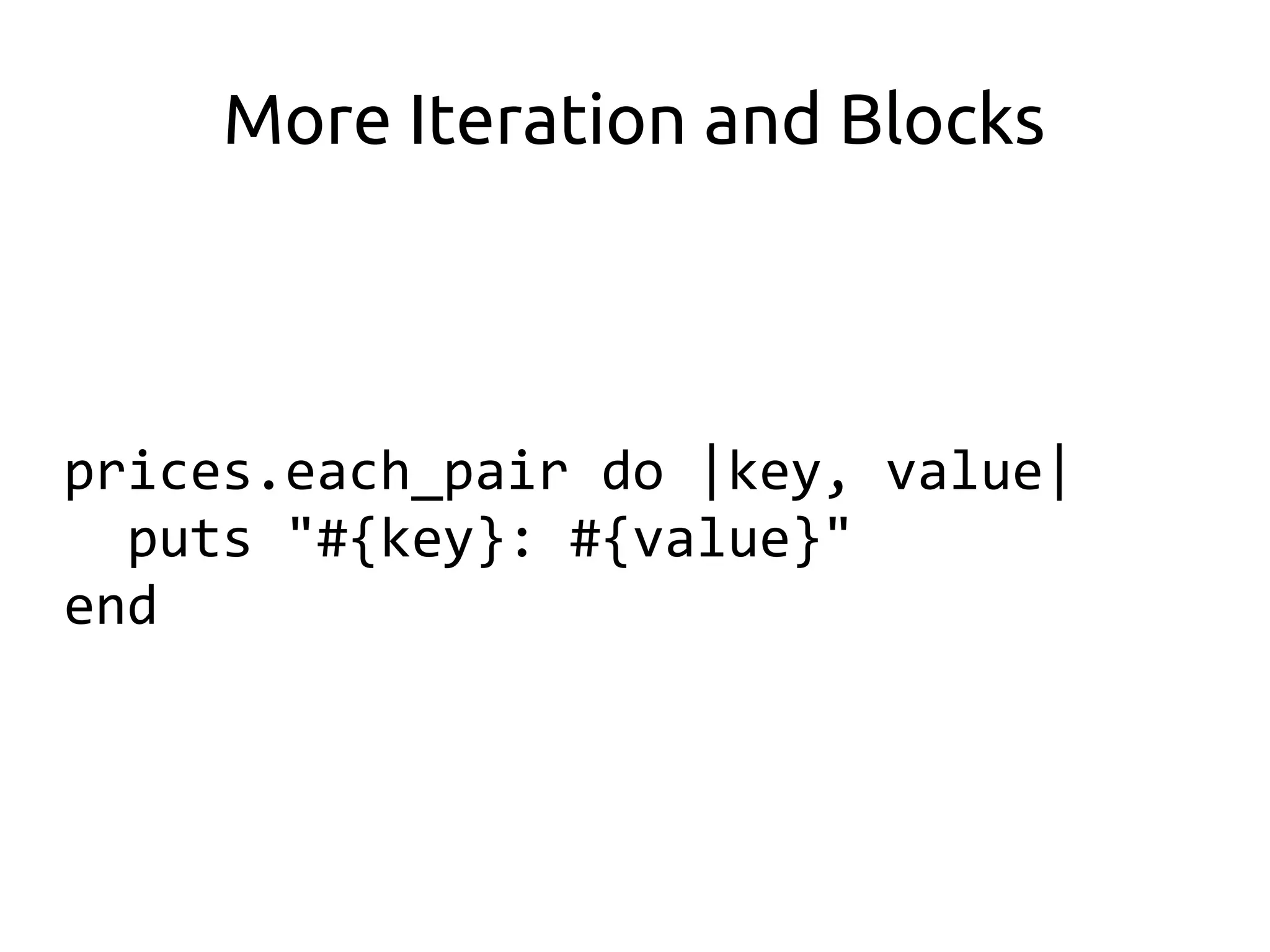
prices.each_pair do |key, value|
  puts "#{key}: #{value}"
end
More Iteration

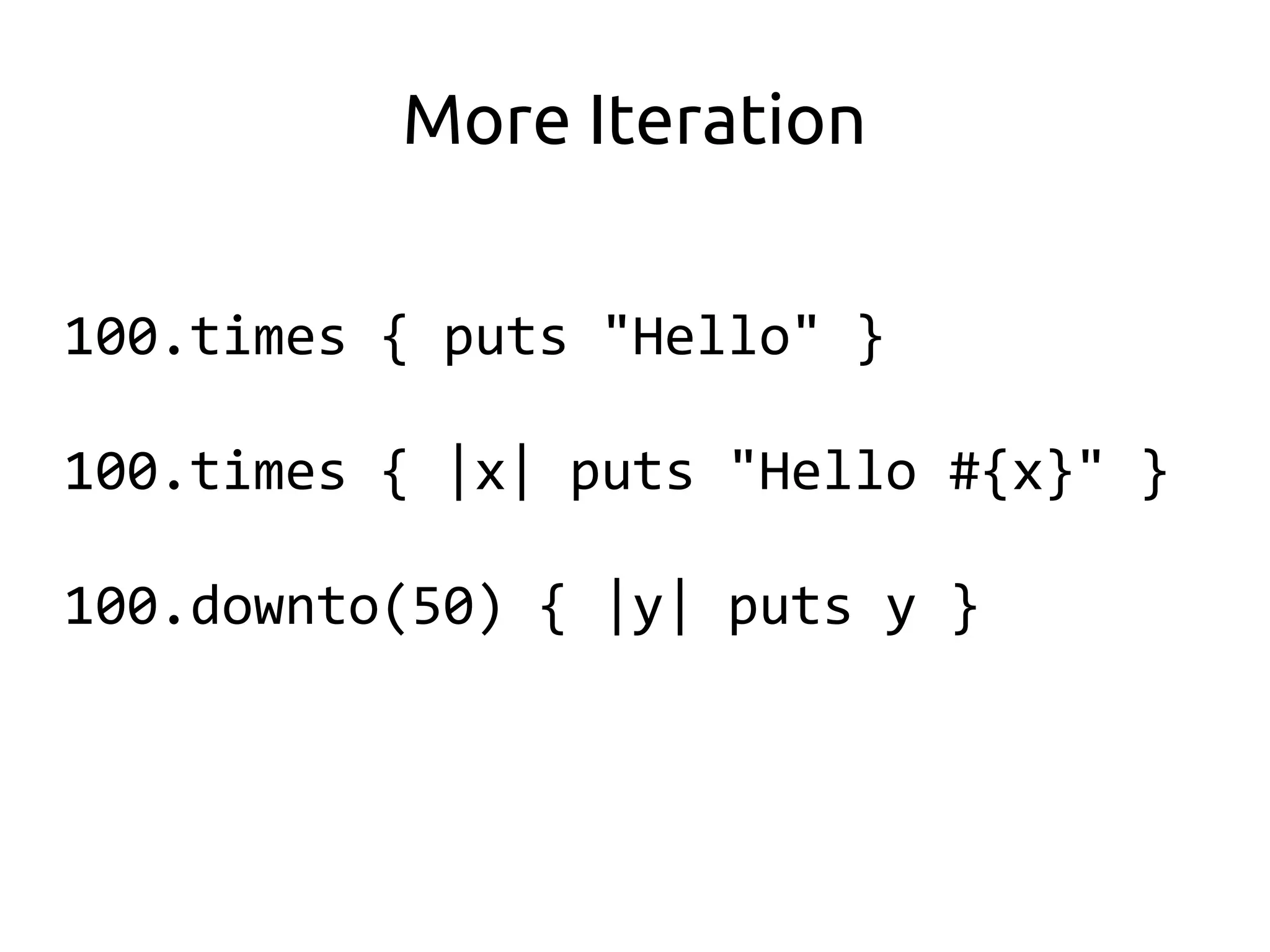
100.times { puts "Hello" }

100.times { |x| puts "Hello #{x}" }

100.downto(50) { |y| puts y }
Ranges

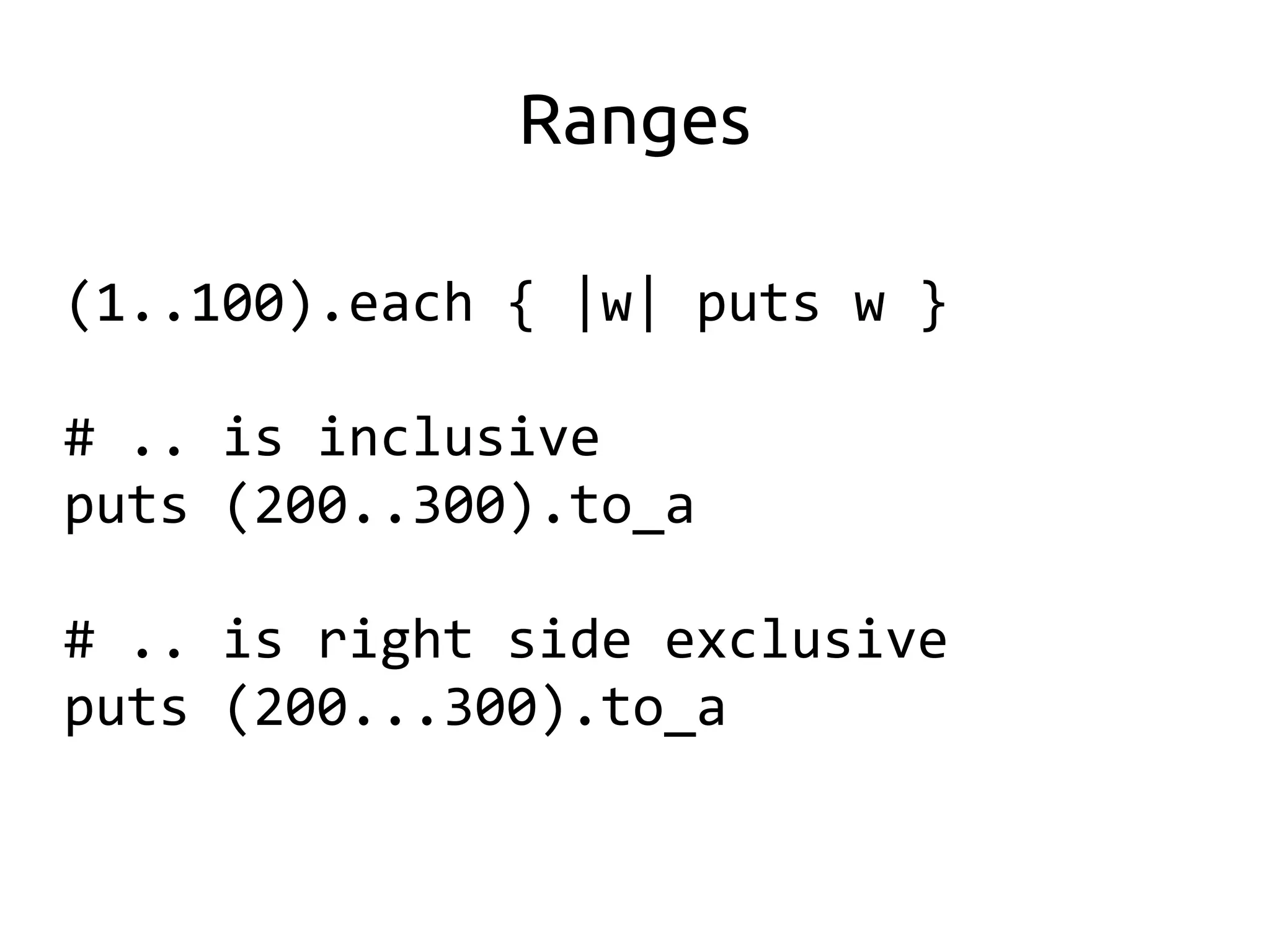
(1..100).each { |w| puts w }

# .. is inclusive
puts (200..300).to_a

# .. is right side exclusive
puts (200...300).to_a
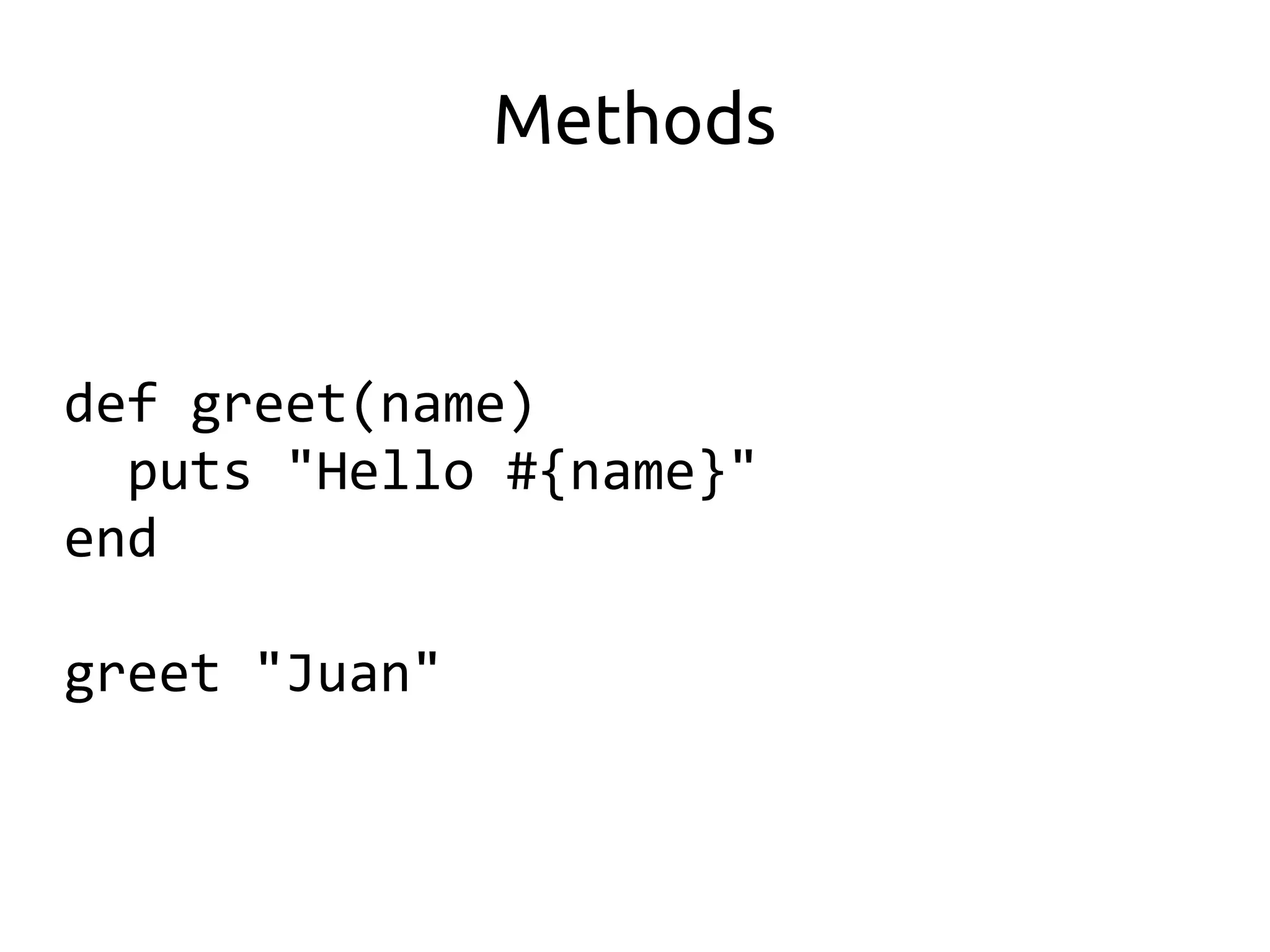
Methods


def greet(name)
  puts "Hello #{name}"
end

greet "Juan"
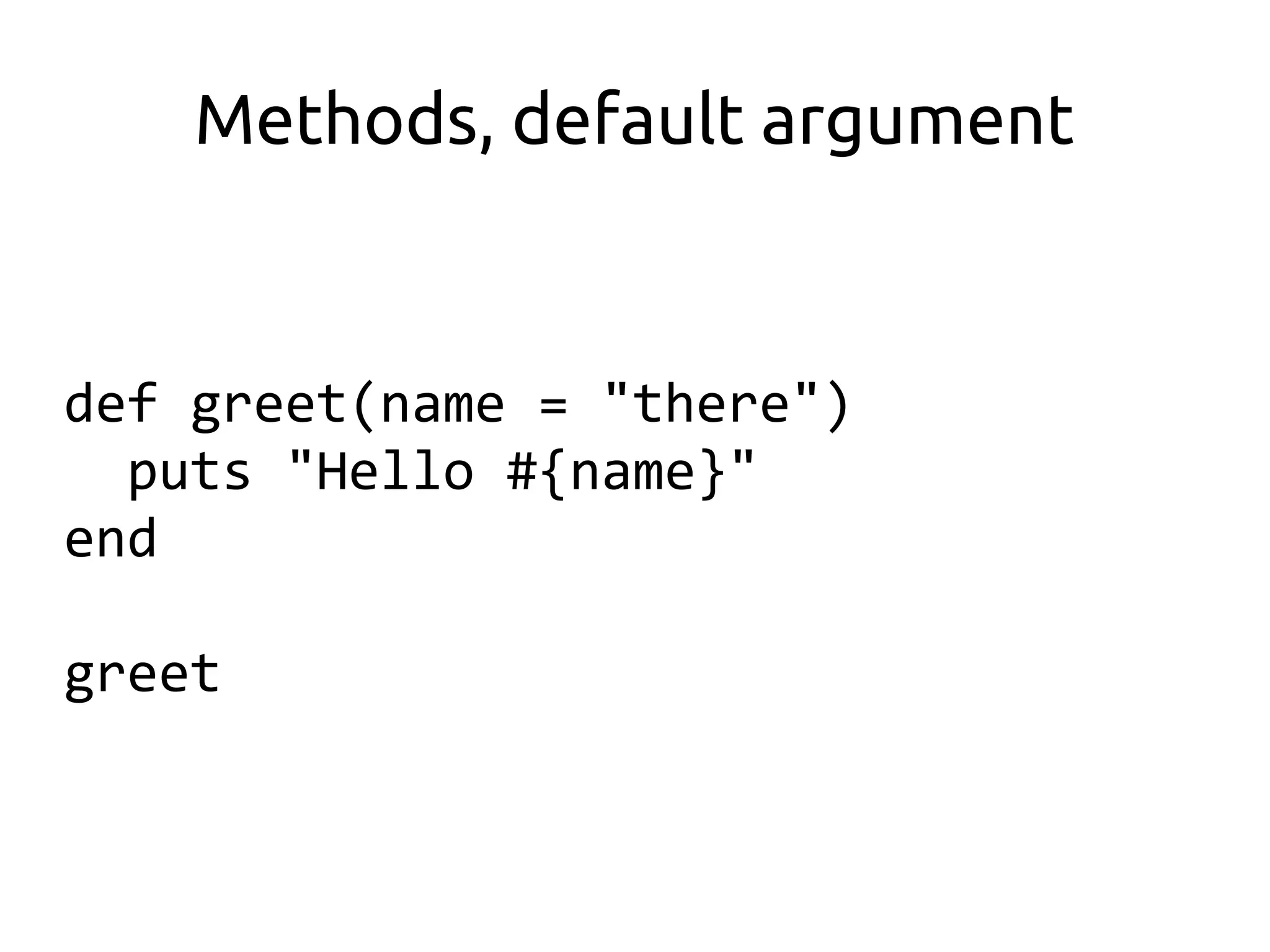
Methods, default argument


def greet(name = "there")
  puts "Hello #{name}"
end

greet
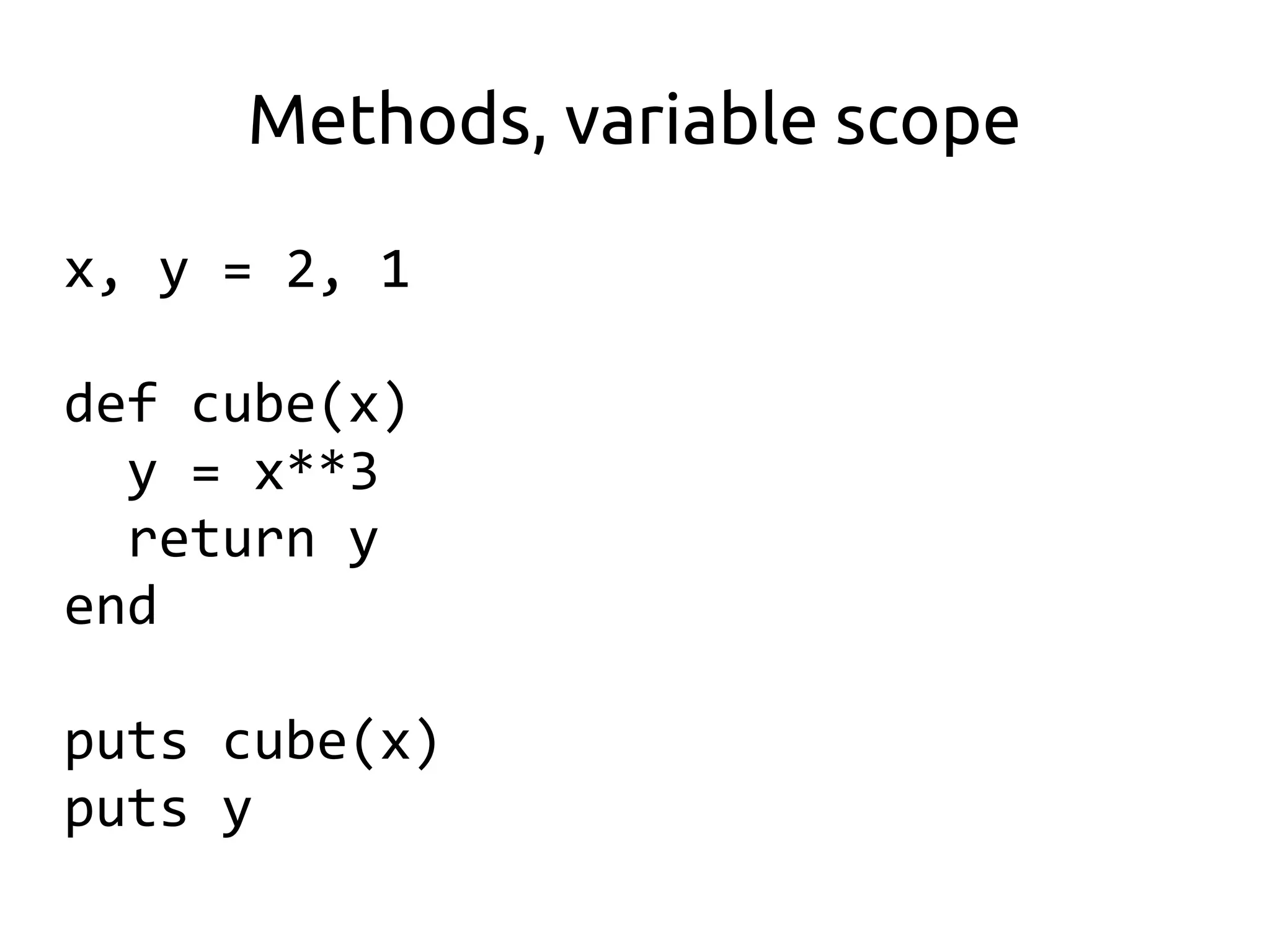
Methods, variable scope

x, y = 2, 1

def cube(x)
  y = x**3
  return y
end

puts cube(x)
puts y
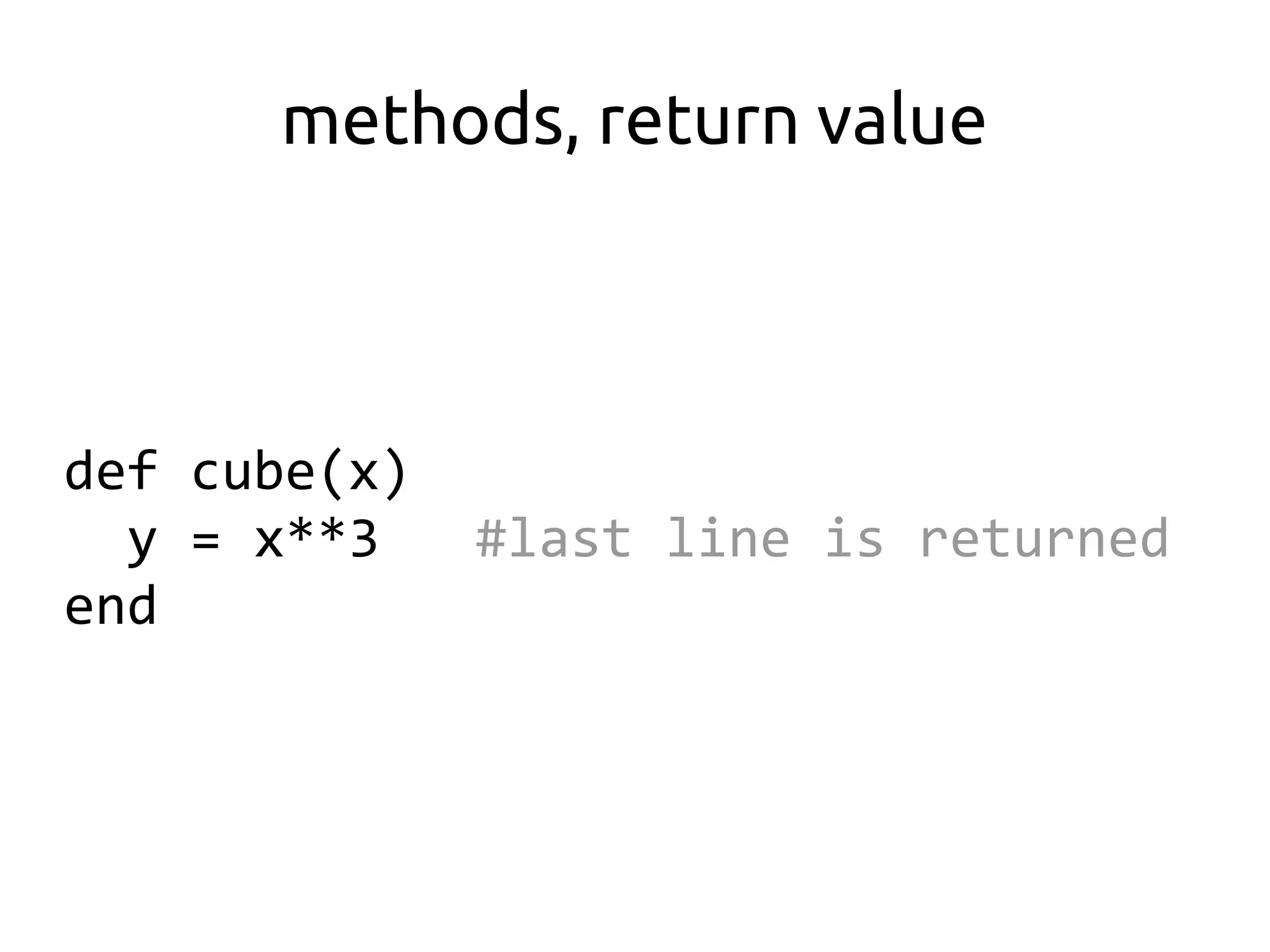
methods, return value


def cube(x)
  y = x**3    #last line is returned
end
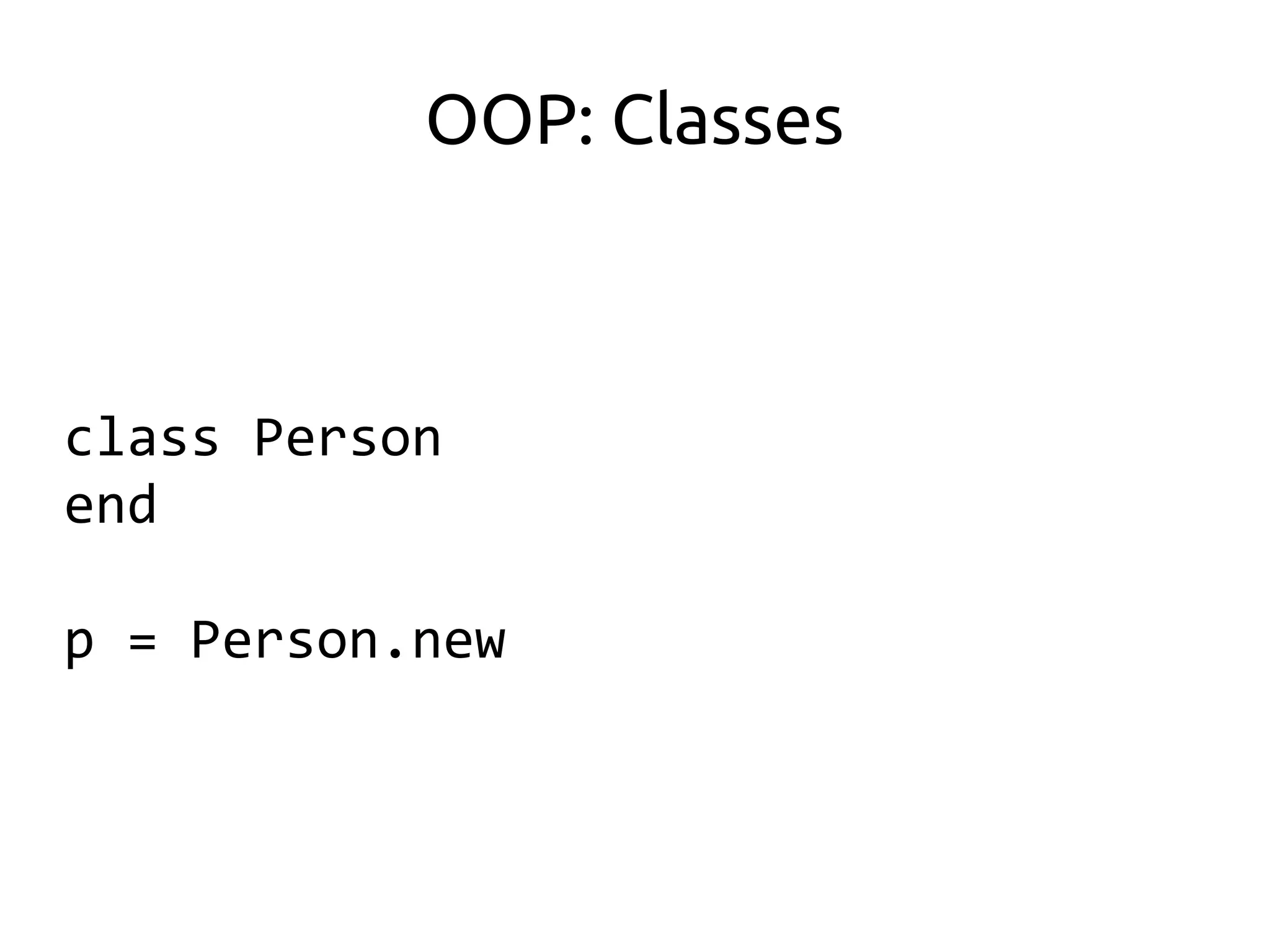
OOP: Classes


class Person
end

p = Person.new
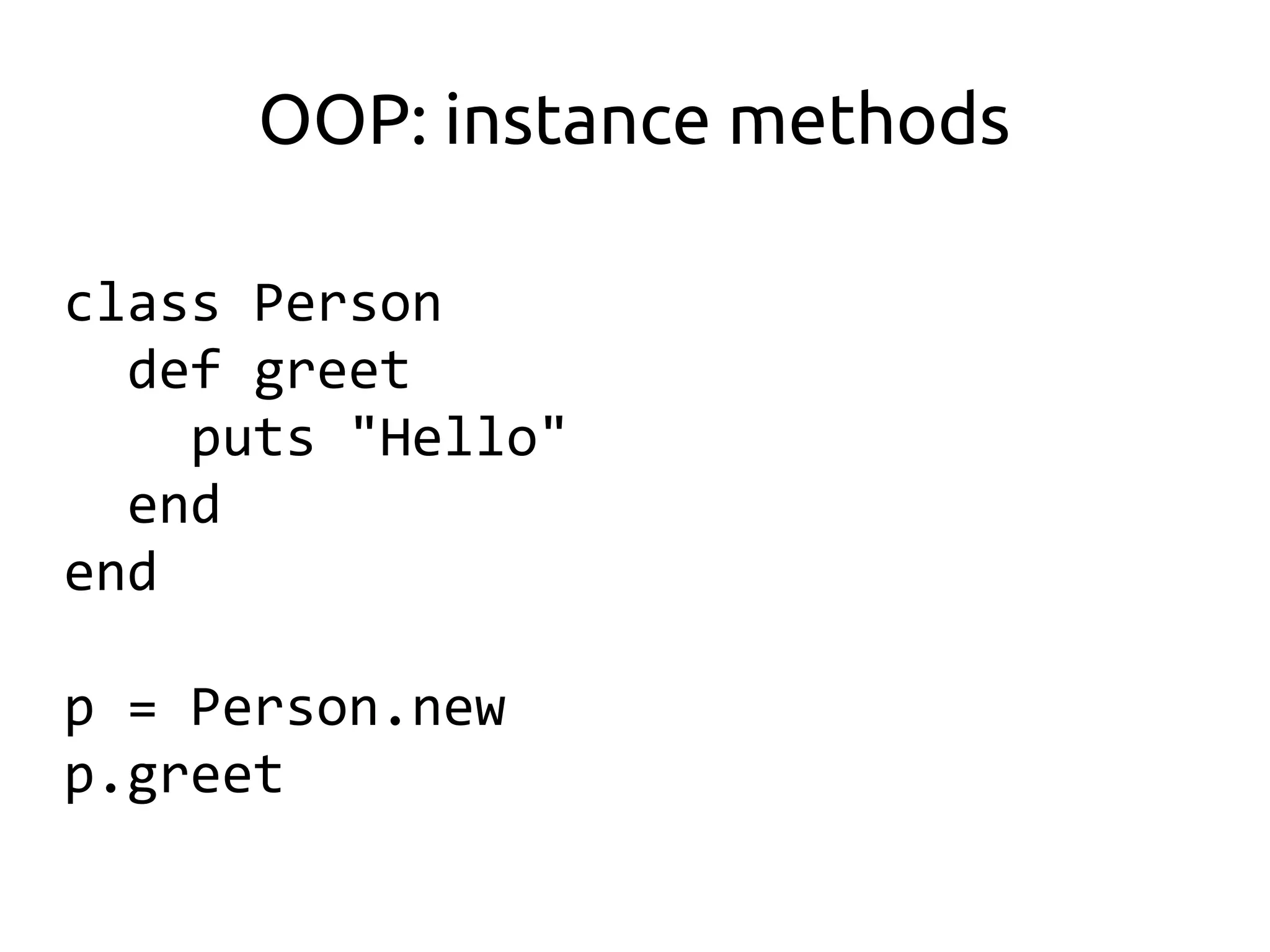
OOP: instance methods

class Person
  def greet
    puts "Hello"
  end
end

p = Person.new
p.greet
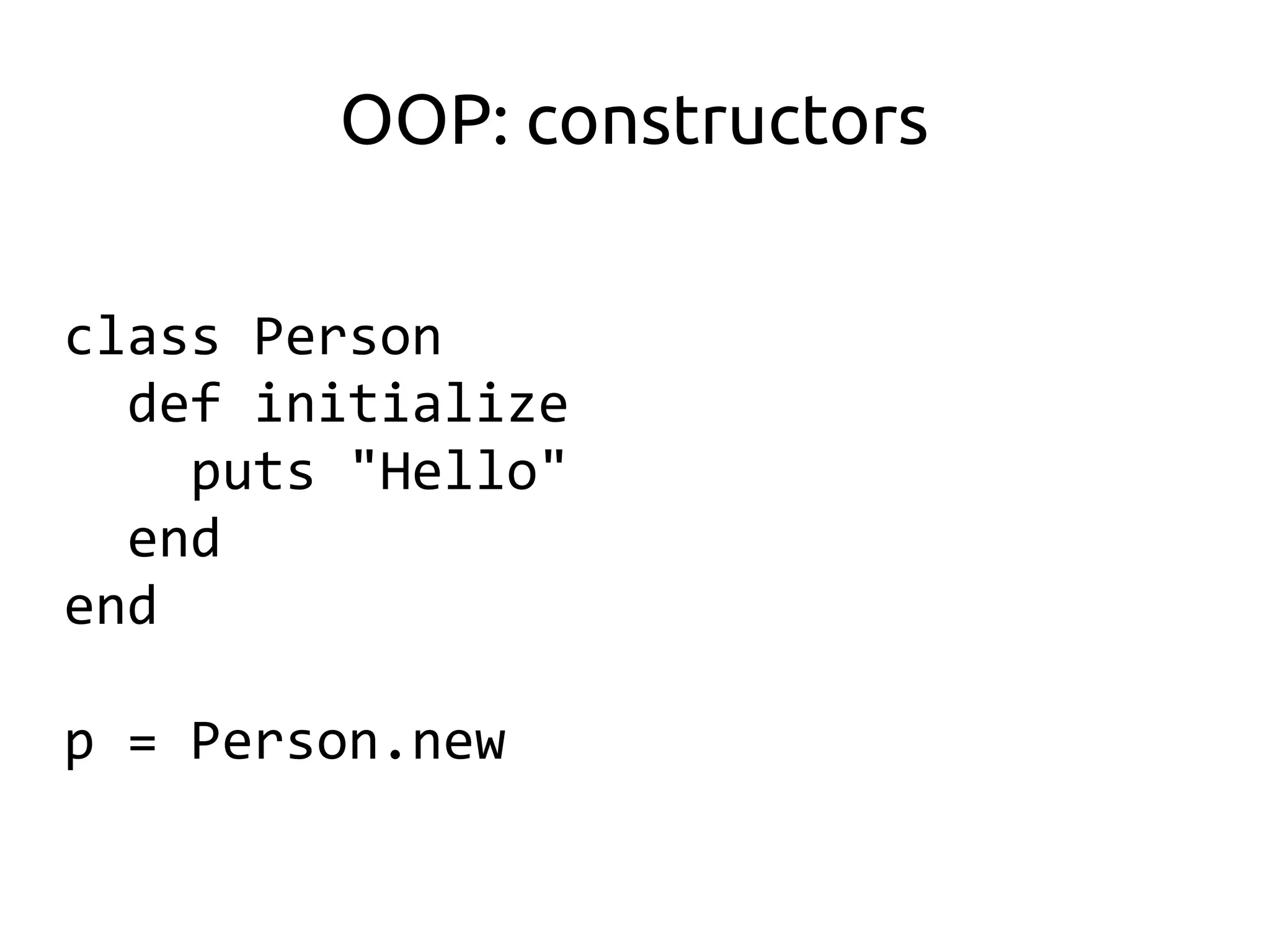
OOP: constructors

class Person
  def initialize
    puts "Hello"
  end
end

p = Person.new
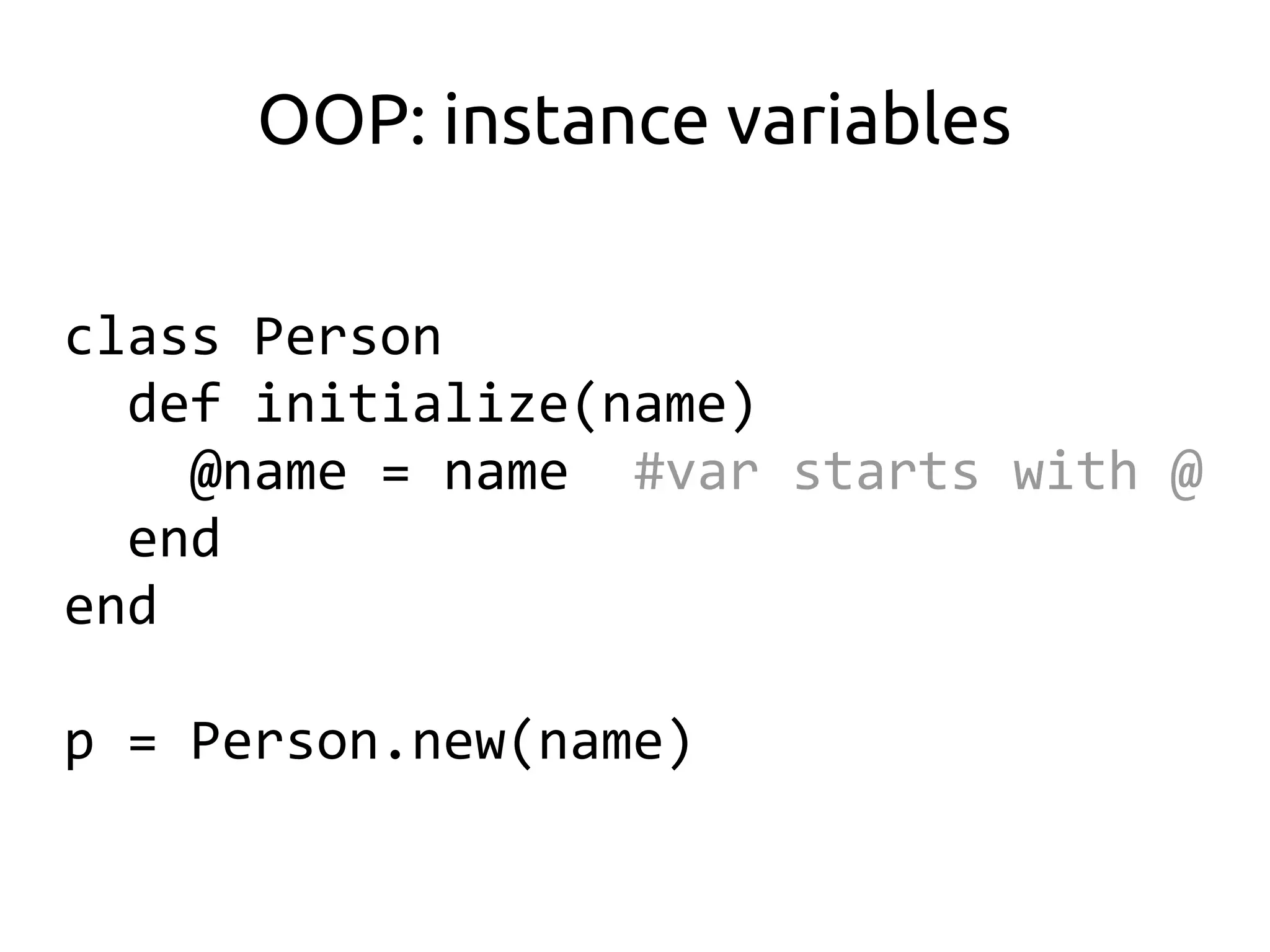
OOP: instance variables

class Person
  def initialize(name)
    @name = name #var starts with @
  end
end

p = Person.new(name)
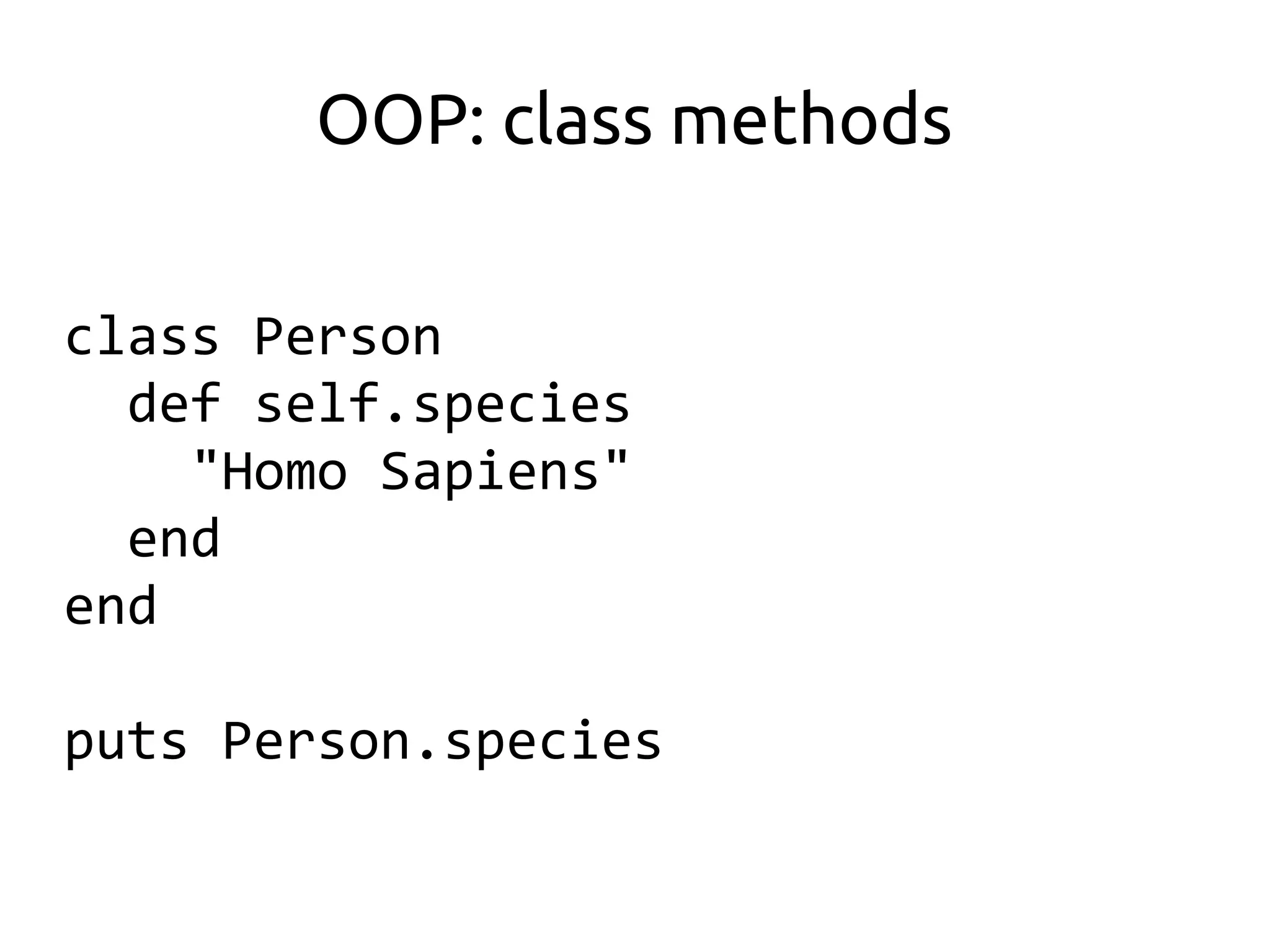
OOP: class methods

class Person
  def self.species
    "Homo Sapiens"
  end
end

puts Person.species
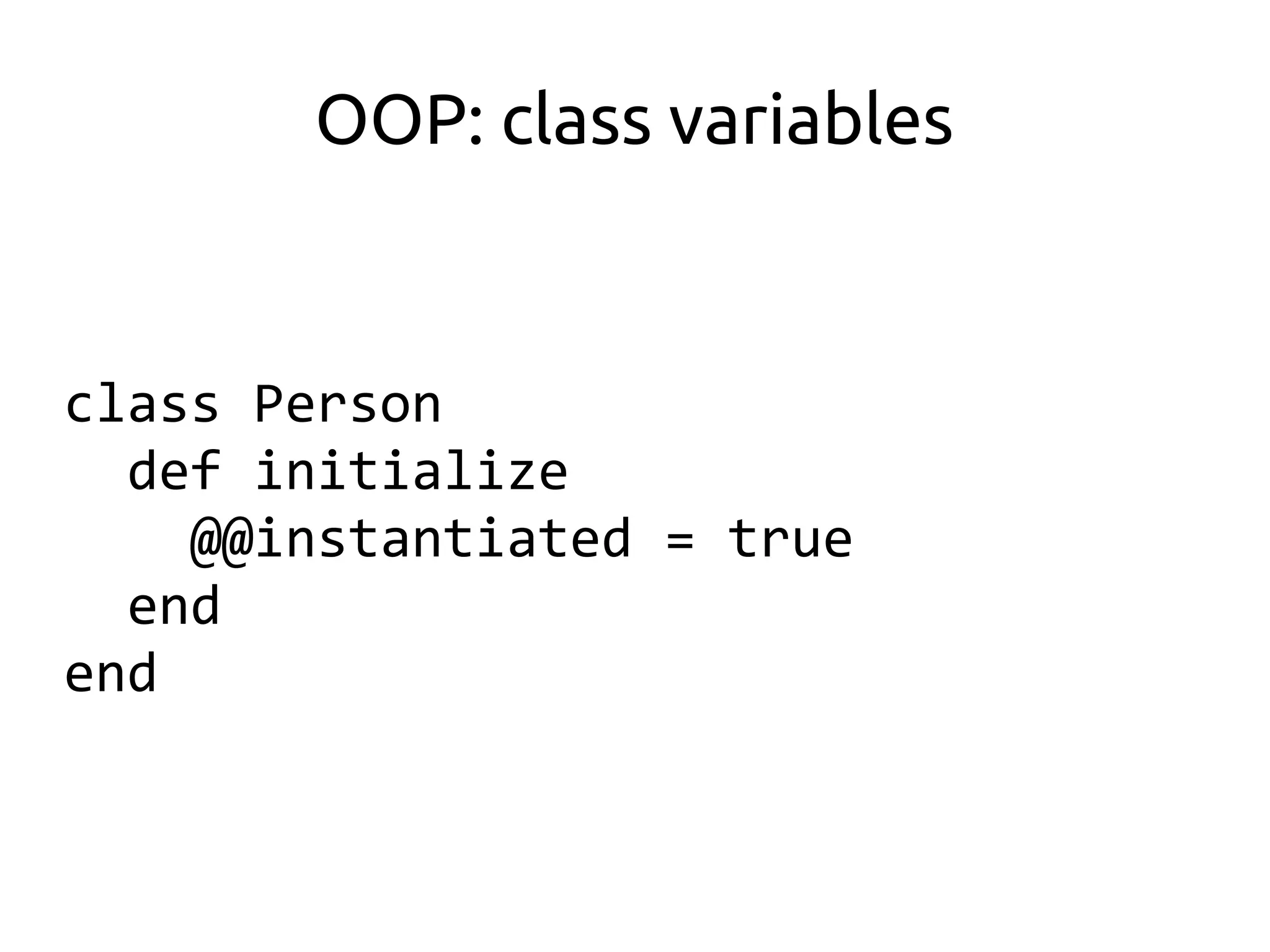
OOP: class variables


class Person
  def initialize
    @@instantiated = true
  end
end
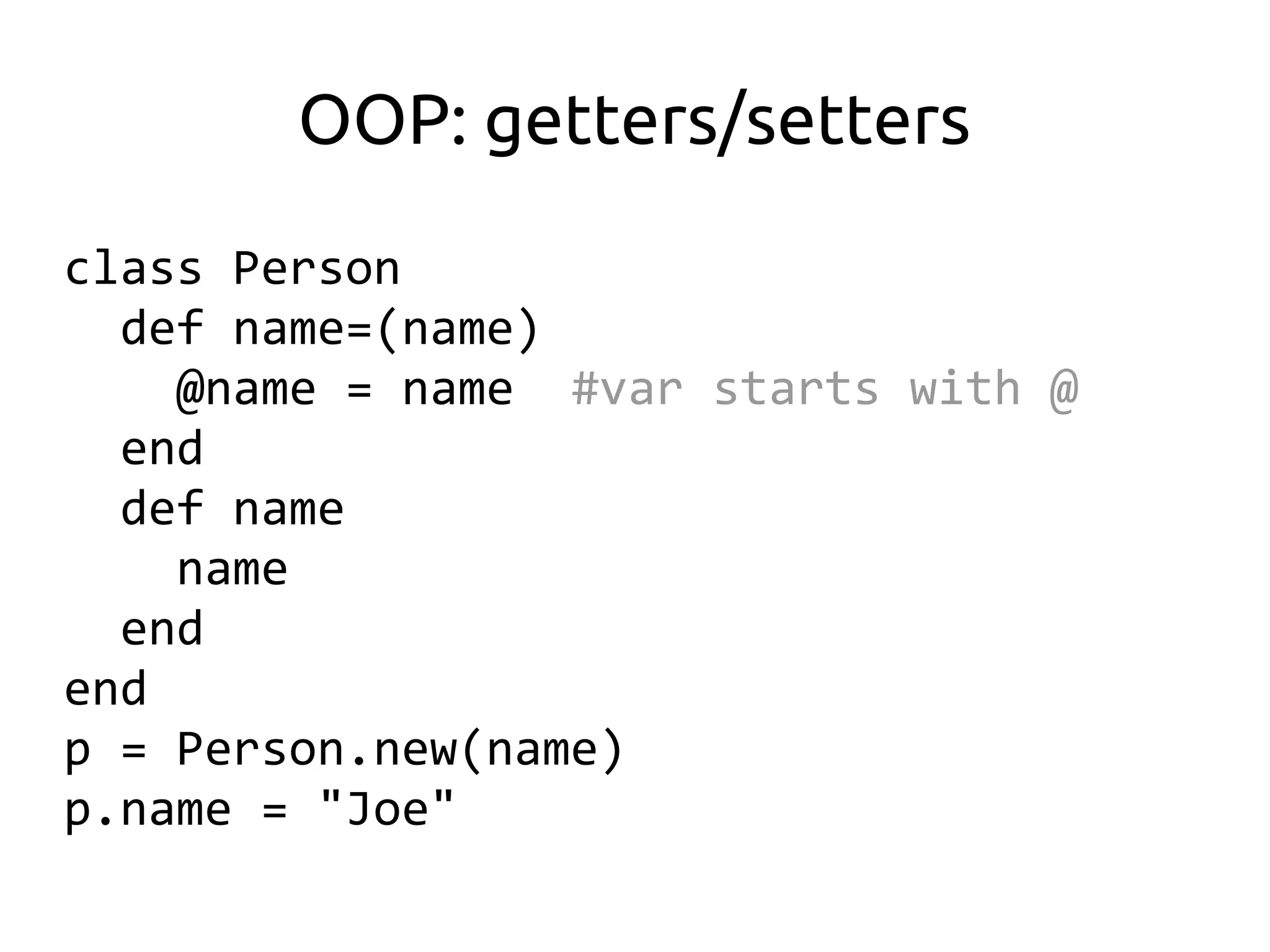
OOP: getters/setters
class Person
  def name=(name)
    @name = name #var starts with @
  end
  def name
    name
  end
end
p = Person.new(name)
p.name = "Joe"
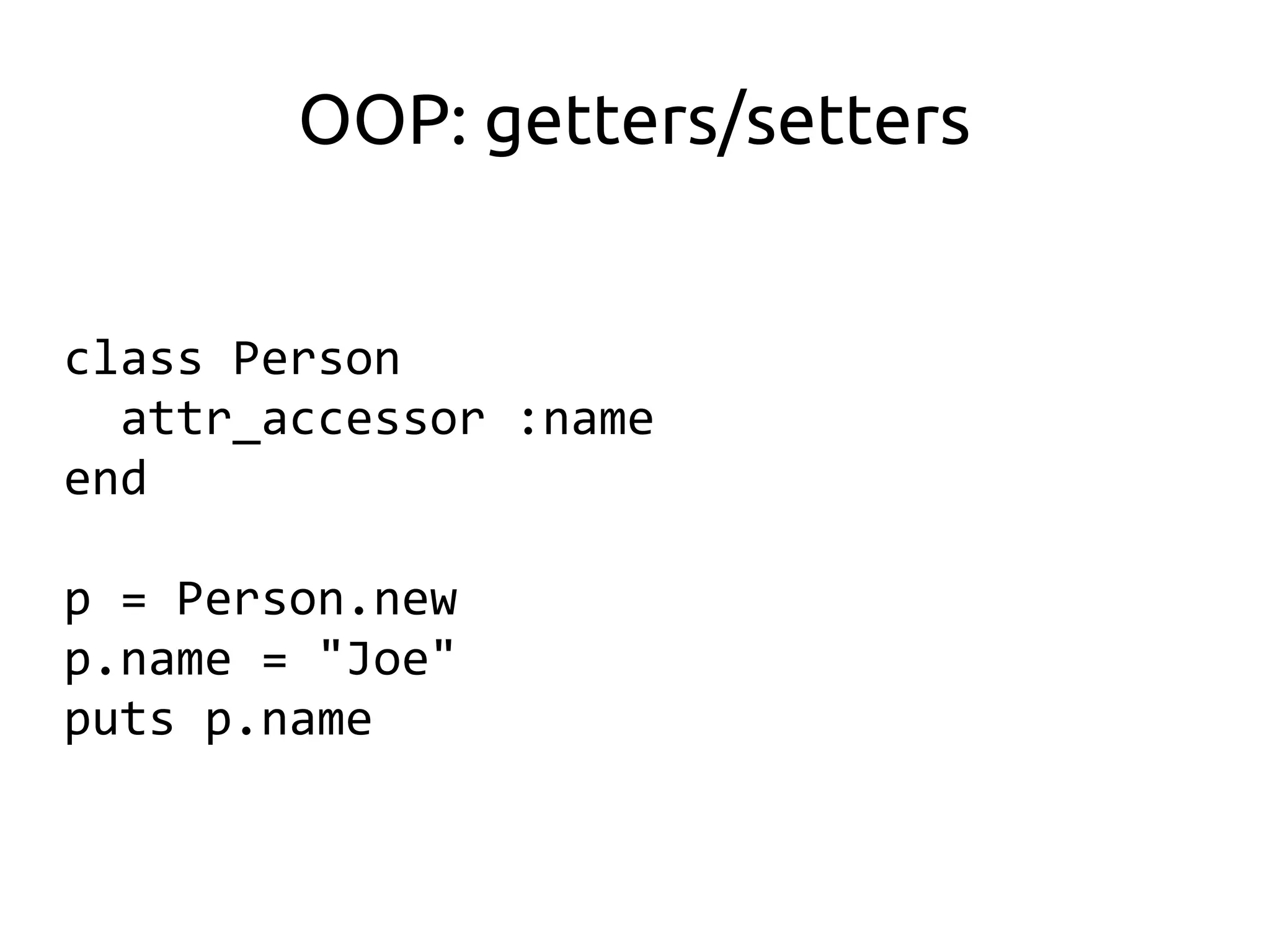
OOP: getters/setters


class Person
  attr_accessor :name
end

p = Person.new
p.name = "Joe"
puts p.name
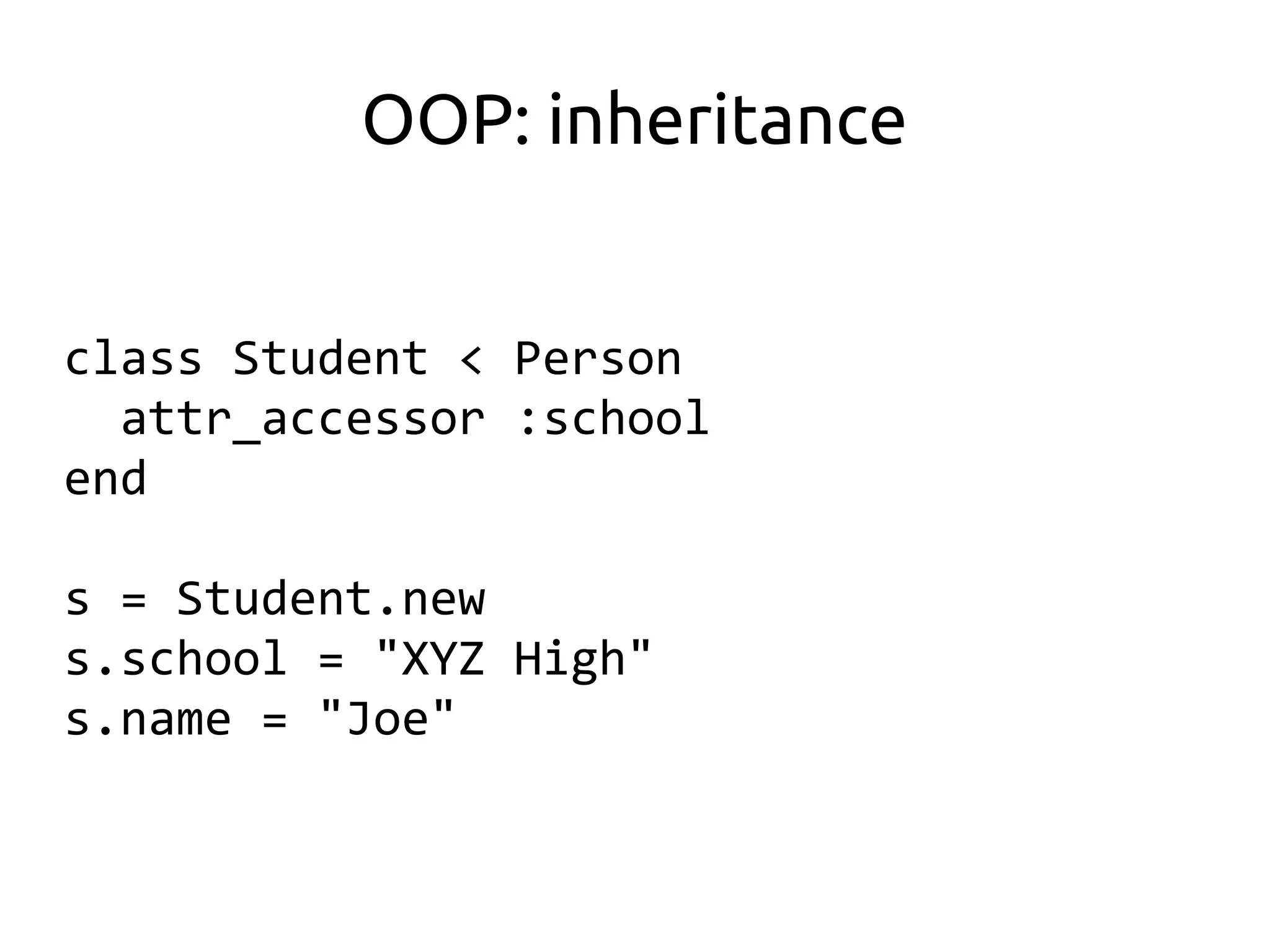
OOP: inheritance


class Student < Person
  attr_accessor :school
end

s = Student.new
s.school = "XYZ High"
s.name = "Joe"
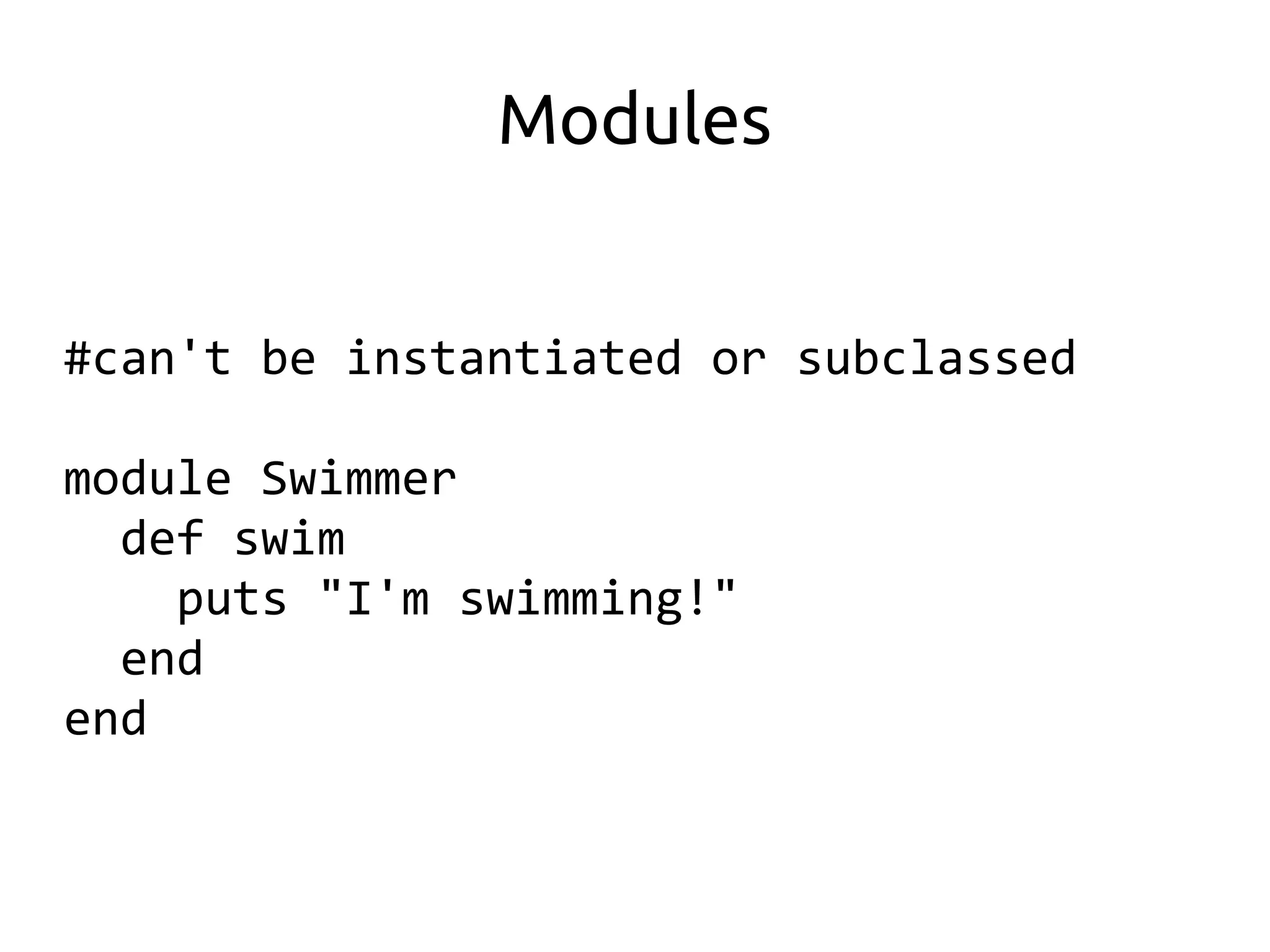
Modules


#can't be instantiated or subclassed

module Swimmer
  def swim
    puts "I'm swimming!"
  end
end
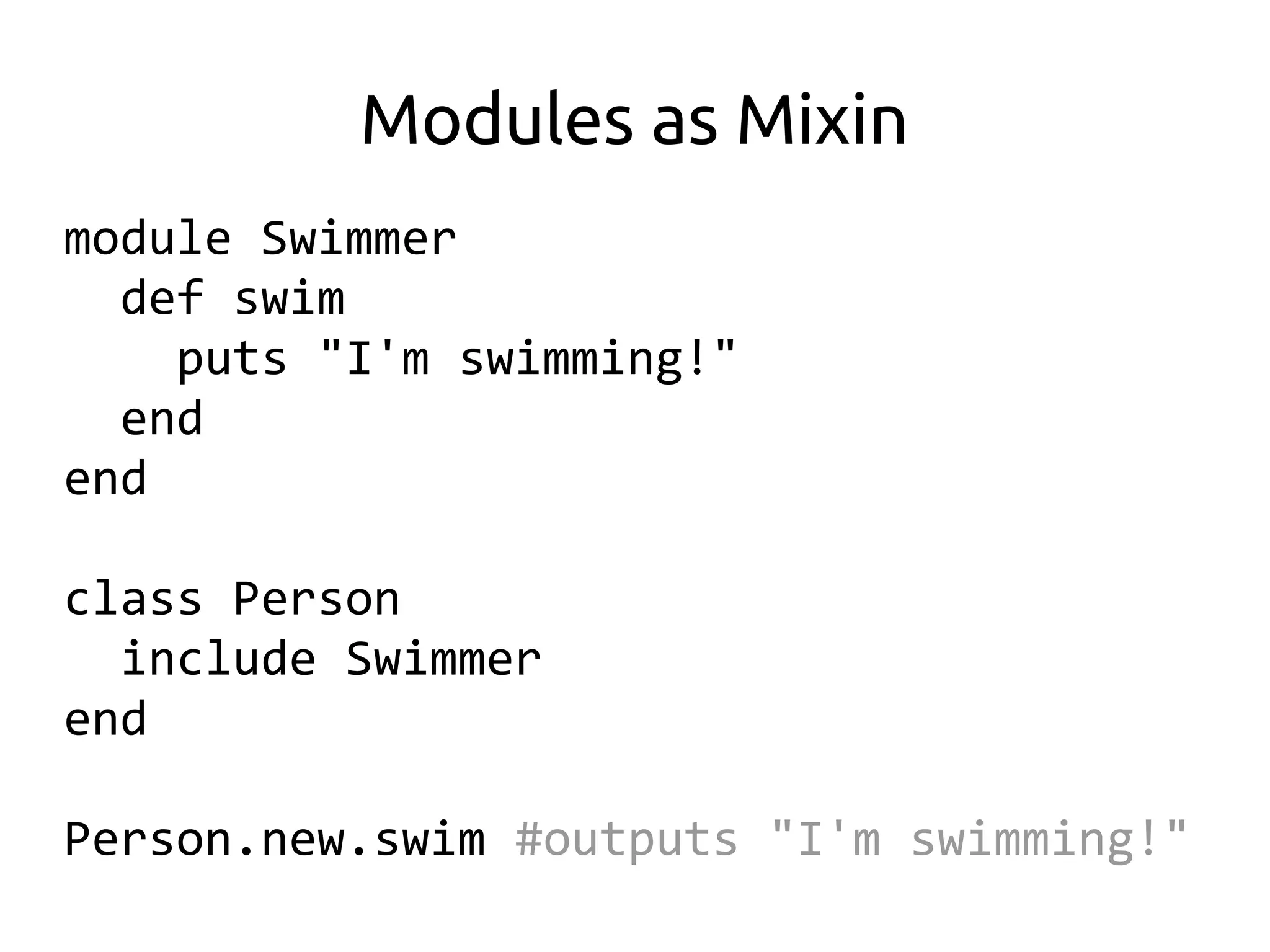
Modules as Mixin
module Swimmer
  def swim
    puts "I'm swimming!"
  end
end

class Person
  include Swimmer
end

Person.new.swim #outputs "I'm swimming!"
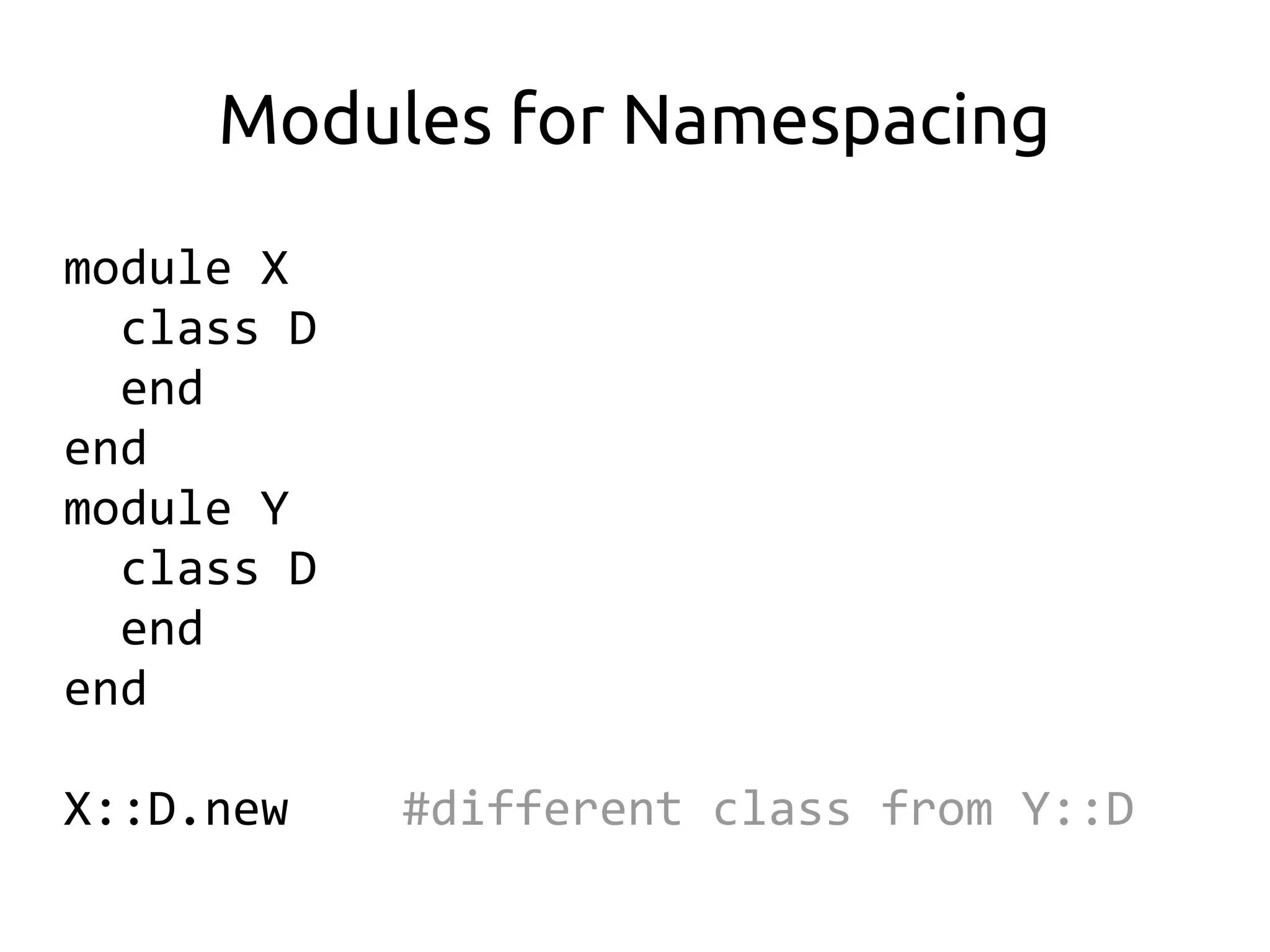
Modules for Namespacing
module X
  class D
  end
end
module Y
  class D
  end
end

X::D.new    #different class from Y::D
Modules for Namespacing


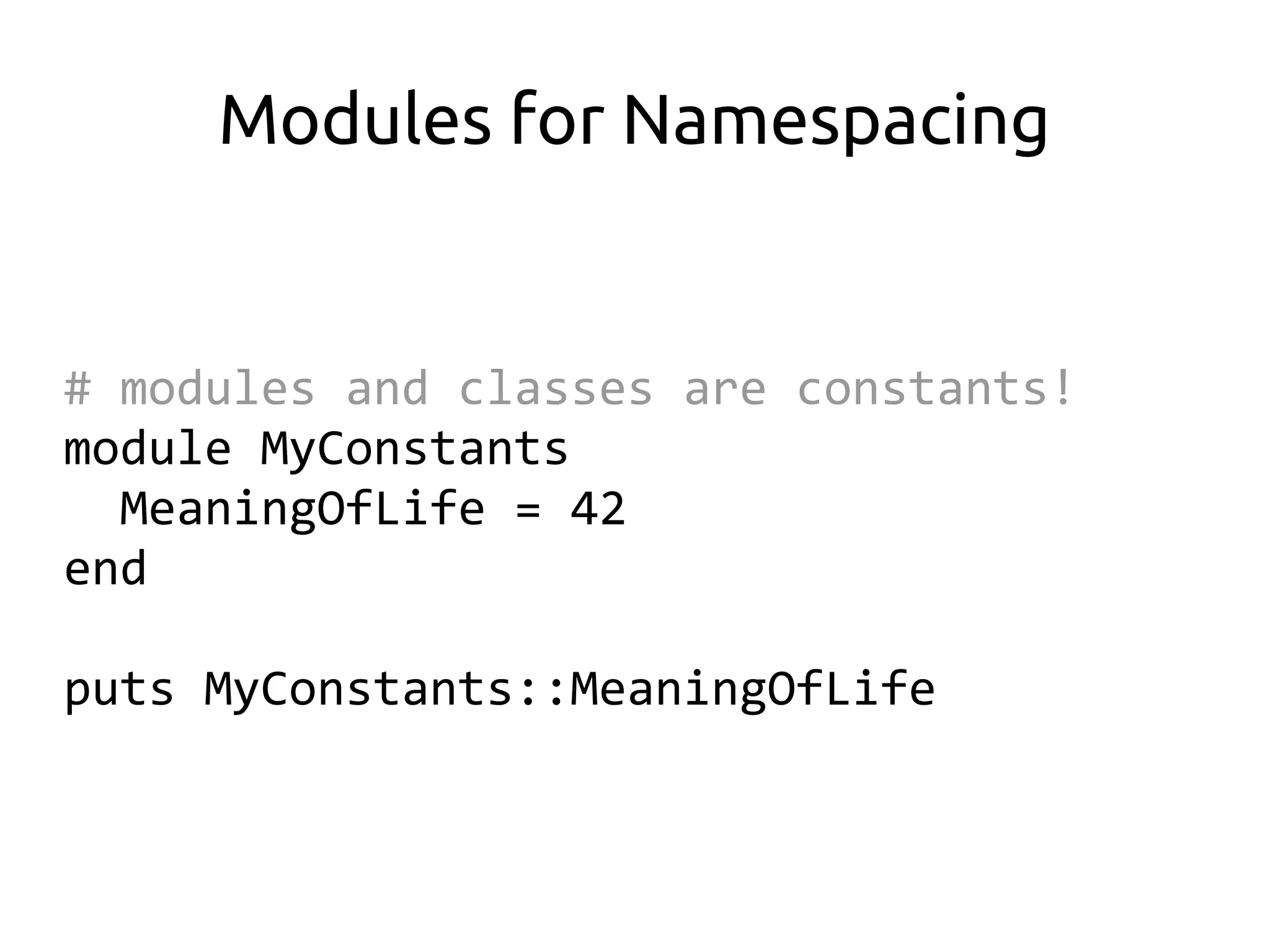
# modules and classes are constants!
module MyConstants
  MeaningOfLife = 42
end

puts MyConstants::MeaningOfLife
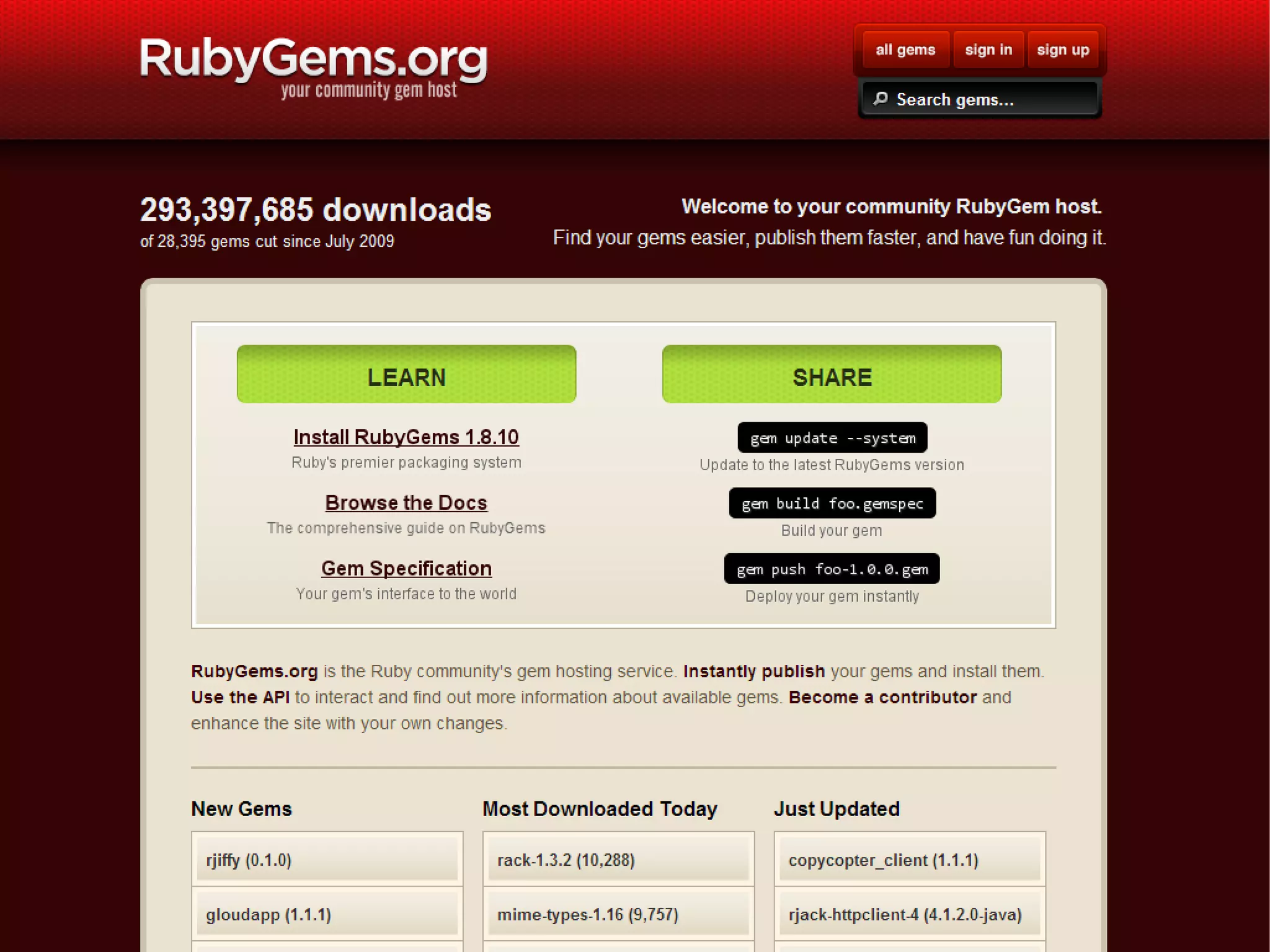
Ruby libraries are packaged
    and distributed as
        RubyGems
Ruby on Rails
is a web framework built
         in Ruby
pauliwoll
globevisions
Installing


For this seminar, we will use the
     Rails 3.0 installer from
        RailsInstaller.org
      (Rails Installer v1.3.0)
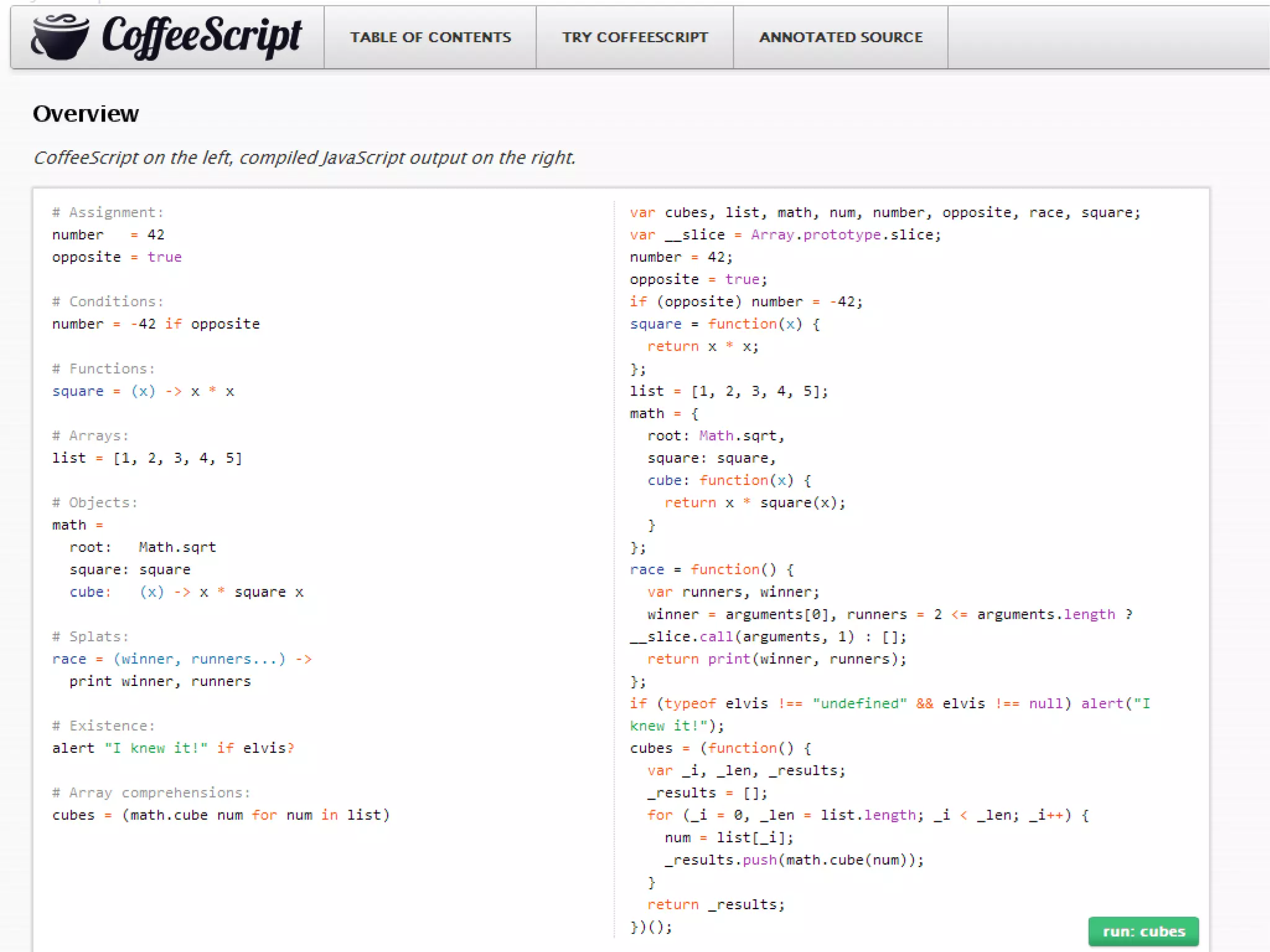
Why Rails 3.0 instead of 3.1?
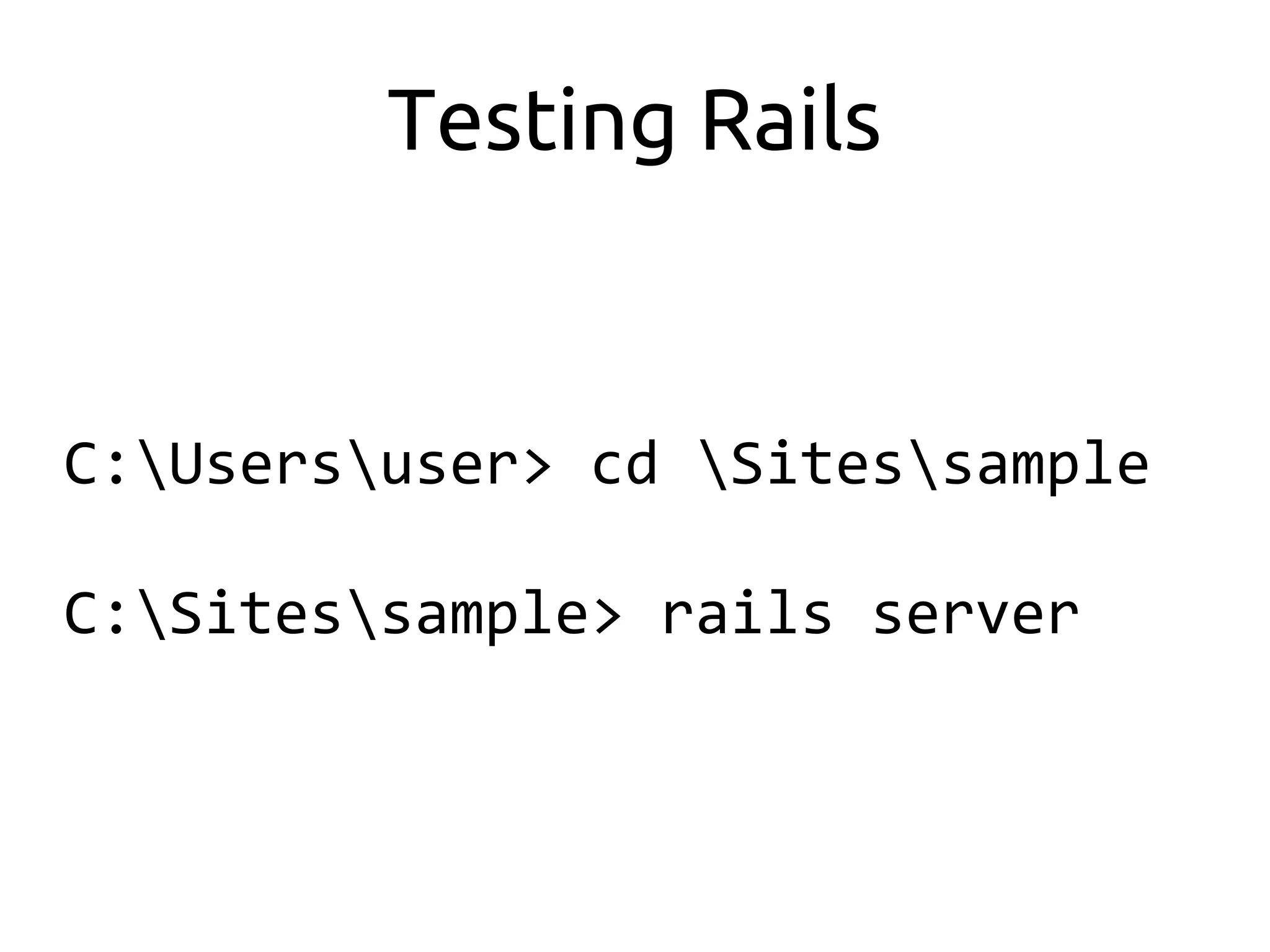
Testing Rails


C:Usersuser> cd Sitessample

C:Sitessample> rails server
Testing Rails


You should be able to access the server
       at http://localhost:3000
Testing Rails


All static files in the /public directory
        will now be accessible in
          http://localhost:3000
Building your App
 (Press Ctrl-C to terminate the server)


C:Sitessample> cd ..

C:Sites> rails new [app_name]

C:Sites> cd app_name
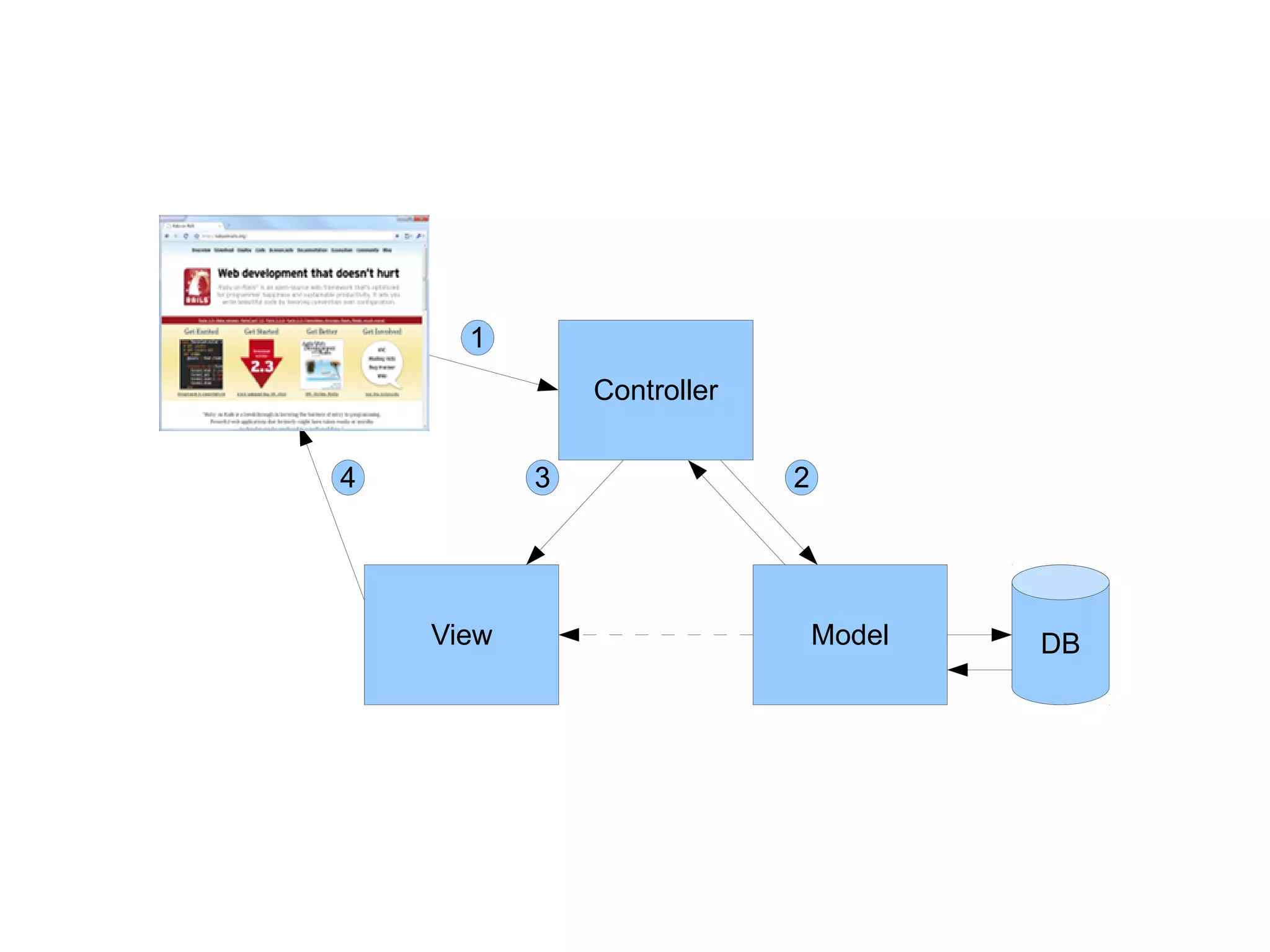
Model View Controller
1
               Controller


4          3                2


    View                        Model   DB
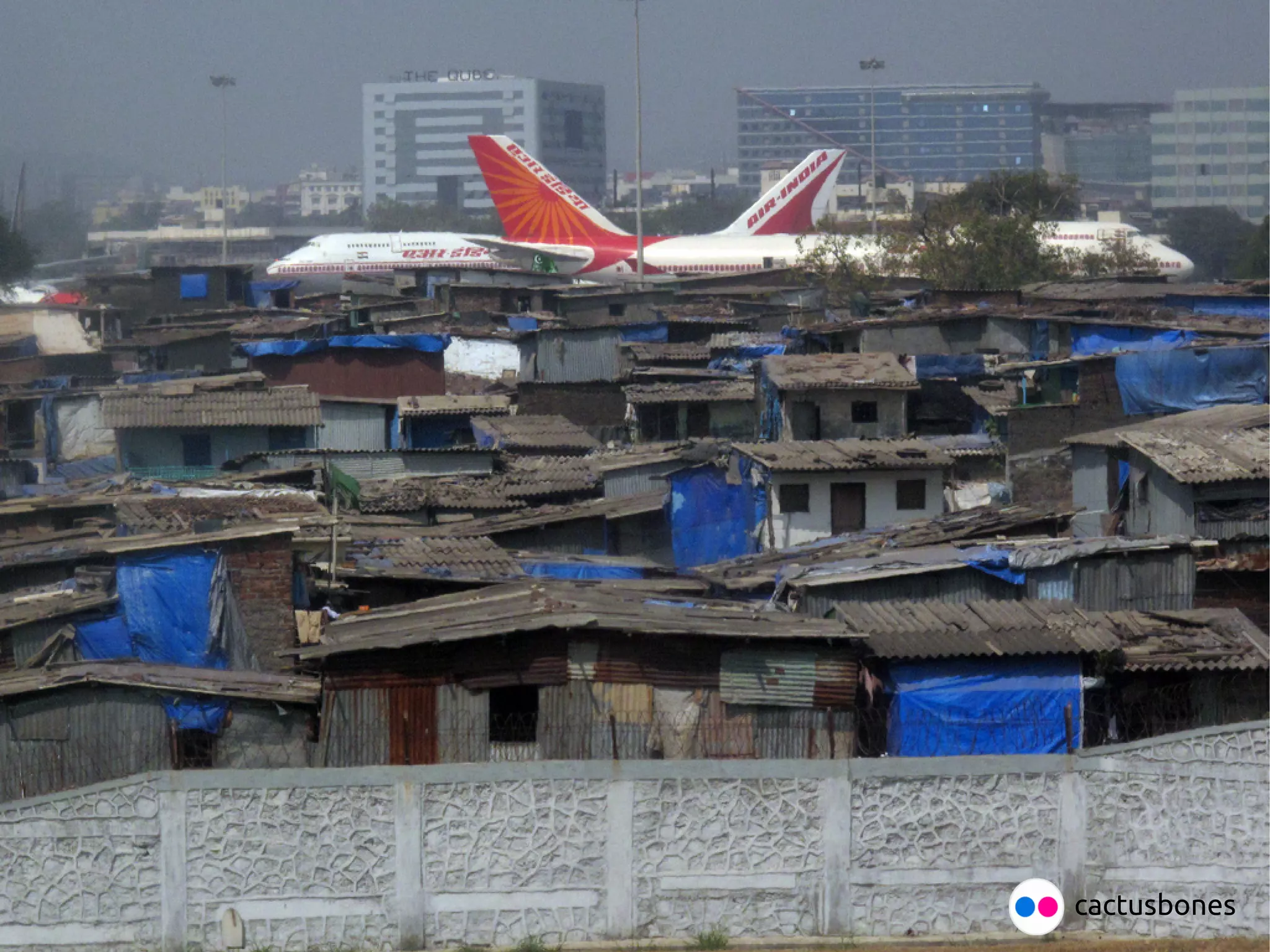
cactusbones
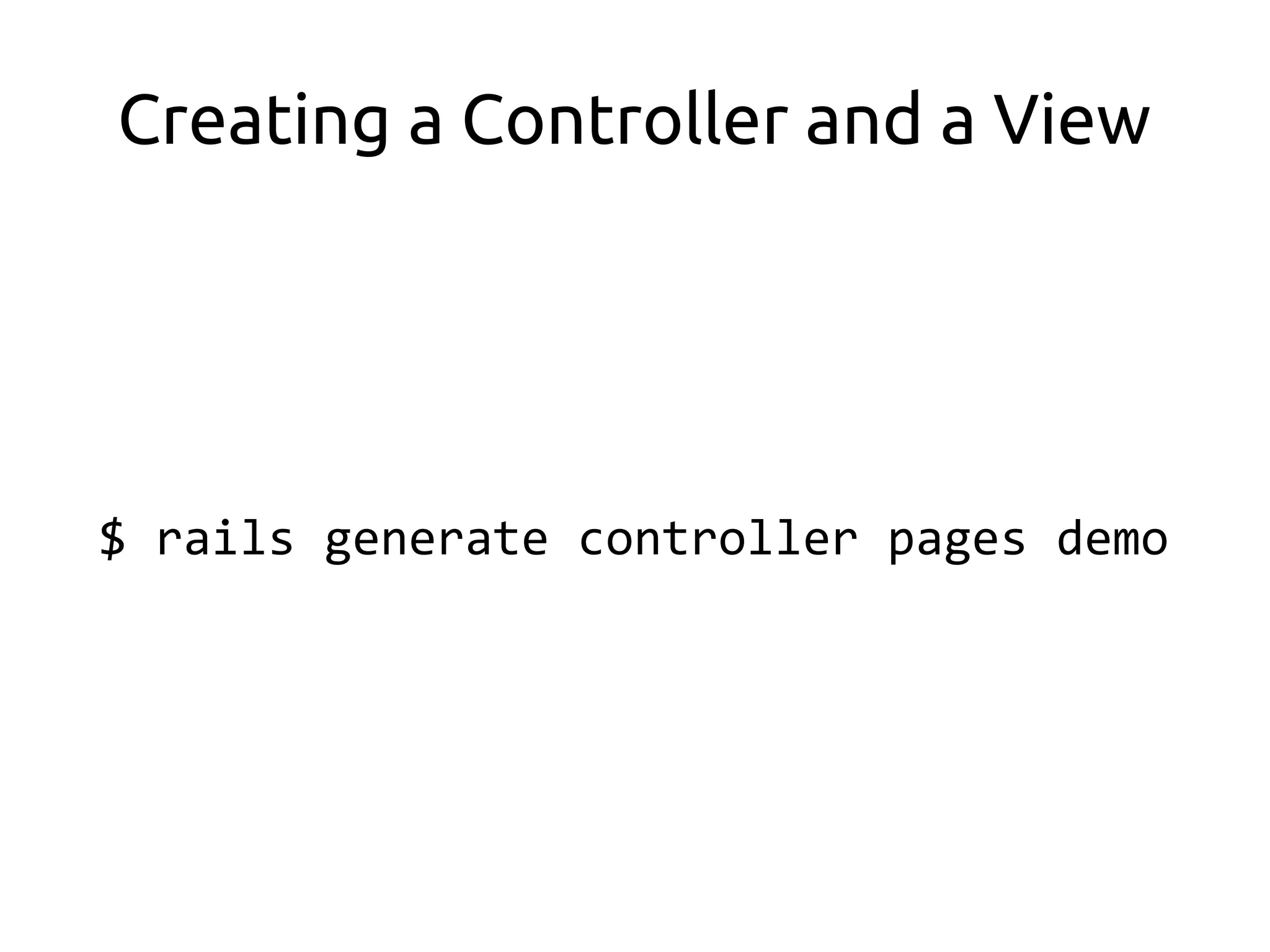
Creating a Controller and a View


$ rails generate controller pages demo
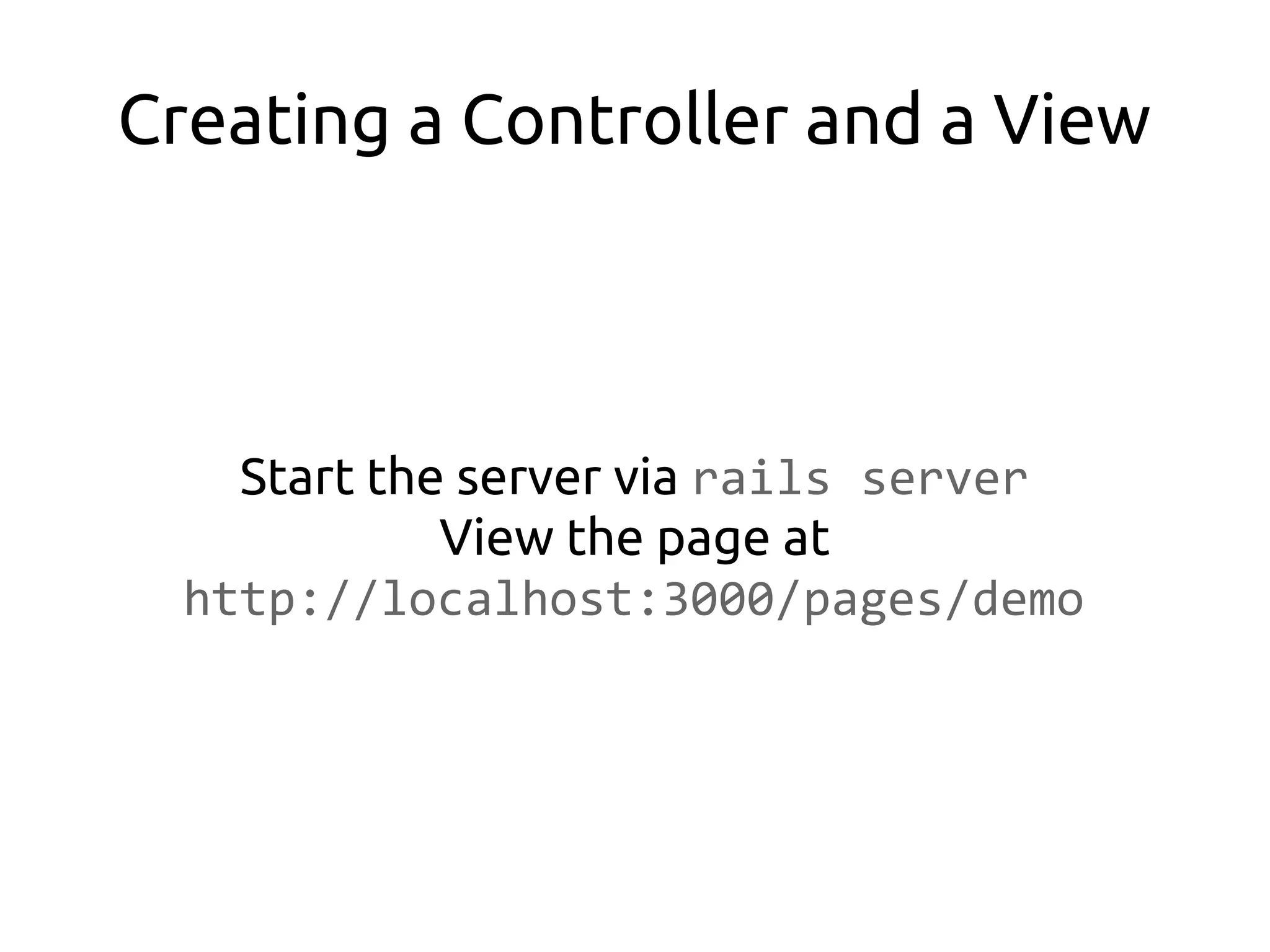
Creating a Controller and a View


    Start the server via rails server
             View the page at
  http://localhost:3000/pages/demo
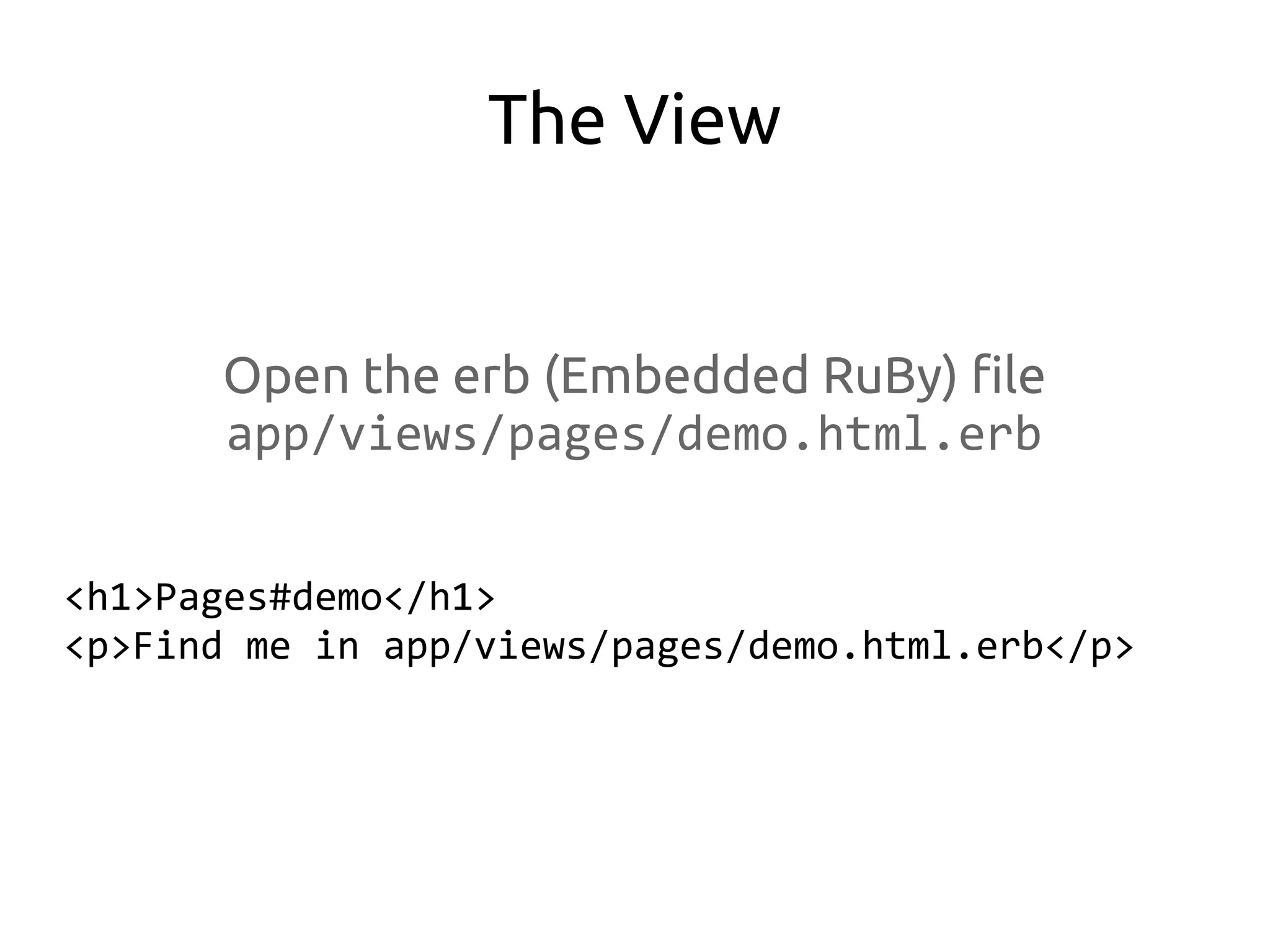
The View


      Open the erb (Embedded RuBy) file
      app/views/pages/demo.html.erb


<h1>Pages#demo</h1>
<p>Find me in app/views/pages/demo.html.erb</p>
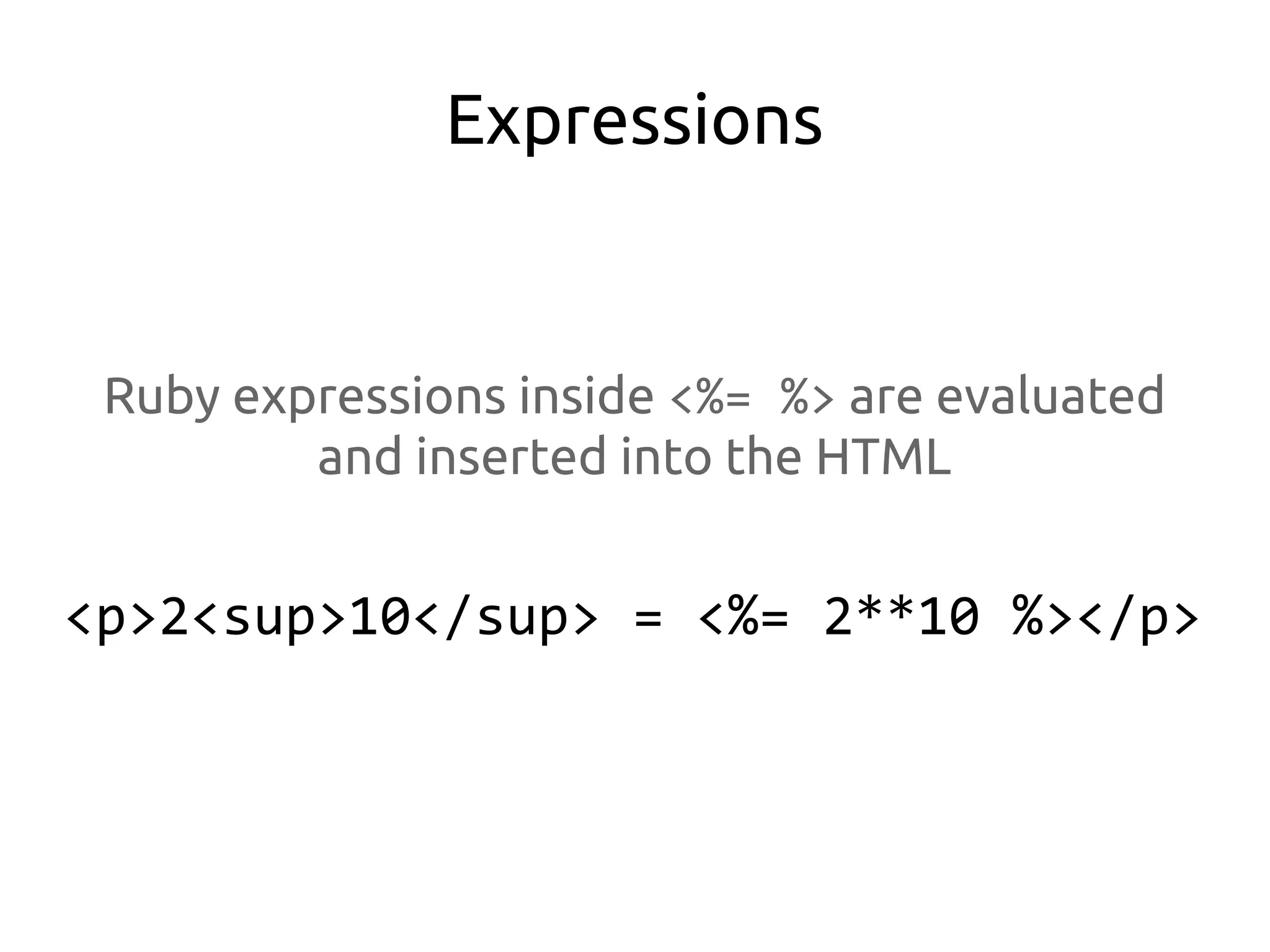
Expressions


 Ruby expressions inside <%= %> are evaluated
         and inserted into the HTML


<p>2<sup>10</sup> = <%= 2**10 %></p>
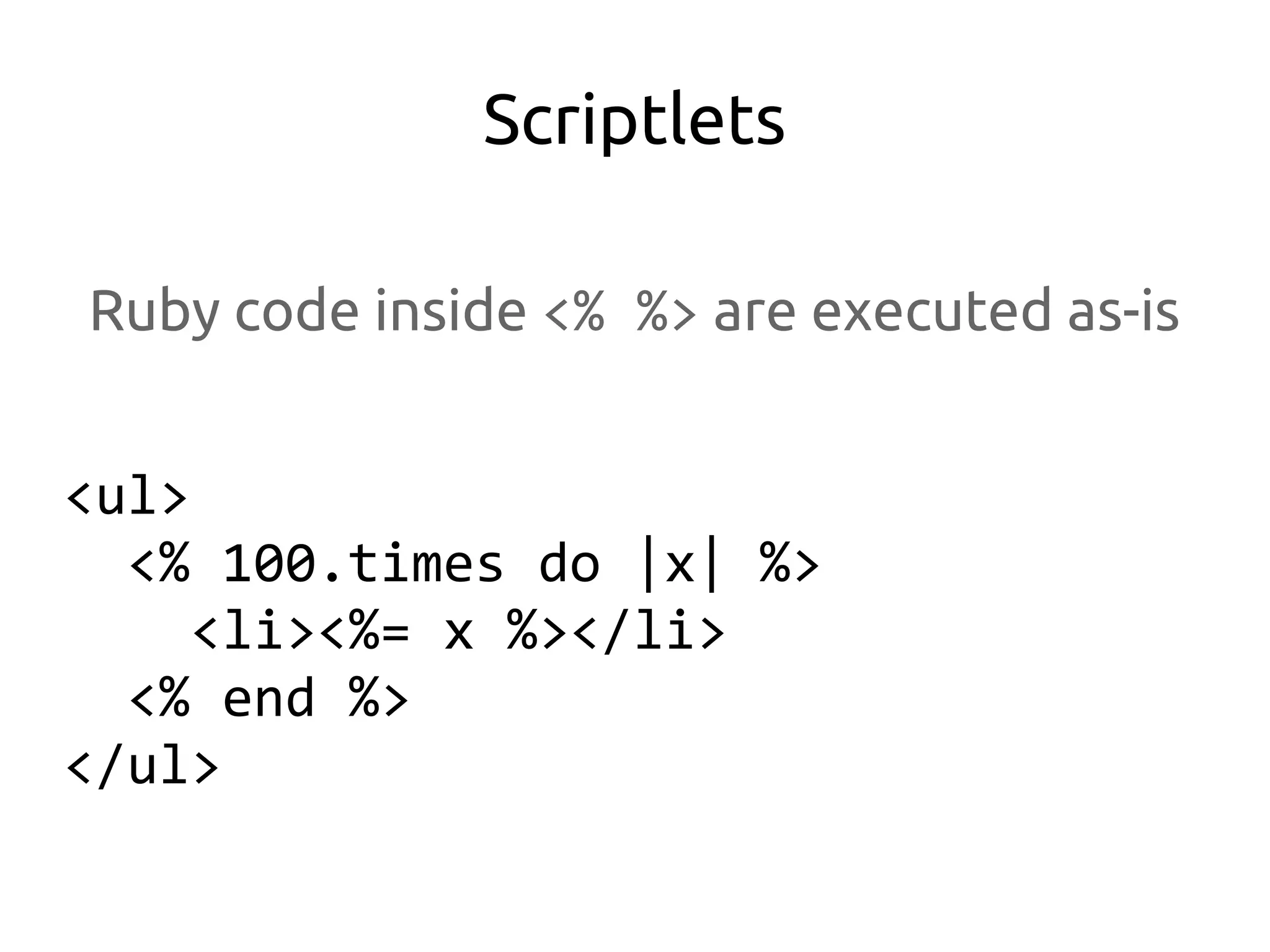
Scriptlets

Ruby code inside <% %> are executed as-is


<ul>
  <% 100.times do |x| %>
     <li><%= x %></li>
  <% end %>
</ul>
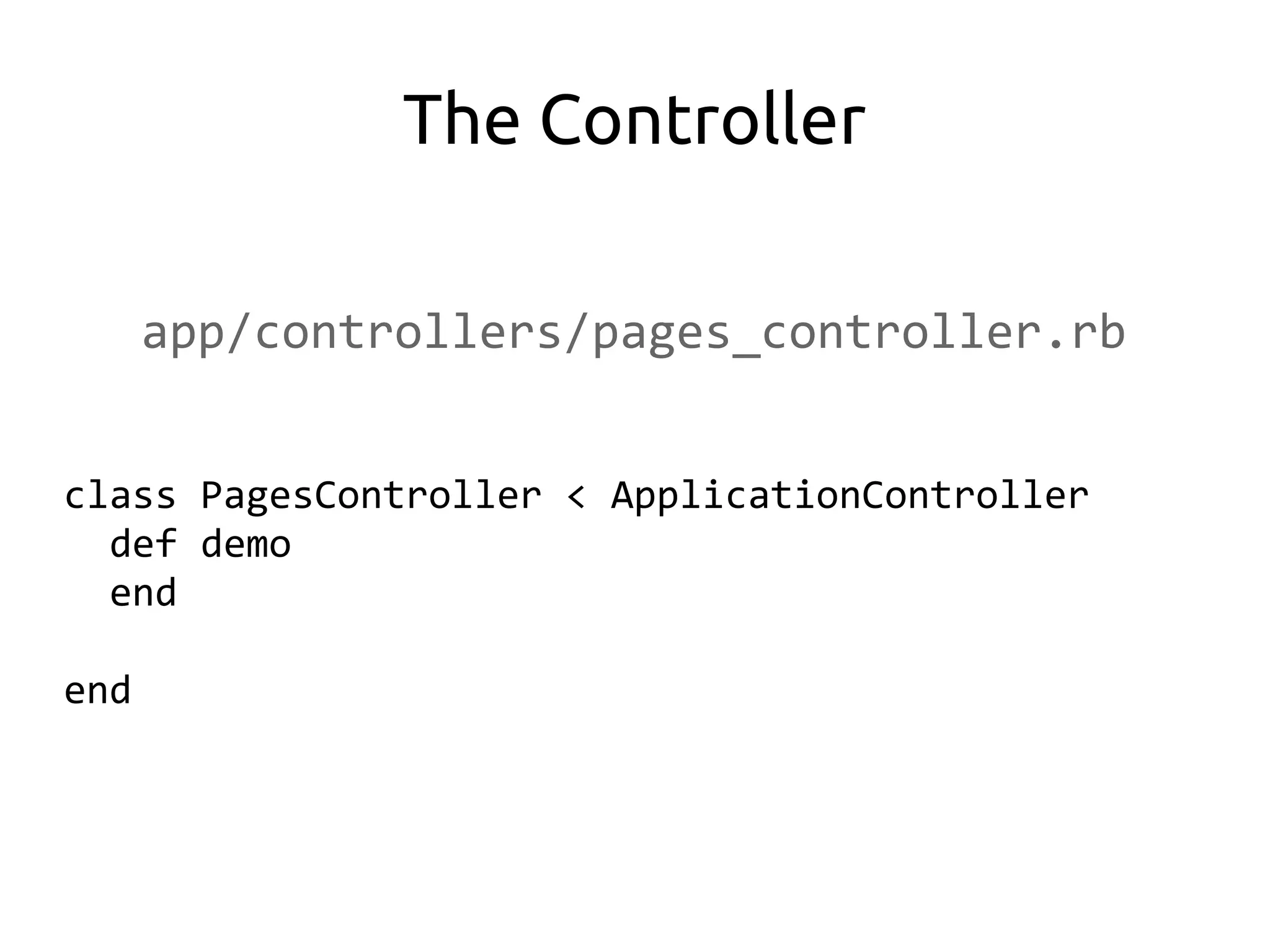
The Controller

      app/controllers/pages_controller.rb


class PagesController < ApplicationController
  def demo
  end

end
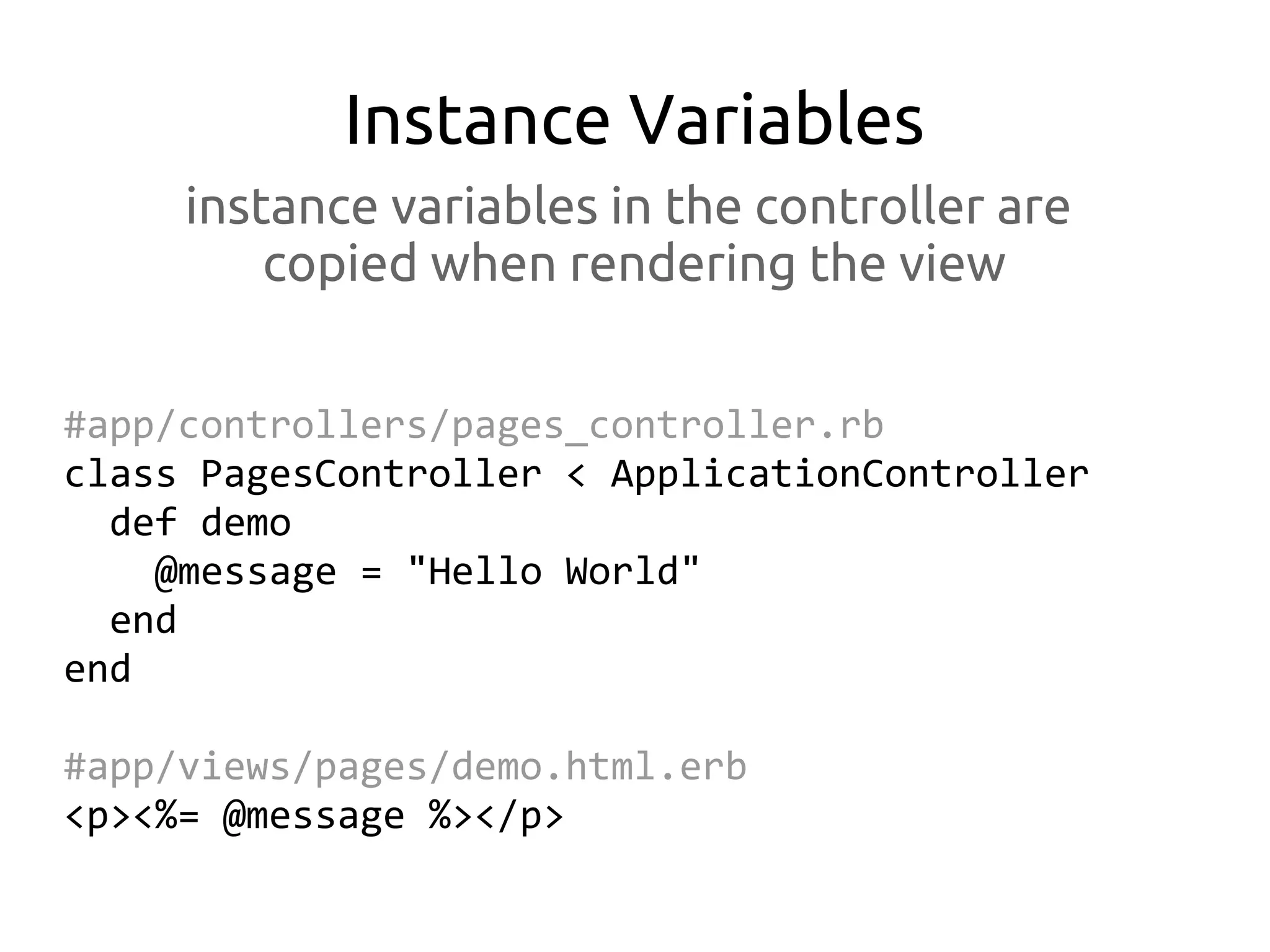
Instance Variables
     instance variables in the controller are
         copied when rendering the view


#app/controllers/pages_controller.rb
class PagesController < ApplicationController
  def demo
    @message = "Hello World"
  end
end

#app/views/pages/demo.html.erb
<p><%= @message %></p>
Parameters

       HTTP request parameter data are
        accessible via the params hash
#app/controllers/pages_controller.rb
class PagesController < ApplicationController
  def demo
    @message = "Hello #{ params[:name] }"
  end
end

# http://localhost:3000/pages/demo?name=John
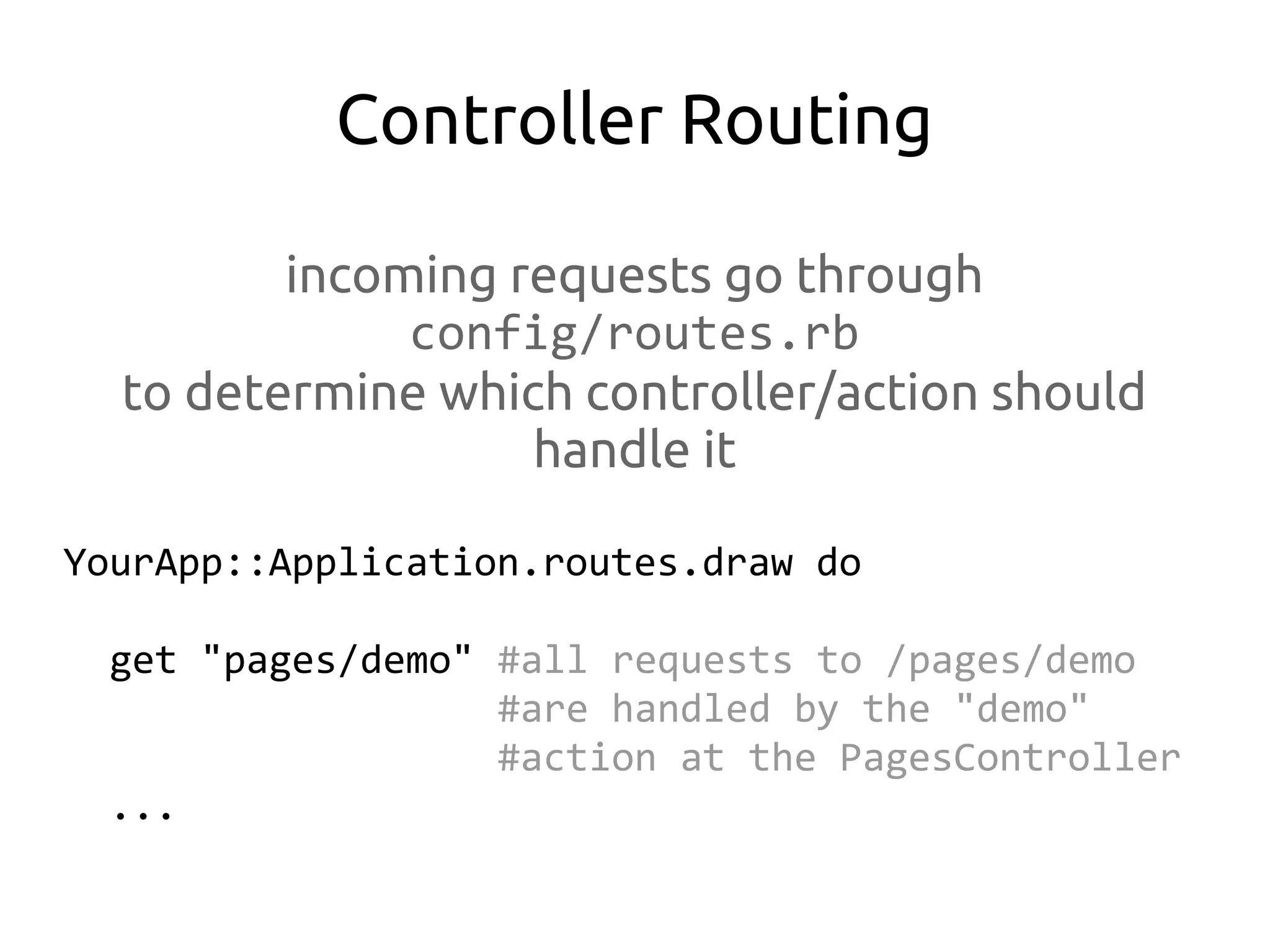
Controller Routing

         incoming requests go through
              config/routes.rb
  to determine which controller/action should
                   handle it

YourApp::Application.routes.draw do

  get "pages/demo" #all requests to /pages/demo
                   #are handled by the "demo"
                   #action at the PagesController
  ...
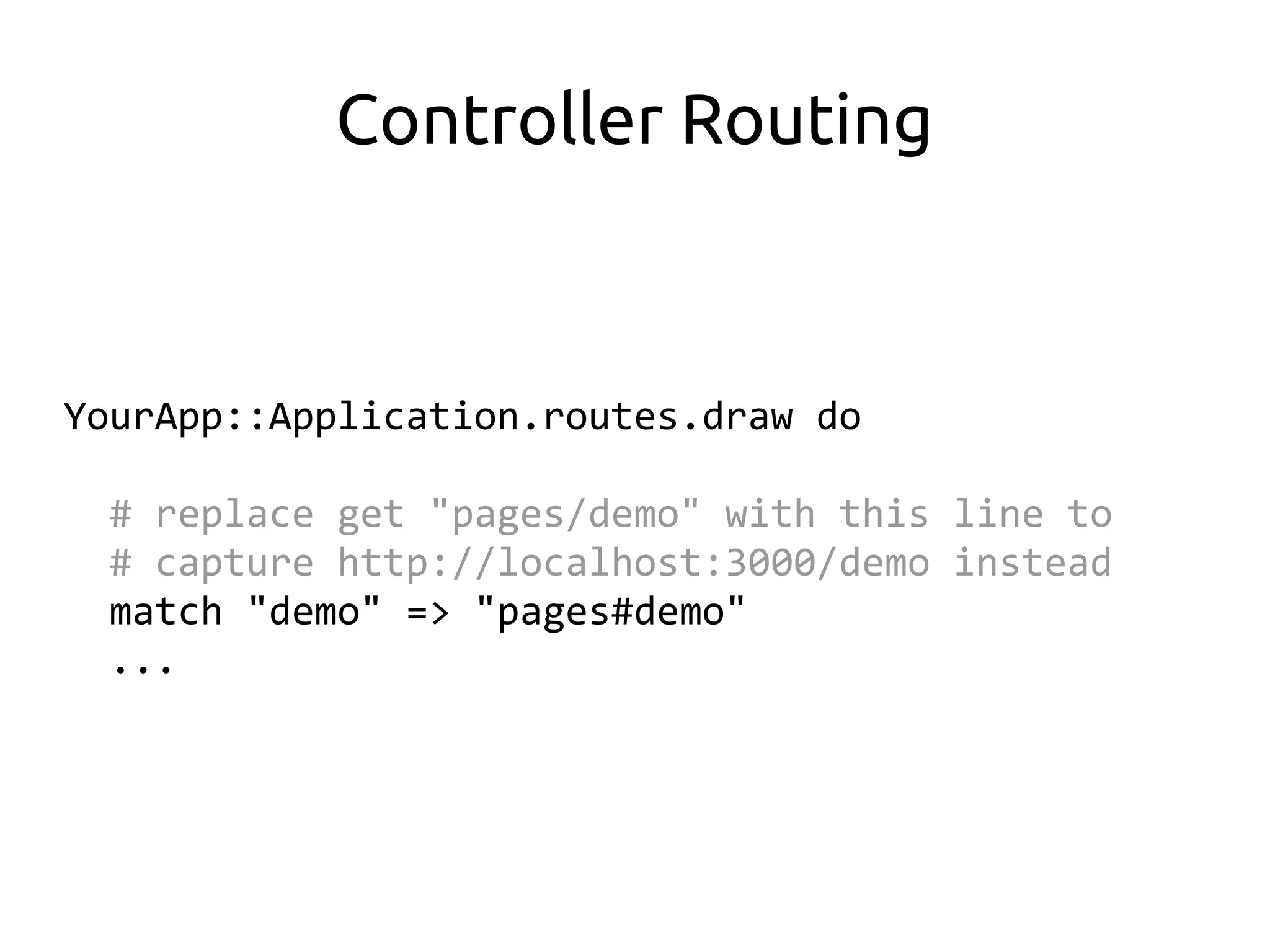
Controller Routing


YourApp::Application.routes.draw do

  # replace get "pages/demo" with this line to
  # capture http://localhost:3000/demo instead
  match "demo" => "pages#demo"
  ...
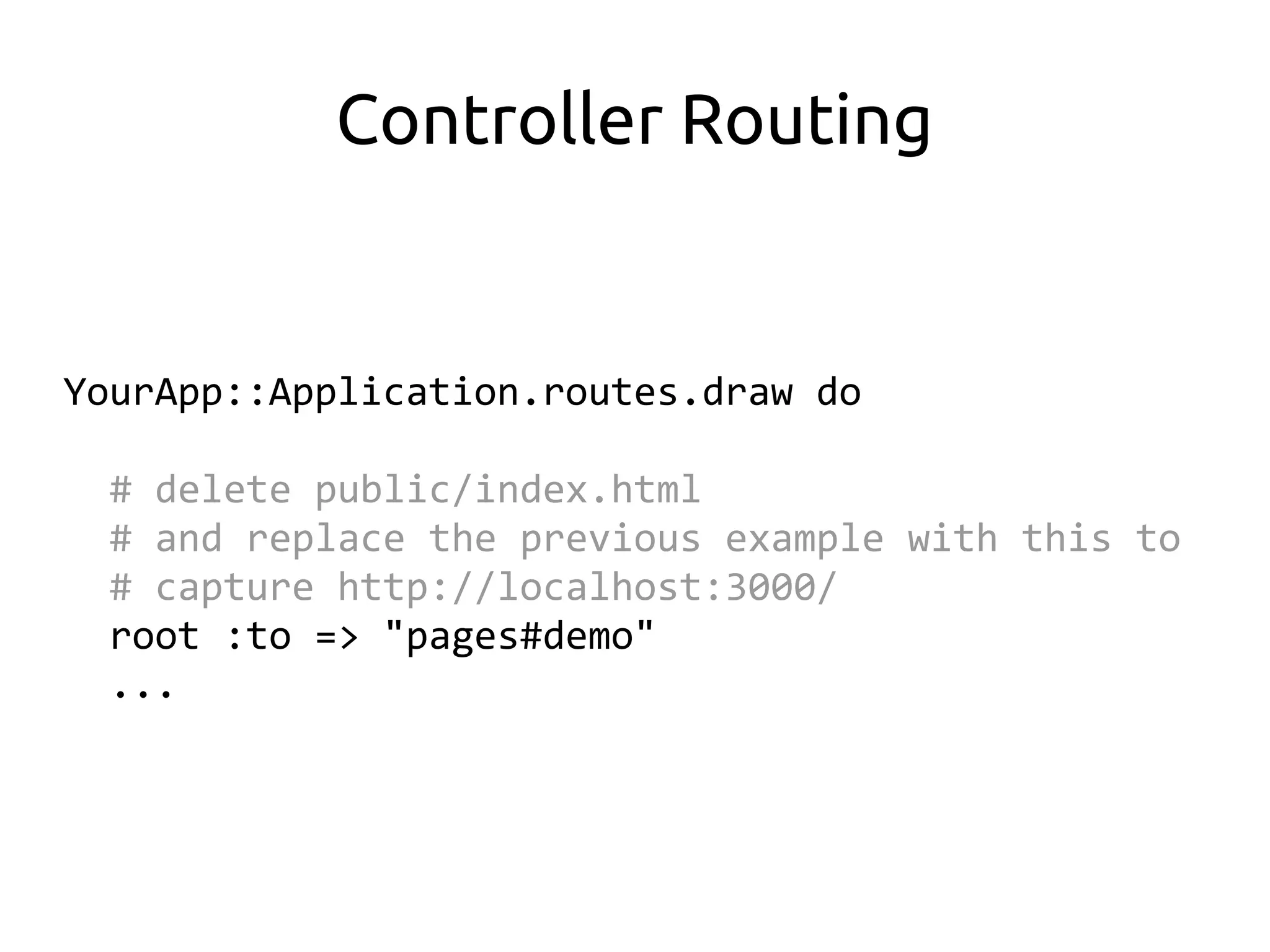
Controller Routing


YourApp::Application.routes.draw do

  # delete public/index.html
  # and replace the previous example with this to
  # capture http://localhost:3000/
  root :to => "pages#demo"
  ...
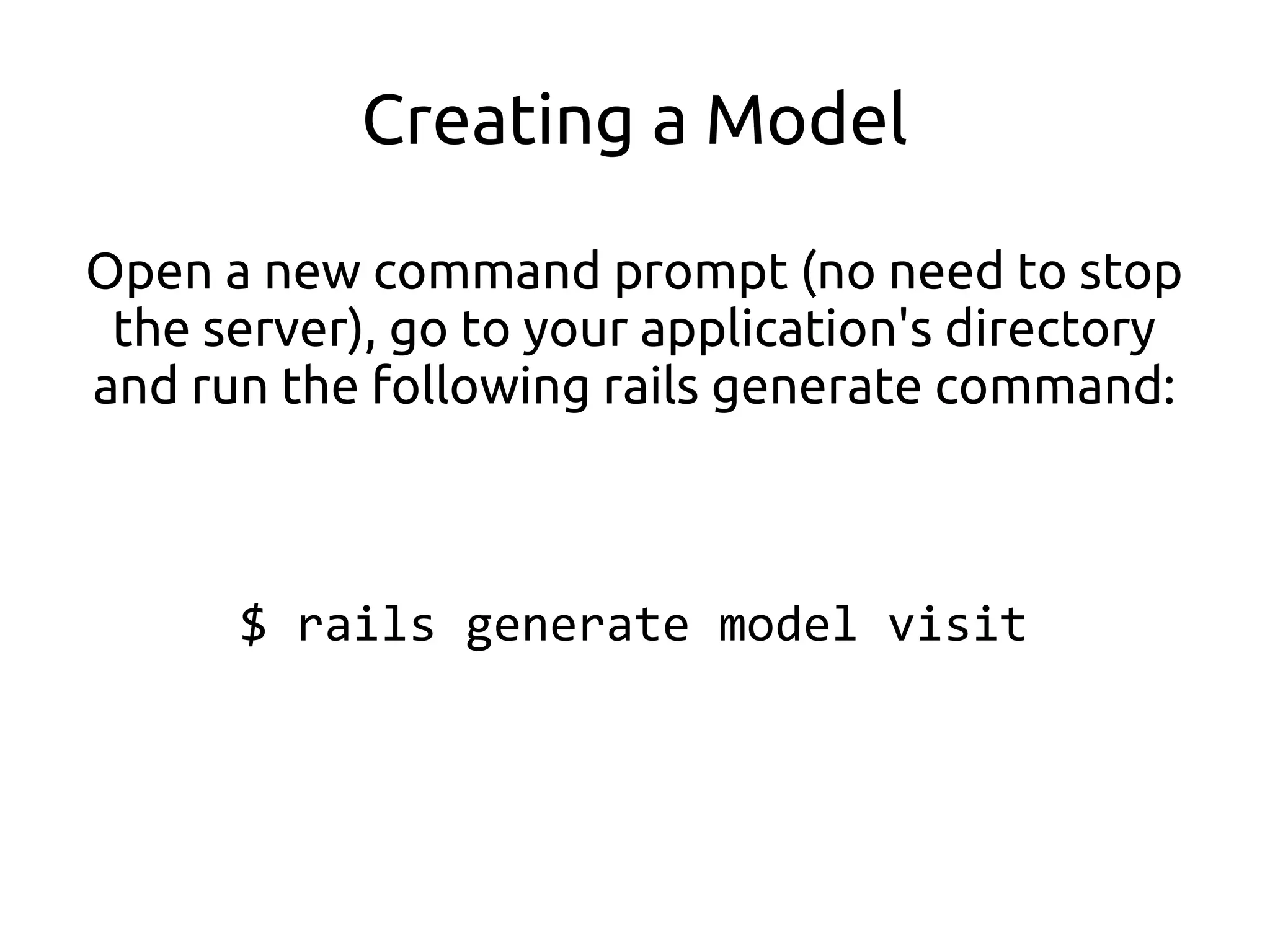
Creating a Model

Open a new command prompt (no need to stop
 the server), go to your application's directory
and run the following rails generate command:


      $ rails generate model visit
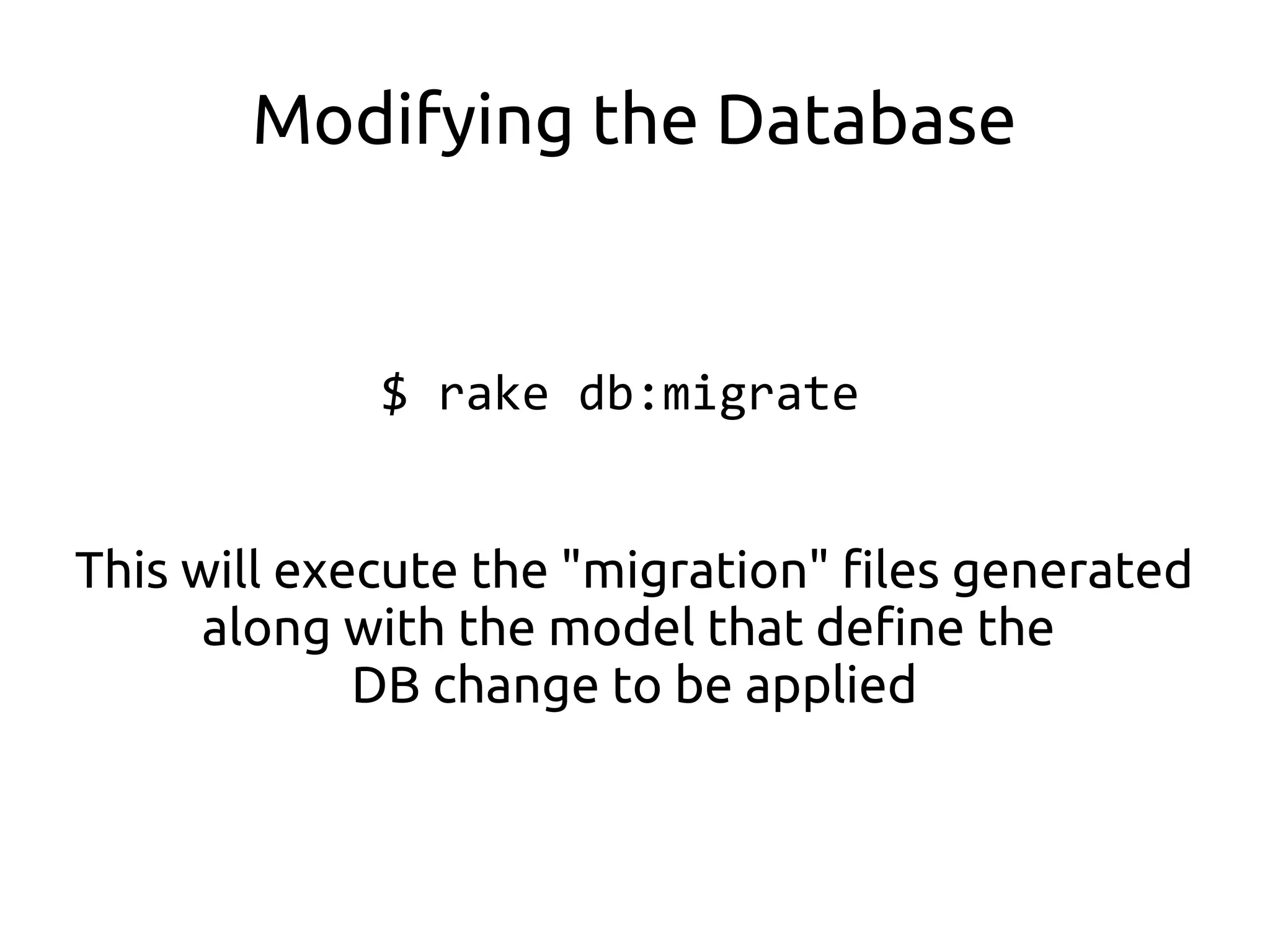
Modifying the Database


             $ rake db:migrate


This will execute the "migration" files generated
      along with the model that define the
             DB change to be applied
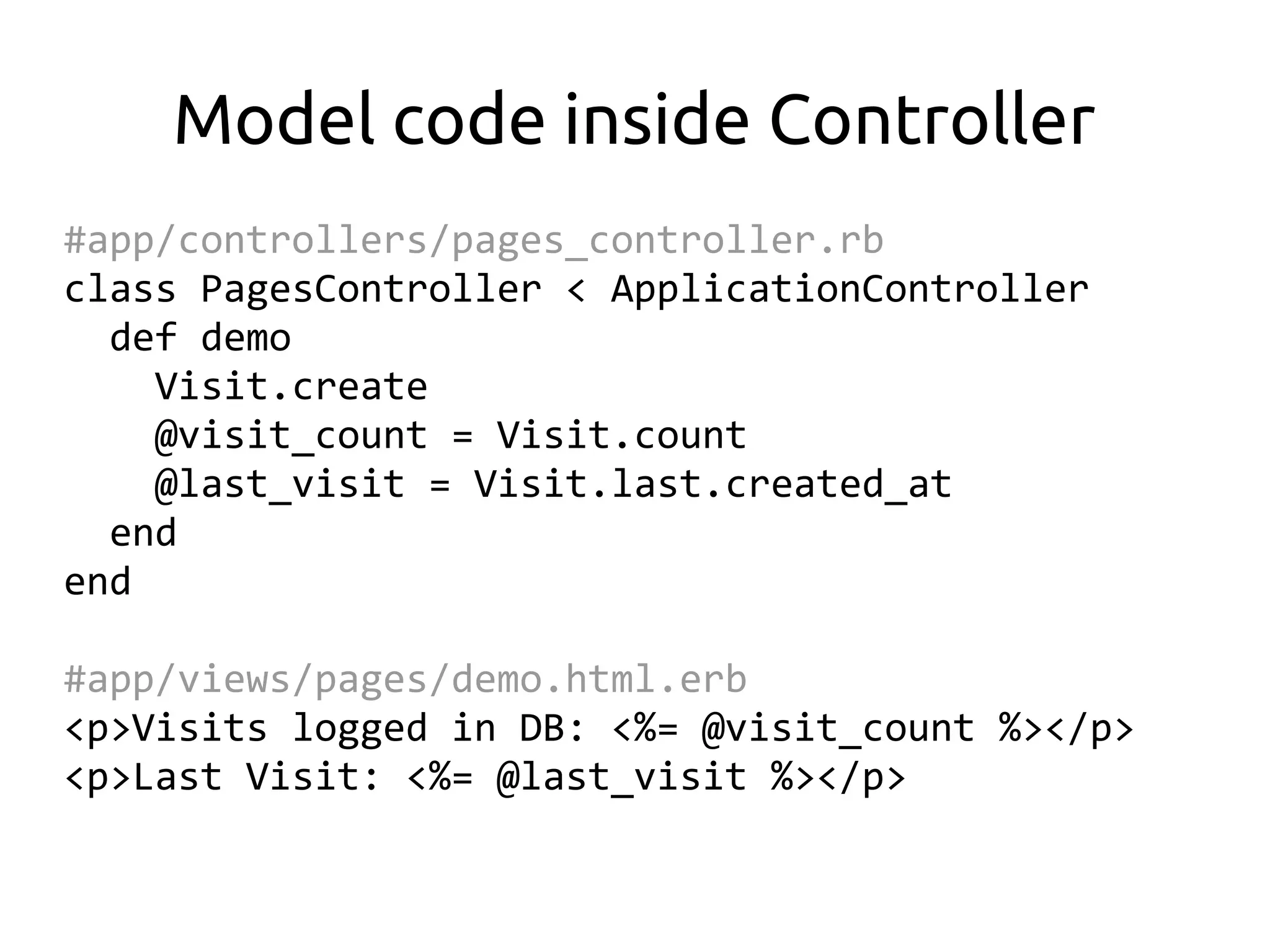
Model code inside Controller
#app/controllers/pages_controller.rb
class PagesController < ApplicationController
  def demo
    Visit.create
    @visit_count = Visit.count
    @last_visit = Visit.last.created_at
  end
end

#app/views/pages/demo.html.erb
<p>Visits logged in DB: <%= @visit_count %></p>
<p>Last Visit: <%= @last_visit %></p>
Cheating with Scaffold

  (kasi inaantok na kayo)
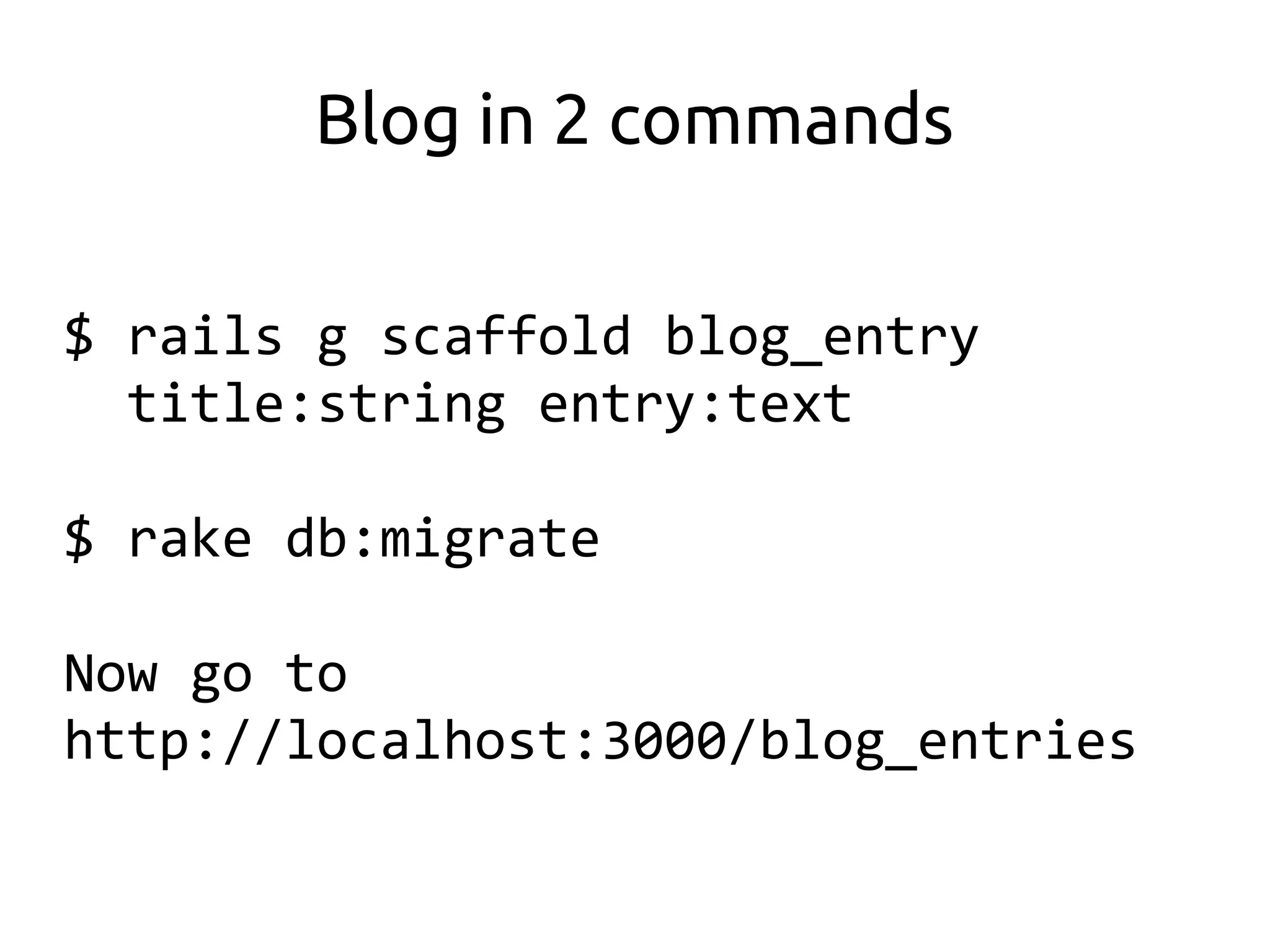
Blog in 2 commands

$ rails g scaffold blog_entry
  title:string entry:text

$ rake db:migrate

Now go to
http://localhost:3000/blog_entries
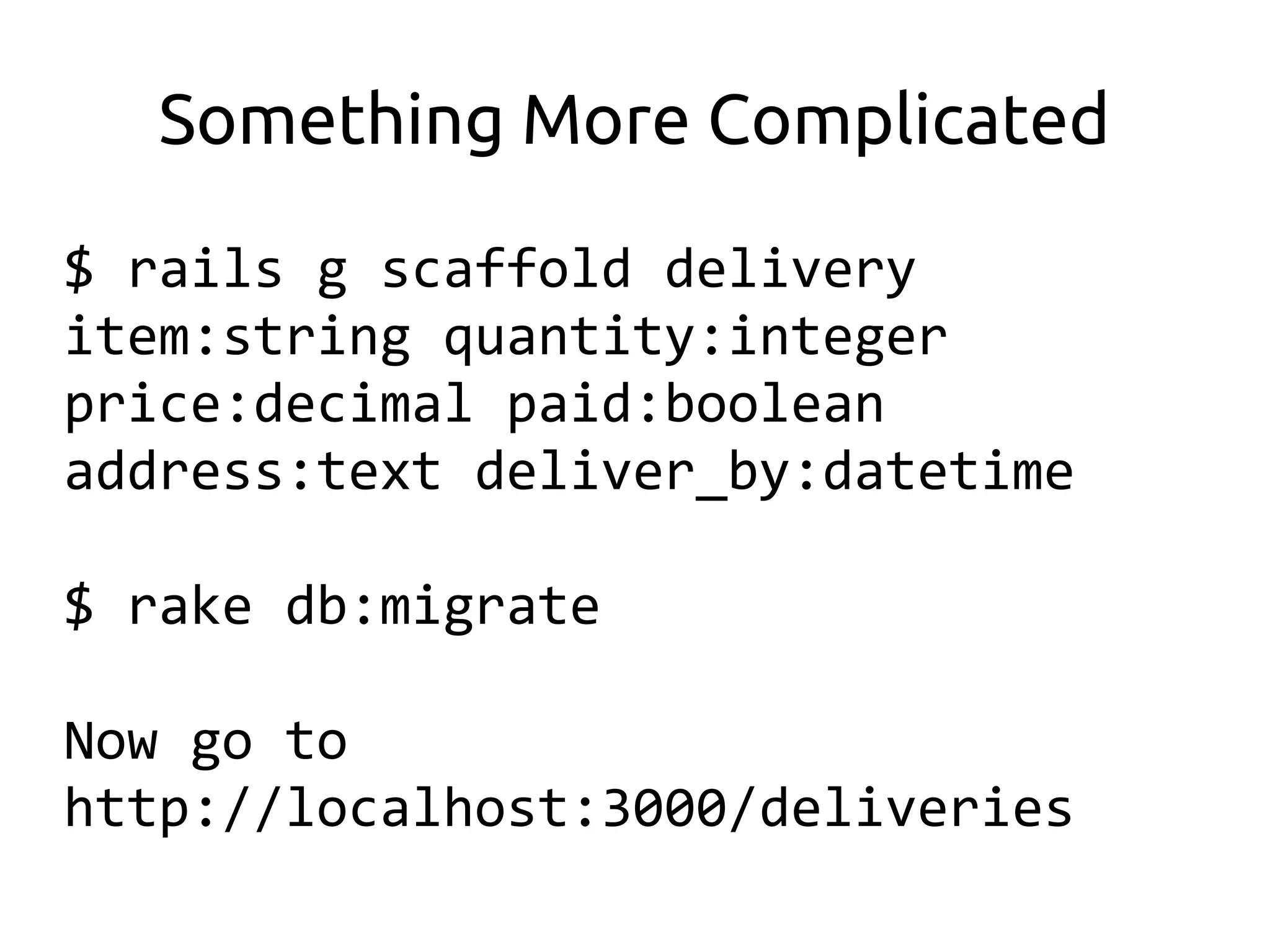
Something More Complicated

$ rails g scaffold delivery
item:string quantity:integer
price:decimal paid:boolean
address:text deliver_by:datetime

$ rake db:migrate

Now go to
http://localhost:3000/deliveries
Convention over
 Configuration
Don't Repeat Yourself
        (DRY)
Representational State
      Transfer
       (REST)
… and that's it.


    Please refer to the handouts
if you want more info about Ruby or
            Ruby on Rails
Thank you for listening!


       Questions?

 Philippine Ruby Users Group:
          pinoyrb.org

me: bryanbibat.net | @bry_bibat
The seminar should be
finished at this point but we
       still have time...


 ...**** it, Let's do it LIVE!

Ruby on Rails