Simplify dynamic JavaScript UIs by applying the
             Model-View-ViewModel(MVVM)
What is Knockout.js ?
 Knockout is a JavaScript library that helps us to create
  rich, responsive and dynamic display with a clean
  underlying data model.
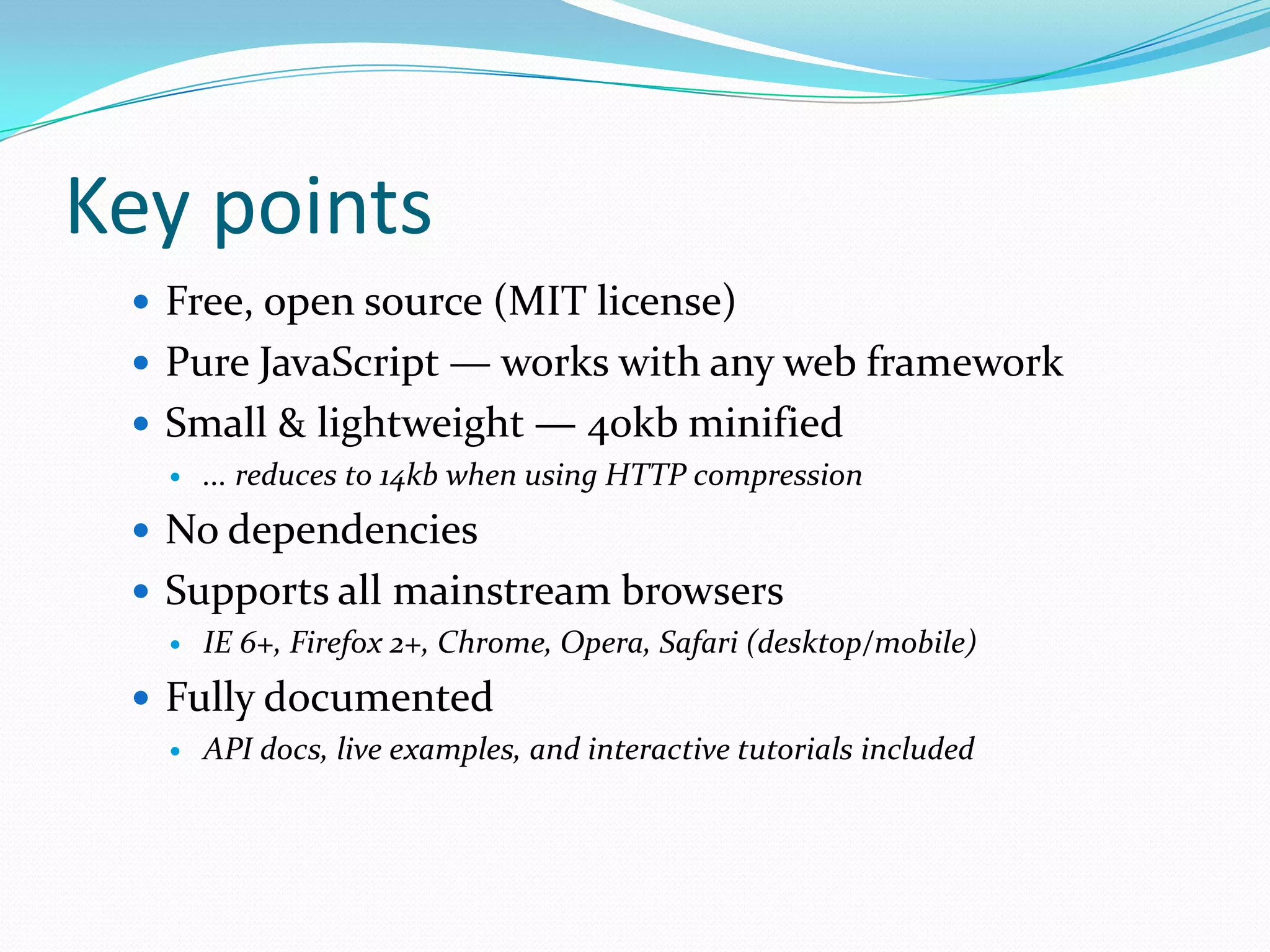
Key points
  Free, open source (MIT license)
  Pure JavaScript — works with any web framework
  Small & lightweight — 40kb minified
      ... reduces to 14kb when using HTTP compression
  No dependencies
  Supports all mainstream browsers
      IE 6+, Firefox 2+, Chrome, Opera, Safari (desktop/mobile)
  Fully documented
      API docs, live examples, and interactive tutorials included
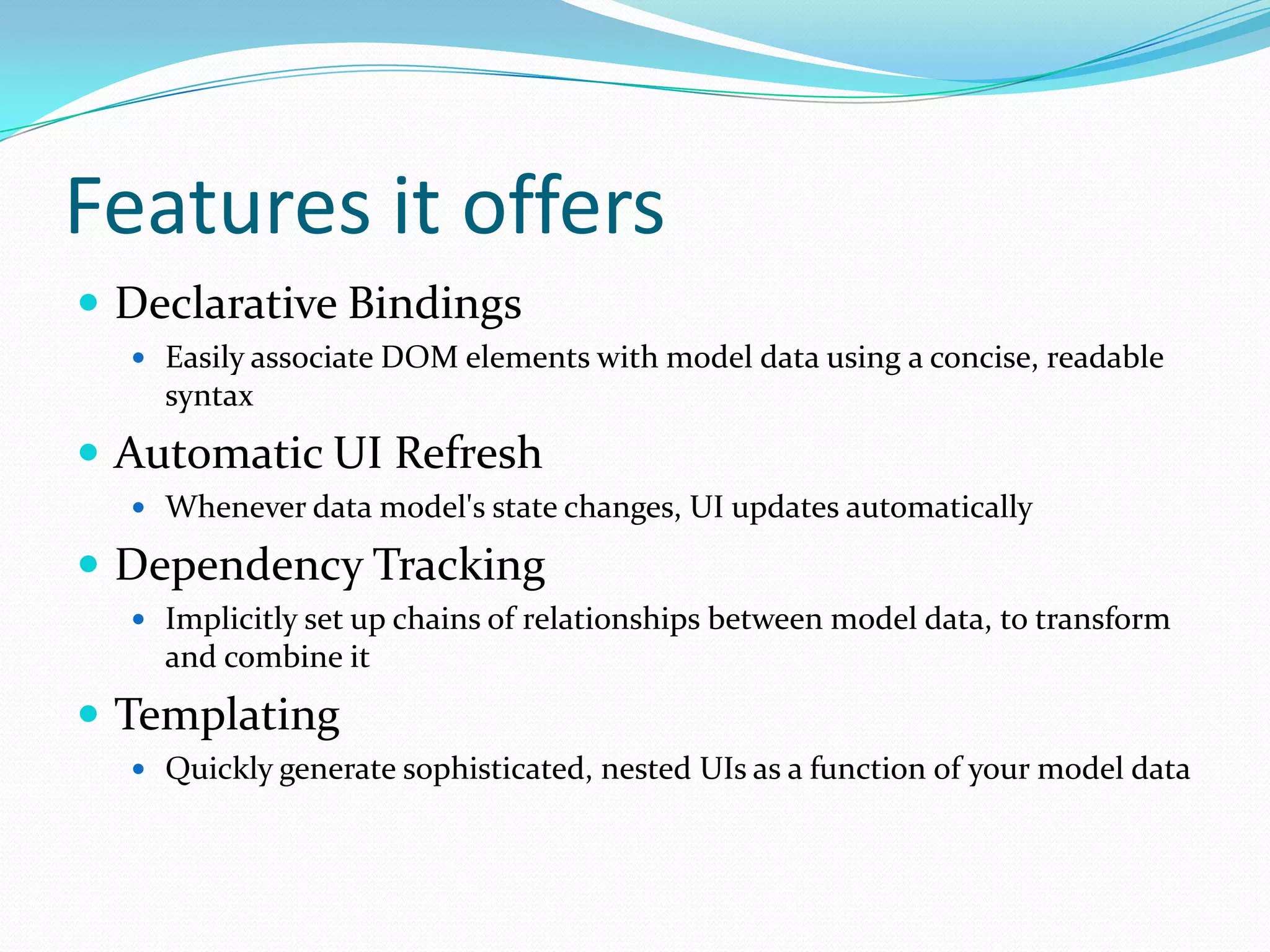
Features it offers
 Declarative Bindings
   Easily associate DOM elements with model data using a concise, readable
    syntax
 Automatic UI Refresh
   Whenever data model's state changes, UI updates automatically

 Dependency Tracking
   Implicitly set up chains of relationships between model data, to transform
    and combine it
 Templating
   Quickly generate sophisticated, nested UIs as a function of your model data
Is it different from jQuery or any
other javascript framework?
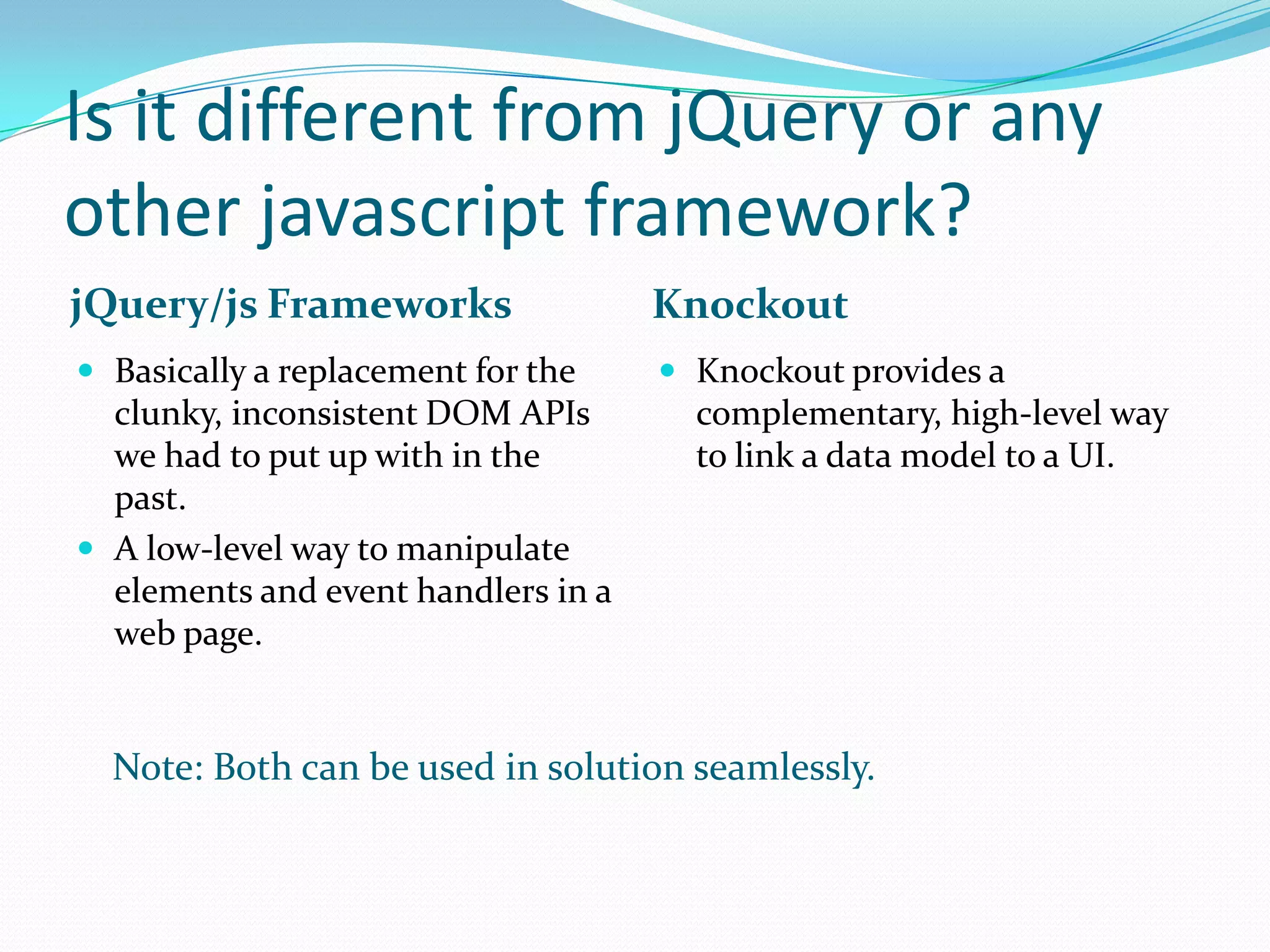
jQuery/js Frameworks                 Knockout
 Basically a replacement for the     Knockout provides a
  clunky, inconsistent DOM APIs        complementary, high-level way
  we had to put up with in the         to link a data model to a UI.
  past.
 A low-level way to manipulate
  elements and event handlers in a
  web page.


  Note: Both can be used in solution seamlessly.
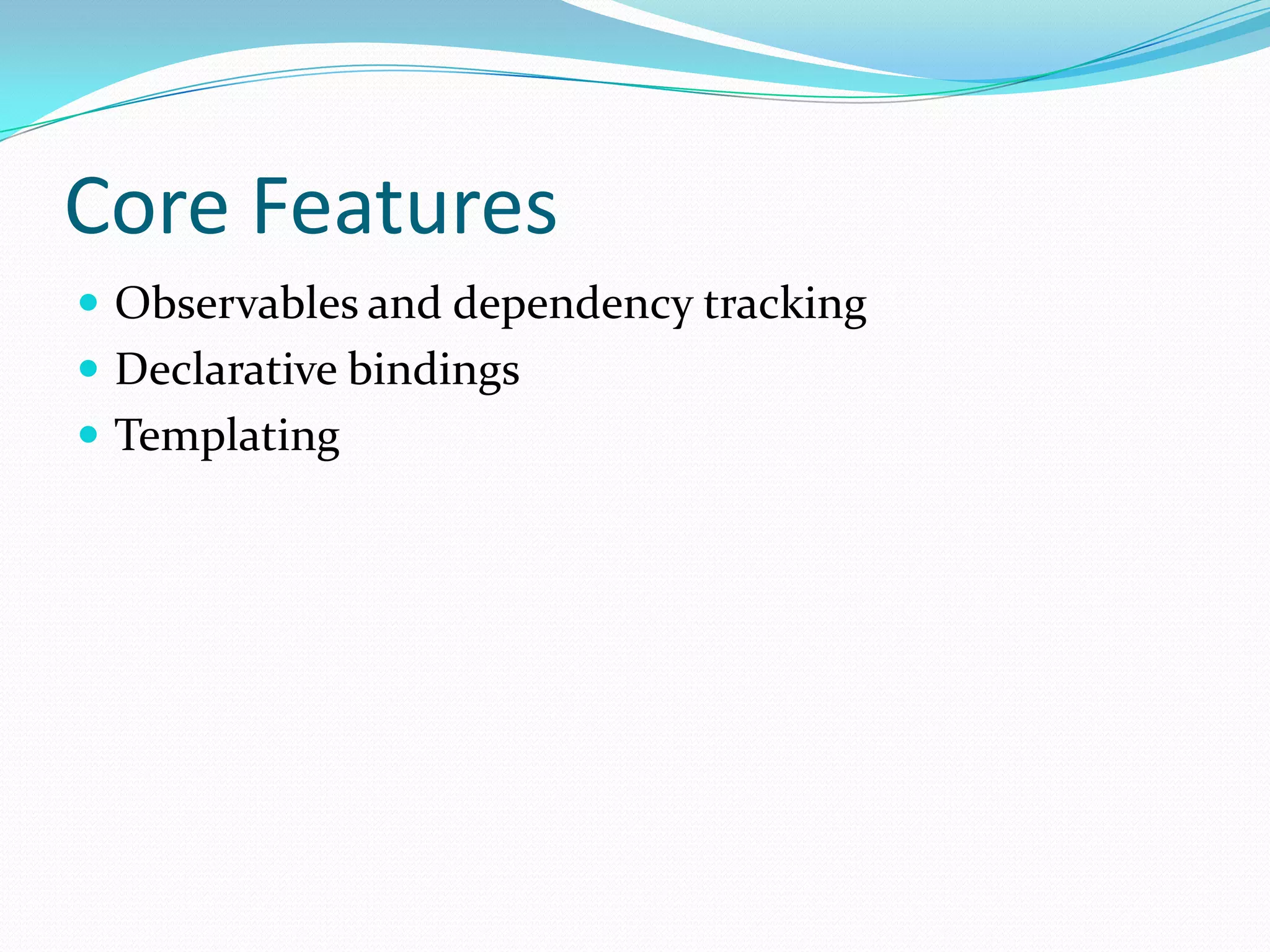
Core Features
 Observables and dependency tracking
 Declarative bindings
 Templating
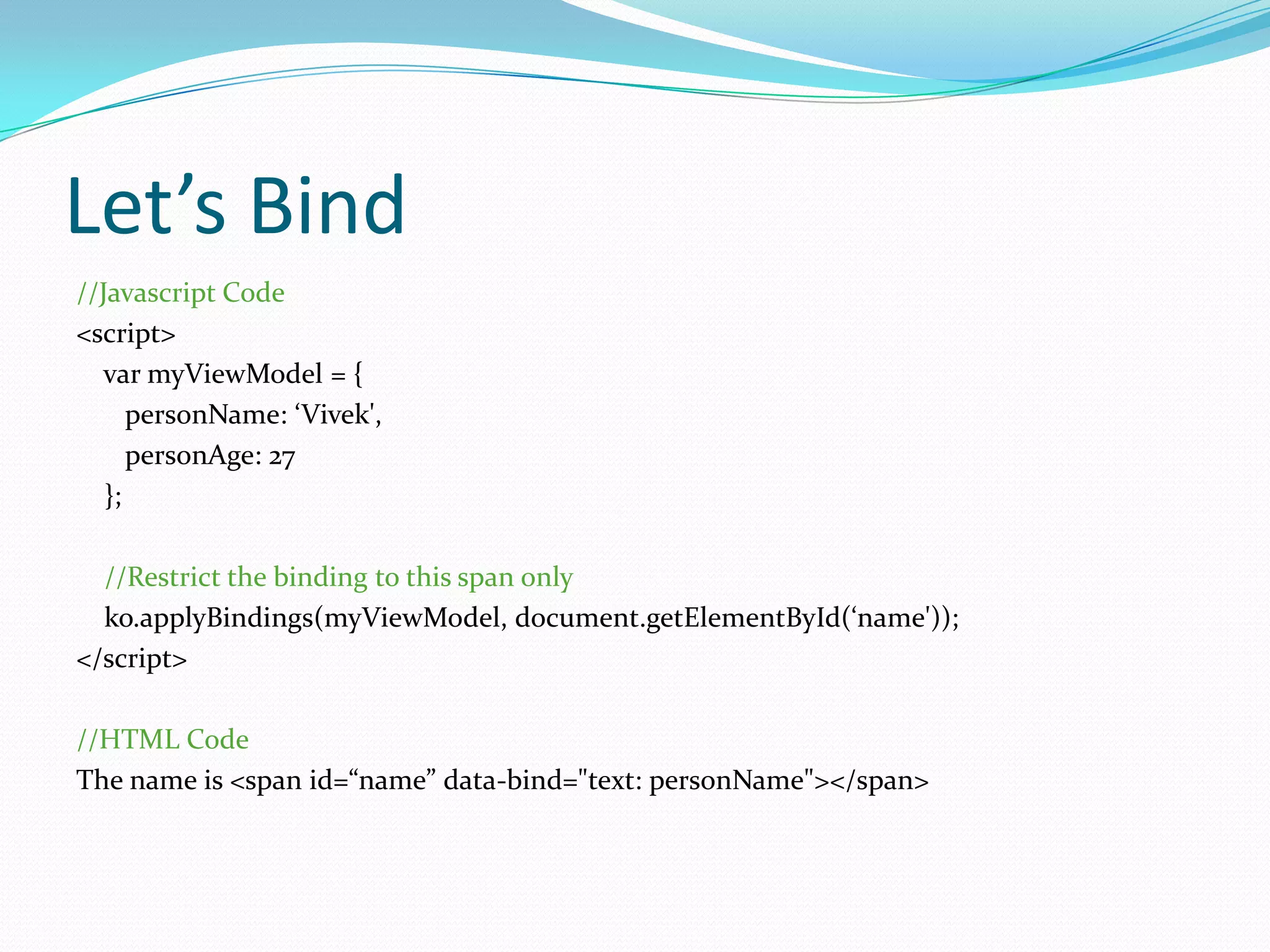
Let’s Bind
//Javascript Code
<script>
  var myViewModel = {
      personName: ‘Vivek',
      personAge: 27
   };

  //Restrict the binding to this span only
  ko.applyBindings(myViewModel, document.getElementById(‘name'));
</script>

//HTML Code
The name is <span id=“name” data-bind="text: personName"></span>
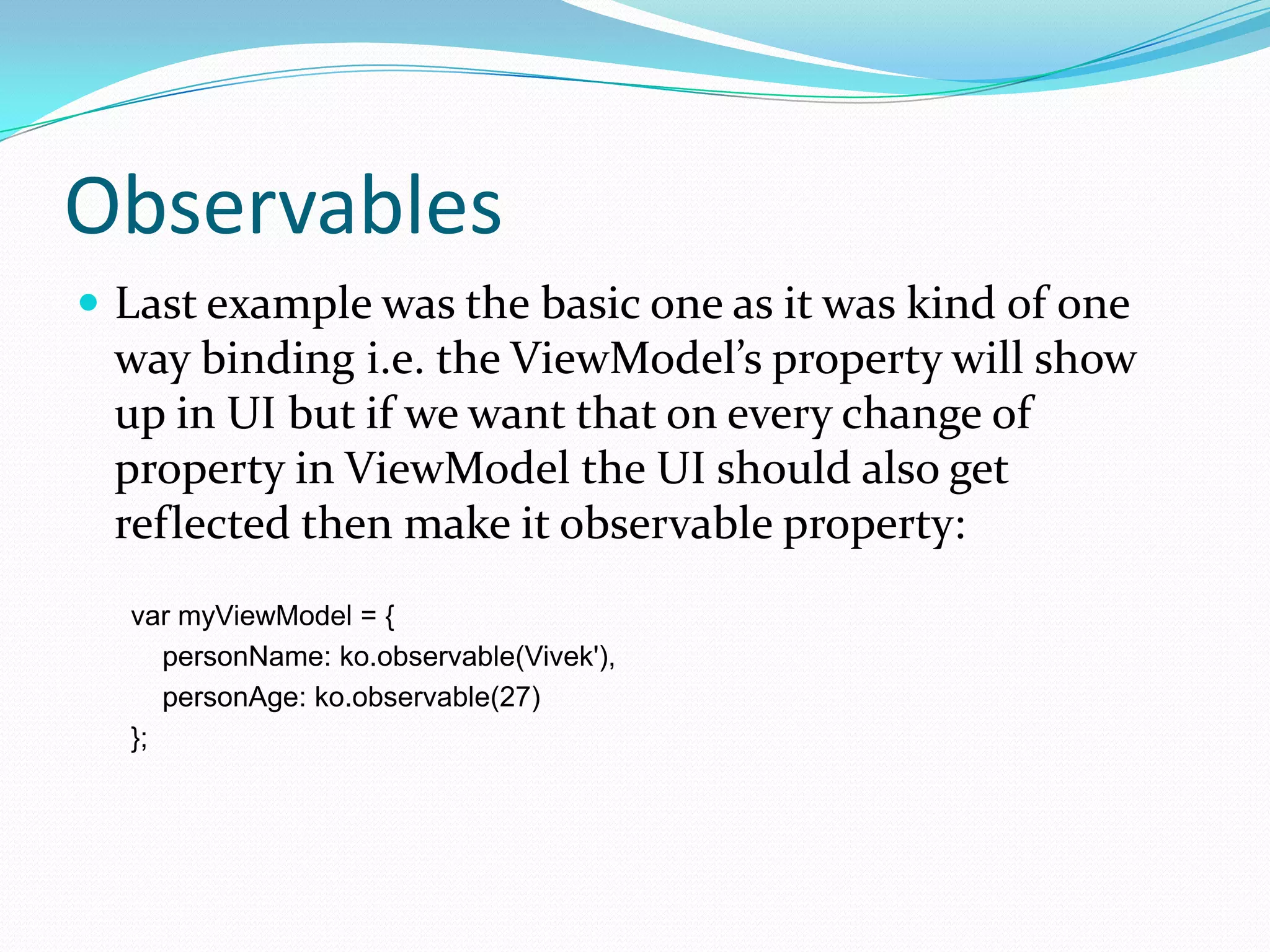
Observables
 Last example was the basic one as it was kind of one
 way binding i.e. the ViewModel’s property will show
 up in UI but if we want that on every change of
 property in ViewModel the UI should also get
 reflected then make it observable property:
  var myViewModel = {
     personName: ko.observable(Vivek'),
     personAge: ko.observable(27)
  };
Explicitly subscribing to
observables
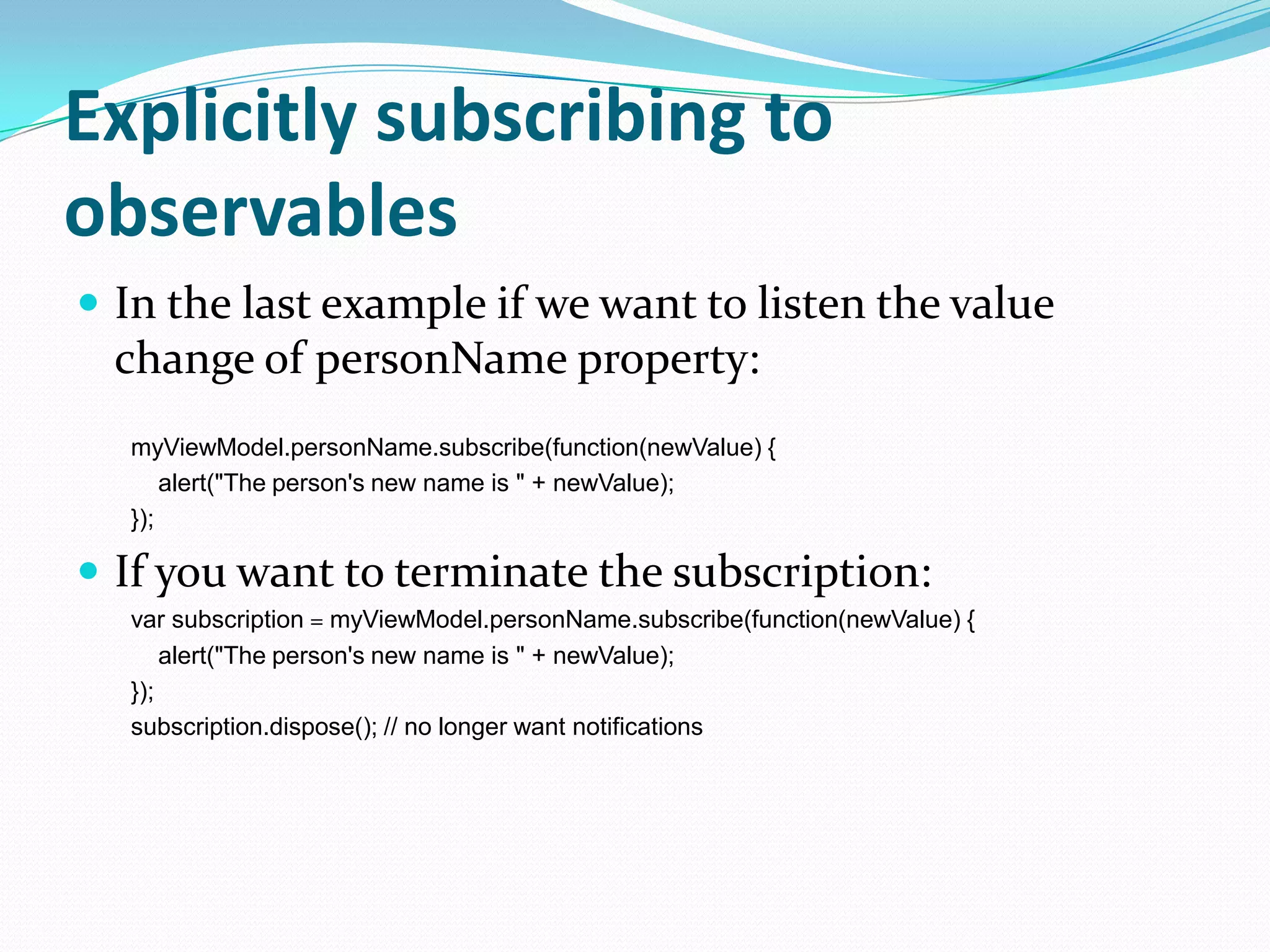
 In the last example if we want to listen the value
  change of personName property:
  myViewModel.personName.subscribe(function(newValue) {
      alert("The person's new name is " + newValue);
  });

 If you want to terminate the subscription:
  var subscription = myViewModel.personName.subscribe(function(newValue) {
      alert("The person's new name is " + newValue);
  });
  subscription.dispose(); // no longer want notifications
Computed Observables
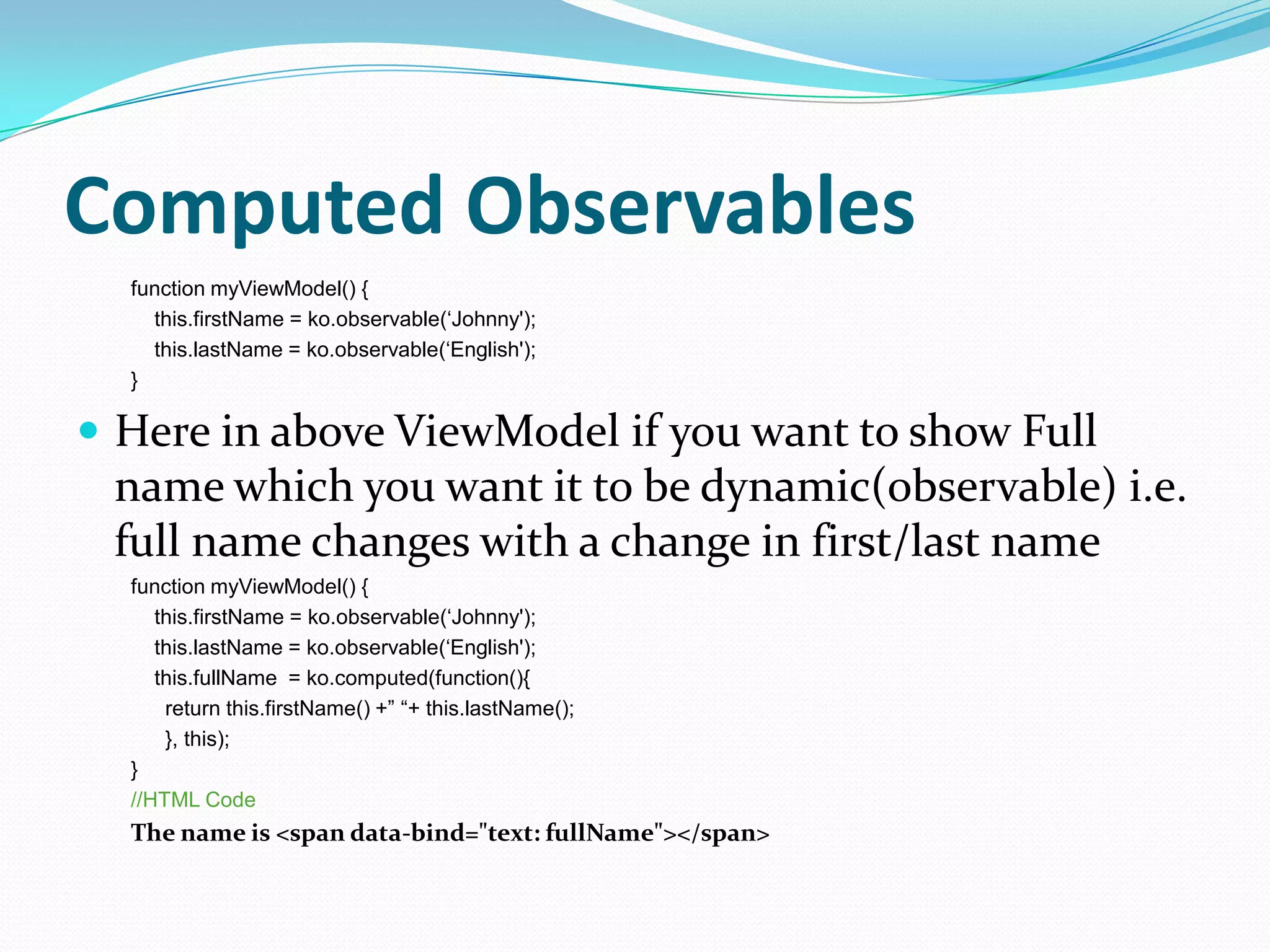
  function myViewModel() {
    this.firstName = ko.observable(„Johnny');
    this.lastName = ko.observable(„English');
  }

 Here in above ViewModel if you want to show Full
 name which you want it to be dynamic(observable) i.e.
 full name changes with a change in first/last name
  function myViewModel() {
     this.firstName = ko.observable(„Johnny');
     this.lastName = ko.observable(„English');
     this.fullName = ko.computed(function(){
      return this.firstName() +” “+ this.lastName();
      }, this);
  }
  //HTML Code
  The name is <span data-bind="text: fullName"></span>
Bindings
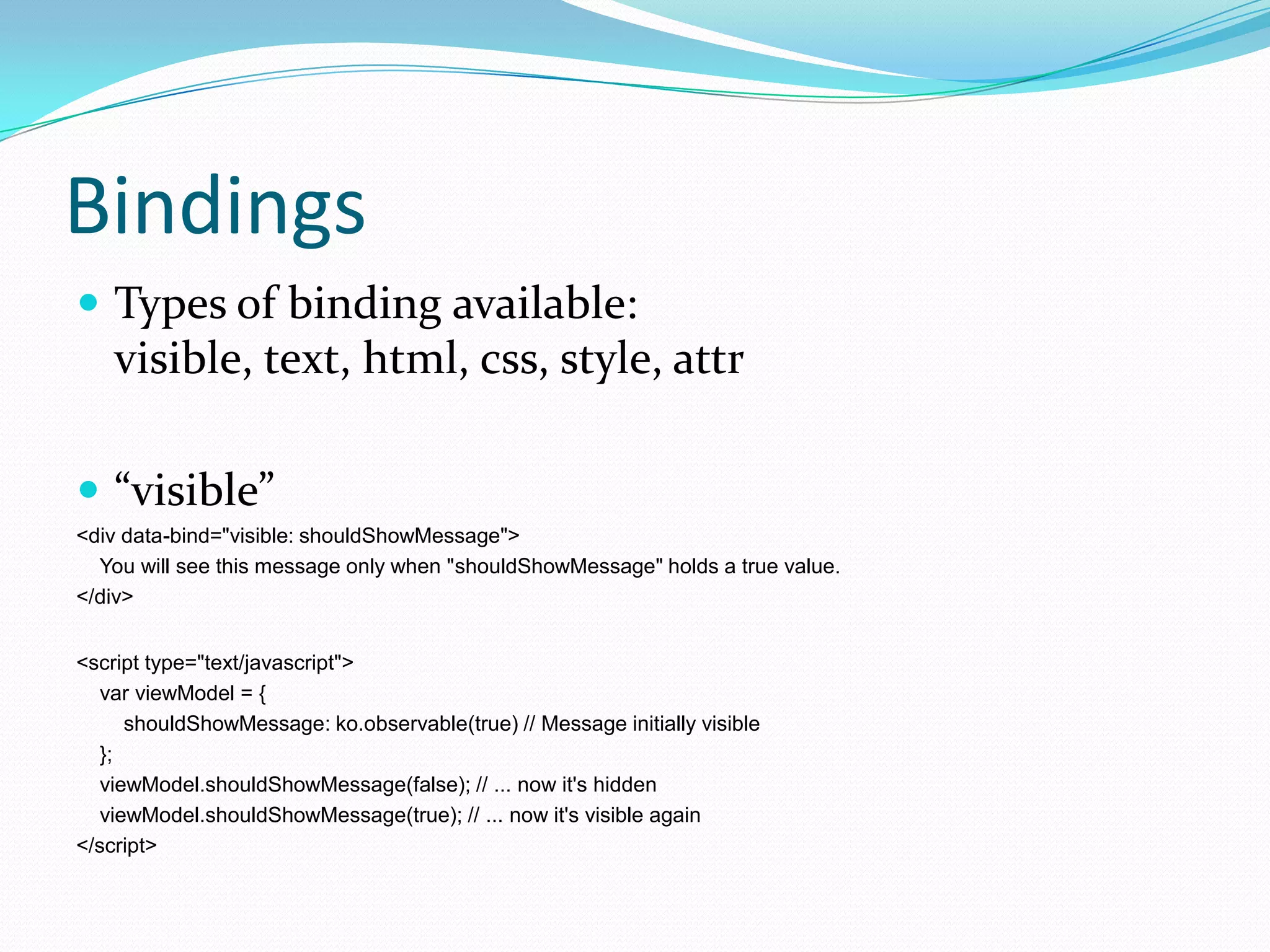
 Types of binding available:
    visible, text, html, css, style, attr

 “visible”
<div data-bind="visible: shouldShowMessage">
  You will see this message only when "shouldShowMessage" holds a true value.
</div>


<script type="text/javascript">
   var viewModel = {
      shouldShowMessage: ko.observable(true) // Message initially visible
   };
   viewModel.shouldShowMessage(false); // ... now it's hidden
   viewModel.shouldShowMessage(true); // ... now it's visible again
</script>
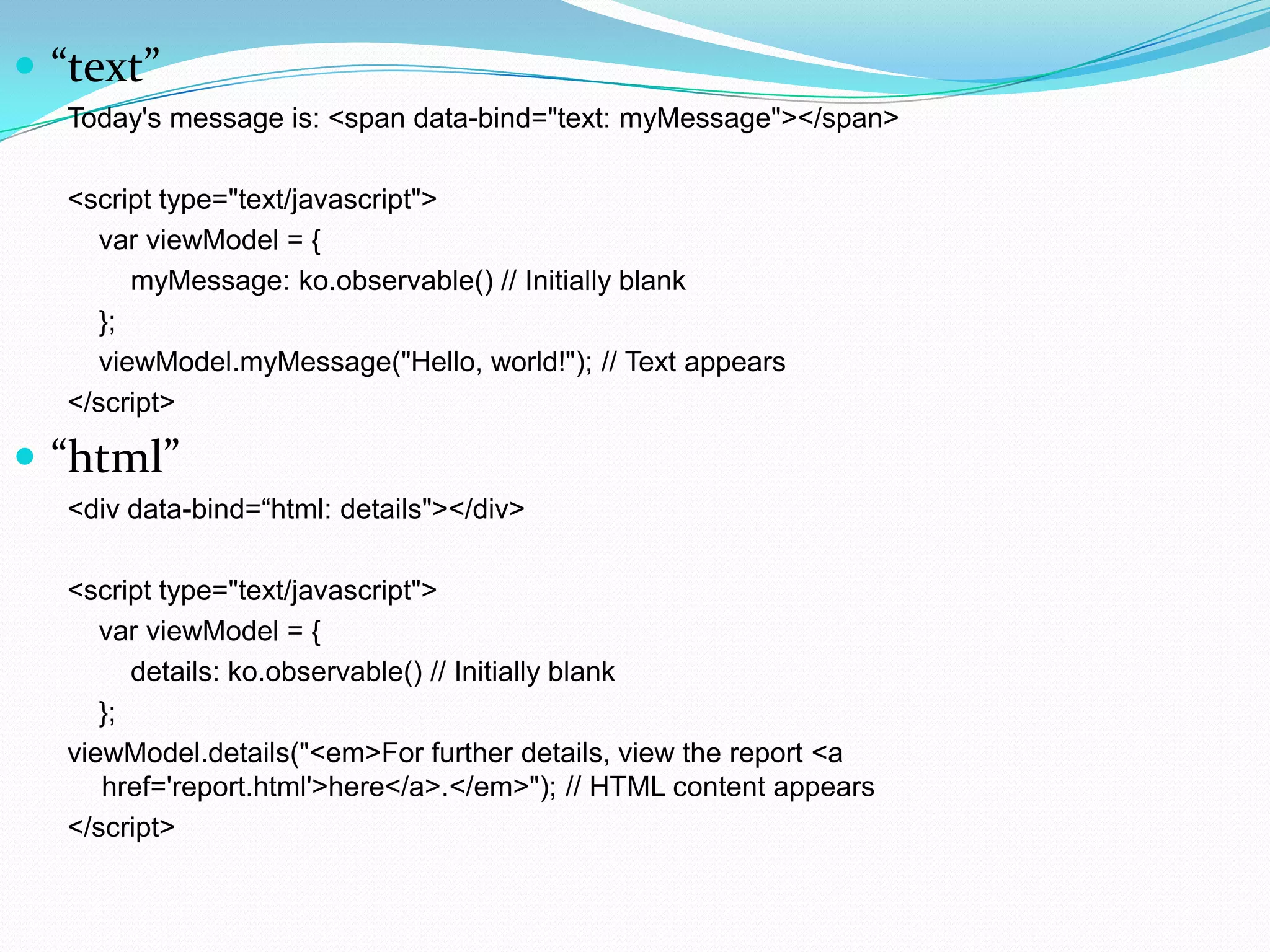
 “text”
  Today's message is: <span data-bind="text: myMessage"></span>

  <script type="text/javascript">
     var viewModel = {
        myMessage: ko.observable() // Initially blank
     };
     viewModel.myMessage("Hello, world!"); // Text appears
  </script>

 “html”
  <div data-bind=“html: details"></div>

  <script type="text/javascript">
     var viewModel = {
        details: ko.observable() // Initially blank
     };
  viewModel.details("<em>For further details, view the report <a
     href='report.html'>here</a>.</em>"); // HTML content appears
  </script>
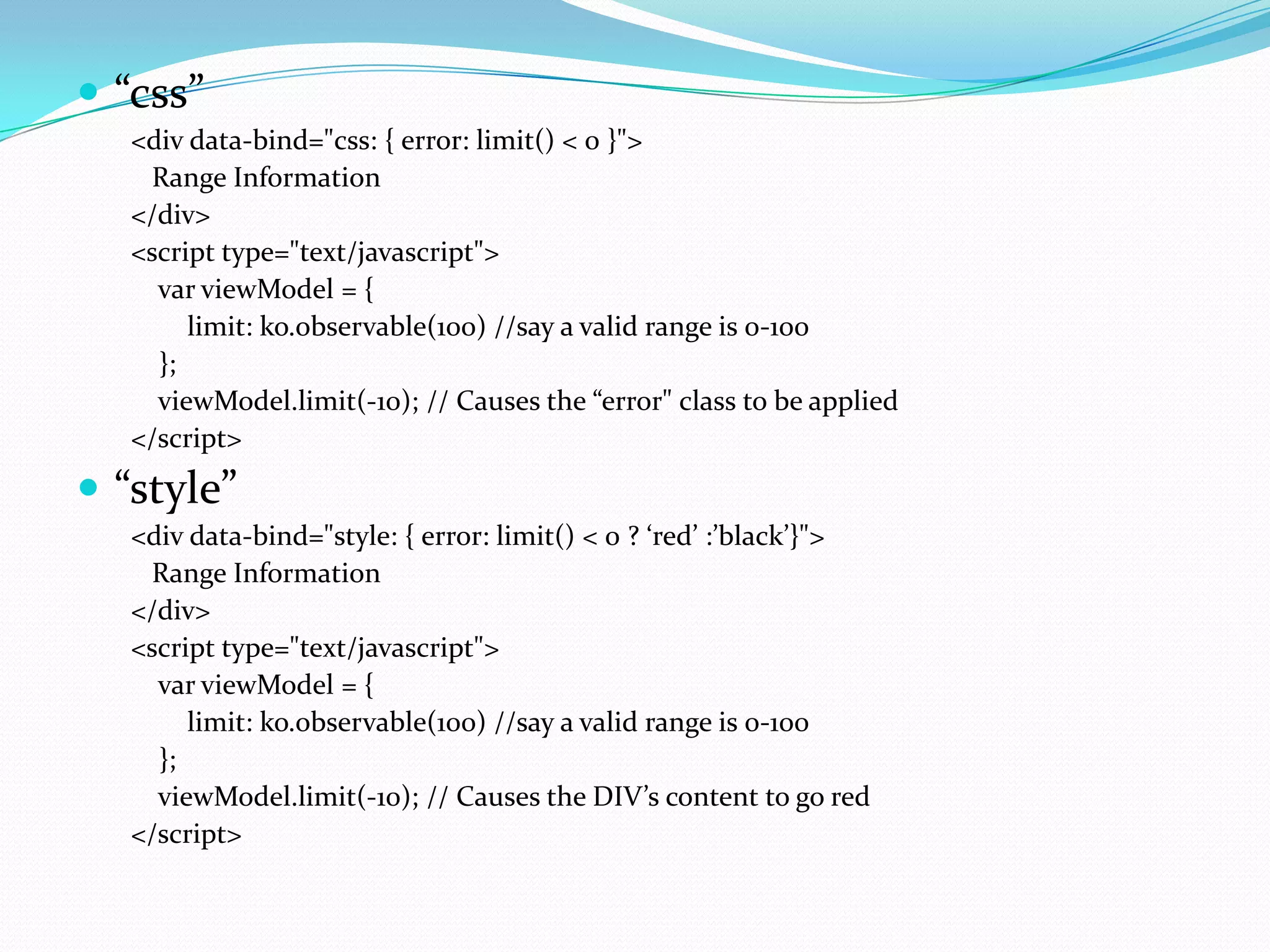
 “css”
   <div data-bind="css: { error: limit() < 0 }">
    Range Information
   </div>
   <script type="text/javascript">
     var viewModel = {
        limit: ko.observable(100) //say a valid range is 0-100
     };
     viewModel.limit(-10); // Causes the “error" class to be applied
   </script>
 “style”
   <div data-bind="style: { error: limit() < 0 ? ‘red’ :’black’}">
    Range Information
   </div>
   <script type="text/javascript">
     var viewModel = {
        limit: ko.observable(100) //say a valid range is 0-100
     };
     viewModel.limit(-10); // Causes the DIV’s content to go red
   </script>
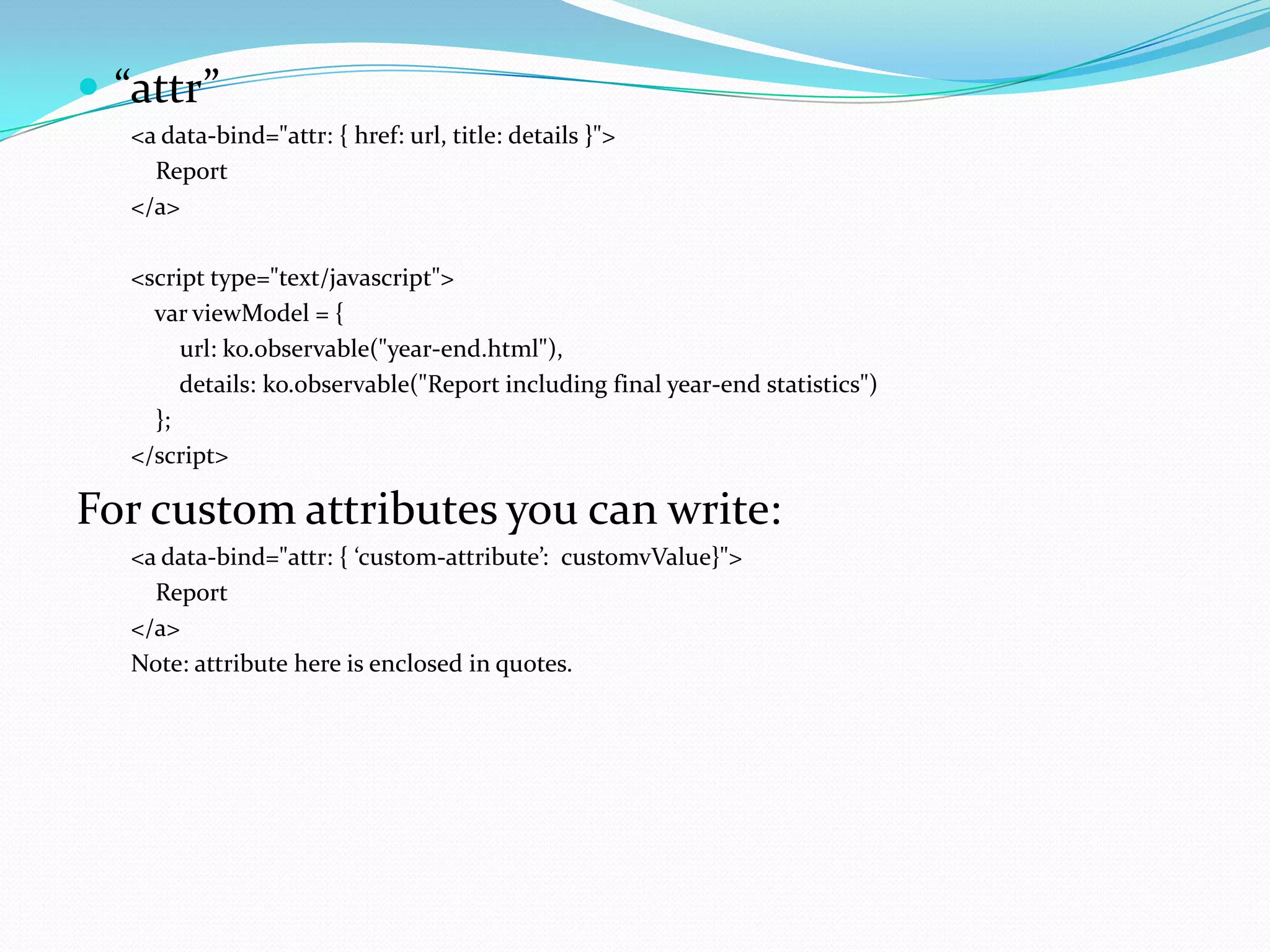
 “attr”
   <a data-bind="attr: { href: url, title: details }">
     Report
   </a>

   <script type="text/javascript">
     var viewModel = {
        url: ko.observable("year-end.html"),
        details: ko.observable("Report including final year-end statistics")
     };
   </script>

For custom attributes you can write:
   <a data-bind="attr: { ‘custom-attribute’: customvValue}">
     Report
   </a>
   Note: attribute here is enclosed in quotes.
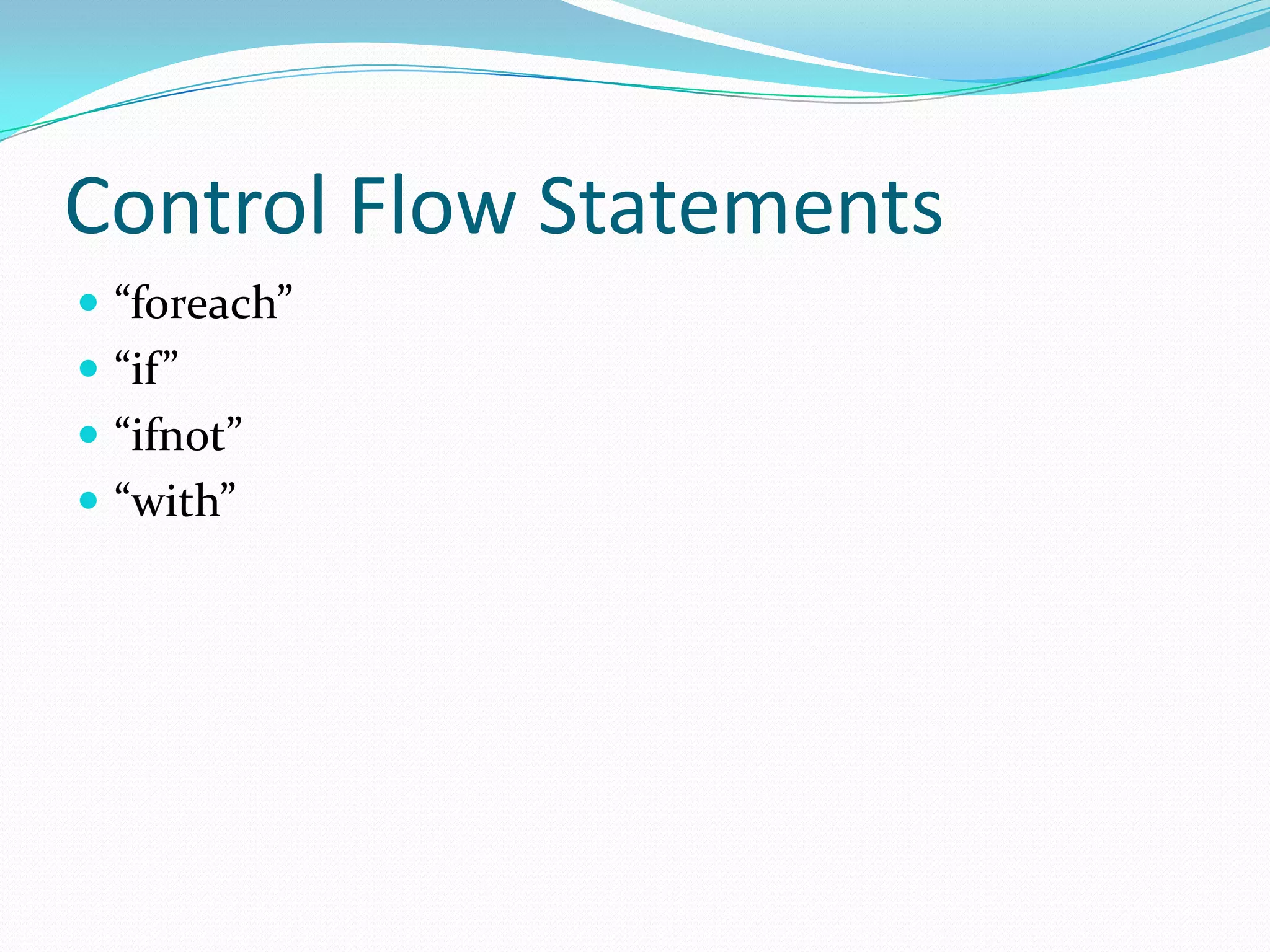
Control Flow Statements
 “foreach”
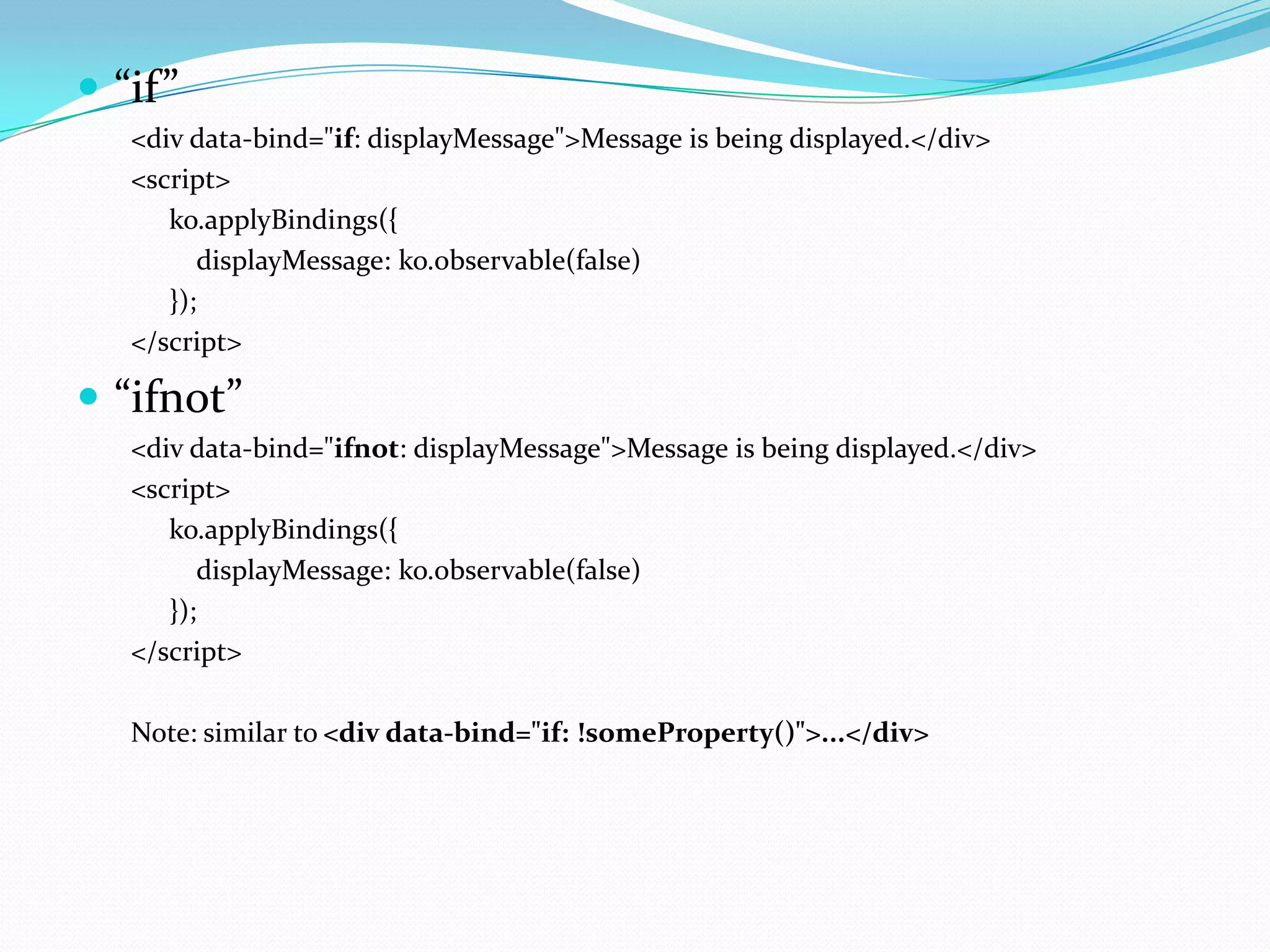
 “if”
 “ifnot”
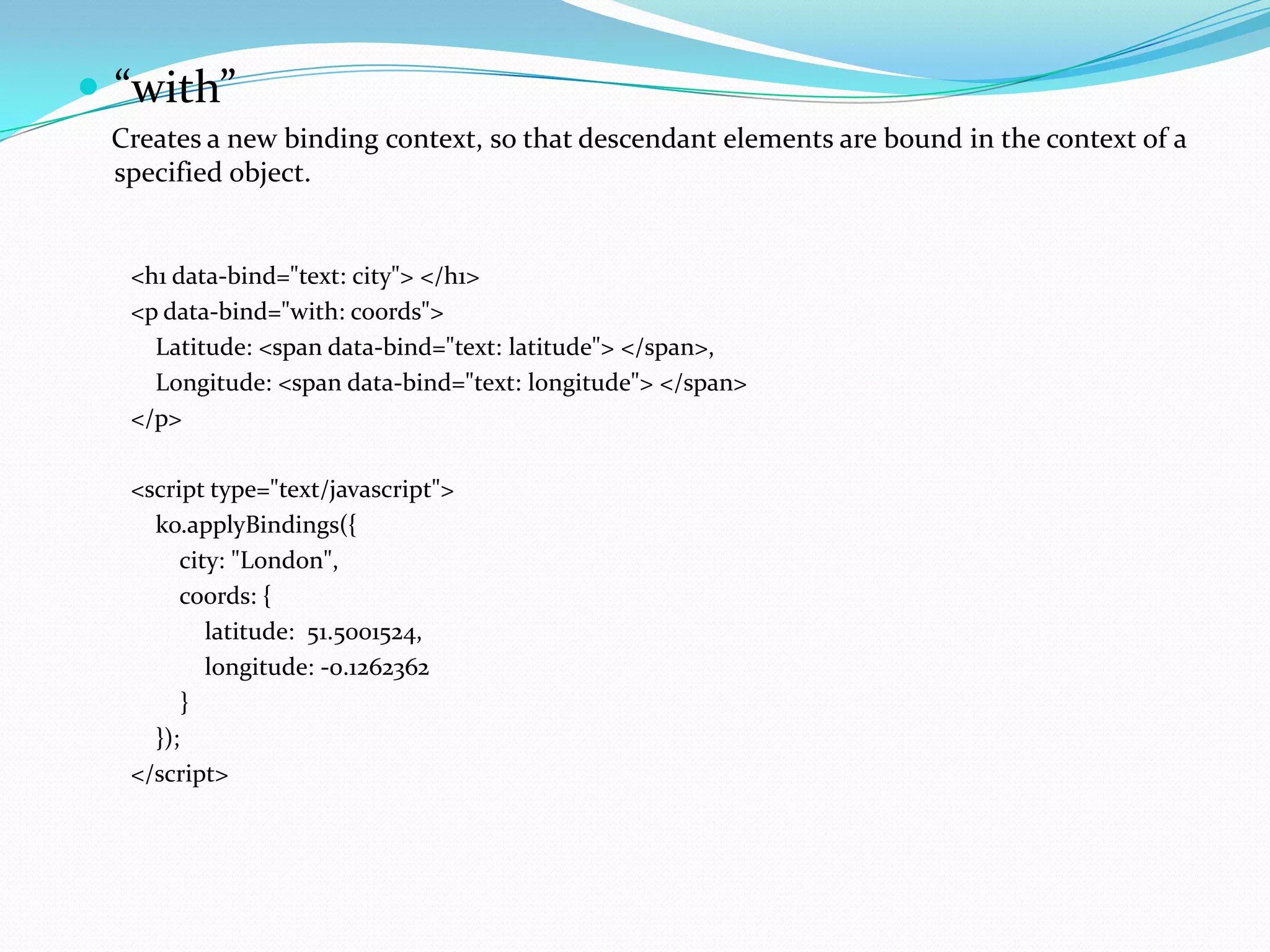
 “with”
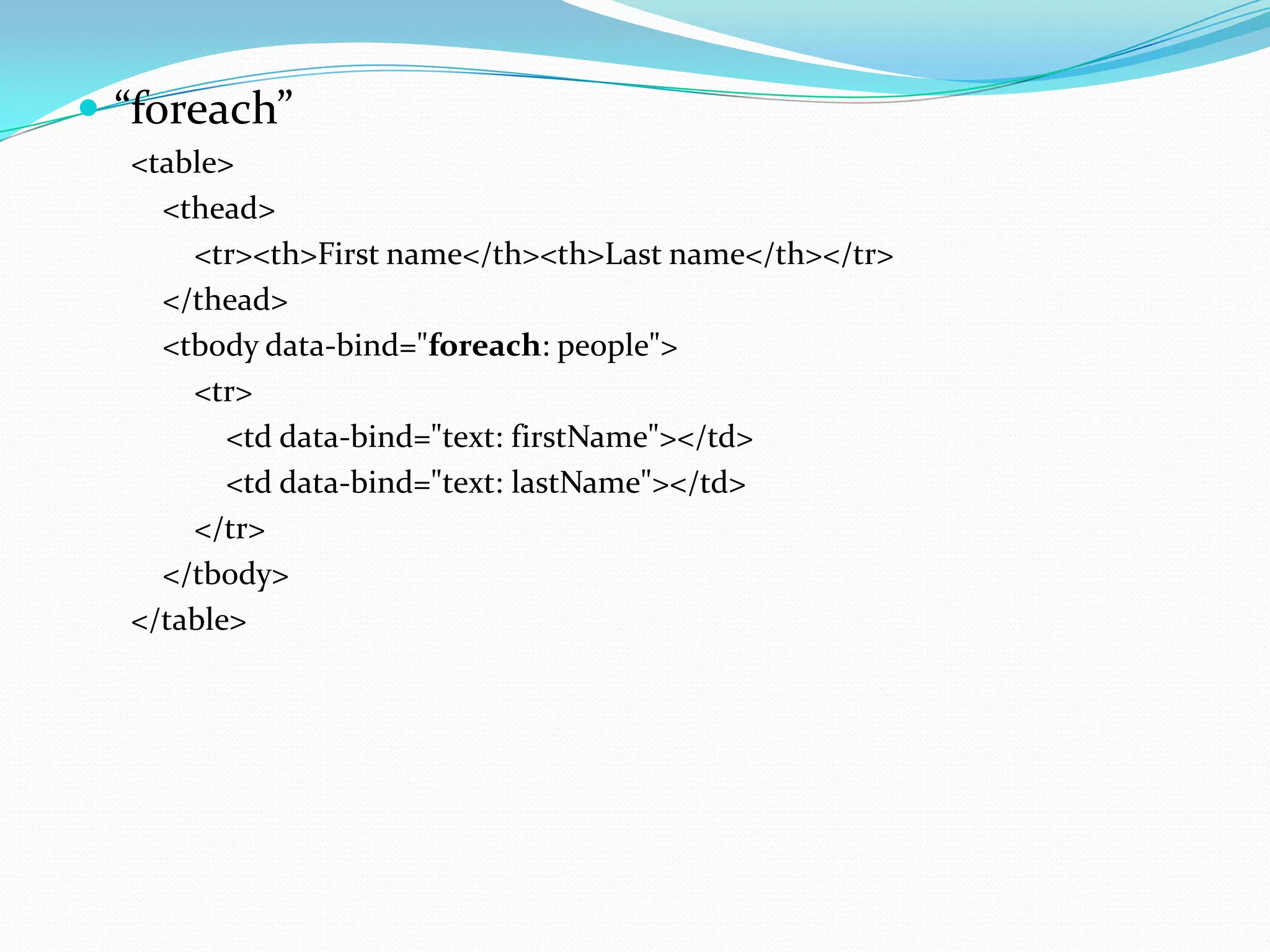
 “foreach”
  <table>
    <thead>
      <tr><th>First name</th><th>Last name</th></tr>
    </thead>
    <tbody data-bind="foreach: people">
      <tr>
         <td data-bind="text: firstName"></td>
         <td data-bind="text: lastName"></td>
      </tr>
    </tbody>
  </table>
</script>
    function myViewModel() {
      var self = this;

        self.people = ko.observableArray([ //The change in the array will reflect in the UI
            { name: 'Bert' },
            { name: 'Charles' },
            { name: 'Denise' }
        ]);
    }

    ko.applyBindings(new myViewModel());
</script>
 “if”
   <div data-bind="if: displayMessage">Message is being displayed.</div>
   <script>
      ko.applyBindings({
         displayMessage: ko.observable(false)
      });
   </script>

 “ifnot”
   <div data-bind="ifnot: displayMessage">Message is being displayed.</div>
   <script>
      ko.applyBindings({
         displayMessage: ko.observable(false)
      });
   </script>

   Note: similar to <div data-bind="if: !someProperty()">...</div>
 “with”
 Creates a new binding context, so that descendant elements are bound in the context of a
 specified object.


  <h1 data-bind="text: city"> </h1>
  <p data-bind="with: coords">
    Latitude: <span data-bind="text: latitude"> </span>,
    Longitude: <span data-bind="text: longitude"> </span>
  </p>

  <script type="text/javascript">
    ko.applyBindings({
       city: "London",
       coords: {
          latitude: 51.5001524,
          longitude: -0.1262362
        }
    });
  </script>
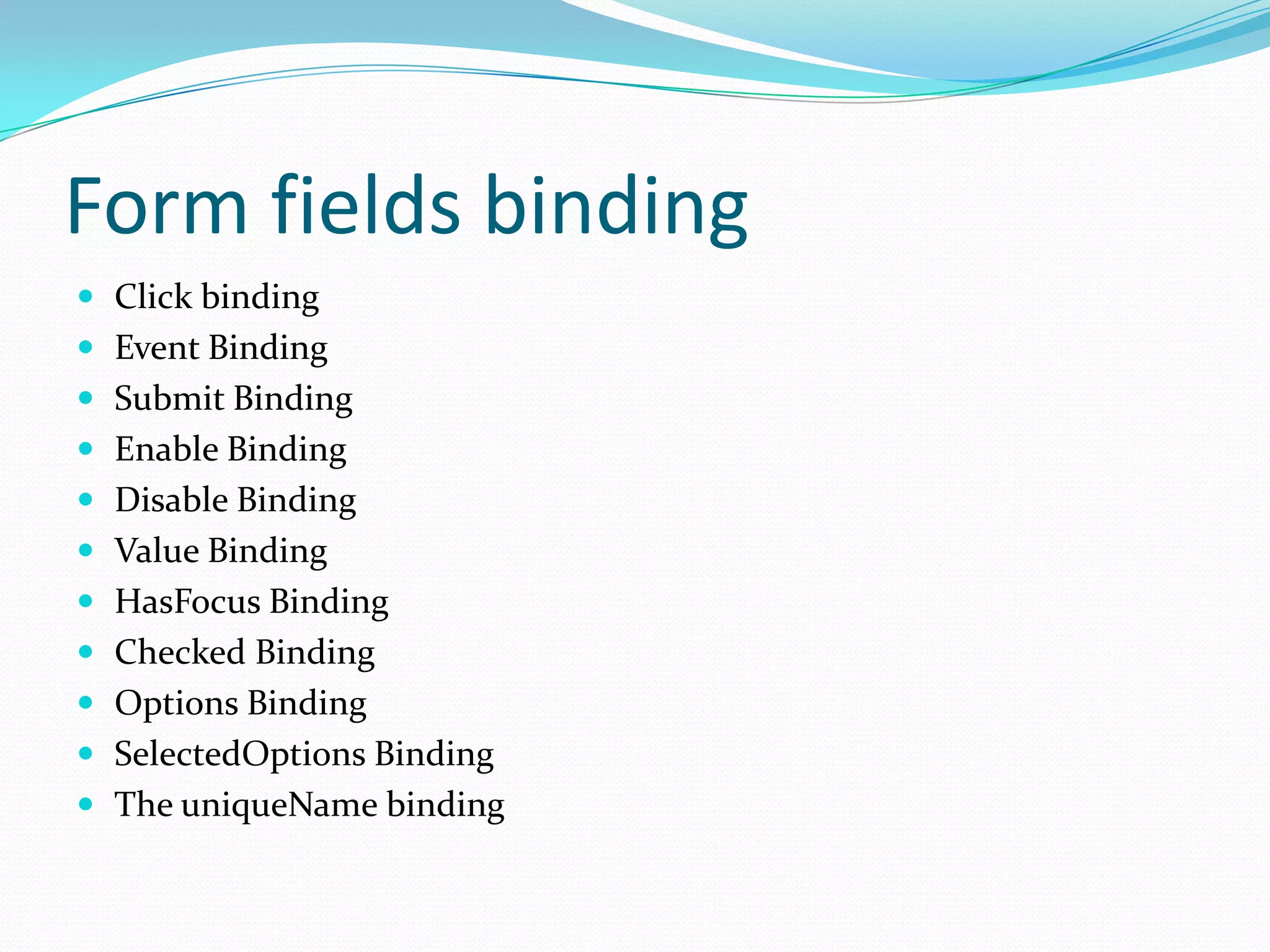
Form fields binding
 Click binding
 Event Binding
 Submit Binding
 Enable Binding
 Disable Binding
 Value Binding
 HasFocus Binding
 Checked Binding
 Options Binding
 SelectedOptions Binding
 The uniqueName binding
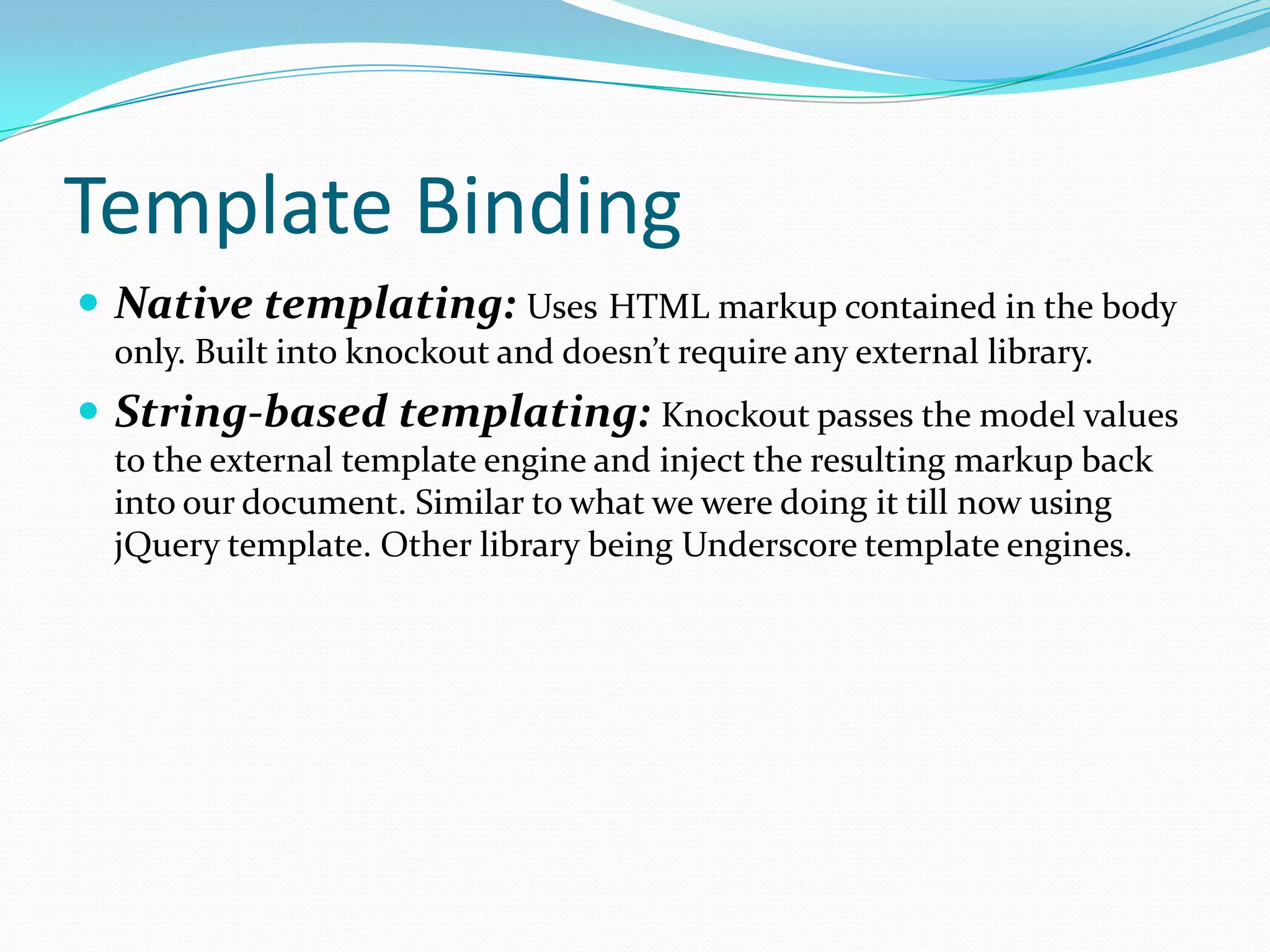
Template Binding
 Native templating: Uses HTML markup contained in the body
  only. Built into knockout and doesn’t require any external library.
 String-based templating: Knockout passes the model values
  to the external template engine and inject the resulting markup back
  into our document. Similar to what we were doing it till now using
  jQuery template. Other library being Underscore template engines.
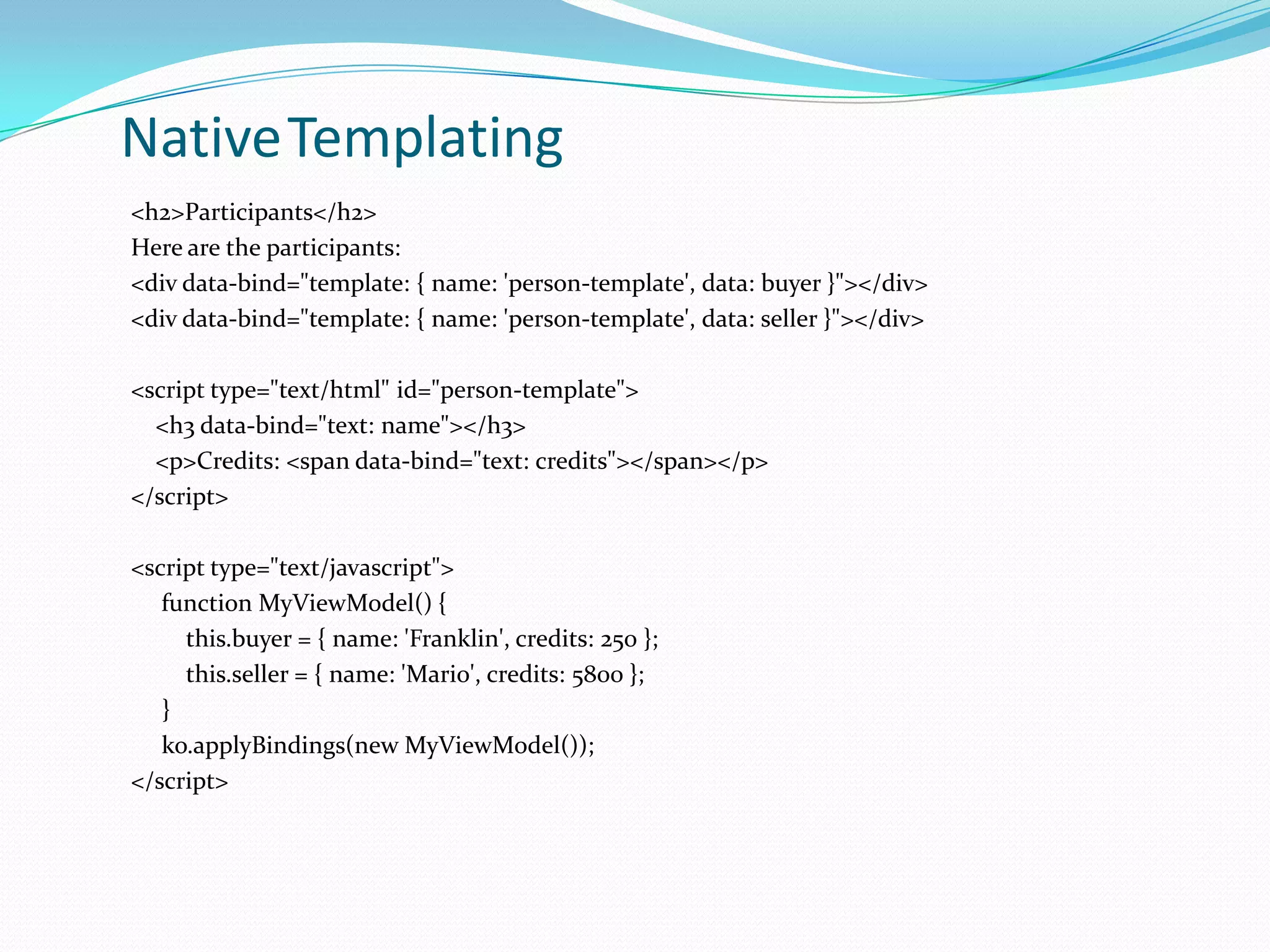
NativeTemplating
<h2>Participants</h2>
Here are the participants:
<div data-bind="template: { name: 'person-template', data: buyer }"></div>
<div data-bind="template: { name: 'person-template', data: seller }"></div>

<script type="text/html" id="person-template">
  <h3 data-bind="text: name"></h3>
  <p>Credits: <span data-bind="text: credits"></span></p>
</script>

<script type="text/javascript">
   function MyViewModel() {
     this.buyer = { name: 'Franklin', credits: 250 };
     this.seller = { name: 'Mario', credits: 5800 };
   }
   ko.applyBindings(new MyViewModel());
</script>
String-based Templating
<h1>People</h1>
<div data-bind="template: 'peopleList'"></div>

<script type="text/html" id="peopleList">
  {{each people}}
     <p>
       <b>${name}</b> is ${age} years old
     </p>
  {{/each}}
</script>

<script type="text/javascript">
  var viewModel = {
     people: ko.observableArray([
        { name: 'Rod', age: 123 },
        { name: 'Jane', age: 125 },
     ])
  }
  ko.applyBindings(viewModel);
</script>

Knockout.js

  • 1.
    Simplify dynamic JavaScriptUIs by applying the Model-View-ViewModel(MVVM)
  • 2.
    What is Knockout.js?  Knockout is a JavaScript library that helps us to create rich, responsive and dynamic display with a clean underlying data model.
  • 3.
    Key points Free, open source (MIT license)  Pure JavaScript — works with any web framework  Small & lightweight — 40kb minified  ... reduces to 14kb when using HTTP compression  No dependencies  Supports all mainstream browsers  IE 6+, Firefox 2+, Chrome, Opera, Safari (desktop/mobile)  Fully documented  API docs, live examples, and interactive tutorials included
  • 4.
    Features it offers Declarative Bindings  Easily associate DOM elements with model data using a concise, readable syntax  Automatic UI Refresh  Whenever data model's state changes, UI updates automatically  Dependency Tracking  Implicitly set up chains of relationships between model data, to transform and combine it  Templating  Quickly generate sophisticated, nested UIs as a function of your model data
  • 5.
    Is it differentfrom jQuery or any other javascript framework? jQuery/js Frameworks Knockout  Basically a replacement for the  Knockout provides a clunky, inconsistent DOM APIs complementary, high-level way we had to put up with in the to link a data model to a UI. past.  A low-level way to manipulate elements and event handlers in a web page. Note: Both can be used in solution seamlessly.
  • 6.
    Core Features  Observablesand dependency tracking  Declarative bindings  Templating
  • 7.
    Let’s Bind //Javascript Code <script> var myViewModel = { personName: ‘Vivek', personAge: 27 }; //Restrict the binding to this span only ko.applyBindings(myViewModel, document.getElementById(‘name')); </script> //HTML Code The name is <span id=“name” data-bind="text: personName"></span>
  • 8.
    Observables  Last examplewas the basic one as it was kind of one way binding i.e. the ViewModel’s property will show up in UI but if we want that on every change of property in ViewModel the UI should also get reflected then make it observable property: var myViewModel = { personName: ko.observable(Vivek'), personAge: ko.observable(27) };
  • 9.
    Explicitly subscribing to observables In the last example if we want to listen the value change of personName property: myViewModel.personName.subscribe(function(newValue) { alert("The person's new name is " + newValue); });  If you want to terminate the subscription: var subscription = myViewModel.personName.subscribe(function(newValue) { alert("The person's new name is " + newValue); }); subscription.dispose(); // no longer want notifications
  • 10.
    Computed Observables function myViewModel() { this.firstName = ko.observable(„Johnny'); this.lastName = ko.observable(„English'); }  Here in above ViewModel if you want to show Full name which you want it to be dynamic(observable) i.e. full name changes with a change in first/last name function myViewModel() { this.firstName = ko.observable(„Johnny'); this.lastName = ko.observable(„English'); this.fullName = ko.computed(function(){ return this.firstName() +” “+ this.lastName(); }, this); } //HTML Code The name is <span data-bind="text: fullName"></span>
  • 11.
    Bindings  Types ofbinding available: visible, text, html, css, style, attr  “visible” <div data-bind="visible: shouldShowMessage"> You will see this message only when "shouldShowMessage" holds a true value. </div> <script type="text/javascript"> var viewModel = { shouldShowMessage: ko.observable(true) // Message initially visible }; viewModel.shouldShowMessage(false); // ... now it's hidden viewModel.shouldShowMessage(true); // ... now it's visible again </script>
  • 12.
     “text” Today's message is: <span data-bind="text: myMessage"></span> <script type="text/javascript"> var viewModel = { myMessage: ko.observable() // Initially blank }; viewModel.myMessage("Hello, world!"); // Text appears </script>  “html” <div data-bind=“html: details"></div> <script type="text/javascript"> var viewModel = { details: ko.observable() // Initially blank }; viewModel.details("<em>For further details, view the report <a href='report.html'>here</a>.</em>"); // HTML content appears </script>
  • 13.
     “css” <div data-bind="css: { error: limit() < 0 }"> Range Information </div> <script type="text/javascript"> var viewModel = { limit: ko.observable(100) //say a valid range is 0-100 }; viewModel.limit(-10); // Causes the “error" class to be applied </script>  “style” <div data-bind="style: { error: limit() < 0 ? ‘red’ :’black’}"> Range Information </div> <script type="text/javascript"> var viewModel = { limit: ko.observable(100) //say a valid range is 0-100 }; viewModel.limit(-10); // Causes the DIV’s content to go red </script>
  • 14.
     “attr” <a data-bind="attr: { href: url, title: details }"> Report </a> <script type="text/javascript"> var viewModel = { url: ko.observable("year-end.html"), details: ko.observable("Report including final year-end statistics") }; </script> For custom attributes you can write: <a data-bind="attr: { ‘custom-attribute’: customvValue}"> Report </a> Note: attribute here is enclosed in quotes.
  • 15.
    Control Flow Statements “foreach”  “if”  “ifnot”  “with”
  • 16.
     “foreach” <table> <thead> <tr><th>First name</th><th>Last name</th></tr> </thead> <tbody data-bind="foreach: people"> <tr> <td data-bind="text: firstName"></td> <td data-bind="text: lastName"></td> </tr> </tbody> </table>
  • 17.
    </script> function myViewModel() { var self = this; self.people = ko.observableArray([ //The change in the array will reflect in the UI { name: 'Bert' }, { name: 'Charles' }, { name: 'Denise' } ]); } ko.applyBindings(new myViewModel()); </script>
  • 18.
     “if” <div data-bind="if: displayMessage">Message is being displayed.</div> <script> ko.applyBindings({ displayMessage: ko.observable(false) }); </script>  “ifnot” <div data-bind="ifnot: displayMessage">Message is being displayed.</div> <script> ko.applyBindings({ displayMessage: ko.observable(false) }); </script> Note: similar to <div data-bind="if: !someProperty()">...</div>
  • 19.
     “with” Createsa new binding context, so that descendant elements are bound in the context of a specified object. <h1 data-bind="text: city"> </h1> <p data-bind="with: coords"> Latitude: <span data-bind="text: latitude"> </span>, Longitude: <span data-bind="text: longitude"> </span> </p> <script type="text/javascript"> ko.applyBindings({ city: "London", coords: { latitude: 51.5001524, longitude: -0.1262362 } }); </script>
  • 20.
    Form fields binding Click binding  Event Binding  Submit Binding  Enable Binding  Disable Binding  Value Binding  HasFocus Binding  Checked Binding  Options Binding  SelectedOptions Binding  The uniqueName binding
  • 21.
    Template Binding  Nativetemplating: Uses HTML markup contained in the body only. Built into knockout and doesn’t require any external library.  String-based templating: Knockout passes the model values to the external template engine and inject the resulting markup back into our document. Similar to what we were doing it till now using jQuery template. Other library being Underscore template engines.
  • 22.
    NativeTemplating <h2>Participants</h2> Here are theparticipants: <div data-bind="template: { name: 'person-template', data: buyer }"></div> <div data-bind="template: { name: 'person-template', data: seller }"></div> <script type="text/html" id="person-template"> <h3 data-bind="text: name"></h3> <p>Credits: <span data-bind="text: credits"></span></p> </script> <script type="text/javascript"> function MyViewModel() { this.buyer = { name: 'Franklin', credits: 250 }; this.seller = { name: 'Mario', credits: 5800 }; } ko.applyBindings(new MyViewModel()); </script>
  • 23.
    String-based Templating <h1>People</h1> <div data-bind="template:'peopleList'"></div> <script type="text/html" id="peopleList"> {{each people}} <p> <b>${name}</b> is ${age} years old </p> {{/each}} </script> <script type="text/javascript"> var viewModel = { people: ko.observableArray([ { name: 'Rod', age: 123 }, { name: 'Jane', age: 125 }, ]) } ko.applyBindings(viewModel); </script>