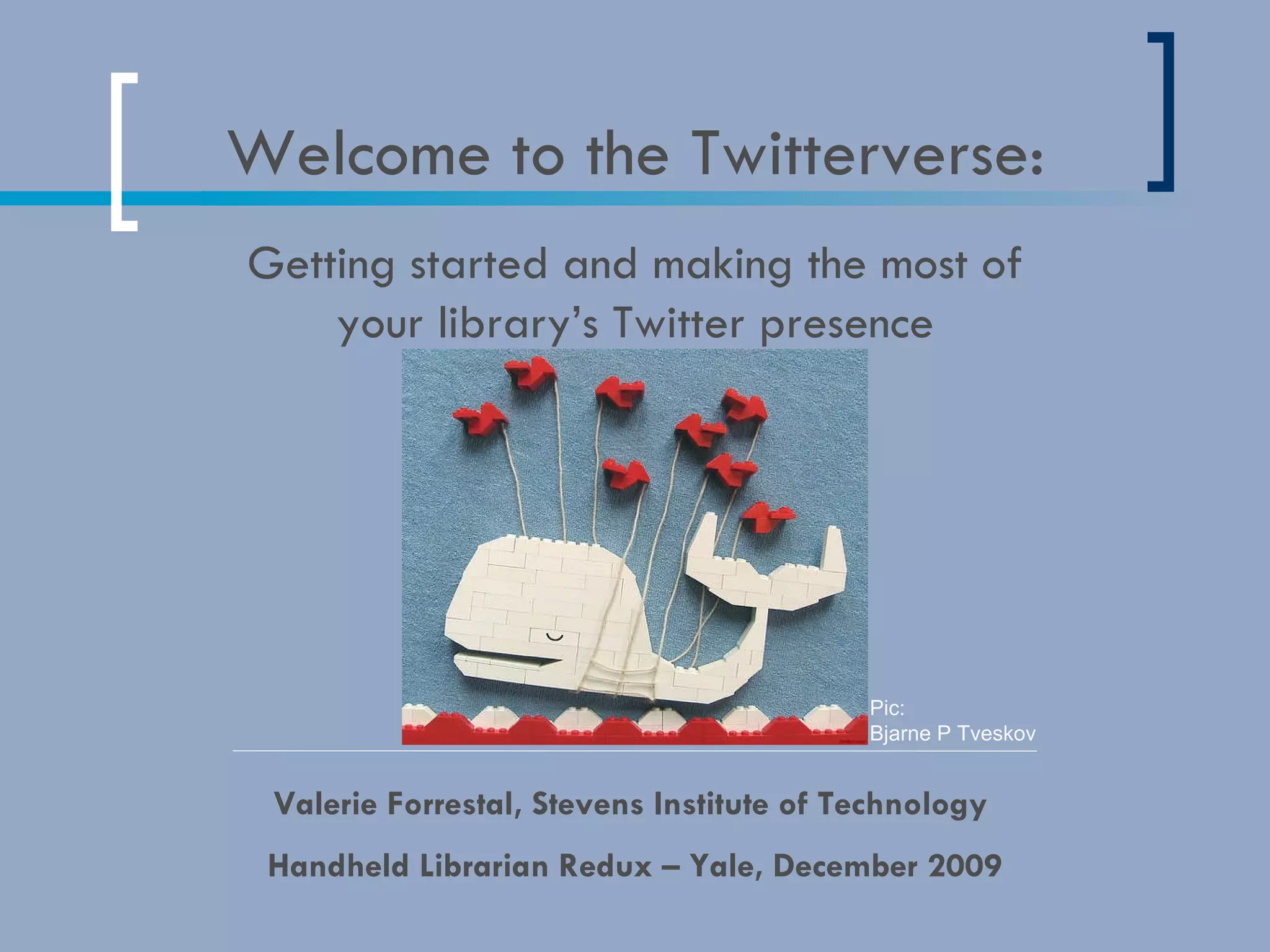

Welcome to the Twitterverse: Valerie Forrestal, Stevens Institute of Technology  Handheld Librarian Redux – Yale, December 2009 Getting started and making the most of your library’s Twitter presence Pic:  Bjarne P Tveskov
The Basics http://delicious.com/vforrestal/WhatisTwitter? The ultimate guide to everything Twitter @replies @mentions # hashtags (see below) URL shorteners (bit.ly, TinyURL, icanhaz.com, is.gd, tr.im) For more info on hashtags, see:  http://factoryjoe.com/blog/2007/12/23/making-the-most-of-hashtags/ For hashtag directories, or to register a tag, see: http://hashtags.org/ http://tagal.us/ http://www.hashdictionary.com/
Why Tweet? http://delicious.com/vforrestal/WhyTweet ?   It’s not just about pushing  information, it’s about: Conversation Interaction Fostering community/advocacy
Step 1: Strategy! Start with a plan.  What will be the purpose of your  Twitter presence? Community-based information?  Market-based info?  Interaction with users? Pick your screen name and  icon/photo carefully.
Strategy, part 2: What to Tweet http://www.kellyd.com/2009/07/29/how-your-library-may-not-be-using-twitter-but-should/ http://philbradley.typepad.com/phil_bradleys_weblog/2009/01/using-twitter-in-libraries.html http://andyburkhardt.com/2009/07/27/six-things-libraries-should-tweet/ Library events Links to articles, videos, etc.  Solicit feedback  New additions to your collection  Marketing Answer questions  (List from Andy Burkhardt)
Step 2: Following Make sure you have a bio, and post a little first, so users know what you’re all about. Then try searching: Directories like Twellow, WeFollow, Twibes Compiled lists ( http://delicious.com/vforrestal/Tweeple ) Other users- if you like them,  you will probably like the  people they follow Conversations- Who are the  people you like talking to? New!  Lists: http://twitter.com/mlibrarianus/libraryland http://twitter.com/MLx/libr http://twitter.com/val_forrestal/librarians -or-  Search for lists @  http://listorious.com/
Step 3: Tools http://delicious.com/vforrestal/TwitterTools Tweetdeck/Seesmic/Twhirl (desktop clients) Tweetdeck/Tweetie/Twitterfon/ Birdfeed/Twitterberry  (mobile clients) Echofon (Firefox add-on, fka  Twitterfox) Troy’s Twitter script (GreaseMonkey  script for FF) Digsby (integrates chat/facebook/LinkedIn/MySpace) Ping.fm (update multiple statuses  from one site Tweet Sync (updates facebook  status w/Twitter feed)
Tips http://delicious.com/vforrestal/TwitterTips Twitter is a network, so don’t follow people you’re not willing to have a conversation with Create an rss feed to monitor who is talking about you/your org. (you can also set this to email you if you don’t use a feed-reader) Don’t be afraid to respond to people/start conversations. Just jump in! Use hashtags whenever you can to expand conversations beyond your network Track who’s clicking your links by creating a  bit.ly or icanhaz account Don’t just push your own agenda, act as an  amplifier for voices in your community Publish your feed on your homepage and/or  blog to reach those not using the service  (realize that many people still don’t have an  account, but that doesn’t mean you can’t use  it to get info out to them!)
 
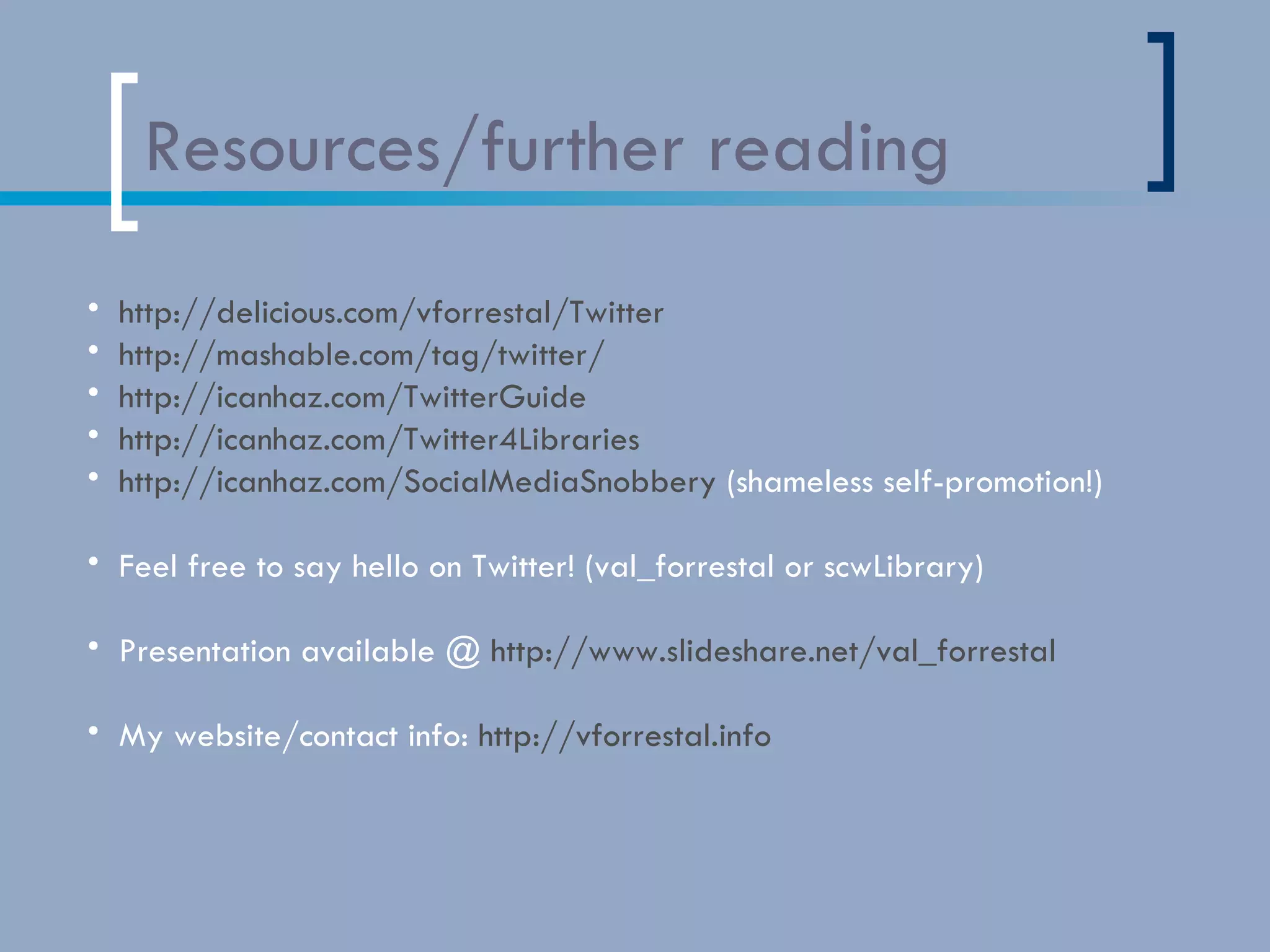
Resources/further reading http://delicious.com/vforrestal/Twitter http://mashable.com/tag/twitter/ http://icanhaz.com/TwitterGuide http://icanhaz.com/Twitter4Libraries   http://icanhaz.com/SocialMediaSnobbery  (shameless self-promotion!) Feel free to say hello on Twitter! (val_forrestal or scwLibrary) Presentation available @  http://www.slideshare.net/val_forrestal My website/contact info:  http://vforrestal.info   Note: because of conversion/viewing problems that sometimes occur in slideshare,  all links mentioned in this presentation are listed on the last slide (in the order in which they were mentioned)
 
http://delicious.com/vforrestal/WhatisTwitter%3F http://www.webdesignerdepot.com/2009/03/the-ultimate-guide-for-everything-twitter/ http://factoryjoe.com/blog/2007/12/23/making-the-most-of-hashtags/ http://hashtags.org/ http://tagal.us/ http://www.hashdictionary.com/   http://delicious.com/vforrestal/WhyTweet%3F http://www.kellyd.com/2009/07/29/how-your-library-may-not-be-using-twitter-but-should/ http://philbradley.typepad.com/phil_bradleys_weblog/2009/01/using-twitter-in-libraries.html http://andyburkhardt.com/2009/07/27/six-things-libraries-should-tweet/ http://delicious.com/vforrestal/Tweeple http://twitter.com/mlibrarianus/libraryland http://twitter.com/MLx/libr http://twitter.com/val_forrestal/librarians http://listorious.com/ http://delicious.com/vforrestal/TwitterTools http://delicious.com/vforrestal/TwitterTips http://delicious.com/vforrestal/Twitter http://mashable.com/tag/twitter/ http://icanhaz.com/Twitter4Libraries   http://icanhaz.com/SocialMediaSnobbery http://www.slideshare.net/val_forrestal http://vforrestal.info

Twitter for Libraries - Handheld Librarian Redux @ Yale, 12-09

  • 1.
    Welcome to theTwitterverse: Valerie Forrestal, Stevens Institute of Technology Handheld Librarian Redux – Yale, December 2009 Getting started and making the most of your library’s Twitter presence Pic: Bjarne P Tveskov
  • 2.
    The Basics http://delicious.com/vforrestal/WhatisTwitter?The ultimate guide to everything Twitter @replies @mentions # hashtags (see below) URL shorteners (bit.ly, TinyURL, icanhaz.com, is.gd, tr.im) For more info on hashtags, see: http://factoryjoe.com/blog/2007/12/23/making-the-most-of-hashtags/ For hashtag directories, or to register a tag, see: http://hashtags.org/ http://tagal.us/ http://www.hashdictionary.com/
  • 3.
    Why Tweet? http://delicious.com/vforrestal/WhyTweet? It’s not just about pushing information, it’s about: Conversation Interaction Fostering community/advocacy
  • 4.
    Step 1: Strategy!Start with a plan. What will be the purpose of your Twitter presence? Community-based information? Market-based info? Interaction with users? Pick your screen name and icon/photo carefully.
  • 5.
    Strategy, part 2:What to Tweet http://www.kellyd.com/2009/07/29/how-your-library-may-not-be-using-twitter-but-should/ http://philbradley.typepad.com/phil_bradleys_weblog/2009/01/using-twitter-in-libraries.html http://andyburkhardt.com/2009/07/27/six-things-libraries-should-tweet/ Library events Links to articles, videos, etc. Solicit feedback New additions to your collection Marketing Answer questions (List from Andy Burkhardt)
  • 6.
    Step 2: FollowingMake sure you have a bio, and post a little first, so users know what you’re all about. Then try searching: Directories like Twellow, WeFollow, Twibes Compiled lists ( http://delicious.com/vforrestal/Tweeple ) Other users- if you like them, you will probably like the people they follow Conversations- Who are the people you like talking to? New! Lists: http://twitter.com/mlibrarianus/libraryland http://twitter.com/MLx/libr http://twitter.com/val_forrestal/librarians -or- Search for lists @ http://listorious.com/
  • 7.
    Step 3: Toolshttp://delicious.com/vforrestal/TwitterTools Tweetdeck/Seesmic/Twhirl (desktop clients) Tweetdeck/Tweetie/Twitterfon/ Birdfeed/Twitterberry (mobile clients) Echofon (Firefox add-on, fka Twitterfox) Troy’s Twitter script (GreaseMonkey script for FF) Digsby (integrates chat/facebook/LinkedIn/MySpace) Ping.fm (update multiple statuses from one site Tweet Sync (updates facebook status w/Twitter feed)
  • 8.
    Tips http://delicious.com/vforrestal/TwitterTips Twitteris a network, so don’t follow people you’re not willing to have a conversation with Create an rss feed to monitor who is talking about you/your org. (you can also set this to email you if you don’t use a feed-reader) Don’t be afraid to respond to people/start conversations. Just jump in! Use hashtags whenever you can to expand conversations beyond your network Track who’s clicking your links by creating a bit.ly or icanhaz account Don’t just push your own agenda, act as an amplifier for voices in your community Publish your feed on your homepage and/or blog to reach those not using the service (realize that many people still don’t have an account, but that doesn’t mean you can’t use it to get info out to them!)
  • 9.
  • 10.
    Resources/further reading http://delicious.com/vforrestal/Twitterhttp://mashable.com/tag/twitter/ http://icanhaz.com/TwitterGuide http://icanhaz.com/Twitter4Libraries http://icanhaz.com/SocialMediaSnobbery (shameless self-promotion!) Feel free to say hello on Twitter! (val_forrestal or scwLibrary) Presentation available @ http://www.slideshare.net/val_forrestal My website/contact info: http://vforrestal.info Note: because of conversion/viewing problems that sometimes occur in slideshare, all links mentioned in this presentation are listed on the last slide (in the order in which they were mentioned)
  • 11.
  • 12.
    http://delicious.com/vforrestal/WhatisTwitter%3F http://www.webdesignerdepot.com/2009/03/the-ultimate-guide-for-everything-twitter/ http://factoryjoe.com/blog/2007/12/23/making-the-most-of-hashtags/http://hashtags.org/ http://tagal.us/ http://www.hashdictionary.com/ http://delicious.com/vforrestal/WhyTweet%3F http://www.kellyd.com/2009/07/29/how-your-library-may-not-be-using-twitter-but-should/ http://philbradley.typepad.com/phil_bradleys_weblog/2009/01/using-twitter-in-libraries.html http://andyburkhardt.com/2009/07/27/six-things-libraries-should-tweet/ http://delicious.com/vforrestal/Tweeple http://twitter.com/mlibrarianus/libraryland http://twitter.com/MLx/libr http://twitter.com/val_forrestal/librarians http://listorious.com/ http://delicious.com/vforrestal/TwitterTools http://delicious.com/vforrestal/TwitterTips http://delicious.com/vforrestal/Twitter http://mashable.com/tag/twitter/ http://icanhaz.com/Twitter4Libraries http://icanhaz.com/SocialMediaSnobbery http://www.slideshare.net/val_forrestal http://vforrestal.info