More Related Content

PDF
受託開発でのAngularJS - 第1回AngularJS 勉強会 at LIG 
PDF
そろそろ押さえておきたい AngularJSのセキュリティ 
PPTX

PPTX

PDF
angular X designer - デザイナからみたAngularJS #ten1club 
PDF

PPTX

PDF
ng-mtg#6 AngularJS ディレクティブ・パターン What's hot

PPTX
簡単AngularJS(関西AngularJS勉強会) 
PDF
ASP.NET MVC と jQuery で実践する標準志向 Web 開発 
PPTX

PPTX
Windows アプリケーション開発�はじめに ~ Windows アプリケーション開発初学者の方向け�Visual Studio を使ったアプリケーショ... 
PDF

PPTX
【DroidKaigi2015】初学者に嬉しいAndroid開発環境(あとMVCとか) 
PPTX

PDF

PDF

PDF

PDF

PDF
AngularJSからReactに移ったケースの話 
PDF

PDF
jQuery/Html5/ASP.NET MVC 対応コンポーネントを用いたデバイス対応業務アプリケーション開発 
PDF

KEY

PPTX

PDF
イベント駆動AngularJS / 今から書くAngular 2.0 
PPTX
Visual studio 2013 Overview 
PPTX
Similar to AngularJSについて

PDF

PDF

PPTX
20161125 米田 angular_jsを触ってみた 
PDF

ODP
AngularJSとの危険な関係 by Mario Heiderich - CODE BLUE 2015 
PPTX

PDF

PDF
今後のWeb開発の未来を考えてangular jsにしました(拡大版) 
PPTX
Angular jsとsinatraでturbolinks 
PDF
今後のWeb開発の未来を考えてangularJSにしました 
PDF
AngularJSでwebアプリを作ってみた!(2014/6/8 GDGKobe) 
PDF
AngularJS勉強会「そもそもwebって」@ツクロア勉強会(2015.09.10) 
PDF
第9回Symfony勉強会LT Symfony2 meets AngularJS #symfony_ja 
PDF

PPTX
とりあえずAngular jsを導入してみませんか 
PDF

PPTX

PDF
20140823 LL diver Angular.js で構築した note に関して 
PPTX

PPTX
シンプルな9つのサンプルで学ぶJava Script初心者のためのAngularJS超入門ハンズオン Recently uploaded

PDF
エンジニアが選ぶべきAIエディタ & Antigravity 活用例@ウェビナー「触ってみてどうだった?Google Antigravity 既存IDEと... 
PDF
Machine Tests Benchmark Suite. Explain github.com/alexziskind1/machine_tests #2 
PDF
Machine Tests Benchmark Suite. Explain github.com/alexziskind1/machine_tests #1 
PPTX
楽々ナレッジベース「楽ナレ」3種比較 - Dify / AWS S3 Vector / Google File Search Tool 
PDF
流行りに乗っかるClaris FileMaker 〜AI関連機能の紹介〜 by 合同会社イボルブ 
PDF
20251210_MultiDevinForEnterprise on Devin 1st Anniv Meetup AngularJSについて
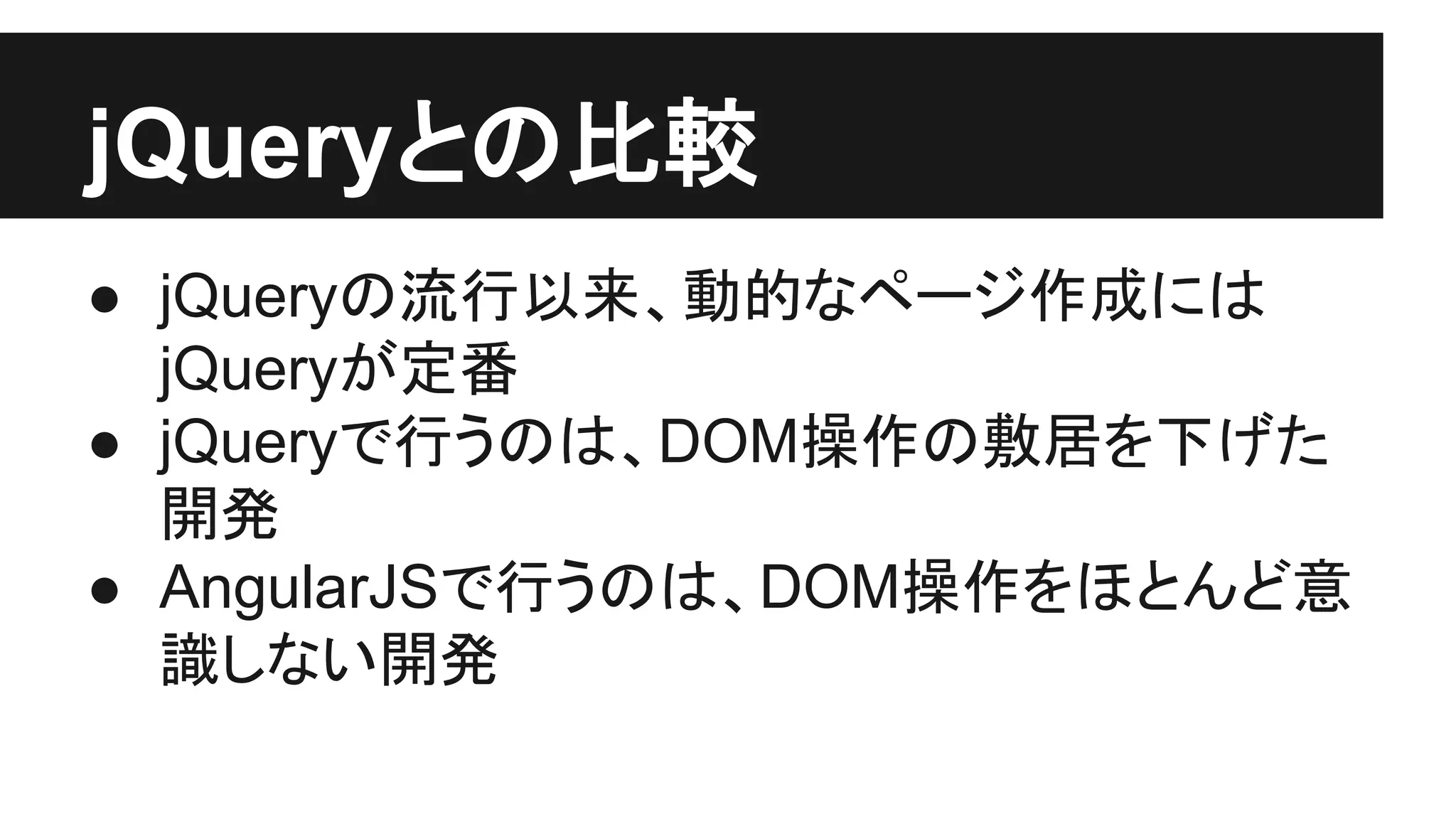
- 1.
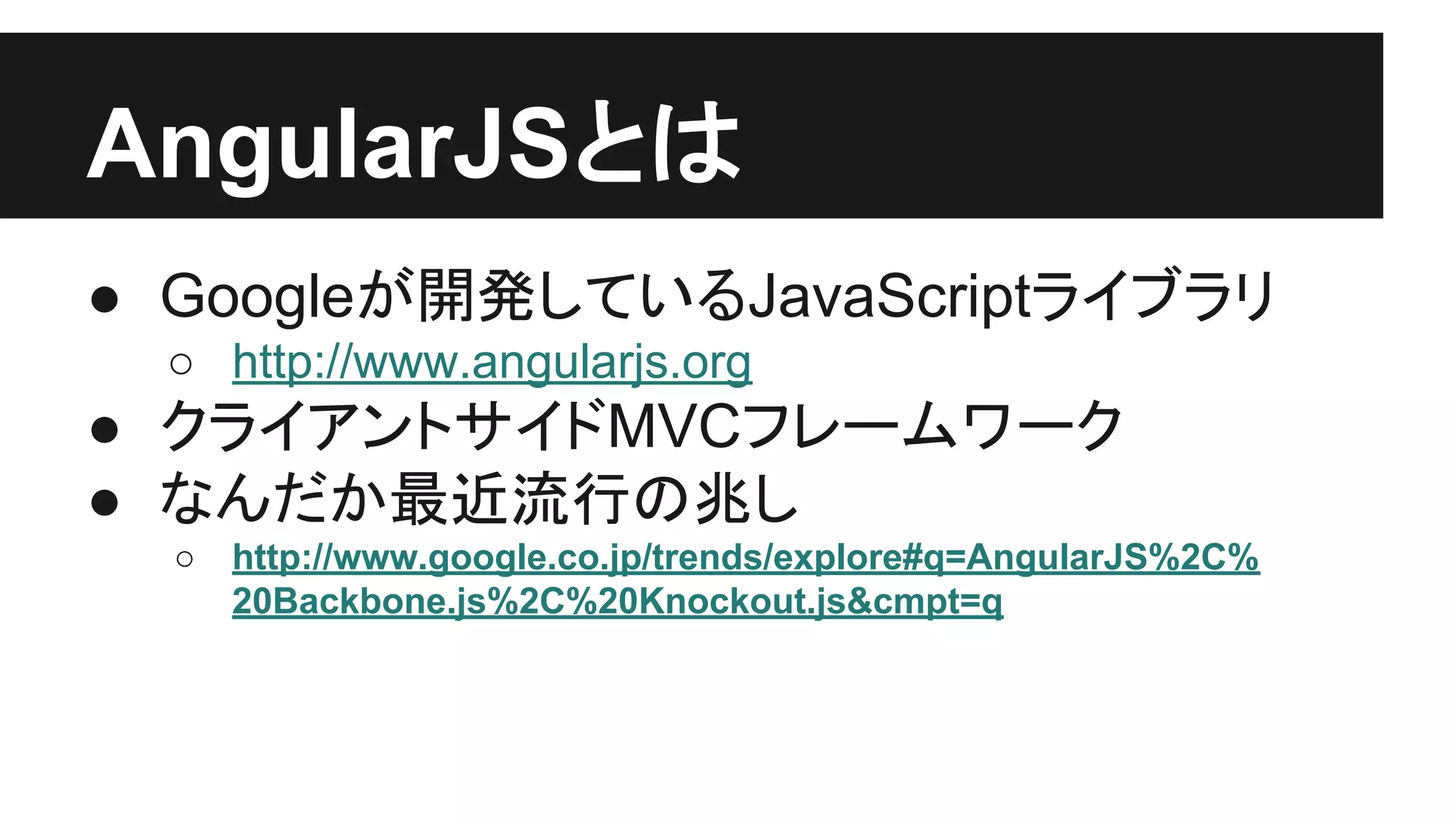
- 2.
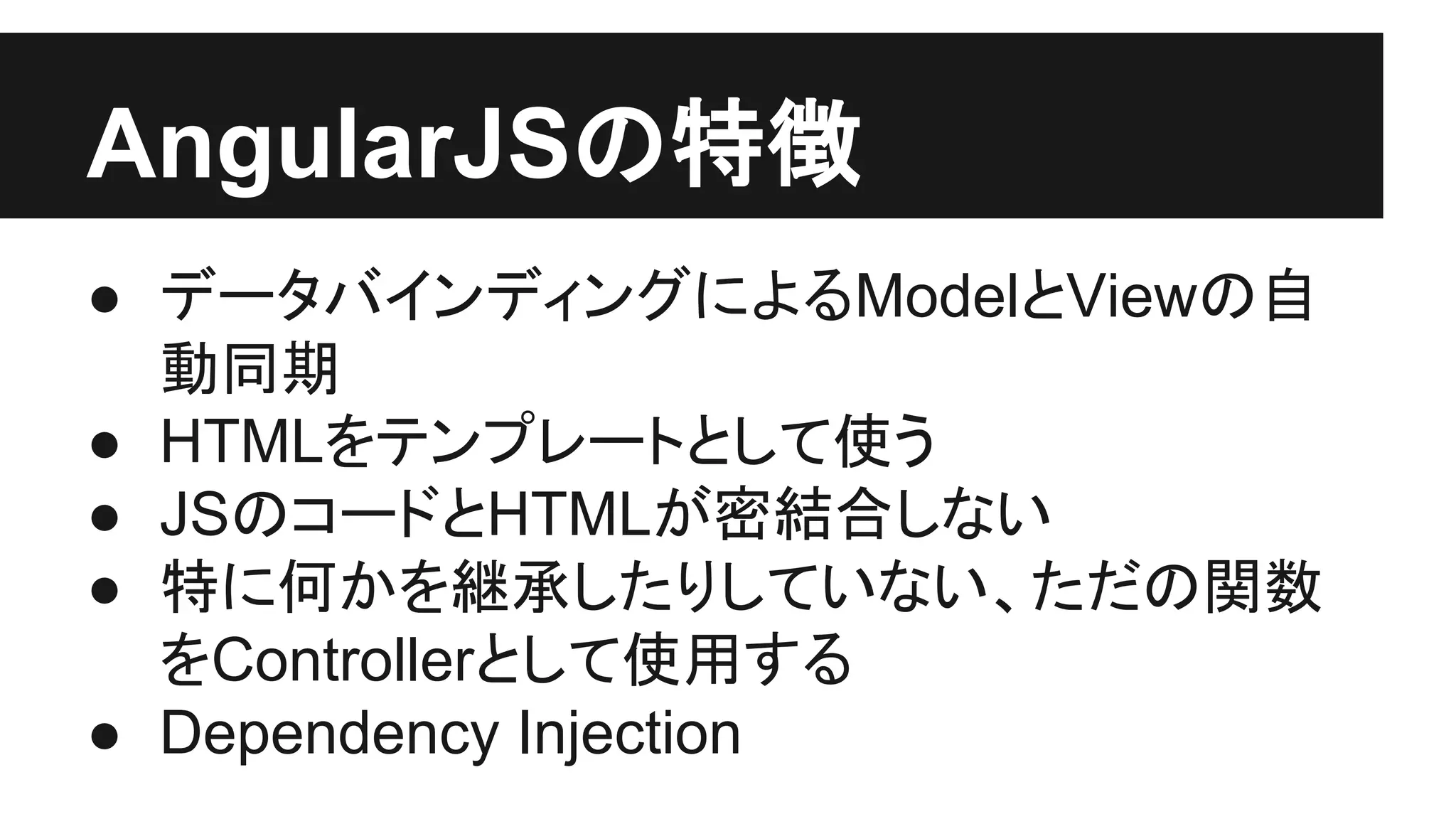
- 3.
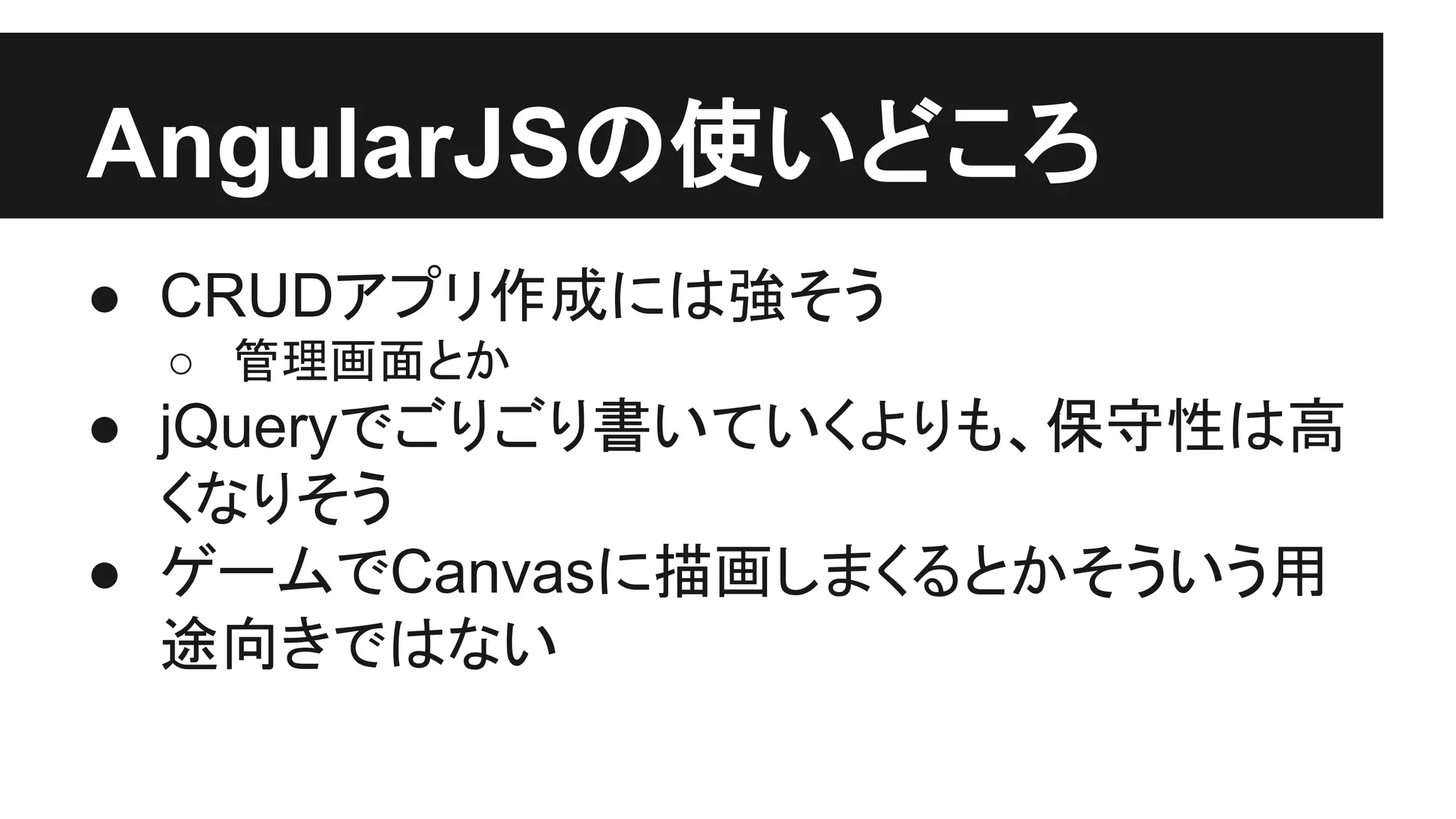
- 4.
- 5.
- 6.
- 7.
- 8.
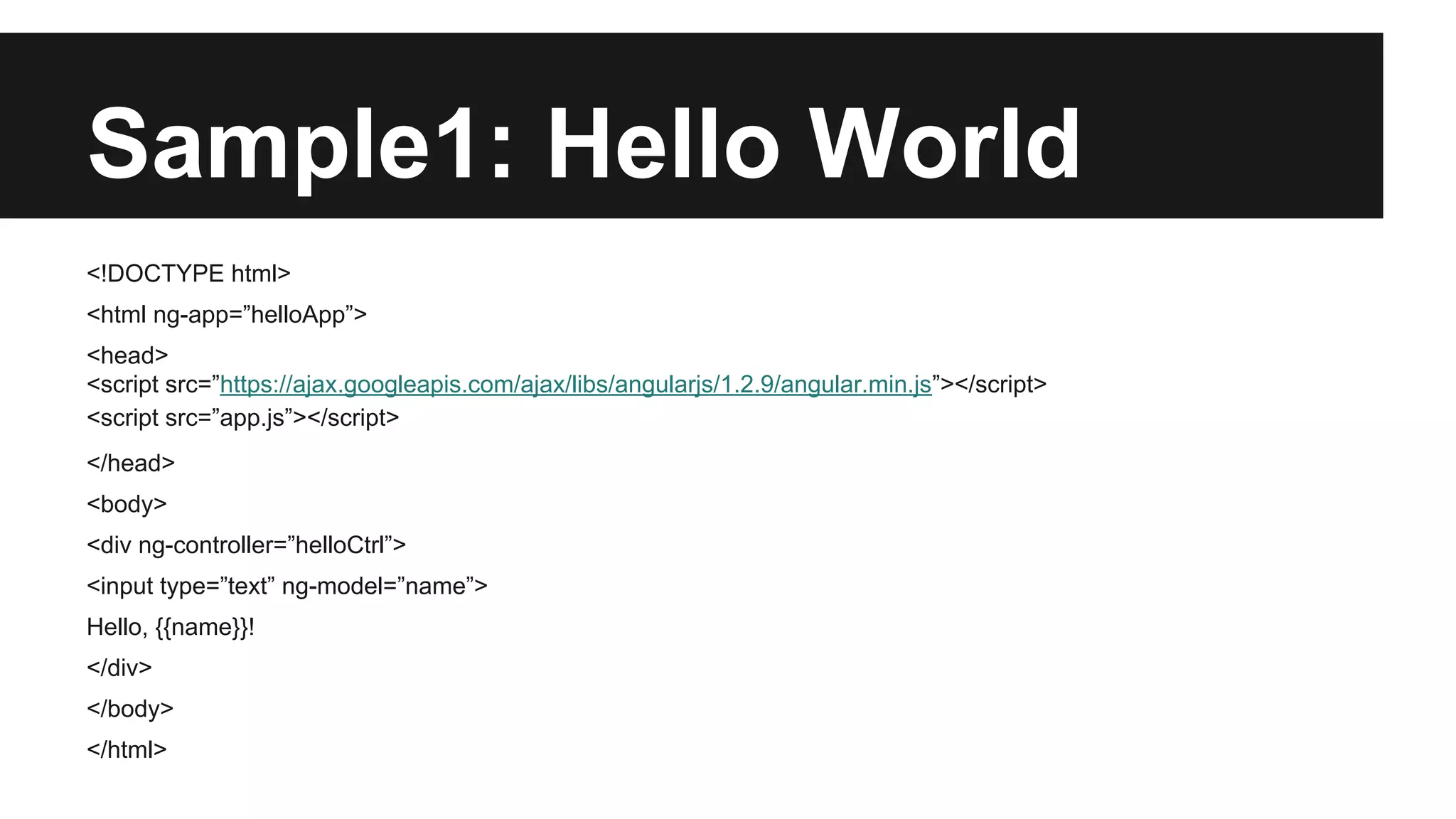
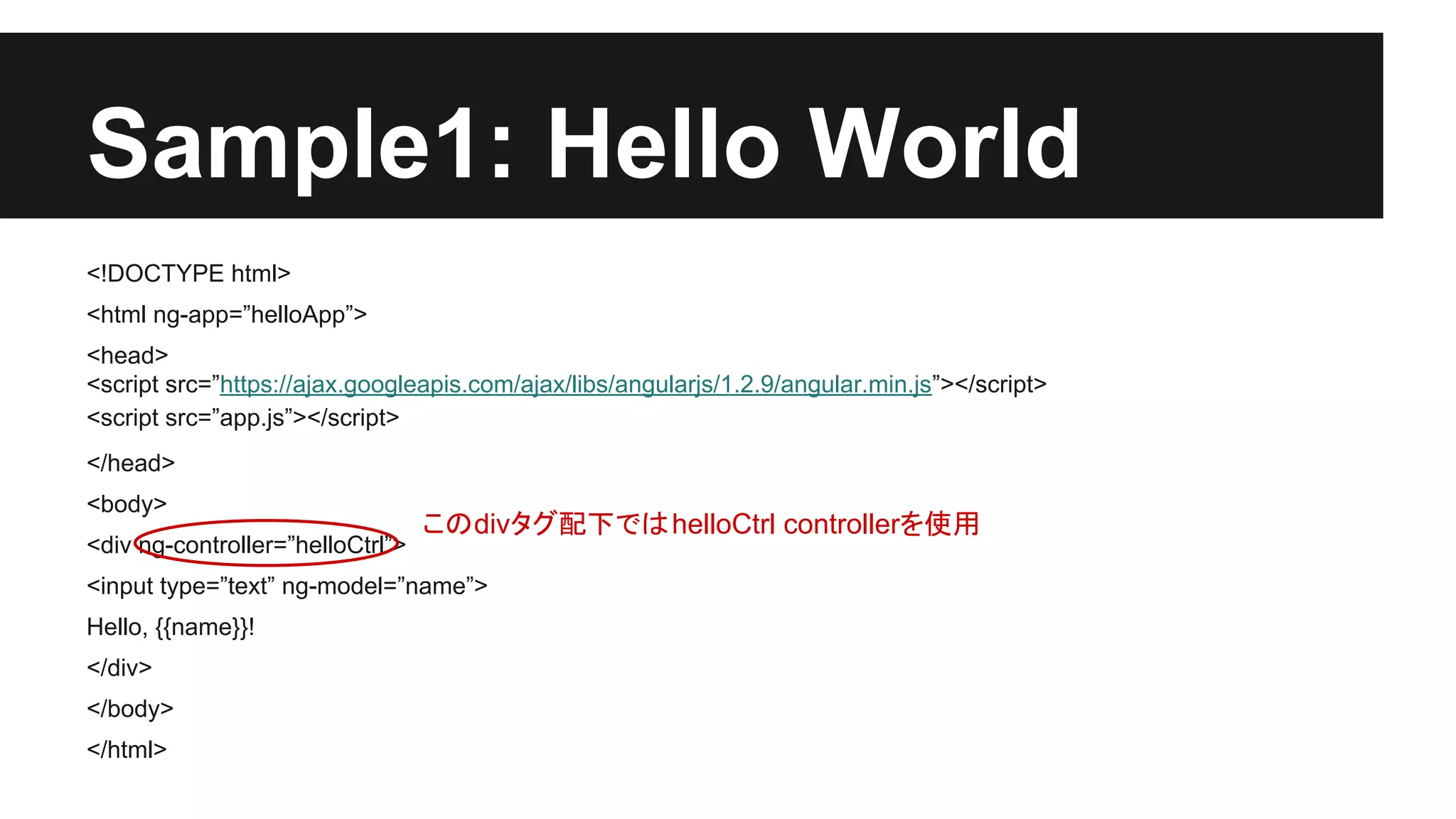
Sample1: Hello World
<!DOCTYPEhtml>
<html ng-app=”helloApp”>
<head>
<script src=”https://ajax.googleapis.com/ajax/libs/angularjs/1.2.9/angular.min.js”></script>
<script src=”app.js”></script>
</head>
<body>
<div ng-controller=”helloCtrl”>
<input type=”text” ng-model=”name”>
Hello, {{name}}!
</div>
</body>
</html>
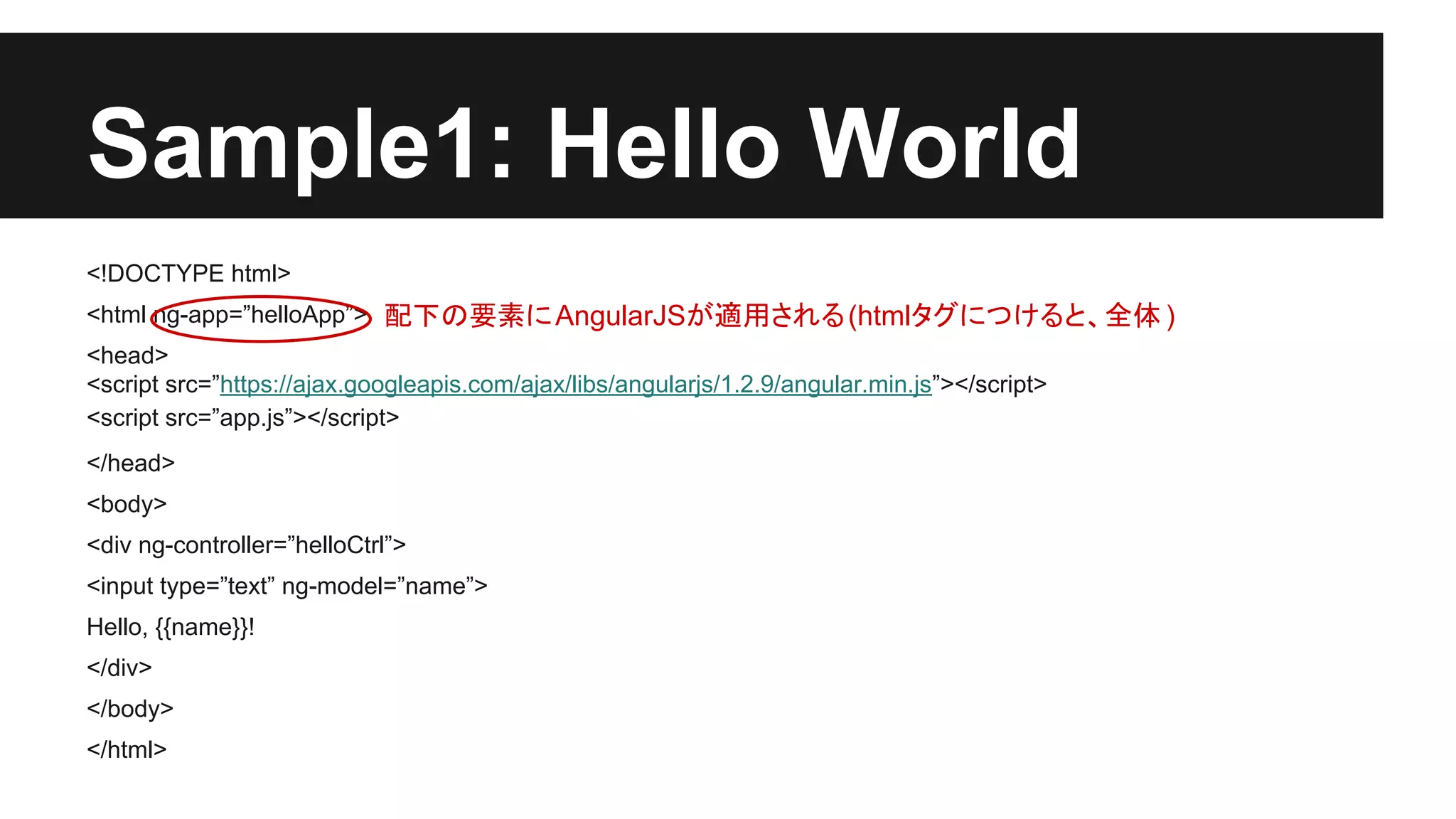
- 9.
Sample1: Hello World
<!DOCTYPEhtml>
<html ng-app=”helloApp”> 配下の要素に AngularJSが適用される (htmlタグにつけると、全体 )
<head>
<script src=”https://ajax.googleapis.com/ajax/libs/angularjs/1.2.9/angular.min.js”></script>
<script src=”app.js”></script>
</head>
<body>
<div ng-controller=”helloCtrl”>
<input type=”text” ng-model=”name”>
Hello, {{name}}!
</div>
</body>
</html>
- 10.
Sample1: Hello World
<!DOCTYPEhtml>
<html ng-app=”helloApp”>
<head>
<script src=”https://ajax.googleapis.com/ajax/libs/angularjs/1.2.9/angular.min.js”></script>
<script src=”app.js”></script>
</head>
<body>
<div ng-controller=”helloCtrl”>
このdivタグ配下では helloCtrl controllerを使用
<input type=”text” ng-model=”name”>
Hello, {{name}}!
</div>
</body>
</html>
- 11.
Sample1: Hello World
<!DOCTYPEhtml>
<html ng-app=”helloApp”>
<head>
<script src=”https://ajax.googleapis.com/ajax/libs/angularjs/1.2.9/angular.min.js”></script>
<script src=”app.js”></script>
</head>
<body>
<div ng-controller=”helloCtrl”>
<input type=”text” ng-model=”name”>
Hello, {{name}}!
</div>
</body>
</html>
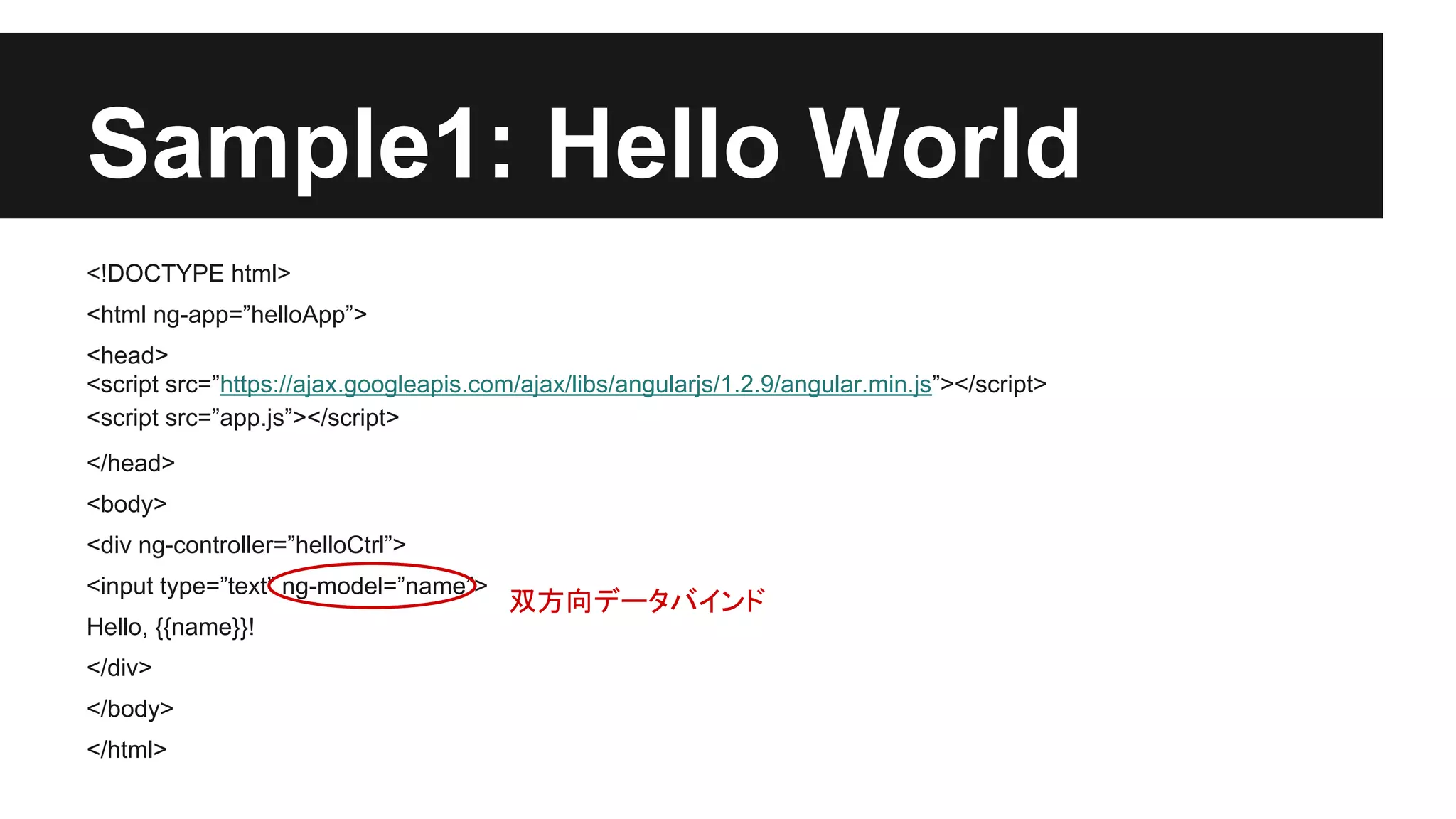
双方向データバインド
- 12.
Sample1: Hello World
<!DOCTYPEhtml>
<html ng-app=”helloApp”>
<head>
<script src=”https://ajax.googleapis.com/ajax/libs/angularjs/1.2.9/angular.min.js”></script>
<script src=”app.js”></script>
</head>
<body>
<div ng-controller=”helloCtrl”>
<input type=”text” ng-model=”name”>
Hello, {{name}}!
</div>
</body>
</html>
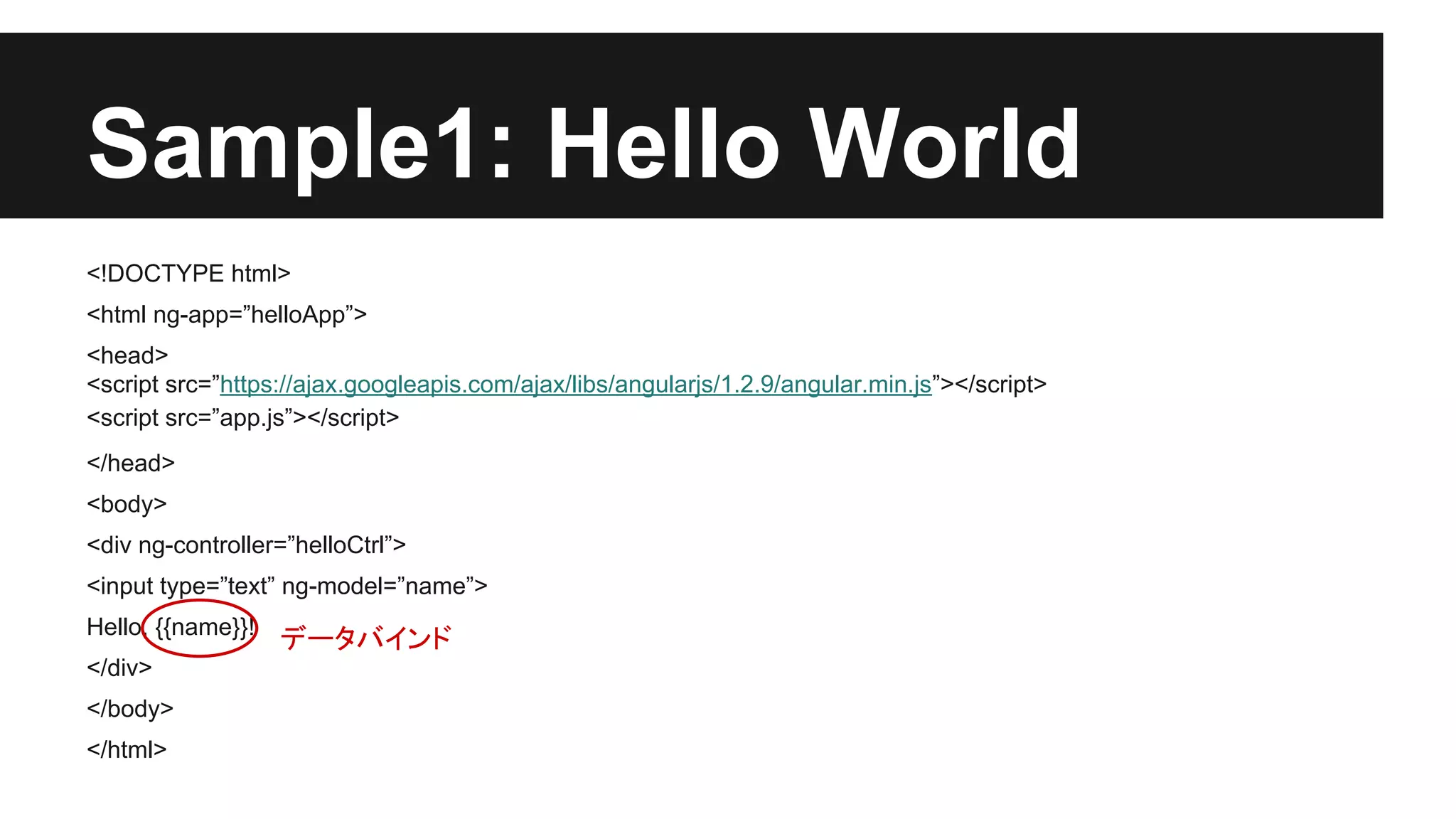
データバインド
- 13.
Sample1: Hello World
app.js
//最小限の場合、これでもいい
/*
var HelloCtrl = function($scope) {
$scope.name = 'World';
}
*/
// angularからHelloCtrlに$scopeサービスを注入する
// 詳しくはAngularJSのDIに関する解説を参照
var helloApp = angular.module('helloApp', []);
helloApp.controller('HelloCtrl', ['$scope', function($scope){
$scope.name = 'World';
}]);
- 14.
- 15.
- 16.
- 17.
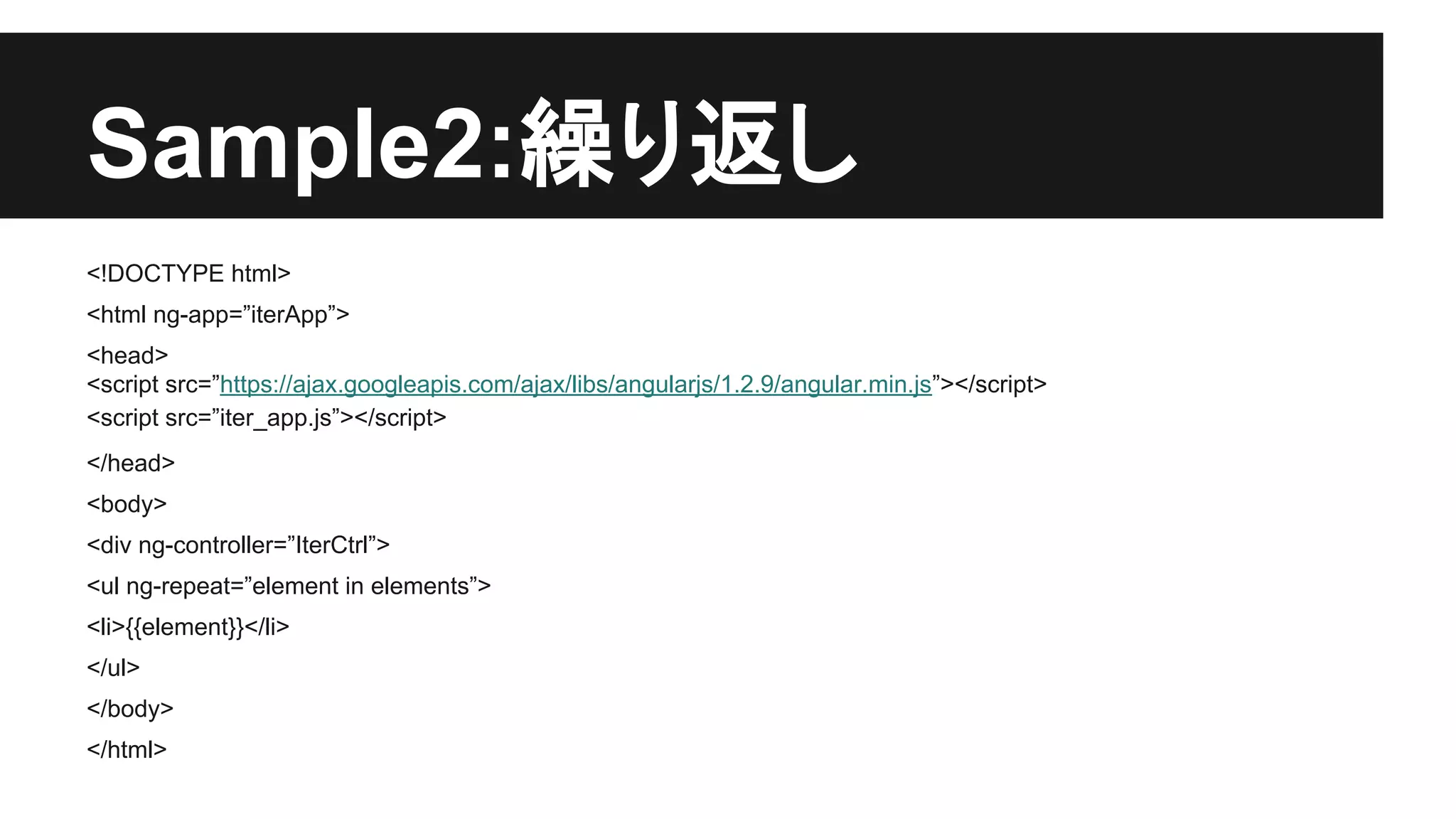
Sample2:繰り返し
var iterApp =angular.module('iterApp', []);
iterApp.controller('IterCtrl', ['$scope', function($scope){
$scope.elements =[‘い’, ‘ろ’, ‘は’];
}]);
- 18.
- 19.
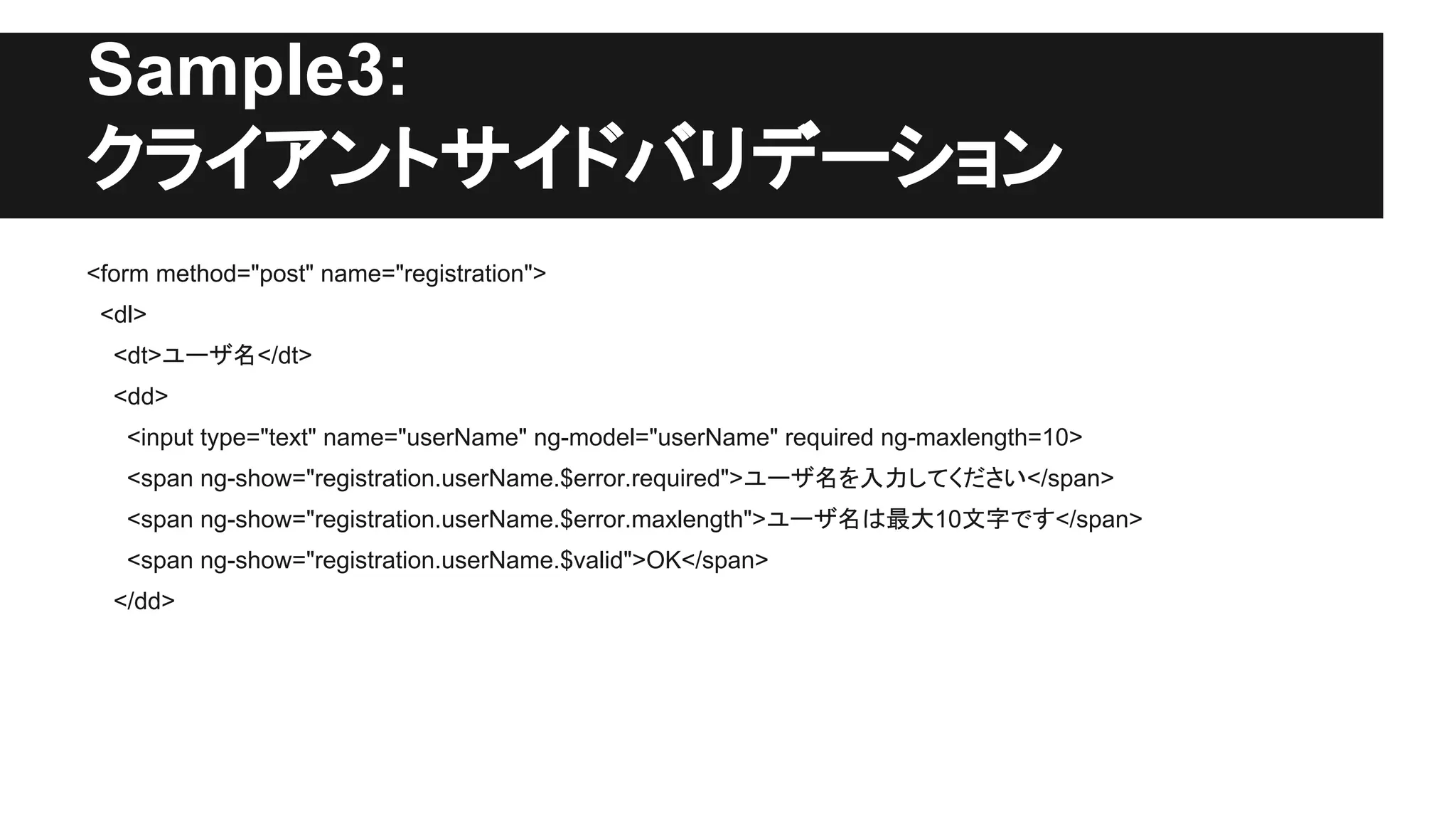
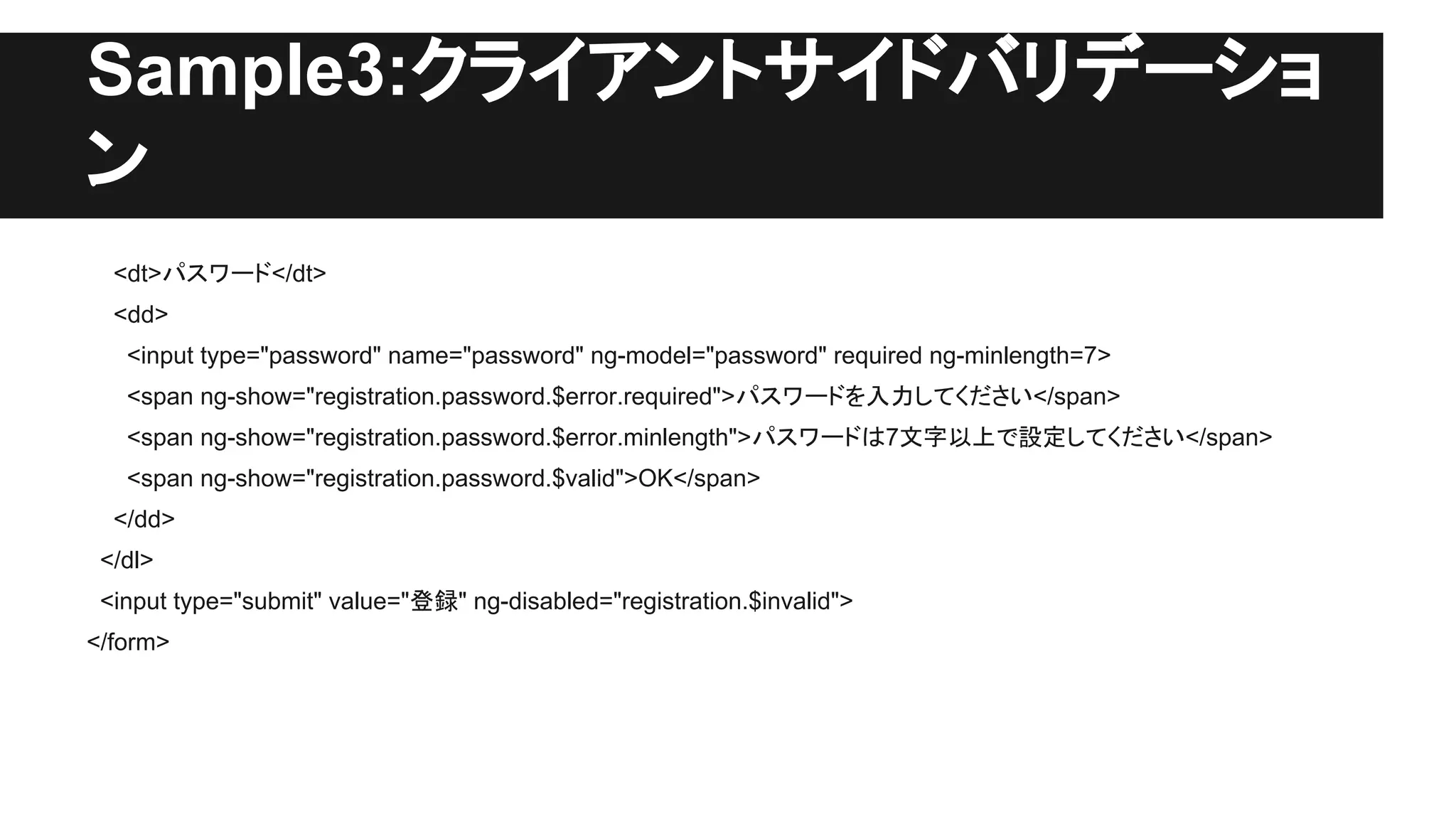
Sample3:クライアントサイドバリデーショ
ン
<dt>パスワード</dt>
<dd>
<input type="password" name="password"ng-model="password" required ng-minlength=7>
<span ng-show="registration.password.$error.required">パスワードを入力してください</span>
<span ng-show="registration.password.$error.minlength">パスワードは7文字以上で設定してください</span>
<span ng-show="registration.password.$valid">OK</span>
</dd>
</dl>
<input type="submit" value="登録" ng-disabled="registration.$invalid">
</form>
- 20.
- 21.
- 22.
- 23.
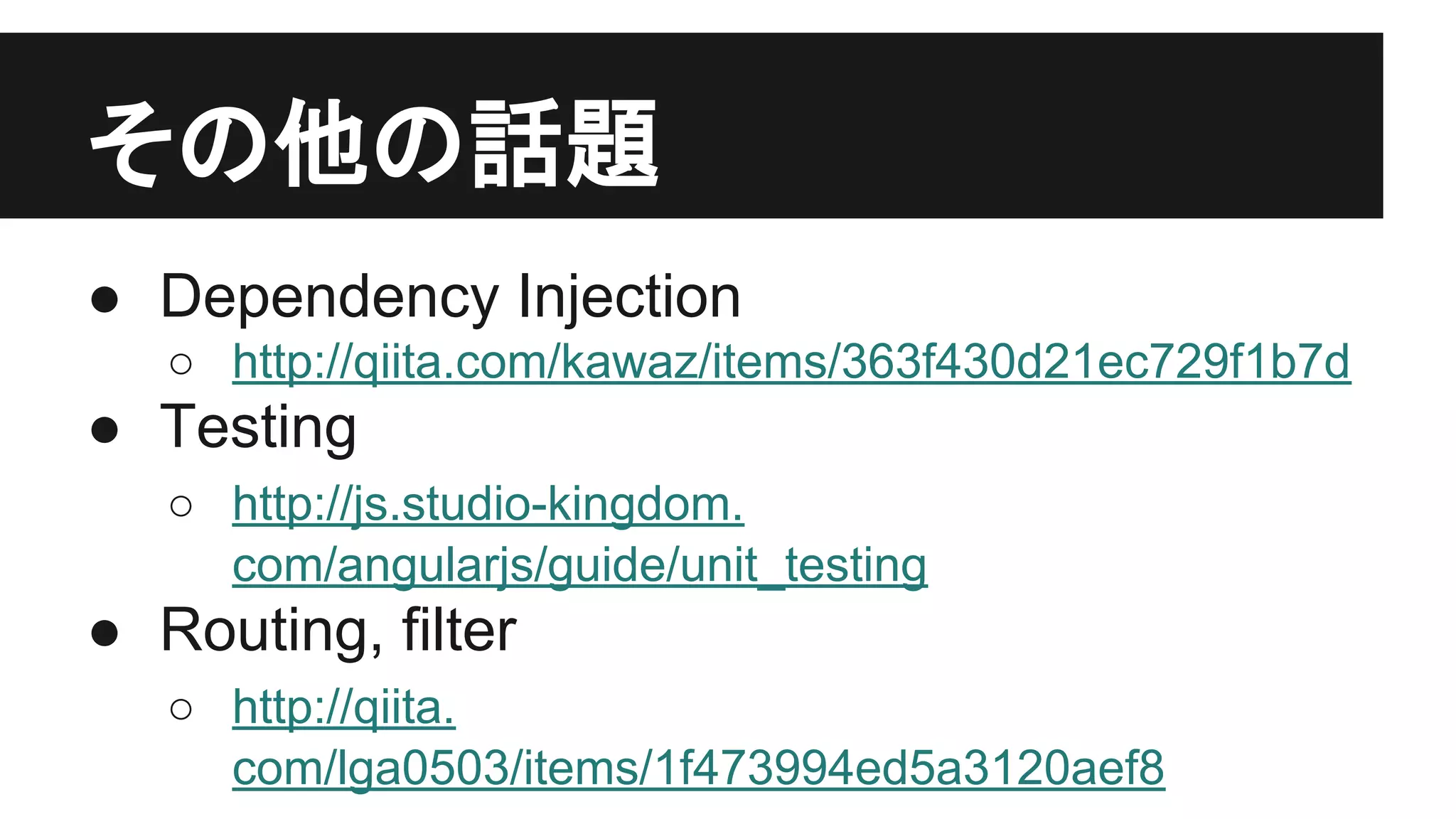
その他の話題
● Dependency Injection
○http://qiita.com/kawaz/items/363f430d21ec729f1b7d
● Testing
○ http://js.studio-kingdom.
com/angularjs/guide/unit_testing
● Routing, filter
○ http://qiita.
com/lga0503/items/1f473994ed5a3120aef8
- 24.
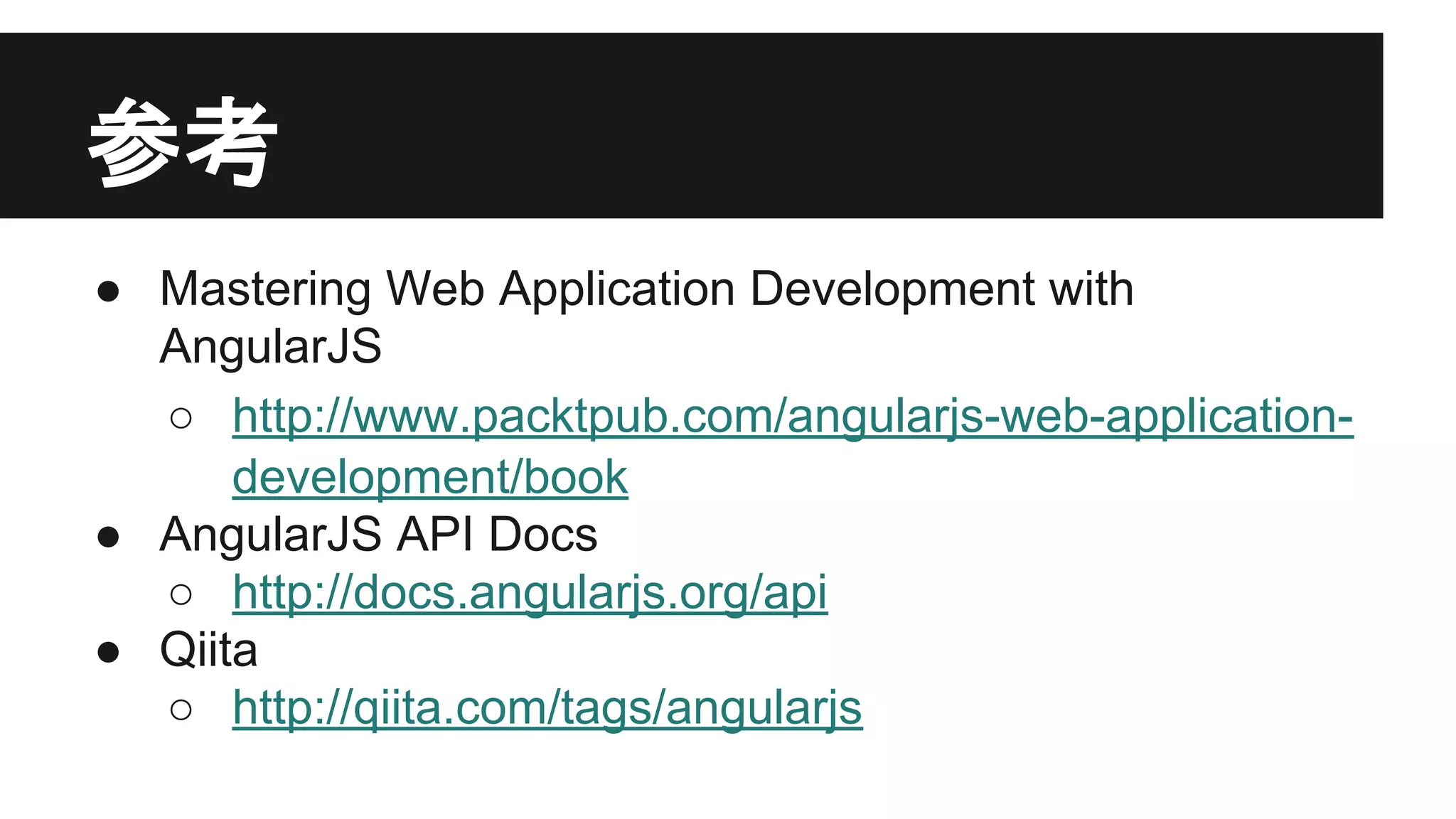
参考
● Mastering WebApplication Development with
AngularJS
○ http://www.packtpub.com/angularjs-web-applicationdevelopment/book
● AngularJS API Docs
○ http://docs.angularjs.org/api
● Qiita
○ http://qiita.com/tags/angularjs

![Sample1: Hello World
app.js
// 最小限の場合、これでもいい
/*
var HelloCtrl = function($scope) {
$scope.name = 'World';
}
*/
// angularからHelloCtrlに$scopeサービスを注入する
// 詳しくはAngularJSのDIに関する解説を参照
var helloApp = angular.module('helloApp', []);
helloApp.controller('HelloCtrl', ['$scope', function($scope){
$scope.name = 'World';
}]);](https://image.slidesharecdn.com/angularjs-140129211832-phpapp01/75/AngularJS-13-2048.jpg)
![Sample2:繰り返し
var iterApp = angular.module('iterApp', []);
iterApp.controller('IterCtrl', ['$scope', function($scope){
$scope.elements =[‘い’, ‘ろ’, ‘は’];
}]);](https://image.slidesharecdn.com/angularjs-140129211832-phpapp01/75/AngularJS-17-2048.jpg)