Tip 2: eenstylesheet voor de editor
add_action('init', 'my_theme_add_editor_styles');
function my_theme_add_editor_styles () {
add_editor_style( 'css/editor-style.css' );
}
Bij tip 2:waarschuwing in de CSS
span[style="color: #800080;"],
span[style="color: #880080"] {
&, a {
color: red !important;
background: black;
}
&:before {
content: 'Achtung baby!!! You are doing it wrong. ';
[...]
}
}
#2 Hallo, ik ben Paul van Buuren. Ik heb een paar kleine tips en trucs voor het trainen van de gebruikers van je WordPress-site.
Voor techneuten. Voor content editors. Voor iedereen die websites maakt.
#4 Wie is een developer?
Wie blogt minstens elke maand?
Wie traint gebruikers?
#5
Want we weten allemaal dat WordPress makkelijk te gebruiken is.
waardoor er mensen zijn die het wellicht onderschatten...
Heeft iemand dit filmpje misschien NIET gezien?
#6 Handig zijn met make-up is misschien het begin van een carriere als website-maker.
Maar een redelijke website is al niet zo makkelijk
En een goede website is echt
VERDOMD
MOEILIJK
Sorry
#7 Met gebruikers bedoel ik vandaag dus niet: bezoekers van je website.
Ik bedoel de lui die uiteindelijk zitten te frutten in de admin-kant van je WordPress-site.
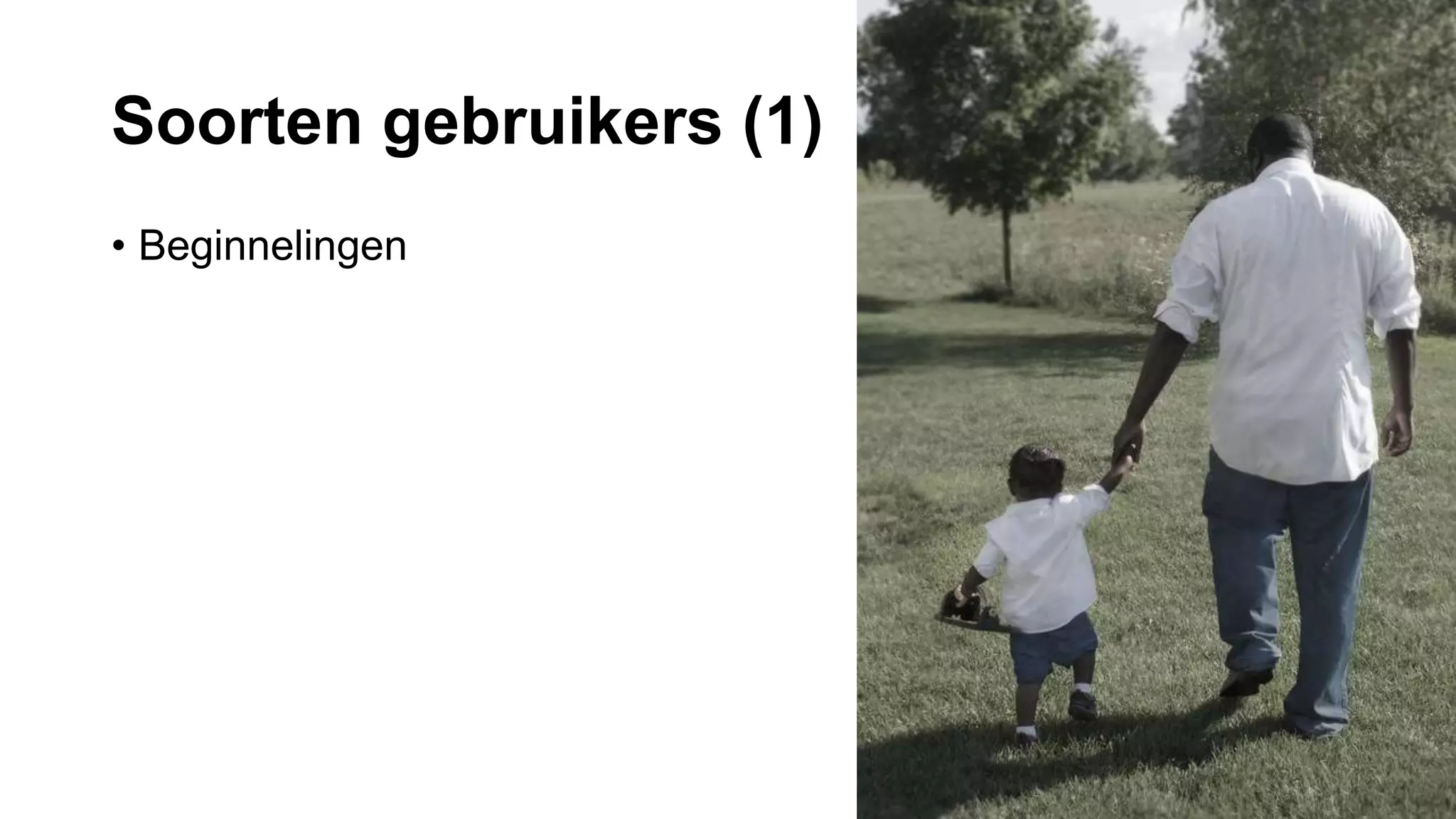
#8 De nieuweling.
Amper ervaring met het maken van sites.
Aan de hand meenemen.
Te veel knoppen of te veel informatie werkt voor hen afschrikwekkend.
Dit soort gebruikers is bang om dingen stuk te maken.
Het is jouw taak om ze op hun gemak te stellen
#9 De gevorderde gebruiker.
Dit is een fijne groep om voor t werken. Ze snappen dingen. Ze hebben al ervaring met het maken van websites
Hun hoef je vaak maar 1x iets te laten zien in WordPress.
You only have to show them once where everything is in WordPress.
These users are not afraid to experiment.
#10 Een derde groep is wat ik de make-up artists noem.
Ook een fijne groep want ze willen mooie websites maken. Maar aan de andere kant, deze gebruikers richt zich soms op de verkeerde dingen
Dagen speuren op Theme forest, maar vergeten de teksten te schrijven.
Verliezen zich graag in fontjes, kleurtjes en foto’tjes
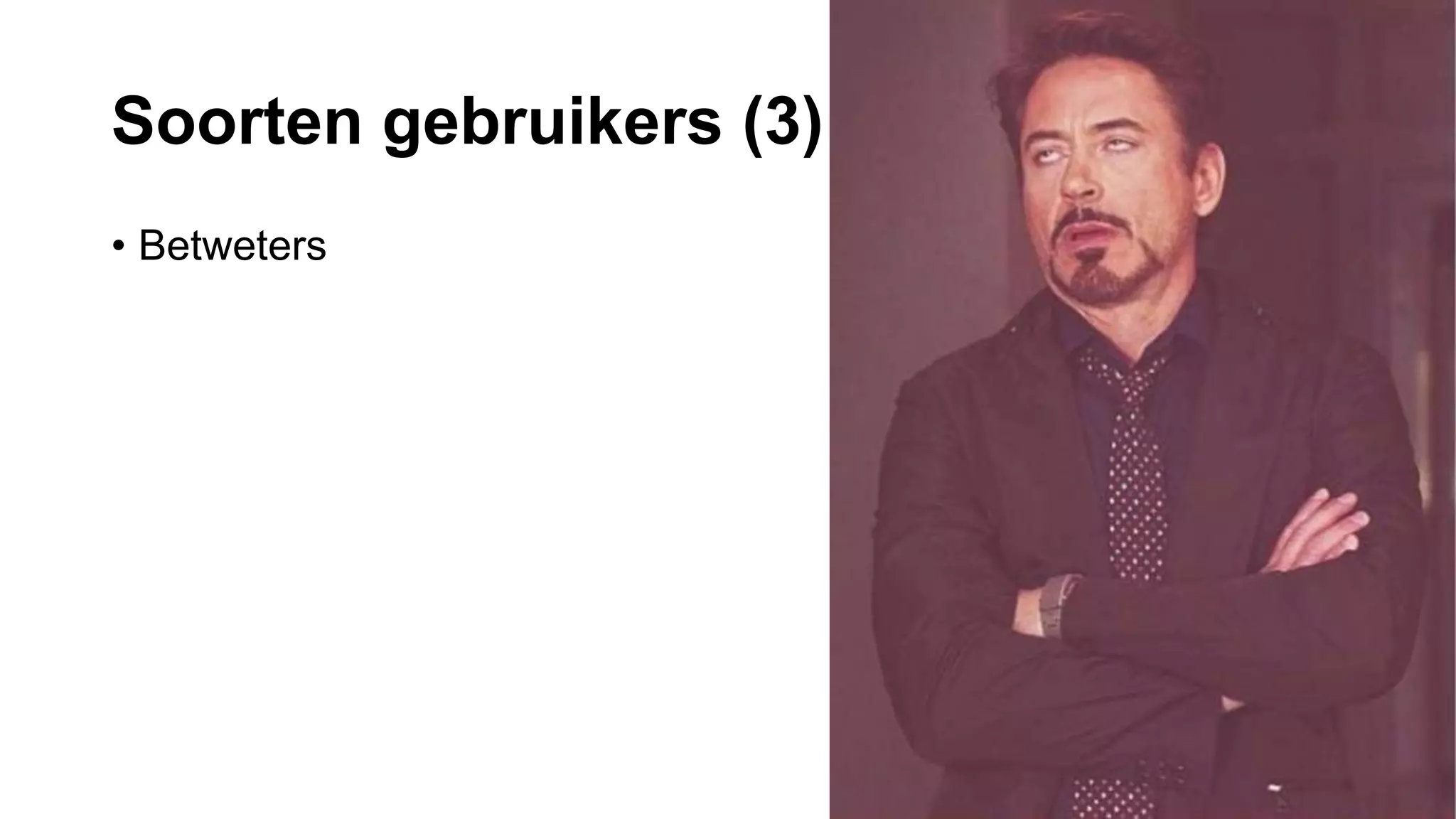
#11 Mijn minst favoriete gebruiker is de betweter. Vaak wat ouder, vaak met een hoop IT-ervaring. Heeft erg de neiging om het maken van een site te onderschatten.
Praten vaak in een eigen taal. Hebben vaak ervaring met niet-WordPress sites. Daarom hebben ze het idee dat ze precies weten hoe alles werkt en dat het systeem zich aan hen zal aanpassen, net als het obscure CMS dat ze 10 jaar geleden al gebruikten.
#13 Wat elke gebruiker moet weten.
Schrijven voor het web is niet hetzelfde als schrijven in Word. Een website is NIET hetzelfde als het schrijven van een roman. Lezen op het web is anders.
Verwacht niet dat je gebruikers alles lezen op je website. Dat doen ze namelijk niet. Bijvoorbeeld: 20% of your visitor actually read the whole text on your page. The others just scan. Judging a page is done in milliseconds. Often this decision is made unconsiously. This decision has to do with a great number of factors. This does not mean that your user can get away with using just Lorem Ipsum text.
#14 Let’s talk about what methods we have for training WordPress users.
Keep it as simple as possible
IRL training session(s)
Repeat and repeat
Repeat again
Stick to the basics: pages, media, posts
User role: author
#15 For more experienced users I often use instruction videos.
Instruction videos don’t work for novices.
Experienced users could use a playground site, to experiment
User role: at least editor, maybe administrator
#16 Very focused on editing options.
Constrain these options. If you want a future proof website disable all coloring options.
You need to constantly remind them that they need a good website structure first. That they do not want to experiment with 41 shades of blue or 50 shades of grey.
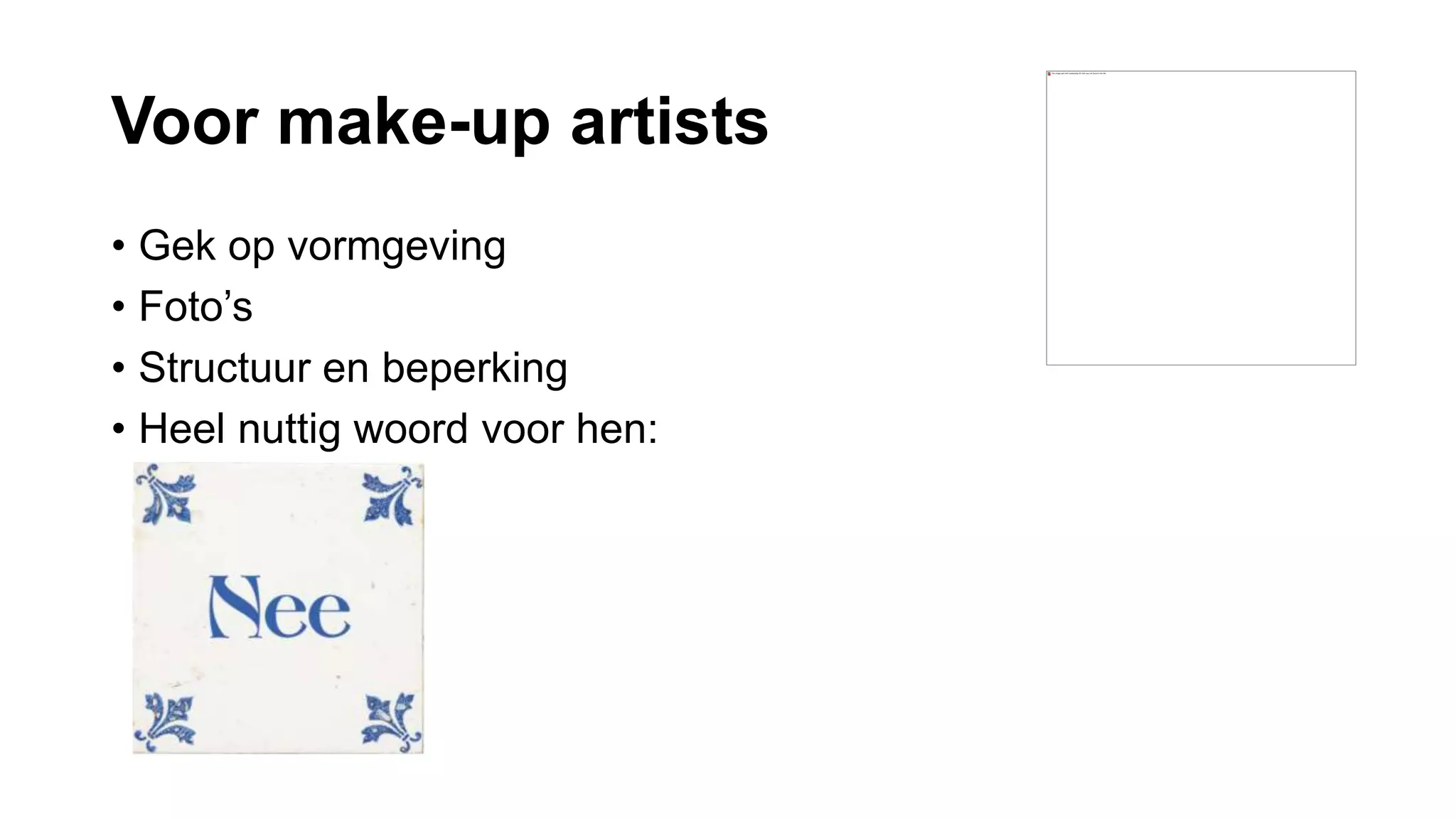
For these kind of user a very handy word you can use a very handy word:
NO
#17 Start the conversation about a website with: ‘All I want is a simple website’. They think they know exactly what they want, because they read about it. Or because a collegue of theirs has a site.
This type of user needs to be confined by structure. He needs to know what the site can and cannot do.
Definitely needs a playground site
User role: editor. Only administrator if properly instructed not to break the site.
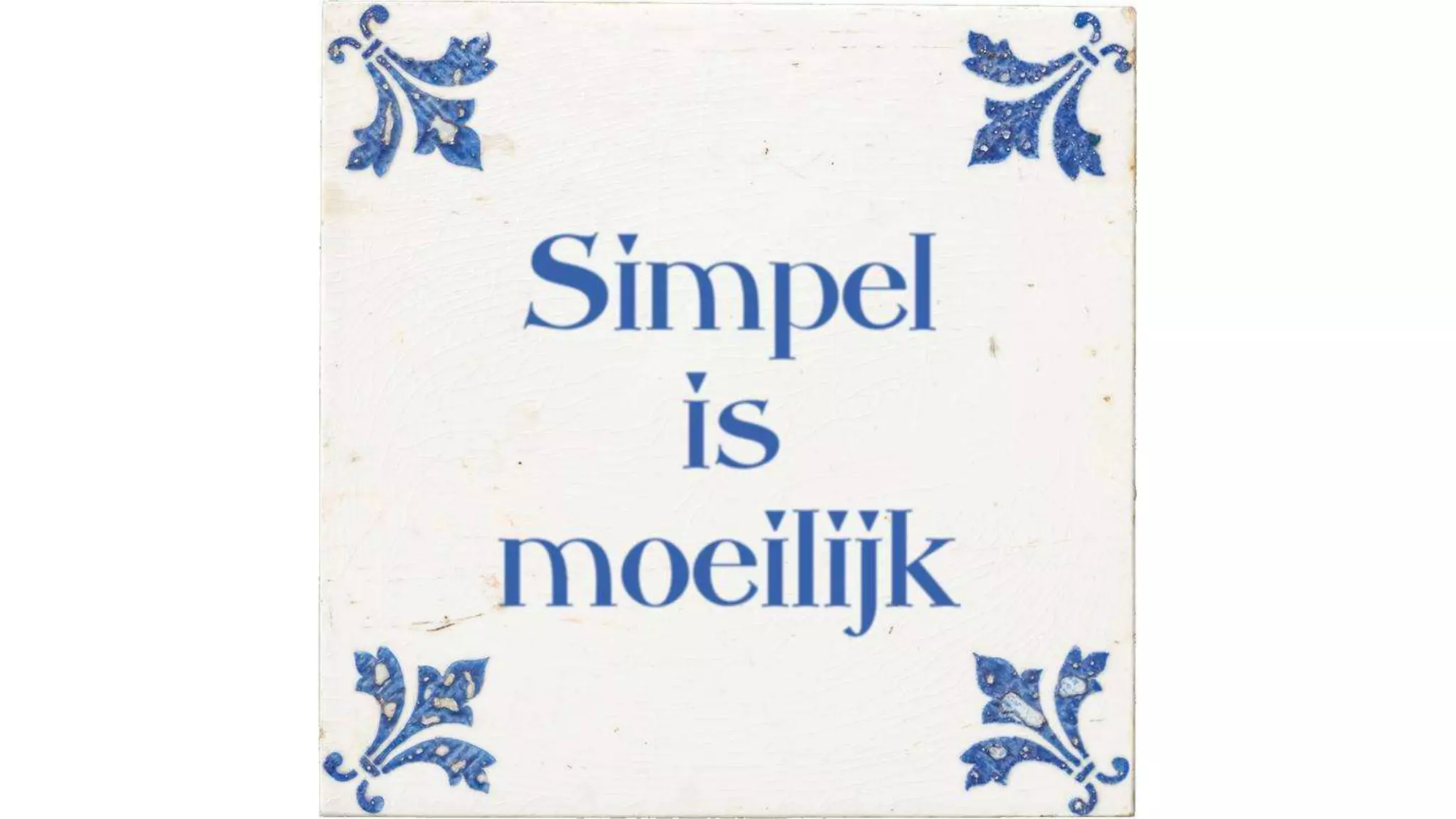
They think that making a website is easy. But actually…
#19 And that, the universality of the web, brings us to accessibilty.
Waarneembaar: denk aan kleur
Bedienbaar: bruikbaar zonder muis, met alleen een toetsenbord?
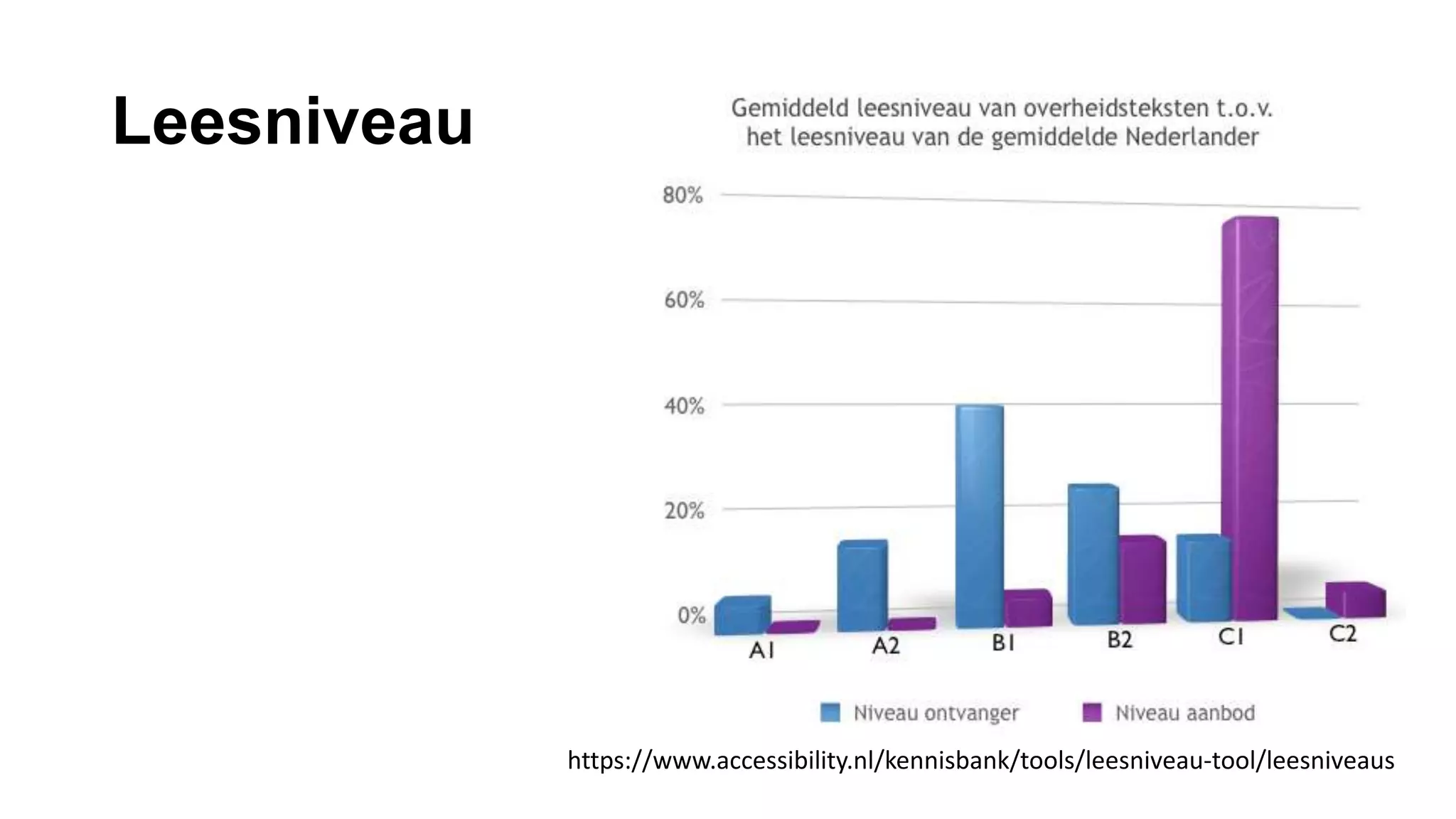
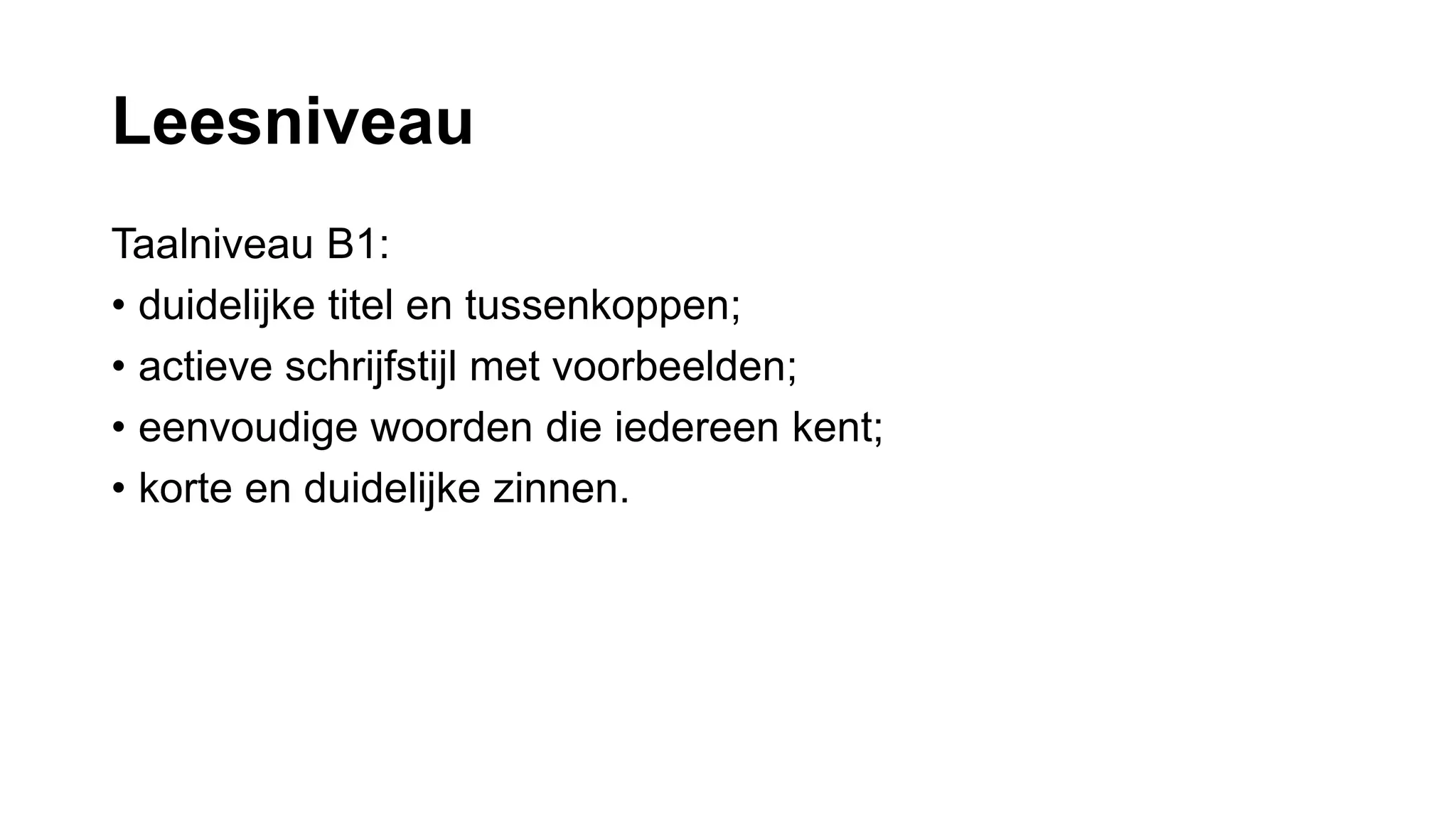
Begrijpelijk: zie leesniveau
Robuust: screenreaders, hover-functionaliteit op mobieltjes afwezig
#26 What’s wrong with this text. Apart from the lorem ipsum?
#27 What’s wrong with this text. Apart from the lorem ipsum?
#28 People who use screanreaders cannot understand the structure of your document




![Filter
add_filter('tiny_mce_before_init',
'admin_set_tinymce_options');
[…]
https://codex.wordpress.org/Plugin_API/Filter_Reference/tiny_mce_before_init](https://image.slidesharecdn.com/hit-any-user-to-continue-nld2-160621065510/75/Hit-any-user-to-continue-nld-33-2048.jpg)
![Tip 3: weg met H1
function admin_set_tinymce_options(
$settings ) {
$settings['theme_advanced_blockformats
'] = 'p,h2,h3,h4,h5,h6,q,hr';
[...]
}](https://image.slidesharecdn.com/hit-any-user-to-continue-nld2-160621065510/75/Hit-any-user-to-continue-nld-34-2048.jpg)
![Tip 4: weg met onnodige opties
function admin_set_tinymce_options(
$settings ) {
[...]
$settings['theme_advanced_disable'] =
'underline,forecolor,justifyfull';
[...]
}](https://image.slidesharecdn.com/hit-any-user-to-continue-nld2-160621065510/75/Hit-any-user-to-continue-nld-35-2048.jpg)
![Tip 5: slechts 1 optiebalk
function admin_set_tinymce_options(
$settings ) {
[...]
$settings['toolbar1'] =
'italic,|,bullist,numlist,blockquote,|,lin
k,unlink,|,spellchecker,|,formatselect,sty
leselect,paste,removeformat,cleanup,|,undo
,redo,hr,fullscreen'; [...] }](https://image.slidesharecdn.com/hit-any-user-to-continue-nld2-160621065510/75/Hit-any-user-to-continue-nld-36-2048.jpg)
![Tip 5: slechts 1 optiebalk
function admin_set_tinymce_options(
$settings ) {
[...]
$settings['toolbar2'] = '';
[...]
}](https://image.slidesharecdn.com/hit-any-user-to-continue-nld2-160621065510/75/Hit-any-user-to-continue-nld-37-2048.jpg)
![Tip 6: pas de editor aan:
beschrijvingen
function admin_set_tinymce_options(
$settings ) {
[...]
$settings[block_formats'] = ’Header H2
=h2;Header H3=h3;Header
H4=h4;Paragraph=p;Quote=q';
[...]
}](https://image.slidesharecdn.com/hit-any-user-to-continue-nld2-160621065510/75/Hit-any-user-to-continue-nld-38-2048.jpg)
![Tip 7: extra opmaakmogelijkheden
function admin_set_tinymce_options(
$settings ) {
$settings[style_formats'] = '[
{title: "Streamer", block: "aside",
classes: "pullquote"},
{title: "Infoblok", block: "div", classes:
"infoblock"}]';
[...]
}](https://image.slidesharecdn.com/hit-any-user-to-continue-nld2-160621065510/75/Hit-any-user-to-continue-nld-39-2048.jpg)
![Bij tip 2: waarschuwing in de CSS
span[style="color: #800080;"],
span[style="color: #880080"] {
&, a {
color: red !important;
background: black;
}
&:before {
content: 'Achtung baby!!! You are doing it wrong. ';
[...]
}
}](https://image.slidesharecdn.com/hit-any-user-to-continue-nld2-160621065510/75/Hit-any-user-to-continue-nld-43-2048.jpg)