


Diazo:
Bridging Designers and Programmers
marr
Bridging
Designers
Programmers
and
進化中的程式猿
Which Group Do You Belong To?
Web Development Pipeline
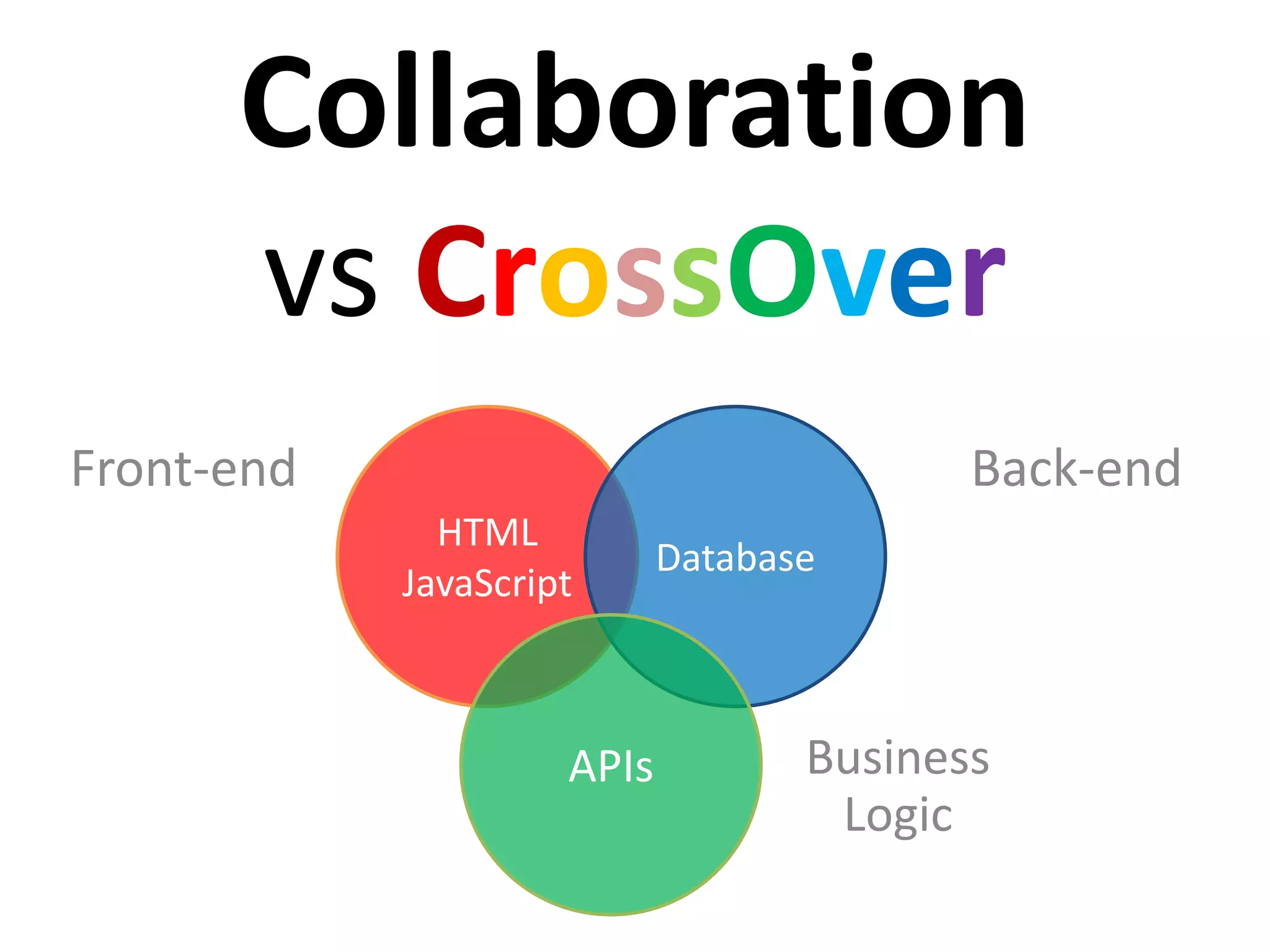
Collaboration
vs CrossOver
Front-end
HTML
JavaScript
Database
APIs
Back-end
Business
Logic
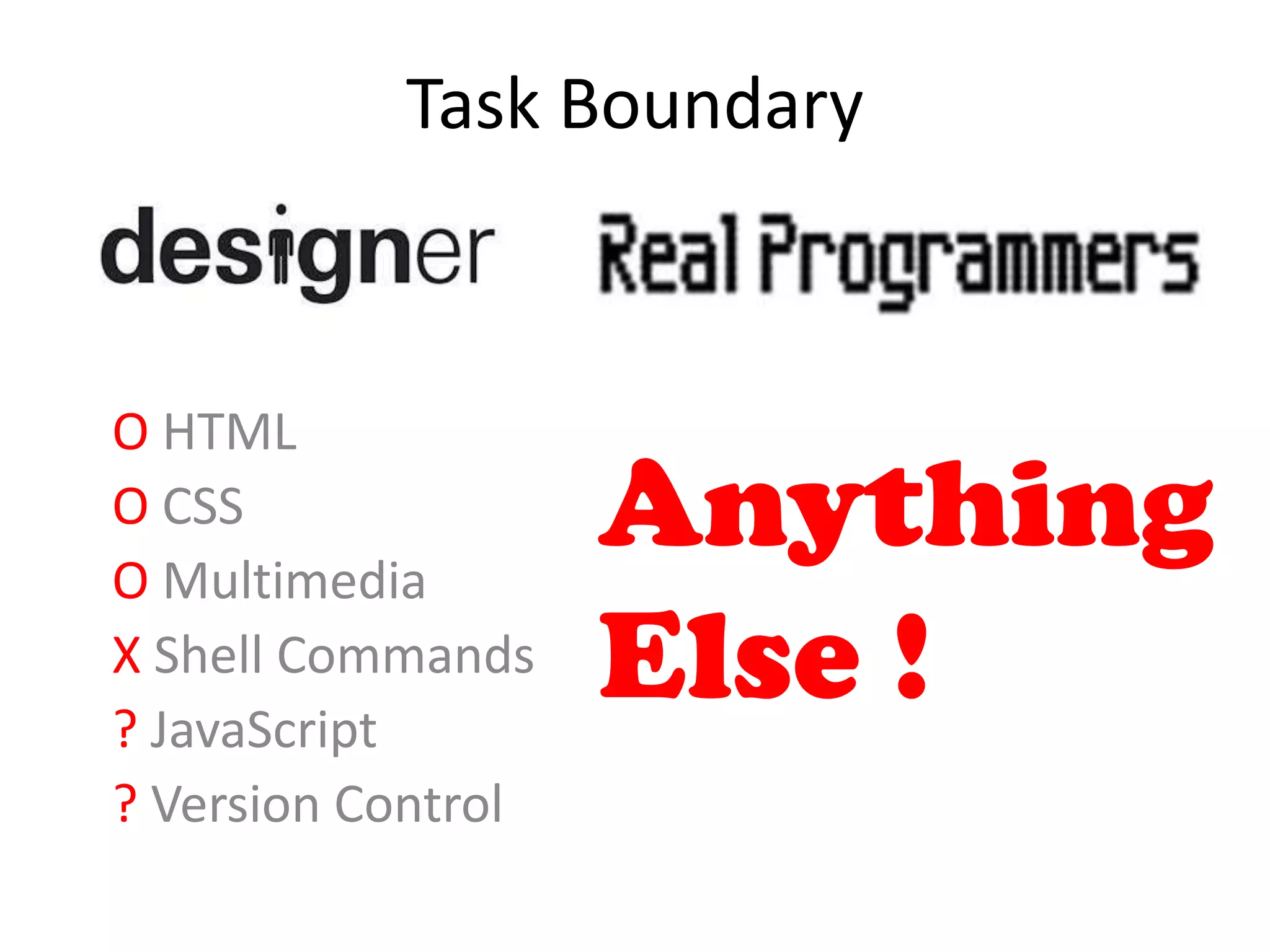
Task Boundary
O HTML
O CSS
O Multimedia
X Shell Commands
? JavaScript
? Version Control
Task Boundary
Anything
Else !
O HTML
O CSS
O Multimedia
X Shell Commands
? JavaScript
? Version Control
CMS Wars
Plone Looks Not Sexy
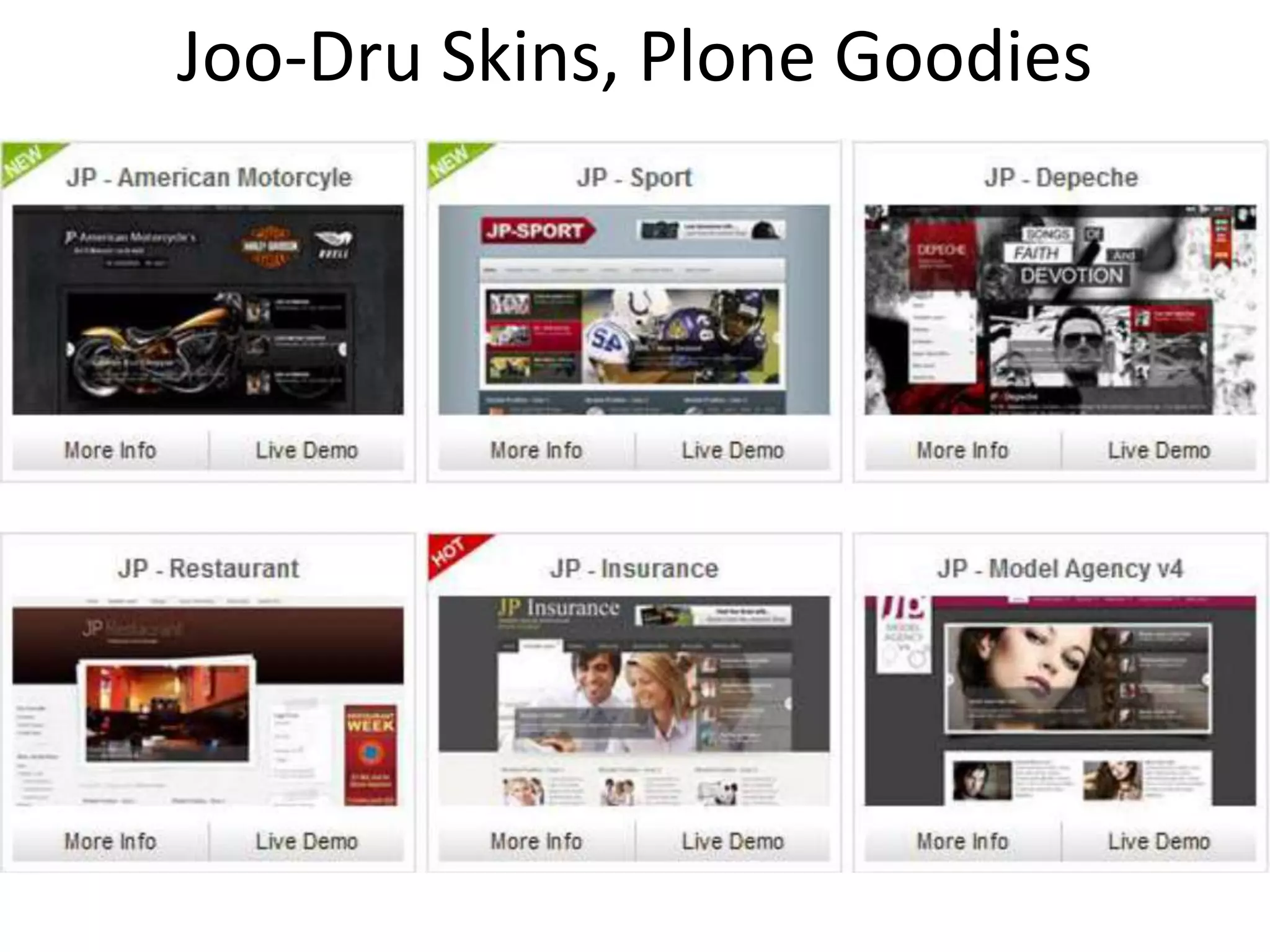
Joo-Dru Skins, Plone Goodies
豬皮 龍骨
Joo-Dru Skins, Plone Goodies
Introducing Diazo
di-az-o (also di-az-o-type)
noun
a copying or coloring process using a
diazo compound decomposed by
ultraviolet light
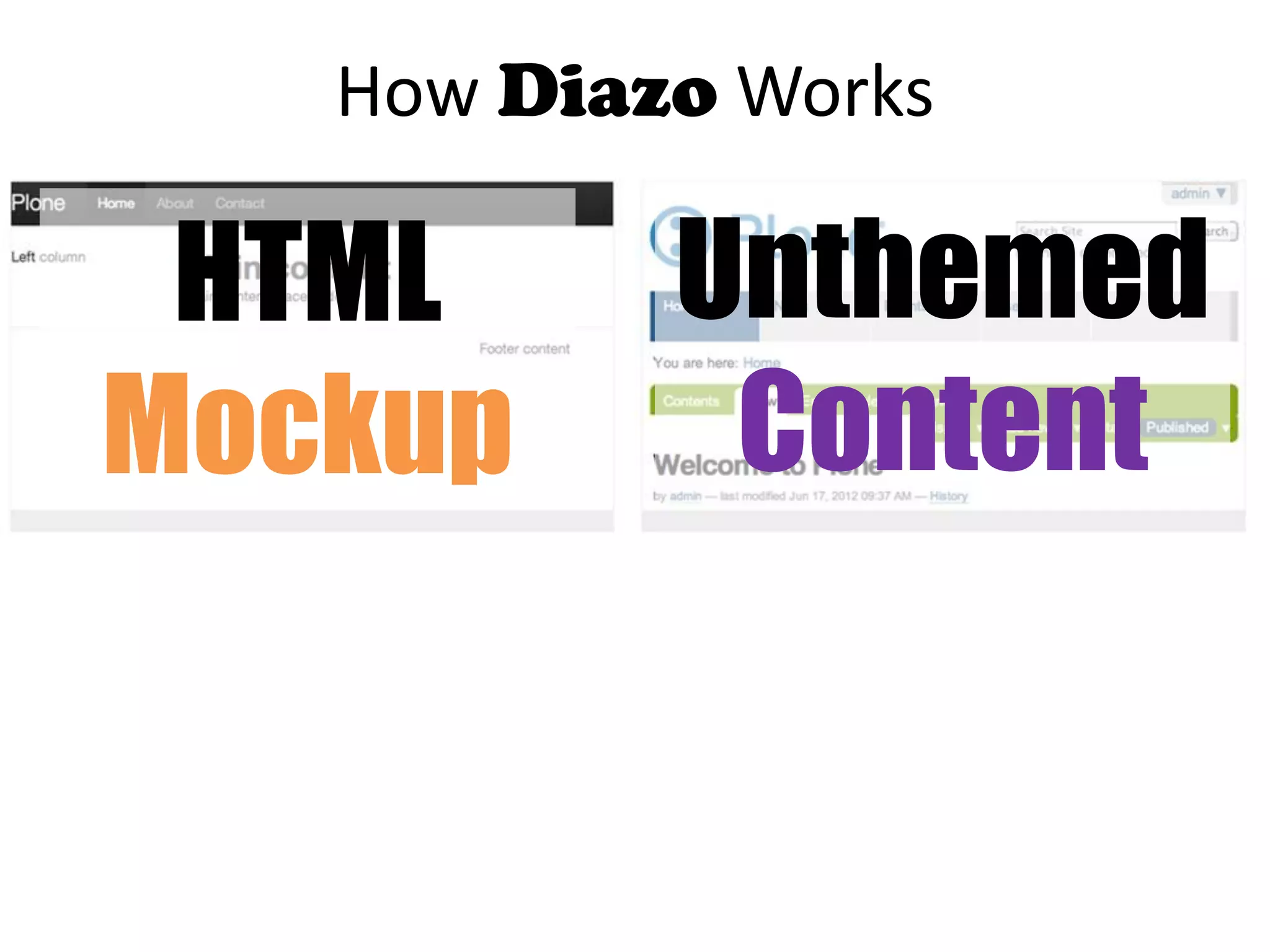
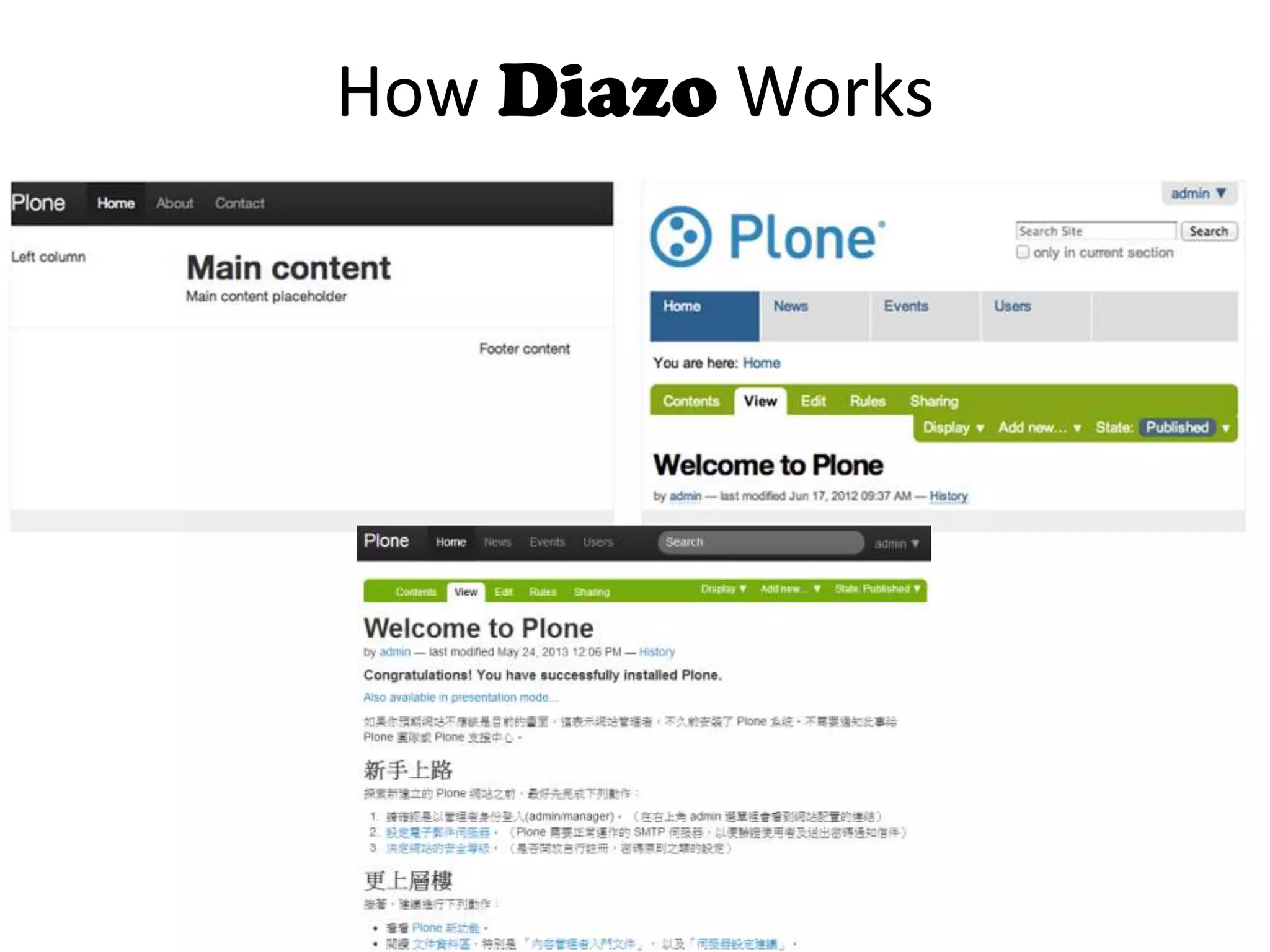
How Diazo Works
HTML
Mockup
Unthemed
Content
HTML
Mockup
Unthemed
Content
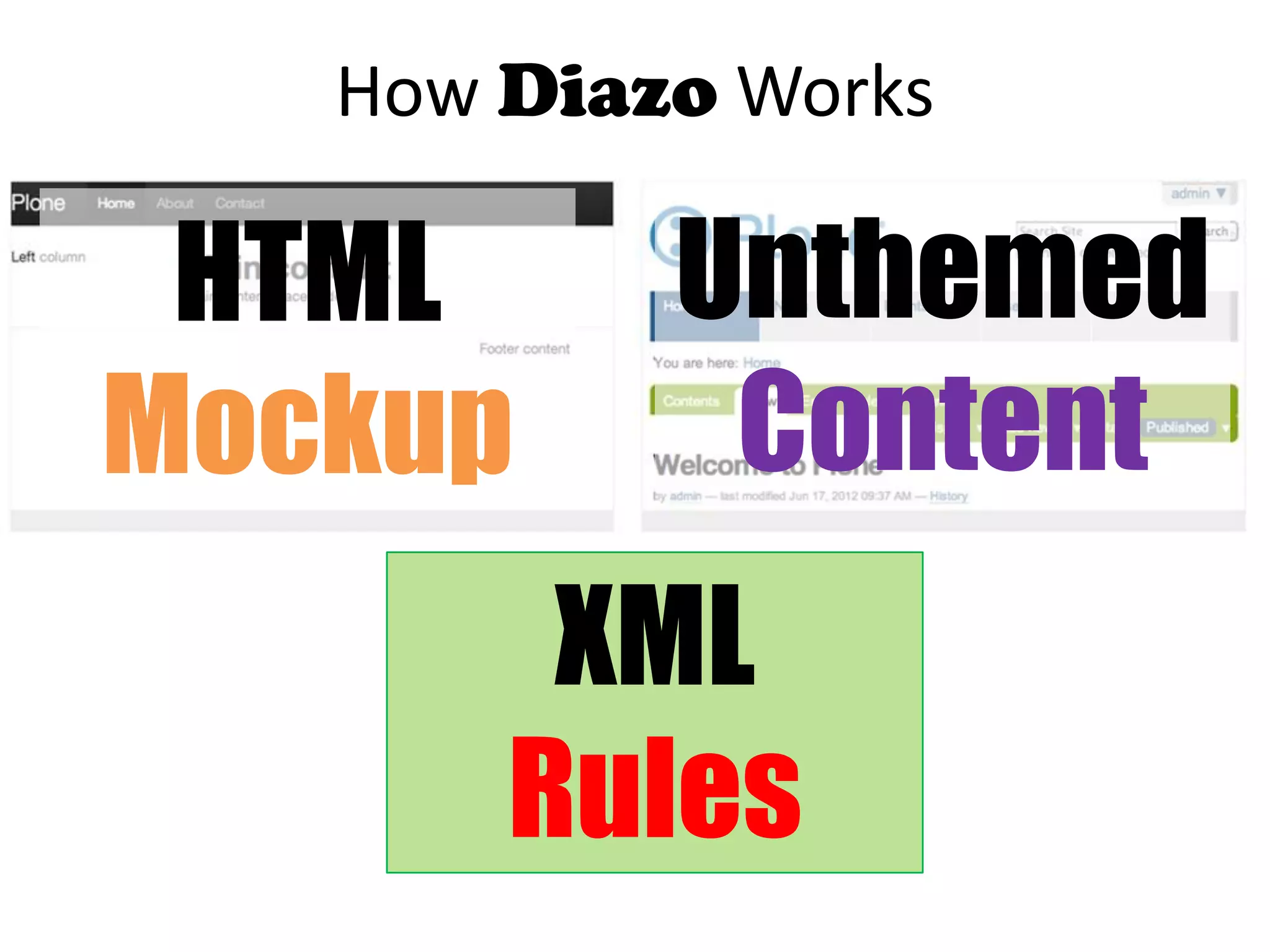
How Diazo Works
XML
Rules
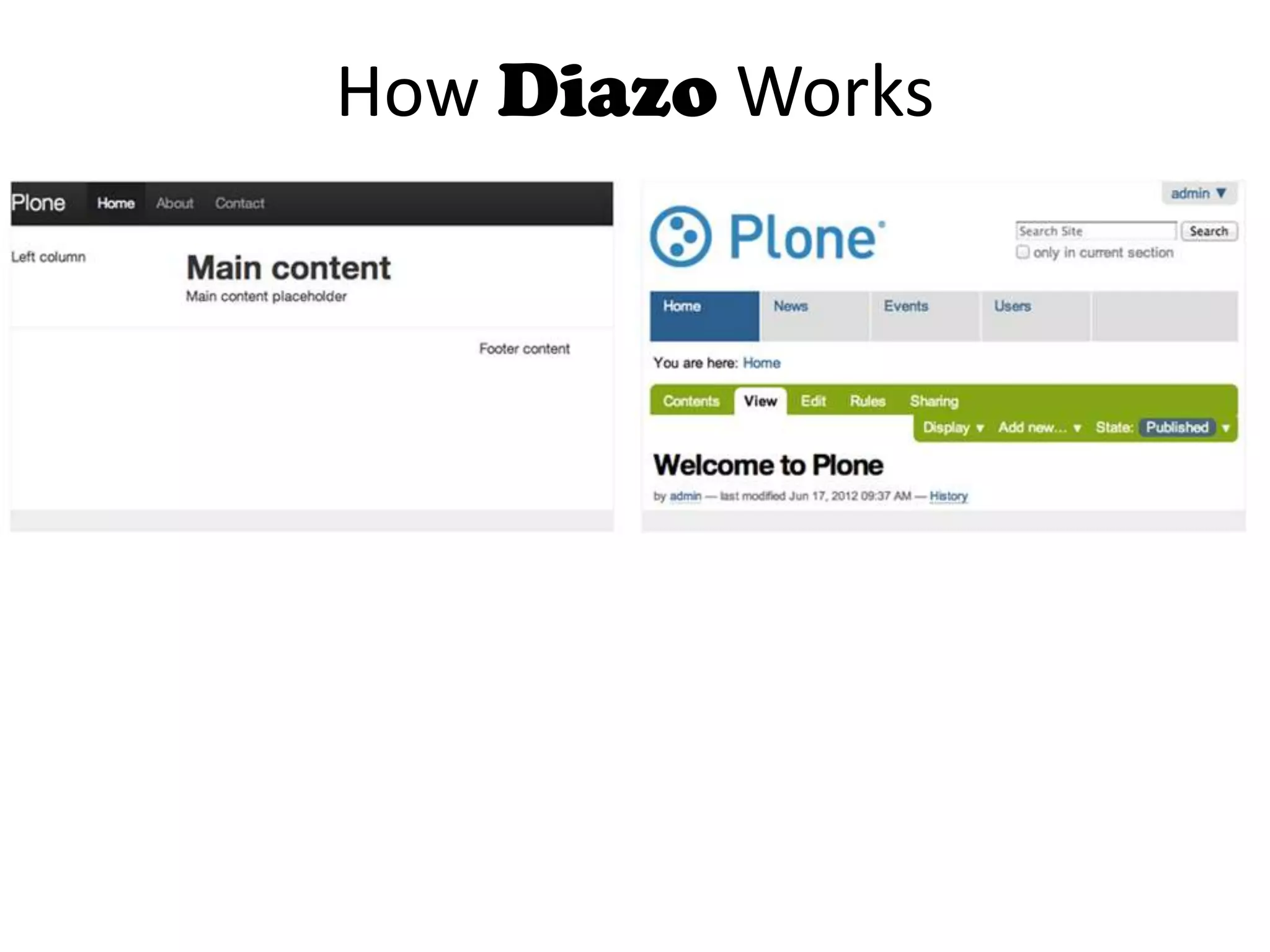
How Diazo Works
How Diazo Works
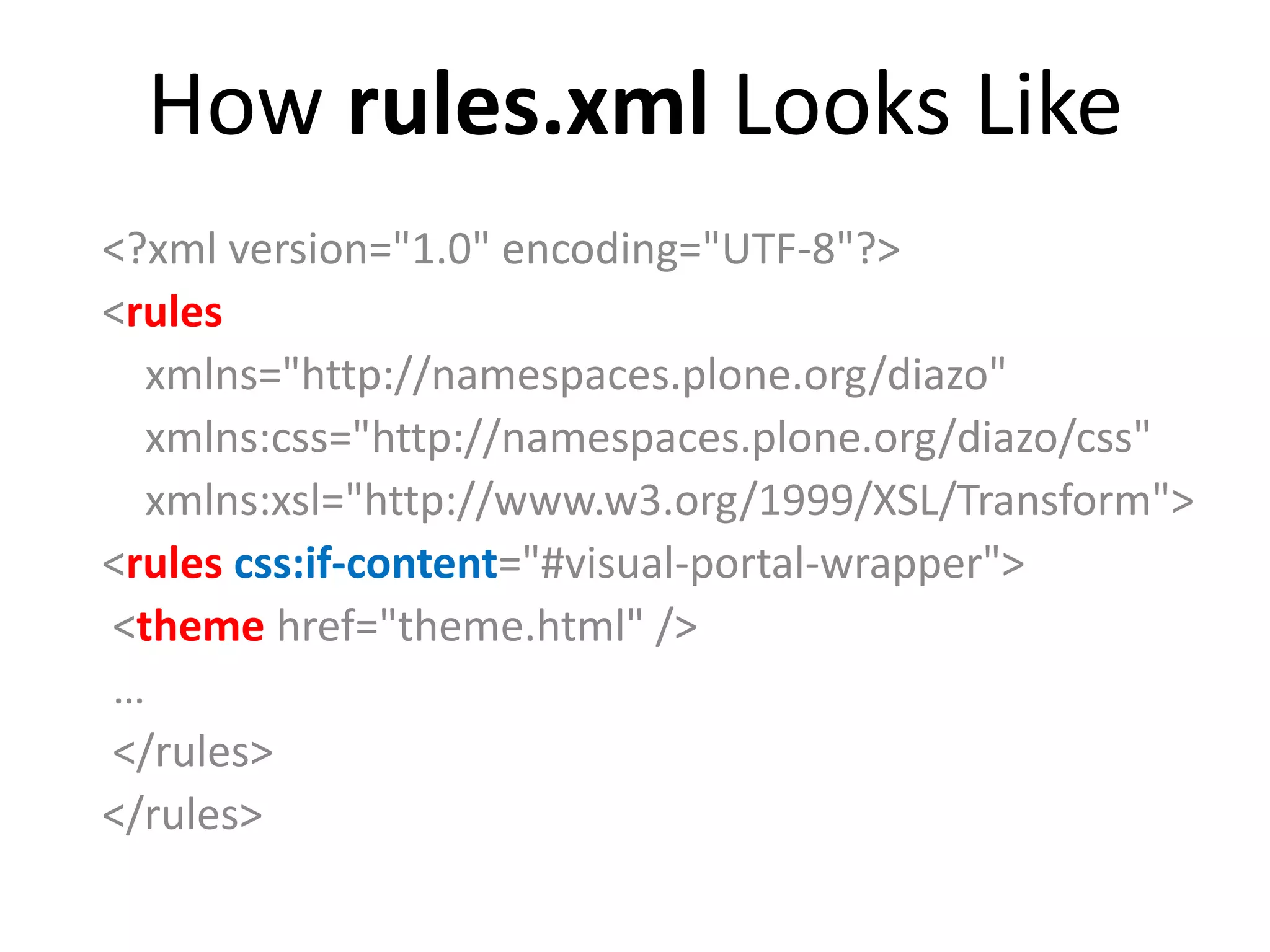
How rules.xml Looks Like
<?xml version="1.0" encoding="UTF-8"?>
<rules
xmlns="http://namespaces.plone.org/diazo"
xmlns:css="http://namespaces.plone.org/diazo/css"
xmlns:xsl="http://www.w3.org/1999/XSL/Transform">
<rules css:if-content="#visual-portal-wrapper">
<theme href="theme.html" />
…
</rules>
</rules>
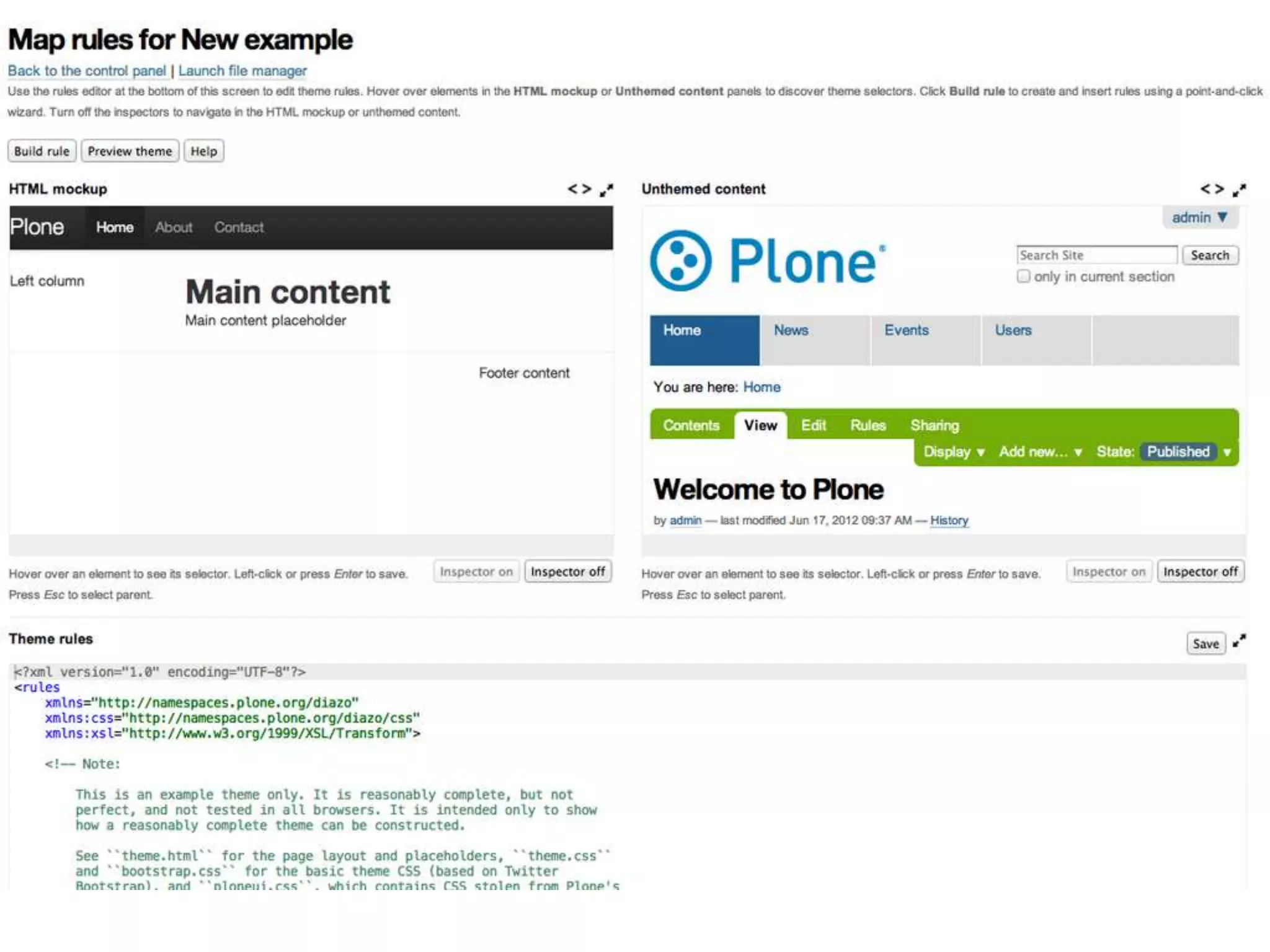
Theme Editor
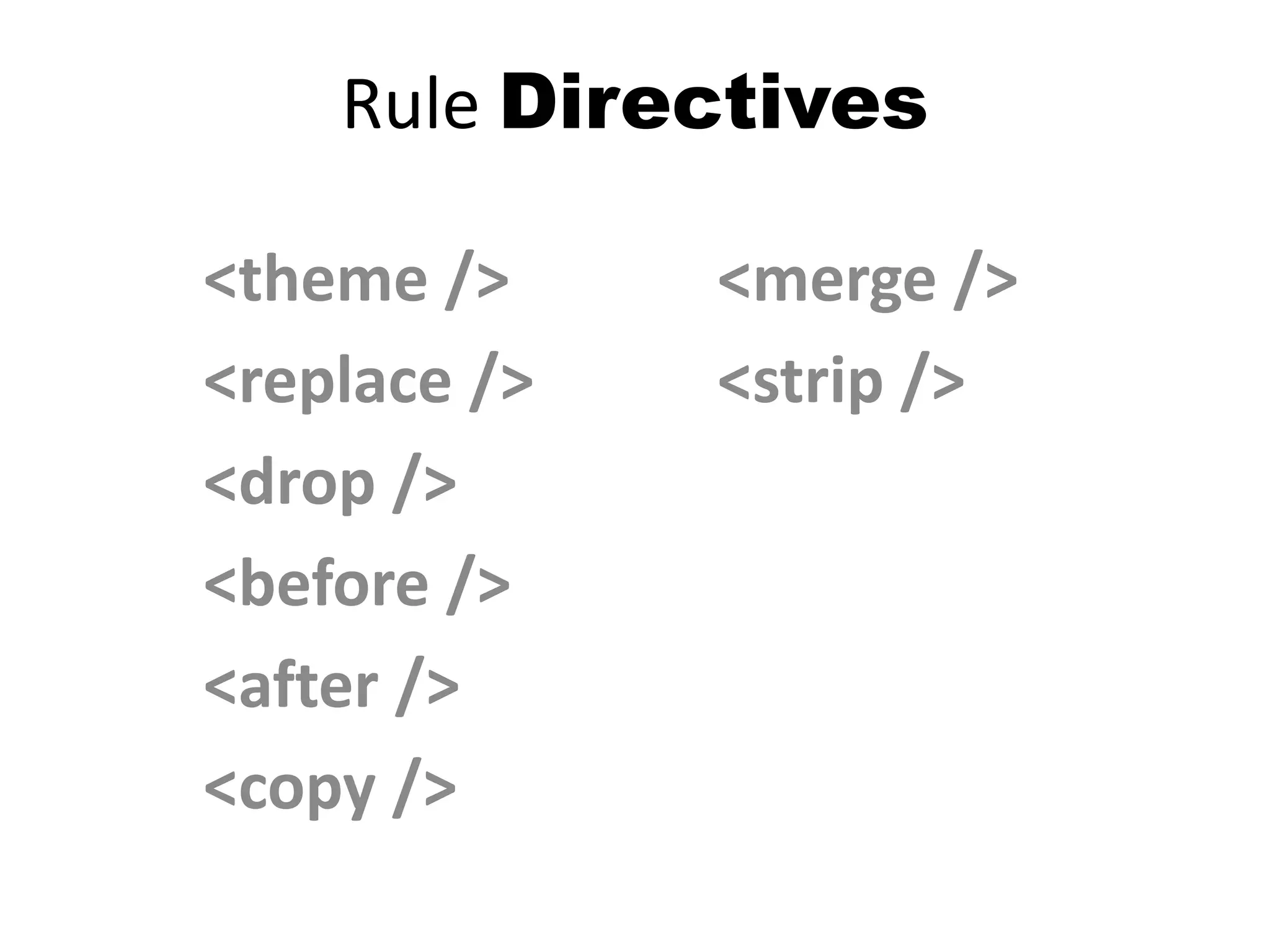
Rule Directives
<theme />
<replace />
<drop />
<before />
<after />
<copy />
<merge />
<strip />
Compile and Deploy
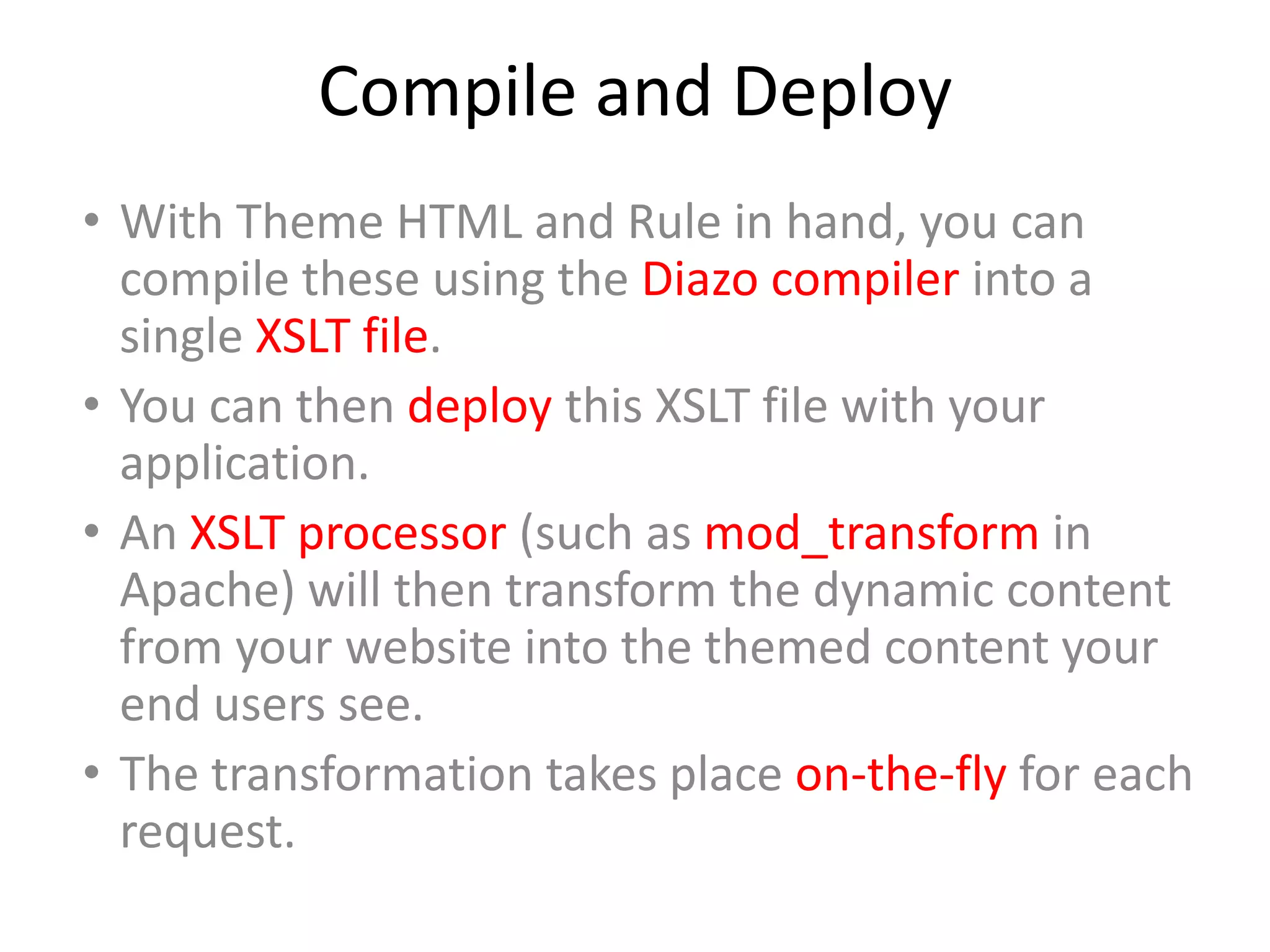
• With Theme HTML and Rule in hand, you can
compile these using the Diazo compiler into a
single XSLT file.
• You can then deploy this XSLT file with your
application.
• An XSLT processor (such as mod_transform in
Apache) will then transform the dynamic content
from your website into the themed content your
end users see.
• The transformation takes place on-the-fly for each
request.
先別管技術了…
你聽過Ang Lee嗎?
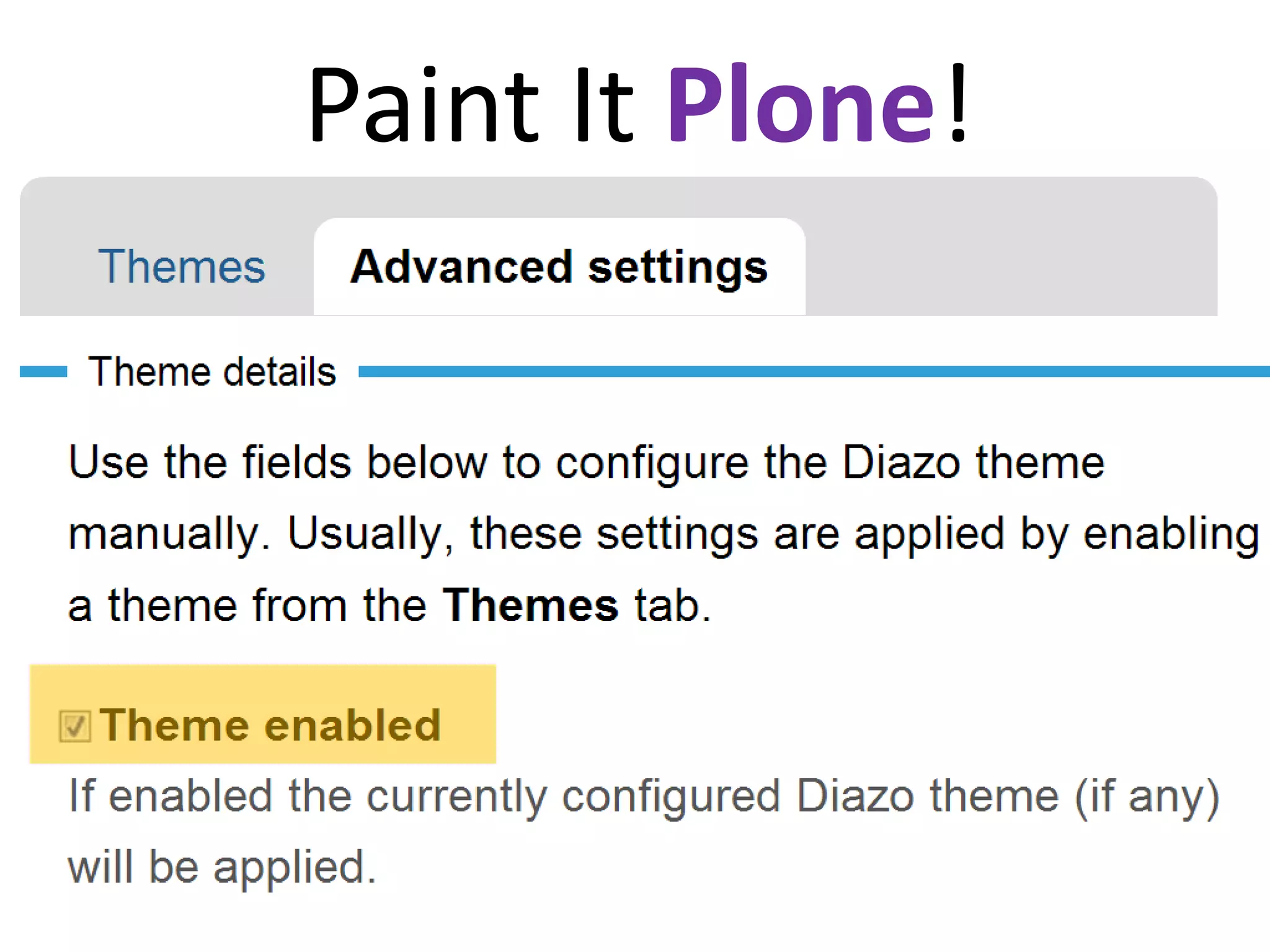
Paint It Plone!
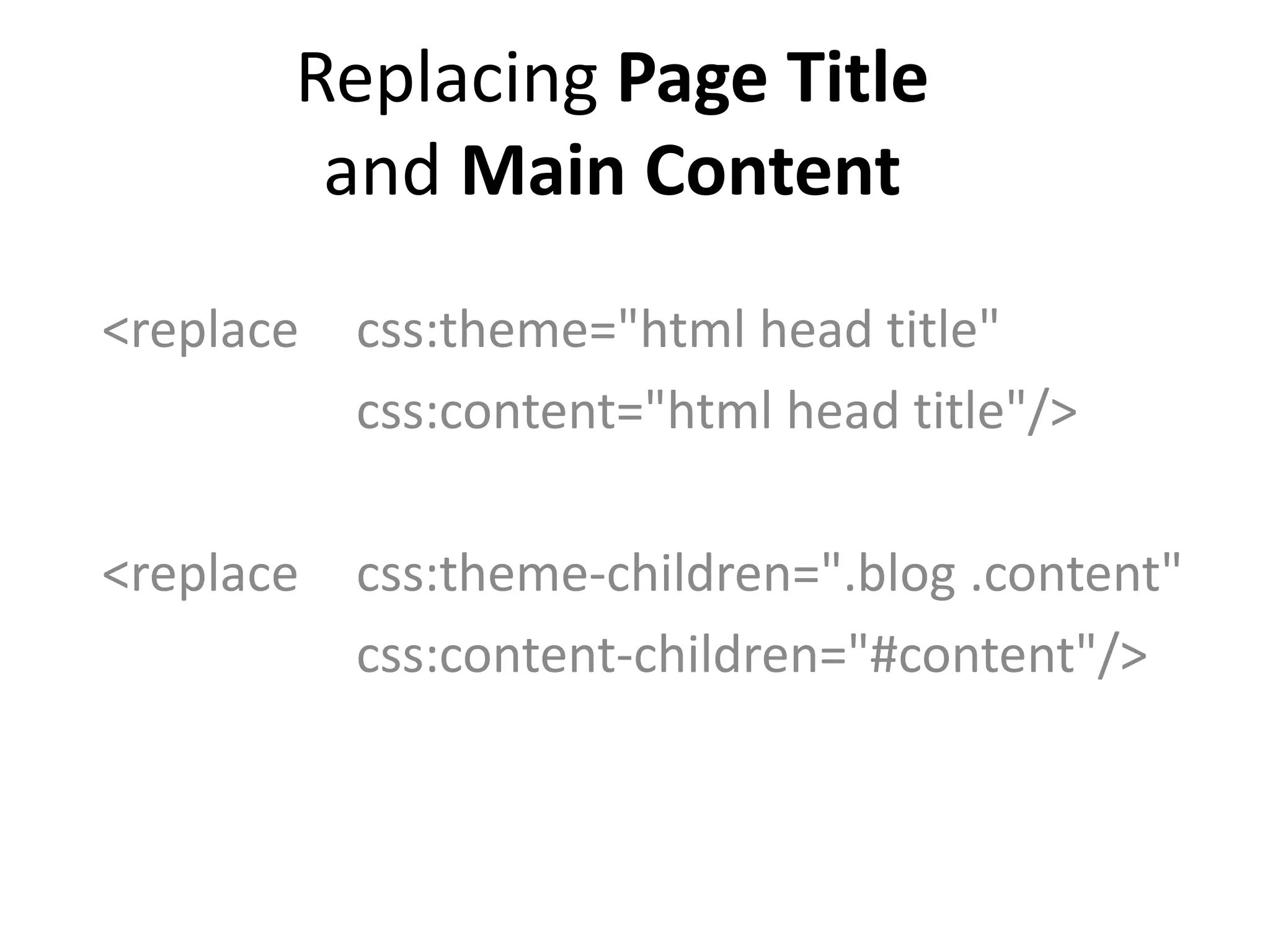
Replacing Page Title
and Main Content
<replace css:theme="html head title"
css:content="html head title"/>
<replace css:theme-children=".blog .content"
css:content-children="#content"/>
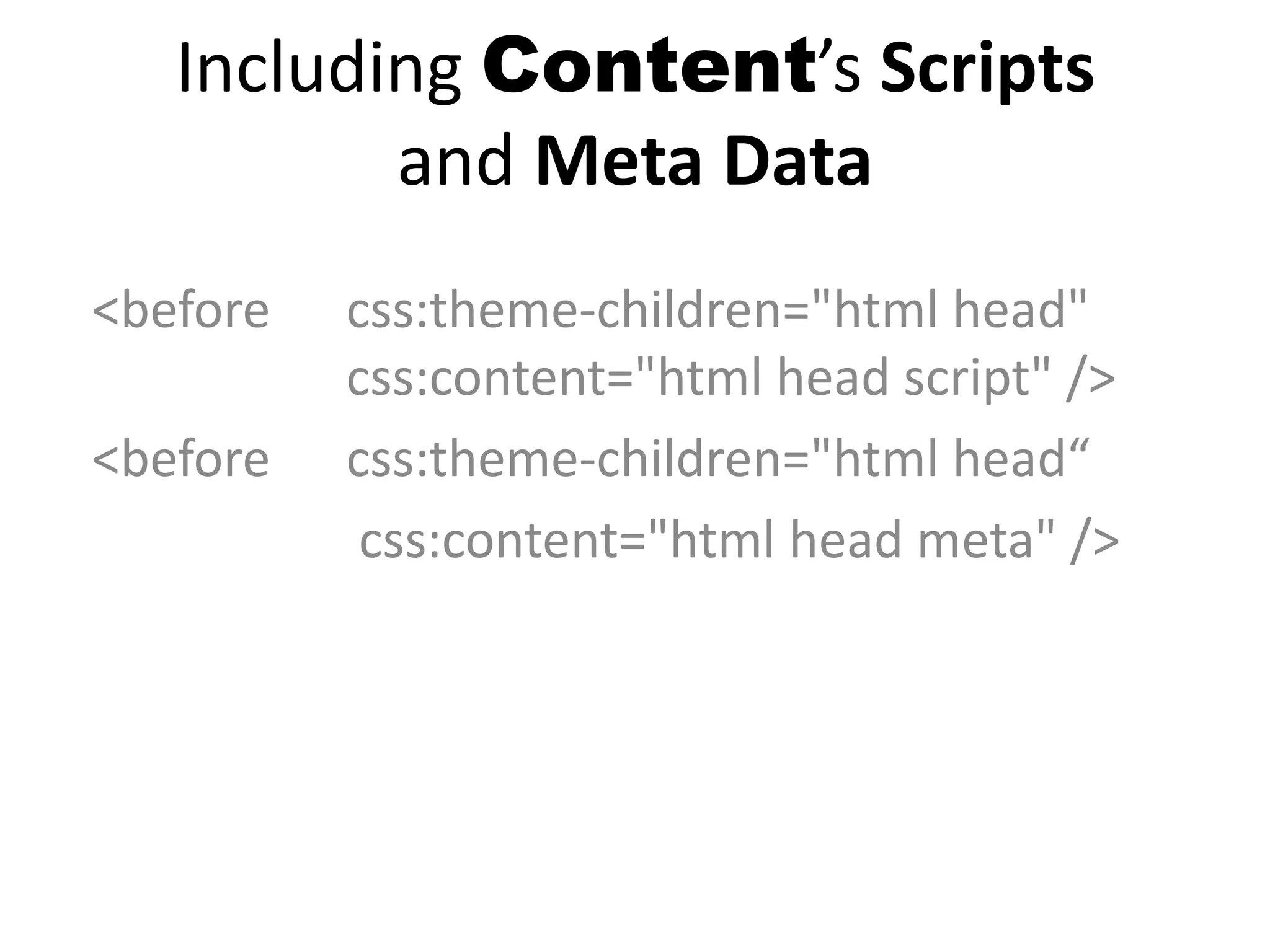
Including Content’s Scripts
and Meta Data
<before css:theme-children="html head"
css:content="html head script" />
<before css:theme-children="html head“
css:content="html head meta" />
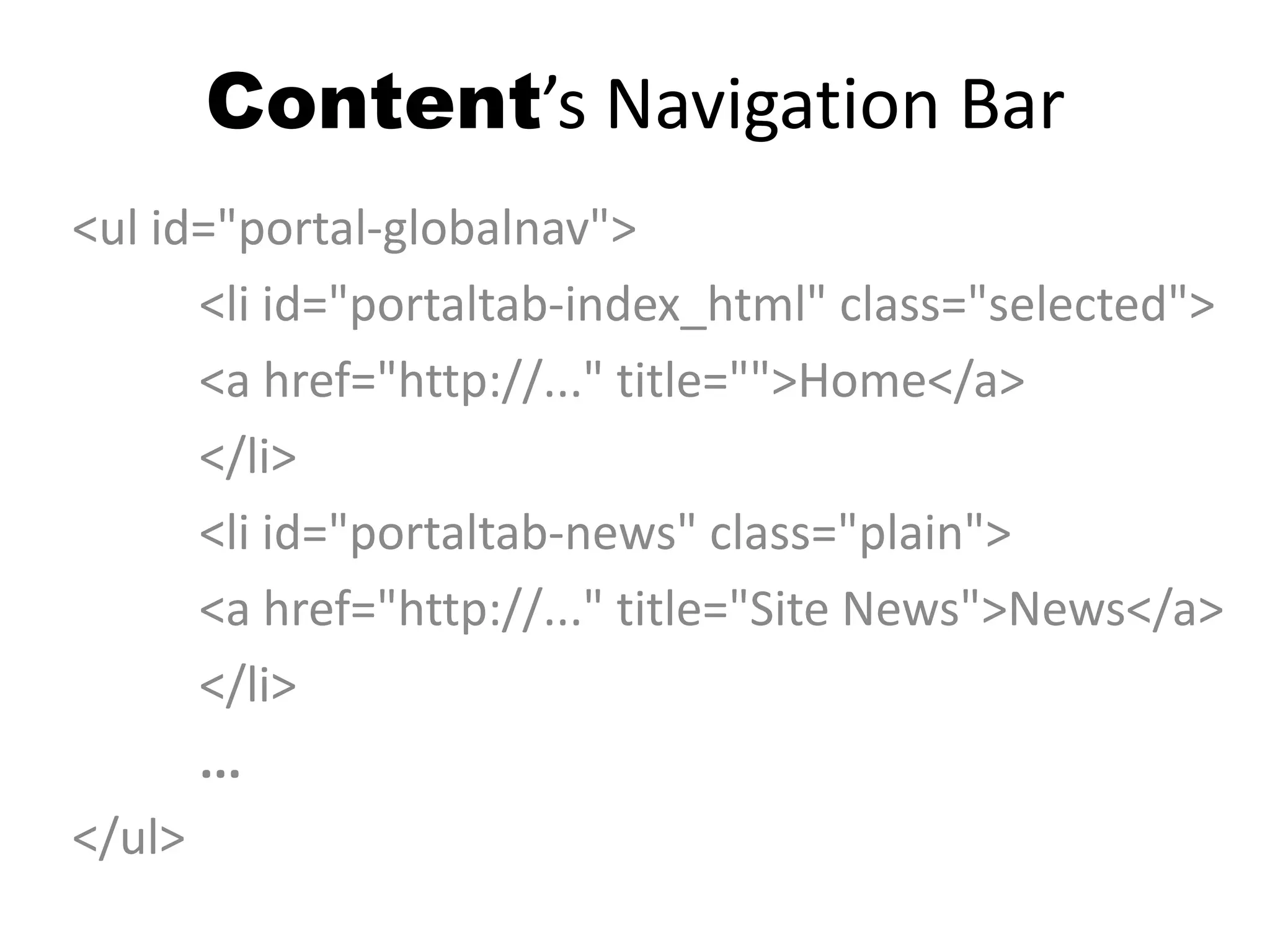
Content’s Navigation Bar
<ul id="portal-globalnav">
<li id="portaltab-index_html" class="selected">
<a href="http://..." title="">Home</a>
</li>
<li id="portaltab-news" class="plain">
<a href="http://..." title="Site News">News</a>
</li>
...
</ul>
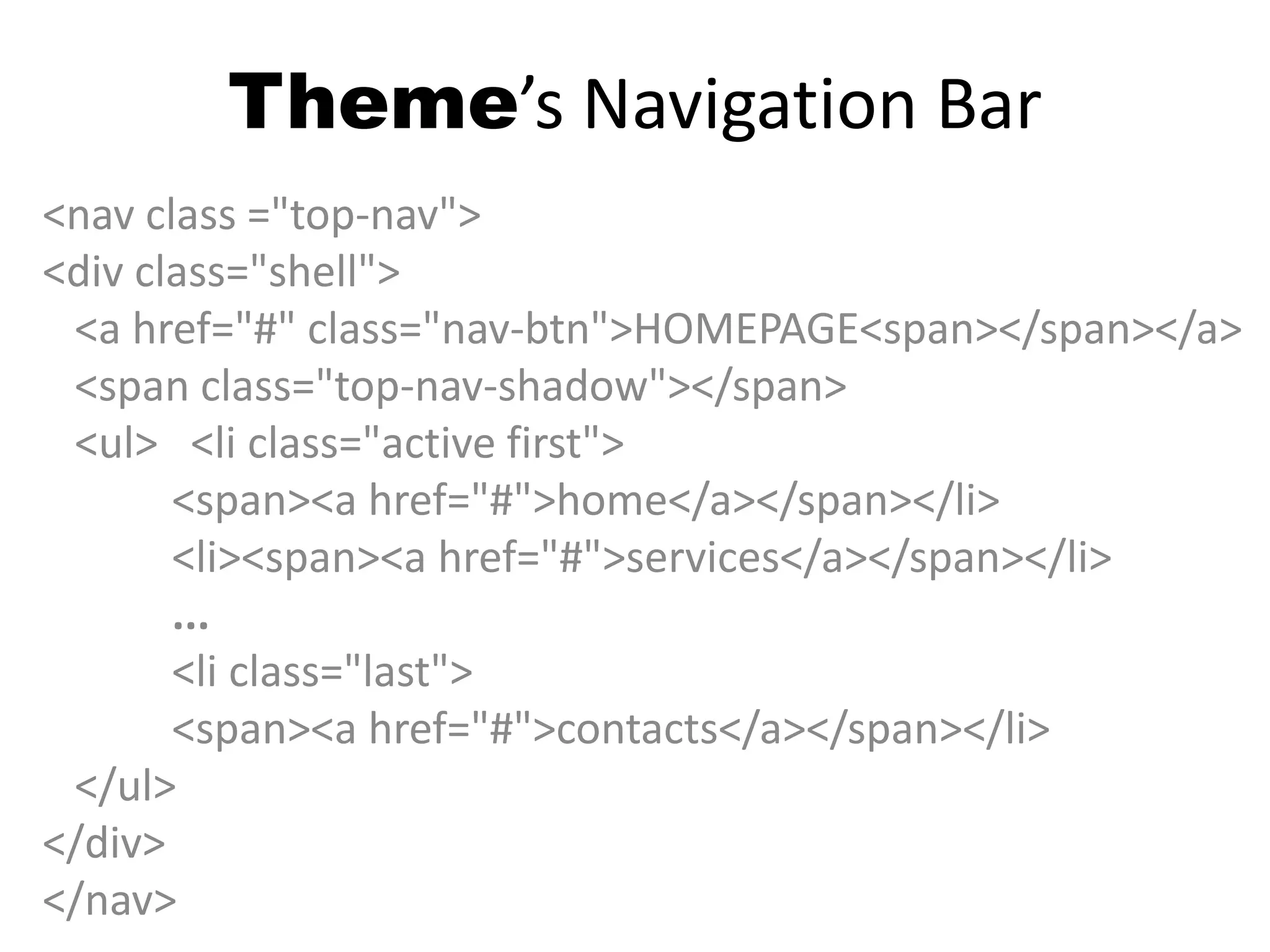
Theme’s Navigation Bar
<nav class ="top-nav">
<div class="shell">
<a href="#" class="nav-btn">HOMEPAGE<span></span></a>
<span class="top-nav-shadow"></span>
<ul> <li class="active first">
<span><a href="#">home</a></span></li>
<li><span><a href="#">services</a></span></li>
...
<li class="last">
<span><a href="#">contacts</a></span></li>
</ul>
</div>
</nav>
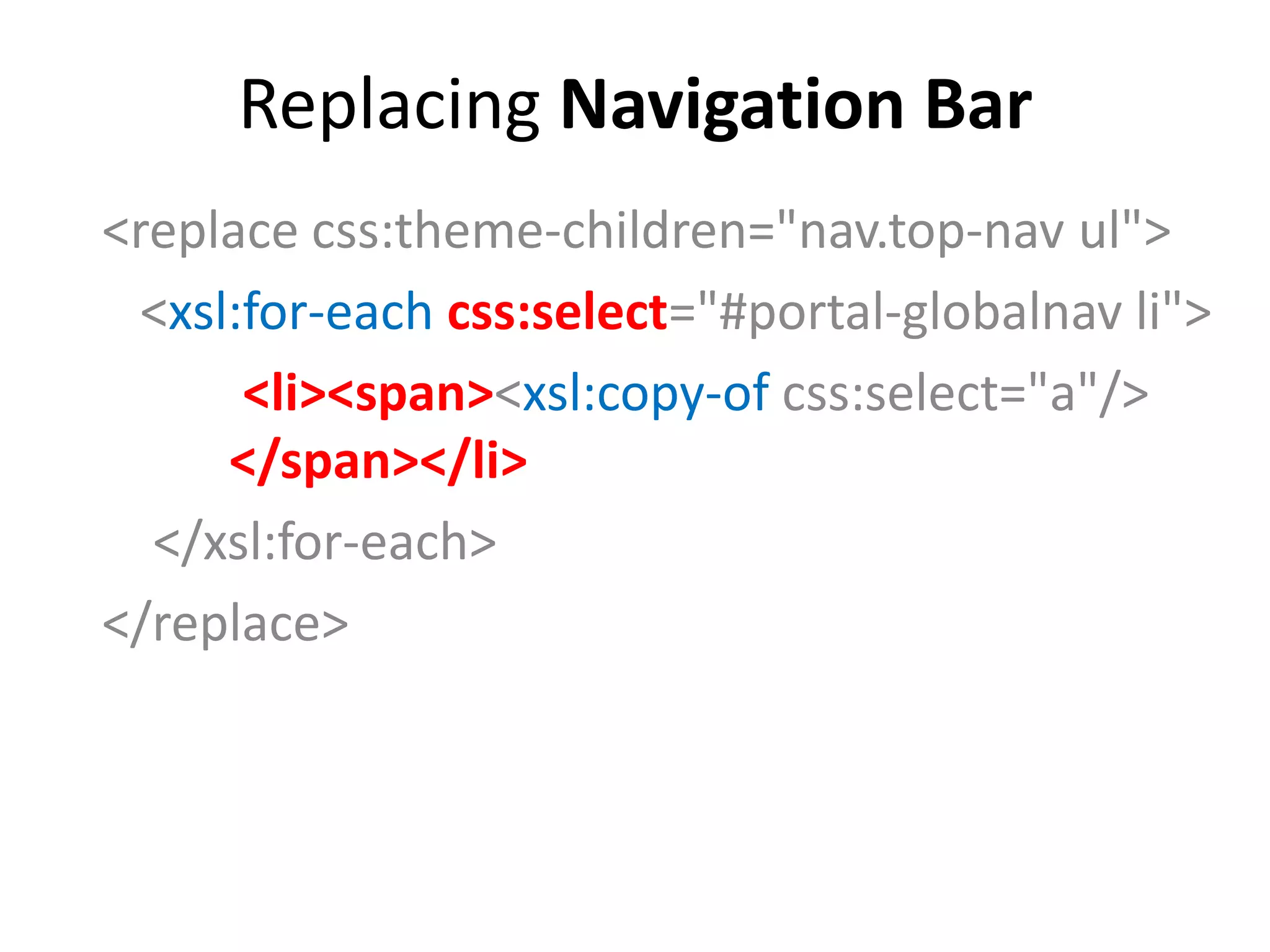
Replacing Navigation Bar
<replace css:theme-children="nav.top-nav ul">
<xsl:for-each css:select="#portal-globalnav li">
<li><span><xsl:copy-of css:select="a"/>
</span></li>
</xsl:for-each>
</replace>
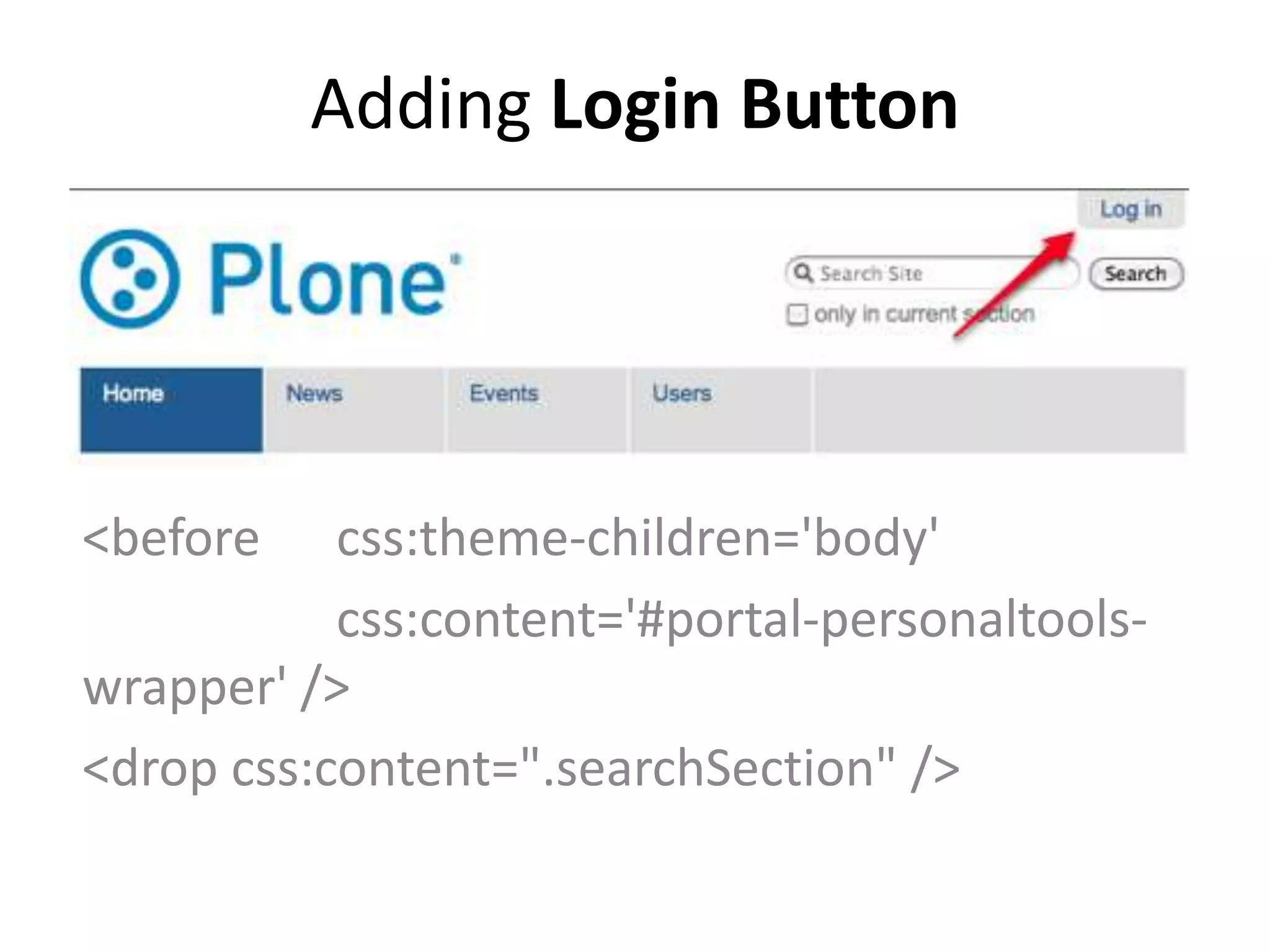
Adding Login Button
<before css:theme-children='body'
css:content='#portal-personaltools-
wrapper' />
<drop css:content=".searchSection" />
Some Other Scenario
• Management Interface Usually
Needs a Vanilla or Separate Face
• Maintain and Serve Themes in
Version Control System
• Keep Organization Themes Looking
Consistent
• 豬皮龍骨 Ya!
Conclusion
• Make Use of the Unique CSS Bits
• Use Example Codes / Recipes First
for Learning, then Use Editor For
Obvious Tasks
• Resource: QAs on StackOverflow
<… css:if-content=“.template-controlpanel” />
Credits
David Bain
https://docs.google.com/document/d/1
1OUaVbk2cJ7dH127wXat-
S4yqHGJb3CUNKT2HAidVso

Diazo: Bridging Designers and Programmers