BLOGGER COOL TIPSSHARE /ADD AND BOOKMARK BUTTON TO BLOGGER POST
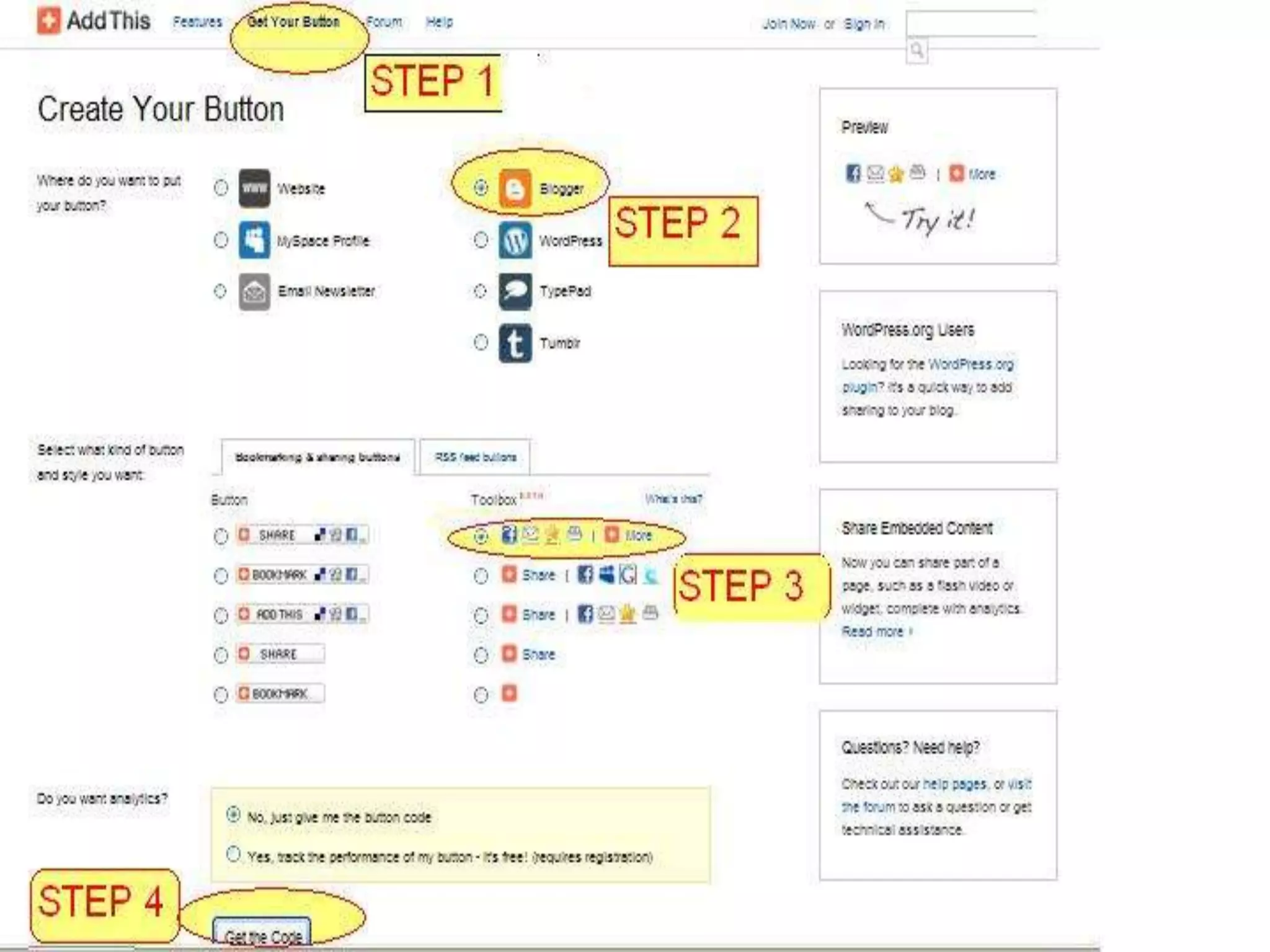
ADDTHIS.COMFIRST OPEN ADDTHIS .COMGET REGISTEREDPERFORM THE FOLLOWING  4 STEPS
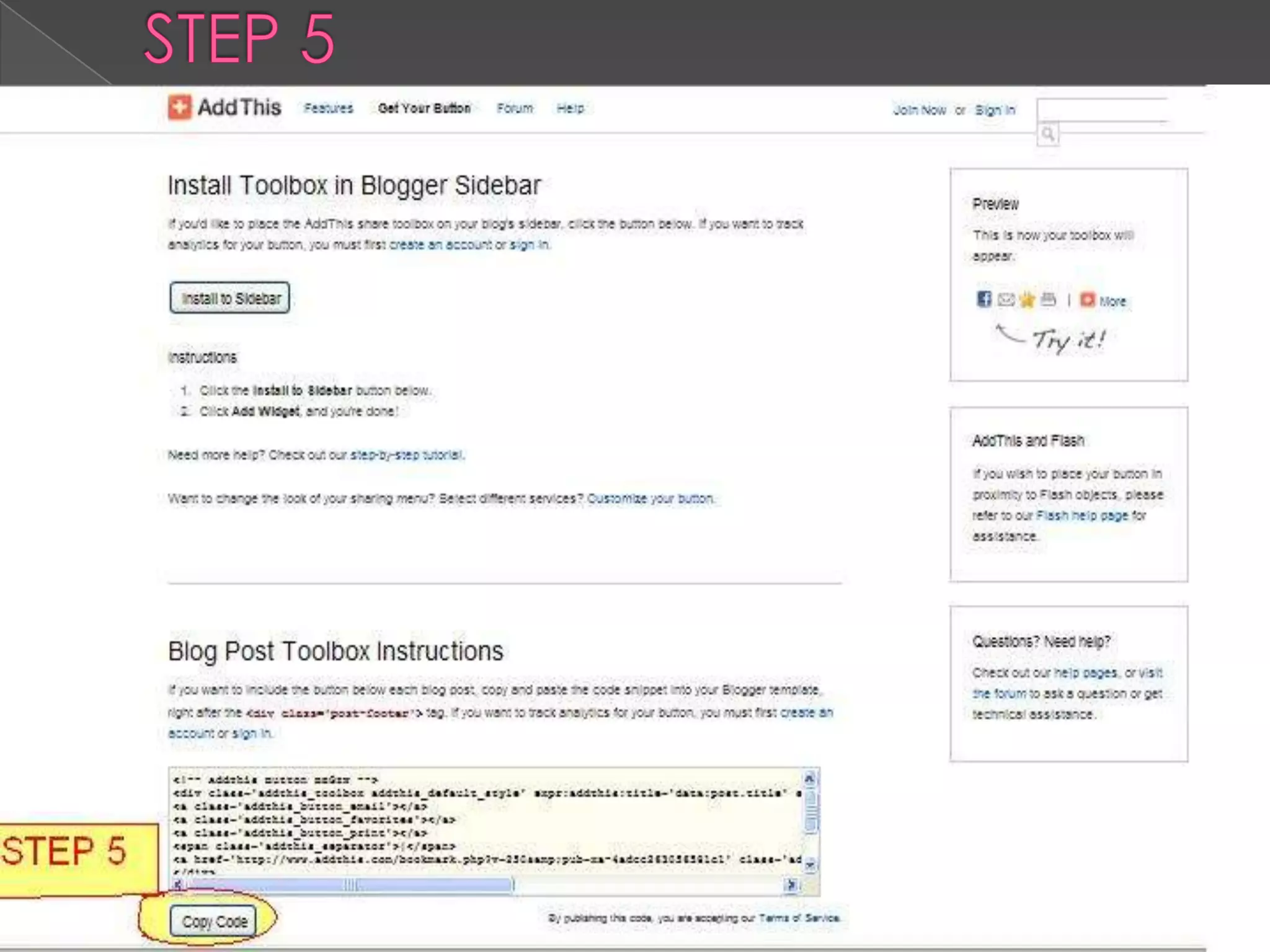
STEP 5
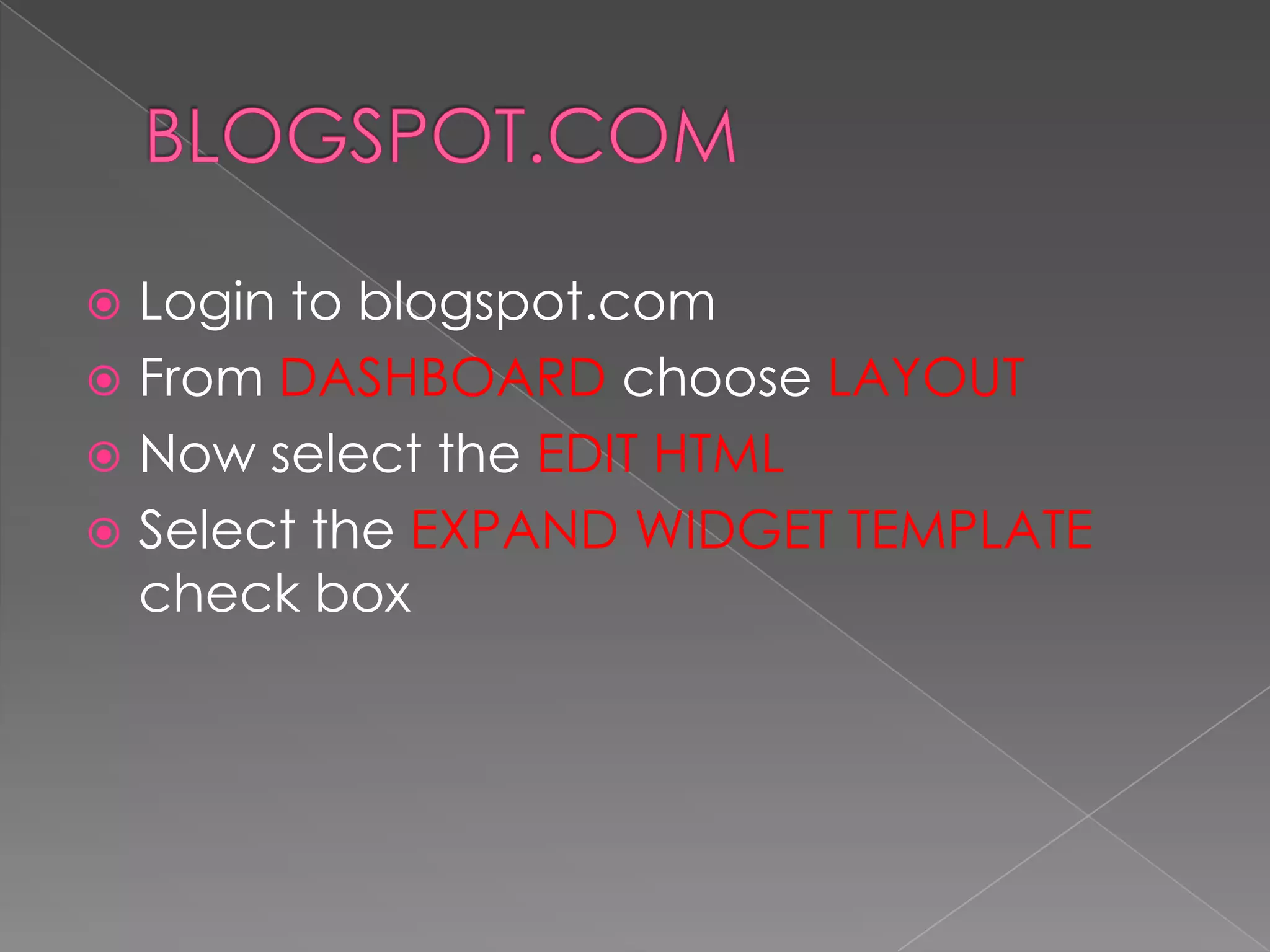
BLOGSPOT.COMLogin to blogspot.comFrom DASHBOARD choose LAYOUTNow select the EDIT HTMLSelect the EXPAND WIDGET TEMPLATE check box
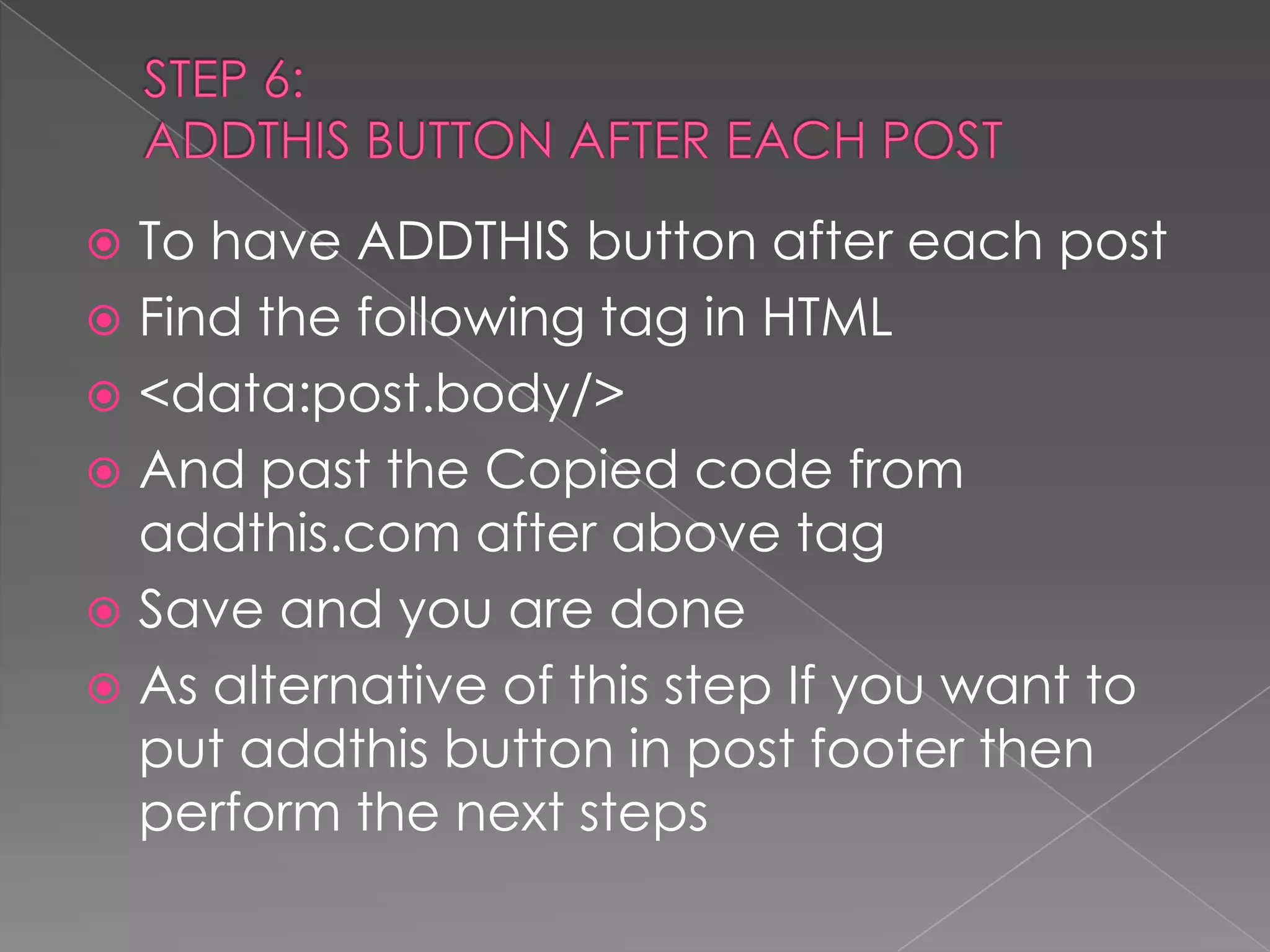
STEP 6:ADDTHIS BUTTON AFTER EACH POSTTo have ADDTHIS button after each postFind the following tag in HTML<data:post.body/>And past the Copied code from addthis.com after above tagSave and you are doneAs alternative of this step If you want to put addthis button in post footer then perform the next steps
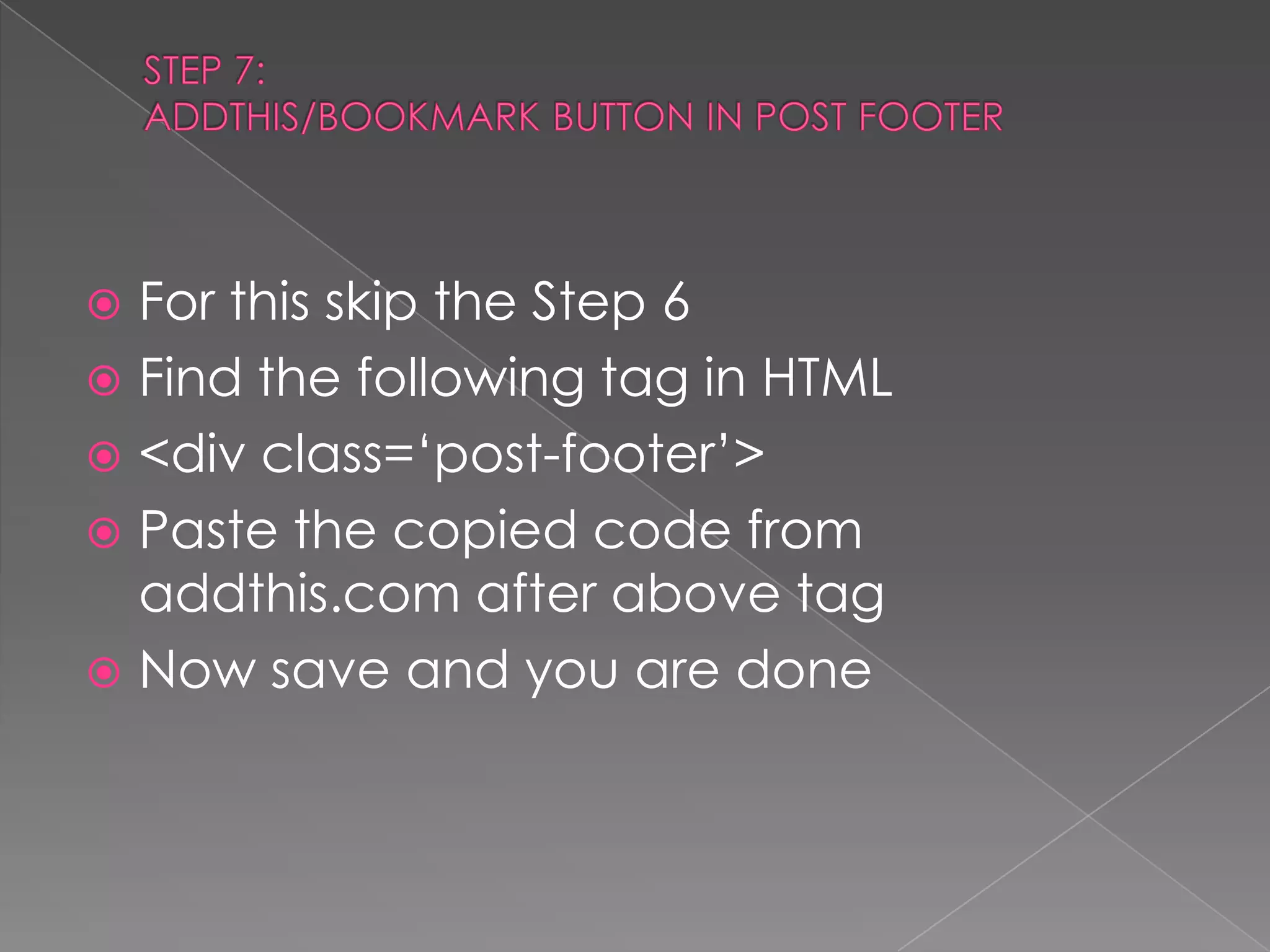
STEP 7:ADDTHIS/BOOKMARK BUTTON IN POST FOOTERFor this skip the Step 6 Find the following tag in HTML<div class=‘post-footer’>Paste the copied code from addthis.com after above tagNow save and you are done

Addthis & Bookmark Button For Blogger Post

  • 1.
    BLOGGER COOL TIPSSHARE/ADD AND BOOKMARK BUTTON TO BLOGGER POST
  • 2.
    ADDTHIS.COMFIRST OPEN ADDTHIS.COMGET REGISTEREDPERFORM THE FOLLOWING 4 STEPS
  • 4.
  • 5.
    BLOGSPOT.COMLogin to blogspot.comFromDASHBOARD choose LAYOUTNow select the EDIT HTMLSelect the EXPAND WIDGET TEMPLATE check box
  • 6.
    STEP 6:ADDTHIS BUTTONAFTER EACH POSTTo have ADDTHIS button after each postFind the following tag in HTML<data:post.body/>And past the Copied code from addthis.com after above tagSave and you are doneAs alternative of this step If you want to put addthis button in post footer then perform the next steps
  • 7.
    STEP 7:ADDTHIS/BOOKMARK BUTTONIN POST FOOTERFor this skip the Step 6 Find the following tag in HTML<div class=‘post-footer’>Paste the copied code from addthis.com after above tagNow save and you are done