Linking in with
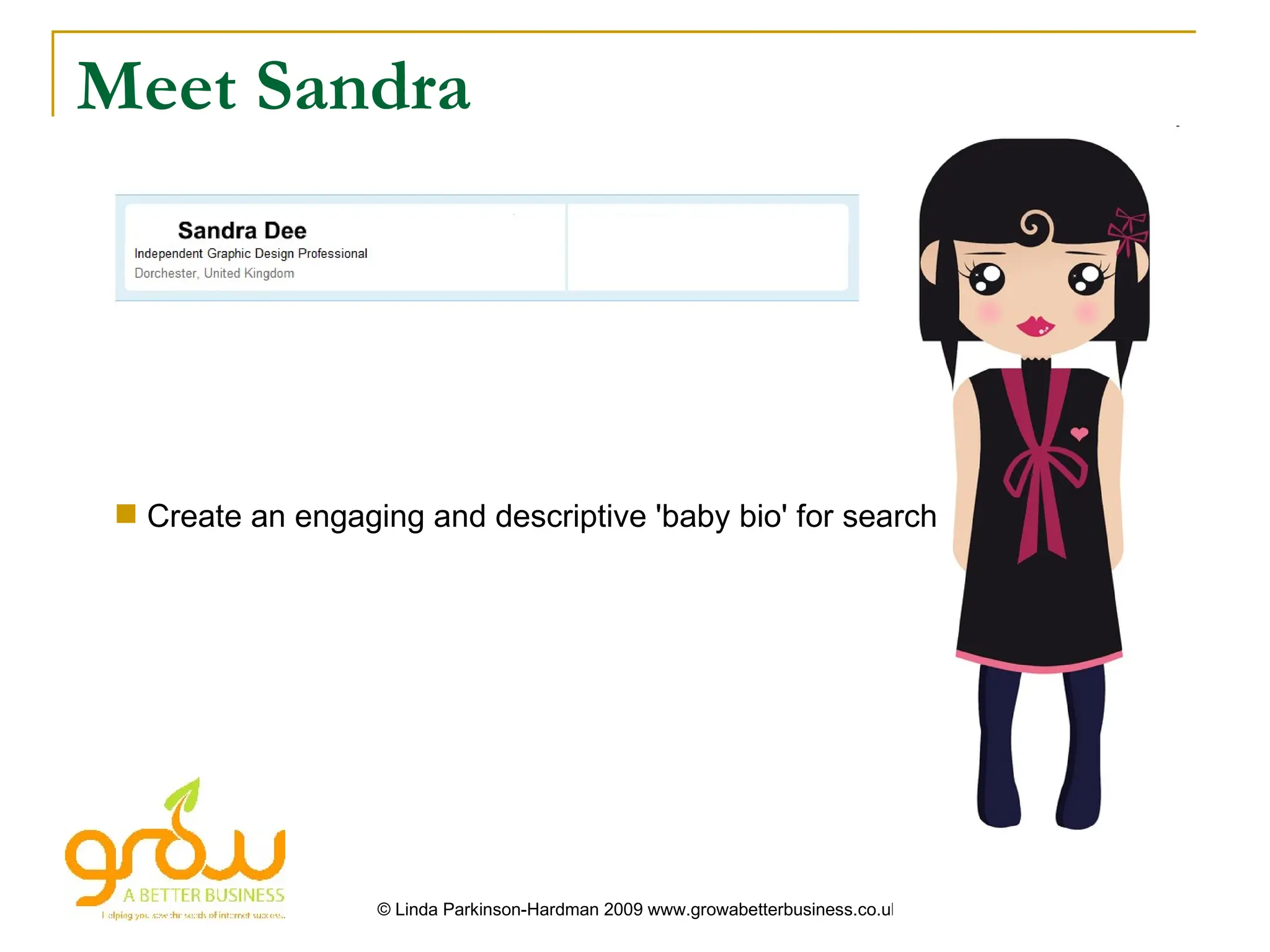
Meet Sandra


  Create an engaging and descriptive 'baby bio' for search


                   © Linda Parkinson-Hardman 2009 www.growabetterbusiness.co.uk
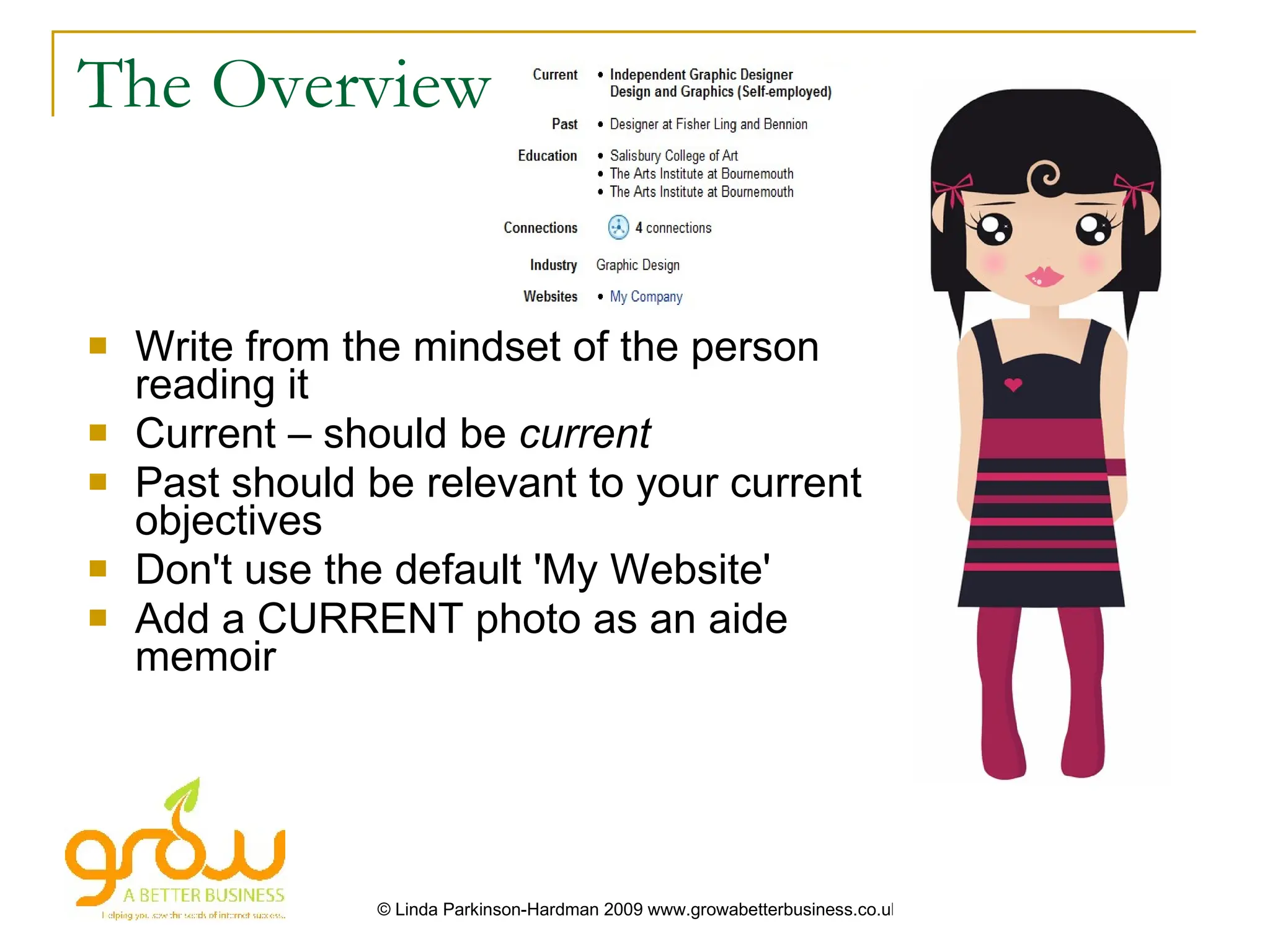
The Overview


   Write from the mindset of the person
    reading it
   Current – should be current
   Past should be relevant to your current
    objectives
   Don't use the default 'My Website'
   Add a CURRENT photo as an aide
    memoir


                 © Linda Parkinson-Hardman 2009 www.growabetterbusiness.co.uk
The Summary


                      ?
   Make sure you include one!
   Talk about your CURRENT role
   Explain what makes YOU stand out
   Tell people about your successes
   Include your specialities, the keywords
    that matter


                 © Linda Parkinson-Hardman 2009 www.growabetterbusiness.co.uk
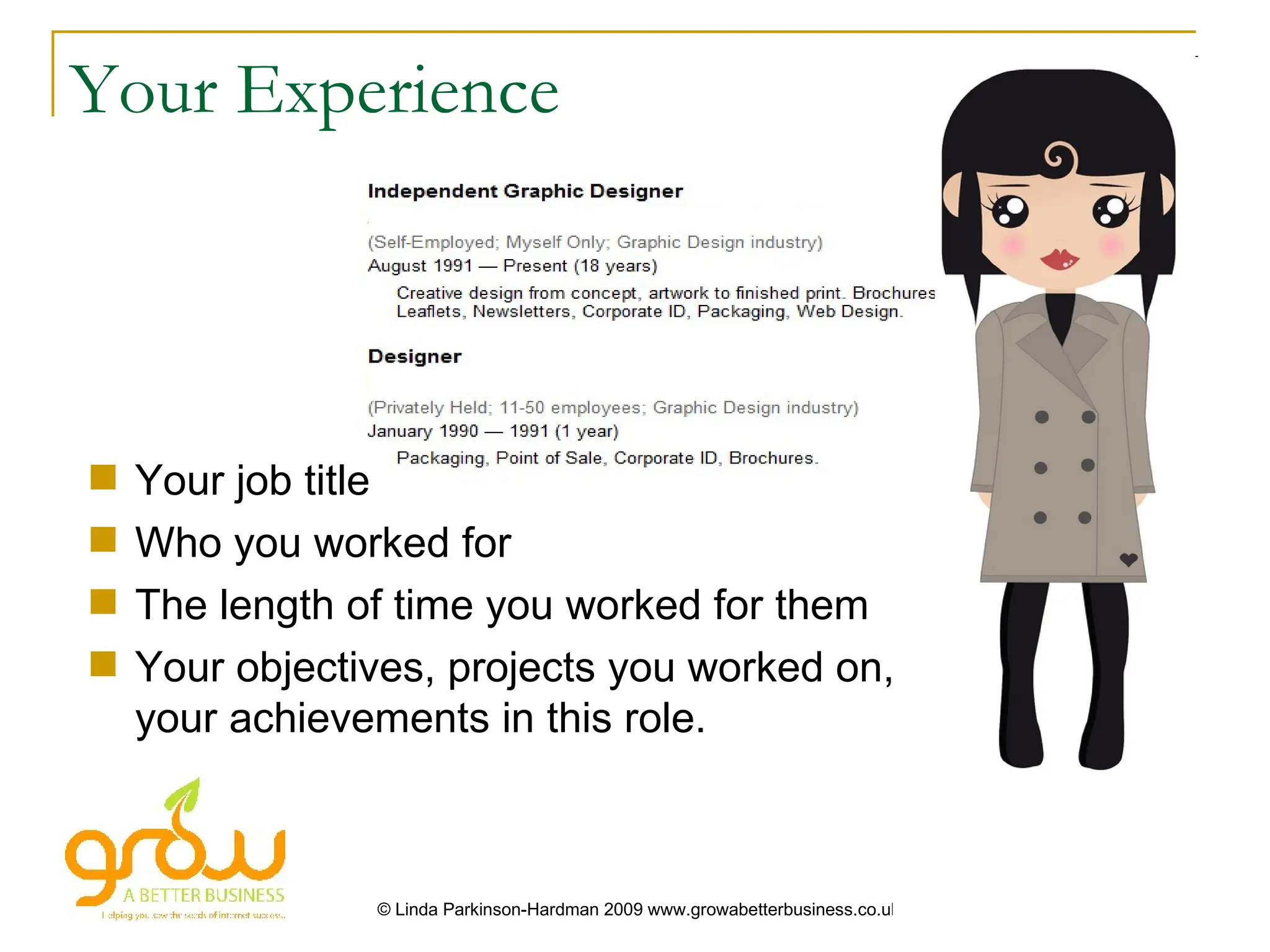
Your Experience


   Your job title
   Who you worked for
   The length of time you worked for them
   Your objectives, projects you worked on,
    your achievements in this role.


                © Linda Parkinson-Hardman 2009 www.growabetterbusiness.co.uk
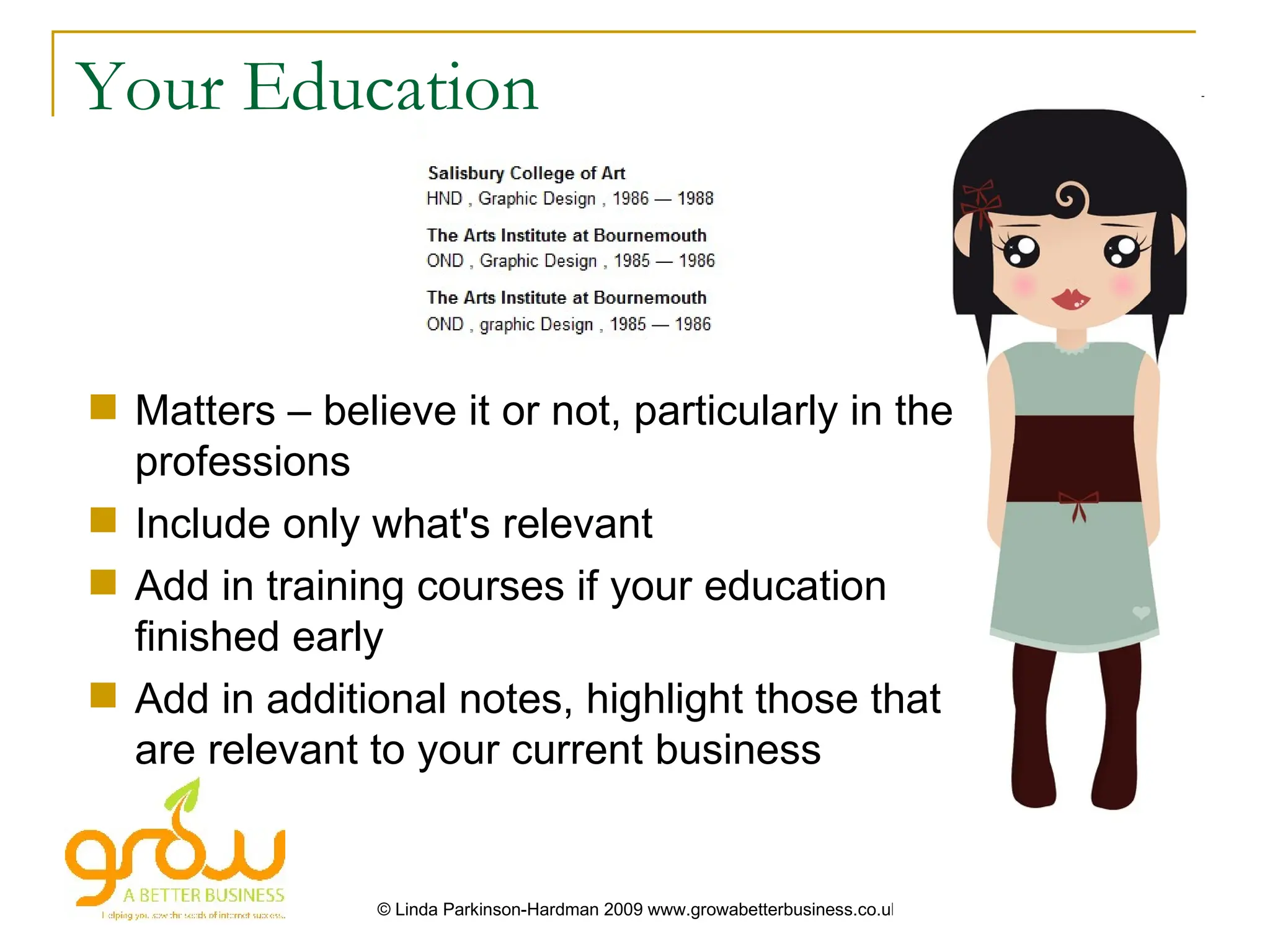
Your Education


 Matters – believe it or not, particularly in the
  professions
 Include only what's relevant
 Add in training courses if your education
  finished early
 Add in additional notes, highlight those that
  are relevant to your current business


                © Linda Parkinson-Hardman 2009 www.growabetterbusiness.co.uk
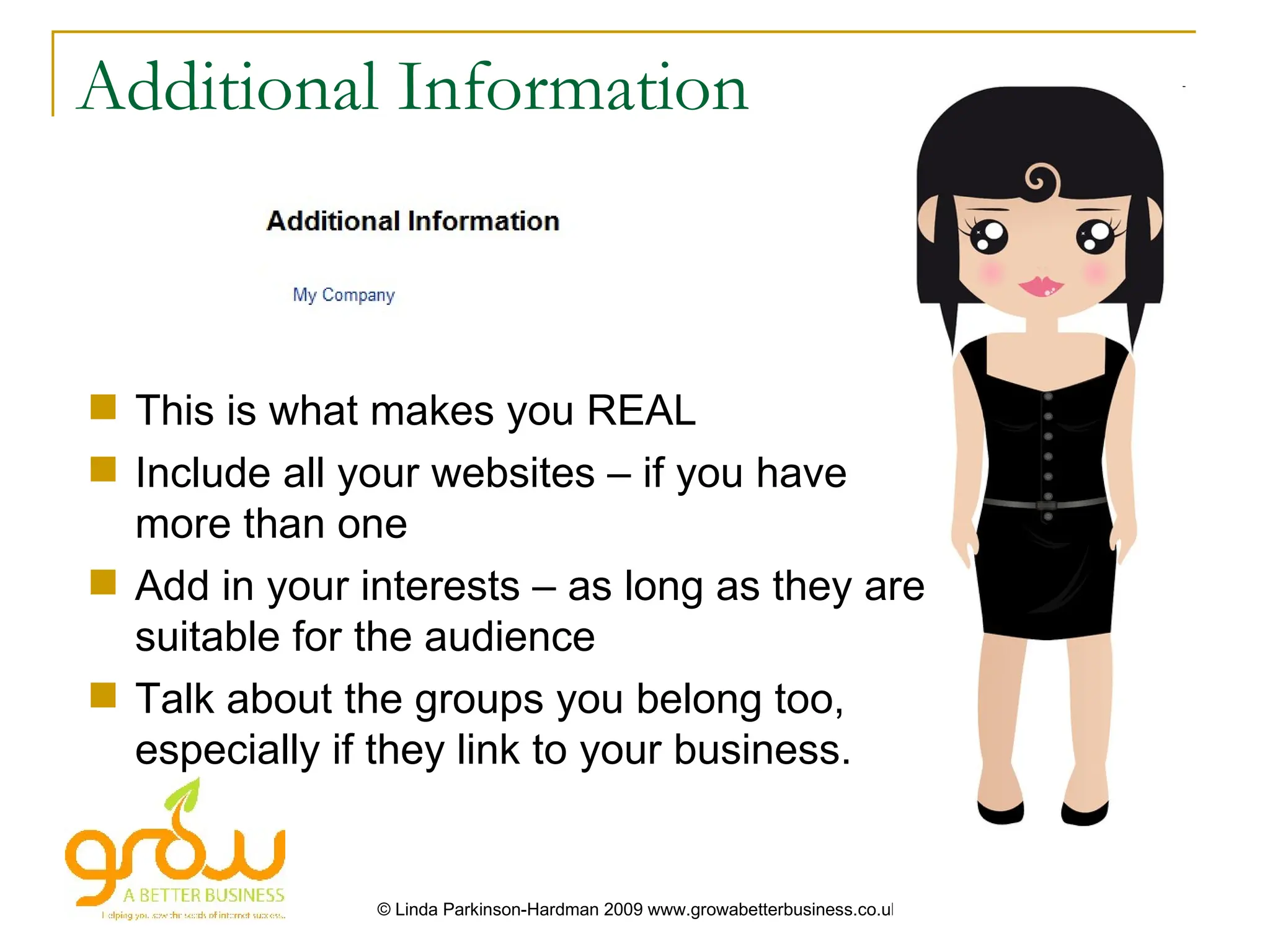
Additional Information


 This is what makes you REAL
 Include all your websites – if you have
  more than one
 Add in your interests – as long as they are
  suitable for the audience
 Talk about the groups you belong too,
  especially if they link to your business.


               © Linda Parkinson-Hardman 2009 www.growabetterbusiness.co.uk
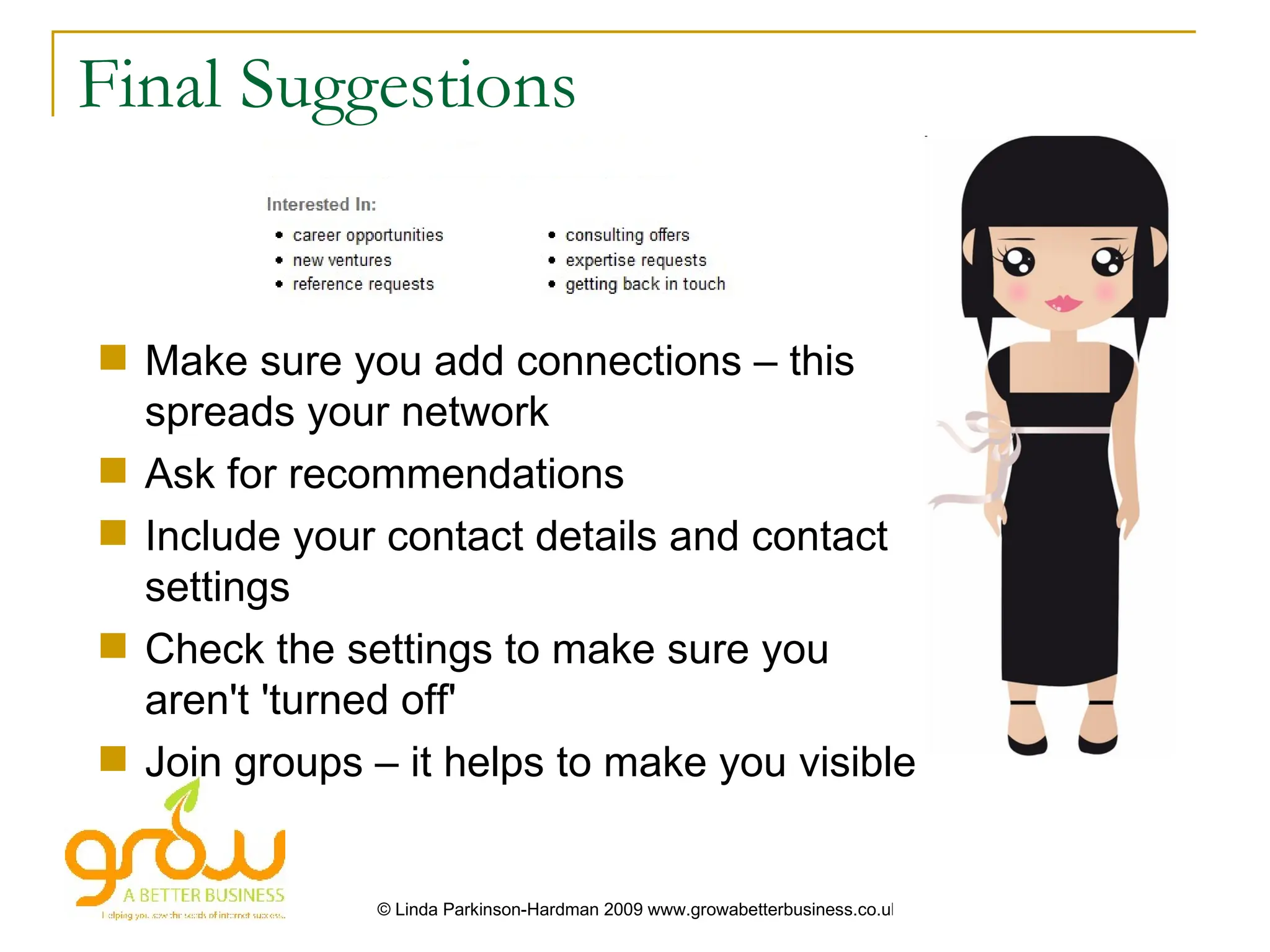
Final Suggestions


 Make sure you add connections – this
  spreads your network
 Ask for recommendations
 Include your contact details and contact
  settings
 Check the settings to make sure you
  aren't 'turned off'
 Join groups – it helps to make you visible


               © Linda Parkinson-Hardman 2009 www.growabetterbusiness.co.uk

Linking in with LinkedIn

  • 1.
  • 2.
    Meet Sandra Create an engaging and descriptive 'baby bio' for search © Linda Parkinson-Hardman 2009 www.growabetterbusiness.co.uk
  • 3.
    The Overview  Write from the mindset of the person reading it  Current – should be current  Past should be relevant to your current objectives  Don't use the default 'My Website'  Add a CURRENT photo as an aide memoir © Linda Parkinson-Hardman 2009 www.growabetterbusiness.co.uk
  • 4.
    The Summary ?  Make sure you include one!  Talk about your CURRENT role  Explain what makes YOU stand out  Tell people about your successes  Include your specialities, the keywords that matter © Linda Parkinson-Hardman 2009 www.growabetterbusiness.co.uk
  • 5.
    Your Experience  Your job title  Who you worked for  The length of time you worked for them  Your objectives, projects you worked on, your achievements in this role. © Linda Parkinson-Hardman 2009 www.growabetterbusiness.co.uk
  • 6.
    Your Education  Matters– believe it or not, particularly in the professions  Include only what's relevant  Add in training courses if your education finished early  Add in additional notes, highlight those that are relevant to your current business © Linda Parkinson-Hardman 2009 www.growabetterbusiness.co.uk
  • 7.
    Additional Information  Thisis what makes you REAL  Include all your websites – if you have more than one  Add in your interests – as long as they are suitable for the audience  Talk about the groups you belong too, especially if they link to your business. © Linda Parkinson-Hardman 2009 www.growabetterbusiness.co.uk
  • 8.
    Final Suggestions  Makesure you add connections – this spreads your network  Ask for recommendations  Include your contact details and contact settings  Check the settings to make sure you aren't 'turned off'  Join groups – it helps to make you visible © Linda Parkinson-Hardman 2009 www.growabetterbusiness.co.uk