
Building Secure
WordPress Sites
            By Sakin Shrestha
     Blog: http://sakinshrestha.com
    Email: sakin@catchinternet.com
           Twitter: @sakinshrestha
Sakin Shrestha
•   Founder of Catch Internet and Catch Themes
•   WordPress Theme Developer
•   Business Consultant
•   Member of WordPress Theme Review Team
WordPress

• Most Popular Open Source Web Application
• 17% of the Websites in the World
• 1 in 6 websites
Top 10 Myths That
                    We Live By
Source:
http://www.problogger.net/archives/2012/08/29/top-10-
wordpress-security-myths/
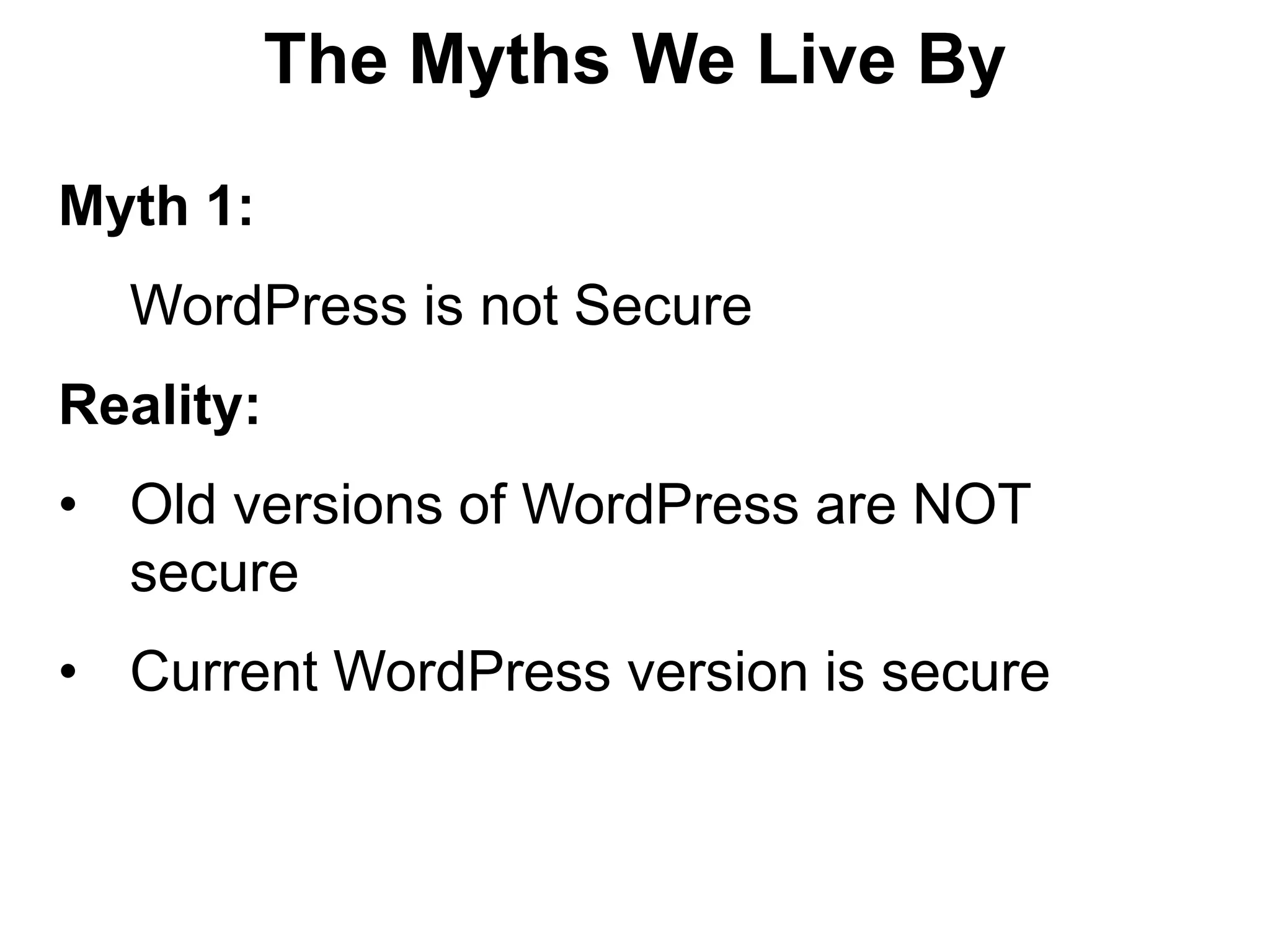
The Myths We Live By

Myth 1:
  WordPress is not Secure
Reality:
• Old versions of WordPress are NOT
  secure
• Current WordPress version is secure
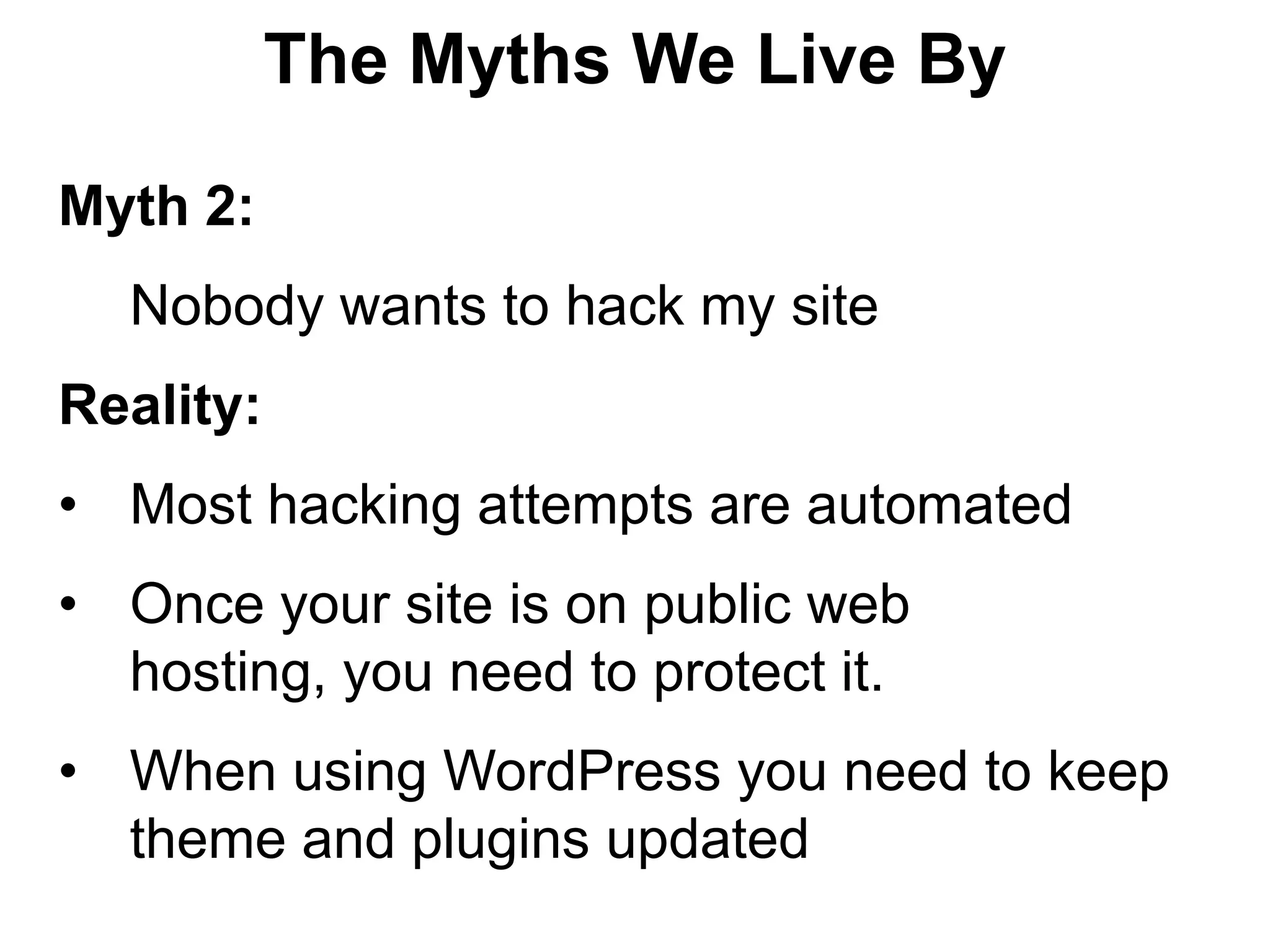
The Myths We Live By

Myth 2:
  Nobody wants to hack my site
Reality:
• Most hacking attempts are automated
• Once your site is on public web
  hosting, you need to protect it.
• When using WordPress you need to keep
  theme and plugins updated
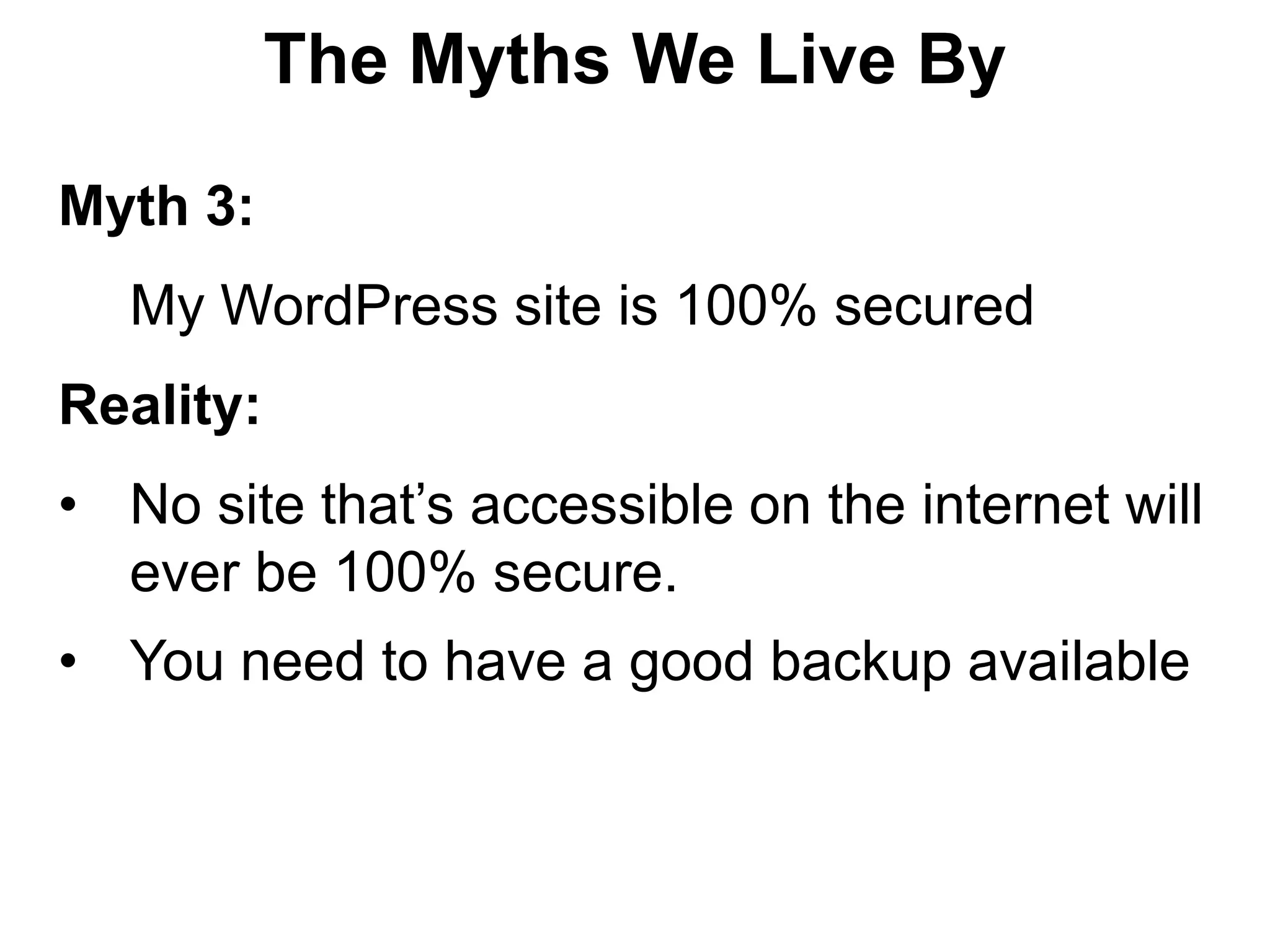
The Myths We Live By

Myth 3:
  My WordPress site is 100% secured
Reality:
• No site that’s accessible on the internet will
  ever be 100% secure.
• You need to have a good backup available
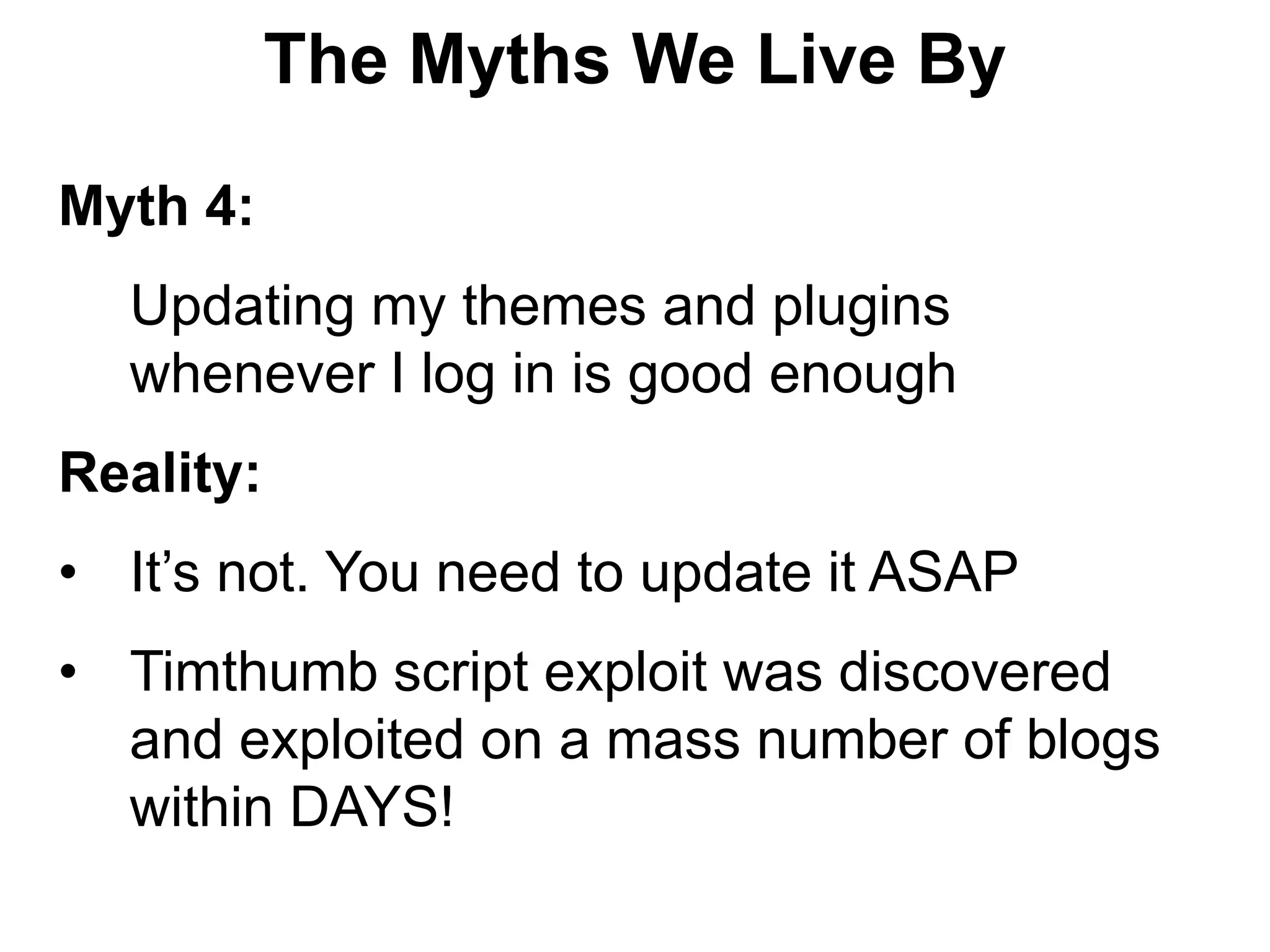
The Myths We Live By

Myth 4:
  Updating my themes and plugins
  whenever I log in is good enough
Reality:
• It’s not. You need to update it ASAP
• Timthumb script exploit was discovered
  and exploited on a mass number of blogs
  within DAYS!
The Myths We Live By

Myth 5:
  I only use themes and plugins from
  wordpress.org, so I’m safe
Reality:
• Plugins and themes are the #1 way
  hackers gain access to your site
• Only WordPress current Core is secure
• WordPress.org is safer but not sure bet
The Myths We Live By

Myth 6:
  If I de-activate a theme or plugin, there is
  no risk
Reality:
• There is risk
• Because even files of de-activated plugins
  and themes can be access via the Internet
The Myths We Live By

Myth 7:
   My site is secured by Security Plugins
Reality:
• It just add layer of protection
• It won’t help much if a hacker gains access
  to your online session & password, or
  sensitive files
• It won’t help if the hosting server is
  compromised
The Myths We Live By

Myth 8:
  If my site is compromised I will quickly find
  out
Reality:
• Many hacks are invisible to visitors and
  only visible to bots
• You may not know until your site has been
  blacklisted by Google
• Use site monitoring service or plugin
The Myths We Live By

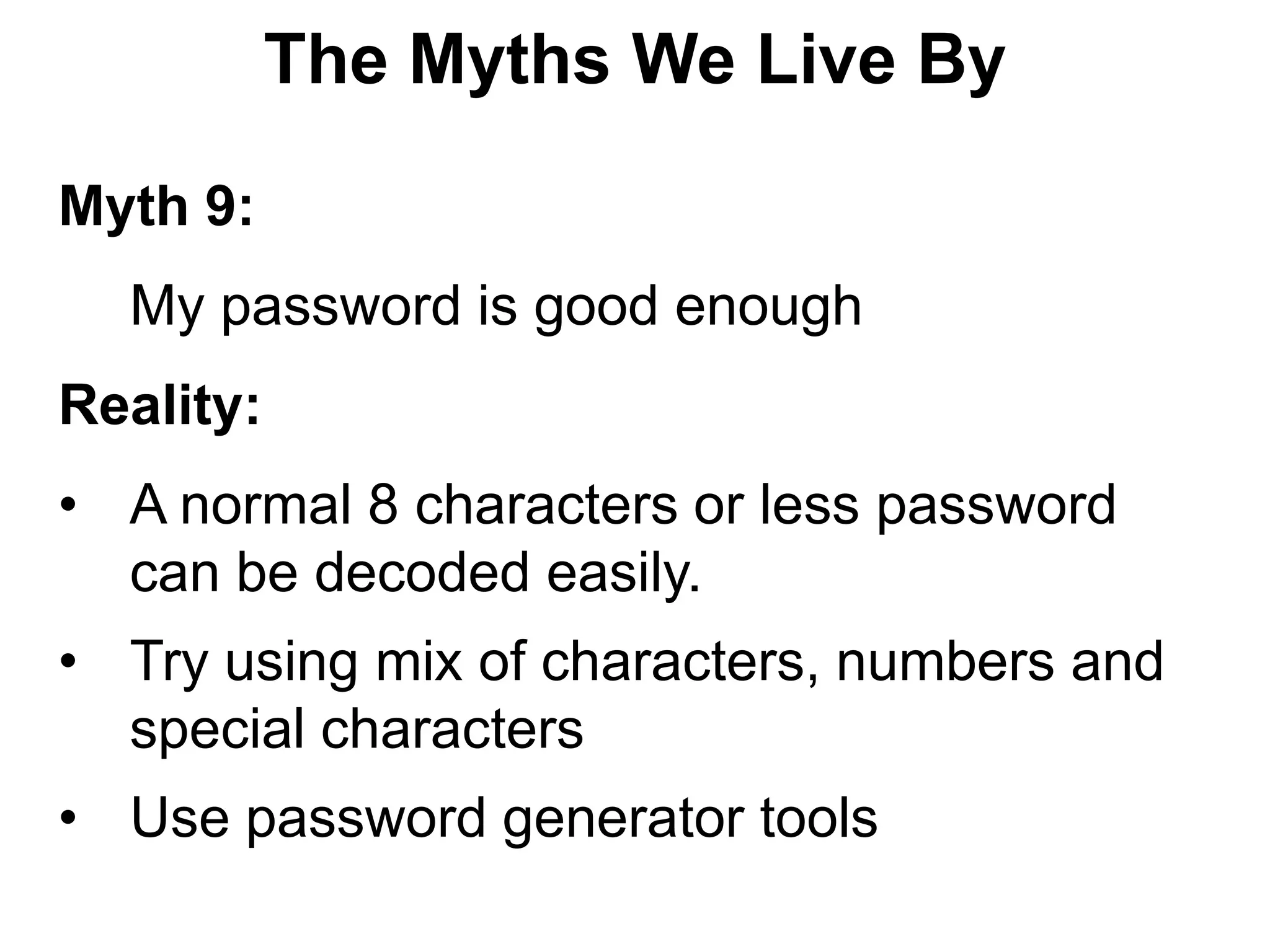
Myth 9:
  My password is good enough
Reality:
• A normal 8 characters or less password
  can be decoded easily.
• Try using mix of characters, numbers and
  special characters
• Use password generator tools
The Myths We Live By

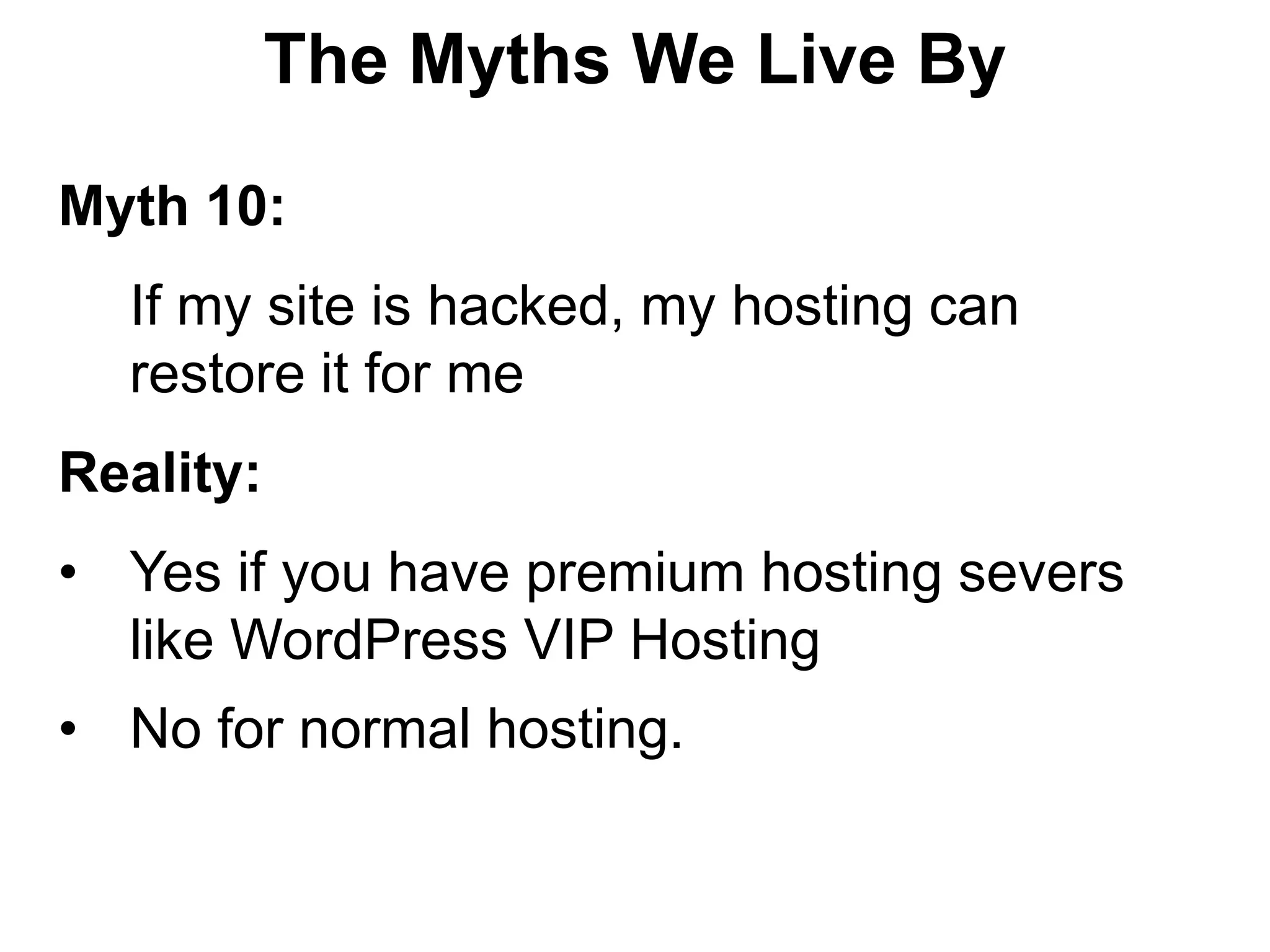
Myth 10:
  If my site is hacked, my hosting can
  restore it for me
Reality:
• Yes if you have premium hosting severs
  like WordPress VIP Hosting
• No for normal hosting.
Building Secure
WordPress Sites
      in
Simple 10 Steps
Building Secure WordPress Sites

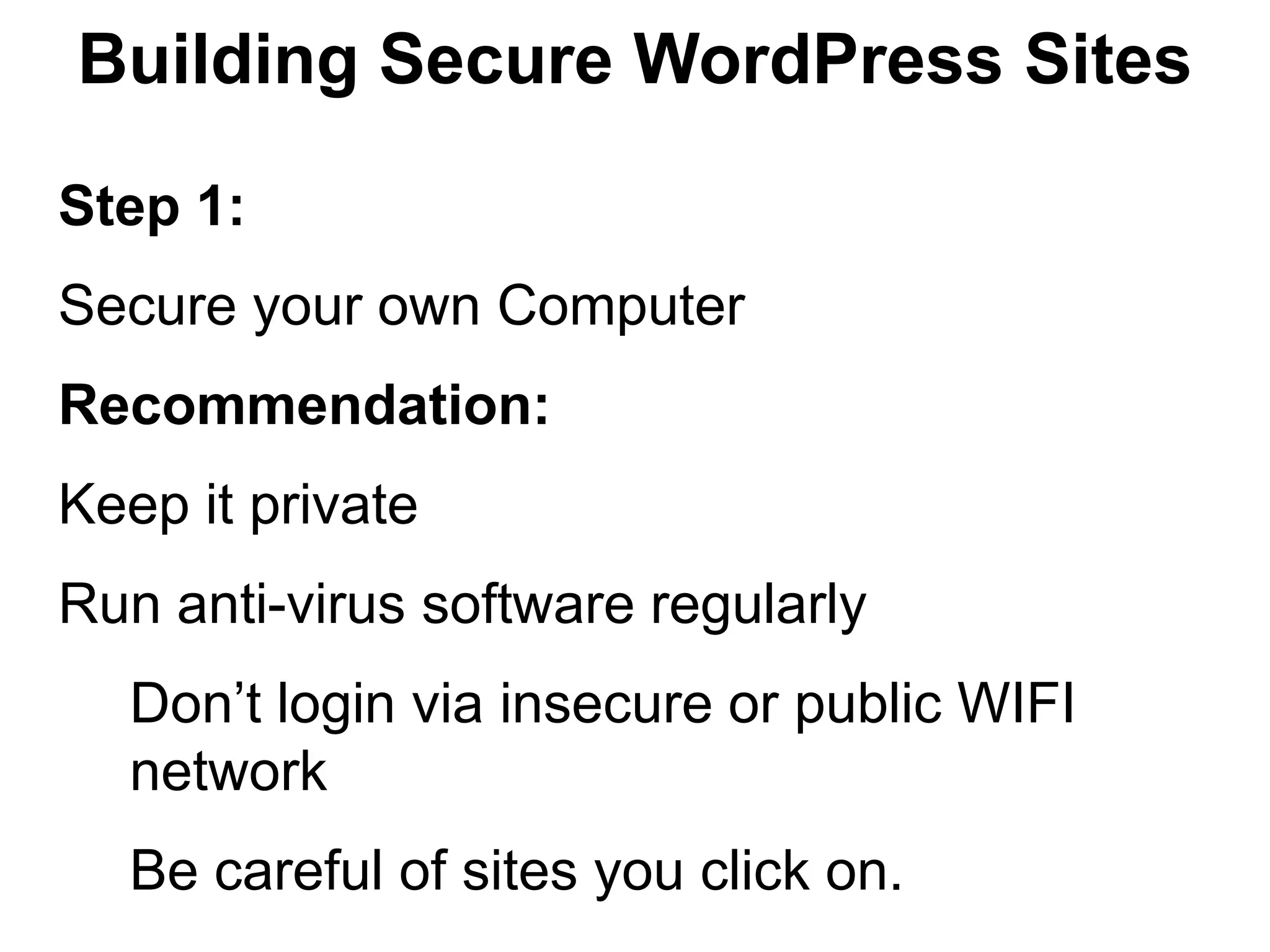
Step 1:
Secure your own Computer
Recommendation:
Keep it private
Run anti-virus software regularly
  Don’t login via insecure or public WIFI
  network
  Be careful of sites you click on.
Building Secure WordPress Sites

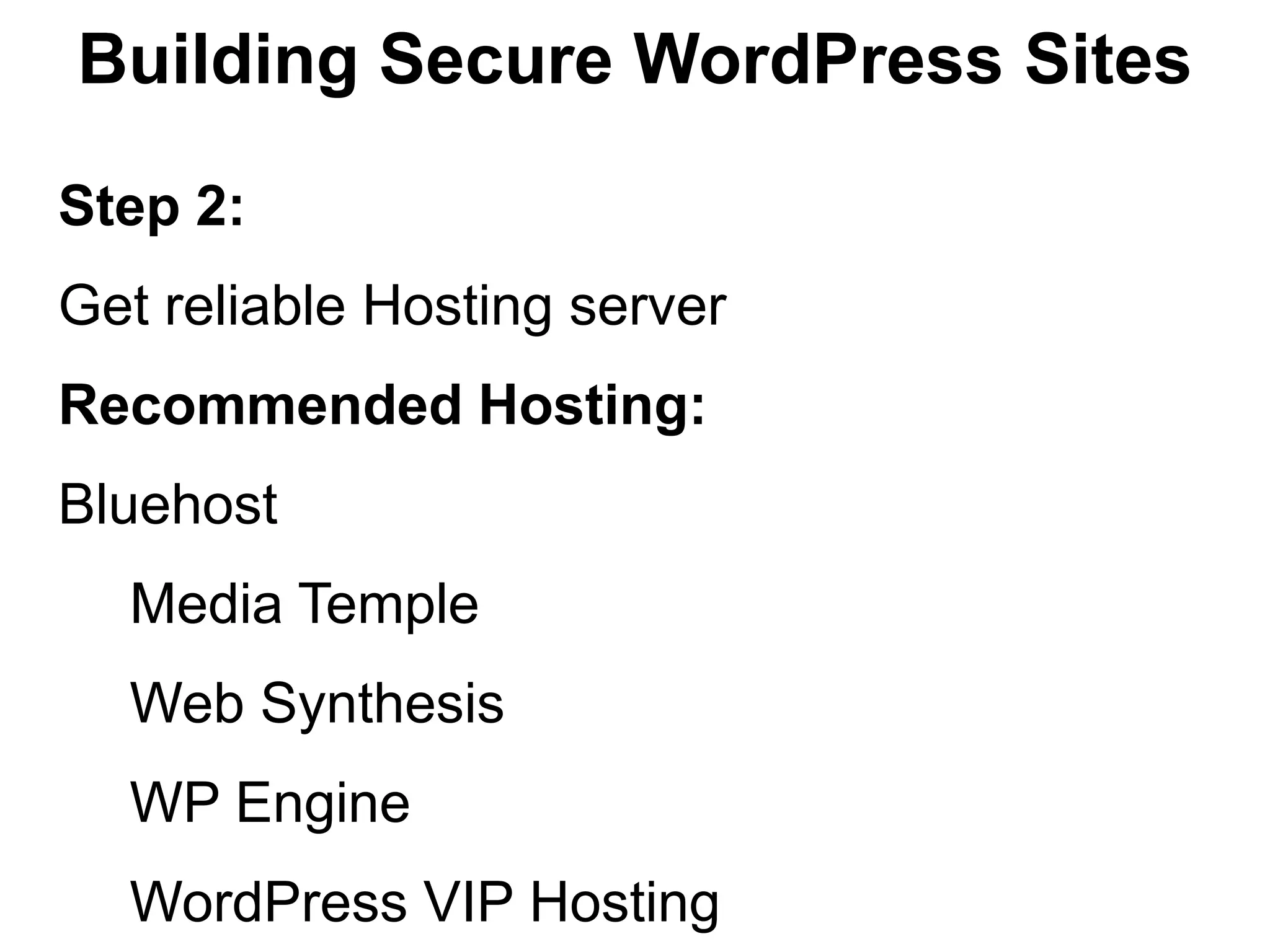
Step 2:
Get reliable Hosting server
Recommended Hosting:
Bluehost
  Media Temple
  Web Synthesis
  WP Engine
  WordPress VIP Hosting
Building Secure WordPress Sites

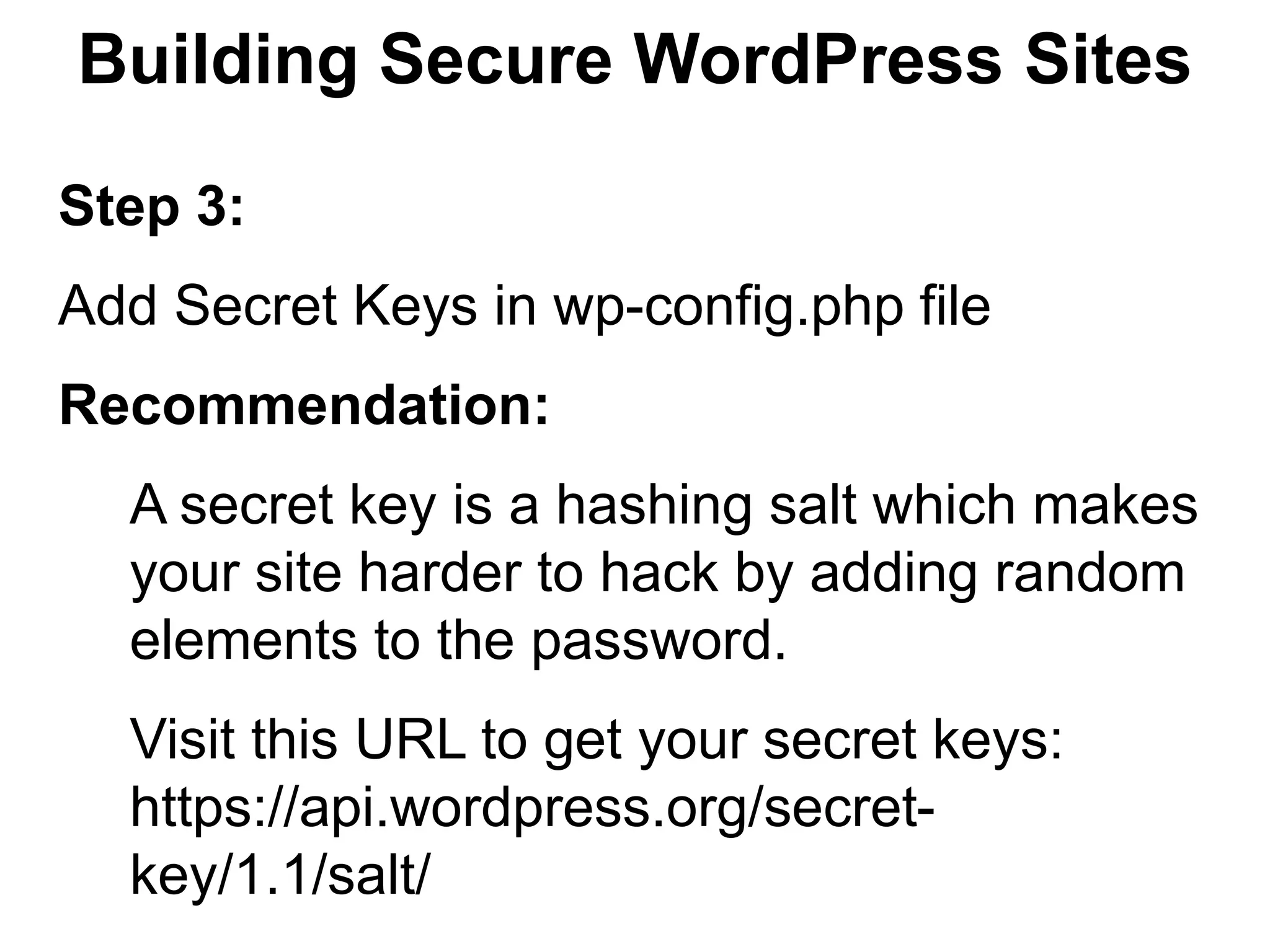
Step 3:
Add Secret Keys in wp-config.php file
Recommendation:
  A secret key is a hashing salt which makes
  your site harder to hack by adding random
  elements to the password.
  Visit this URL to get your secret keys:
  https://api.wordpress.org/secret-
  key/1.1/salt/
Building Secure WordPress Sites

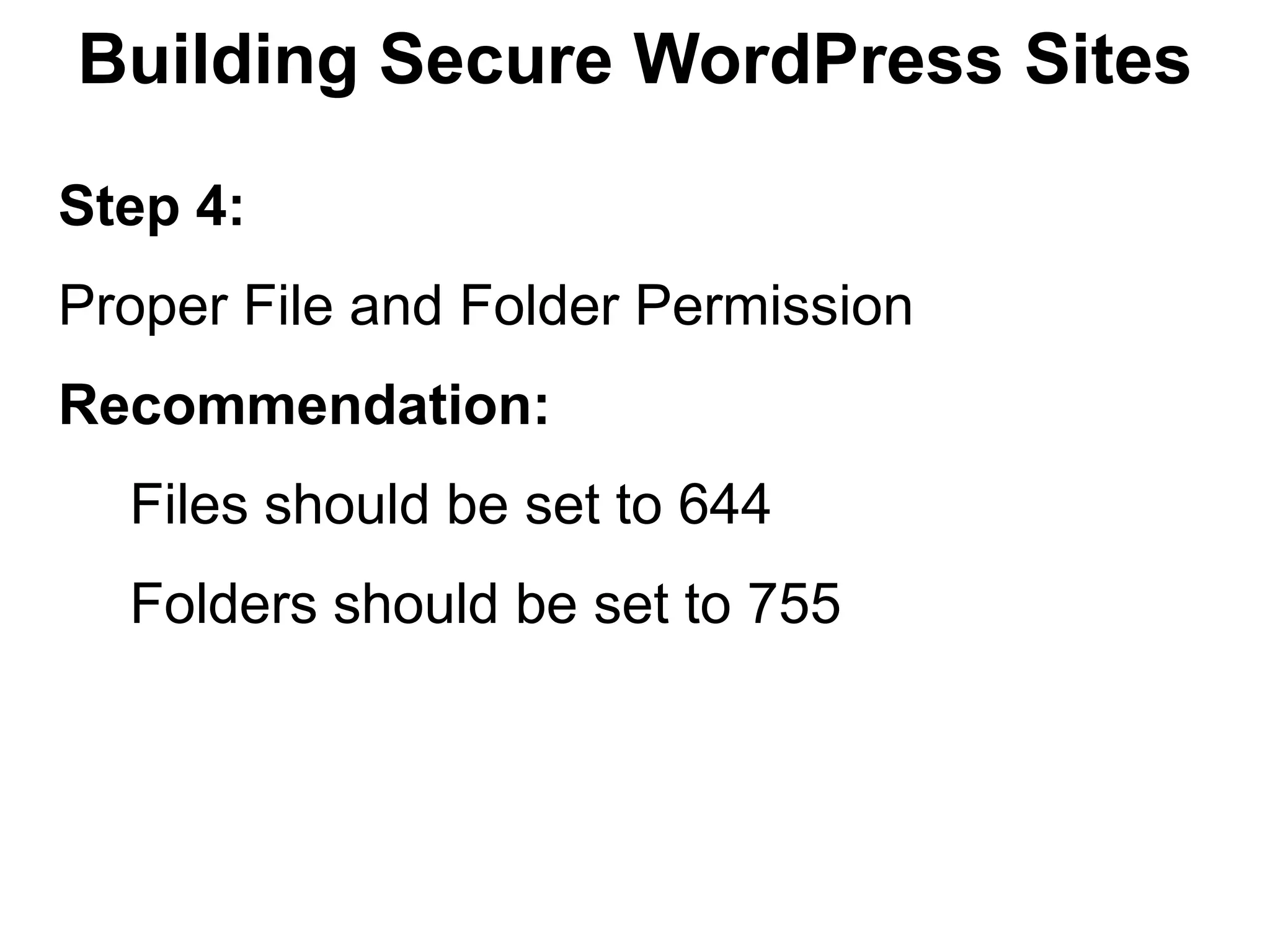
Step 4:
Proper File and Folder Permission
Recommendation:
  Files should be set to 644
  Folders should be set to 755
Building Secure WordPress Sites

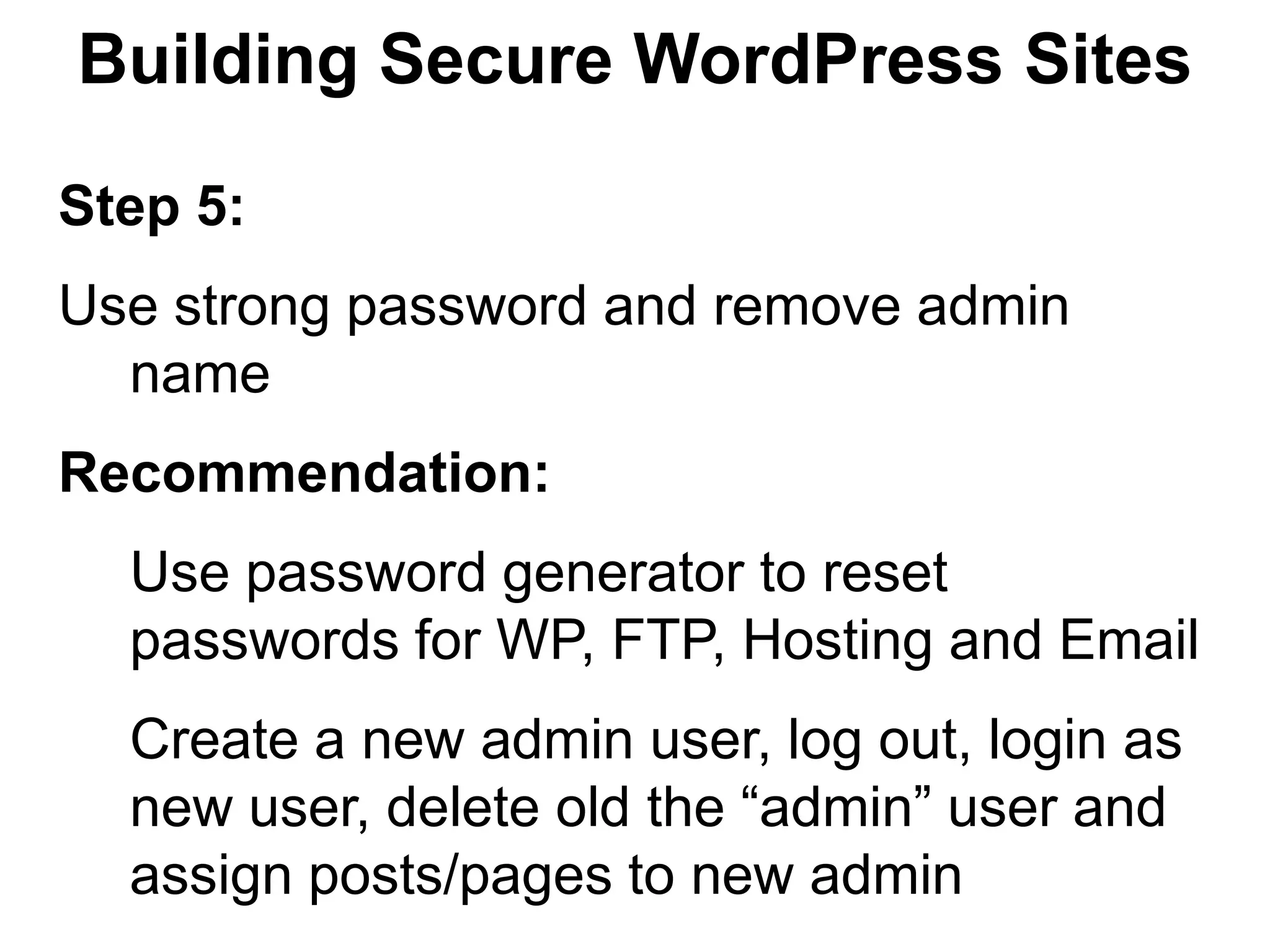
Step 5:
Use strong password and remove admin
  name
Recommendation:
  Use password generator to reset
  passwords for WP, FTP, Hosting and Email
  Create a new admin user, log out, login as
  new user, delete old the “admin” user and
  assign posts/pages to new admin
Building Secure WordPress Sites

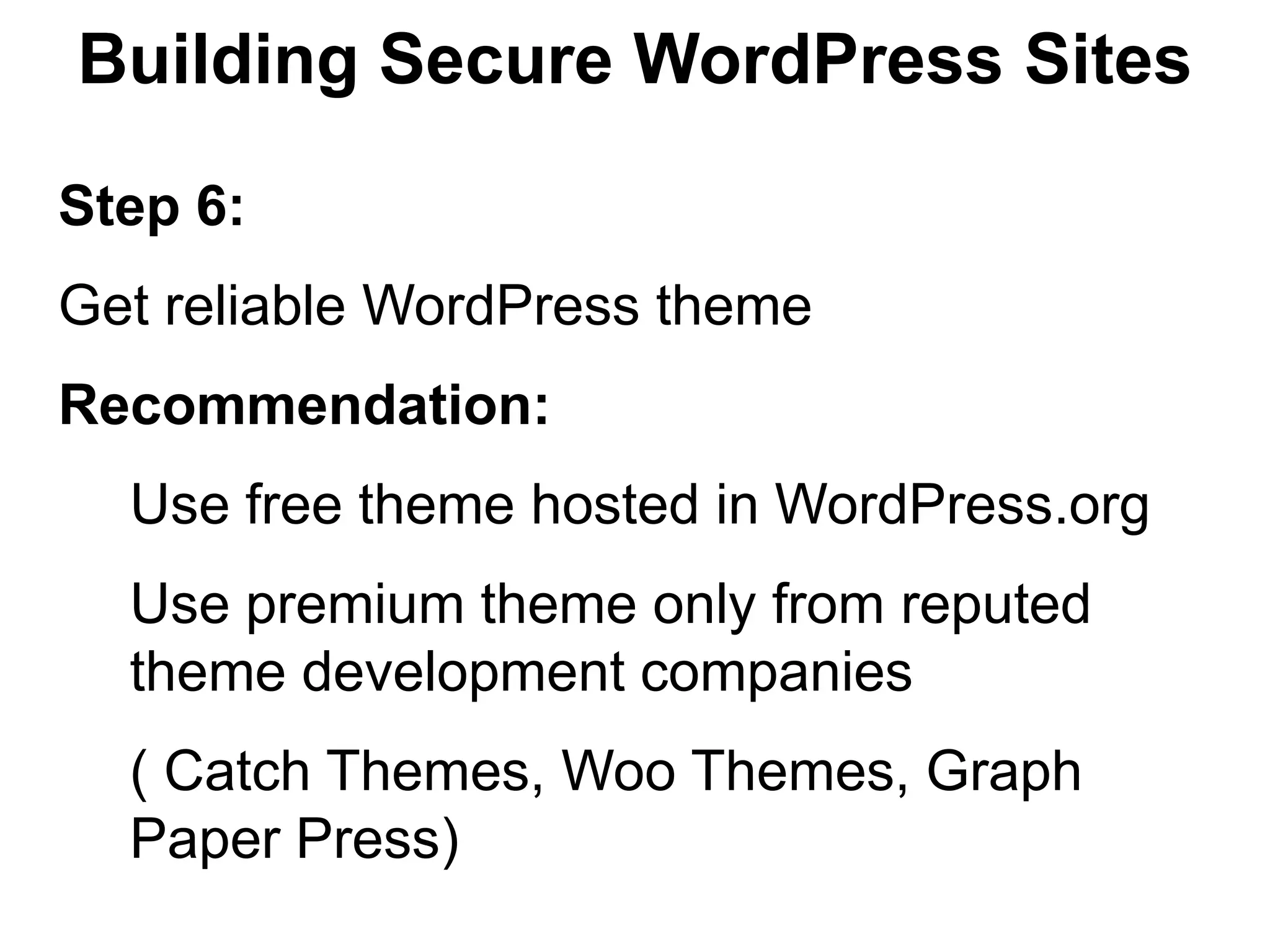
Step 6:
Get reliable WordPress theme
Recommendation:
  Use free theme hosted in WordPress.org
  Use premium theme only from reputed
  theme development companies
  ( Catch Themes, Woo Themes, Graph
  Paper Press)
Building Secure WordPress Sites

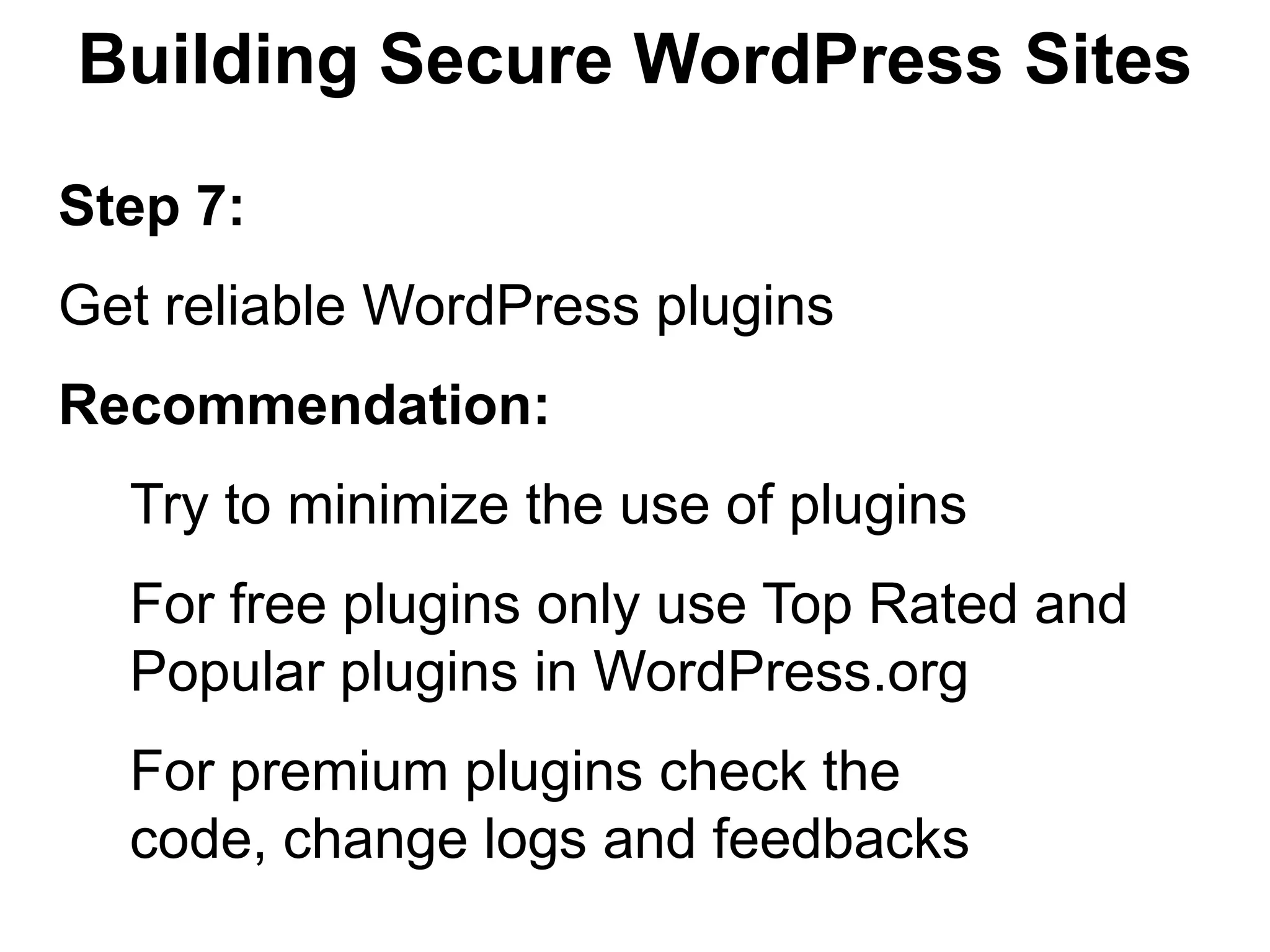
Step 7:
Get reliable WordPress plugins
Recommendation:
  Try to minimize the use of plugins
  For free plugins only use Top Rated and
  Popular plugins in WordPress.org
  For premium plugins check the
  code, change logs and feedbacks
Building Secure WordPress Sites

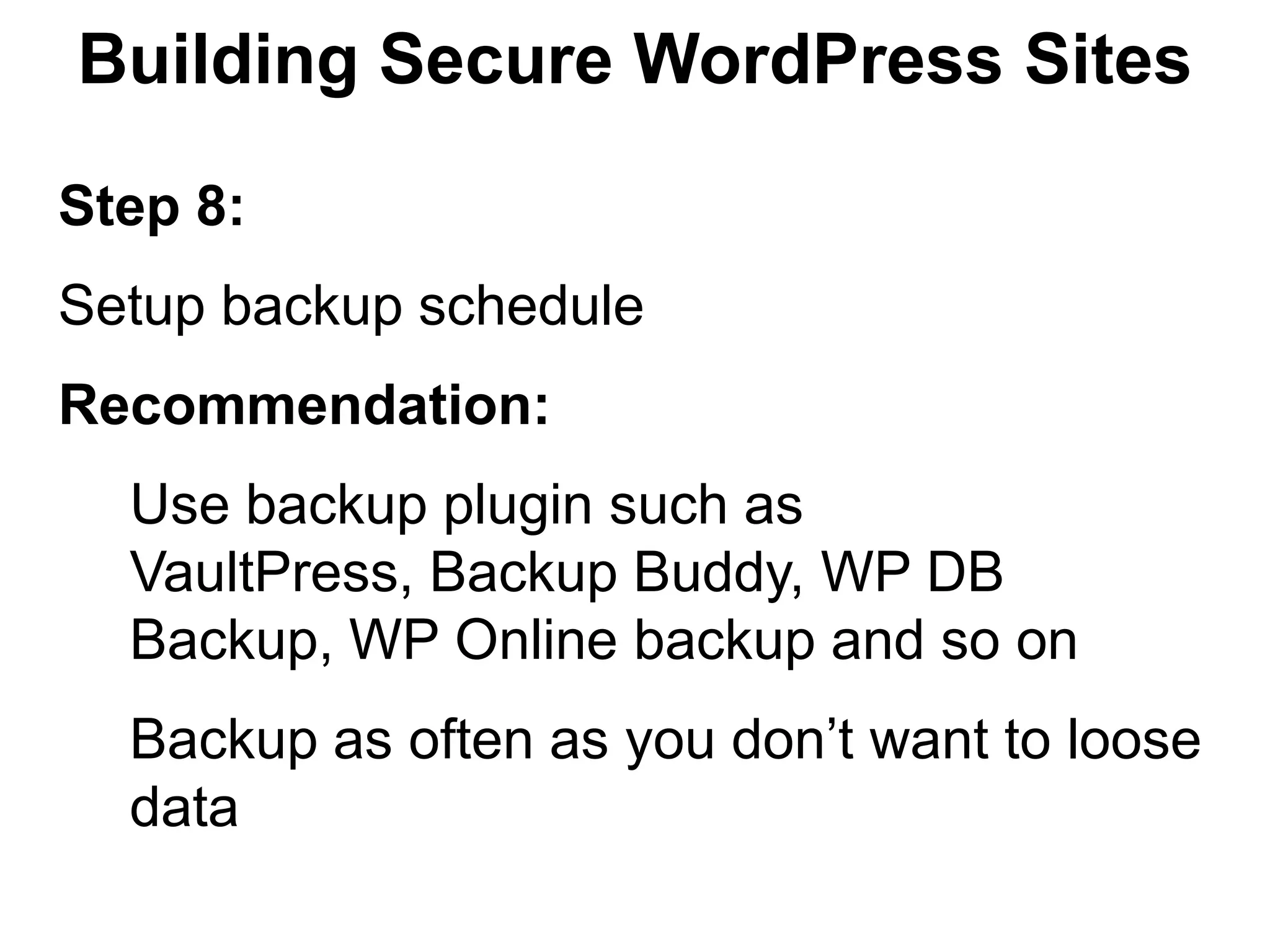
Step 8:
Setup backup schedule
Recommendation:
  Use backup plugin such as
  VaultPress, Backup Buddy, WP DB
  Backup, WP Online backup and so on
  Backup as often as you don’t want to loose
  data
Building Secure WordPress Sites

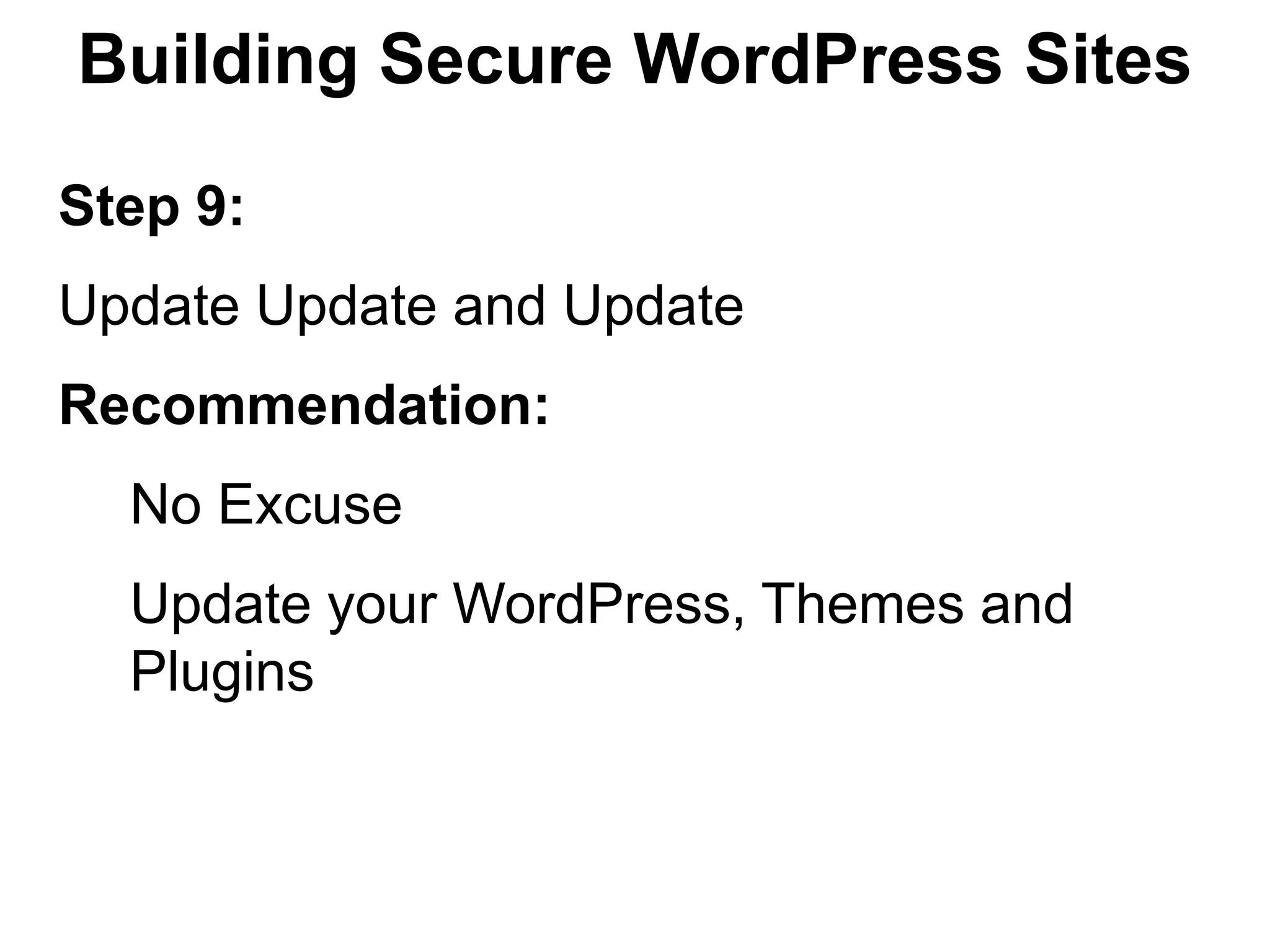
Step 9:
Update Update and Update
Recommendation:
  No Excuse
  Update your WordPress, Themes and
  Plugins
Building Secure WordPress Sites

Step 10:
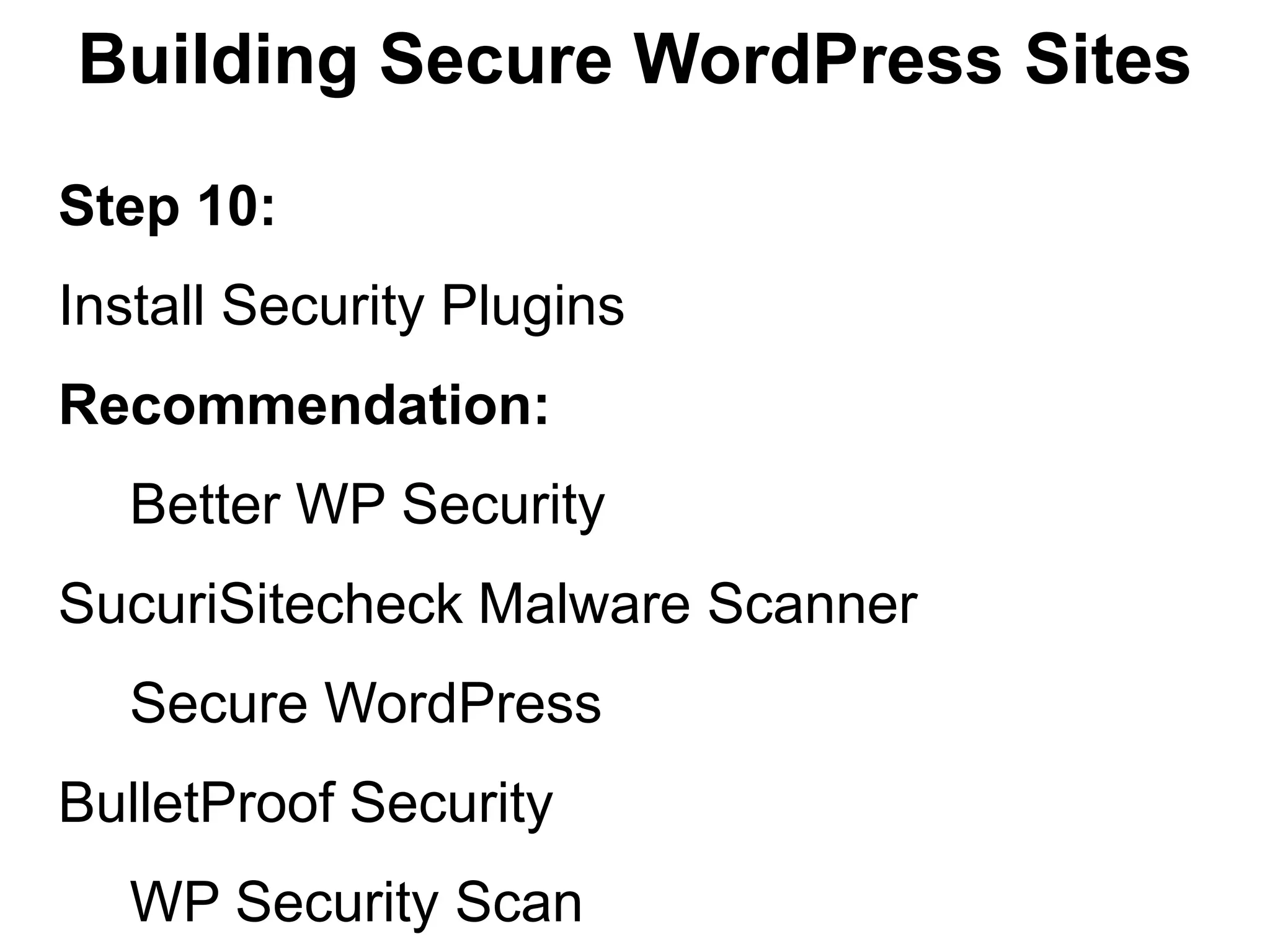
Install Security Plugins
Recommendation:
   Better WP Security
SucuriSitecheck Malware Scanner
   Secure WordPress
BulletProof Security
   WP Security Scan
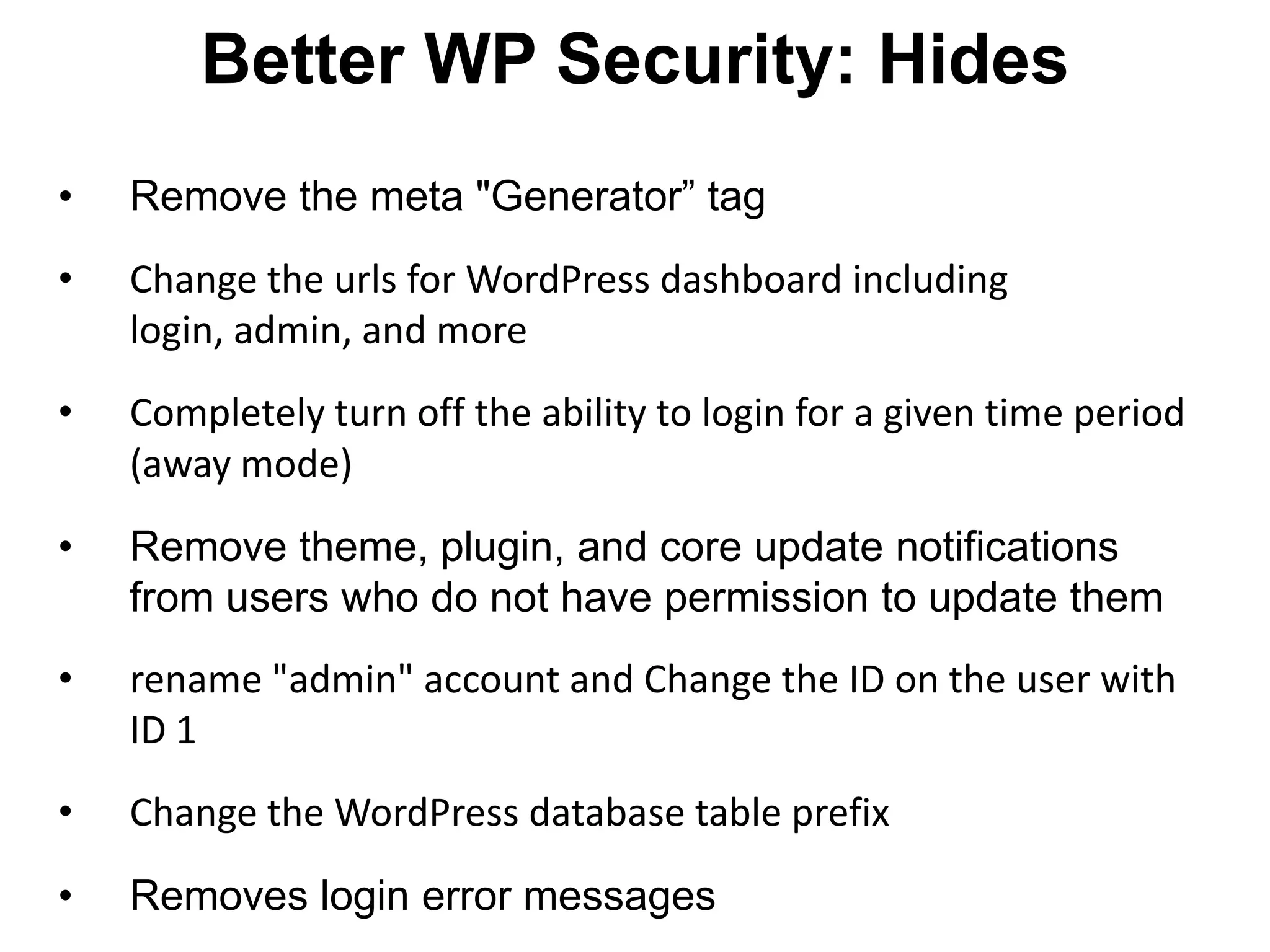
Better WP Security: Hides
•   Remove the meta "Generator” tag
•   Change the urls for WordPress dashboard including
    login, admin, and more
•   Completely turn off the ability to login for a given time period
    (away mode)
•   Remove theme, plugin, and core update notifications
    from users who do not have permission to update them
•   rename "admin" account and Change the ID on the user with
    ID 1
•   Change the WordPress database table prefix
•   Removes login error messages
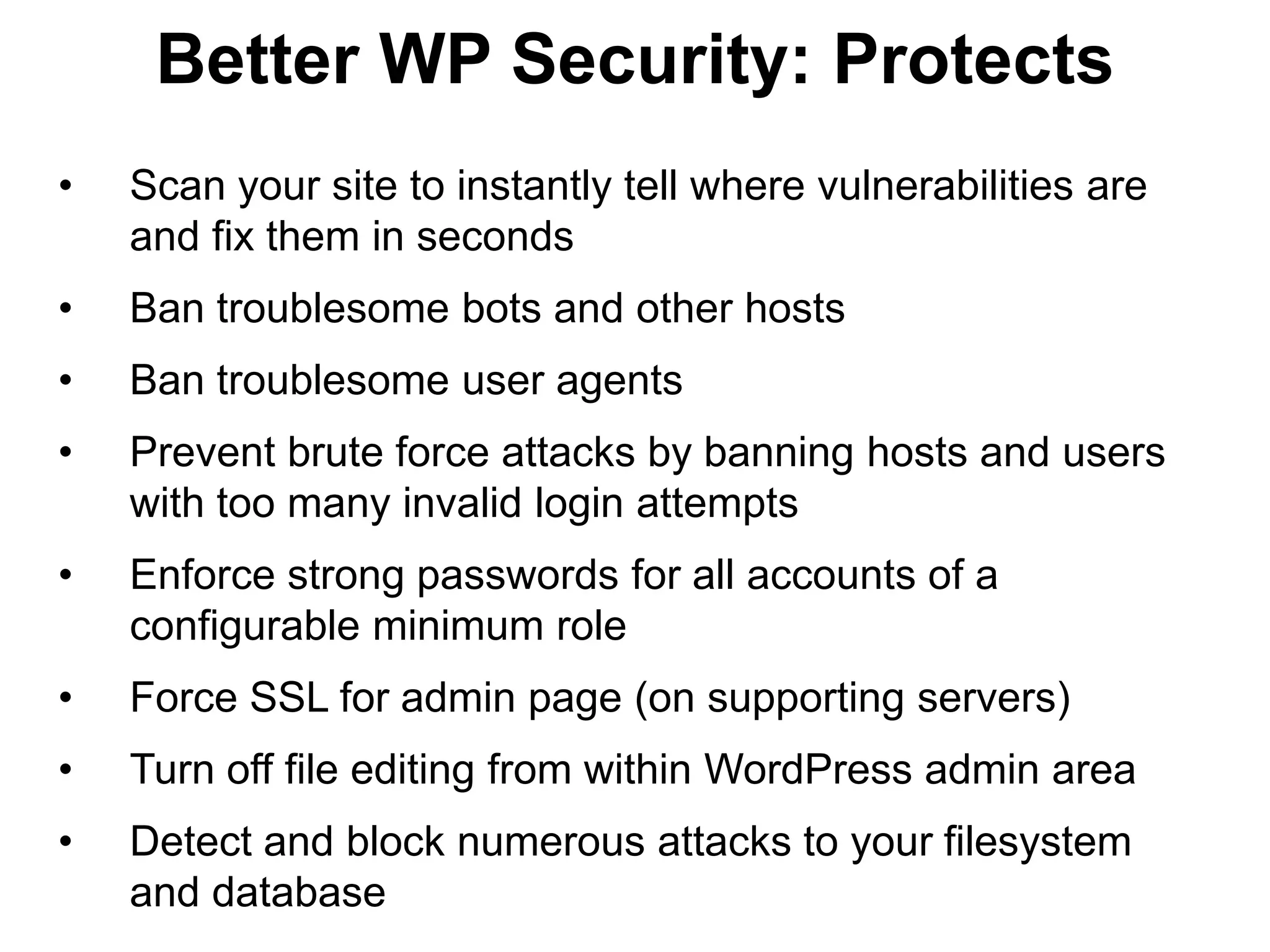
Better WP Security: Protects
•   Scan your site to instantly tell where vulnerabilities are
    and fix them in seconds
•   Ban troublesome bots and other hosts
•   Ban troublesome user agents
•   Prevent brute force attacks by banning hosts and users
    with too many invalid login attempts
•   Enforce strong passwords for all accounts of a
    configurable minimum role
•   Force SSL for admin page (on supporting servers)
•   Turn off file editing from within WordPress admin area
•   Detect and block numerous attacks to your filesystem
    and database
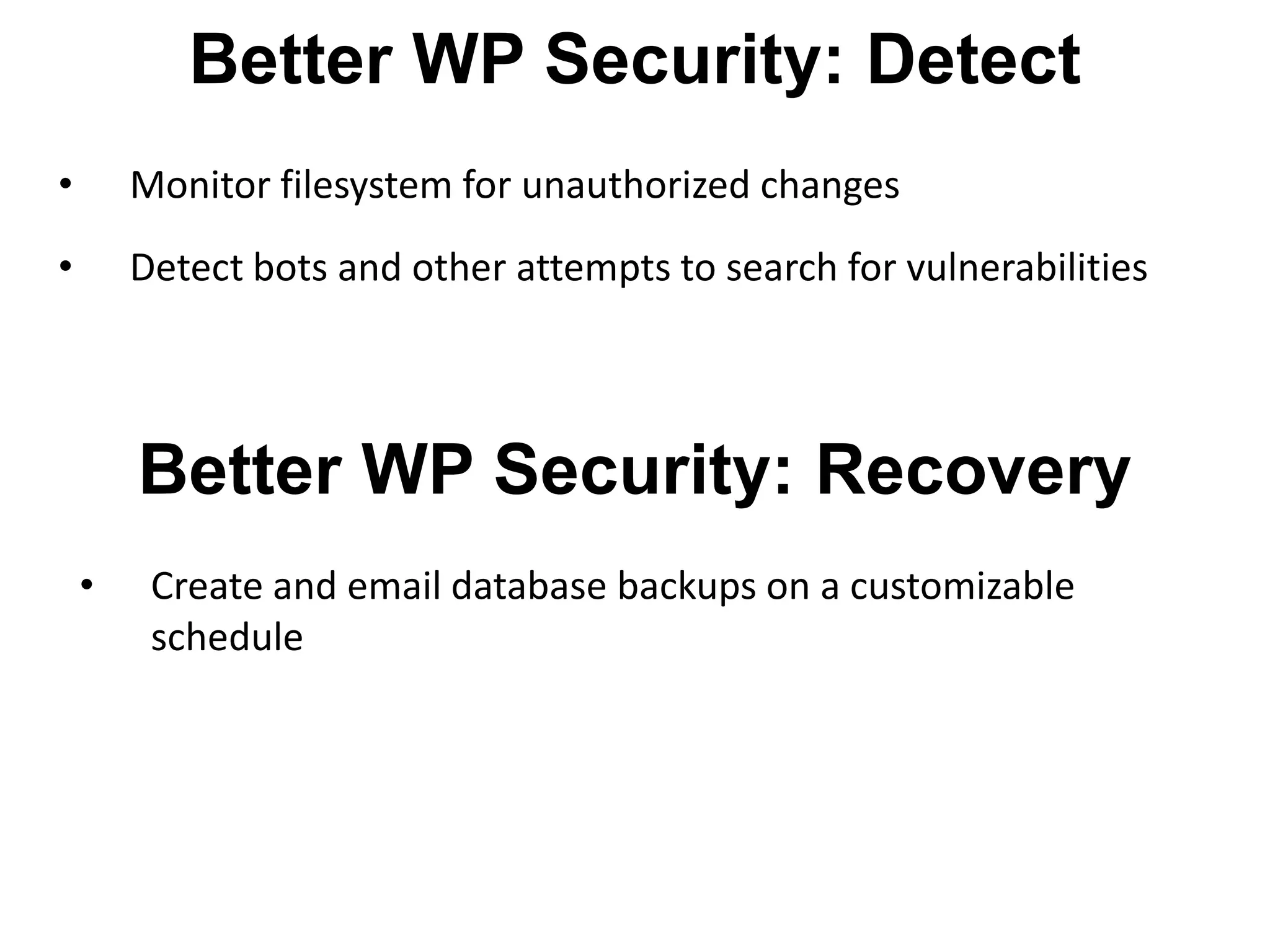
Better WP Security: Detect
•       Monitor filesystem for unauthorized changes
•       Detect bots and other attempts to search for vulnerabilities


        Better WP Security: Recovery
    •    Create and email database backups on a customizable
         schedule
Resources for WordPress Security
Security Related Articles
• http://codex.wordpress.org/Hardening_WordPress
• http://blog.sucuri.net/2012/04/lockdown-wordpress-a-
   security-webinar-with-dre-armeda.html
• http://blog.sucuri.net/2012/04/ask-sucuri-how-to-stop-the-
   hacker-and-ensure-your-site-is-locked.html
• http://catchinternet.com/blog/wordpress-security-tips/

Clean a Hacked Site
• http://codex.wordpress.org/FAQ_My_site_was_hacked
• http://www.marketingtechblog.com/wordpress-hacked/
• http://sakinshrestha.com/wordpress/fix-if-your-wordpress-
   site-is-hacked/
Resources for WordPress Security
Support Forums
• Hacked: http://wordpress.org/tags/hacked
• Malware: http://wordpress.org/tags/malware
Building Secure
WordPress Sites
      Sakin Shrestha
Blog: http://sakinshrestha.com
Email: sakin@catchinternet.com
   Twitter: @sakinshrestha

Building Secure WordPress Sites

  • 2.
    Building Secure WordPress Sites By Sakin Shrestha Blog: http://sakinshrestha.com Email: sakin@catchinternet.com Twitter: @sakinshrestha
  • 3.
    Sakin Shrestha • Founder of Catch Internet and Catch Themes • WordPress Theme Developer • Business Consultant • Member of WordPress Theme Review Team
  • 4.
    WordPress • Most PopularOpen Source Web Application • 17% of the Websites in the World • 1 in 6 websites
  • 5.
    Top 10 MythsThat We Live By Source: http://www.problogger.net/archives/2012/08/29/top-10- wordpress-security-myths/
  • 6.
    The Myths WeLive By Myth 1: WordPress is not Secure Reality: • Old versions of WordPress are NOT secure • Current WordPress version is secure
  • 7.
    The Myths WeLive By Myth 2: Nobody wants to hack my site Reality: • Most hacking attempts are automated • Once your site is on public web hosting, you need to protect it. • When using WordPress you need to keep theme and plugins updated
  • 8.
    The Myths WeLive By Myth 3: My WordPress site is 100% secured Reality: • No site that’s accessible on the internet will ever be 100% secure. • You need to have a good backup available
  • 9.
    The Myths WeLive By Myth 4: Updating my themes and plugins whenever I log in is good enough Reality: • It’s not. You need to update it ASAP • Timthumb script exploit was discovered and exploited on a mass number of blogs within DAYS!
  • 10.
    The Myths WeLive By Myth 5: I only use themes and plugins from wordpress.org, so I’m safe Reality: • Plugins and themes are the #1 way hackers gain access to your site • Only WordPress current Core is secure • WordPress.org is safer but not sure bet
  • 11.
    The Myths WeLive By Myth 6: If I de-activate a theme or plugin, there is no risk Reality: • There is risk • Because even files of de-activated plugins and themes can be access via the Internet
  • 12.
    The Myths WeLive By Myth 7: My site is secured by Security Plugins Reality: • It just add layer of protection • It won’t help much if a hacker gains access to your online session & password, or sensitive files • It won’t help if the hosting server is compromised
  • 13.
    The Myths WeLive By Myth 8: If my site is compromised I will quickly find out Reality: • Many hacks are invisible to visitors and only visible to bots • You may not know until your site has been blacklisted by Google • Use site monitoring service or plugin
  • 14.
    The Myths WeLive By Myth 9: My password is good enough Reality: • A normal 8 characters or less password can be decoded easily. • Try using mix of characters, numbers and special characters • Use password generator tools
  • 15.
    The Myths WeLive By Myth 10: If my site is hacked, my hosting can restore it for me Reality: • Yes if you have premium hosting severs like WordPress VIP Hosting • No for normal hosting.
  • 16.
  • 17.
    Building Secure WordPressSites Step 1: Secure your own Computer Recommendation: Keep it private Run anti-virus software regularly Don’t login via insecure or public WIFI network Be careful of sites you click on.
  • 18.
    Building Secure WordPressSites Step 2: Get reliable Hosting server Recommended Hosting: Bluehost Media Temple Web Synthesis WP Engine WordPress VIP Hosting
  • 19.
    Building Secure WordPressSites Step 3: Add Secret Keys in wp-config.php file Recommendation: A secret key is a hashing salt which makes your site harder to hack by adding random elements to the password. Visit this URL to get your secret keys: https://api.wordpress.org/secret- key/1.1/salt/
  • 20.
    Building Secure WordPressSites Step 4: Proper File and Folder Permission Recommendation: Files should be set to 644 Folders should be set to 755
  • 21.
    Building Secure WordPressSites Step 5: Use strong password and remove admin name Recommendation: Use password generator to reset passwords for WP, FTP, Hosting and Email Create a new admin user, log out, login as new user, delete old the “admin” user and assign posts/pages to new admin
  • 22.
    Building Secure WordPressSites Step 6: Get reliable WordPress theme Recommendation: Use free theme hosted in WordPress.org Use premium theme only from reputed theme development companies ( Catch Themes, Woo Themes, Graph Paper Press)
  • 23.
    Building Secure WordPressSites Step 7: Get reliable WordPress plugins Recommendation: Try to minimize the use of plugins For free plugins only use Top Rated and Popular plugins in WordPress.org For premium plugins check the code, change logs and feedbacks
  • 24.
    Building Secure WordPressSites Step 8: Setup backup schedule Recommendation: Use backup plugin such as VaultPress, Backup Buddy, WP DB Backup, WP Online backup and so on Backup as often as you don’t want to loose data
  • 25.
    Building Secure WordPressSites Step 9: Update Update and Update Recommendation: No Excuse Update your WordPress, Themes and Plugins
  • 26.
    Building Secure WordPressSites Step 10: Install Security Plugins Recommendation: Better WP Security SucuriSitecheck Malware Scanner Secure WordPress BulletProof Security WP Security Scan
  • 27.
    Better WP Security:Hides • Remove the meta "Generator” tag • Change the urls for WordPress dashboard including login, admin, and more • Completely turn off the ability to login for a given time period (away mode) • Remove theme, plugin, and core update notifications from users who do not have permission to update them • rename "admin" account and Change the ID on the user with ID 1 • Change the WordPress database table prefix • Removes login error messages
  • 28.
    Better WP Security:Protects • Scan your site to instantly tell where vulnerabilities are and fix them in seconds • Ban troublesome bots and other hosts • Ban troublesome user agents • Prevent brute force attacks by banning hosts and users with too many invalid login attempts • Enforce strong passwords for all accounts of a configurable minimum role • Force SSL for admin page (on supporting servers) • Turn off file editing from within WordPress admin area • Detect and block numerous attacks to your filesystem and database
  • 29.
    Better WP Security:Detect • Monitor filesystem for unauthorized changes • Detect bots and other attempts to search for vulnerabilities Better WP Security: Recovery • Create and email database backups on a customizable schedule
  • 30.
    Resources for WordPressSecurity Security Related Articles • http://codex.wordpress.org/Hardening_WordPress • http://blog.sucuri.net/2012/04/lockdown-wordpress-a- security-webinar-with-dre-armeda.html • http://blog.sucuri.net/2012/04/ask-sucuri-how-to-stop-the- hacker-and-ensure-your-site-is-locked.html • http://catchinternet.com/blog/wordpress-security-tips/ Clean a Hacked Site • http://codex.wordpress.org/FAQ_My_site_was_hacked • http://www.marketingtechblog.com/wordpress-hacked/ • http://sakinshrestha.com/wordpress/fix-if-your-wordpress- site-is-hacked/
  • 31.
    Resources for WordPressSecurity Support Forums • Hacked: http://wordpress.org/tags/hacked • Malware: http://wordpress.org/tags/malware
  • 32.
    Building Secure WordPress Sites Sakin Shrestha Blog: http://sakinshrestha.com Email: sakin@catchinternet.com Twitter: @sakinshrestha