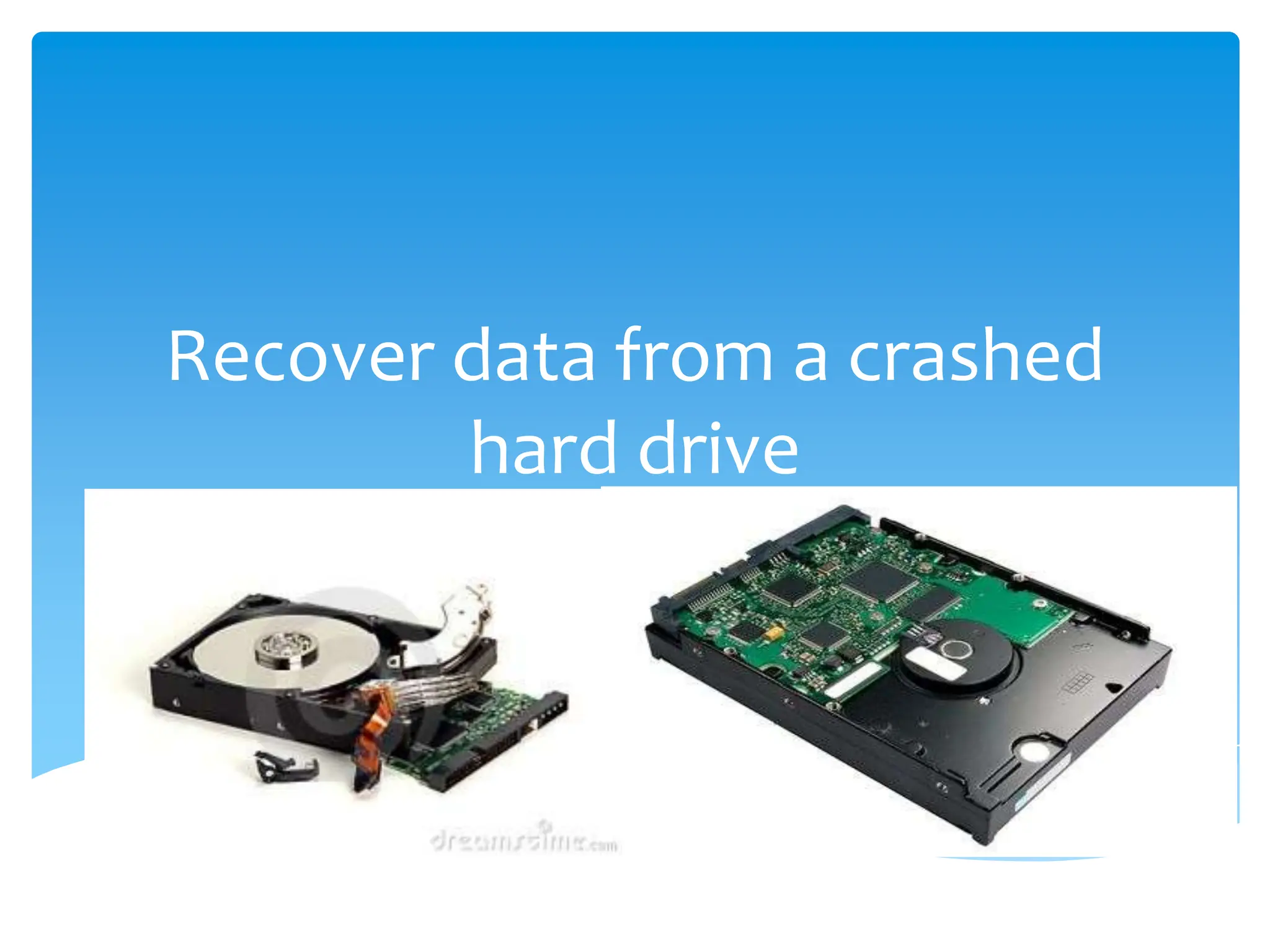
Recover data from a crashed
        hard drive
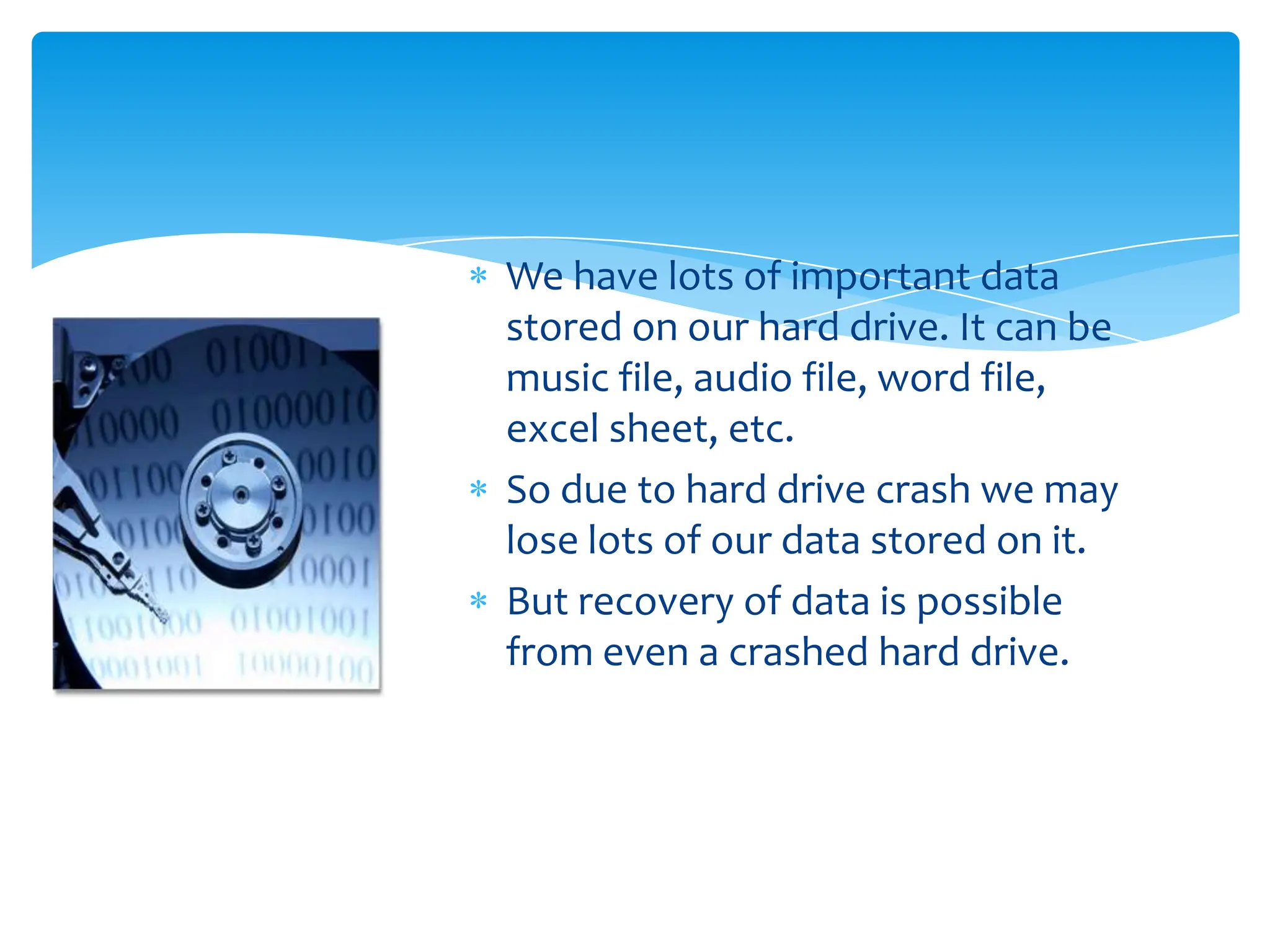
We have lots of important data
stored on our hard drive. It can be
music file, audio file, word file,
excel sheet, etc.
So due to hard drive crash we may
lose lots of our data stored on it.
But recovery of data is possible
from even a crashed hard drive.
Is it hard drive crash or boot failure?
           It may seem to you that your hard drive has been
           crashed but it can also happen that your Mac has
           suffered a Boot Failure.
          Steps to confirm hard drive crash or boot failure:
           1) Connect the crashed Mac to a working Mac using
           a firewire cable.
           2) Turn on the crashed Mac by pressing the ‘T’ key.
           3) Now, if the hard drive of the crashed Mac is
           visible then it is a problem with the OS only and not
           with the hard drive.
           4) Re-install OS in the crashed Mac and get free
           from this issue.

         But if the HDD do not showed up then it is hard drive
         crash.
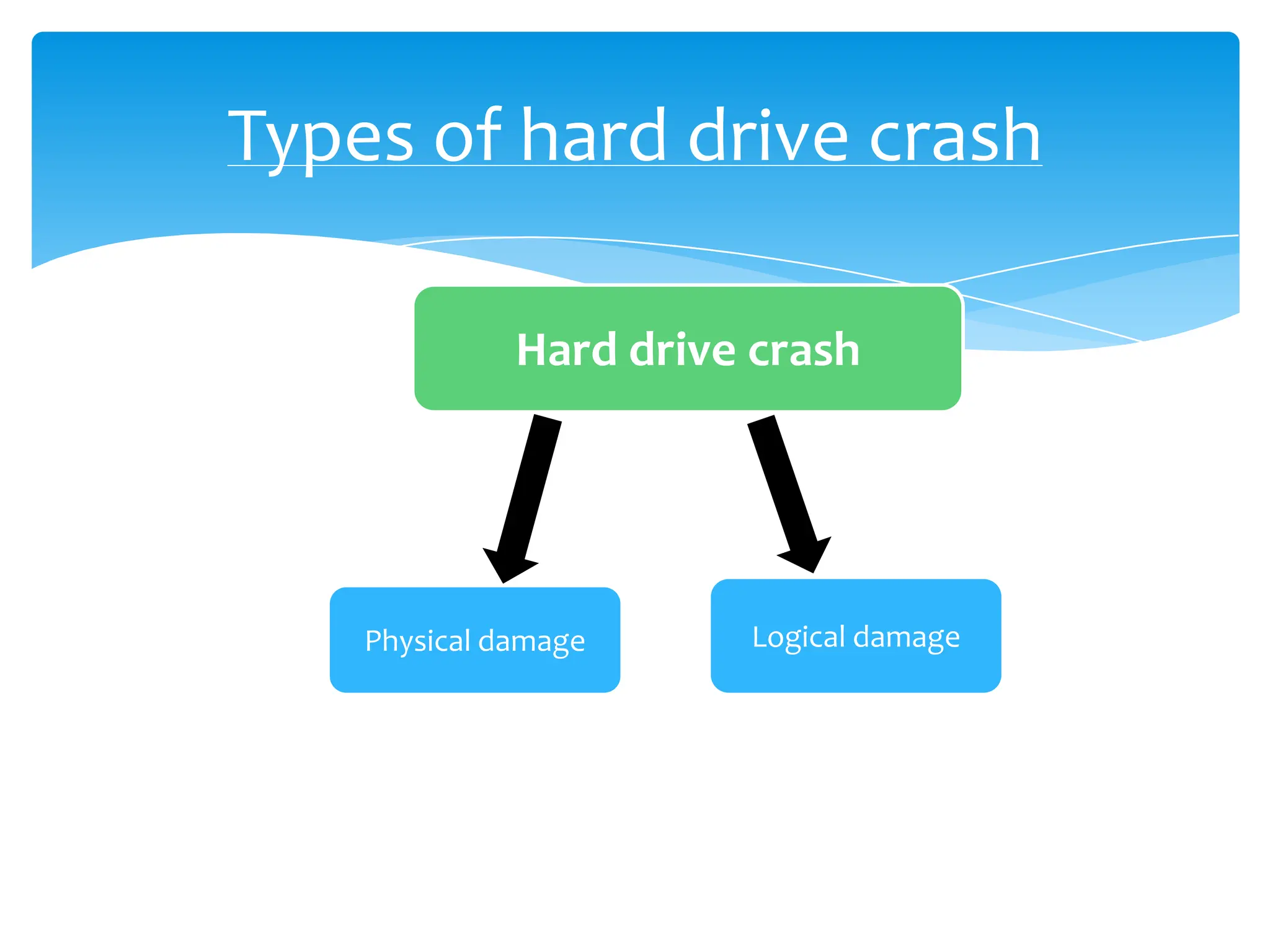
Types of hard drive crash

              Hard drive crash


    Physical damage     Logical damage
Physical defect of hard drive
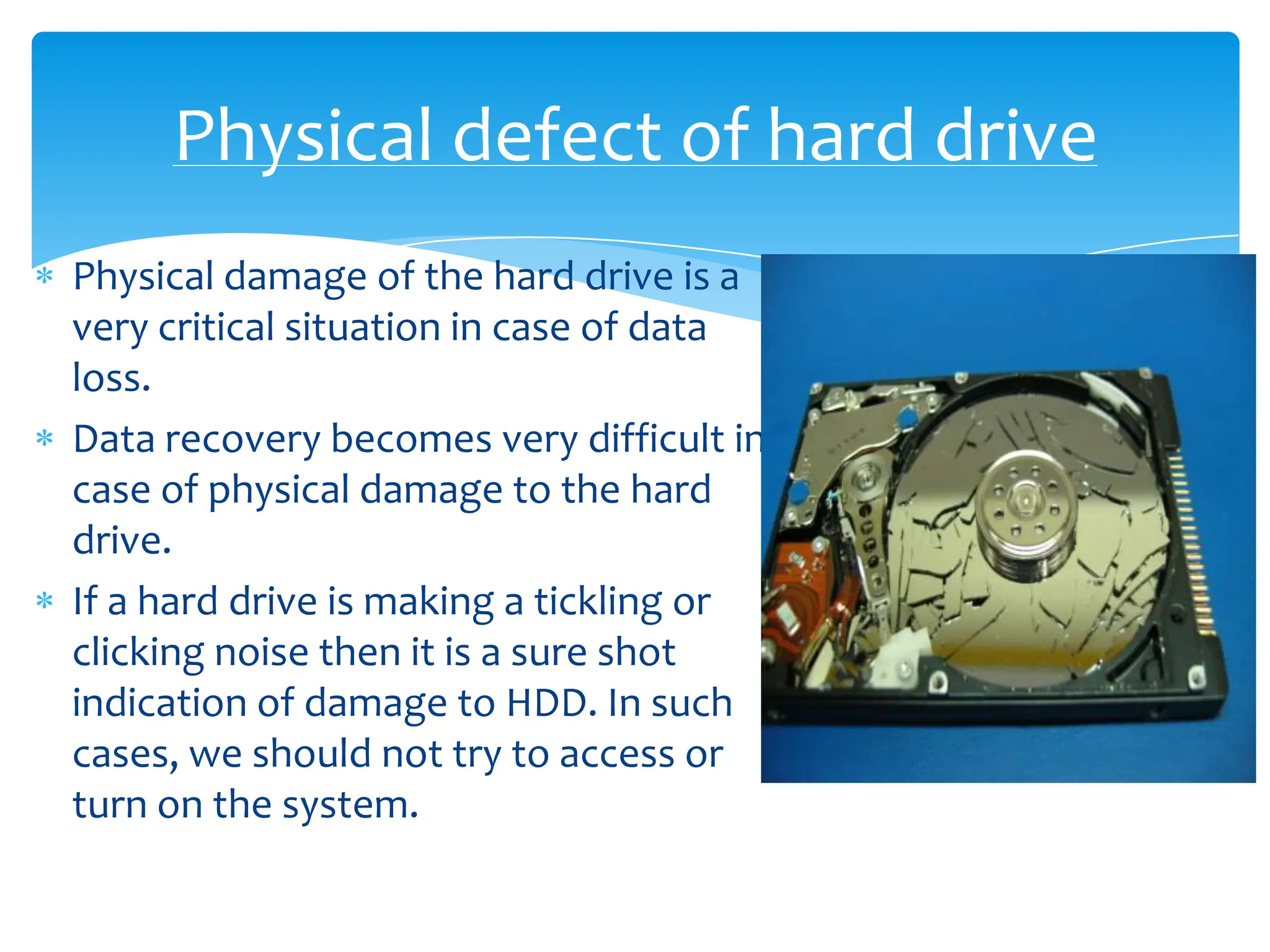
Physical damage of the hard drive is a
very critical situation in case of data
loss.
Data recovery becomes very difficult in
case of physical damage to the hard
drive.
If a hard drive is making a tickling or
clicking noise then it is a sure shot
indication of damage to HDD. In such
cases, we should not try to access or
turn on the system.
Logical Damage to HDD


In logical damage, mostly there is problem either with
the file system or the boot sector of the system.
The symptoms of logical defect can be if your Mac is
not booting up or even if it starts booting then, it gets
off in the middle of booting process.
Sometimes viruses or malwares can also affect the file
system.
How to do recovery from crashed
             HDD

     If you have created backup, then recover data
     from the backup of HDD.
     In case you have priorly created the image then
     you can use the image to do the recovery.

   But, in case you have neither the backup nor the
   image then the only option left is to contact data
   recovery experts like Stellar Phoenix Data
   Recovery.
Recovery Tips
If your hard drive is logically corrupted, then you can
recover it using Stellar Phoenix Mac Data Recovery. This
software will recover all your data from the logically
crashed HDD.
But if the hard drive is physically damaged, then you
must contact Stellar Data Recovery to fix the issue. In
Stellar, the specially designed hard drive recovery rooms
i.e. 100 clean room are used to recover data from the
physically damaged HDD.
By:
        Tom Addison

  Author Bio:
        Tom Addison is a data recovery expert and
provides tips and tricks to recover data in the event of
data loss. For any query you can contact on
tomaddison19@gmail.com
Recover data from a crashed hard drive

  • 1.
    Recover data froma crashed hard drive
  • 2.
    We have lotsof important data stored on our hard drive. It can be music file, audio file, word file, excel sheet, etc. So due to hard drive crash we may lose lots of our data stored on it. But recovery of data is possible from even a crashed hard drive.
  • 3.
    Is it harddrive crash or boot failure? It may seem to you that your hard drive has been crashed but it can also happen that your Mac has suffered a Boot Failure. Steps to confirm hard drive crash or boot failure: 1) Connect the crashed Mac to a working Mac using a firewire cable. 2) Turn on the crashed Mac by pressing the ‘T’ key. 3) Now, if the hard drive of the crashed Mac is visible then it is a problem with the OS only and not with the hard drive. 4) Re-install OS in the crashed Mac and get free from this issue. But if the HDD do not showed up then it is hard drive crash.
  • 4.
    Types of harddrive crash Hard drive crash Physical damage Logical damage
  • 5.
    Physical defect ofhard drive Physical damage of the hard drive is a very critical situation in case of data loss. Data recovery becomes very difficult in case of physical damage to the hard drive. If a hard drive is making a tickling or clicking noise then it is a sure shot indication of damage to HDD. In such cases, we should not try to access or turn on the system.
  • 6.
    Logical Damage toHDD In logical damage, mostly there is problem either with the file system or the boot sector of the system. The symptoms of logical defect can be if your Mac is not booting up or even if it starts booting then, it gets off in the middle of booting process. Sometimes viruses or malwares can also affect the file system.
  • 7.
    How to dorecovery from crashed HDD If you have created backup, then recover data from the backup of HDD. In case you have priorly created the image then you can use the image to do the recovery. But, in case you have neither the backup nor the image then the only option left is to contact data recovery experts like Stellar Phoenix Data Recovery.
  • 8.
    Recovery Tips If yourhard drive is logically corrupted, then you can recover it using Stellar Phoenix Mac Data Recovery. This software will recover all your data from the logically crashed HDD. But if the hard drive is physically damaged, then you must contact Stellar Data Recovery to fix the issue. In Stellar, the specially designed hard drive recovery rooms i.e. 100 clean room are used to recover data from the physically damaged HDD.
  • 9.
    By: Tom Addison Author Bio: Tom Addison is a data recovery expert and provides tips and tricks to recover data in the event of data loss. For any query you can contact on tomaddison19@gmail.com