Aplore

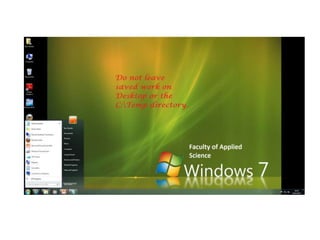
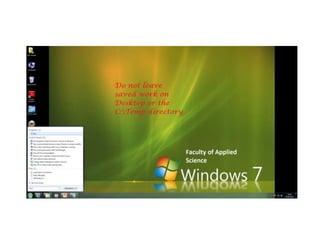
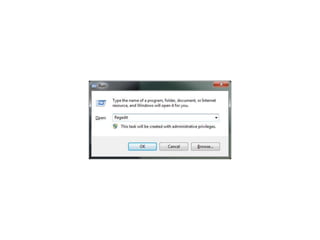
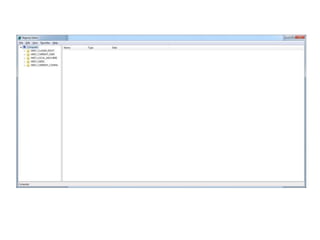
1.Click Start>Run, type Regedit then hit the Enter key.
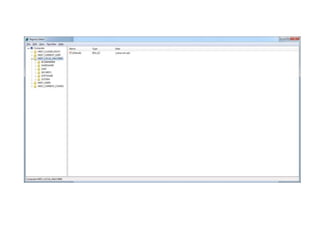
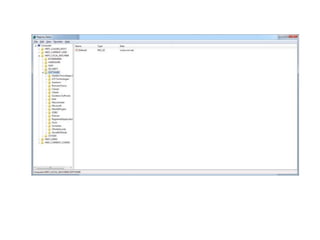
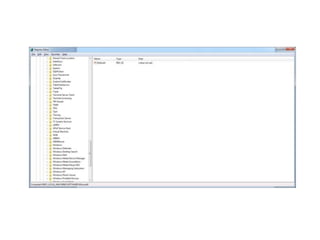
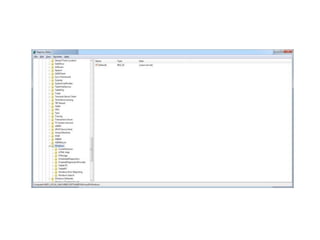
2.In the left panel, double click the following:
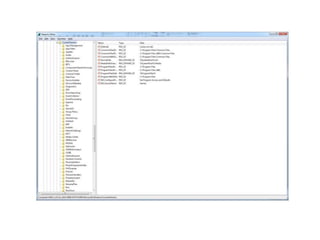
HKEY_LOCAL_MACHINE>Software>Microsoft>Windows>CurrentVersion>Run
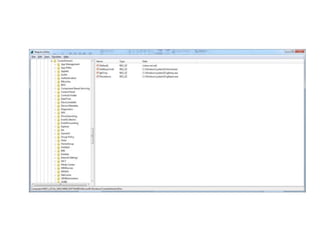
3.In the right panel, look for and then delete this registry entry:
Explorer=%SYSTEM%explorer.exe
4.Close the registry.
5.Restart your system.
6.Open your Windows System directory, which is usually at C:WindowsSystem. Click
Start>Run, type C:WindowsSystem or your Windows System directory then hit the
Enter key.
7.In the Windows System directory, look for and then delete these files:
 ¦EXPLORER.EXE (copy of itself)
 ¦PSECURE20X-CGI-INSTALL.VERSION6.01.BIN.HX.COM (copy of itself)
 ¦EMAIL.VBS (detected as VBS_PSECURE.A)
 ¦INDEX.HTML (detected as HTML_PSECURE.A)
 ¦APHEX.JPG (image)
 ¦HWND32.DLL (program usually truncates to 0 byte)
8.Scan your system
WRONG!!!
WRONG!!!
WRONG!!!
WRONG!!!
WRONG!!!
WRONG!!!
WRONG!!!
WRONG!!!
WRONG!!!
WRONG!!!
WRONG!!!
WELL DONE!!!

Yerbuddy18

  • 1.
    Aplore 1.Click Start>Run, typeRegedit then hit the Enter key. 2.In the left panel, double click the following: HKEY_LOCAL_MACHINE>Software>Microsoft>Windows>CurrentVersion>Run 3.In the right panel, look for and then delete this registry entry: Explorer=%SYSTEM%explorer.exe 4.Close the registry. 5.Restart your system. 6.Open your Windows System directory, which is usually at C:WindowsSystem. Click Start>Run, type C:WindowsSystem or your Windows System directory then hit the Enter key. 7.In the Windows System directory, look for and then delete these files: ¦EXPLORER.EXE (copy of itself) ¦PSECURE20X-CGI-INSTALL.VERSION6.01.BIN.HX.COM (copy of itself) ¦EMAIL.VBS (detected as VBS_PSECURE.A) ¦INDEX.HTML (detected as HTML_PSECURE.A) ¦APHEX.JPG (image) ¦HWND32.DLL (program usually truncates to 0 byte) 8.Scan your system
  • 3.
  • 5.
  • 7.
  • 9.
  • 11.
  • 13.
  • 15.
  • 17.
  • 19.
  • 21.
  • 23.
  • 24.