Oracle SOA Dynamically set JCA properties for File Move/Delete/Copy
service.
Oracle SOA 11.1.1.5 Dynamically set JCA properties for File Move/Delete/Copy service.
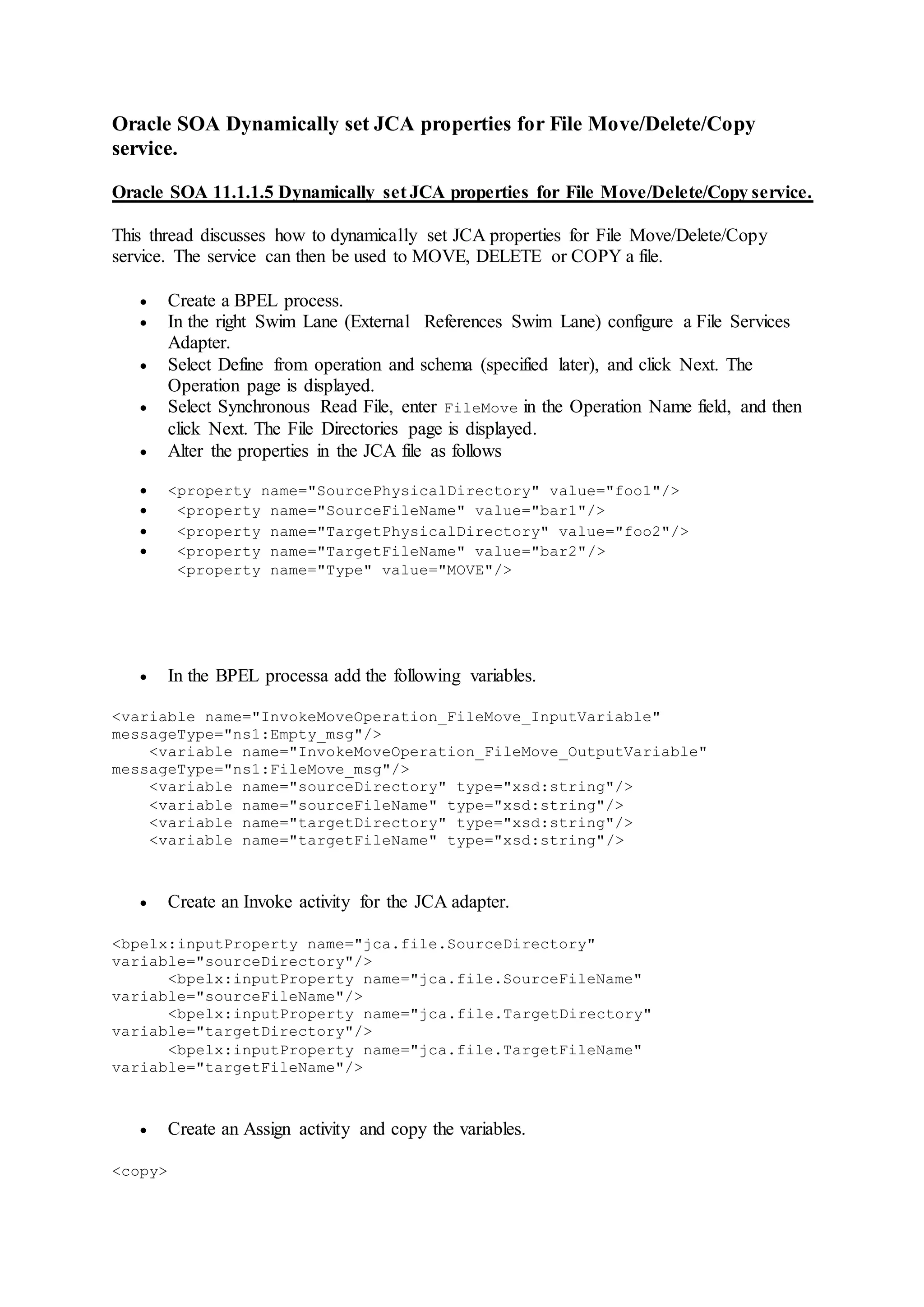
This thread discusses how to dynamically set JCA properties for File Move/Delete/Copy
service. The service can then be used to MOVE, DELETE or COPY a file.
 Create a BPEL process.
 In the right Swim Lane (External References Swim Lane) configure a File Services
Adapter.
 Select Define from operation and schema (specified later), and click Next. The
Operation page is displayed.
 Select Synchronous Read File, enter FileMove in the Operation Name field, and then
click Next. The File Directories page is displayed.
 Alter the properties in the JCA file as follows
 <property name="SourcePhysicalDirectory" value="foo1"/>
 <property name="SourceFileName" value="bar1"/>
 <property name="TargetPhysicalDirectory" value="foo2"/>
 <property name="TargetFileName" value="bar2"/>
<property name="Type" value="MOVE"/>
 In the BPEL processa add the following variables.
<variable name="InvokeMoveOperation_FileMove_InputVariable"
messageType="ns1:Empty_msg"/>
<variable name="InvokeMoveOperation_FileMove_OutputVariable"
messageType="ns1:FileMove_msg"/>
<variable name="sourceDirectory" type="xsd:string"/>
<variable name="sourceFileName" type="xsd:string"/>
<variable name="targetDirectory" type="xsd:string"/>
<variable name="targetFileName" type="xsd:string"/>
 Create an Invoke activity for the JCA adapter.
<bpelx:inputProperty name="jca.file.SourceDirectory"
variable="sourceDirectory"/>
<bpelx:inputProperty name="jca.file.SourceFileName"
variable="sourceFileName"/>
<bpelx:inputProperty name="jca.file.TargetDirectory"
variable="targetDirectory"/>
<bpelx:inputProperty name="jca.file.TargetFileName"
variable="targetFileName"/>
 Create an Assign activity and copy the variables.
<copy>
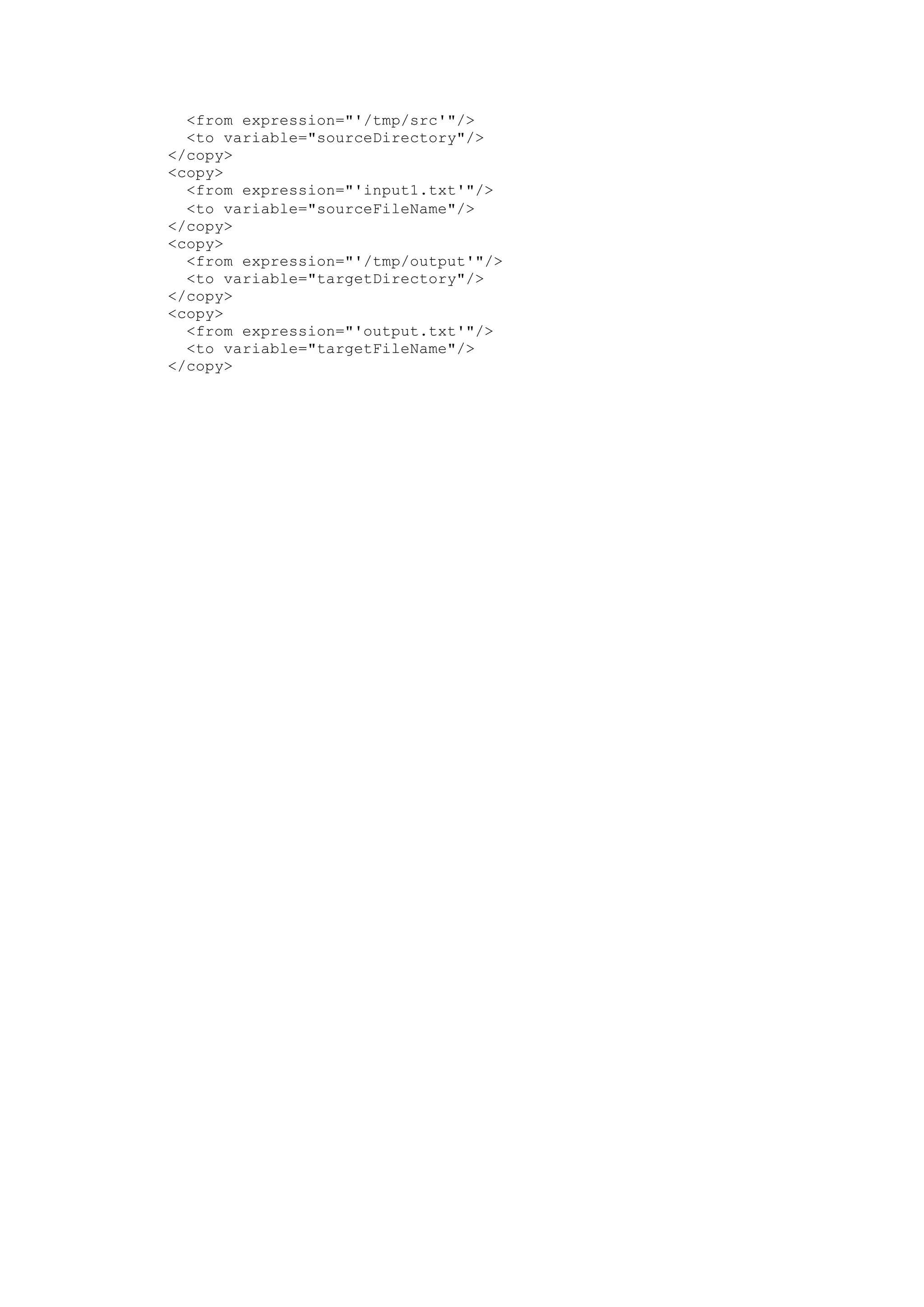
<from expression="'/tmp/src'"/>
<to variable="sourceDirectory"/>
</copy>
<copy>
<from expression="'input1.txt'"/>
<to variable="sourceFileName"/>
</copy>
<copy>
<from expression="'/tmp/output'"/>
<to variable="targetDirectory"/>
</copy>
<copy>
<from expression="'output.txt'"/>
<to variable="targetFileName"/>
</copy>

Xavier file adapter_filemoving

  • 1.
    Oracle SOA Dynamicallyset JCA properties for File Move/Delete/Copy service. Oracle SOA 11.1.1.5 Dynamically set JCA properties for File Move/Delete/Copy service. This thread discusses how to dynamically set JCA properties for File Move/Delete/Copy service. The service can then be used to MOVE, DELETE or COPY a file.  Create a BPEL process.  In the right Swim Lane (External References Swim Lane) configure a File Services Adapter.  Select Define from operation and schema (specified later), and click Next. The Operation page is displayed.  Select Synchronous Read File, enter FileMove in the Operation Name field, and then click Next. The File Directories page is displayed.  Alter the properties in the JCA file as follows  <property name="SourcePhysicalDirectory" value="foo1"/>  <property name="SourceFileName" value="bar1"/>  <property name="TargetPhysicalDirectory" value="foo2"/>  <property name="TargetFileName" value="bar2"/> <property name="Type" value="MOVE"/>  In the BPEL processa add the following variables. <variable name="InvokeMoveOperation_FileMove_InputVariable" messageType="ns1:Empty_msg"/> <variable name="InvokeMoveOperation_FileMove_OutputVariable" messageType="ns1:FileMove_msg"/> <variable name="sourceDirectory" type="xsd:string"/> <variable name="sourceFileName" type="xsd:string"/> <variable name="targetDirectory" type="xsd:string"/> <variable name="targetFileName" type="xsd:string"/>  Create an Invoke activity for the JCA adapter. <bpelx:inputProperty name="jca.file.SourceDirectory" variable="sourceDirectory"/> <bpelx:inputProperty name="jca.file.SourceFileName" variable="sourceFileName"/> <bpelx:inputProperty name="jca.file.TargetDirectory" variable="targetDirectory"/> <bpelx:inputProperty name="jca.file.TargetFileName" variable="targetFileName"/>  Create an Assign activity and copy the variables. <copy>
  • 2.
    <from expression="'/tmp/src'"/> <to variable="sourceDirectory"/> </copy> <copy> <fromexpression="'input1.txt'"/> <to variable="sourceFileName"/> </copy> <copy> <from expression="'/tmp/output'"/> <to variable="targetDirectory"/> </copy> <copy> <from expression="'output.txt'"/> <to variable="targetFileName"/> </copy>