Metro


Windows 8
Metro?
Metro?
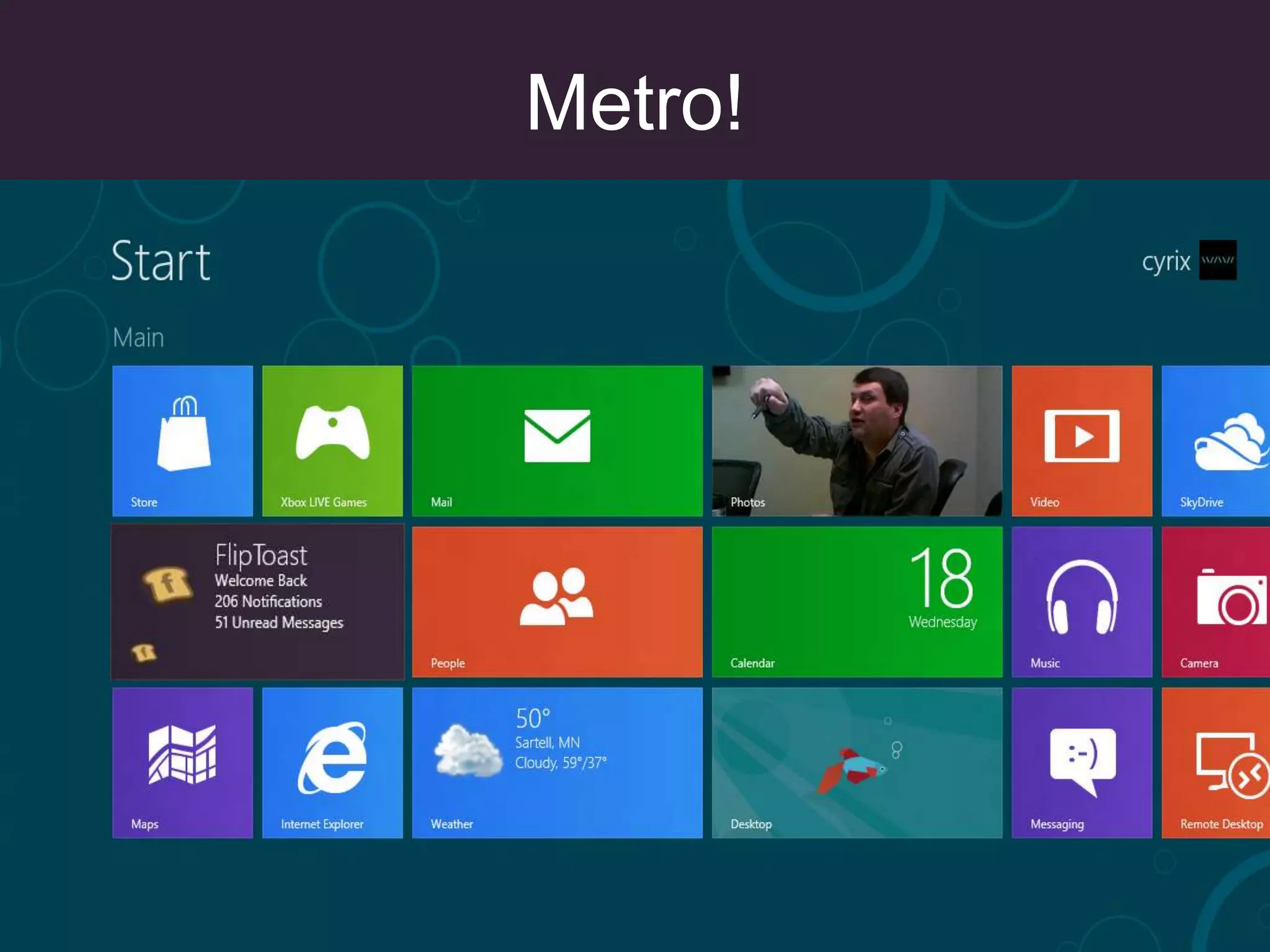
Metro!
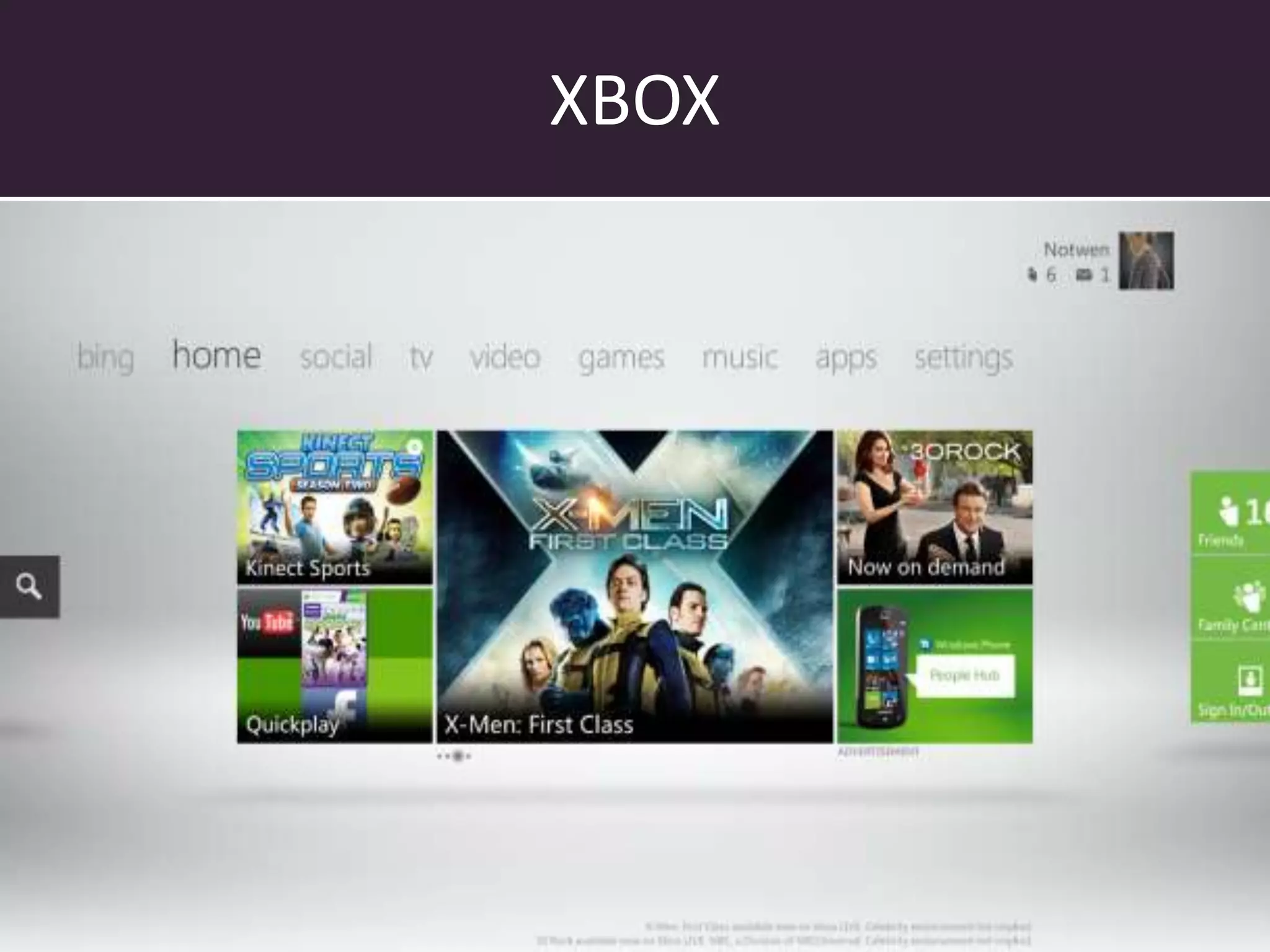
XBOX
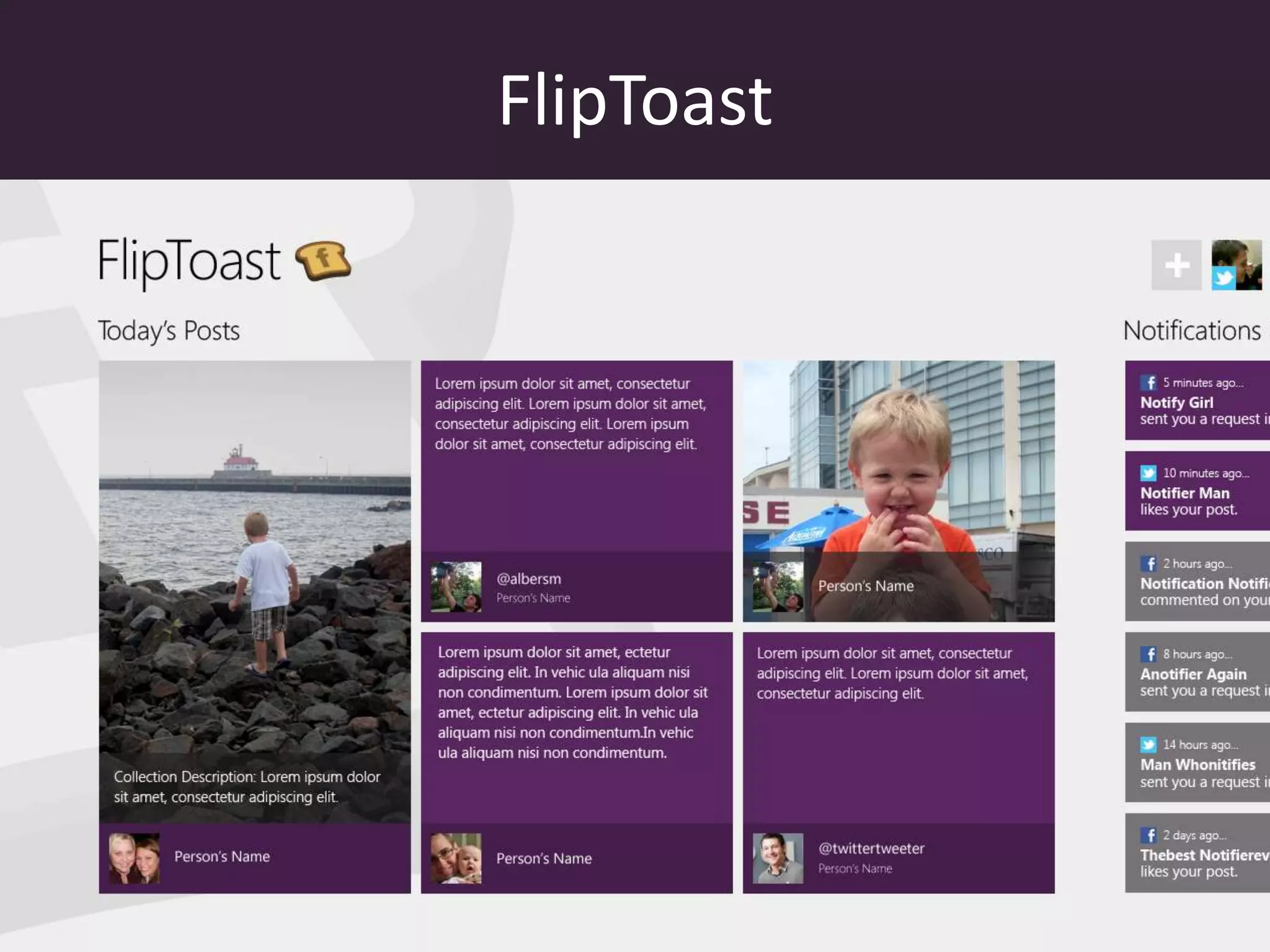
FlipToast
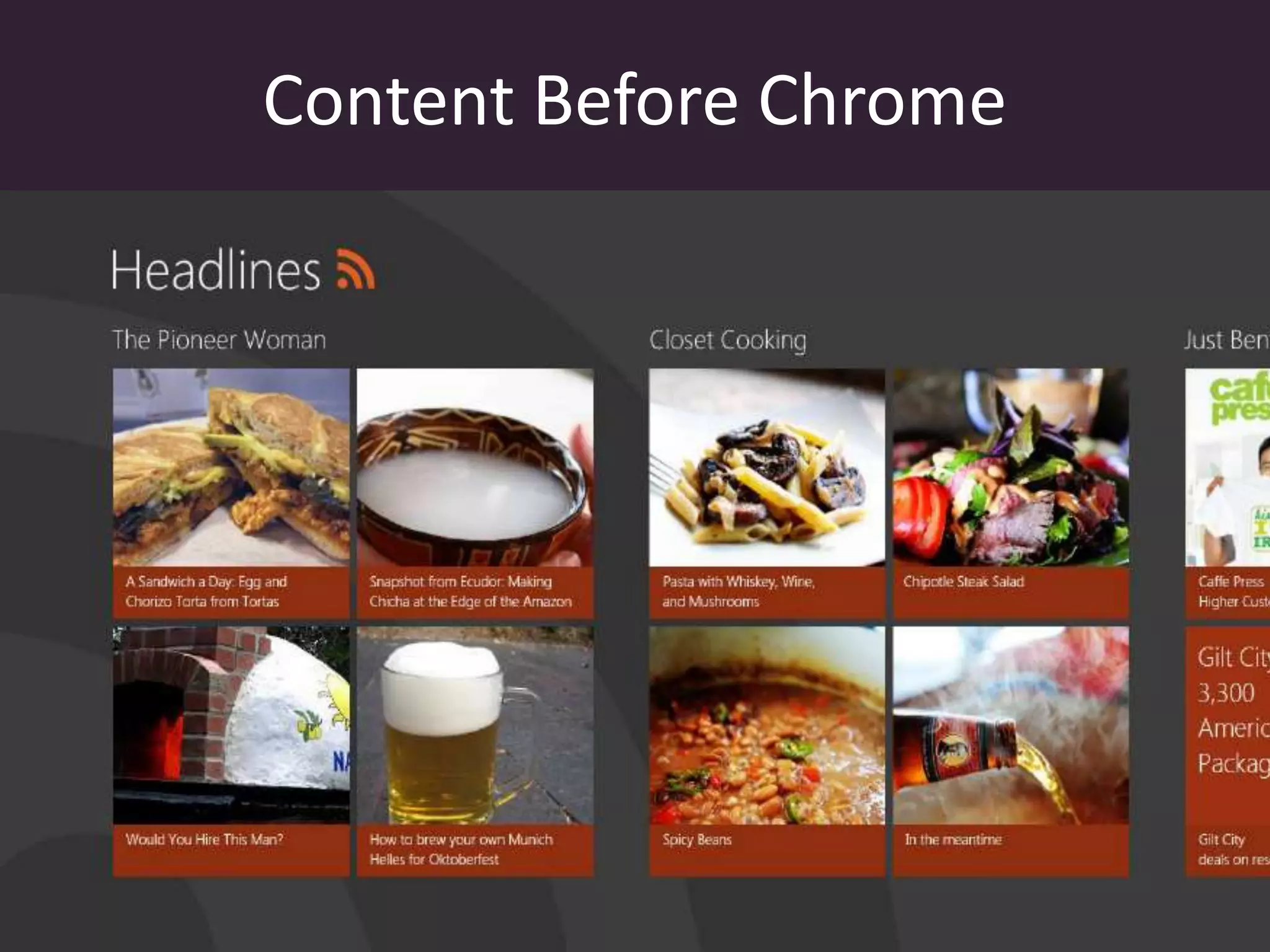
Content Before Chrome
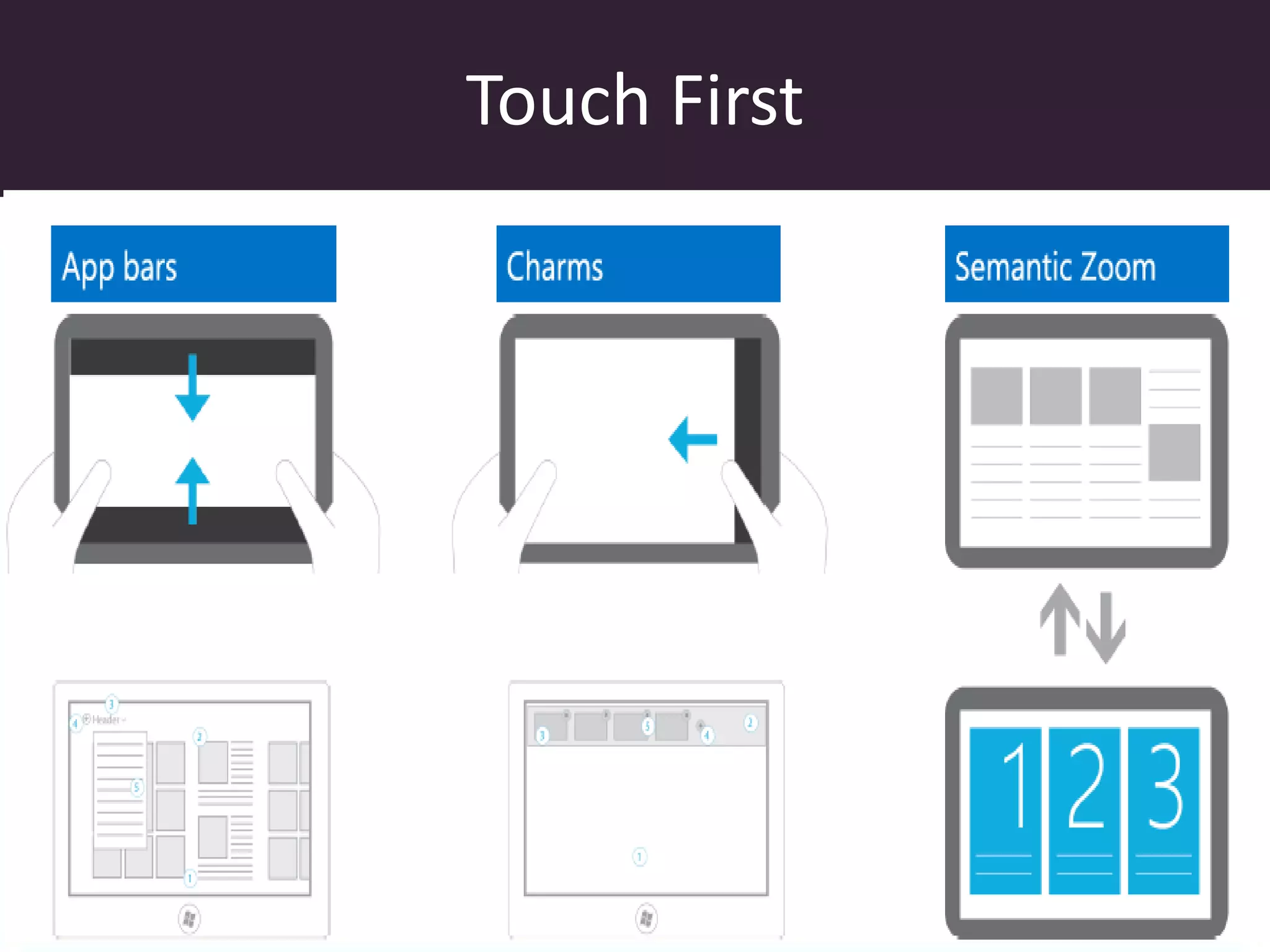
Touch First
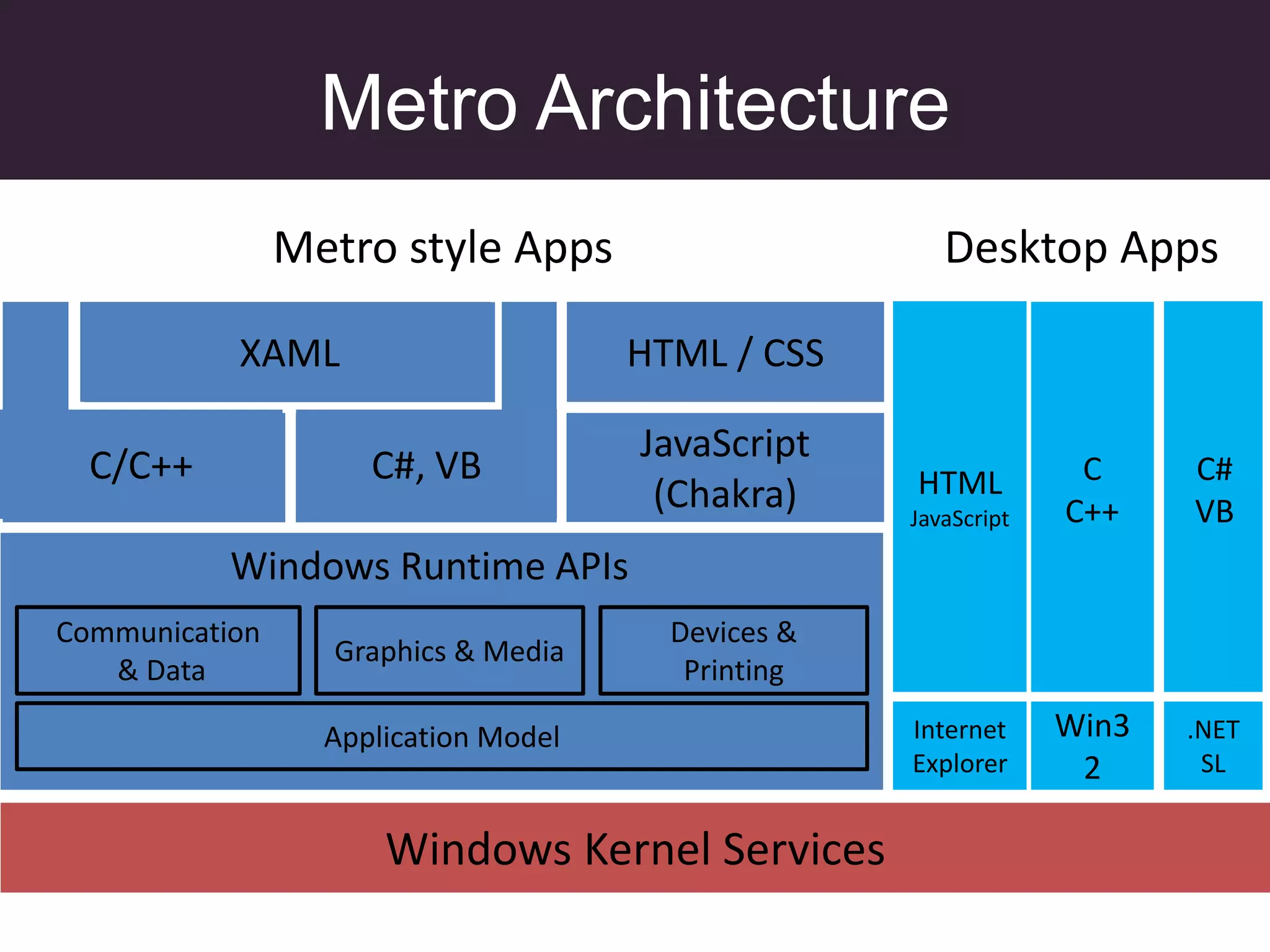
Metro Architecture
                Metro style Apps                       Desktop Apps

           XAML
           XAML                       HTML / CSS

                                      JavaScript
  C/C++              C#, VB                         HTML          C     C#
                                       (Chakra)     JavaScript   C++    VB
           Windows Runtime APIs
Communication                           Devices &
                  Graphics & Media
   & Data                                Printing

                  Application Model                 Internet     Win3   .NET
                                                    Explorer      2      SL


                      Windows Kernel Services
We Love Async
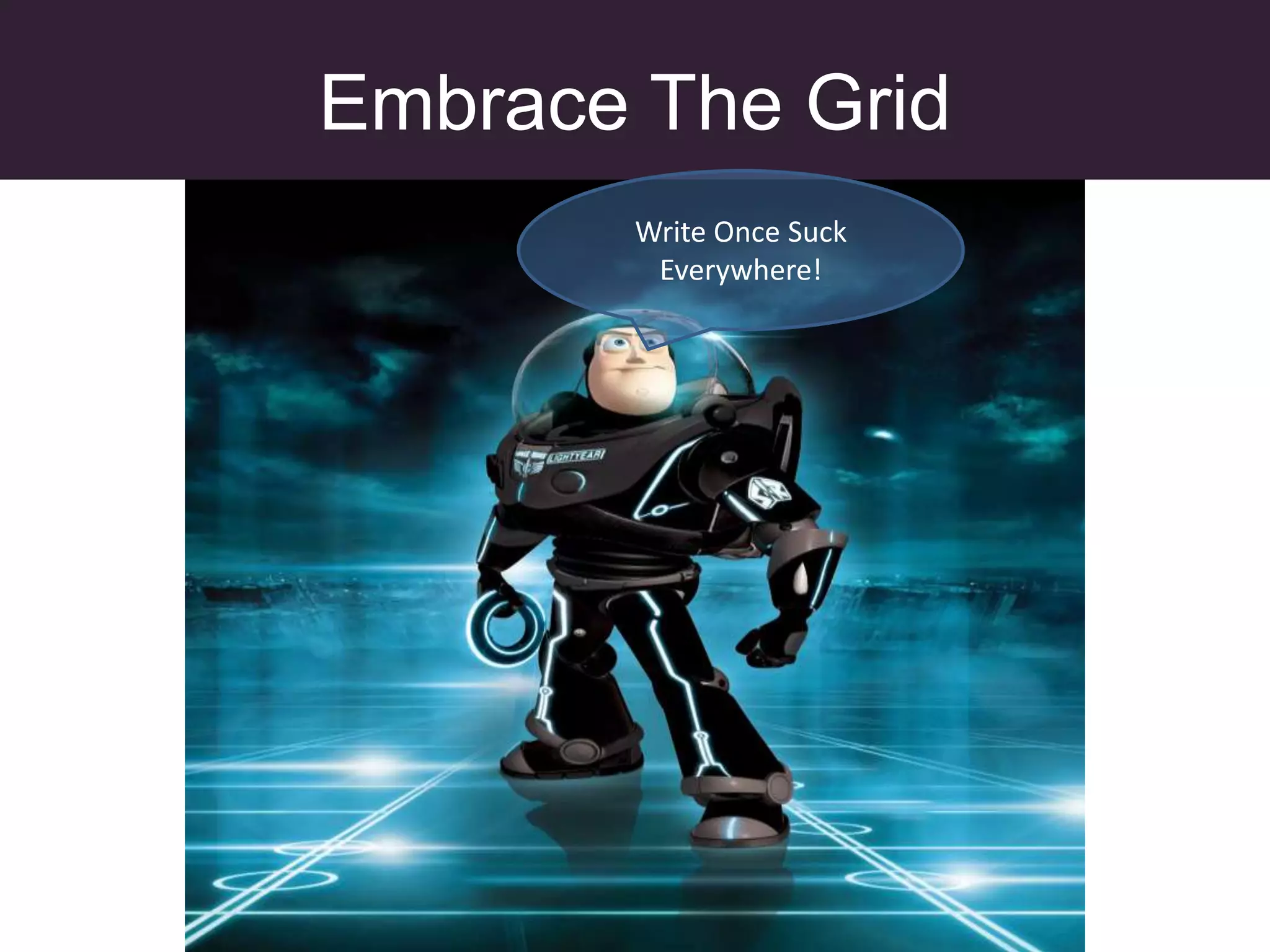
Embrace The Grid
       Write Once Suck
        Everywhere!
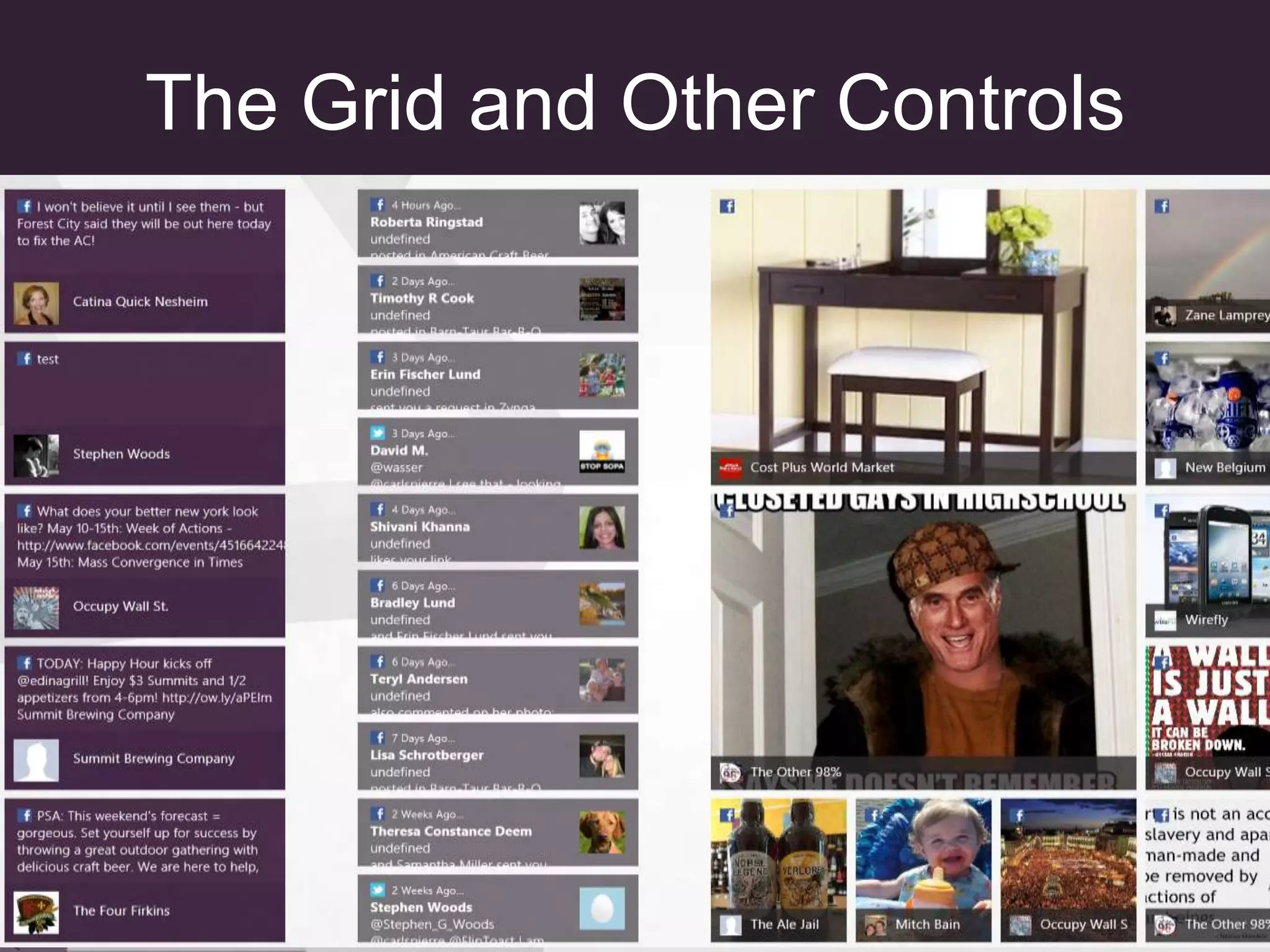
The Grid and Other Controls
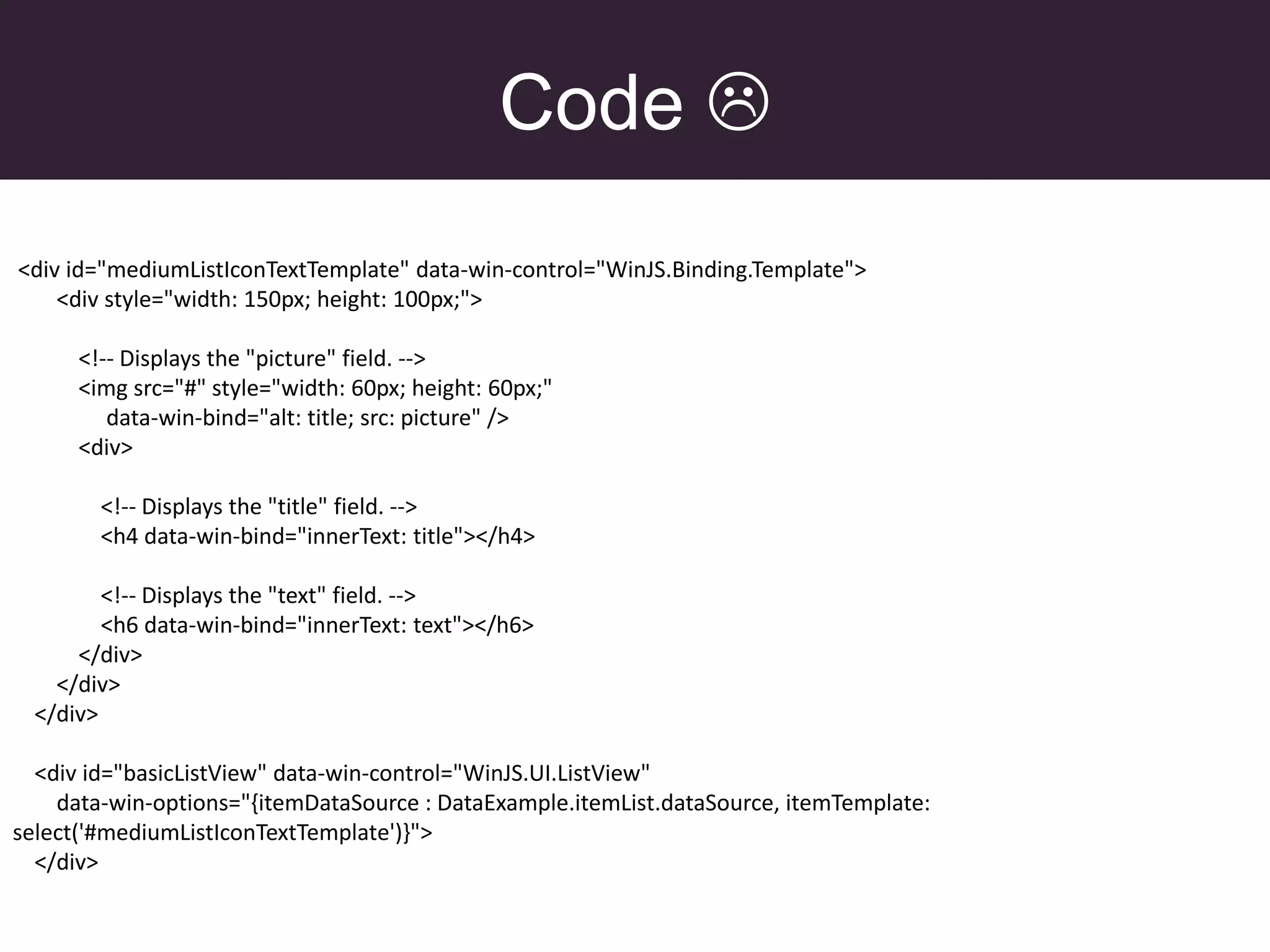
Code 
<div id="mediumListIconTextTemplate" data-win-control="WinJS.Binding.Template">
    <div style="width: 150px; height: 100px;">

      <!-- Displays the "picture" field. -->
      <img src="#" style="width: 60px; height: 60px;"
         data-win-bind="alt: title; src: picture" />
      <div>

        <!-- Displays the "title" field. -->
        <h4 data-win-bind="innerText: title"></h4>

         <!-- Displays the "text" field. -->
         <h6 data-win-bind="innerText: text"></h6>
      </div>
    </div>
  </div>

  <div id="basicListView" data-win-control="WinJS.UI.ListView"
    data-win-options="{itemDataSource : DataExample.itemList.dataSource, itemTemplate:
select('#mediumListIconTextTemplate')}">
  </div>
Code 
(function () {
   "use strict";

  var dataArray = [
  { title: "Basic banana", text: "Low-fat frozen yogurt", picture: "images/60banana.png" },
  { title: "Banana blast", text: "Ice cream", picture: "images/60banana.png" },
  { title: "Brilliant banana", text: "Frozen custard", picture: "images/60banana.png" },
  { title: "Orange surprise", text: "Sherbet", picture: "images/60orange.png" },
  { title: "Original orange", text: "Sherbet", picture: "images/60orange.png" },
  { title: "Vanilla", text: "Ice cream", picture: "images/60vanilla.png" },
  { title: "Very vanilla", text: "Frozen custard", picture: "images/60vanilla.png" },
  { title: "Marvelous mint", text: "Gelato", picture: "images/60mint.png" },
  { title: "Succulent strawberry", text: "Sorbet", picture: "images/60strawberry.png" }
  ];

  var dataList = new WinJS.Binding.List(dataArray);

  // Create a namespace to make the data publicly
  // accessible.
  var publicMembers =
     {
        itemList: dataList
     };
  WinJS.Namespace.define("DataExample", publicMembers);

})();
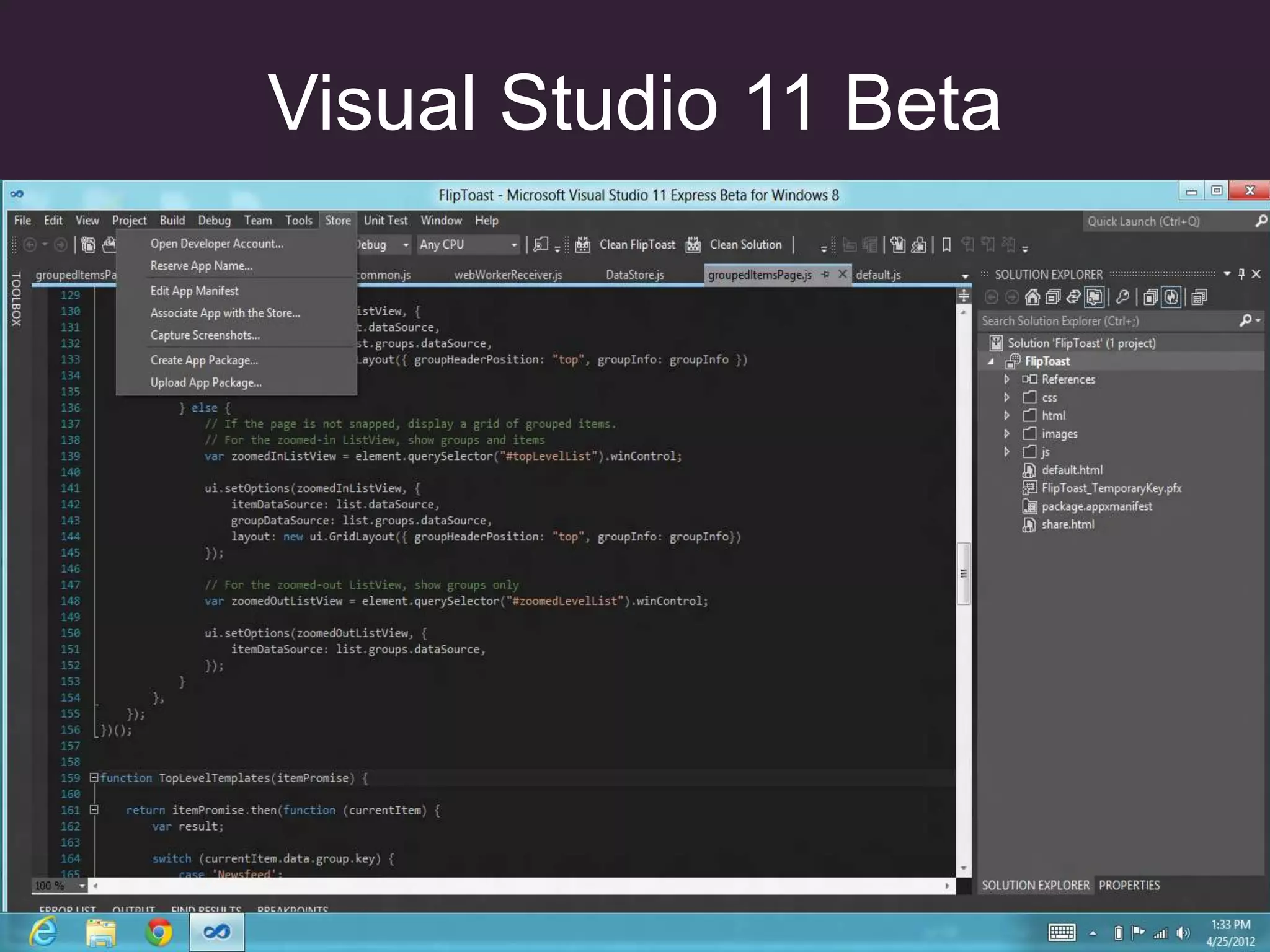
Visual Studio 11 Beta
Gotchas
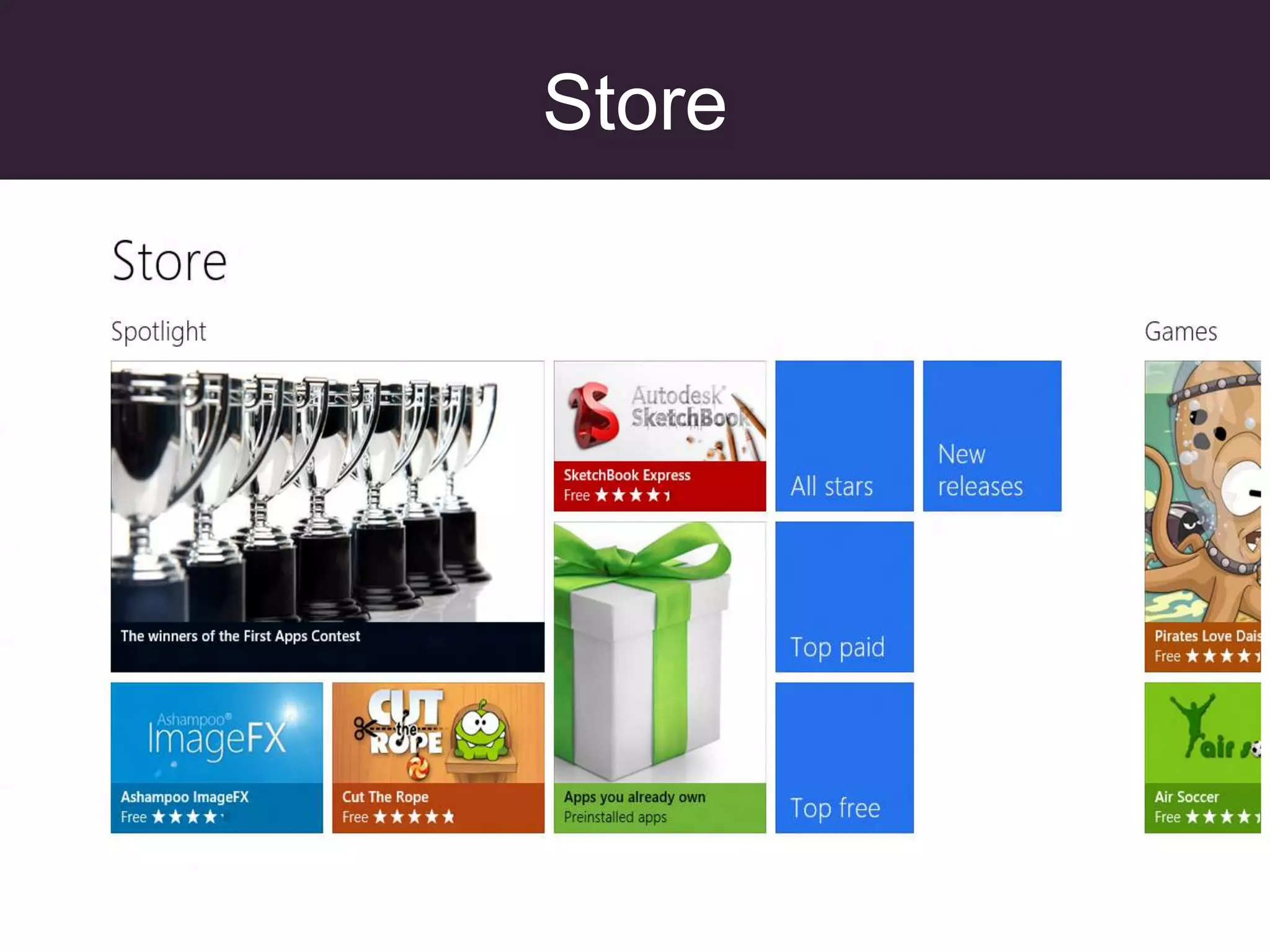
Store
And you thought you were
         done…
Certified
Certified
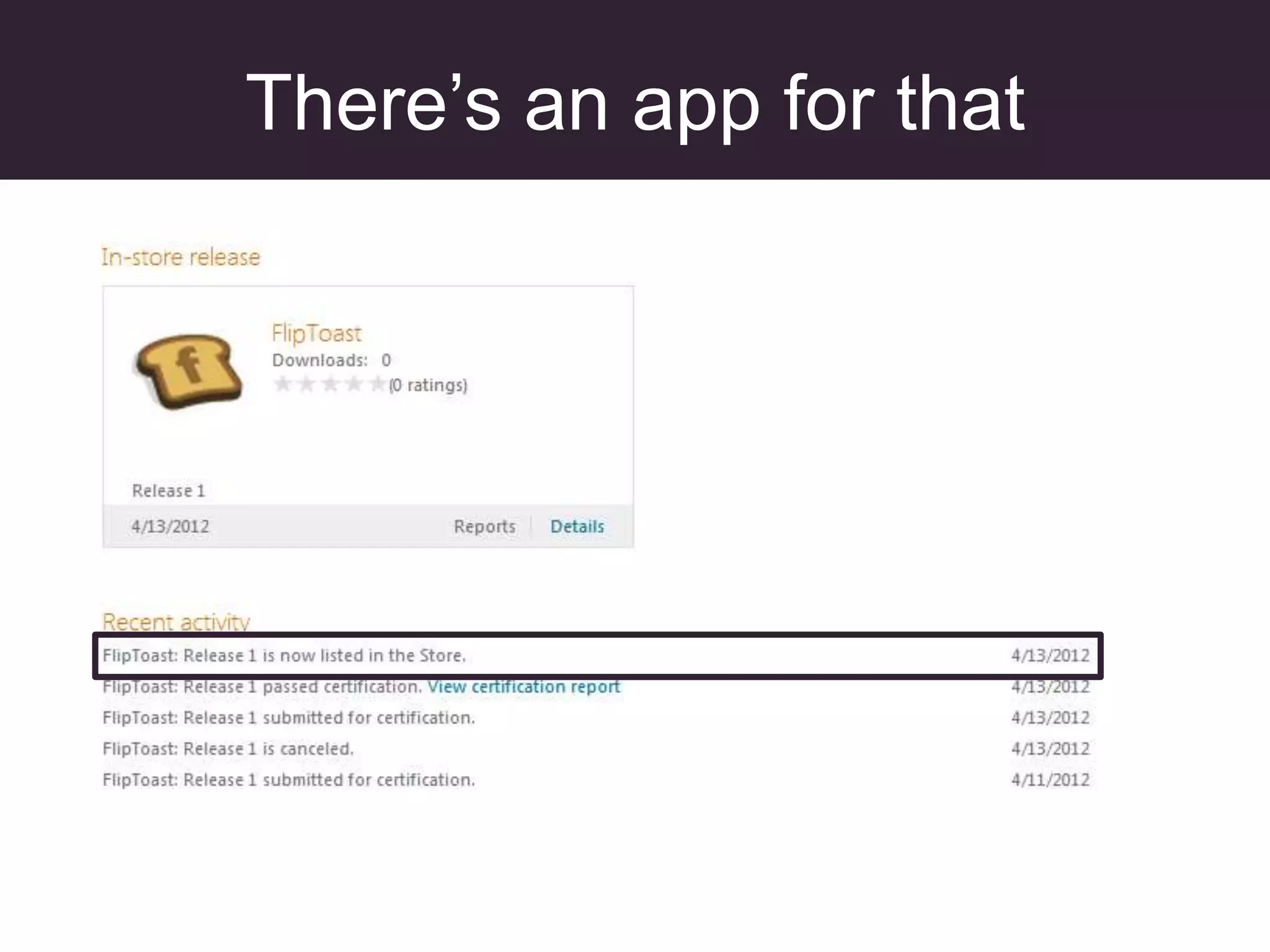
There’s an app for that
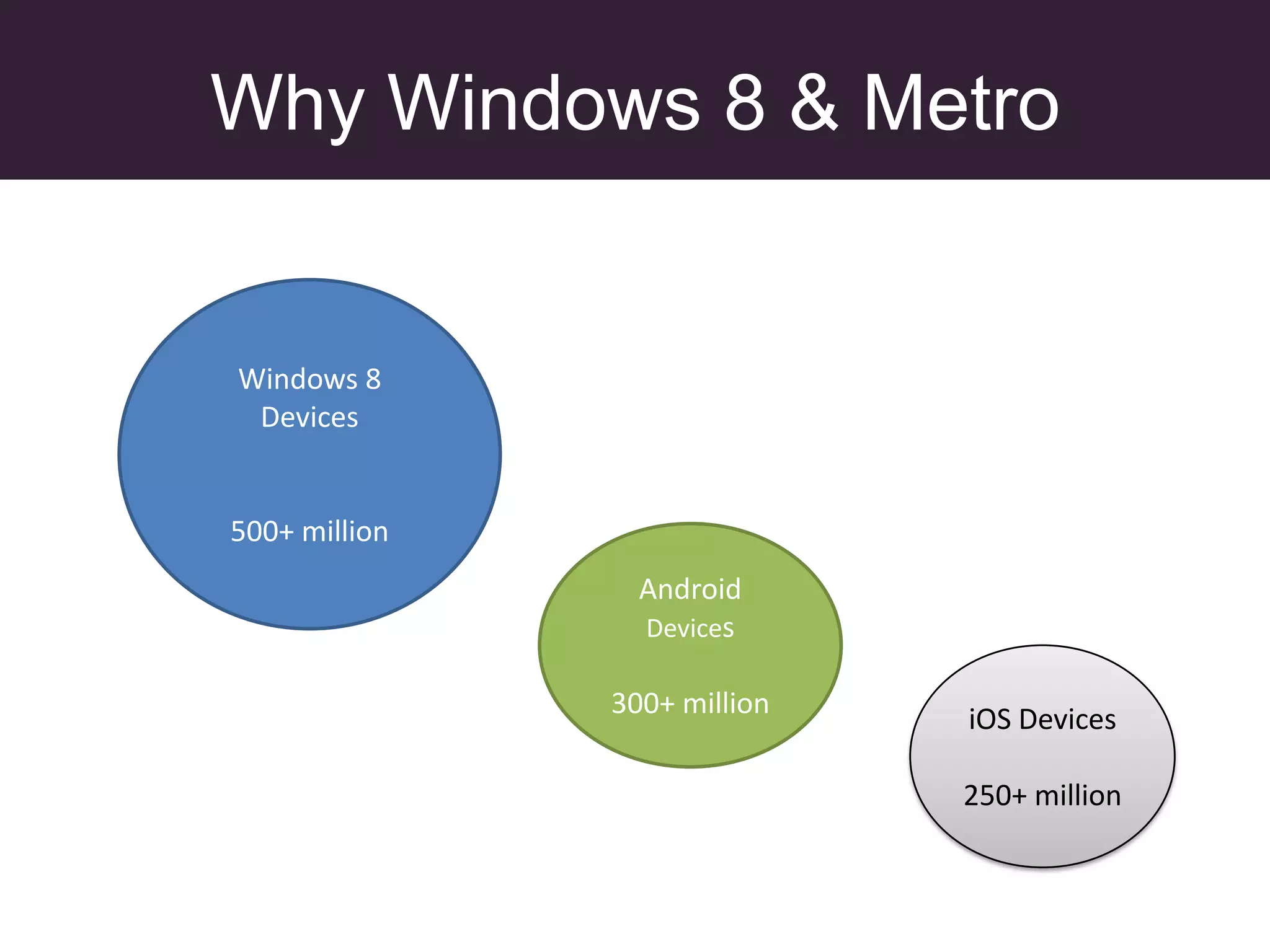
Why Windows 8 & Metro


Windows 8
 Devices


500+ million
                 Android
                 Devices

               300+ million   iOS Devices

                              250+ million

Windows8 lightningtalk

  • 1.
  • 2.
  • 3.
  • 4.
  • 5.
  • 6.
  • 7.
  • 8.
  • 9.
    Metro Architecture Metro style Apps Desktop Apps XAML XAML HTML / CSS JavaScript C/C++ C#, VB HTML C C# (Chakra) JavaScript C++ VB Windows Runtime APIs Communication Devices & Graphics & Media & Data Printing Application Model Internet Win3 .NET Explorer 2 SL Windows Kernel Services
  • 10.
  • 11.
    Embrace The Grid Write Once Suck Everywhere!
  • 12.
    The Grid andOther Controls
  • 13.
    Code  <div id="mediumListIconTextTemplate"data-win-control="WinJS.Binding.Template"> <div style="width: 150px; height: 100px;"> <!-- Displays the "picture" field. --> <img src="#" style="width: 60px; height: 60px;" data-win-bind="alt: title; src: picture" /> <div> <!-- Displays the "title" field. --> <h4 data-win-bind="innerText: title"></h4> <!-- Displays the "text" field. --> <h6 data-win-bind="innerText: text"></h6> </div> </div> </div> <div id="basicListView" data-win-control="WinJS.UI.ListView" data-win-options="{itemDataSource : DataExample.itemList.dataSource, itemTemplate: select('#mediumListIconTextTemplate')}"> </div>
  • 14.
    Code  (function (){ "use strict"; var dataArray = [ { title: "Basic banana", text: "Low-fat frozen yogurt", picture: "images/60banana.png" }, { title: "Banana blast", text: "Ice cream", picture: "images/60banana.png" }, { title: "Brilliant banana", text: "Frozen custard", picture: "images/60banana.png" }, { title: "Orange surprise", text: "Sherbet", picture: "images/60orange.png" }, { title: "Original orange", text: "Sherbet", picture: "images/60orange.png" }, { title: "Vanilla", text: "Ice cream", picture: "images/60vanilla.png" }, { title: "Very vanilla", text: "Frozen custard", picture: "images/60vanilla.png" }, { title: "Marvelous mint", text: "Gelato", picture: "images/60mint.png" }, { title: "Succulent strawberry", text: "Sorbet", picture: "images/60strawberry.png" } ]; var dataList = new WinJS.Binding.List(dataArray); // Create a namespace to make the data publicly // accessible. var publicMembers = { itemList: dataList }; WinJS.Namespace.define("DataExample", publicMembers); })();
  • 15.
  • 16.
  • 17.
  • 18.
    And you thoughtyou were done…
  • 19.
  • 20.
  • 21.
    Why Windows 8& Metro Windows 8 Devices 500+ million Android Devices 300+ million iOS Devices 250+ million