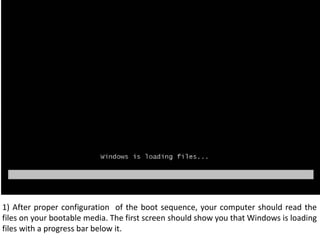
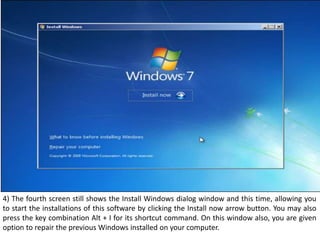
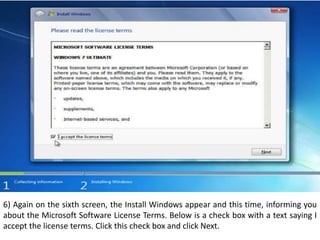
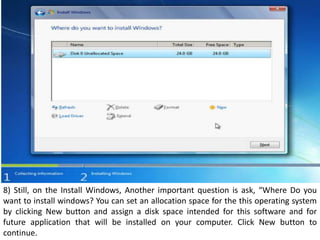
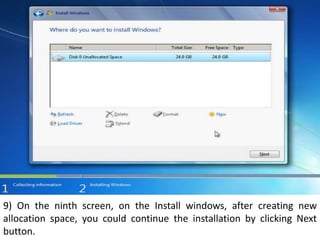
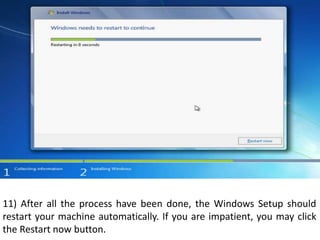
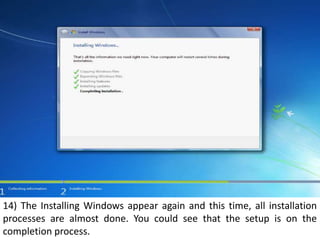
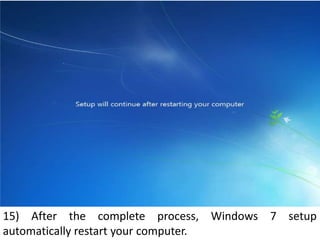
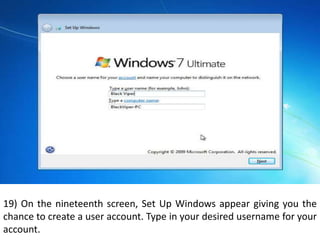
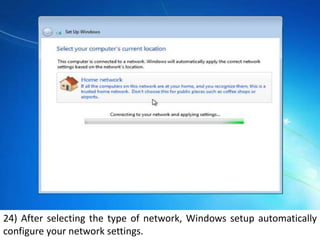
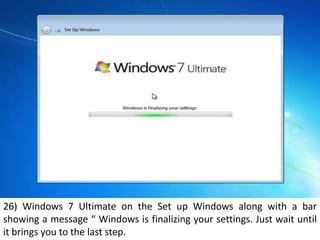
1) The document outlines the step-by-step process for installing Windows 7 on a computer. It describes 29 screens that are displayed during setup, including selecting language and keyboard settings, accepting license terms, choosing installation type and disk space, creating a user account, and setting the date, time, and network.
2) Key steps involve configuring the boot sequence, selecting installation options like upgrade or custom install, choosing a disk space allocation, creating a username and password, and setting time zone, date, and network settings.
3) After completing all installation questions and tasks, the Windows 7 desktop appears, indicating that setup is finished and the computer is ready for further configuration.