What is PDF/X?
What is PDF/X?
• It is another subset of PDF that can help many
users with graphics exchange.
• The ISO standard for PDF/X is ISO 15930
• Specifications for this format include solutions for
printing-related requirements. This ensures that the
file is valid for professional printing.
2
3
What’s so special?
What makes PDF/X special is not only its restrictions
but also its special file identification that states what
PDF/X version it is. With various PDF/X formats
available, this identification will allow users to define
the specific kind.
Different kinds of
PDF/X standards
Differentiation of subsets
4
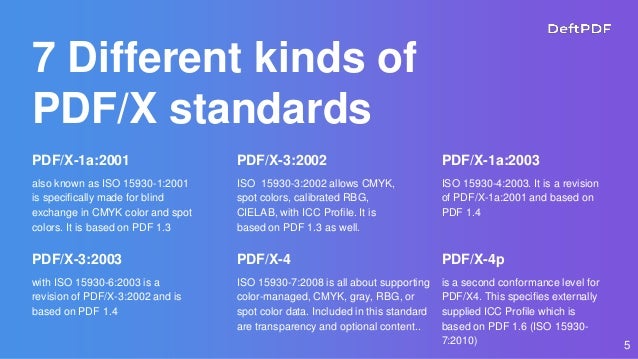
7 Different kinds of
PDF/X standards
PDF/X-1a:2001
also known as ISO 15930-1:2001
is specifically made for blind
exchange in CMYK color and spot
colors. It is based on PDF 1.3
PDF/X-3:2002
ISO 15930-3:2002 allows CMYK,
spot colors, calibrated RBG,
CIELAB, with ICC Profile. It is
based on PDF 1.3 as well.
PDF/X-1a:2003
ISO 15930-4:2003. It is a revision
of PDF/X-1a:2001 and based on
PDF 1.4
5
PDF/X-3:2003
with ISO 15930-6:2003 is a
revision of PDF/X-3:2002 and is
based on PDF 1.4
PDF/X-4
ISO 15930-7:2008 is all about supporting
color-managed, CMYK, gray, RBG, or
spot color data. Included in this standard
are transparency and optional content..
PDF/X-4p
is a second conformance level for
PDF/X4. This specifies externally
supplied ICC Profile which is
based on PDF 1.6 (ISO 15930-
7:2010)
6
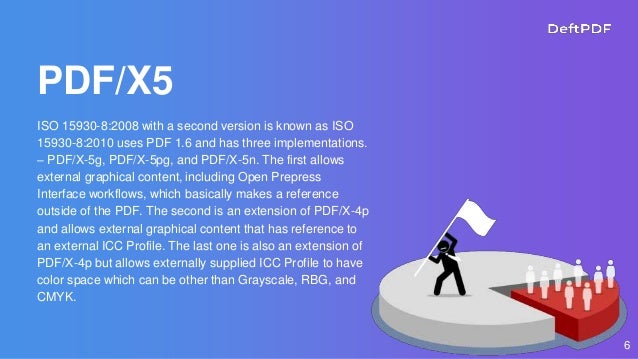
PDF/X5
ISO 15930-8:2008 with a second version is known as ISO
15930-8:2010 uses PDF 1.6 and has three implementations.
– PDF/X-5g, PDF/X-5pg, and PDF/X-5n. The first allows
external graphical content, including Open Prepress
Interface workflows, which basically makes a reference
outside of the PDF. The second is an extension of PDF/X-4p
and allows external graphical content that has reference to
an external ICC Profile. The last one is also an extension of
PDF/X-4p but allows externally supplied ICC Profile to have
color space which can be other than Grayscale, RBG, and
CMYK.
Important notes
7
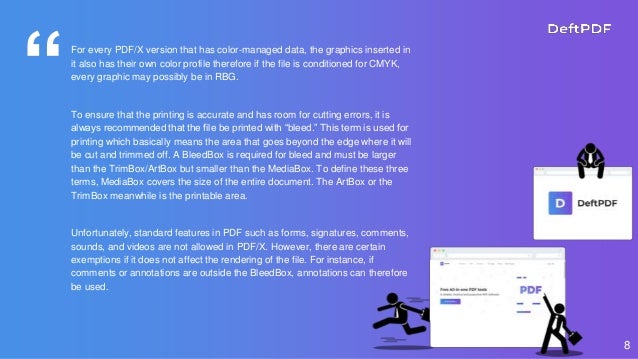
“For every PDF/X version that has color-managed data, the graphics inserted in
it also has their own color profile therefore if the file is conditioned for CMYK,
every graphic may possibly be in RBG.
To ensure that the printing is accurate and has room for cutting errors, it is
always recommended that the file be printed with “bleed.” This term is used for
printing which basically means the area that goes beyond the edge where it will
be cut and trimmed off. A BleedBox is required for bleed and must be larger
than the TrimBox/ArtBox but smaller than the MediaBox. To define these three
terms, MediaBox covers the size of the entire document. The ArtBox or the
TrimBox meanwhile is the printable area.
Unfortunately, standard features in PDF such as forms, signatures, comments,
sounds, and videos are not allowed in PDF/X. However, there are certain
exemptions if it does not affect the rendering of the file. For instance, if
comments or annotations are outside the BleedBox, annotations can therefore
be used.
8
Draft Printing
Adding a watermark to your
documents
9
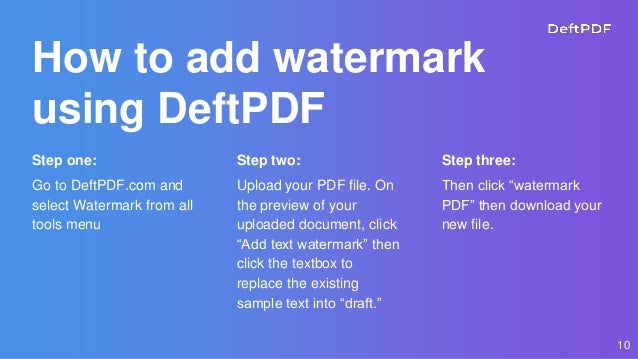
How to add watermark
using DeftPDF
Step one:
Go to DeftPDF.com and
select Watermark from all
tools menu
Step two:
Upload your PDF file. On
the preview of your
uploaded document, click
“Add text watermark” then
click the textbox to
replace the existing
sample text into “draft.”
Step three:
Then click “watermark
PDF” then download your
new file.
10
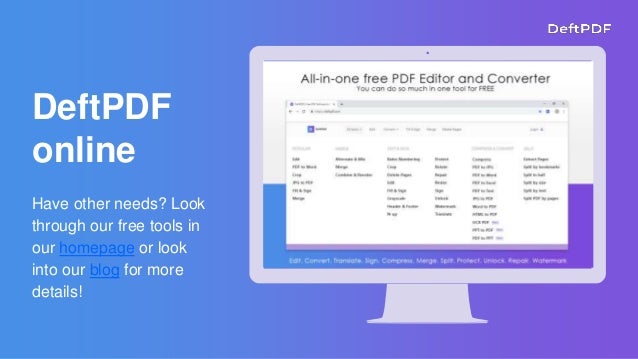
Have other needs? Look
through our free tools in
our homepage or look
into our blog for more
details!
DeftPDF
online
KEEP IN TOUCH!
You can always stay updated with us, just subscribe
or follow our social media channels!
Subscribe by registering to our site!
Watch our video tutorials in YouTube
 Follow us on Facebook
 Follow us on Instagram
 Follow us on LinkedIn
 Follow us on Twitter
Click on the yellow links to go to the social media page

What is PDF/X?

  • 1.
  • 2.
    What is PDF/X? •It is another subset of PDF that can help many users with graphics exchange. • The ISO standard for PDF/X is ISO 15930 • Specifications for this format include solutions for printing-related requirements. This ensures that the file is valid for professional printing. 2
  • 3.
    3 What’s so special? Whatmakes PDF/X special is not only its restrictions but also its special file identification that states what PDF/X version it is. With various PDF/X formats available, this identification will allow users to define the specific kind.
  • 4.
    Different kinds of PDF/Xstandards Differentiation of subsets 4
  • 5.
    7 Different kindsof PDF/X standards PDF/X-1a:2001 also known as ISO 15930-1:2001 is specifically made for blind exchange in CMYK color and spot colors. It is based on PDF 1.3 PDF/X-3:2002 ISO 15930-3:2002 allows CMYK, spot colors, calibrated RBG, CIELAB, with ICC Profile. It is based on PDF 1.3 as well. PDF/X-1a:2003 ISO 15930-4:2003. It is a revision of PDF/X-1a:2001 and based on PDF 1.4 5 PDF/X-3:2003 with ISO 15930-6:2003 is a revision of PDF/X-3:2002 and is based on PDF 1.4 PDF/X-4 ISO 15930-7:2008 is all about supporting color-managed, CMYK, gray, RBG, or spot color data. Included in this standard are transparency and optional content.. PDF/X-4p is a second conformance level for PDF/X4. This specifies externally supplied ICC Profile which is based on PDF 1.6 (ISO 15930- 7:2010)
  • 6.
    6 PDF/X5 ISO 15930-8:2008 witha second version is known as ISO 15930-8:2010 uses PDF 1.6 and has three implementations. – PDF/X-5g, PDF/X-5pg, and PDF/X-5n. The first allows external graphical content, including Open Prepress Interface workflows, which basically makes a reference outside of the PDF. The second is an extension of PDF/X-4p and allows external graphical content that has reference to an external ICC Profile. The last one is also an extension of PDF/X-4p but allows externally supplied ICC Profile to have color space which can be other than Grayscale, RBG, and CMYK.
  • 7.
  • 8.
    “For every PDF/Xversion that has color-managed data, the graphics inserted in it also has their own color profile therefore if the file is conditioned for CMYK, every graphic may possibly be in RBG. To ensure that the printing is accurate and has room for cutting errors, it is always recommended that the file be printed with “bleed.” This term is used for printing which basically means the area that goes beyond the edge where it will be cut and trimmed off. A BleedBox is required for bleed and must be larger than the TrimBox/ArtBox but smaller than the MediaBox. To define these three terms, MediaBox covers the size of the entire document. The ArtBox or the TrimBox meanwhile is the printable area. Unfortunately, standard features in PDF such as forms, signatures, comments, sounds, and videos are not allowed in PDF/X. However, there are certain exemptions if it does not affect the rendering of the file. For instance, if comments or annotations are outside the BleedBox, annotations can therefore be used. 8
  • 9.
    Draft Printing Adding awatermark to your documents 9
  • 10.
    How to addwatermark using DeftPDF Step one: Go to DeftPDF.com and select Watermark from all tools menu Step two: Upload your PDF file. On the preview of your uploaded document, click “Add text watermark” then click the textbox to replace the existing sample text into “draft.” Step three: Then click “watermark PDF” then download your new file. 10
  • 11.
    Have other needs?Look through our free tools in our homepage or look into our blog for more details! DeftPDF online
  • 12.
    KEEP IN TOUCH! Youcan always stay updated with us, just subscribe or follow our social media channels! Subscribe by registering to our site! Watch our video tutorials in YouTube  Follow us on Facebook  Follow us on Instagram  Follow us on LinkedIn  Follow us on Twitter Click on the yellow links to go to the social media page