• 3DS MaxInterface
• Geometry:- Standard Primitives, Extended Primitives
• Shapes:- Text
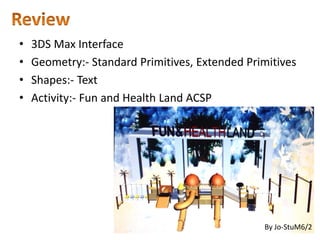
• Activity:- Fun and Health Land ACSP
By Jo-StuM6/2
4.
• Editable Poly
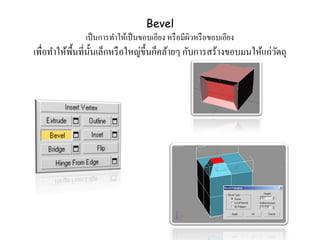
–Extrude, Bevel, Inset, Outline
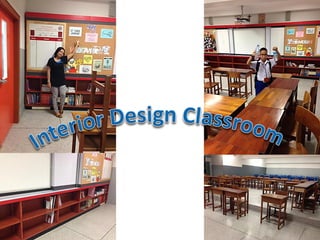
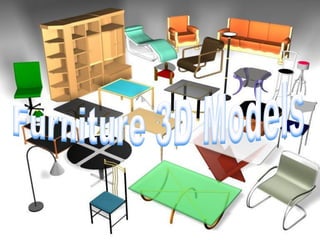
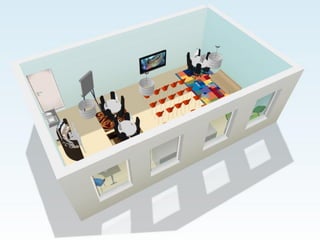
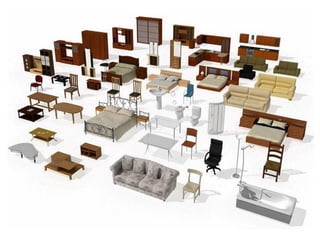
• Activity:- School and Classroom Furniture
5.
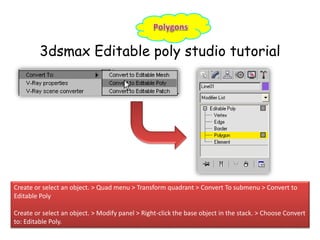
3dsmax Editable polystudio tutorial
Create or select an object. > Quad menu > Transform quadrant > Convert To submenu > Convert to
Editable Poly
Create or select an object. > Modify panel > Right-click the base object in the stack. > Choose Convert
to: Editable Poly.
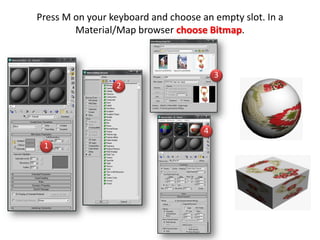
Press M onyour keyboard and choose an empty slot. In a
Material/Map browser choose Bitmap.
1
2
3
4
14.
3D MODELS6 Marks
Editable Poly (Table and Chair)
Apply Material Color, Image
Wallpaper + Floor 2 Marks
Photo Frame (ACSP) 1 Mark
Save .Max and Render .jpg 1 Mark









![501 1682-1-pb[1]](https://cdn.slidesharecdn.com/ss_thumbnails/501-1682-1-pb1-150705175903-lva1-app6891-thumbnail.jpg?width=640&height=640&fit=bounds)


