Remote Development
Baruch Odem
15 minutes
Are you dreaming about
A Linux Environment
on your Windows machine?
Baruch Odem
Team17 Developer (SAST)
@baruchiro
Our options
How to work in a Linux environment?
How to do it locally without a VM?
How to share development environment that is already configured?
Bonus: How to connect to your environment from any device (including a Tablet!)
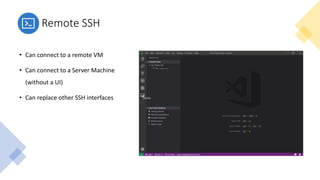
Remote SSH
• Can connect to a remote VM
• Can connect to a Server Machine
(without a UI)
• Can replace other SSH interfaces
Remote WSL
• Locally and integrated with your Windows.
• Shares the local network and resources.
• (Problems when connecting via CheckPoint VPN)
https://github.com/microsoft/WSL/issues/4246
Remote Containers
Correlation Engine POC
System Dependencies:
• Go tooling
• OPA
• Graphiz
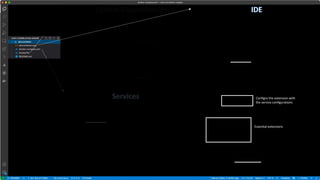
Services:
• Postgress
IDE:
• Extensions
• Extensions Settings
• Filesystem adjustments
Configre the extension with
the service configurations
Essential extensions
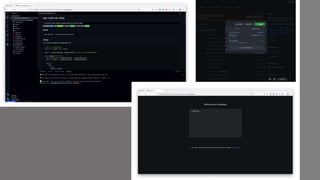
Host your devcontainer
on the cloud
Bonus!
Summary
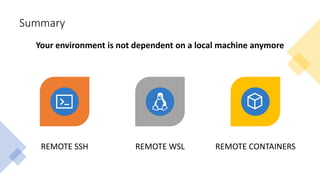
REMOTE SSH REMOTE WSL REMOTE CONTAINERS
Your environment is not dependent on a local machine anymore
Thank You!
Share your IDE with us

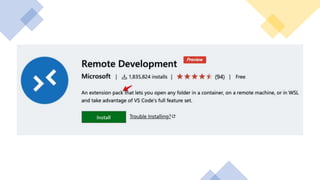
VSCode Remote Extensions Development Pack

Editor's Notes

  • #3 Our Objective: How to use the VSCode Remote extensions to develop on whatever OS we want.   Take home: Your development is independent with your local machine.
  • #11 There are templates, you don’t always need a docker-compose, and even no edit the Dockerfile
  • #14 Obviously, remote development will require a stable internet connection, and sometimes you need close access to the running machine. Call to Action: If you have workspace dependencies, consider publishing your dev env with your source code. WIIFT: Use the right development environment for you.