Download to read offline


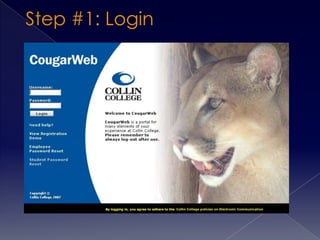
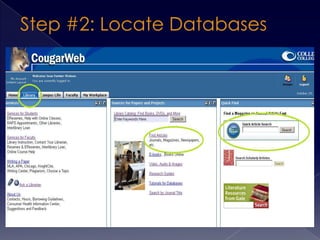
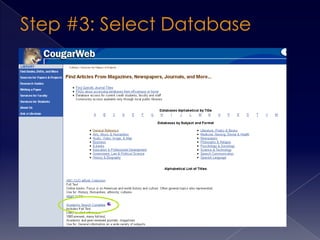
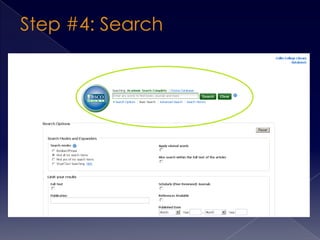
This document provides instructions for searching academic databases and recording sources. It recommends selecting the "Full Text" and "Scholarly (Peer Reviewed)" options before searching, using the automatic citation function to record sources, and creating a works cited list as articles are found to make the research process more organized.


