Simple In/Out
University of Maryland ExpressCare
Unit Status Management
Goals From the System
 Clear and Open Communication
 Communication Center Staff
 Clinical Staff
 Management
 Better Use of Resources
 Availability of units in “real time”
 Reduced workload on Communications Center staff
 Provides reports of unit status as needed for management
 Staff Accountability/Security
 Provides awareness of staff/unit status
 Reduces frustration
How do I access?
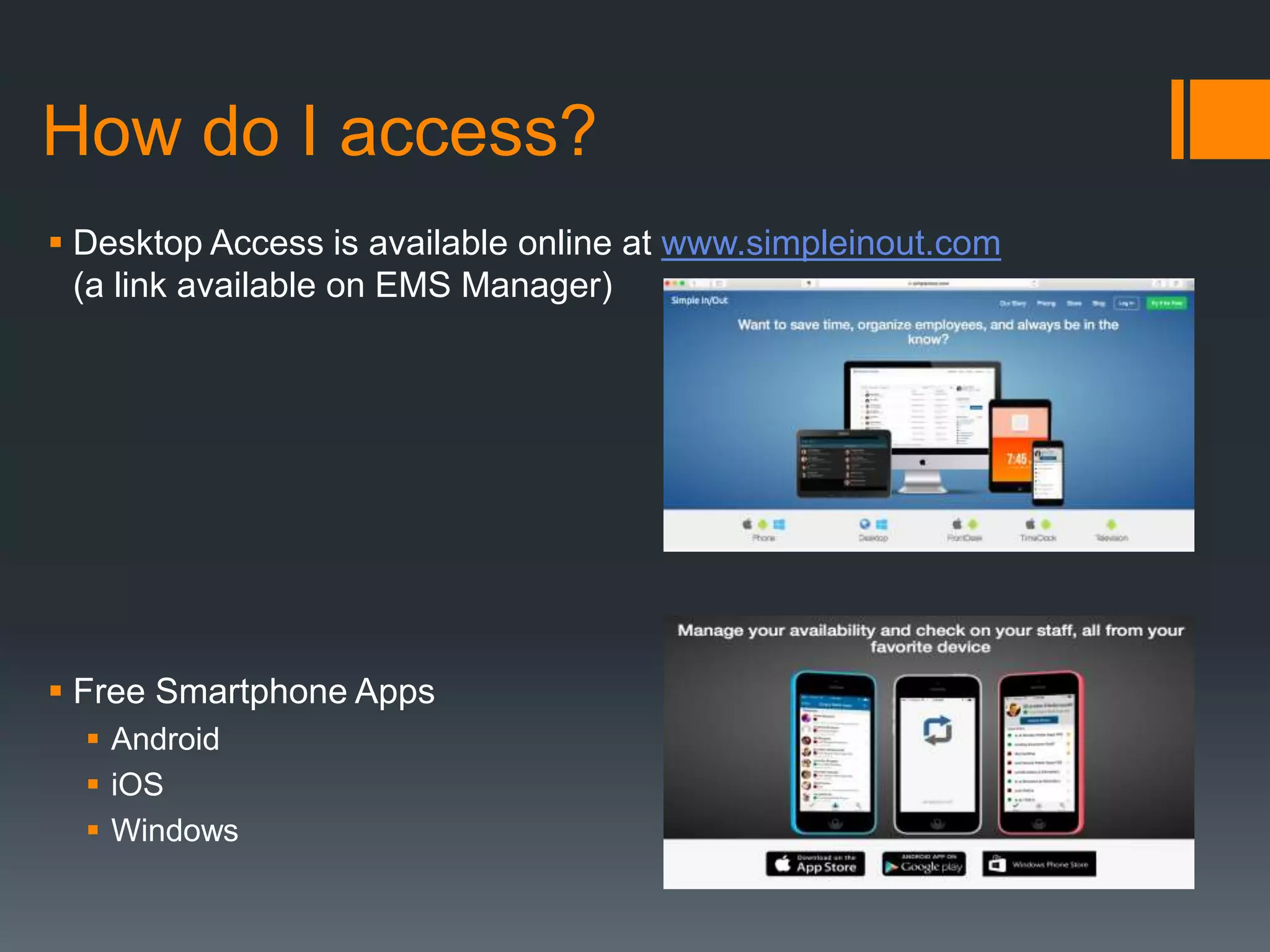
Desktop access is available
online at
www.simpleinout.com (a link
is available on EMS
Manager)
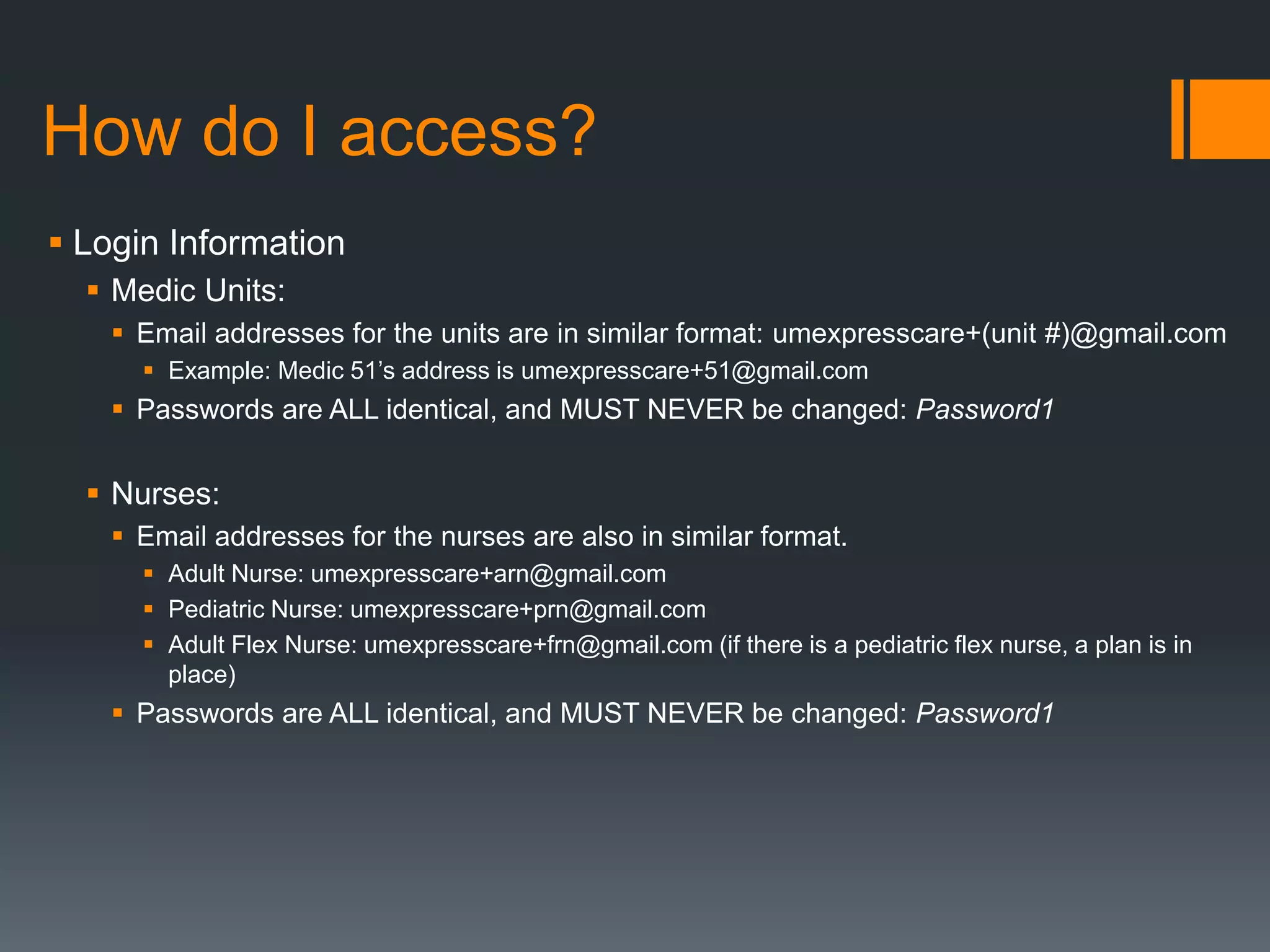
Free Smartphone Apps
 Android
 iOS
 Windows
How do I access?
Medic Units’ Account Login Info
Email addresses for the units are in similar format:
umexpresscare+(unit #)@gmail.com
 Example: Medic 51’s address is umexpresscare+51@gmail.com
Passwords are ALL identical, and MUST NEVER be
changed: Password1
How do I access?
Nurses’ Account Login Info
 Email addresses for the nurses are also in similar format.
 Adult Nurse: umexpresscare+arn@gmail.com
 Pediatric Nurse: umexpresscare+prn@gmail.com
 Adult Flex Nurse: umexpresscare+frn@gmail.com (An alternative plan for a
pediatric flex nurse status account is in place.)
 Passwords are ALL identical, and MUST NEVER be changed:
Password1
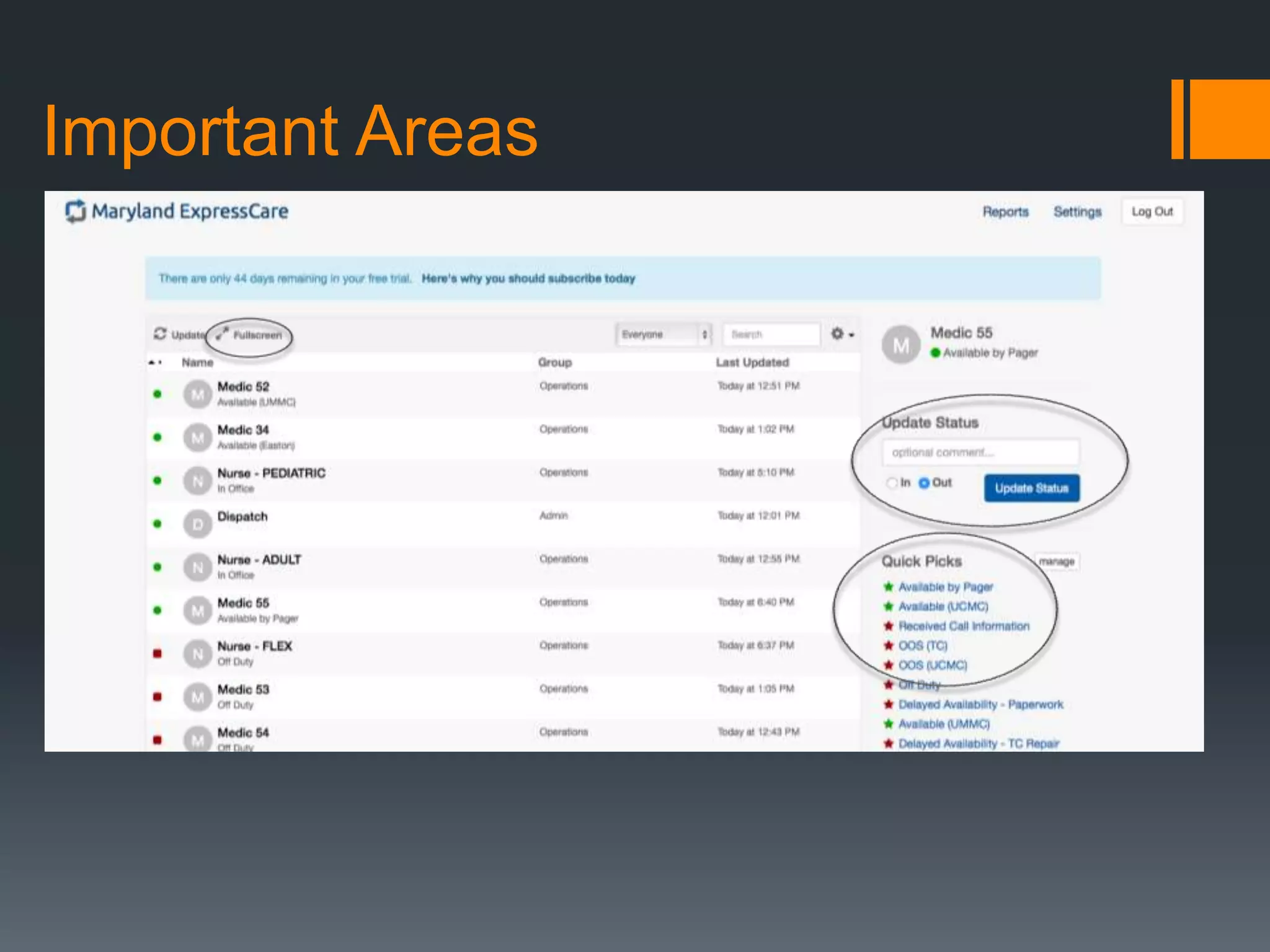
Important Areas
How do I update our status?
Updating the status of the nurse/unit of non-call related
events.
 Most of the content is very clear on the main screen
 Utilize the “Quick Picks” as much as possible, if they apply
 IMPORTANT: Unless there will be a delayed response or unavailability
for a call, any status update should remain as an “In” (Green) status
update. Ex. Available by Pager, Picking Up Food, etc. (Hint: Available
by Pager could be used if you are remaining in the general hospital
area.)
How do I update our status?
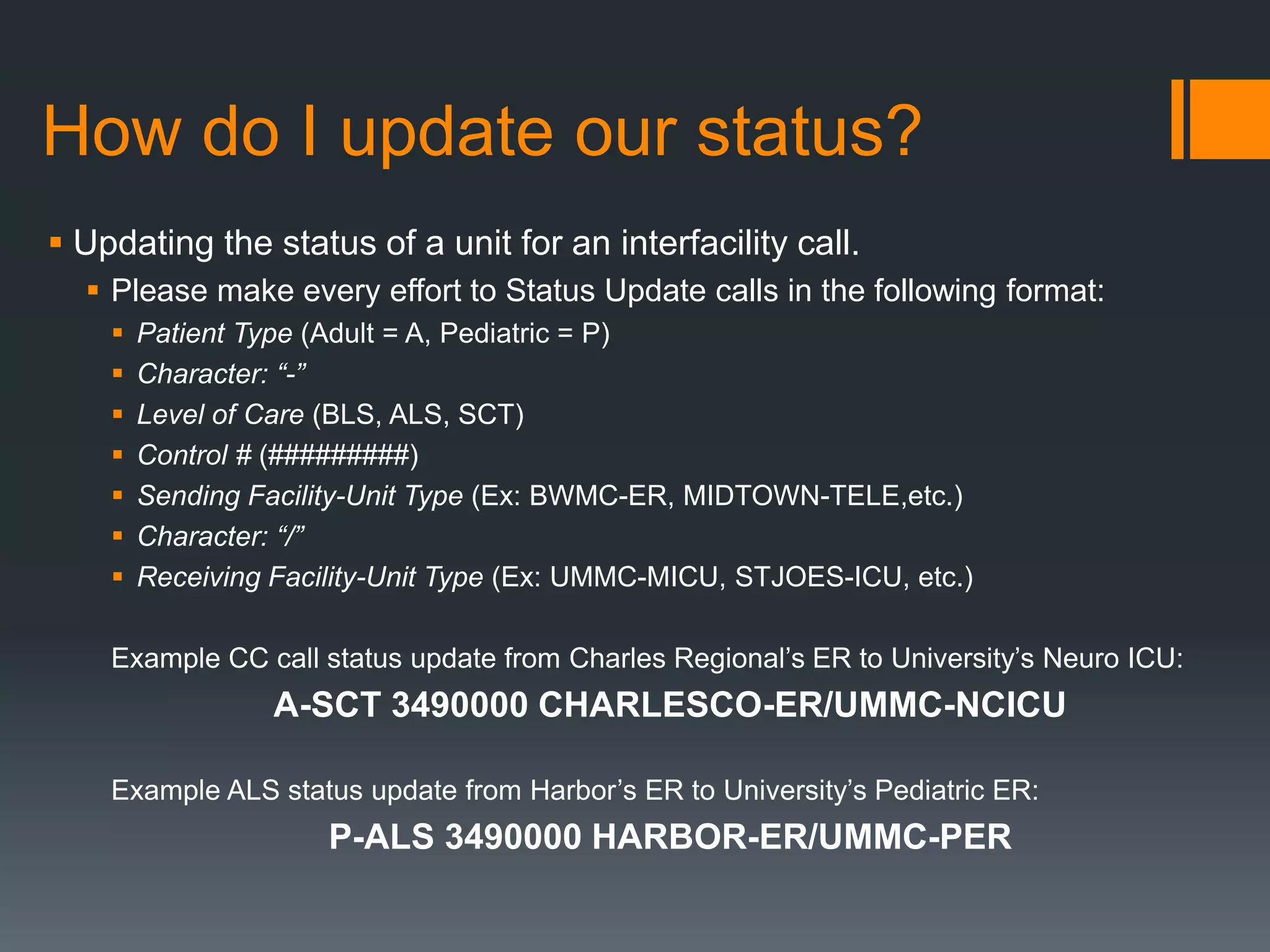
 Updating the status of a unit for an interfacility call
 Please make every effort to Status Update calls in the following format:
 Patient Type (Adult = A, Pediatric = P)
 Character: “-”
 Level of Care (BLS, ALS, SCT)
 Control # (#########)
 Sending Facility-Unit Type (Ex: BWMC-ER, MIDTOWN-TELE,etc.)
 Character: “/”
 Receiving Facility-Unit Type (Ex: UMMC-MICU, STJOES-ICU, etc.)
Example CC call status update from Charles Regional’s ER to University’s Neuro ICU:
A-SCT 3490000 CHARLESCO-ER/UMMC-NCICU
Example ALS status update from Harbor’s ER to University’s Pediatric ER:
P-ALS 3490000 HARBOR-ER/UMMC-PER
How do I update our status?
Updating the status of a nurse/unit for handling a hospital in-
house response.
 Utilize the “Quick Pick” – “IN HOUSE RESPONSE”
 Once you return, enter an updated status with the Disposition and
Control #.
 Example: “IN HOUSE REFUSAL 3490000” OR “IN HOUSE AED 3490000”
 IMPORTANT: Mark this status update as “Out” (Red).
 Update status of unit as “Available” or on next call as appropriate.
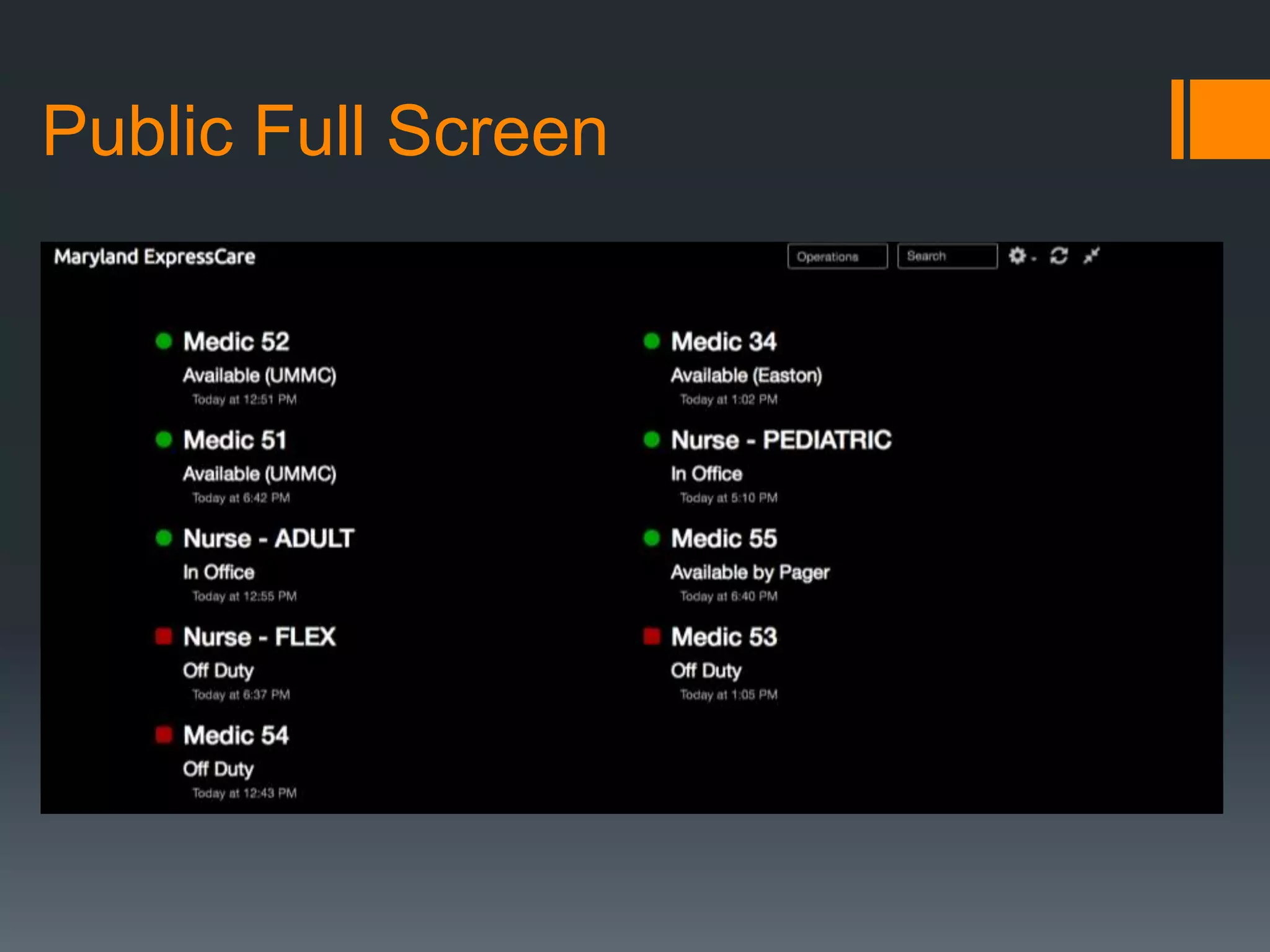
Viewing Units’ Status
 An updated link for the “Public Full Screen” view will always be available
on EMS Manager. This does not require logging into Simple In/Out.
 The “Public Full Screen” updates every 30-60 seconds, and can be
viewed by clicking “Full Screen” in the main user screen.
 “Board” is the unit status board within the mobile application.
 The “Public Full Screen” can be adjusted in settings for larger view in
locations such as the monitor in the Communications Center.
(Recommendation: 2 Columns with Largest Text)
Public Full Screen
Don’t Worry, Be Happy!
At first, this system may seem intimidating, but it
truly is “Simple In / Out”! As we take advantage of
this useful tool, it will prove itself to be invaluable in
making all of our lives free of confusion and
frustration.

Unit Status Tracking Software Orientation

  • 1.
    Simple In/Out University ofMaryland ExpressCare Unit Status Management
  • 2.
    Goals From theSystem  Clear and Open Communication  Communication Center Staff  Clinical Staff  Management  Better Use of Resources  Availability of units in “real time”  Reduced workload on Communications Center staff  Provides reports of unit status as needed for management  Staff Accountability/Security  Provides awareness of staff/unit status  Reduces frustration
  • 3.
    How do Iaccess? Desktop access is available online at www.simpleinout.com (a link is available on EMS Manager) Free Smartphone Apps  Android  iOS  Windows
  • 4.
    How do Iaccess? Medic Units’ Account Login Info Email addresses for the units are in similar format: umexpresscare+(unit #)@gmail.com  Example: Medic 51’s address is umexpresscare+51@gmail.com Passwords are ALL identical, and MUST NEVER be changed: Password1
  • 5.
    How do Iaccess? Nurses’ Account Login Info  Email addresses for the nurses are also in similar format.  Adult Nurse: umexpresscare+arn@gmail.com  Pediatric Nurse: umexpresscare+prn@gmail.com  Adult Flex Nurse: umexpresscare+frn@gmail.com (An alternative plan for a pediatric flex nurse status account is in place.)  Passwords are ALL identical, and MUST NEVER be changed: Password1
  • 6.
  • 7.
    How do Iupdate our status? Updating the status of the nurse/unit of non-call related events.  Most of the content is very clear on the main screen  Utilize the “Quick Picks” as much as possible, if they apply  IMPORTANT: Unless there will be a delayed response or unavailability for a call, any status update should remain as an “In” (Green) status update. Ex. Available by Pager, Picking Up Food, etc. (Hint: Available by Pager could be used if you are remaining in the general hospital area.)
  • 8.
    How do Iupdate our status?  Updating the status of a unit for an interfacility call  Please make every effort to Status Update calls in the following format:  Patient Type (Adult = A, Pediatric = P)  Character: “-”  Level of Care (BLS, ALS, SCT)  Control # (#########)  Sending Facility-Unit Type (Ex: BWMC-ER, MIDTOWN-TELE,etc.)  Character: “/”  Receiving Facility-Unit Type (Ex: UMMC-MICU, STJOES-ICU, etc.) Example CC call status update from Charles Regional’s ER to University’s Neuro ICU: A-SCT 3490000 CHARLESCO-ER/UMMC-NCICU Example ALS status update from Harbor’s ER to University’s Pediatric ER: P-ALS 3490000 HARBOR-ER/UMMC-PER
  • 9.
    How do Iupdate our status? Updating the status of a nurse/unit for handling a hospital in- house response.  Utilize the “Quick Pick” – “IN HOUSE RESPONSE”  Once you return, enter an updated status with the Disposition and Control #.  Example: “IN HOUSE REFUSAL 3490000” OR “IN HOUSE AED 3490000”  IMPORTANT: Mark this status update as “Out” (Red).  Update status of unit as “Available” or on next call as appropriate.
  • 10.
    Viewing Units’ Status An updated link for the “Public Full Screen” view will always be available on EMS Manager. This does not require logging into Simple In/Out.  The “Public Full Screen” updates every 30-60 seconds, and can be viewed by clicking “Full Screen” in the main user screen.  “Board” is the unit status board within the mobile application.  The “Public Full Screen” can be adjusted in settings for larger view in locations such as the monitor in the Communications Center. (Recommendation: 2 Columns with Largest Text)
  • 11.
  • 12.
    Don’t Worry, BeHappy! At first, this system may seem intimidating, but it truly is “Simple In / Out”! As we take advantage of this useful tool, it will prove itself to be invaluable in making all of our lives free of confusion and frustration.