“ UI 101 ”
Mohamed Said
UI Engineer
Session content
● HTML
● CSS
● Sass
● Bootstrap
● Fix style issue
● How To Think Like A Ui developer ?
● The easiest way to animate CSS
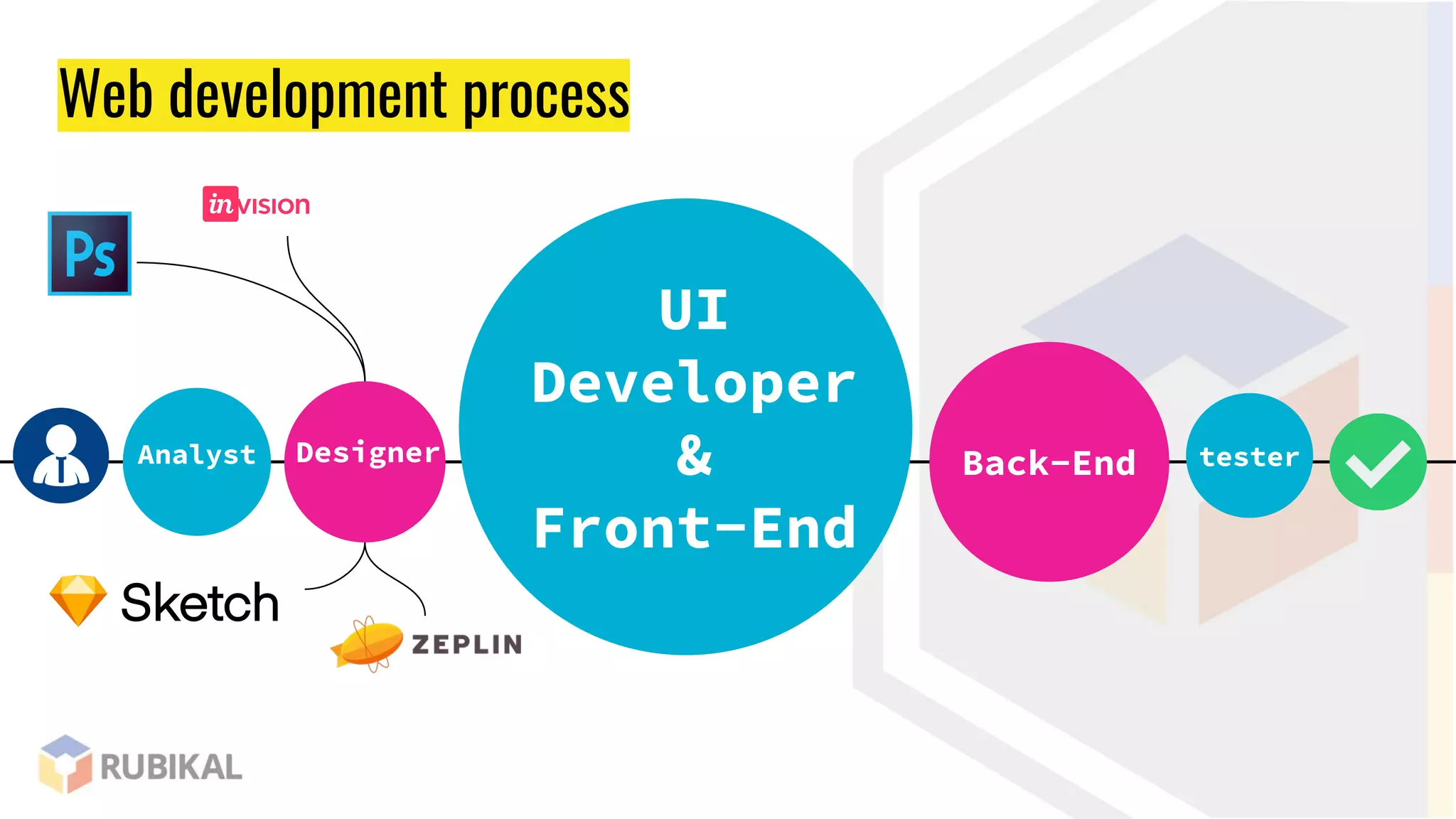
Web development process
Analyst
UI
Developer
&
Front-End
Back-EndDesigner tester
UI
Developer
&
Front-End
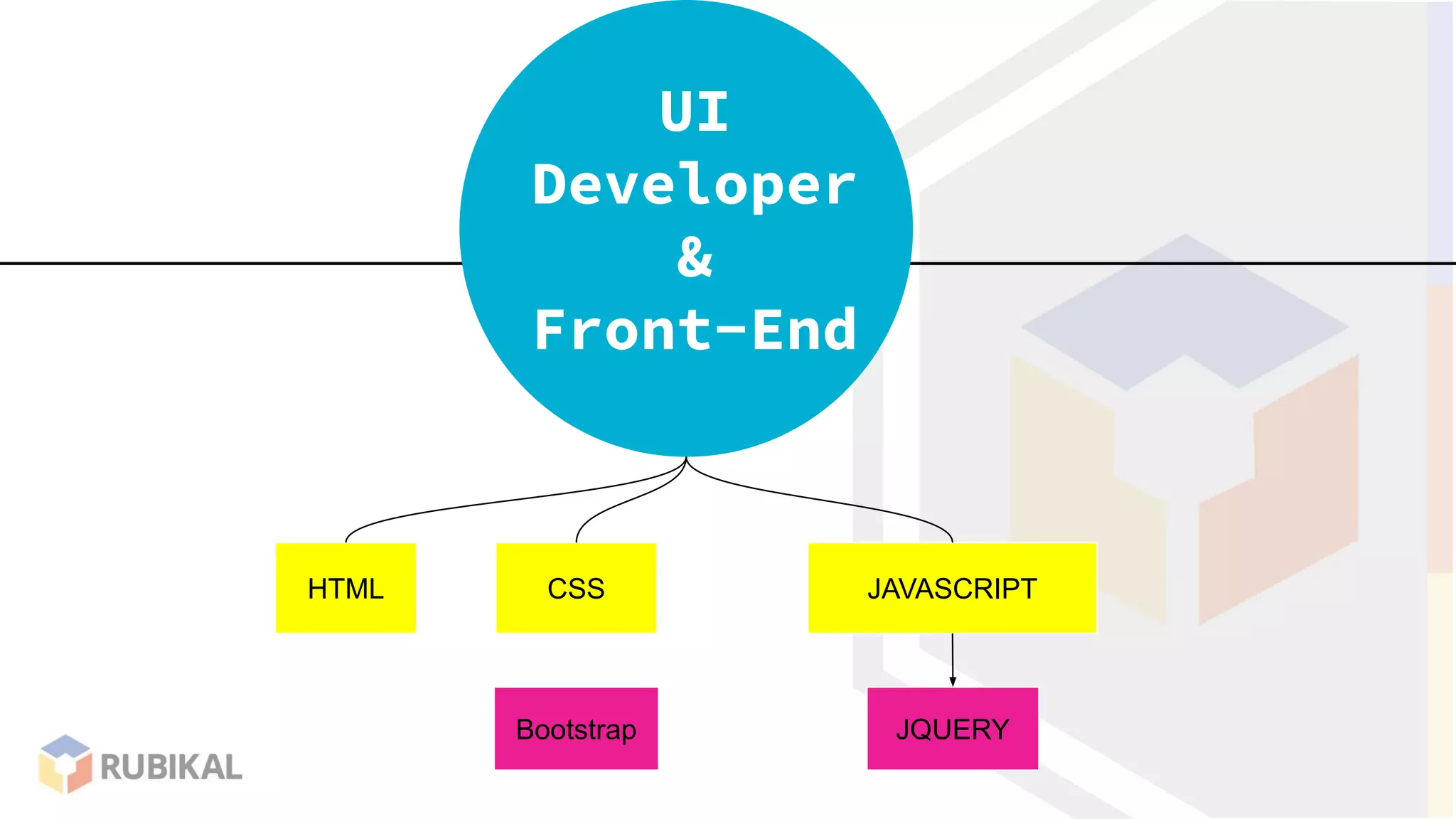
HTML CSS
Bootstrap
JAVASCRIPT
JQUERY
FRONT END
Developer
UI
Developer
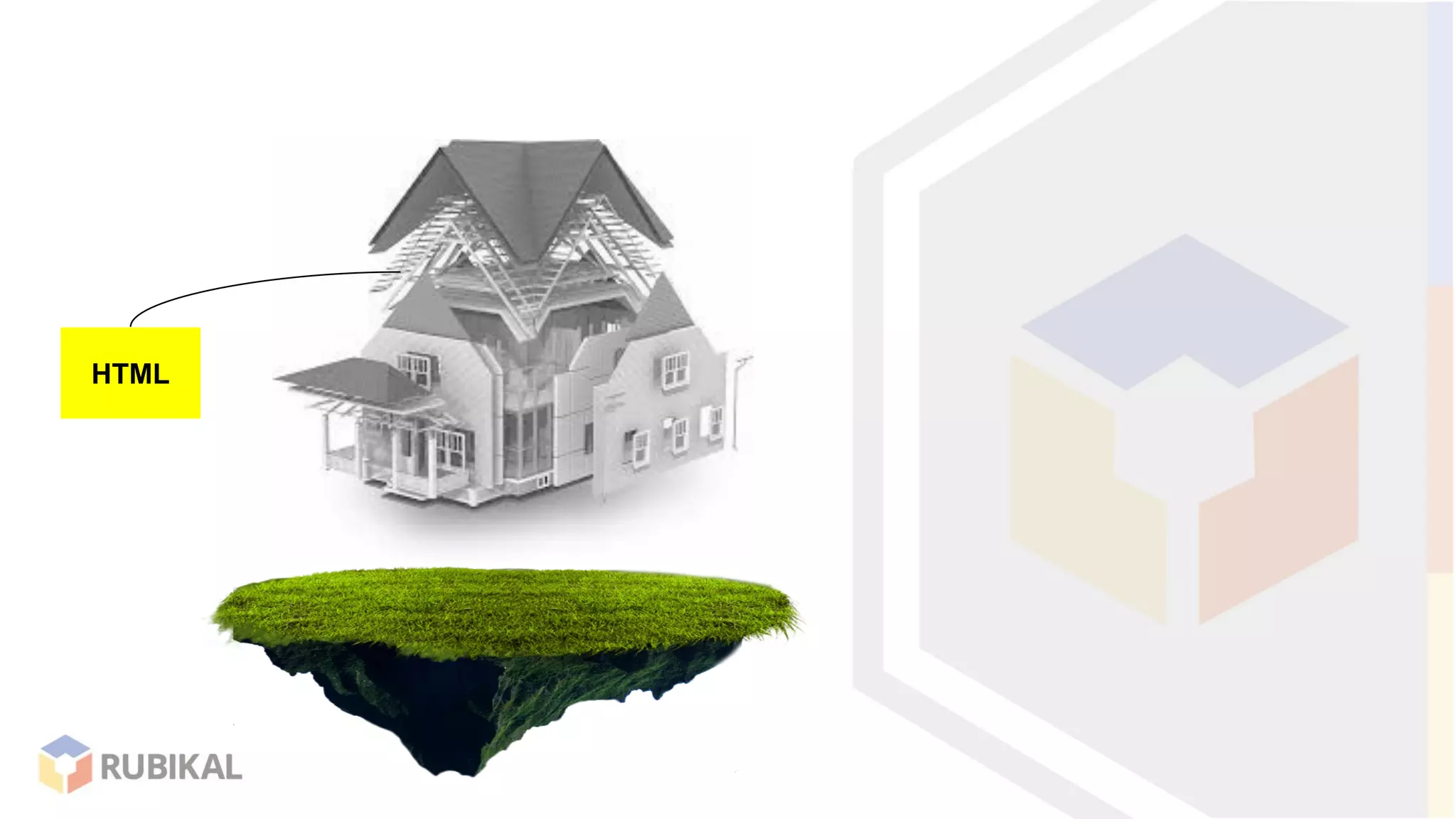
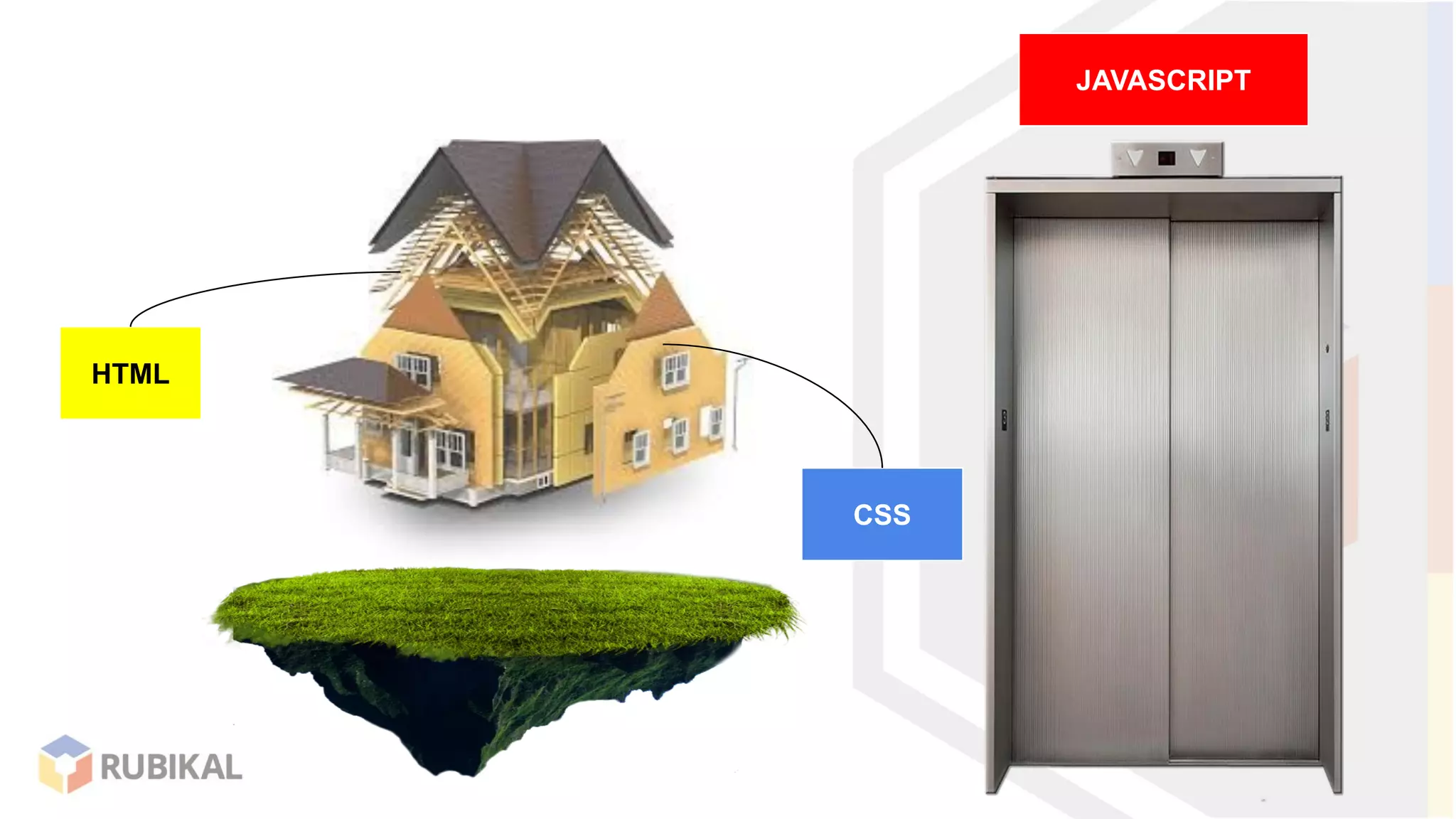
HTML
CSS
HTML
JAVASCRIPT
CSS
HTML
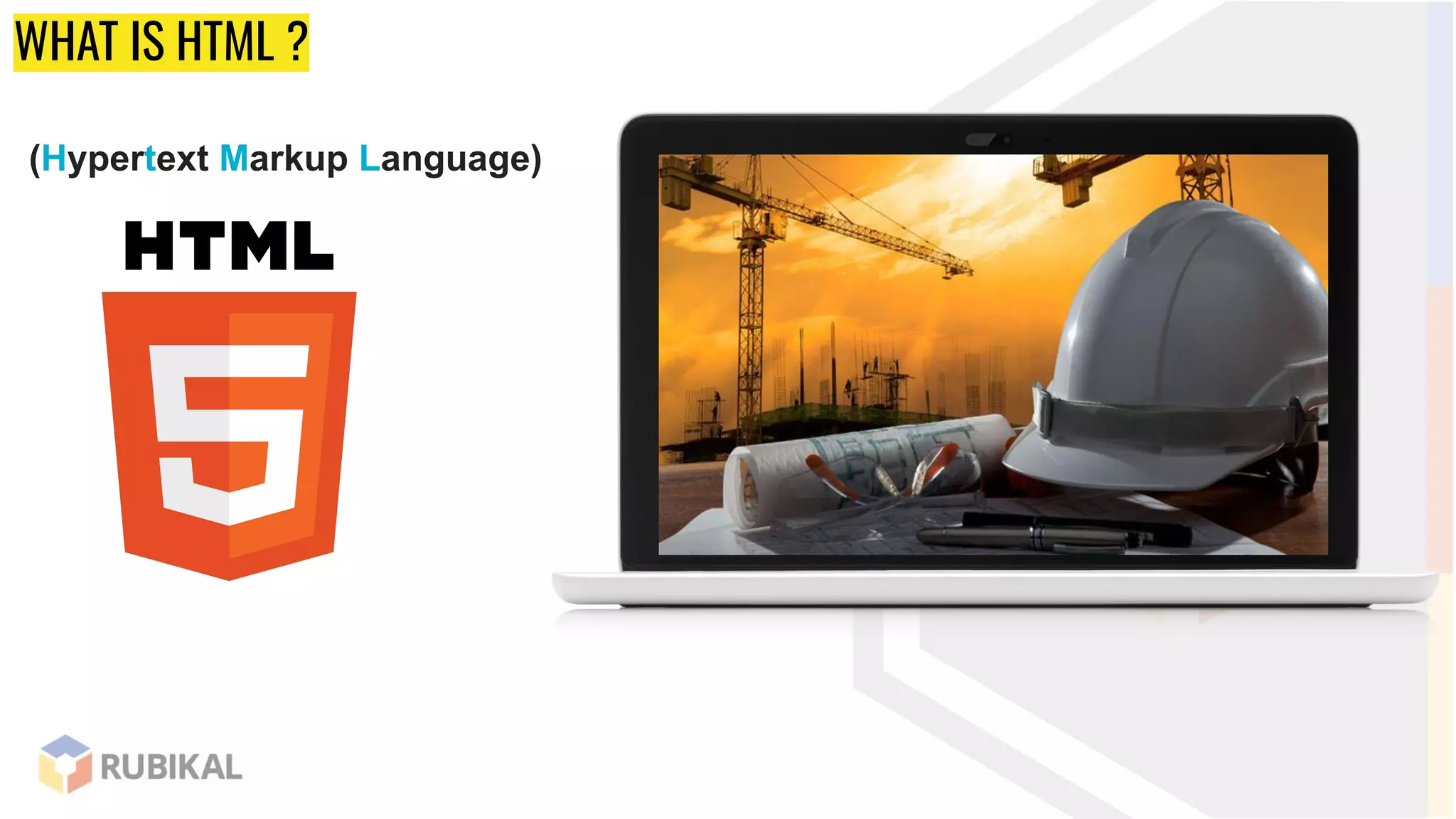
WHAT IS HTML ?
(Hypertext Markup Language)
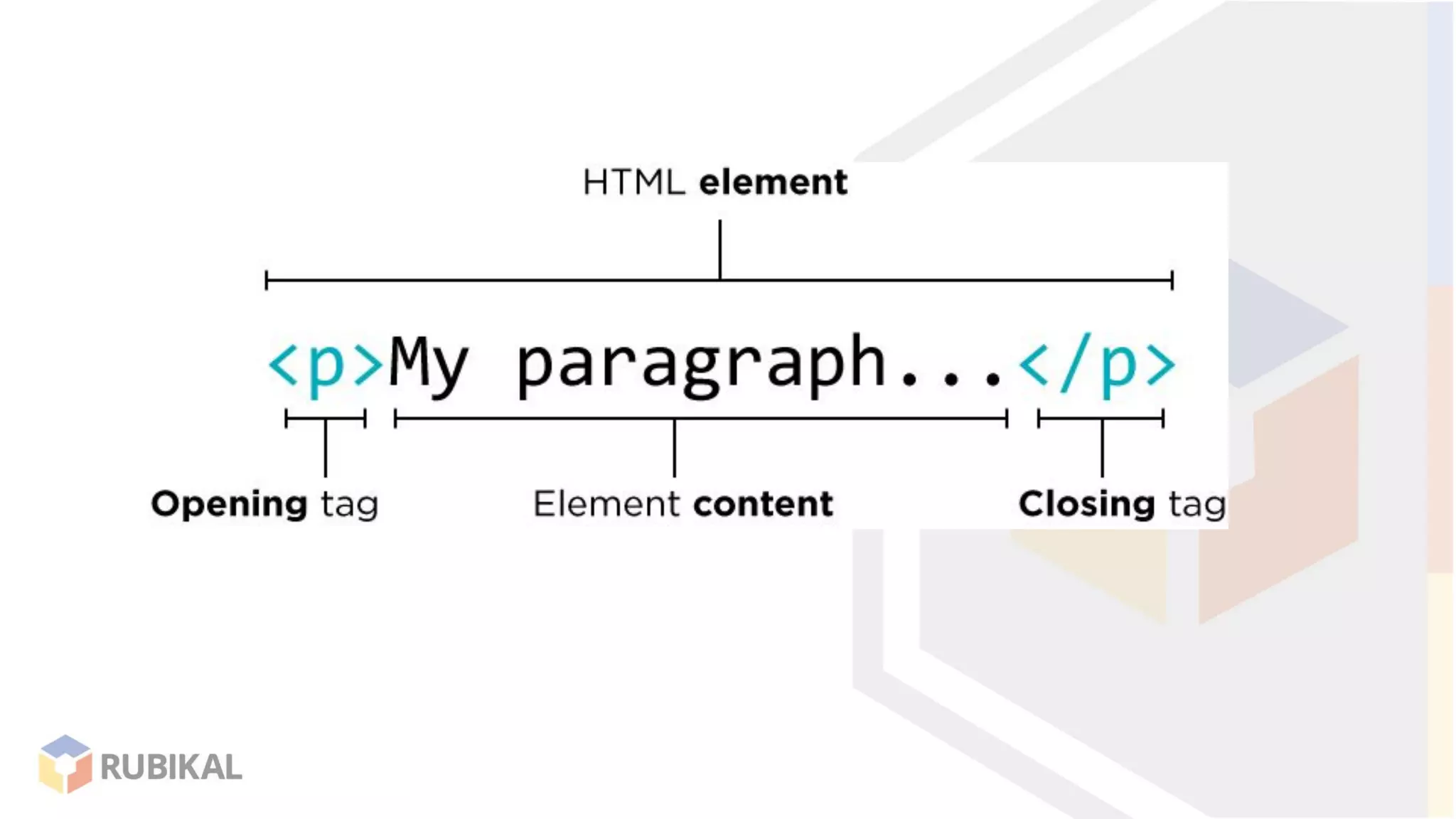
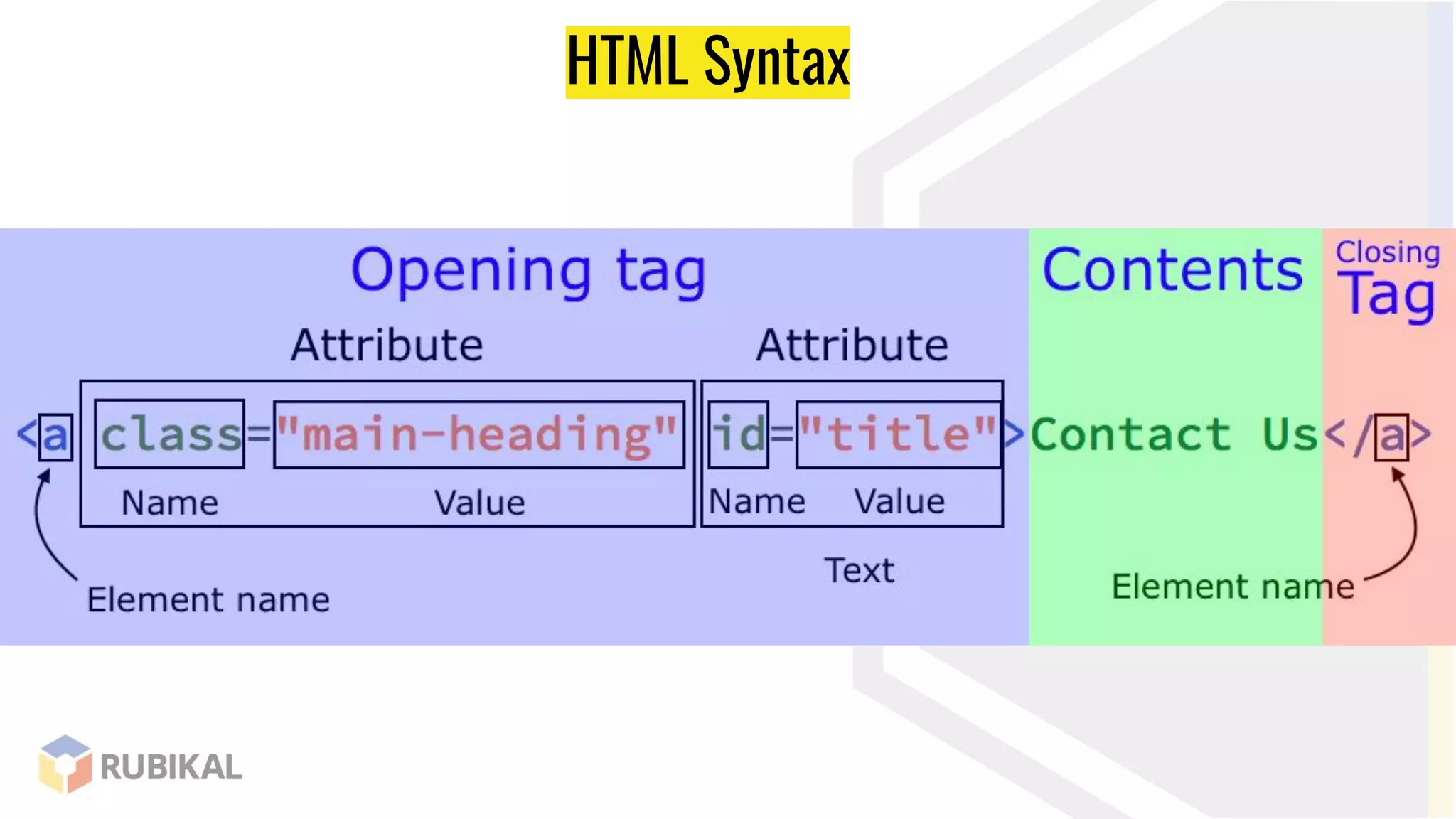
HTML Syntax
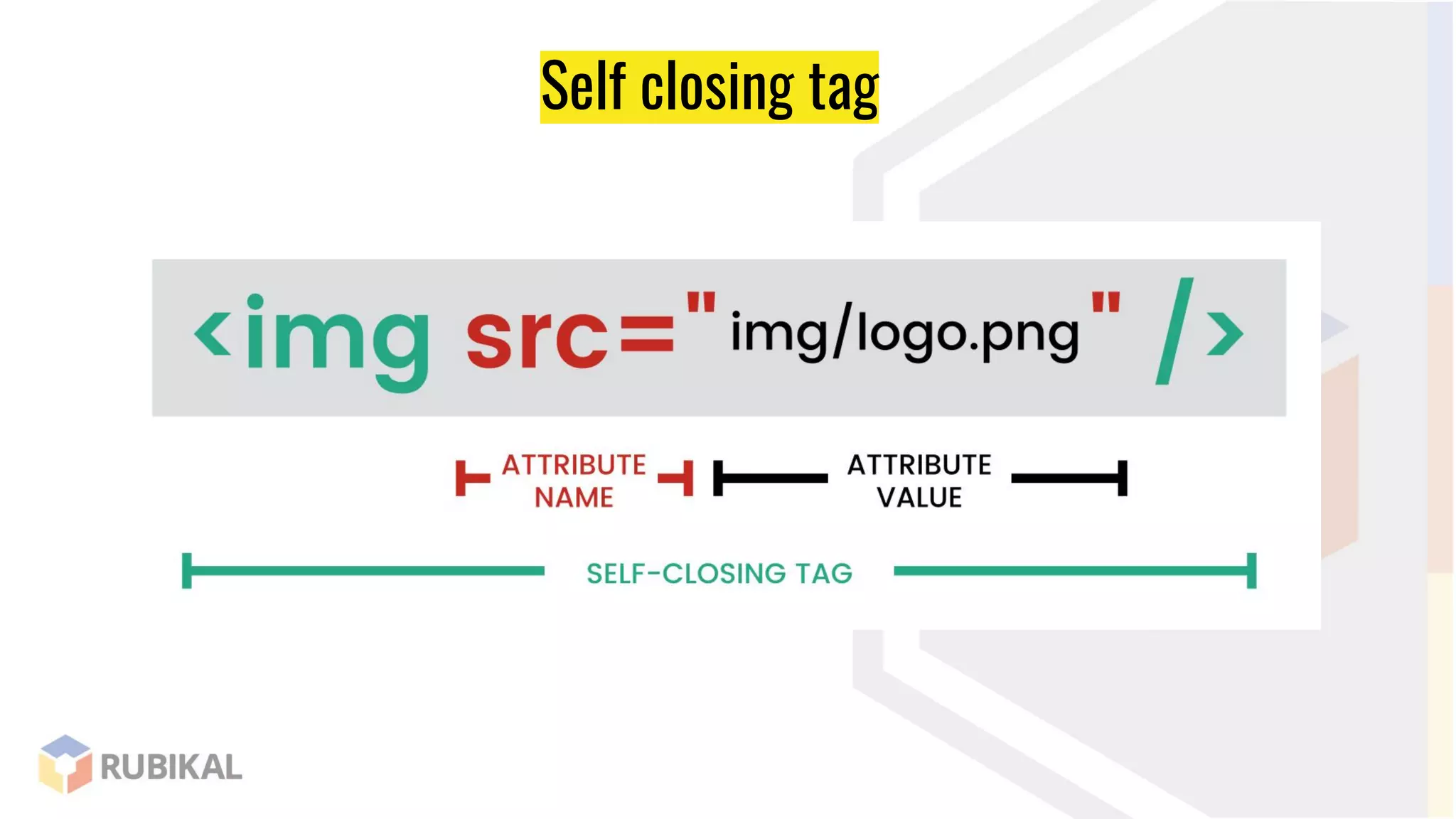
Self closing tag
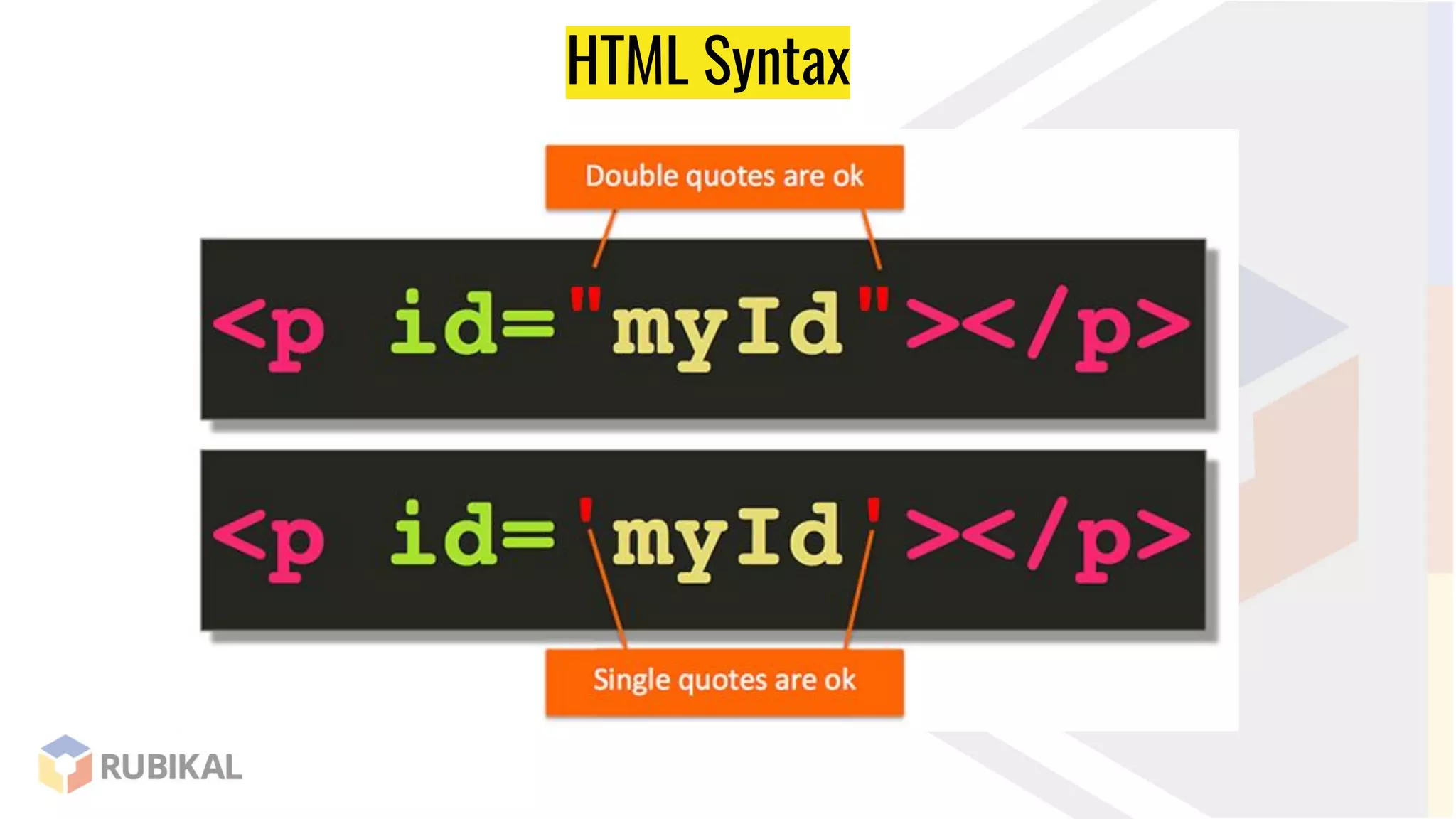
HTML Syntax
Basic Structure
Setting
version of
HTML5
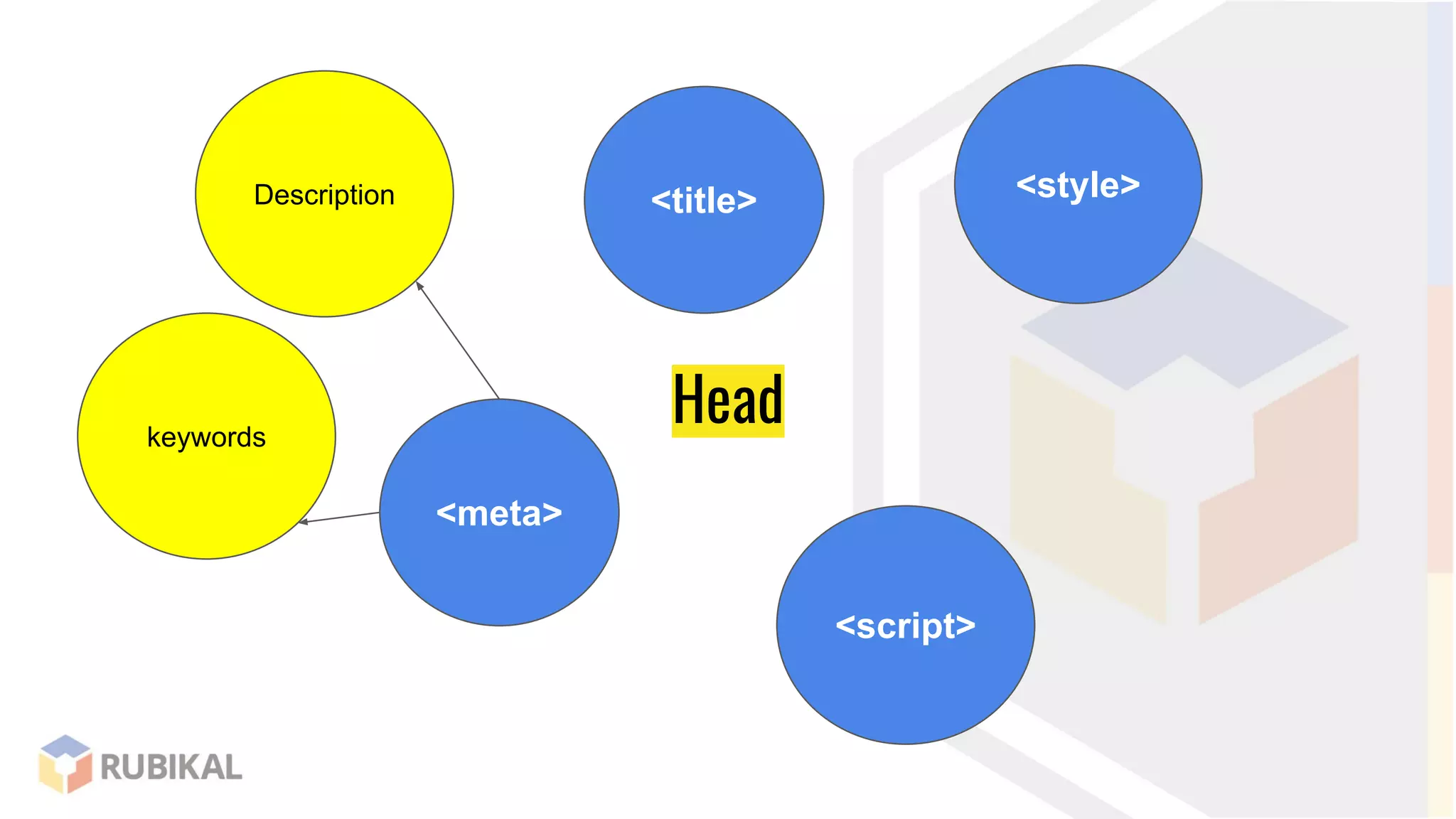
Head
<title> <style>
<meta>
<script>
Description
keywords
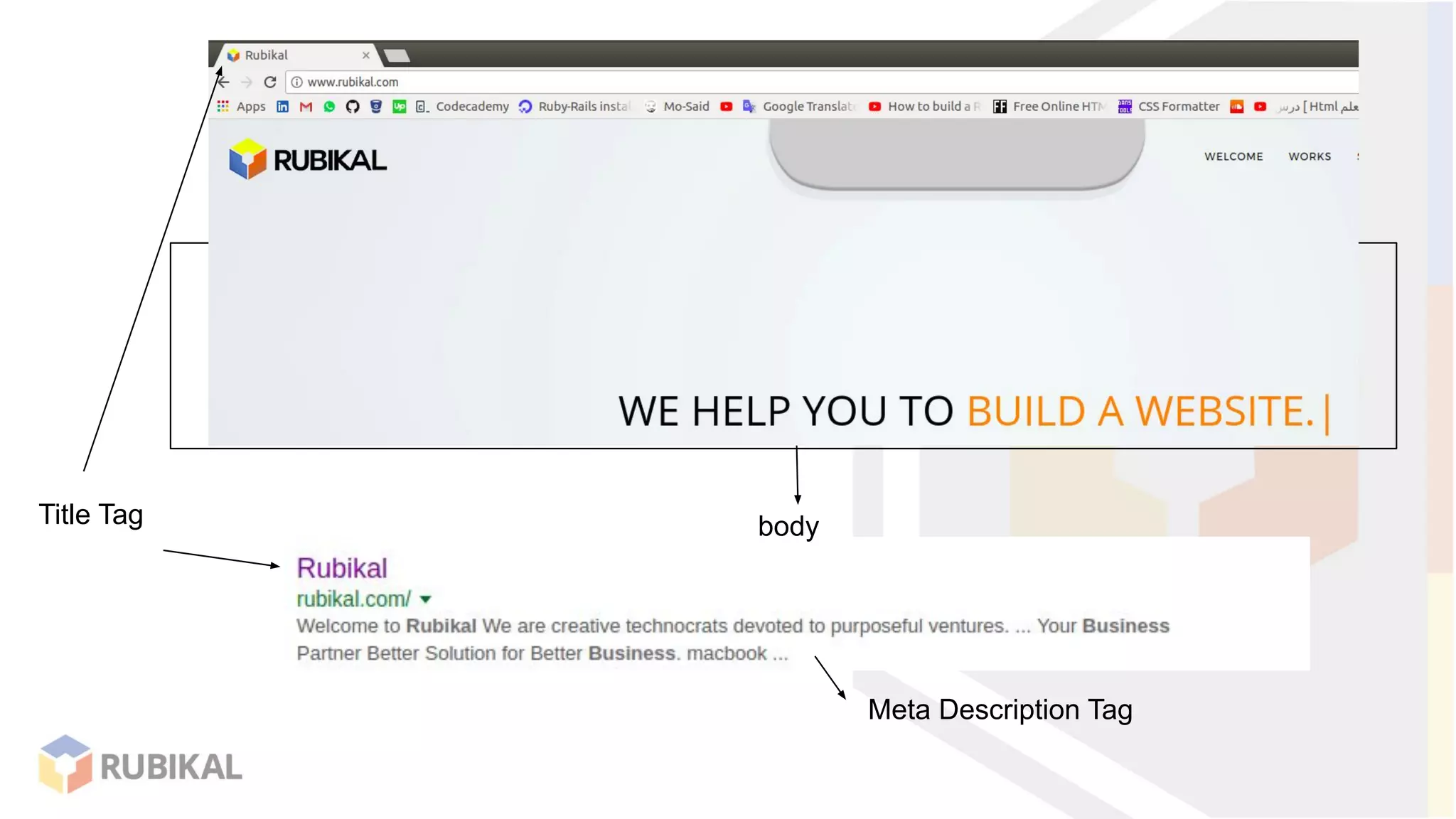
Title Tag
Meta Description Tag
body
Heading
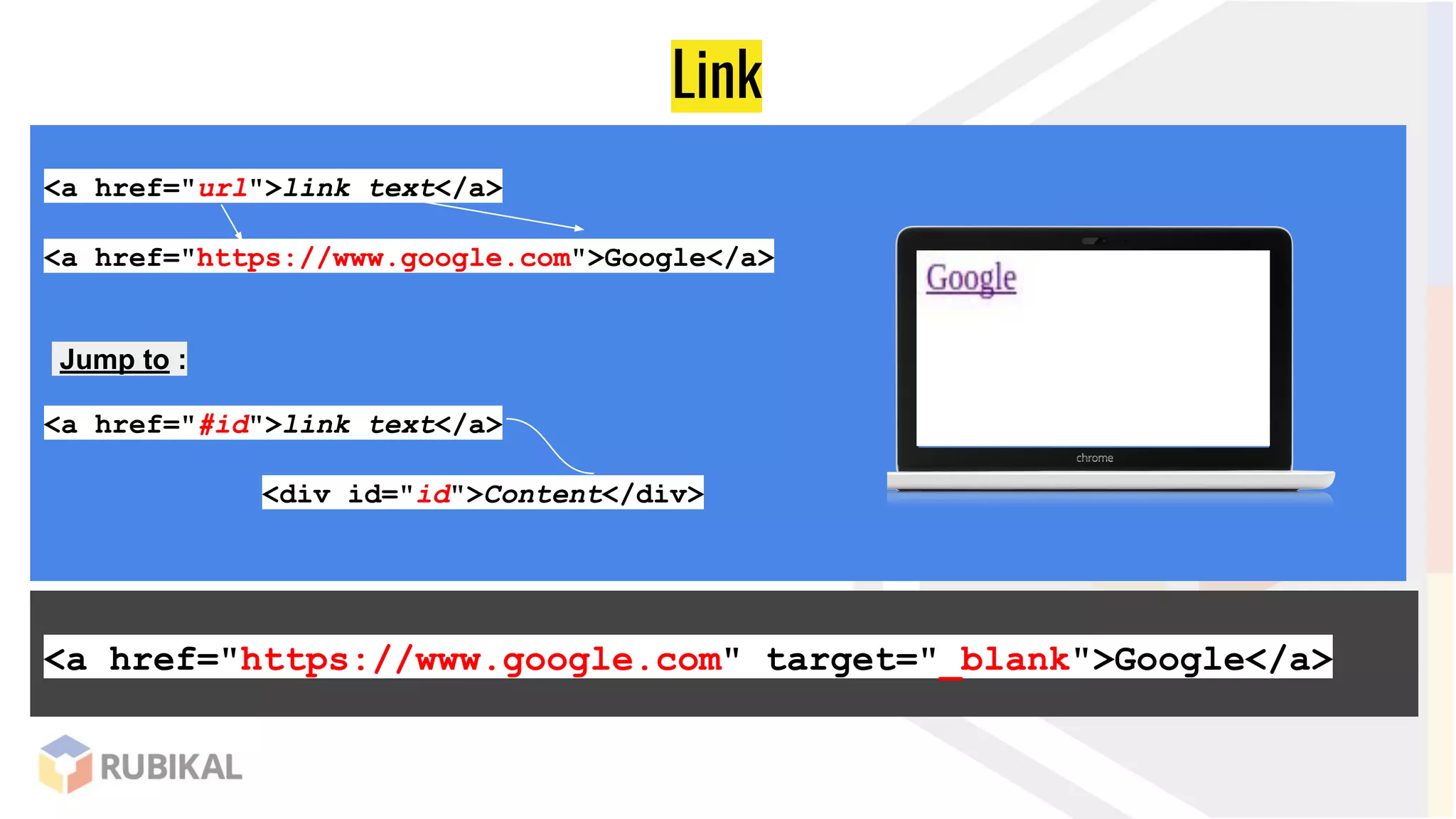
Link
<a href="url">link text</a>
<a href="https://www.google.com">Google</a>
Jump to :
<a href="#id">link text</a>
<div id="id">Content</div>
<a href="https://www.google.com" target="_blank">Google</a>
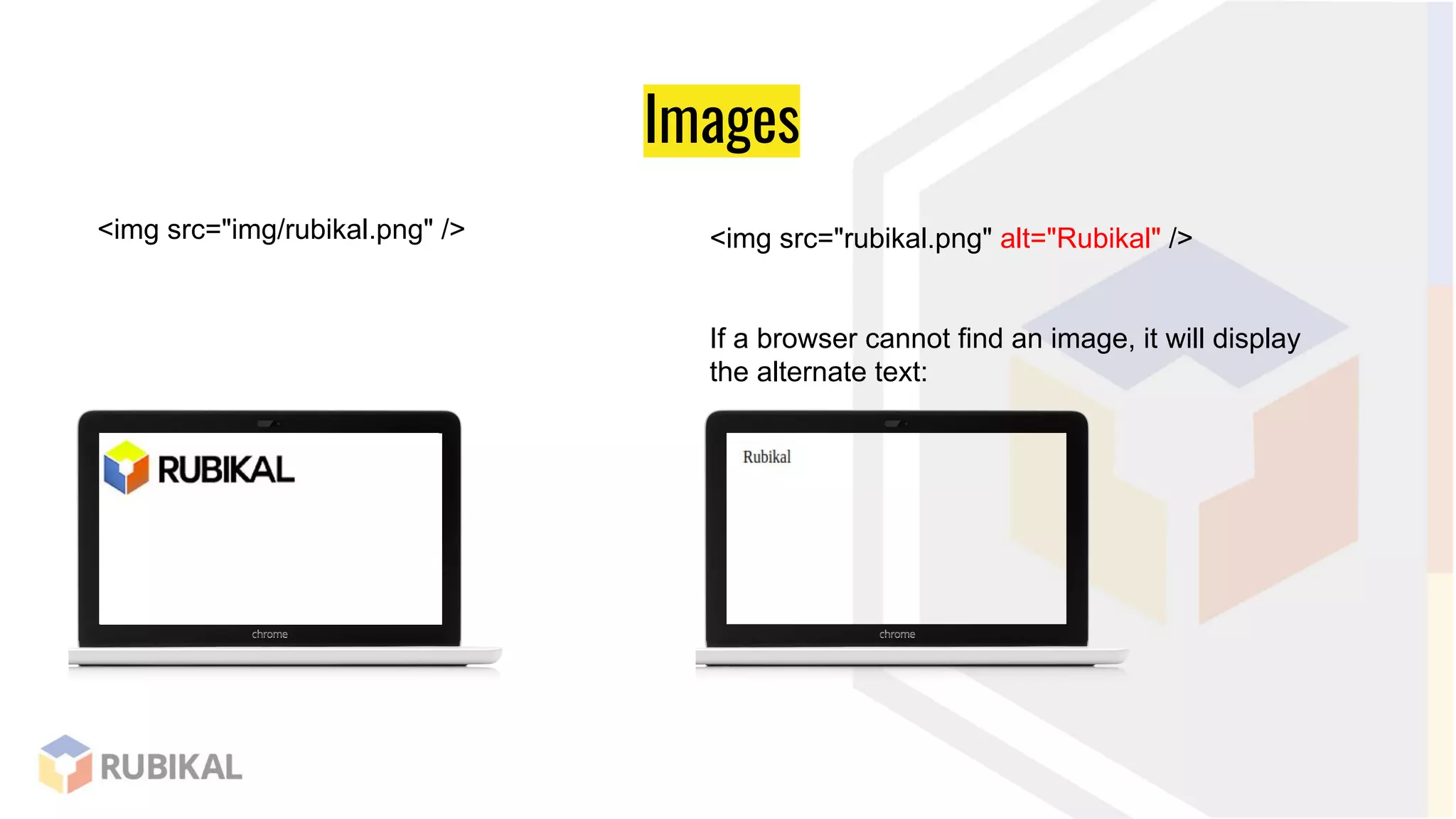
Images
<img src="img/rubikal.png" /> <img src="rubikal.png" alt="Rubikal" />
If a browser cannot find an image, it will display
the alternate text:
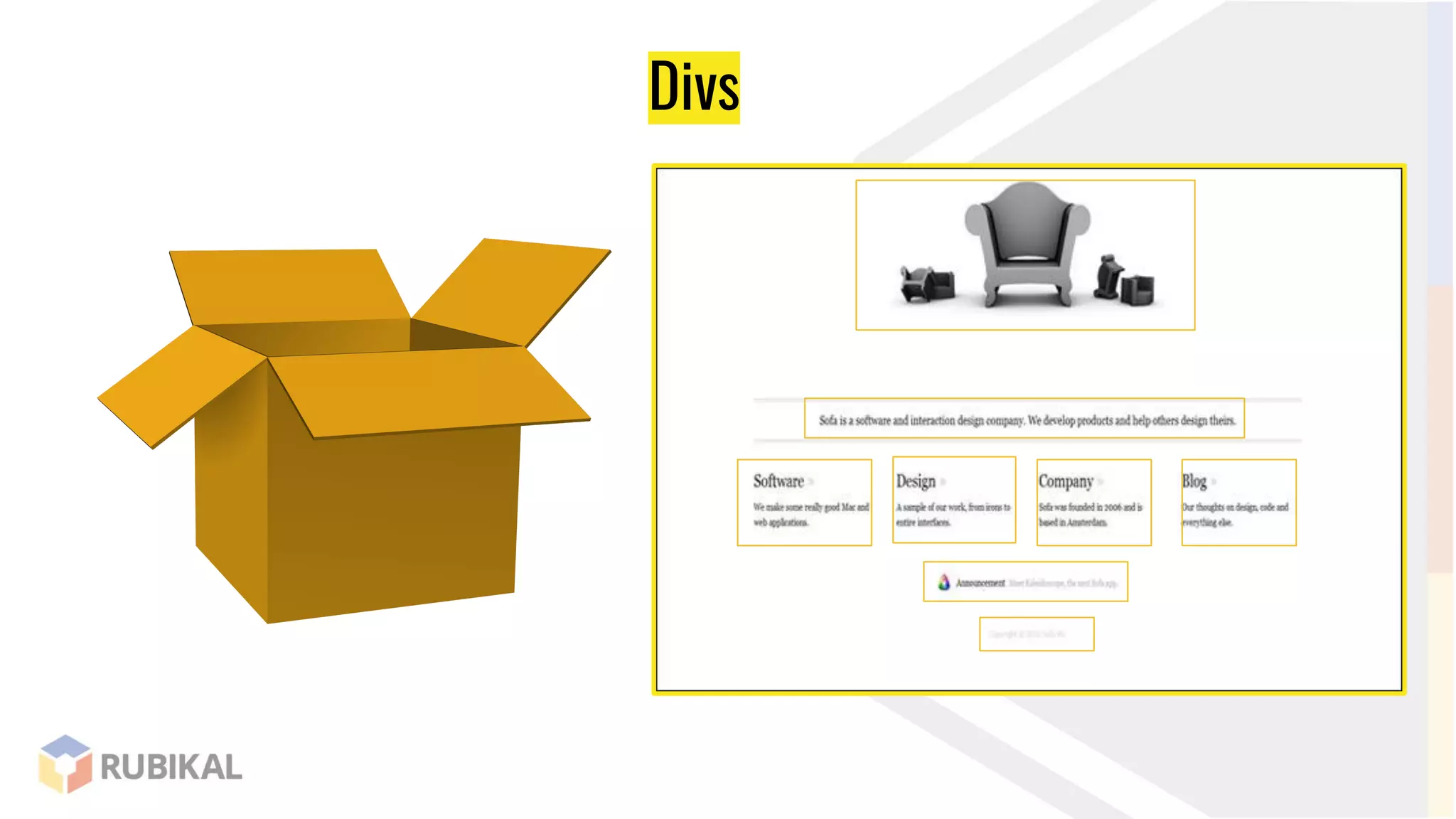
Divs
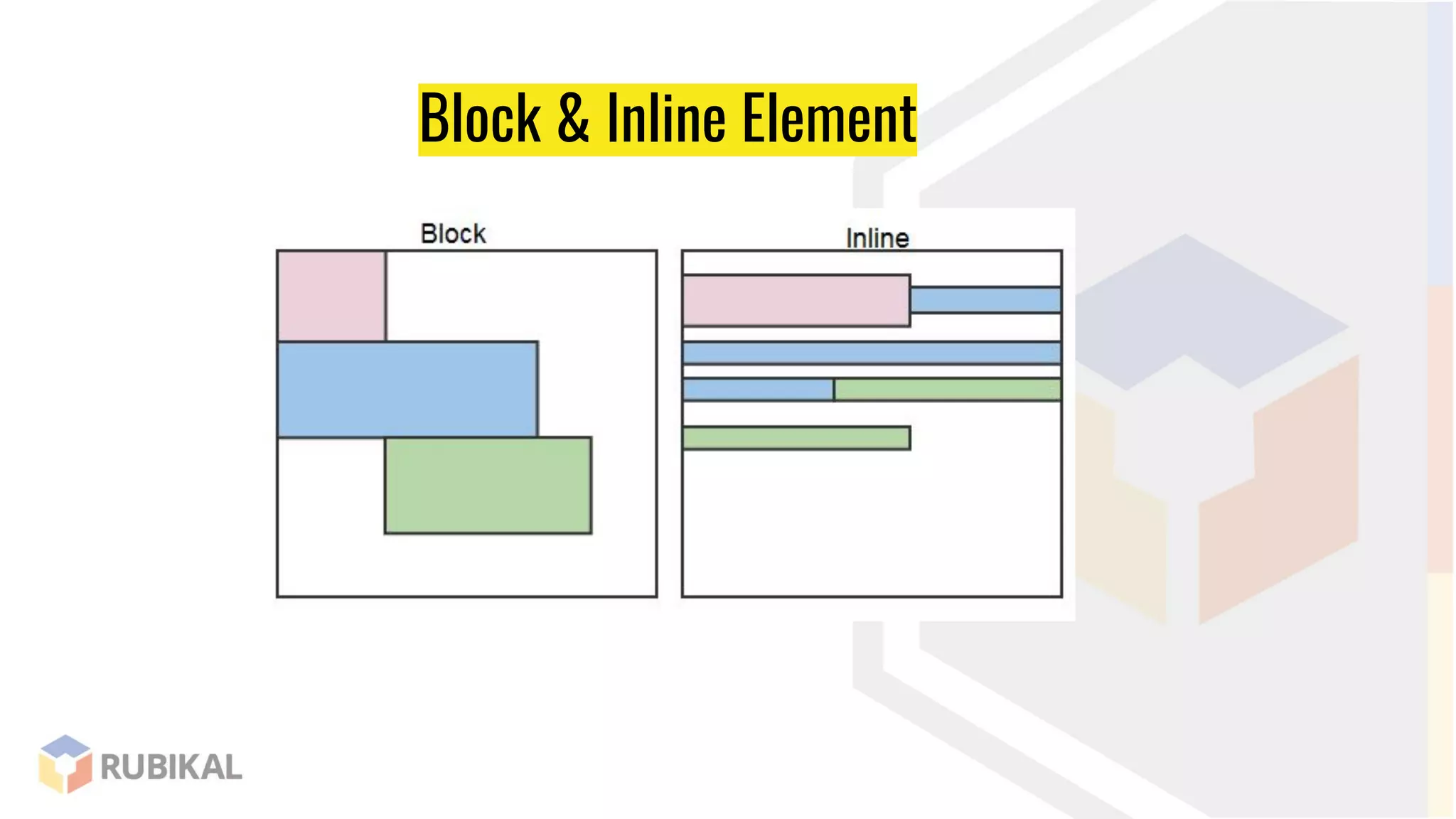
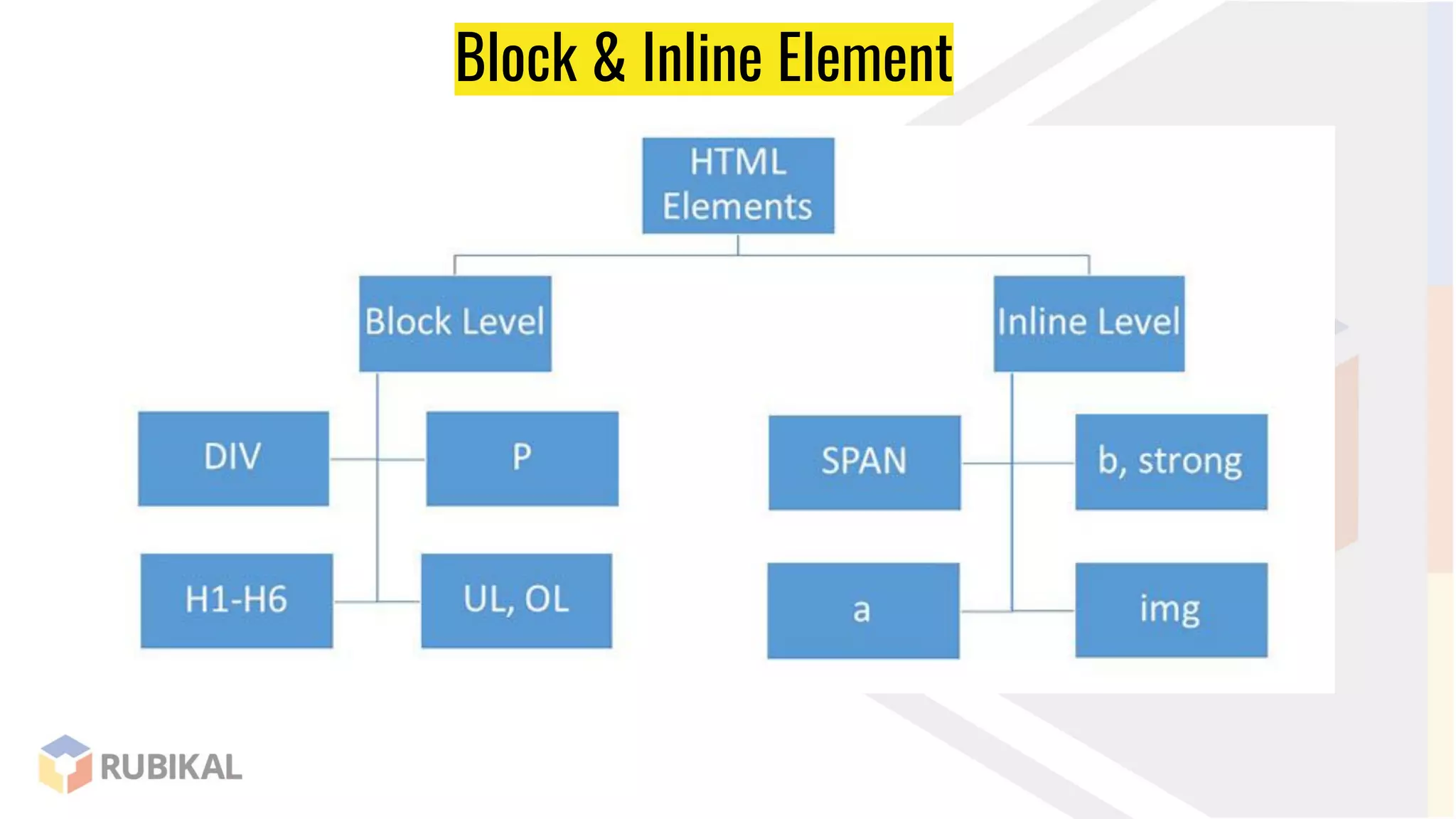
Block & Inline Element
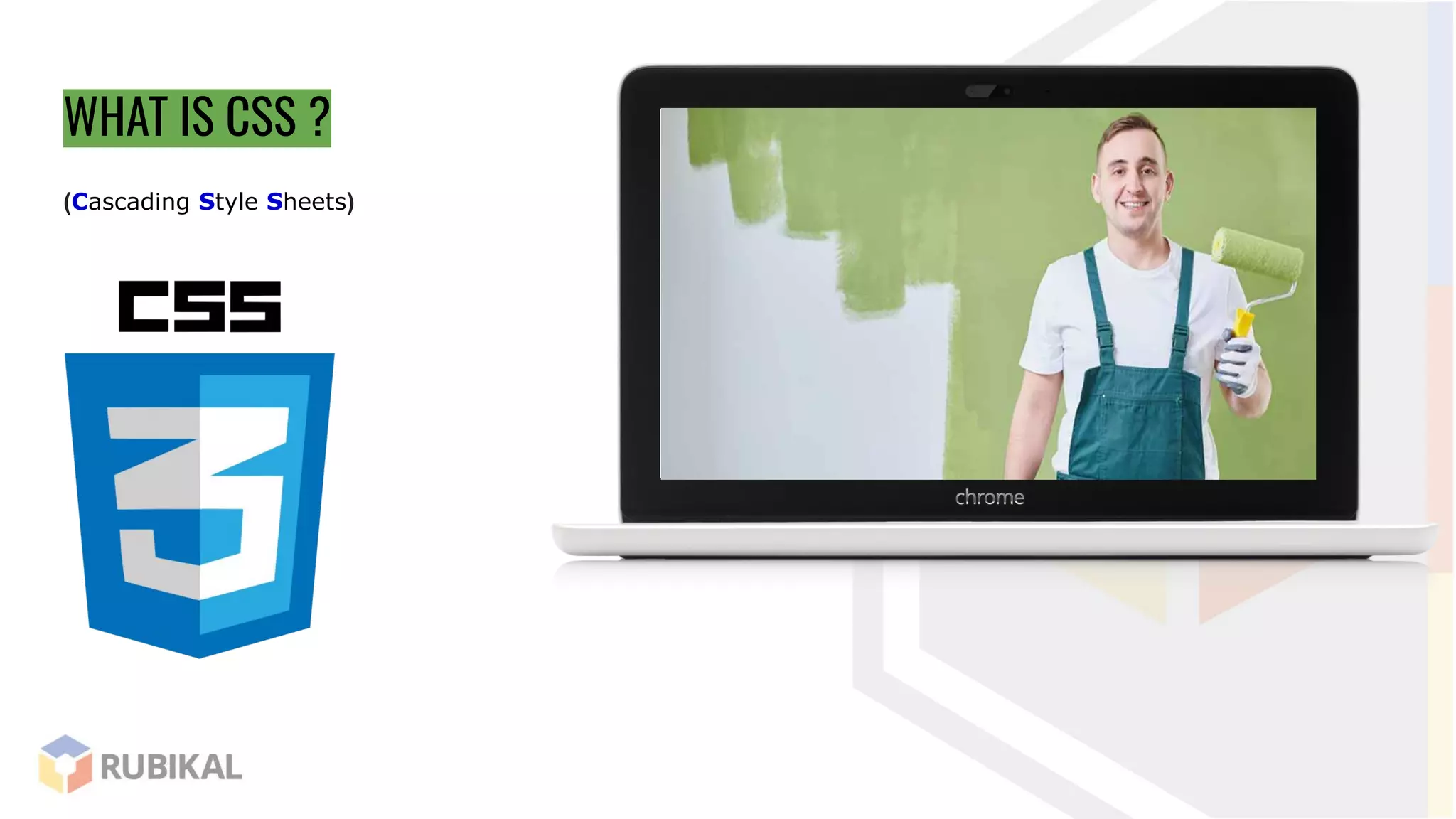
WHAT IS CSS ?
(Cascading Style Sheets)
CSS Syntax
Selector/element {
Property : value;
}
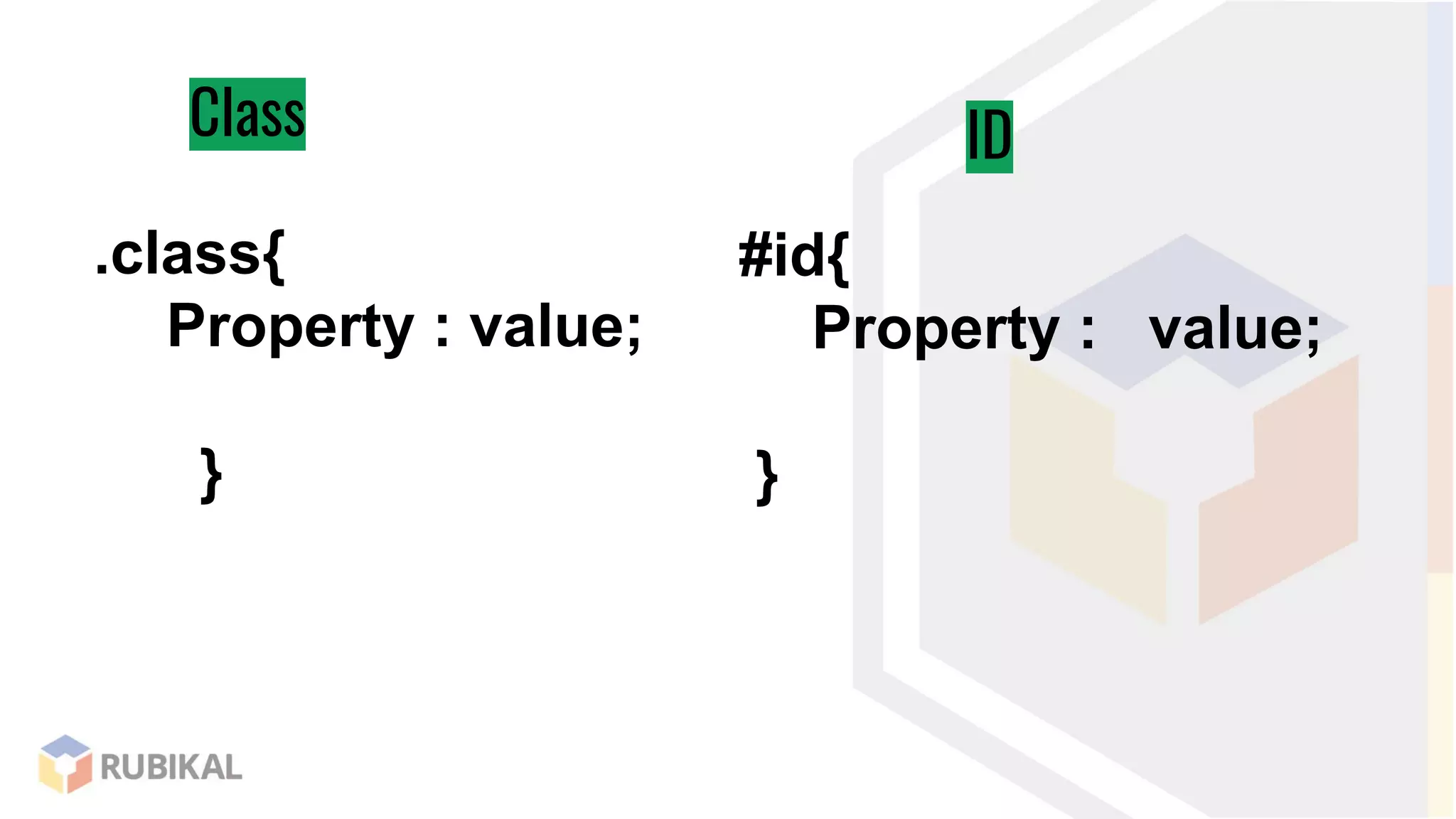
Class ID
.class{
Property : value;
}
#id{
Property : value;
}
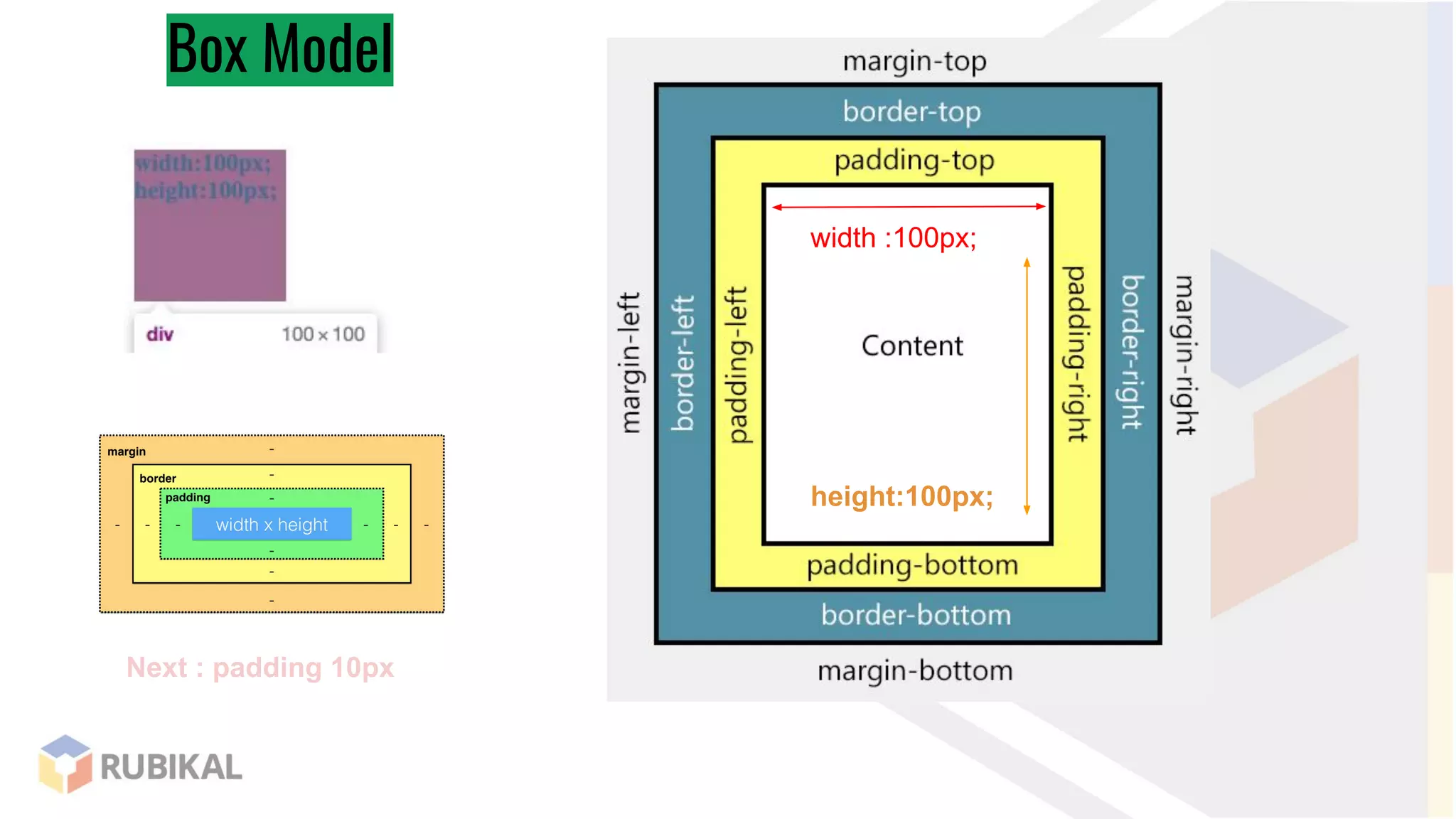
Box Model
Box Model
width :100px;
height:100px;
Next : padding 10px
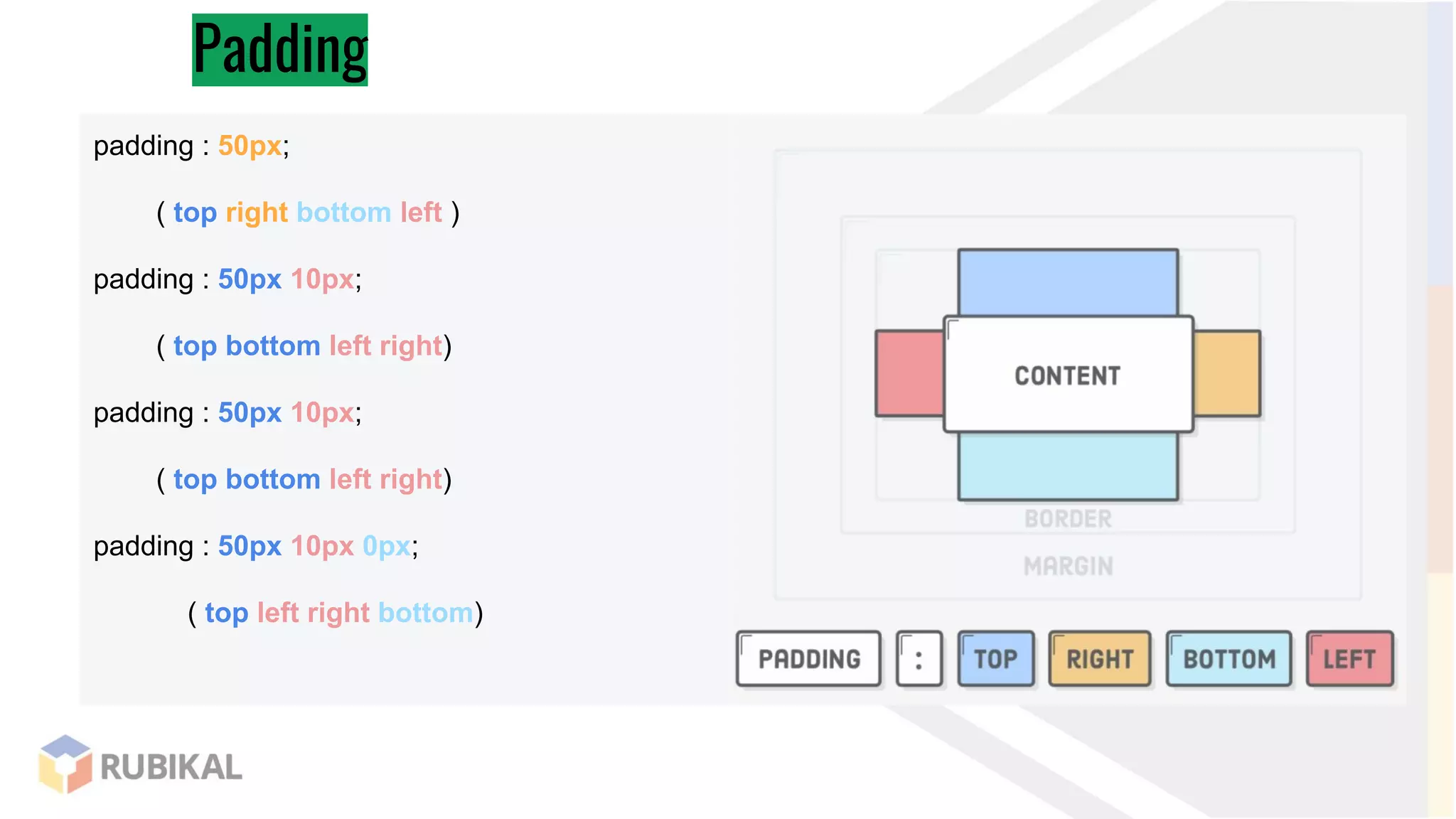
Padding
padding : 50px;
( top right bottom left )
padding : 50px 10px;
( top bottom left right)
padding : 50px 10px;
( top bottom left right)
padding : 50px 10px 0px;
( top left right bottom)
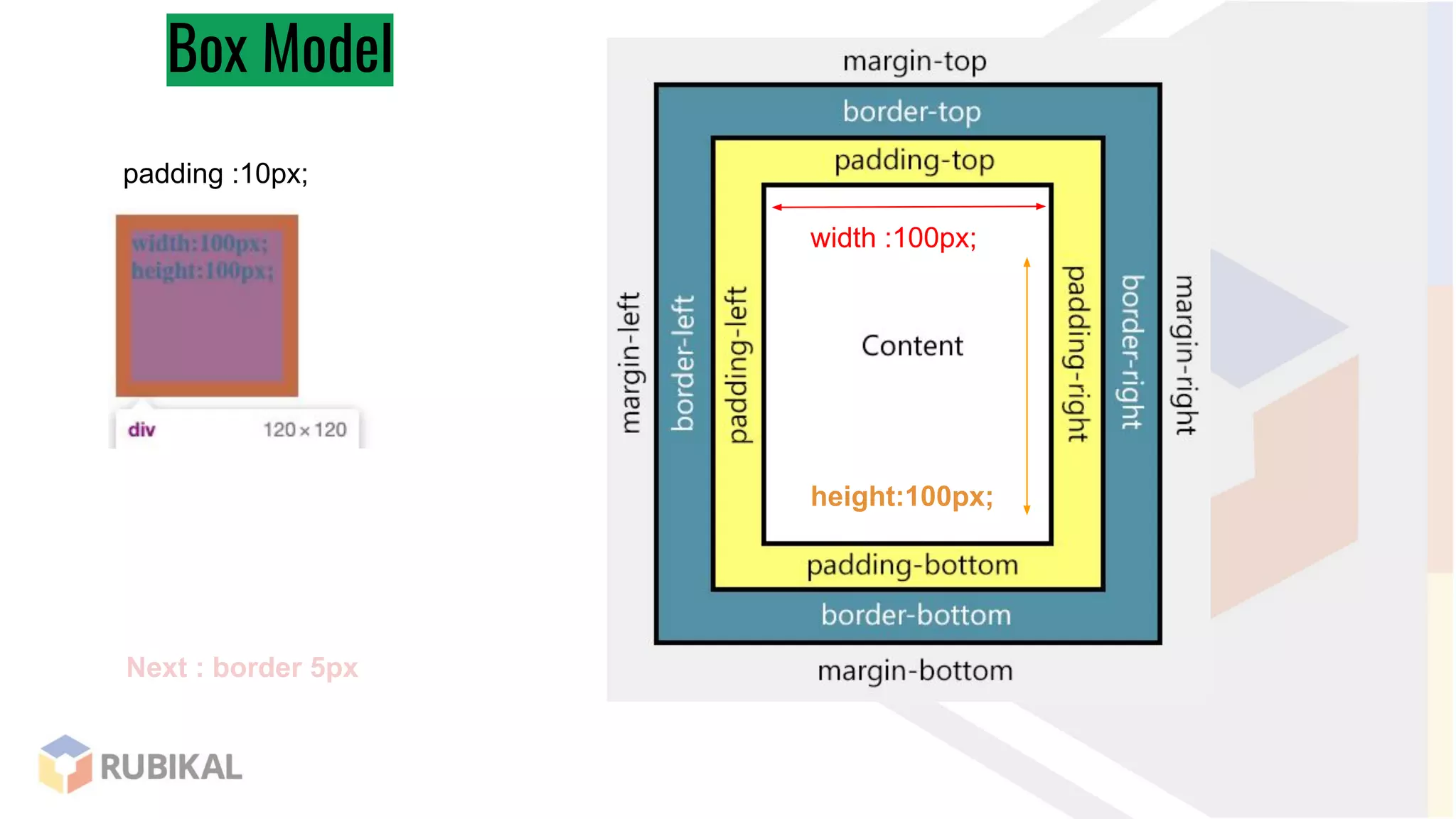
Box Model
padding :10px;
width :100px;
height:100px;
Next : border 5px
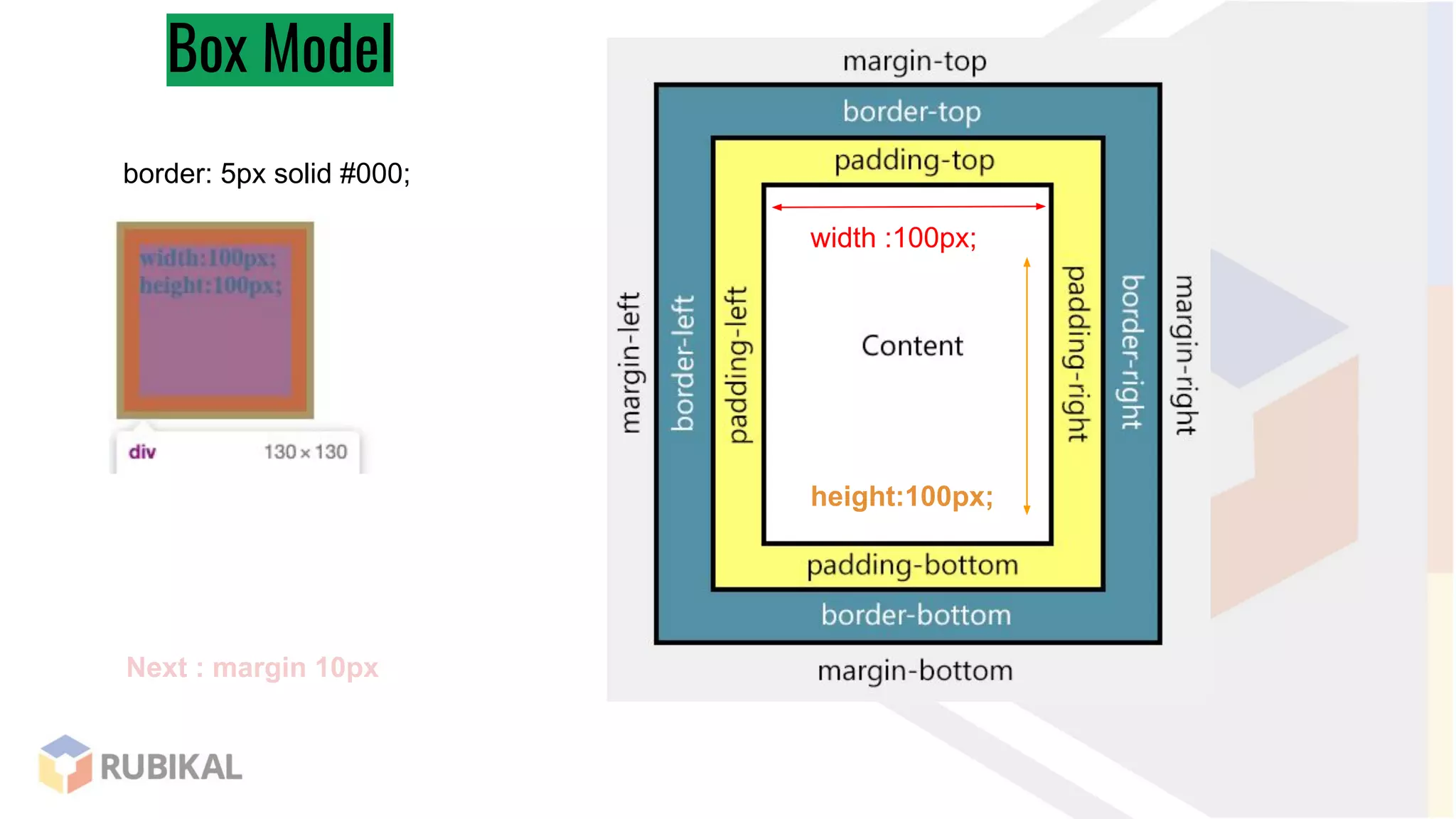
Box Model
border: 5px solid #000;
width :100px;
height:100px;
Next : margin 10px
Box Model
margin :10px;
width :100px;
height:100px;
Box Model
width :100px;
height:100px;
Box-sizing:content-box;
Box-sizing:border-box;
positions
absolute
Relative
Fixed
position : absolute;
Top :0;
left:0;
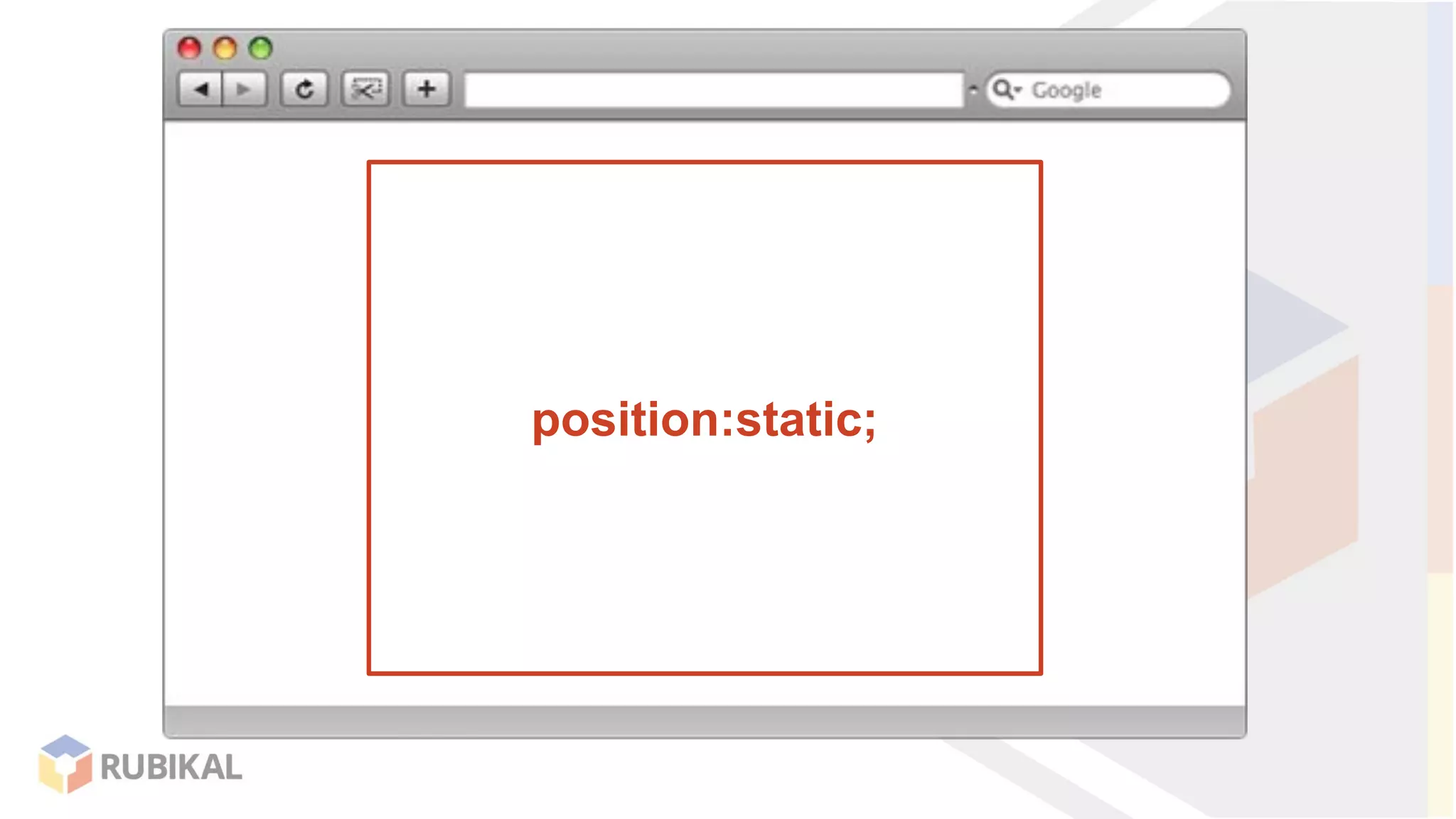
positions
position:static;
position:static;
position : absolute;
Top :0;
left:0;
position:relative;
position:relative;
position : absolute;
Top :0;
left:0;
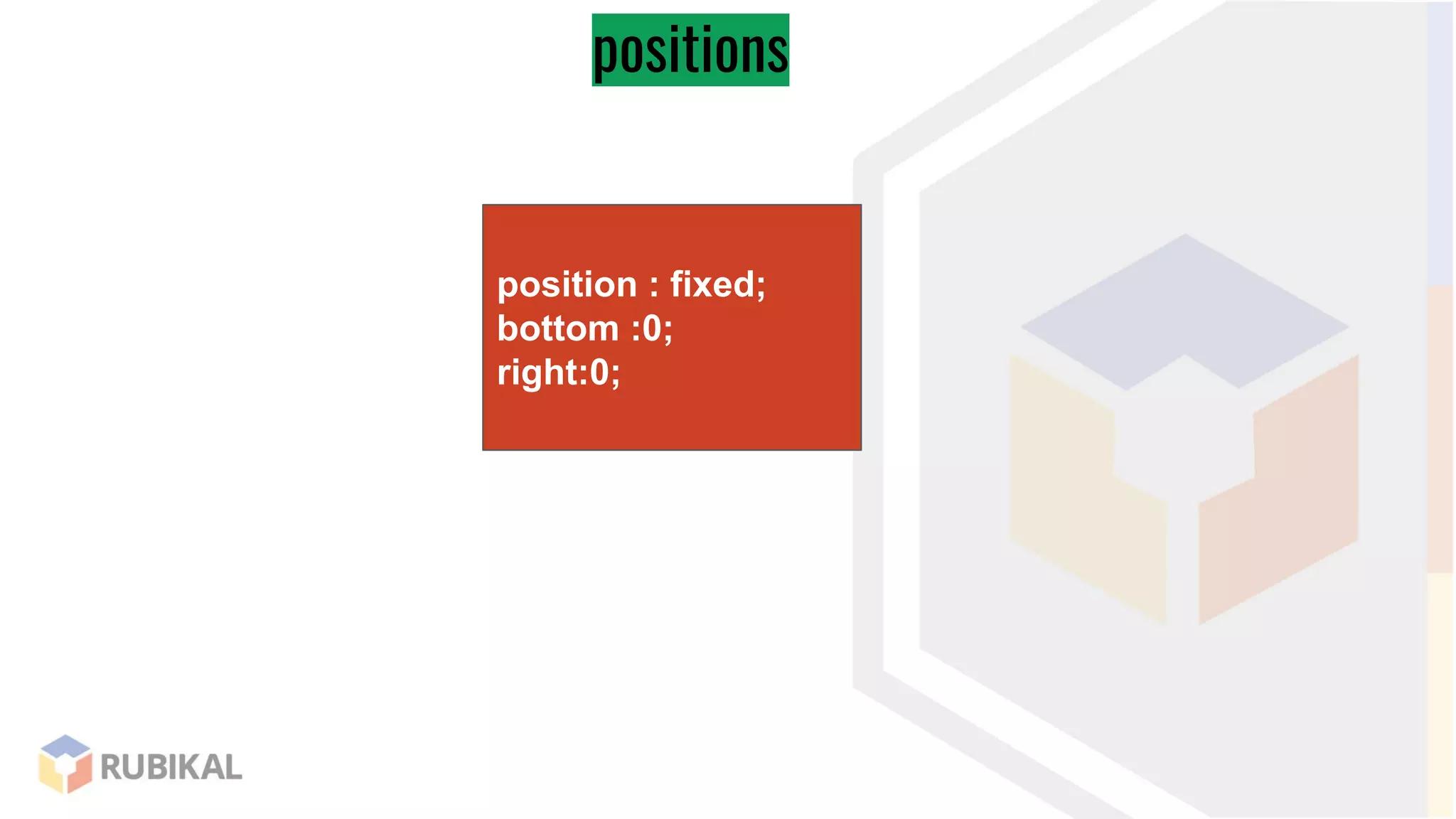
position : fixed;
bottom :0;
right:0;
positions
position:relative;
position:relative;
position : fixed;
bottom :0;
right:0;
positions
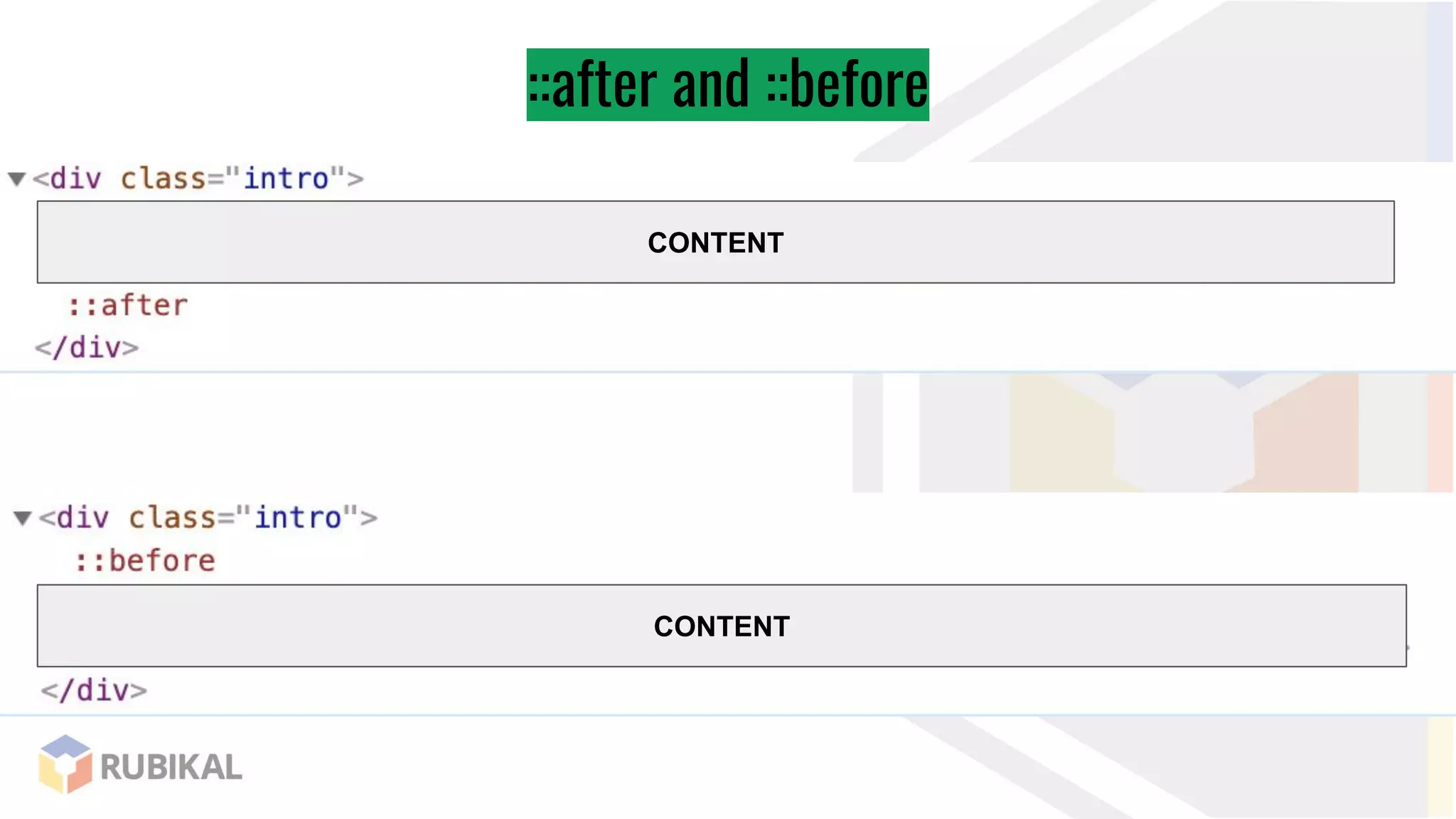
::after and ::before
CONTENT
CONTENT
::after and ::before
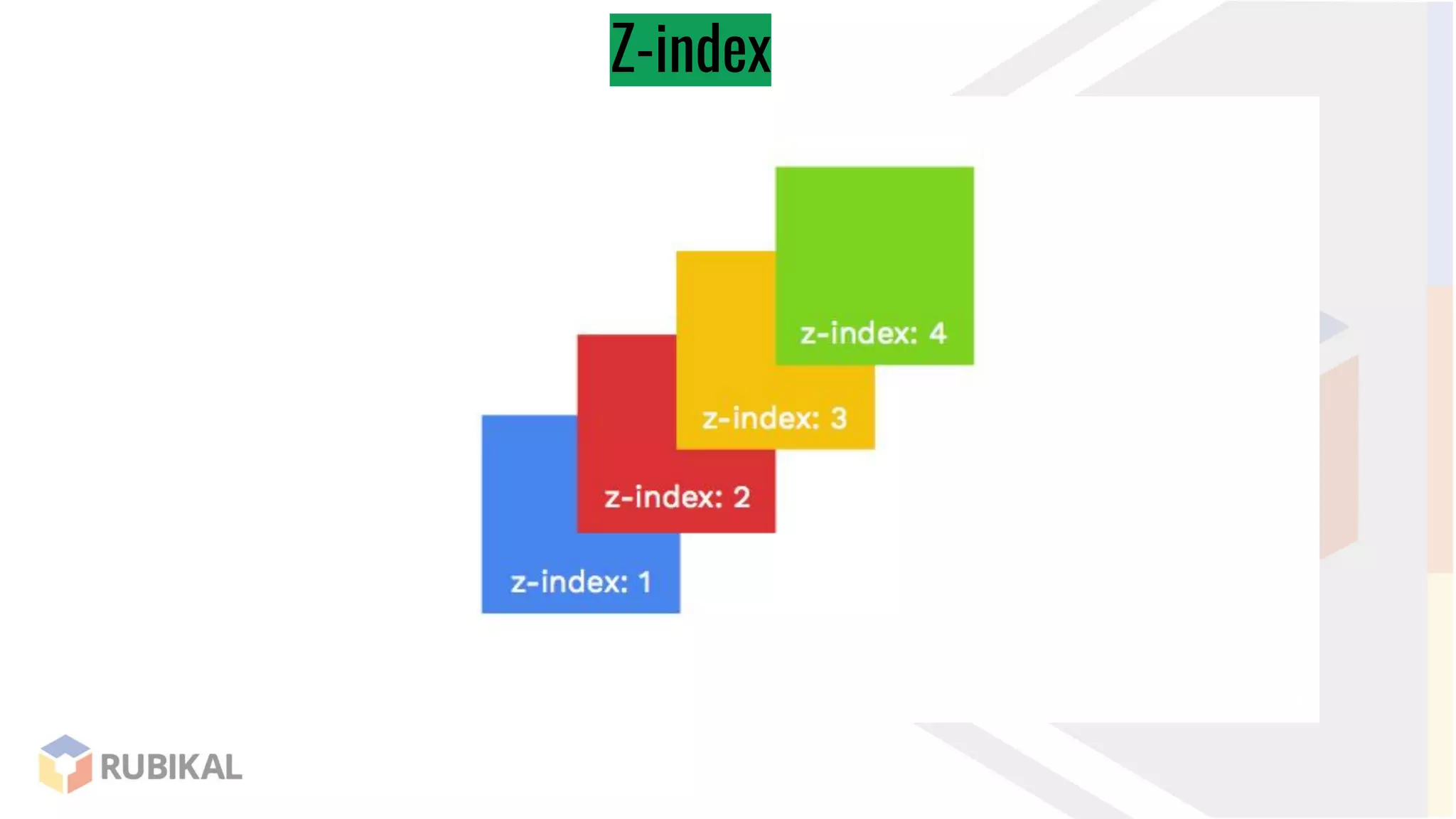
Z-index
Display
height:100px;
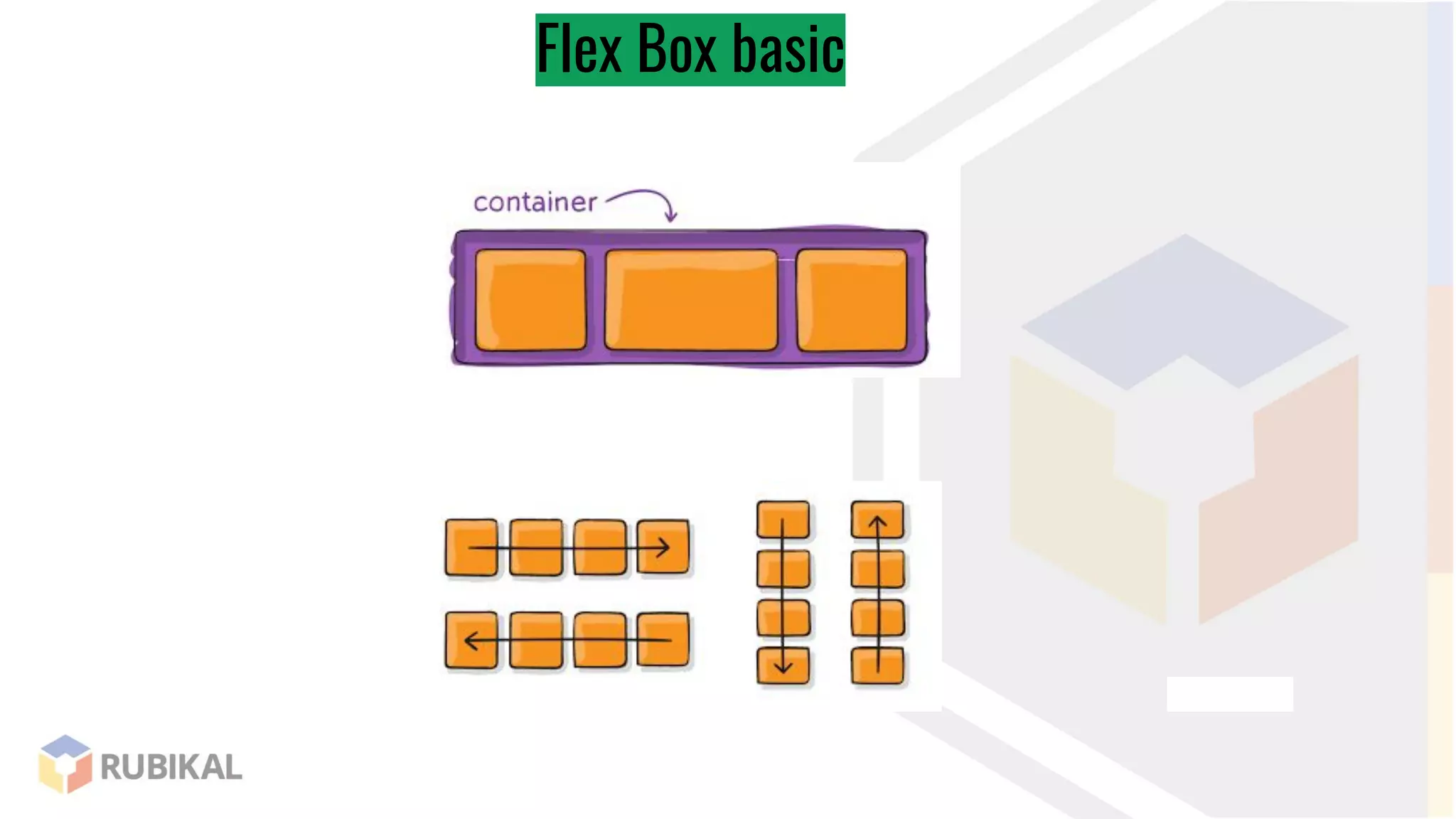
Flex Box basic
Flex Box basic
<nav class="container">
<div class="home">Home</div>
<div class="search">Search</div>
<div class="logout">Logout</div>
</nav>
Flex Box
.container {
display: flex;
}
Flex Box
.container {
display: flex;
justify-content: center;
}
Flex Box
.container {
display: flex;
justify-content: space-between;
}
Flex Box
justify-content
Flex Box
flex-direction
Flex Box
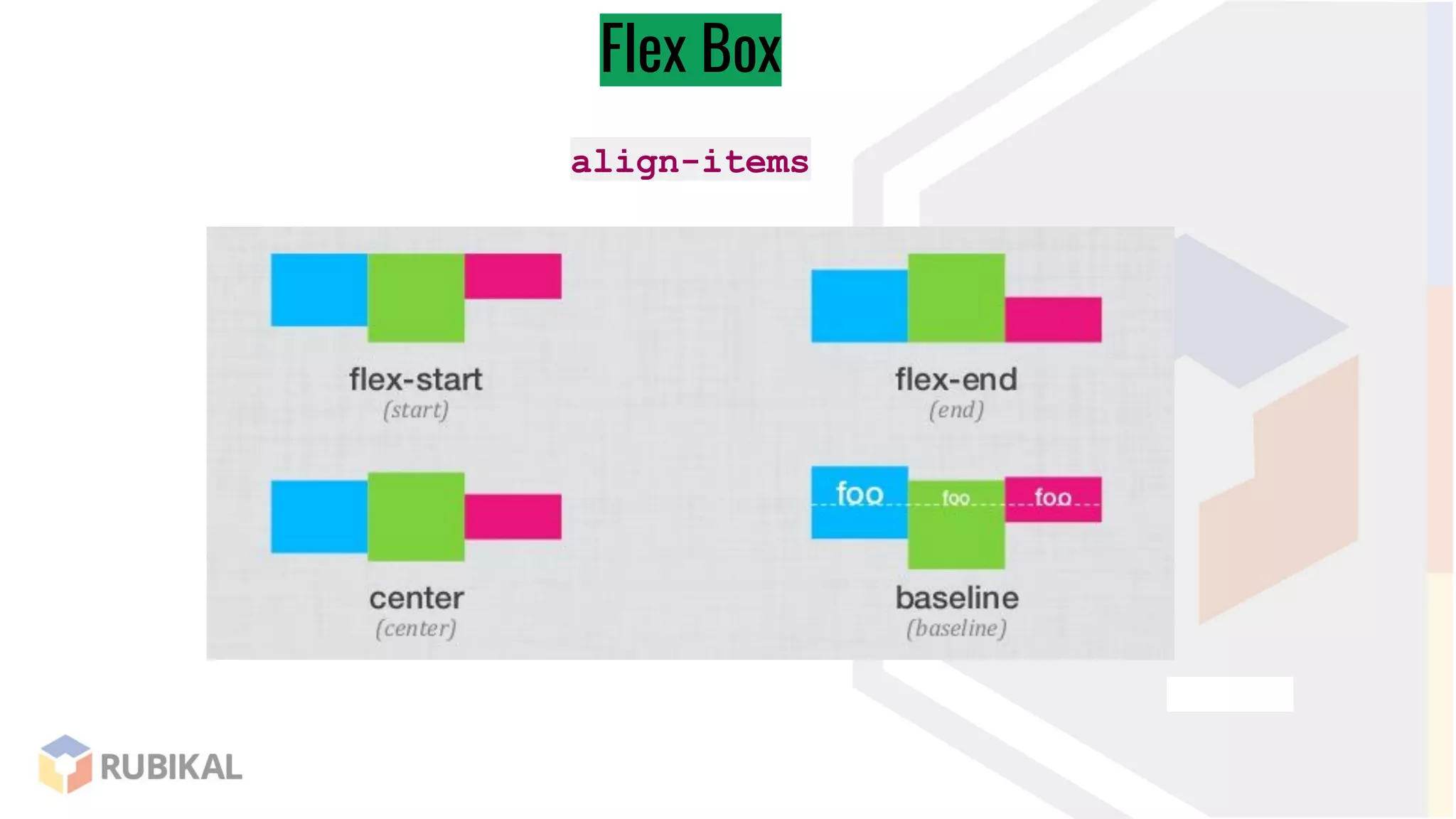
align-items
Flex Box
.logout {
margin-left: auto;
}
Flex Box
.container div {
flex: 1;
}
Flex Box
.search {
flex: 1;
}
@media screen and
(max-width:720px) {
.container {
display: block;
}
}
@media screen and
(min-width:720px) {
.container {
display: block;
}
}
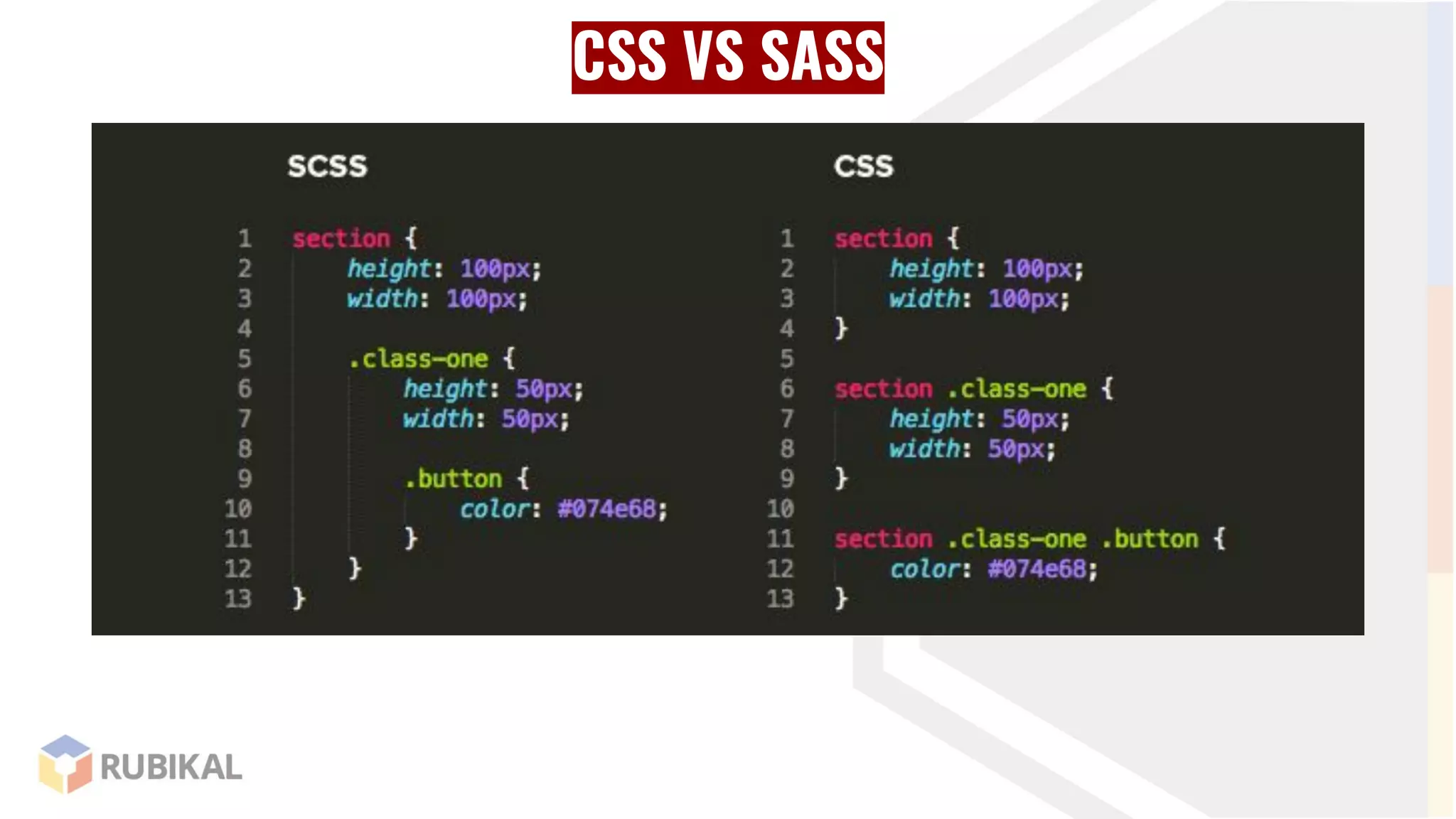
CSS VS SASS
CSS VS SASS
CSS VS SASS
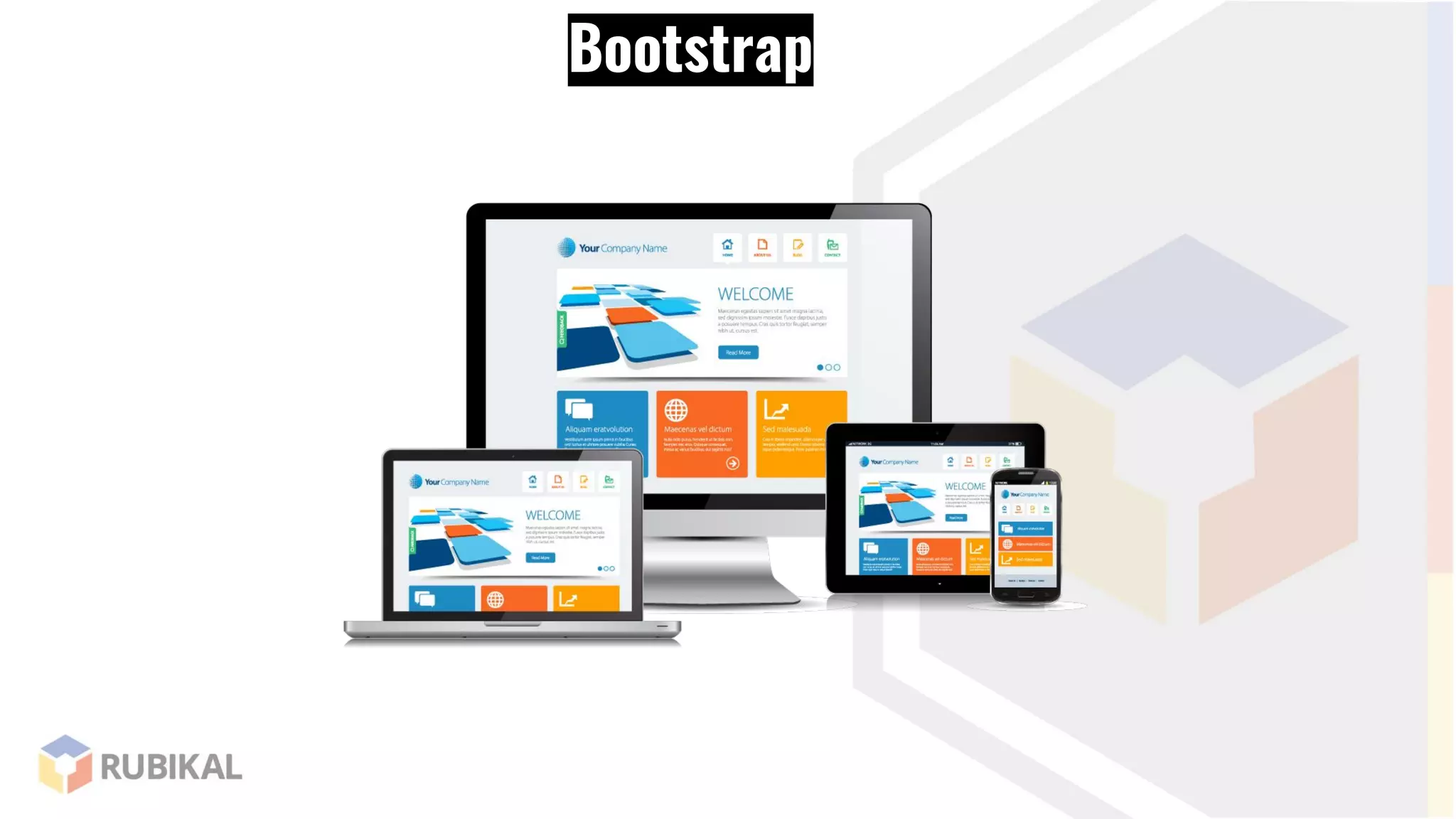
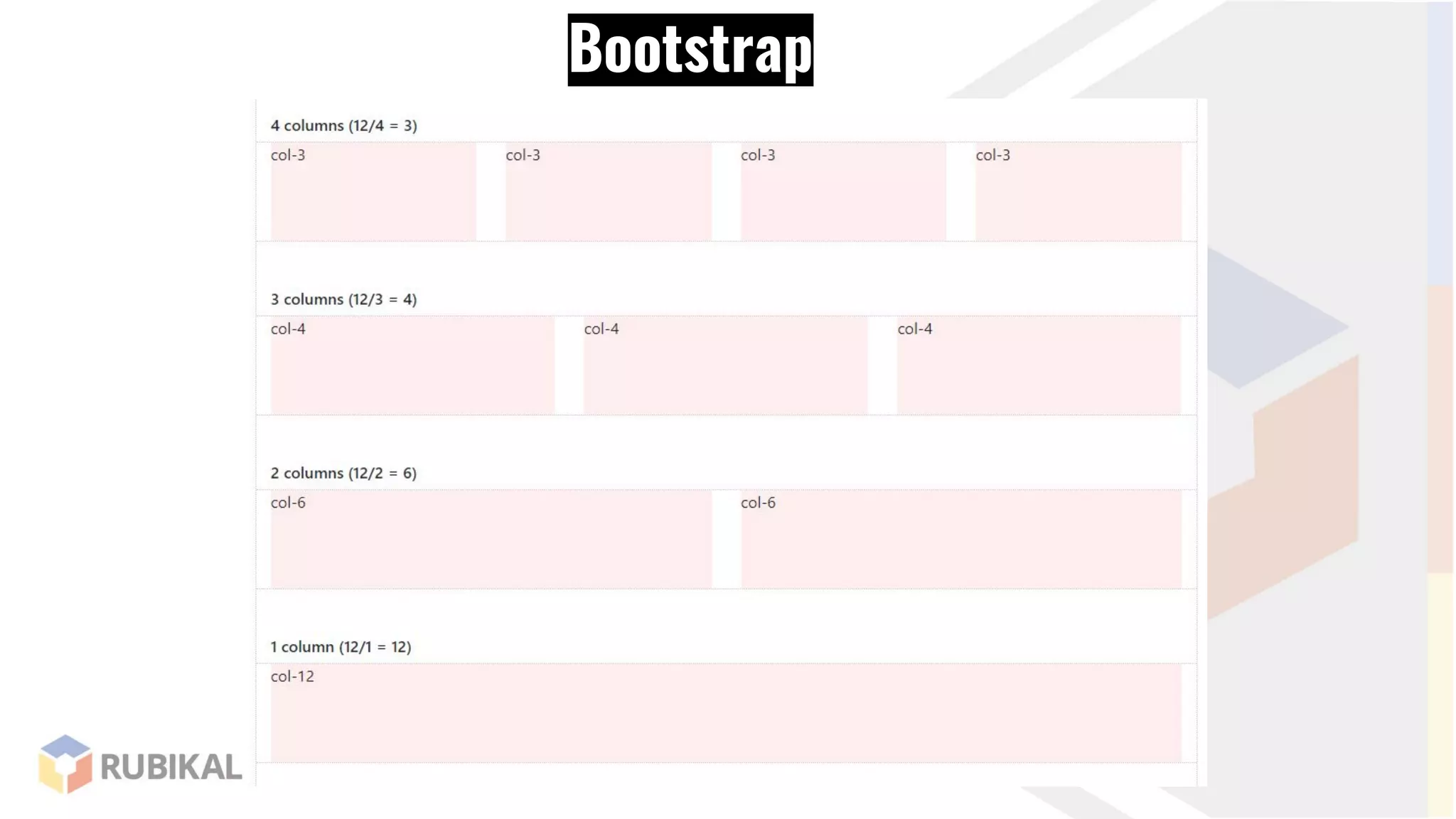
Bootstrap
Bootstrap
Bootstrap
Bootstrap
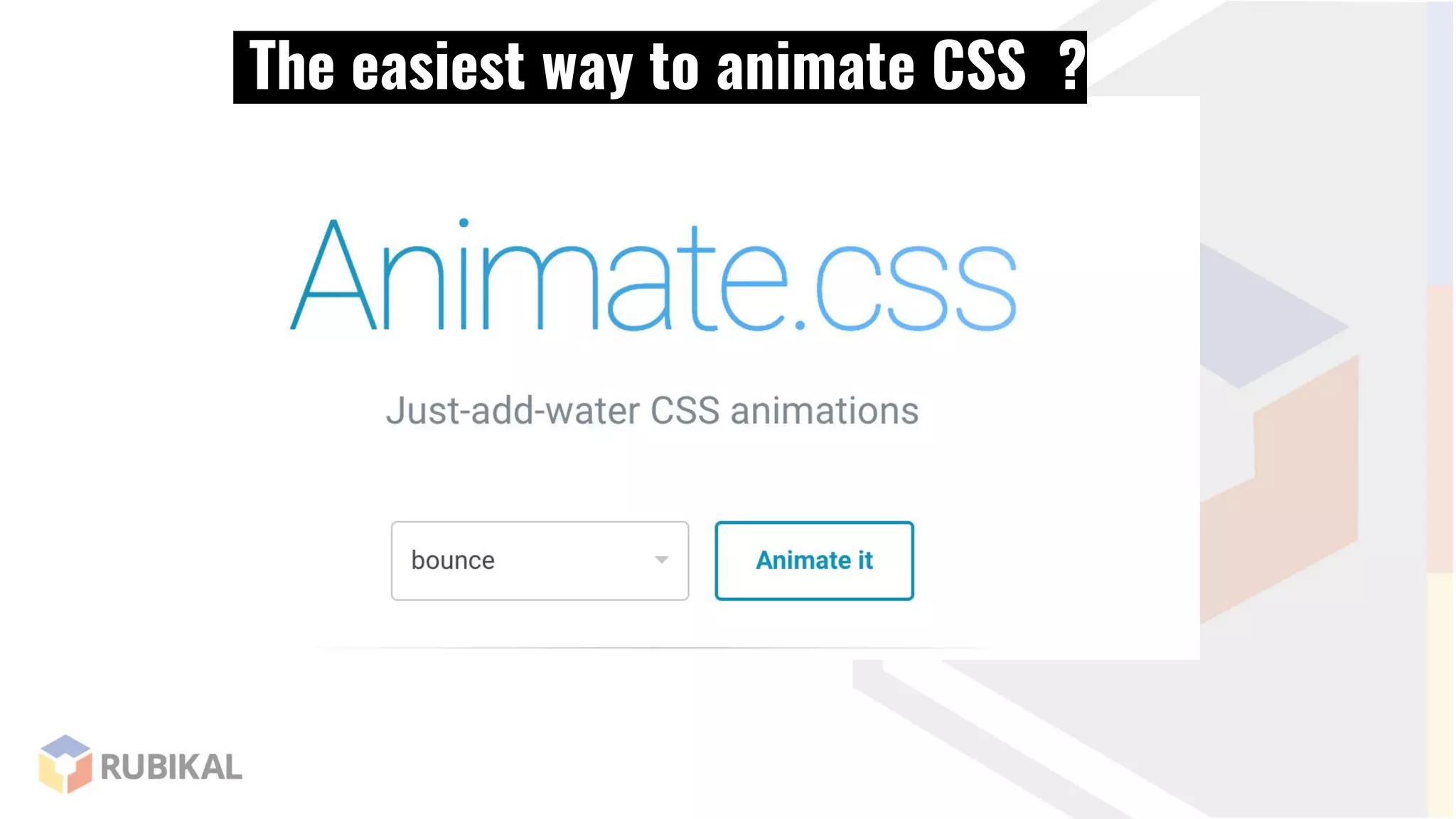
The easiest way to animate CSS ?
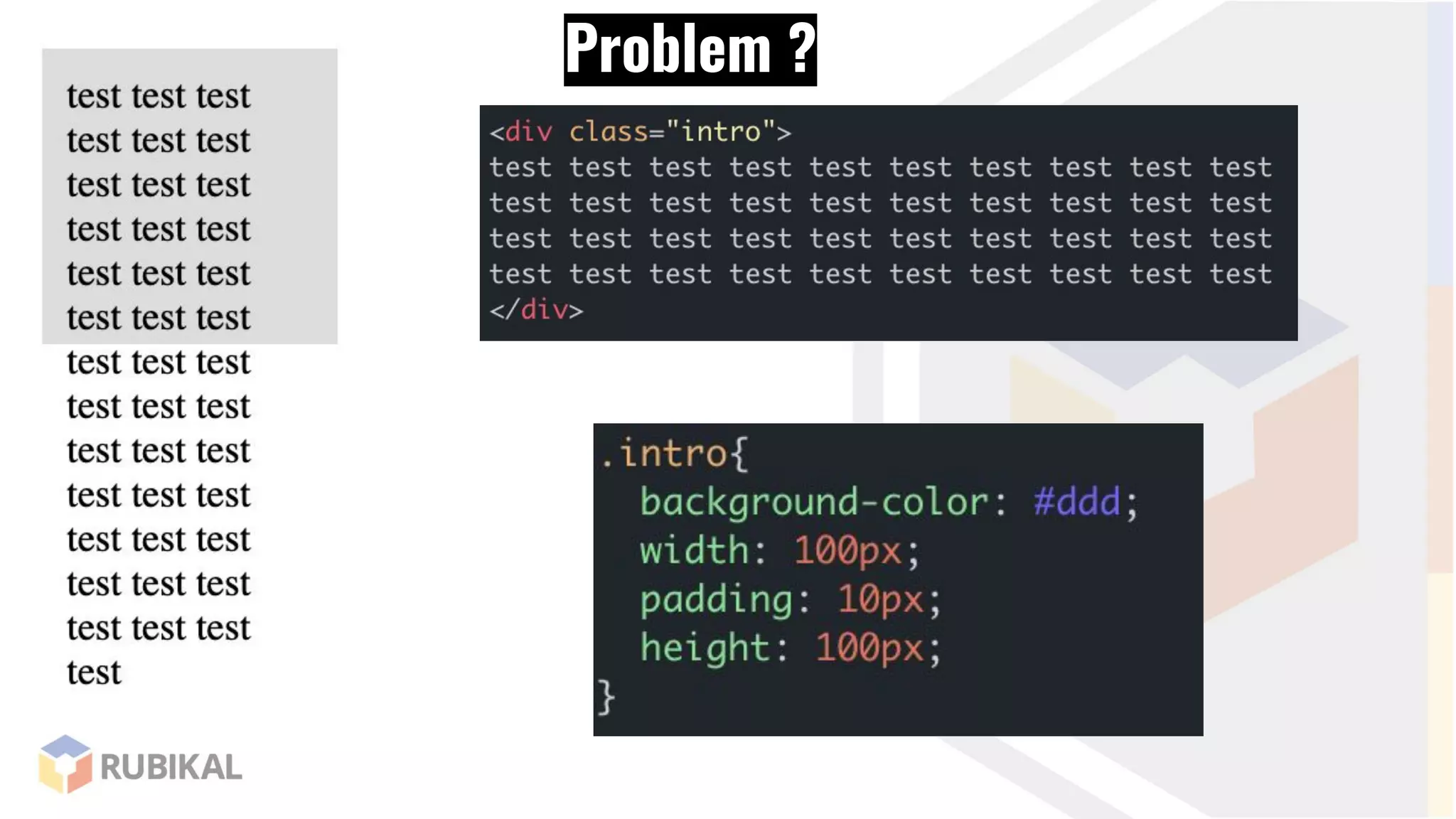
Problem ?
Problem ?
solve !
Problem ?
solve !
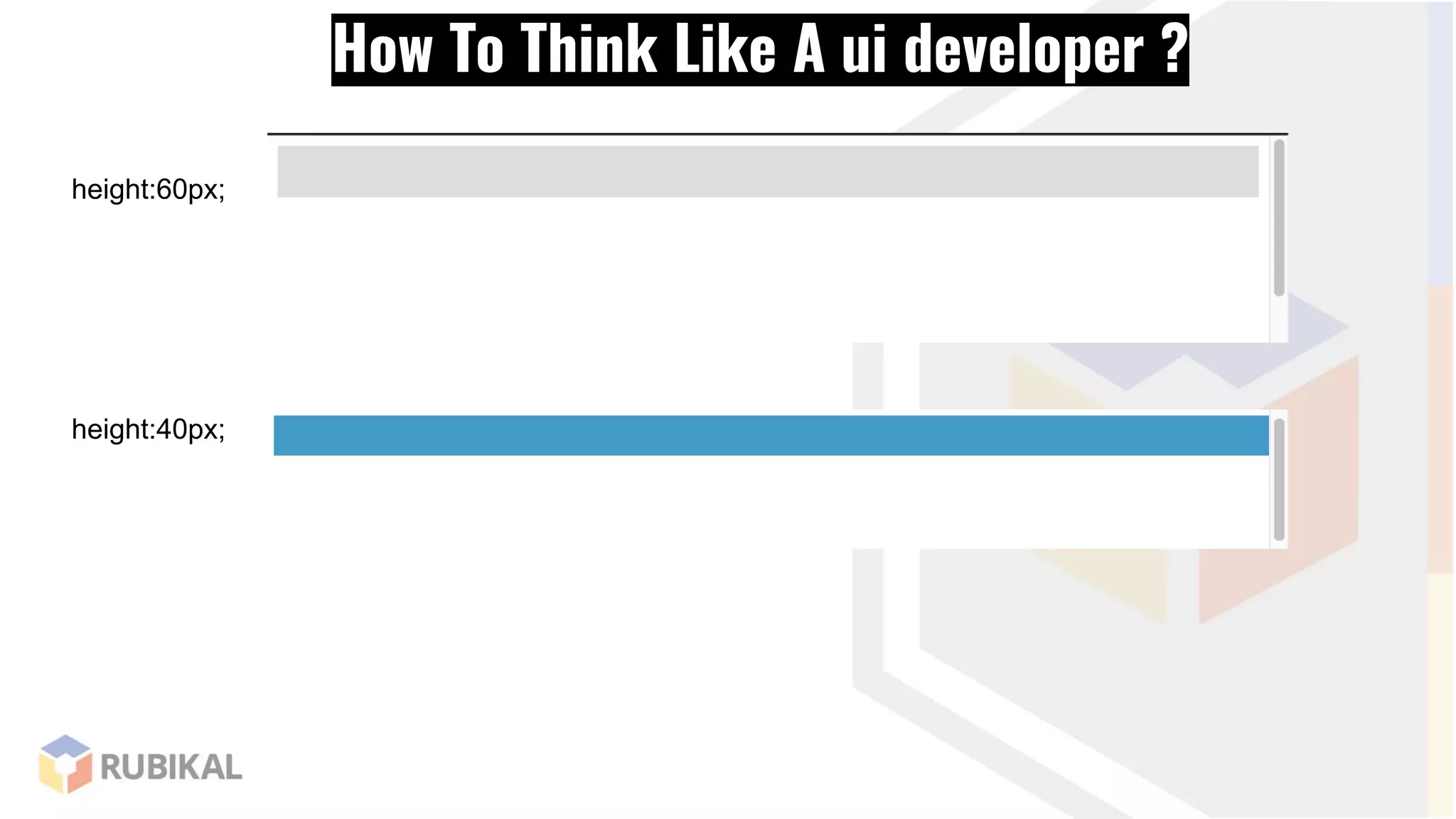
How To Think Like A ui developer ?
height:60px;
height:40px;
How To Think Like A ui developer ?
https://jsfiddle.net/faj9cdv3/1/
How To Think Like A ui developer ?
Navbar
Sec 1
Sec 2
Footer
THANKS
Mohamed Said
UI Engineer

UI 101