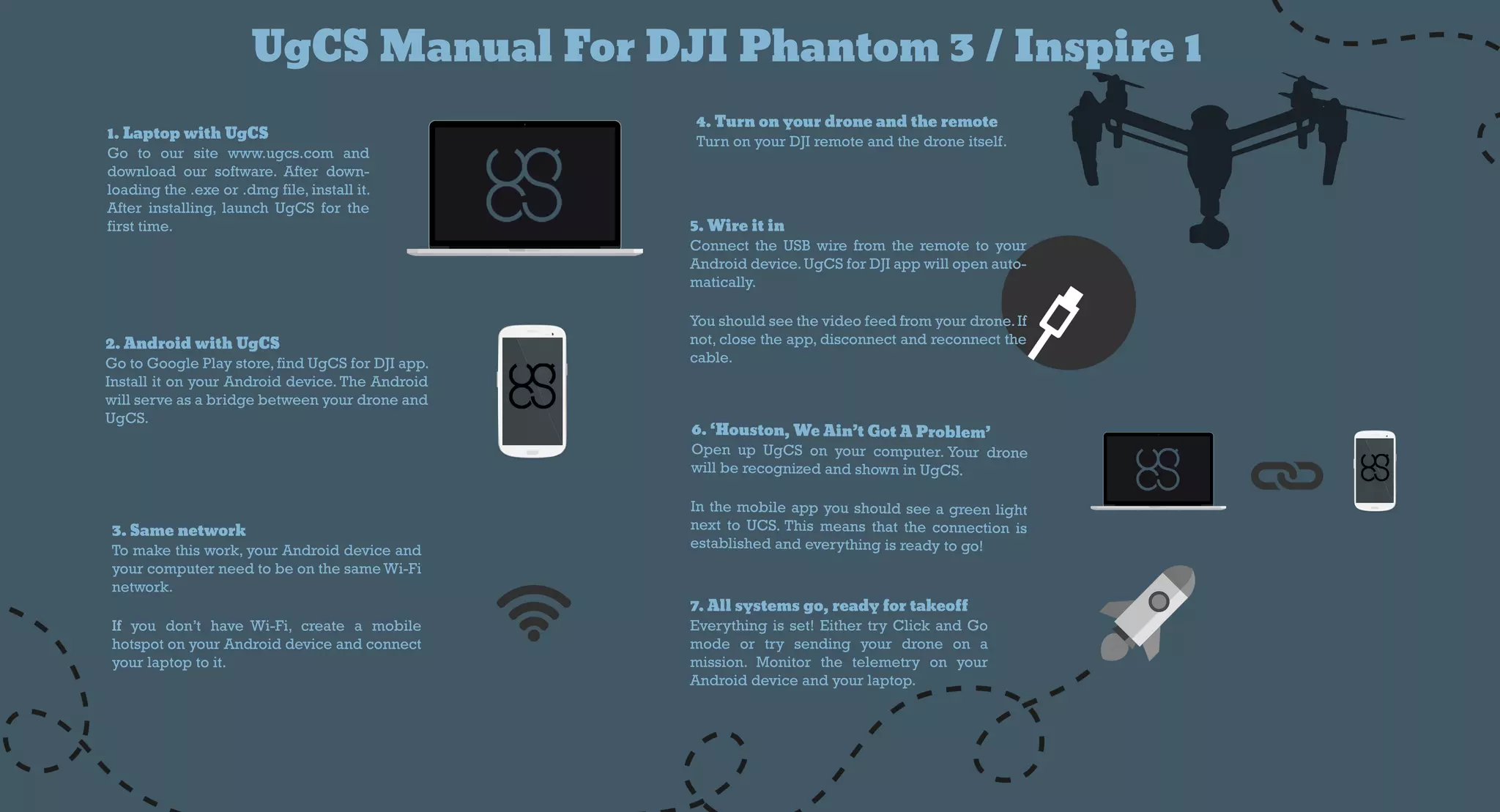
UgCSM anualForDJIPhantom 3/Inspire1
2.AndroidwithUgCS
GotoGooglePlaystore,findUgCSforDJIapp.
InstallitonyourAndroiddevice.TheAndroid
willserveasabridgebetweenyourdroneand
UgCS.
1.LaptopwithUgCS
Go to oursite www.ugcs.com and
downloadoursoftware.Afterdown-
loadingthe.exeor.dmgfile,installit.
Afterinstalling,launchUgCSforthe
firsttime.
3.Samenetwork
Tomakethiswork,yourAndroiddeviceand
yourcomputerneedtobeonthesameWi-Fi
network.
IfIfyou don’thaveWi-Fi,create a mobile
hotspotonyourAndroiddeviceandconnect
yourlaptoptoit.
6.‘Houston,WeAin’tGotAProblem’
OpenupUgCSonyourcomputer.Yourdrone
willberecognizedandshowninUgCS.
Inthemobileappyoushouldseeagreenlight
nexttoUCS.Thismeansthattheconnectionis
establishedandeverythingisreadytogo!
5.W ireitin
ConnecttheUSBwirefrom theremotetoyour
Androiddevice.UgCSforDJIappwillopenauto-
matically.
Youshouldseethevideofeedfromyourdrone.If
not,closetheapp,disconnectandreconnectthe
cable.
4.Turnonyourdroneandtheremote
TurnonyourDJIremoteandthedroneitself.
7.Allsystemsgo,readyfortakeoff
Everythingisset!EithertryClickandGo
mode ortry sending yourdrone on a
mission.Monitorthe telemetry on your
Androiddeviceandyourlaptop.

UgCS Manual for DJI

  • 1.
    UgCSM anualForDJIPhantom 3/Inspire1 2.AndroidwithUgCS GotoGooglePlaystore,findUgCSforDJIapp. InstallitonyourAndroiddevice.TheAndroid willserveasabridgebetweenyourdroneand UgCS. 1.LaptopwithUgCS Goto oursite www.ugcs.com and downloadoursoftware.Afterdown- loadingthe.exeor.dmgfile,installit. Afterinstalling,launchUgCSforthe firsttime. 3.Samenetwork Tomakethiswork,yourAndroiddeviceand yourcomputerneedtobeonthesameWi-Fi network. IfIfyou don’thaveWi-Fi,create a mobile hotspotonyourAndroiddeviceandconnect yourlaptoptoit. 6.‘Houston,WeAin’tGotAProblem’ OpenupUgCSonyourcomputer.Yourdrone willberecognizedandshowninUgCS. Inthemobileappyoushouldseeagreenlight nexttoUCS.Thismeansthattheconnectionis establishedandeverythingisreadytogo! 5.W ireitin ConnecttheUSBwirefrom theremotetoyour Androiddevice.UgCSforDJIappwillopenauto- matically. Youshouldseethevideofeedfromyourdrone.If not,closetheapp,disconnectandreconnectthe cable. 4.Turnonyourdroneandtheremote TurnonyourDJIremoteandthedroneitself. 7.Allsystemsgo,readyfortakeoff Everythingisset!EithertryClickandGo mode ortry sending yourdrone on a mission.Monitorthe telemetry on your Androiddeviceandyourlaptop.