Brittany Gilstrap & John Main

ITEC 3328-10

Fall 2011

Module 7 Assignment – Instant Messaging & softphone

We chose Empathy for IM and Skype for softphone, though both programs could be used for either, we
did not test out VOIP on Empathy.

        Empathy
        Comes installed with Ubuntu
        Sometime between when the book was written and Ubuntu 11.04 Empathy replaced
        Pidgin/GAIM and Ekiga, as the included instant messenger and voice chat program (at release
        9.10 according to an Internet search). Empathy is integrated into the GNOME desktop, and has
        similar functionality to Pidgin (GAIM/AIM), but includes support for voice and video chats.
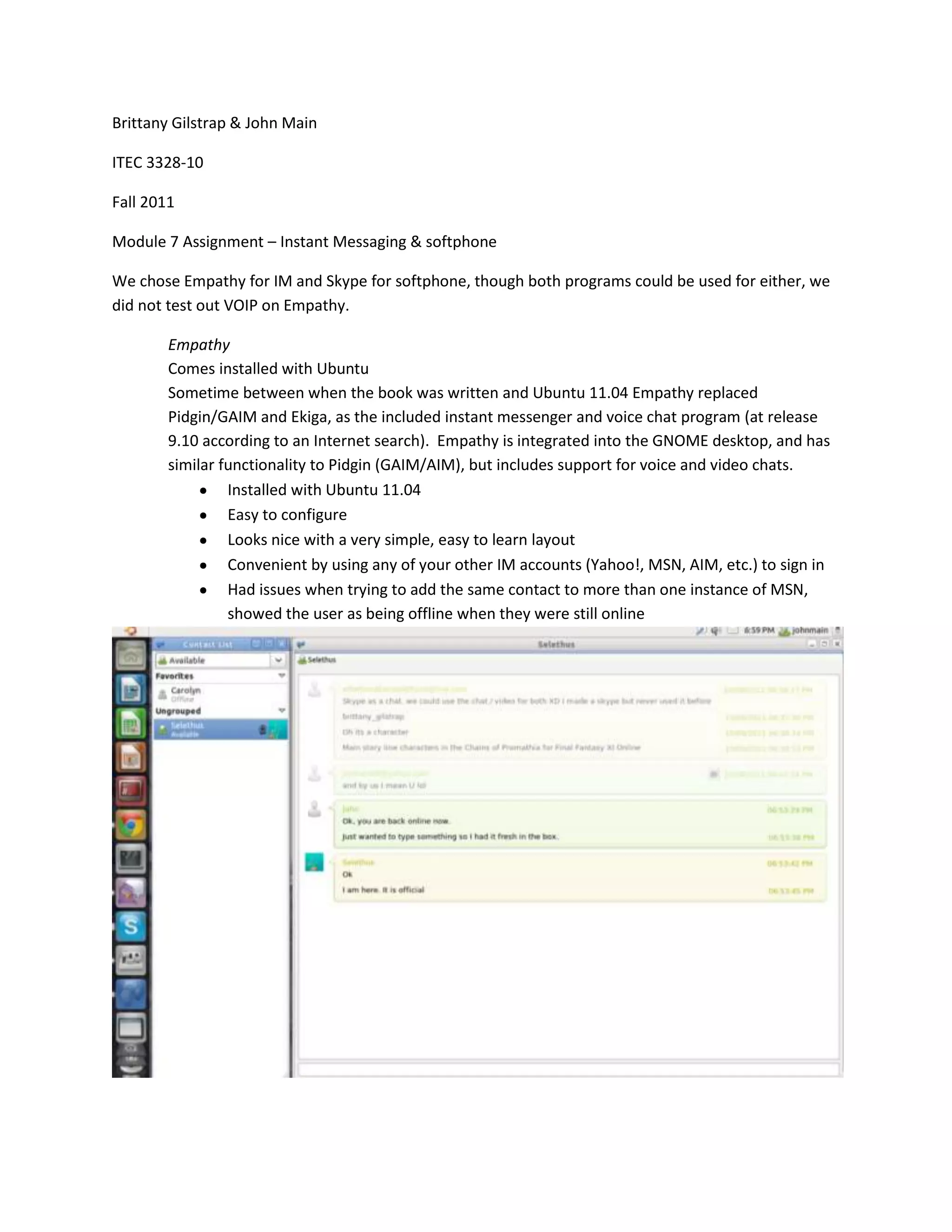
                 Installed with Ubuntu 11.04
                 Easy to configure
                 Looks nice with a very simple, easy to learn layout
                 Convenient by using any of your other IM accounts (Yahoo!, MSN, AIM, etc.) to sign in
                 Had issues when trying to add the same contact to more than one instance of MSN,
                 showed the user as being offline when they were still online
Skype

http://www.skype.com/intl/en-us/get-skype/on-your-computer/linux/

Skype is one of the most popular voice over internet protocol (VOIP) programs around. Well at least
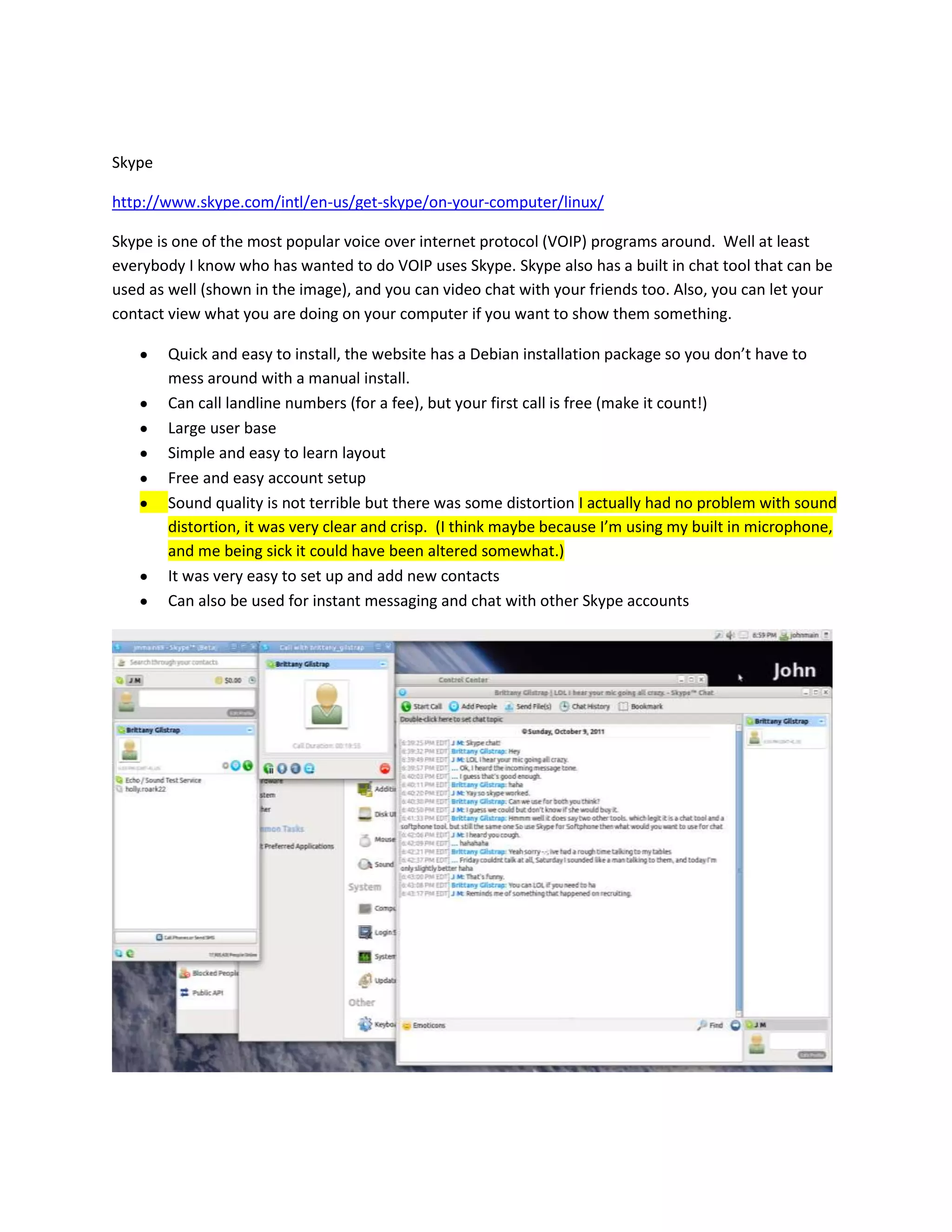
everybody I know who has wanted to do VOIP uses Skype. Skype also has a built in chat tool that can be
used as well (shown in the image), and you can video chat with your friends too. Also, you can let your
contact view what you are doing on your computer if you want to show them something.

        Quick and easy to install, the website has a Debian installation package so you don’t have to
        mess around with a manual install.
        Can call landline numbers (for a fee), but your first call is free (make it count!)
        Large user base
        Simple and easy to learn layout
        Free and easy account setup
        Sound quality is not terrible but there was some distortion I actually had no problem with sound
        distortion, it was very clear and crisp. (I think maybe because I’m using my built in microphone,
        and me being sick it could have been altered somewhat.)
        It was very easy to set up and add new contacts
        Can also be used for instant messaging and chat with other Skype accounts

Ubuntu VOIP & IM

  • 1.
    Brittany Gilstrap &John Main ITEC 3328-10 Fall 2011 Module 7 Assignment – Instant Messaging & softphone We chose Empathy for IM and Skype for softphone, though both programs could be used for either, we did not test out VOIP on Empathy. Empathy Comes installed with Ubuntu Sometime between when the book was written and Ubuntu 11.04 Empathy replaced Pidgin/GAIM and Ekiga, as the included instant messenger and voice chat program (at release 9.10 according to an Internet search). Empathy is integrated into the GNOME desktop, and has similar functionality to Pidgin (GAIM/AIM), but includes support for voice and video chats. Installed with Ubuntu 11.04 Easy to configure Looks nice with a very simple, easy to learn layout Convenient by using any of your other IM accounts (Yahoo!, MSN, AIM, etc.) to sign in Had issues when trying to add the same contact to more than one instance of MSN, showed the user as being offline when they were still online
  • 2.
    Skype http://www.skype.com/intl/en-us/get-skype/on-your-computer/linux/ Skype is oneof the most popular voice over internet protocol (VOIP) programs around. Well at least everybody I know who has wanted to do VOIP uses Skype. Skype also has a built in chat tool that can be used as well (shown in the image), and you can video chat with your friends too. Also, you can let your contact view what you are doing on your computer if you want to show them something. Quick and easy to install, the website has a Debian installation package so you don’t have to mess around with a manual install. Can call landline numbers (for a fee), but your first call is free (make it count!) Large user base Simple and easy to learn layout Free and easy account setup Sound quality is not terrible but there was some distortion I actually had no problem with sound distortion, it was very clear and crisp. (I think maybe because I’m using my built in microphone, and me being sick it could have been altered somewhat.) It was very easy to set up and add new contacts Can also be used for instant messaging and chat with other Skype accounts