Transforming XML into
Another XML using
DataWeave
Introduction
• Transforming XML into another XML
• Output changes for different output types
• How code can be automatically generated
• How we can write our own code
• Use of operators
Example Use Case
• Need to convert XML into another XML
• API returning information about bill for a customer in XML
• Backend also accepts XML input, however with some additional
details
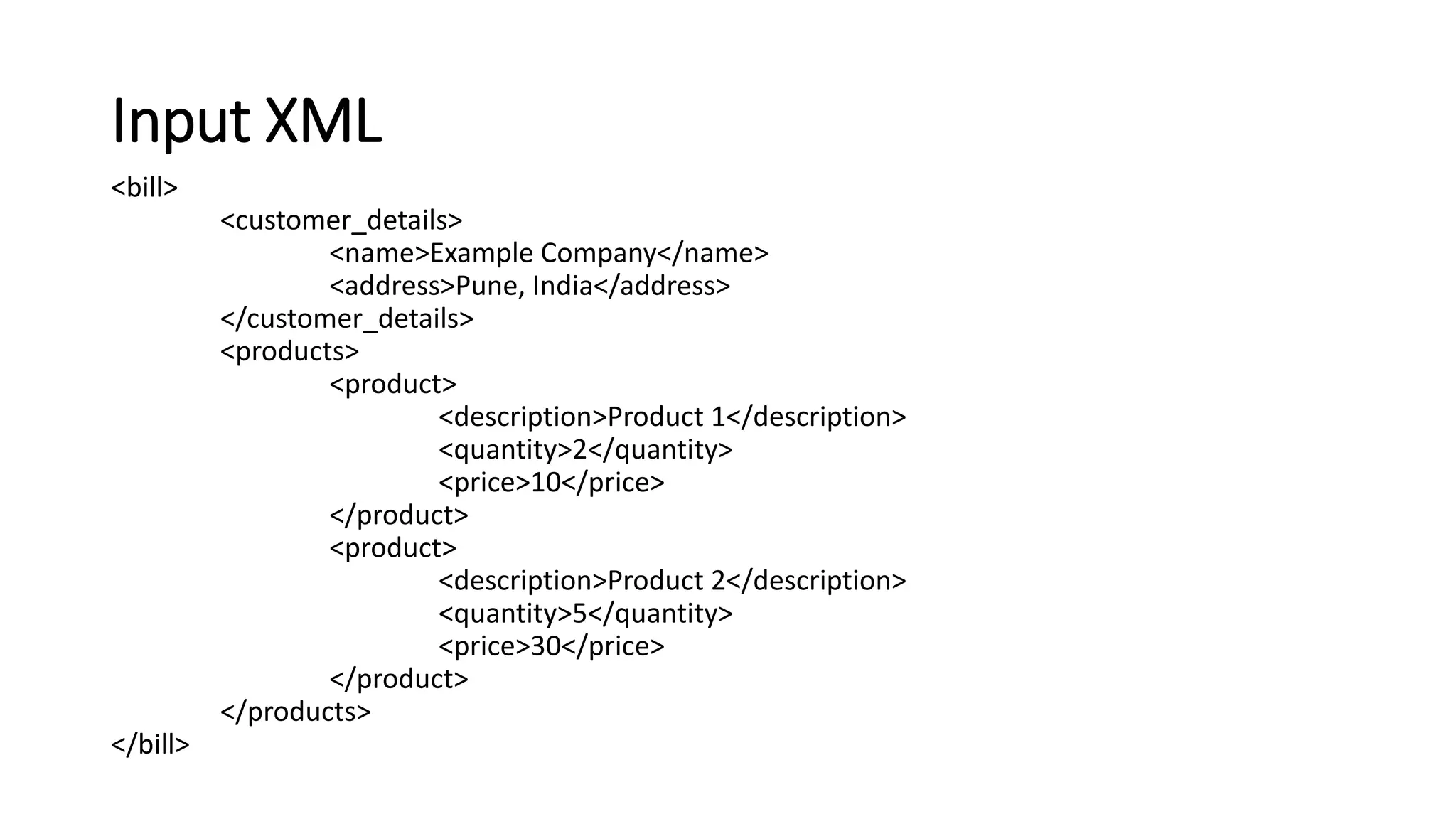
Input XML
<bill>
<customer_details>
<name>Example Company</name>
<address>Pune, India</address>
</customer_details>
<products>
<product>
<description>Product 1</description>
<quantity>2</quantity>
<price>10</price>
</product>
<product>
<description>Product 2</description>
<quantity>5</quantity>
<price>30</price>
</product>
</products>
</bill>
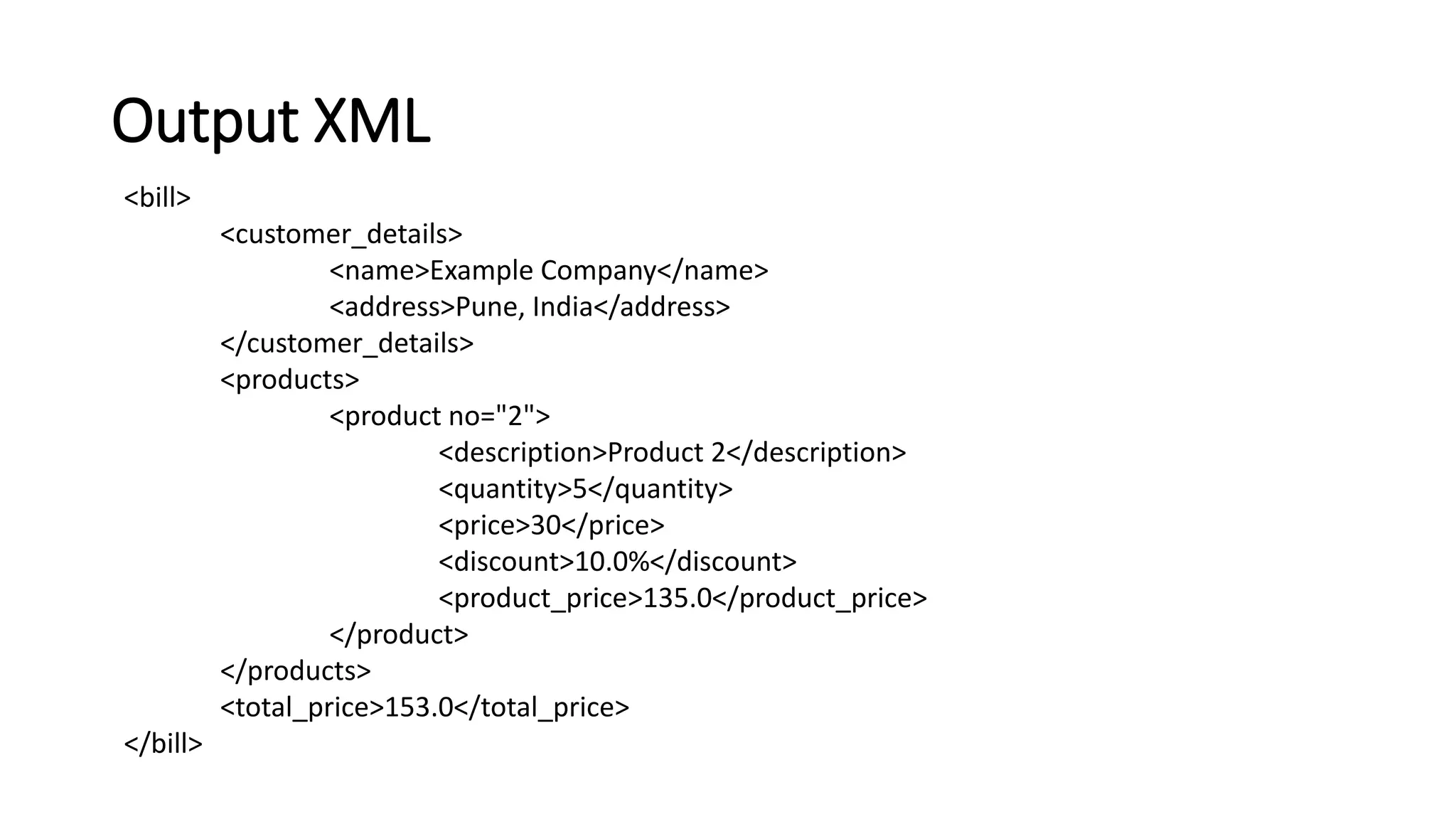
Output XML
<bill>
<customer_details>
<name>Example Company</name>
<address>Pune, India</address>
</customer_details>
<products>
<product no="2">
<description>Product 2</description>
<quantity>5</quantity>
<price>30</price>
<discount>10.0%</discount>
<product_price>135.0</product_price>
</product>
</products>
<total_price>153.0</total_price>
</bill>
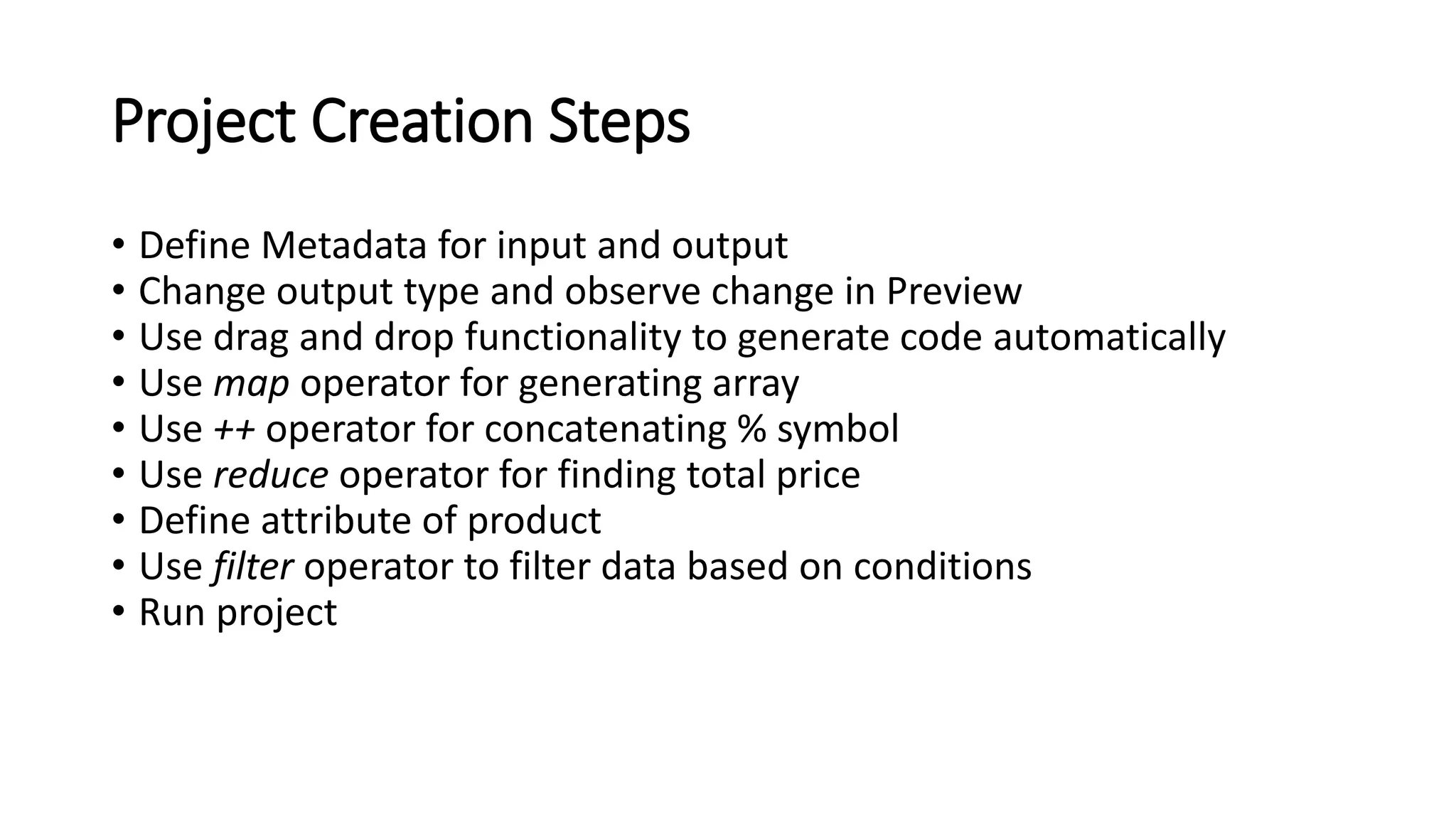
Project Creation Steps
• Define Metadata for input and output
• Change output type and observe change in Preview
• Use drag and drop functionality to generate code automatically
• Use map operator for generating array
• Use ++ operator for concatenating % symbol
• Use reduce operator for finding total price
• Define attribute of product
• Use filter operator to filter data based on conditions
• Run project
Thank You

Trans xml into_another_xml

  • 1.
    Transforming XML into AnotherXML using DataWeave
  • 2.
    Introduction • Transforming XMLinto another XML • Output changes for different output types • How code can be automatically generated • How we can write our own code • Use of operators
  • 3.
    Example Use Case •Need to convert XML into another XML • API returning information about bill for a customer in XML • Backend also accepts XML input, however with some additional details
  • 4.
    Input XML <bill> <customer_details> <name>Example Company</name> <address>Pune,India</address> </customer_details> <products> <product> <description>Product 1</description> <quantity>2</quantity> <price>10</price> </product> <product> <description>Product 2</description> <quantity>5</quantity> <price>30</price> </product> </products> </bill>
  • 5.
    Output XML <bill> <customer_details> <name>Example Company</name> <address>Pune,India</address> </customer_details> <products> <product no="2"> <description>Product 2</description> <quantity>5</quantity> <price>30</price> <discount>10.0%</discount> <product_price>135.0</product_price> </product> </products> <total_price>153.0</total_price> </bill>
  • 6.
    Project Creation Steps •Define Metadata for input and output • Change output type and observe change in Preview • Use drag and drop functionality to generate code automatically • Use map operator for generating array • Use ++ operator for concatenating % symbol • Use reduce operator for finding total price • Define attribute of product • Use filter operator to filter data based on conditions • Run project
  • 7.