fun2dolabs.org
fun2dolabs.org
Toy Fan
Fun Do Labs
TM
2
Fun Do Labs2
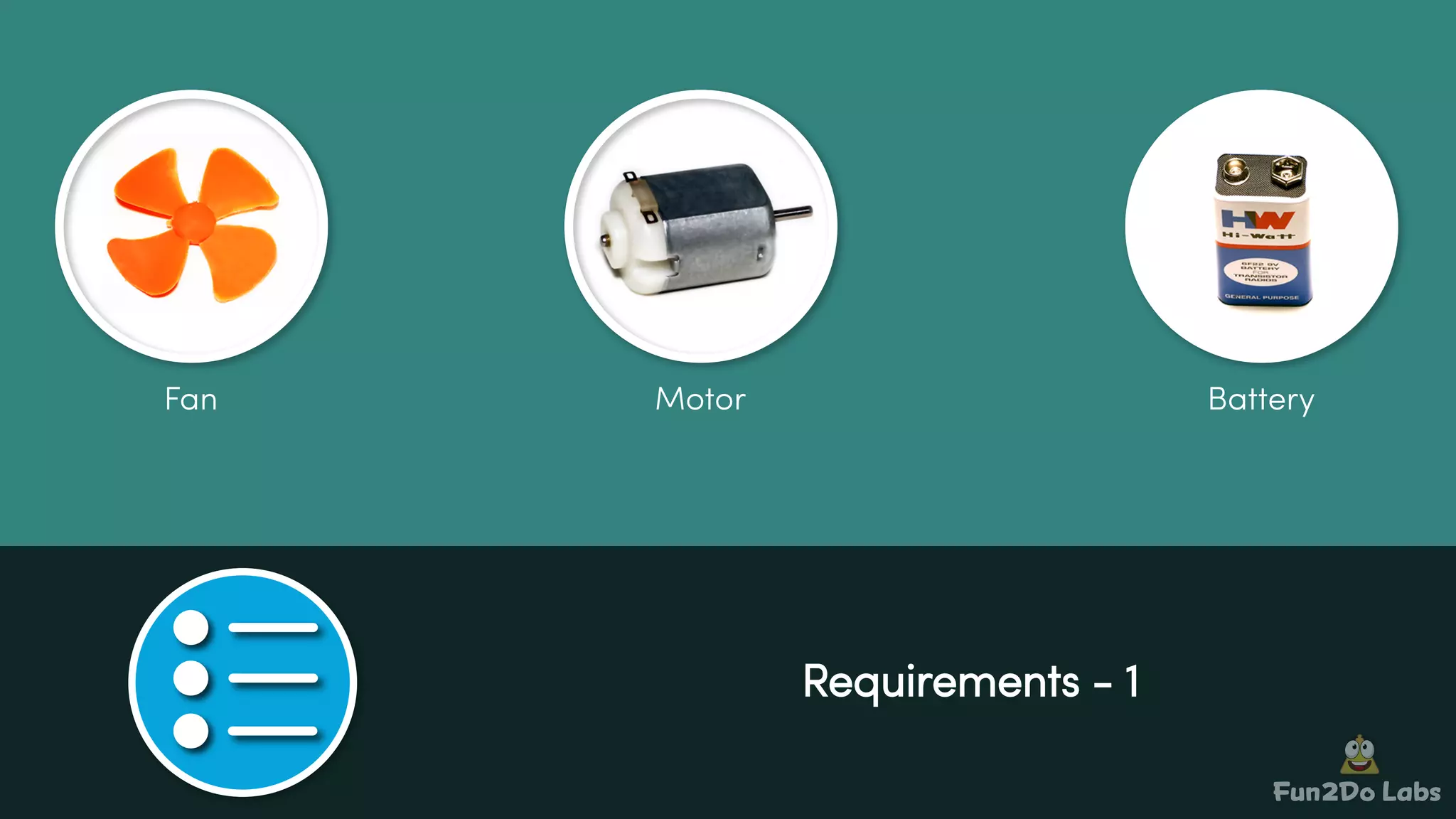
Requirements - 1
BatteryFan Motor
Fun Do Labs2
Requirements - 2
Battery Holder Wires Switch
Fun Do Labs2
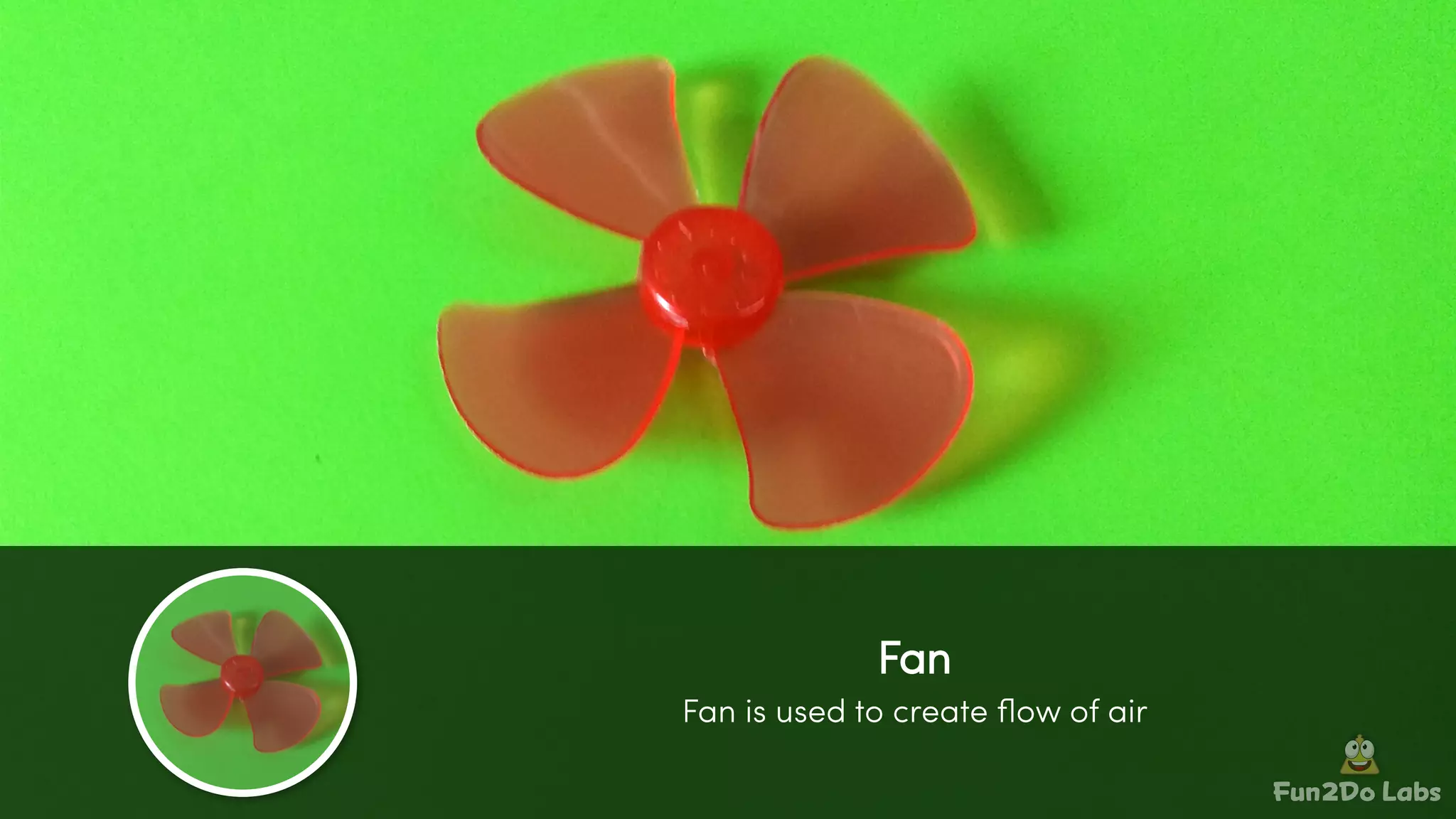
Fan is used to create flow of air
Fan
Fun Do Labs2
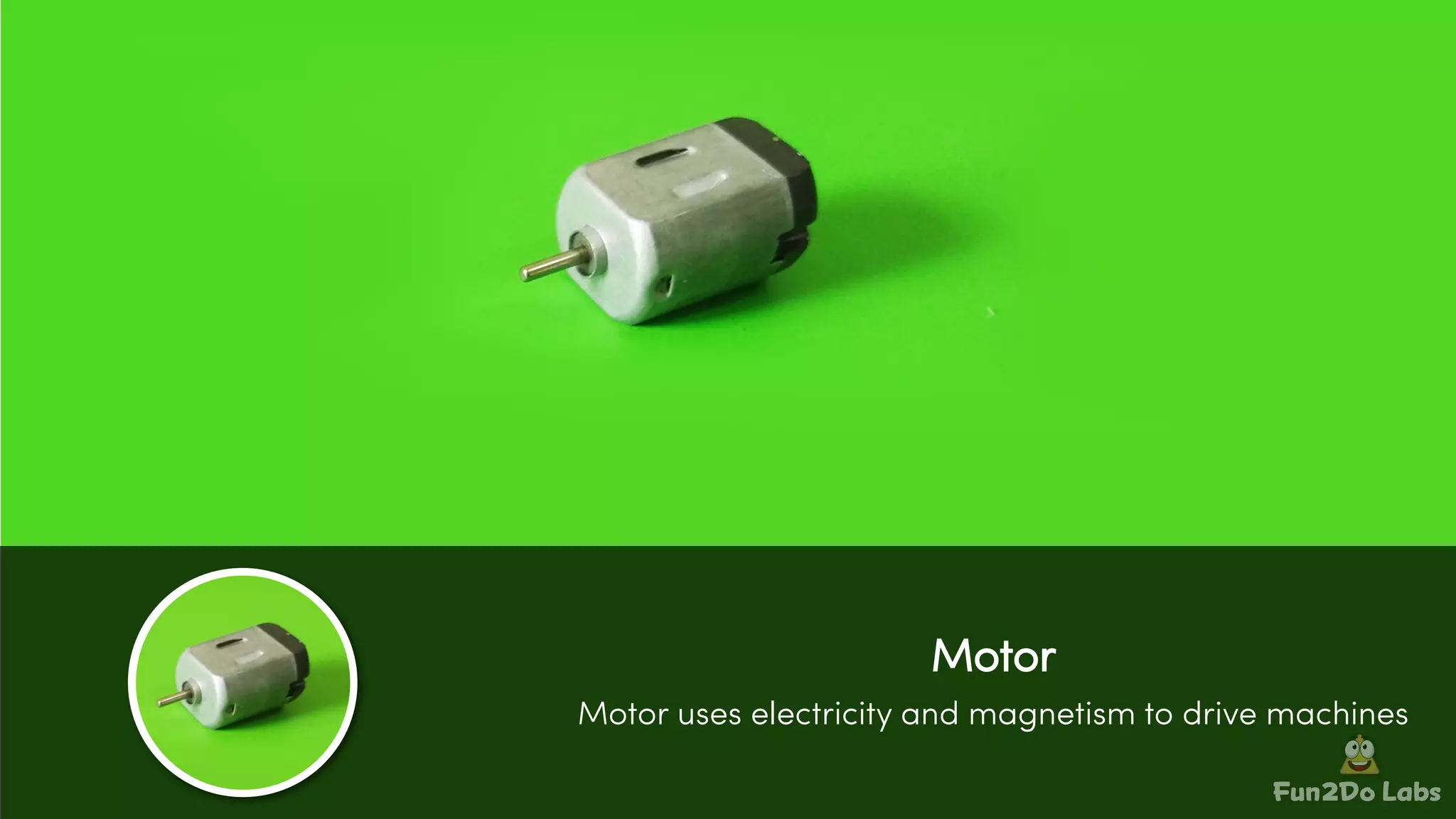
Motor
Motor uses electricity and magnetism to drive machines
Fun Do Labs2
Battery
A battery is a hardware component that supplies power to a device
and enables that device to work
Fun Do Labs2
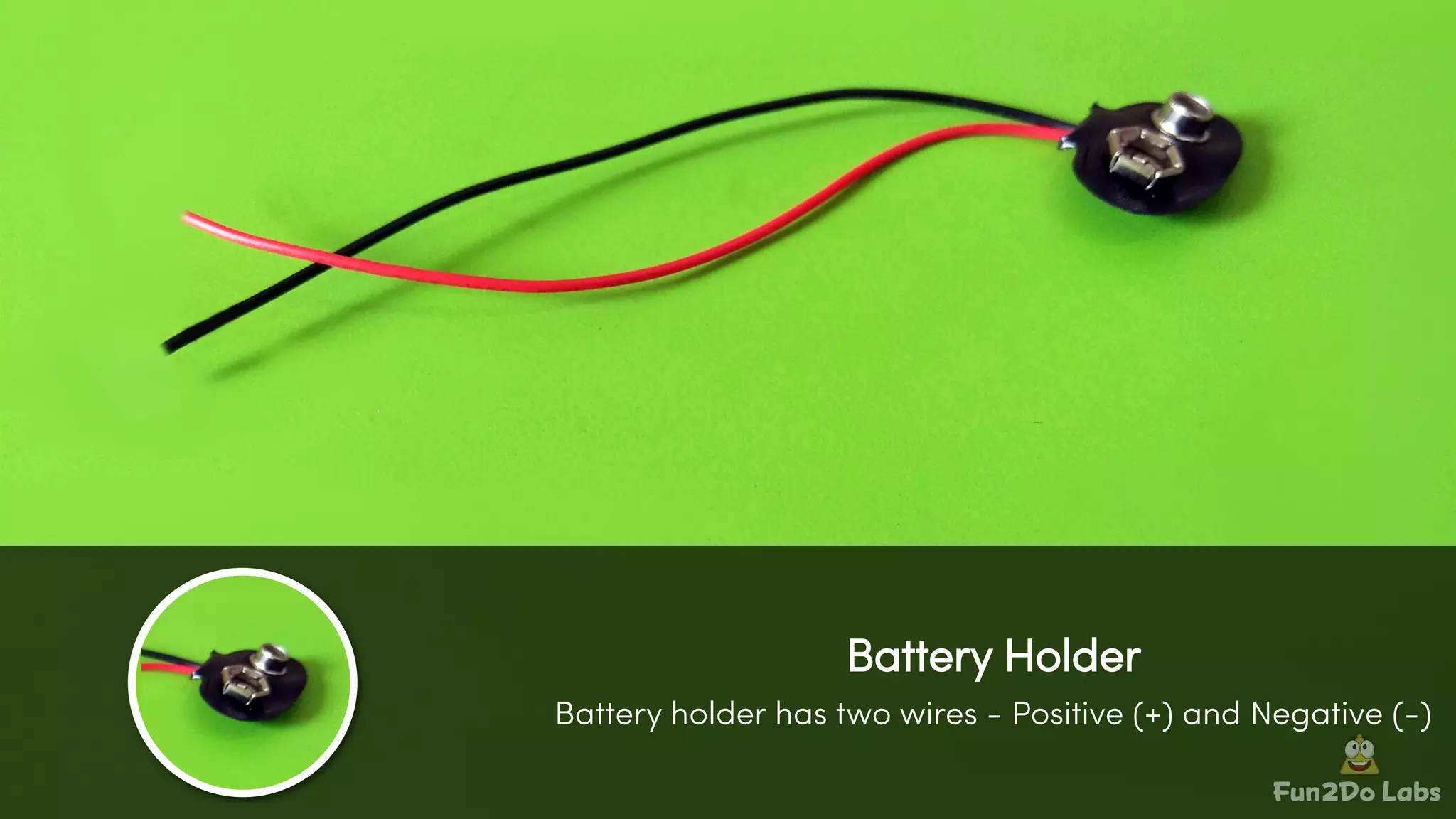
Battery Holder
Battery holder has two wires - Positive (+) and Negative (-)
Fun Do Labs2
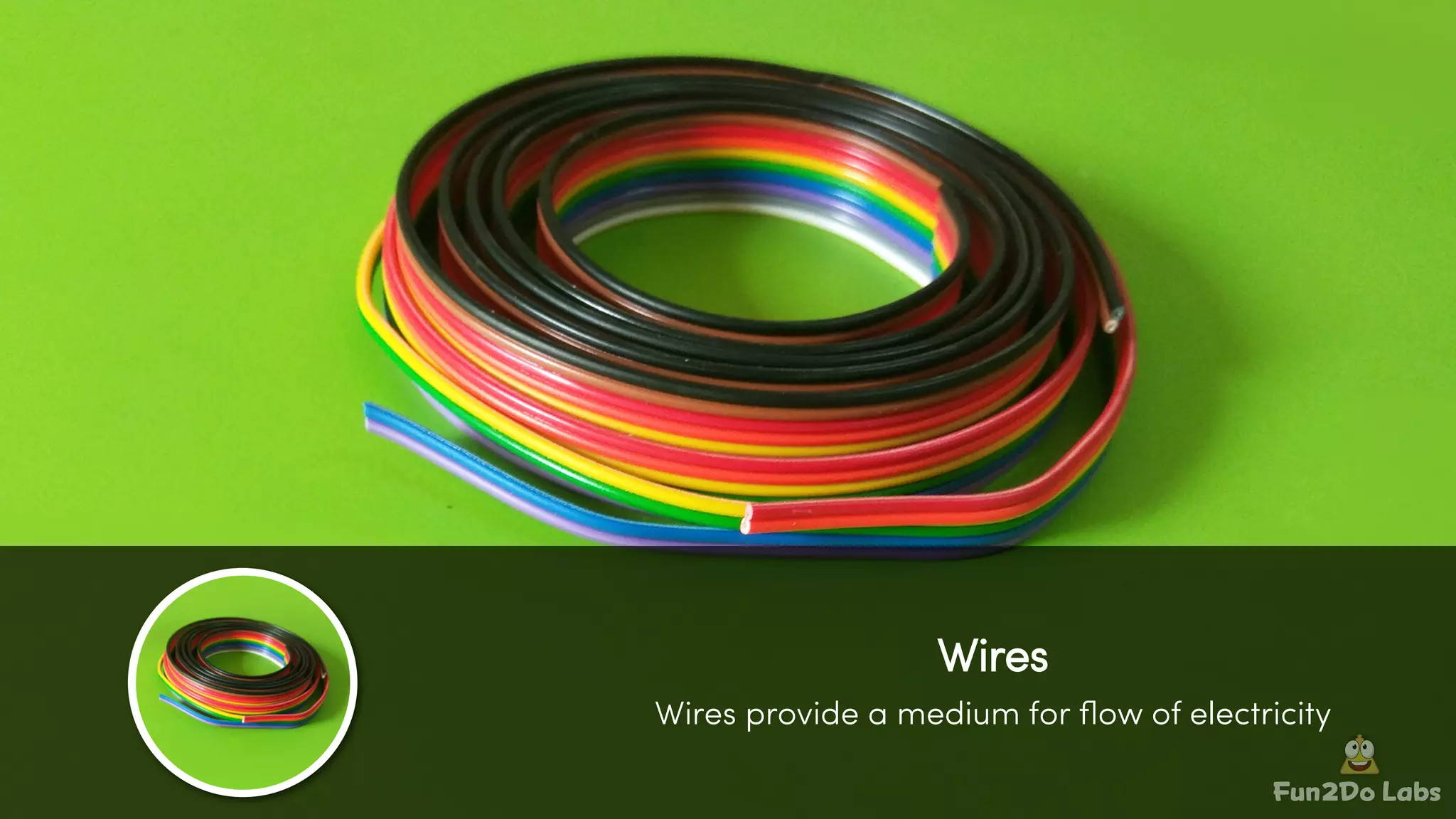
Wires
Wires provide a medium for flow of electricity
Fun Do Labs2
Switch
Switch is used for making and breaking connection in circuits
Fun Do Labs2
Step - 1
Attach fan to motor shaft
Fun Do Labs2
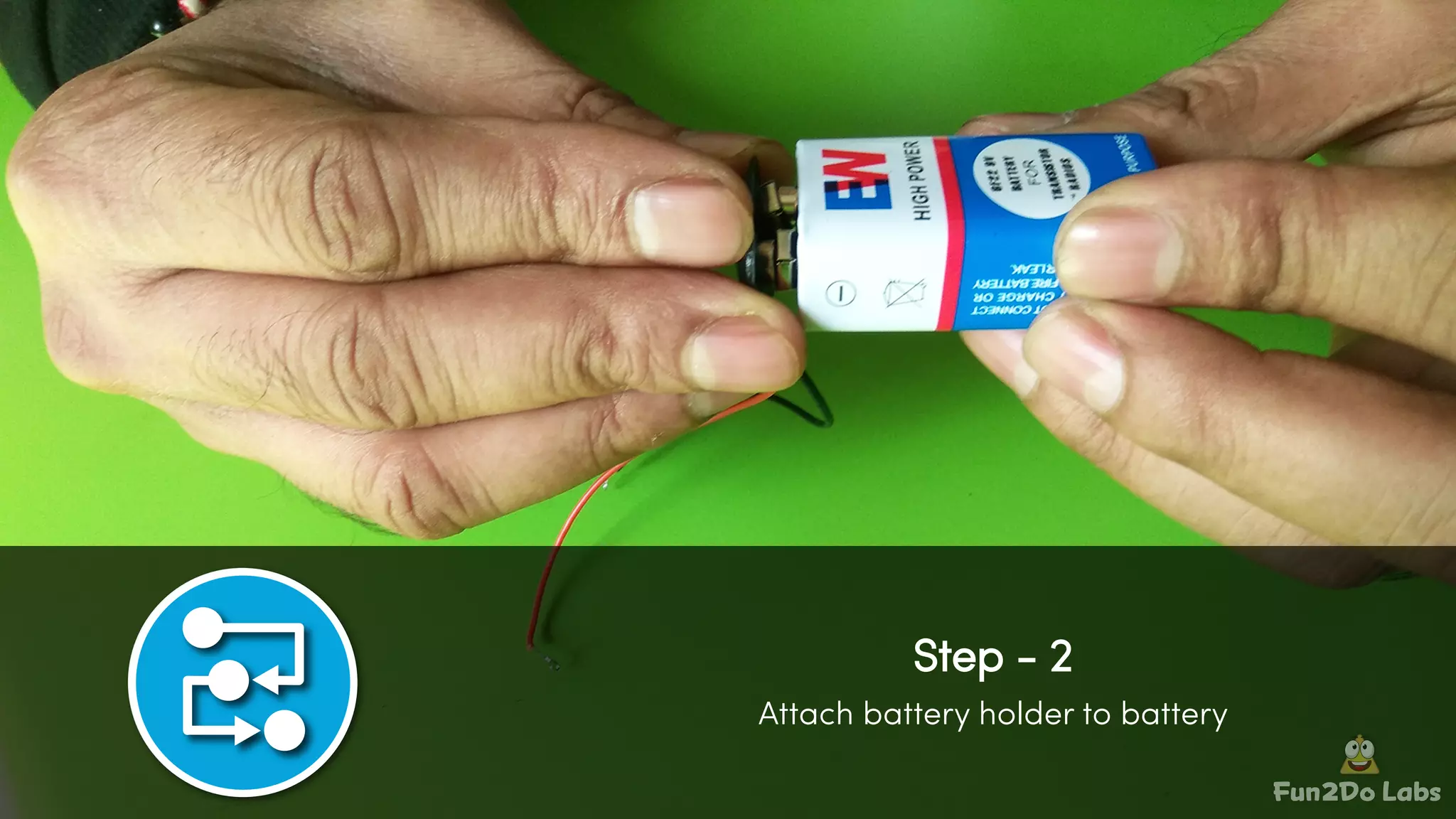
Step - 2
Attach battery holder to battery
Fun Do Labs2
Step - 3
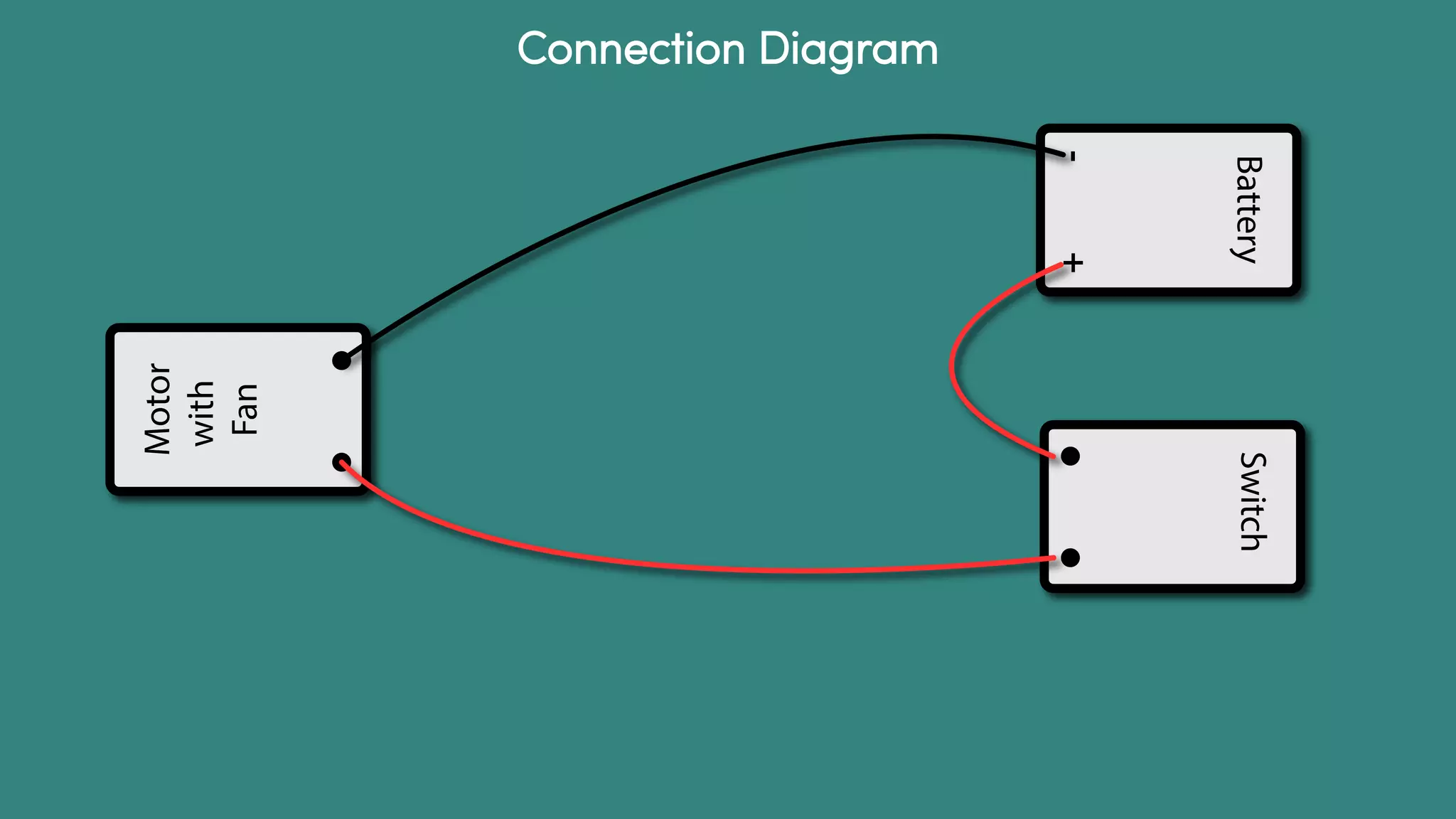
Attach one battery holder wire with switch wire
(Refer to connection diagram)
Fun Do Labs2
Step - 4
Attach second (black) battery holder wire with motor wire
(Refer to connection diagram)
Fun Do Labs2
Step - 5
Attach remaining switch wire with remaining motor wire
(Refer to connection diagram)
Fun Do Labs2
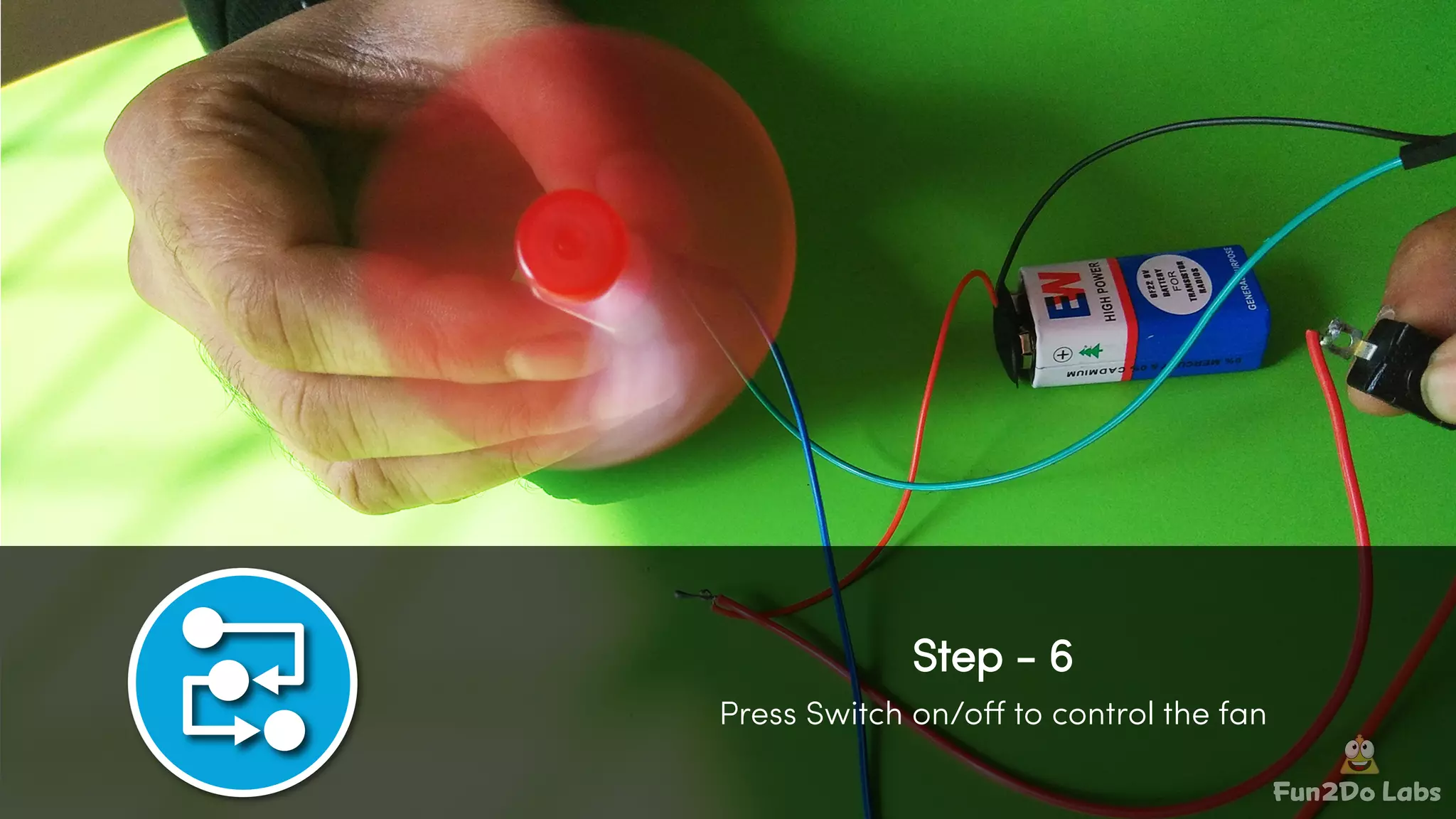
Step - 6
Press Switch on/off to control the fan
Battery
-+
Switch
Motor
with
Fan
Connection Diagram
fun2dolabs.org
saurabh@fun2dolabs.org
@skjsaurabh | @fun2dolabs
Saurabh JainContact :

Toy Fan Project in School Makerspace