To add hyperlinks to a page, highlight the text you want to link, copy the URL, click the link icon, select external, paste the URL, and click OK and Save.
To add hyperlinks
•Open your Page
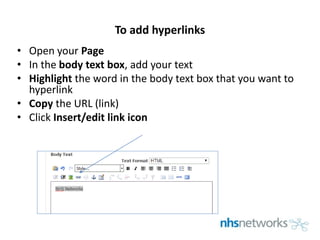
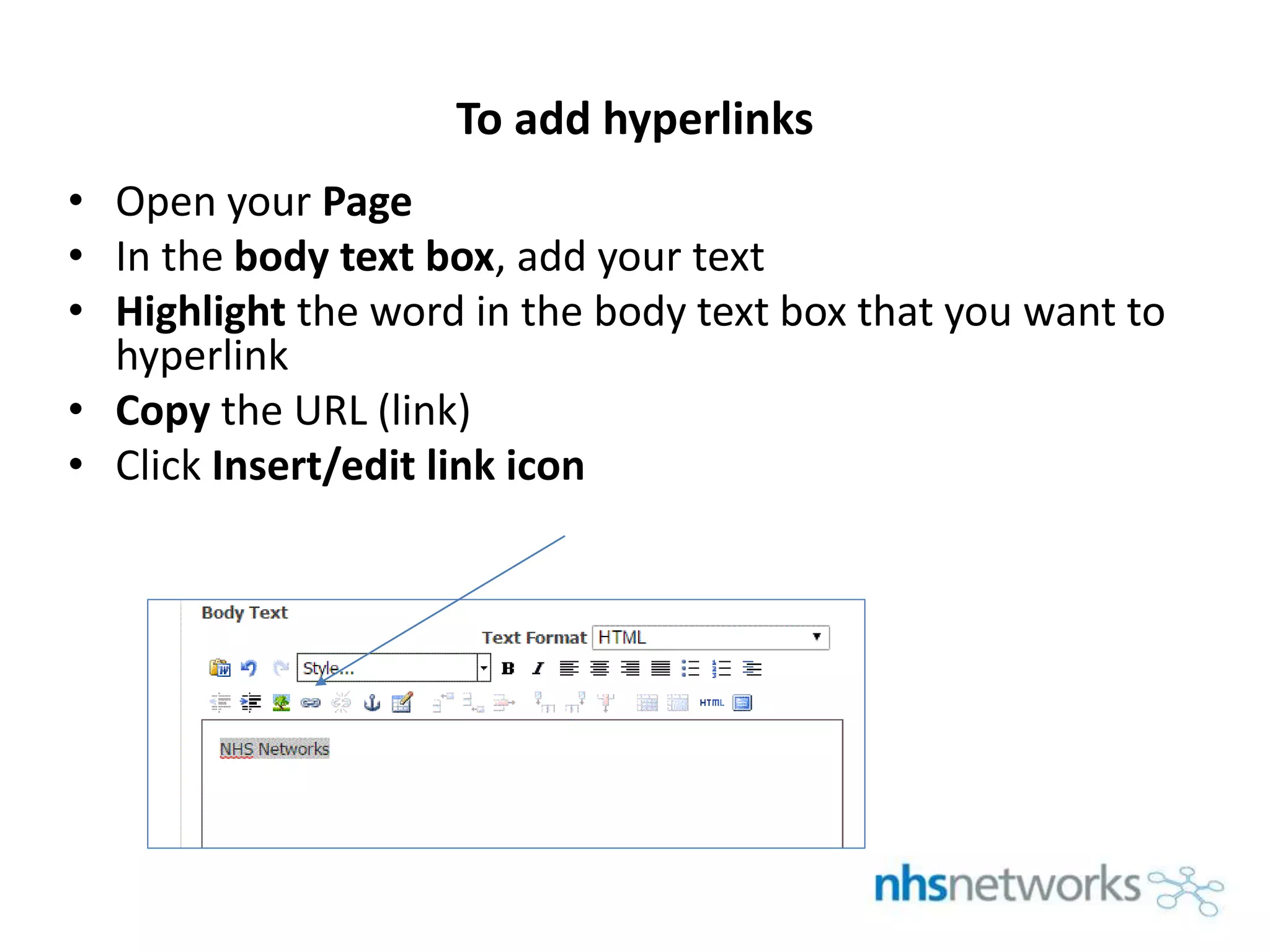
• In the body text box, add your text
• Highlight the word in the body text box that you want to
hyperlink
• Copy the URL (link)
• Click Insert/edit link icon
2.
To add hyperlinks
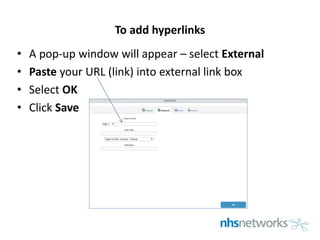
•A pop-up window will appear – select External
• Paste your URL (link) into external link box
• Select OK
• Click Save