Downloaded 22 times
![Main Method starts it all
public static void main (String[ ]
args)
{
//start by doing something
}](https://image.slidesharecdn.com/tkpjava-150113200619-conversion-gate01/75/TKP-Java-Notes-for-Teaching-Kids-Programming-11-2048.jpg)
![Arrays
String words[ ] =
new String[ ] {“hi”,”Java”};
words.get[1]; //gets “Java”](https://image.slidesharecdn.com/tkpjava-150113200619-conversion-gate01/75/TKP-Java-Notes-for-Teaching-Kids-Programming-16-2048.jpg)
![More Arrays
//simpler set up – fixed length
int [ ] coins = {1,5,10,25,50};](https://image.slidesharecdn.com/tkpjava-150113200619-conversion-gate01/75/TKP-Java-Notes-for-Teaching-Kids-Programming-17-2048.jpg)
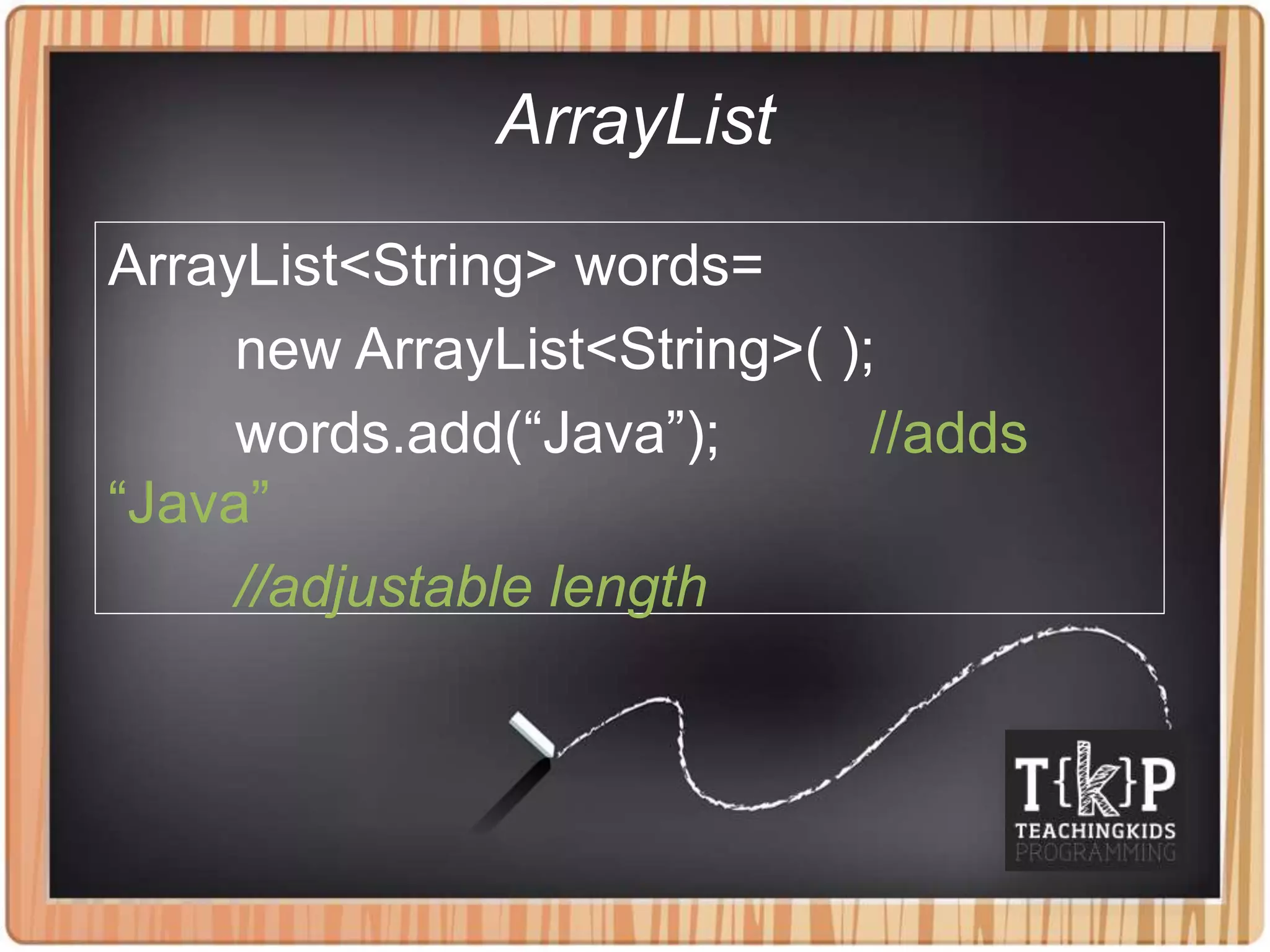
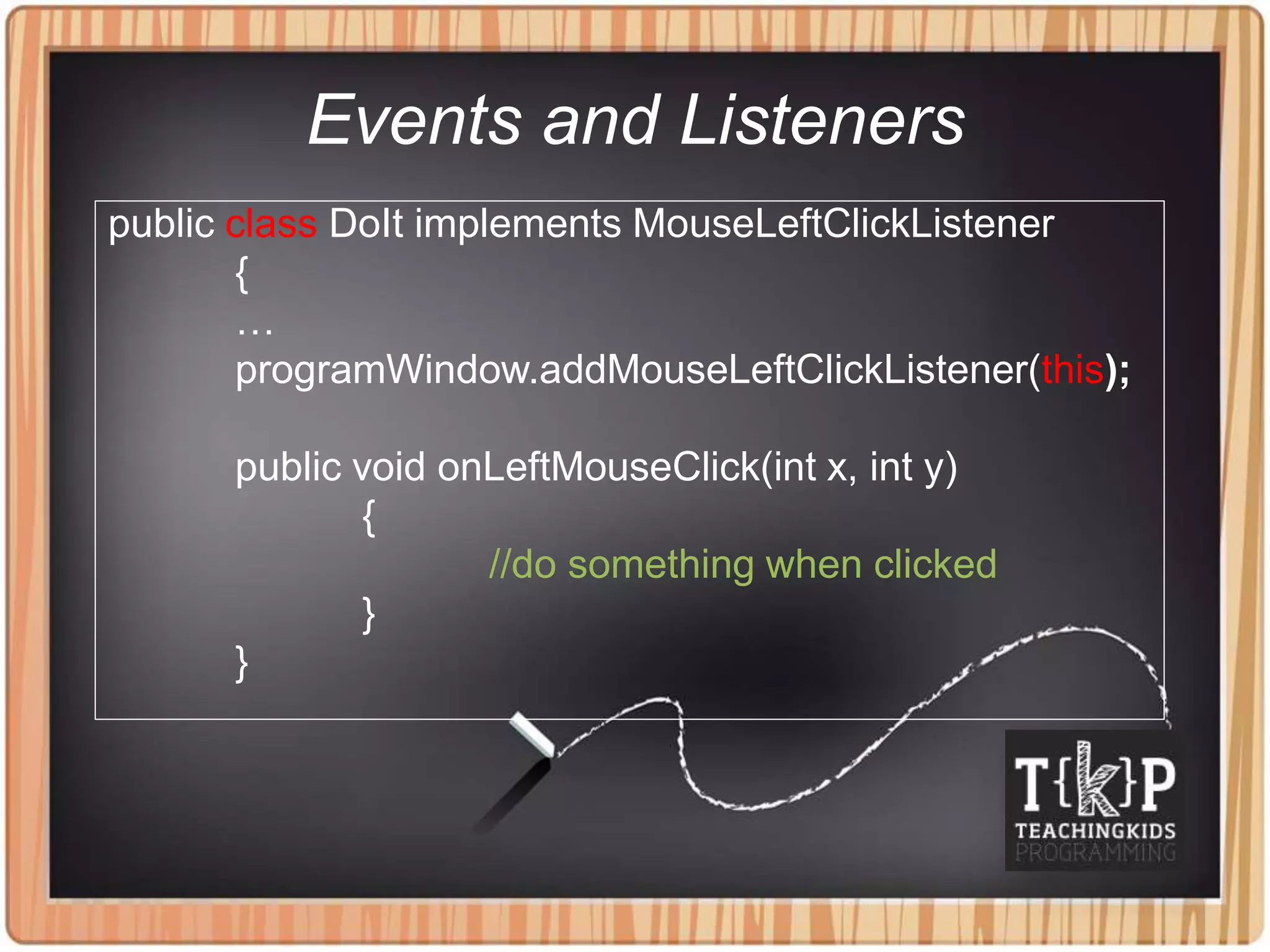

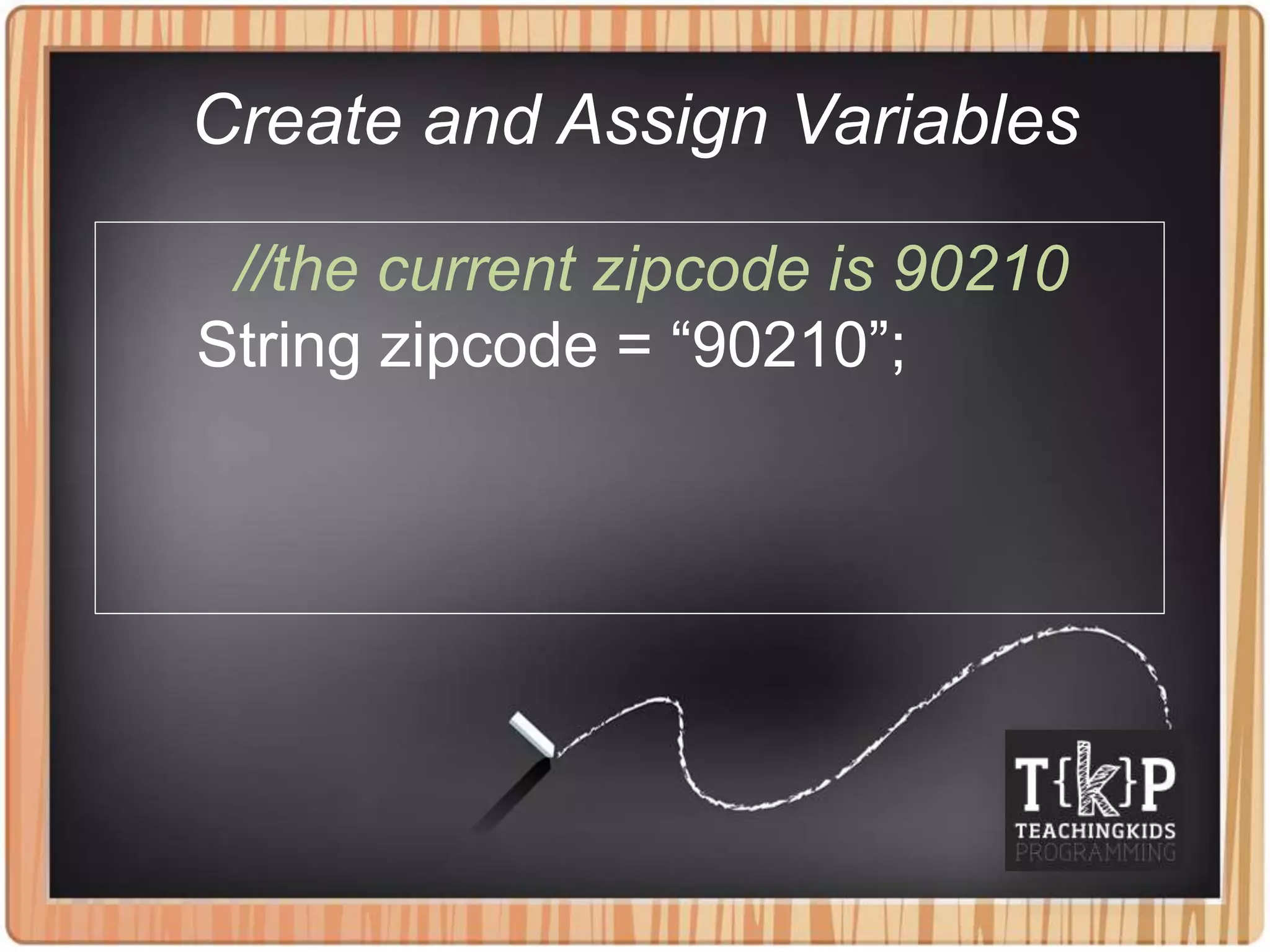
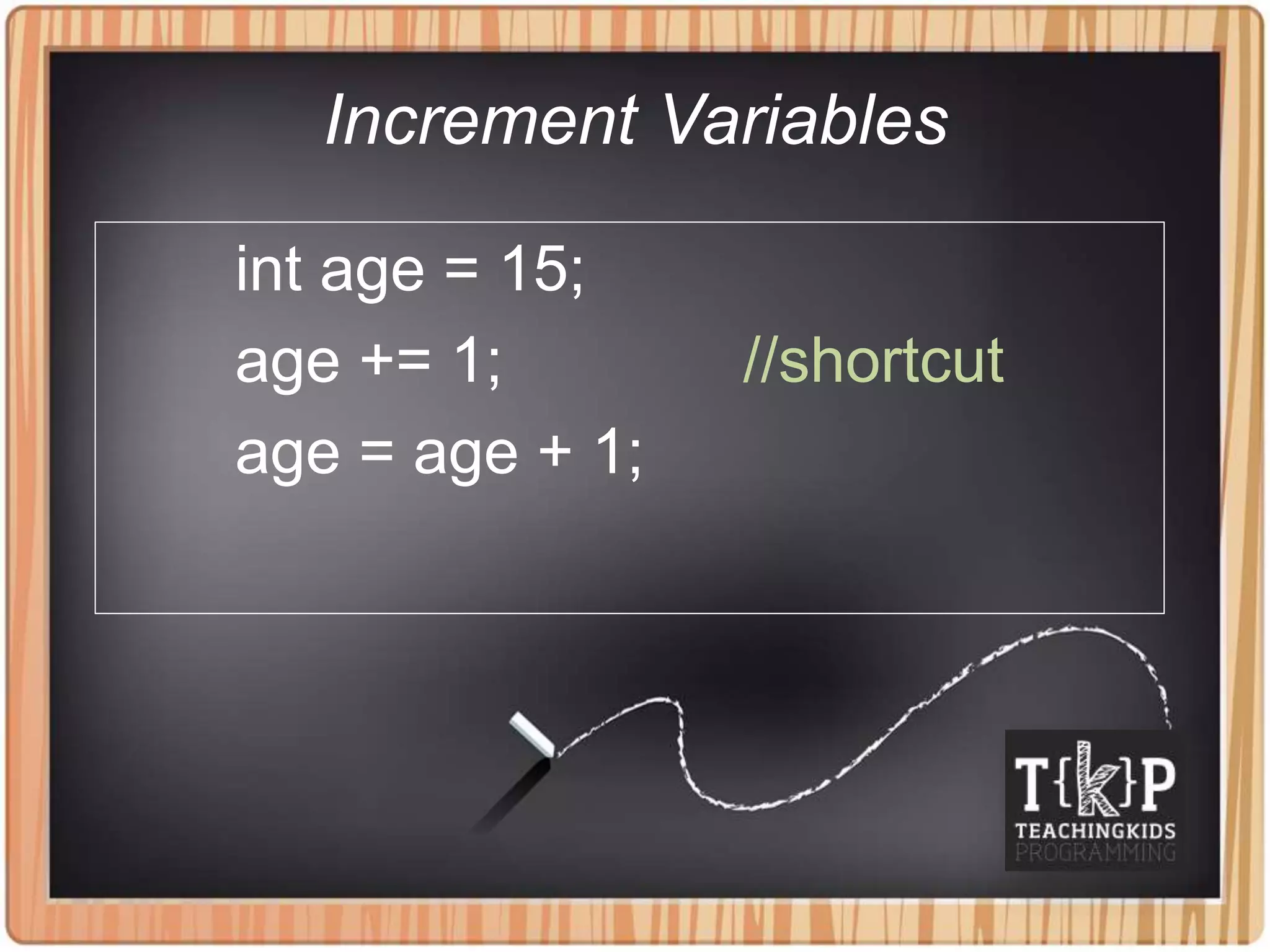
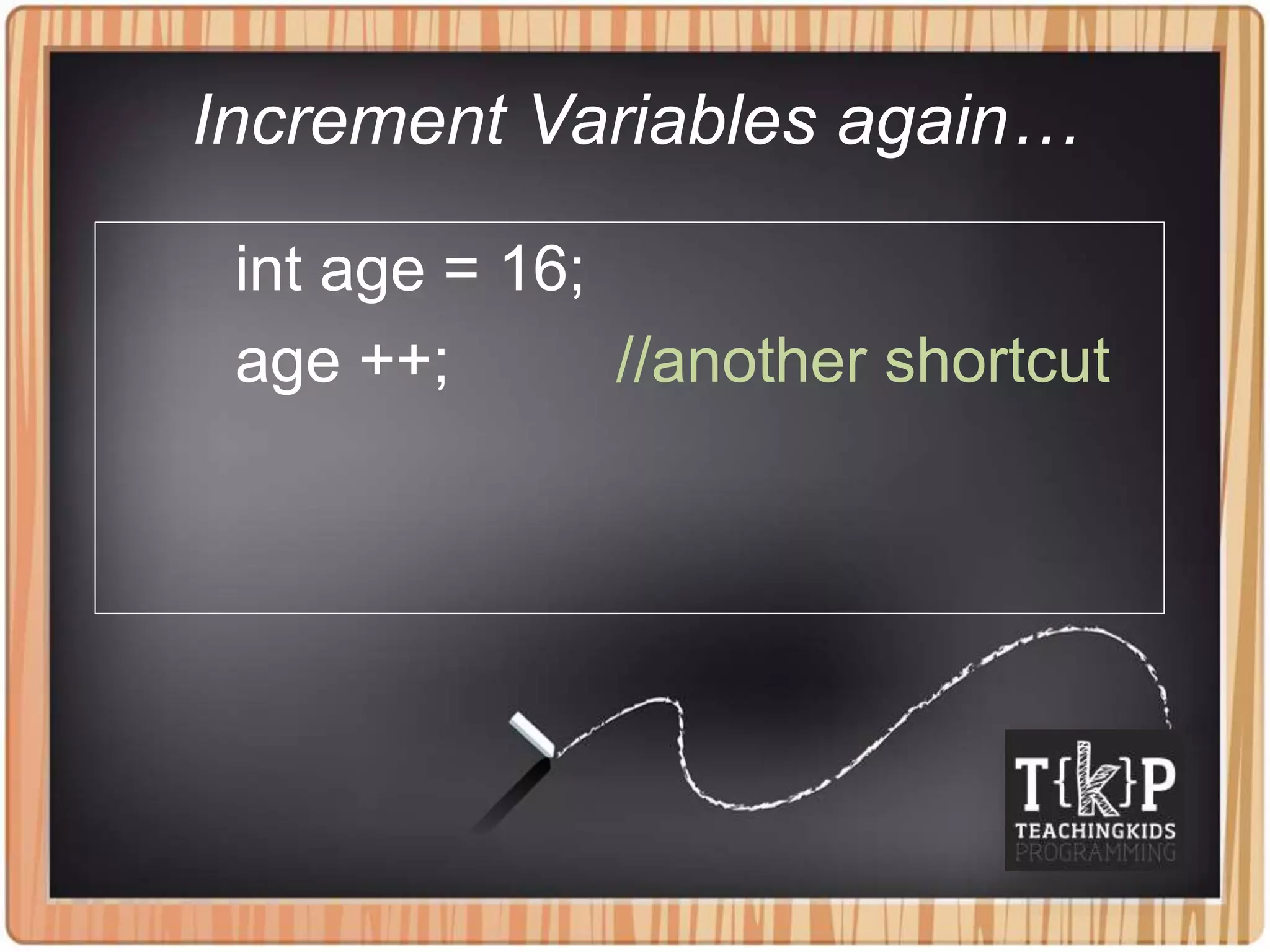
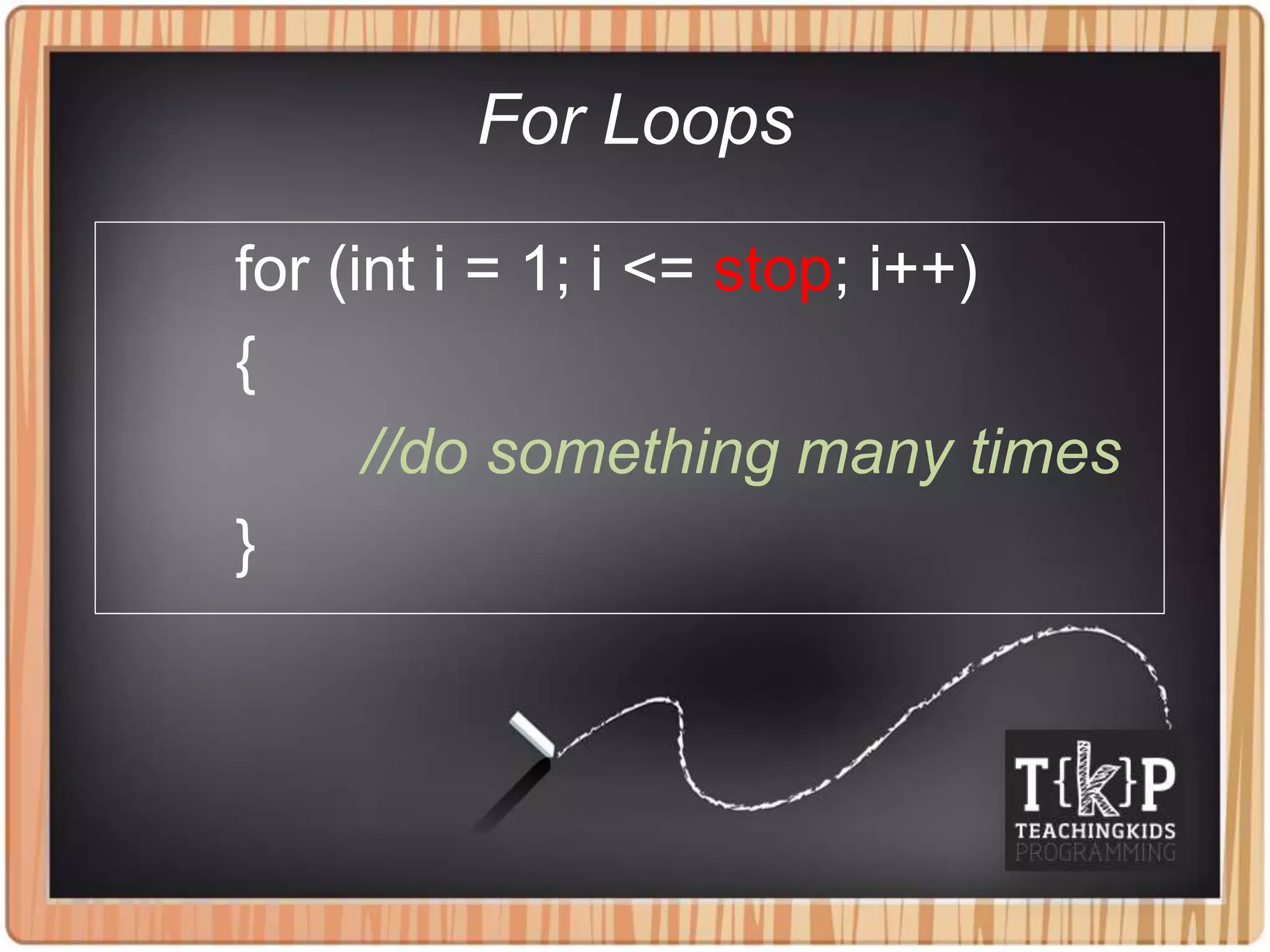
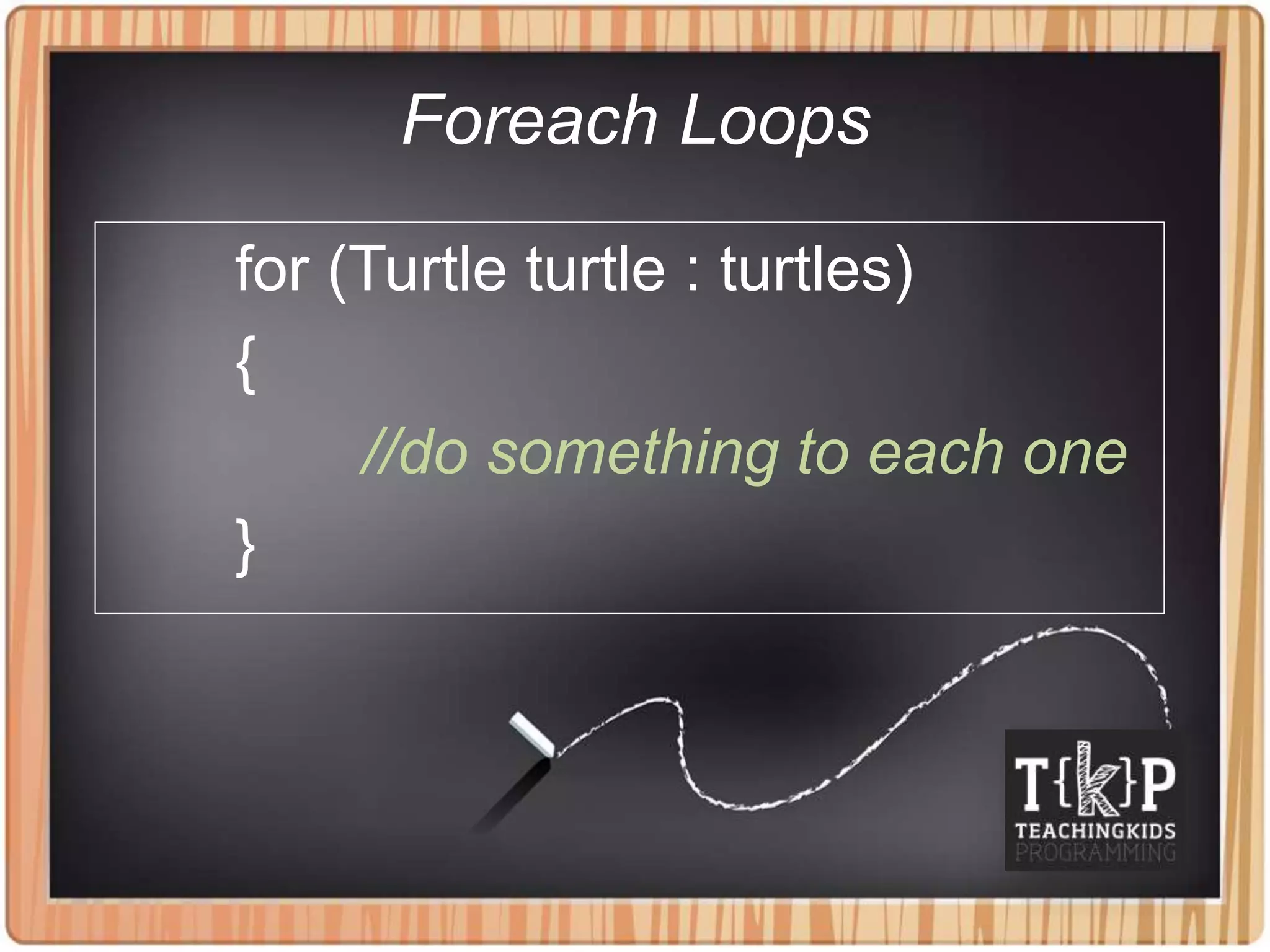
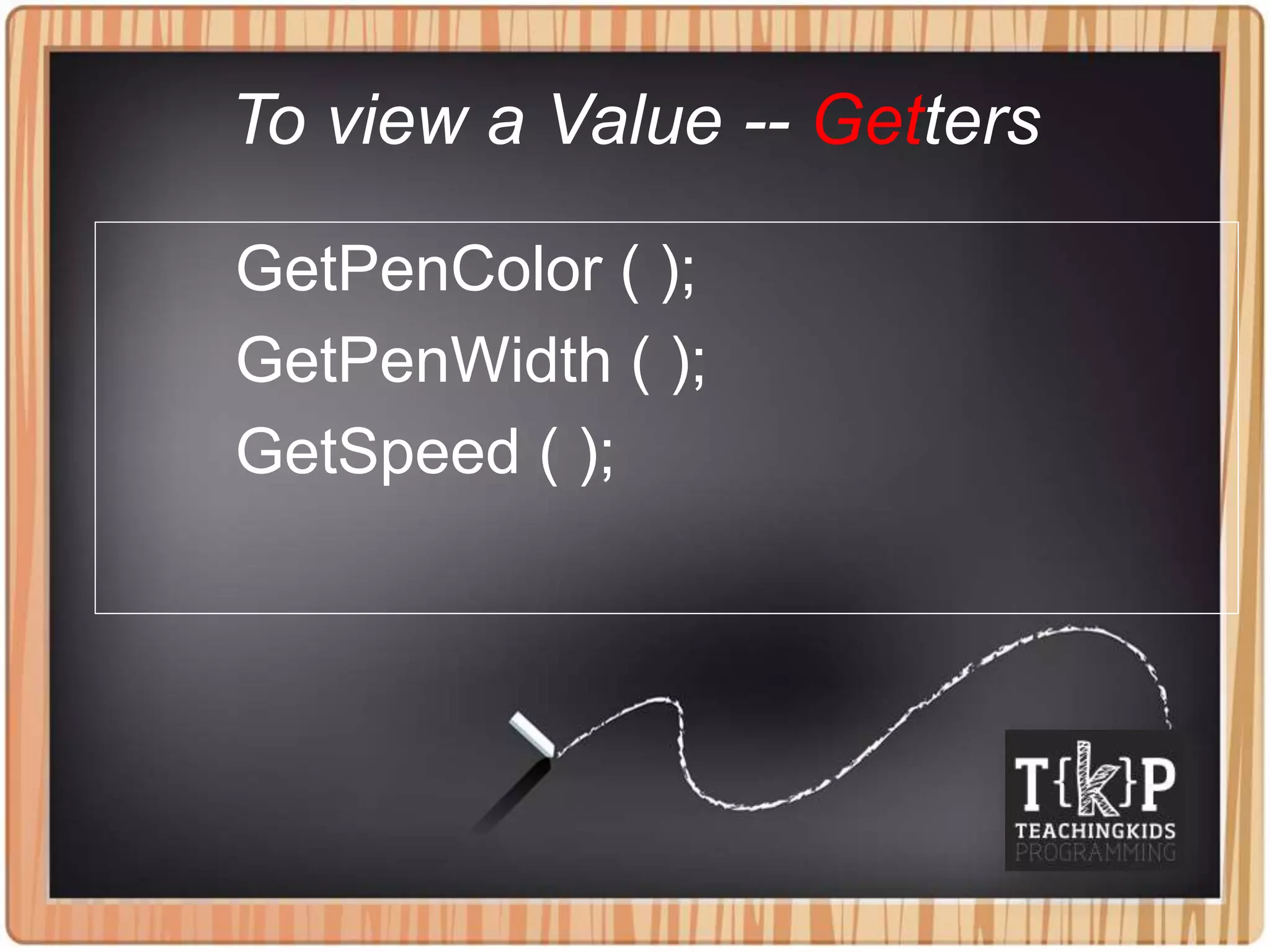
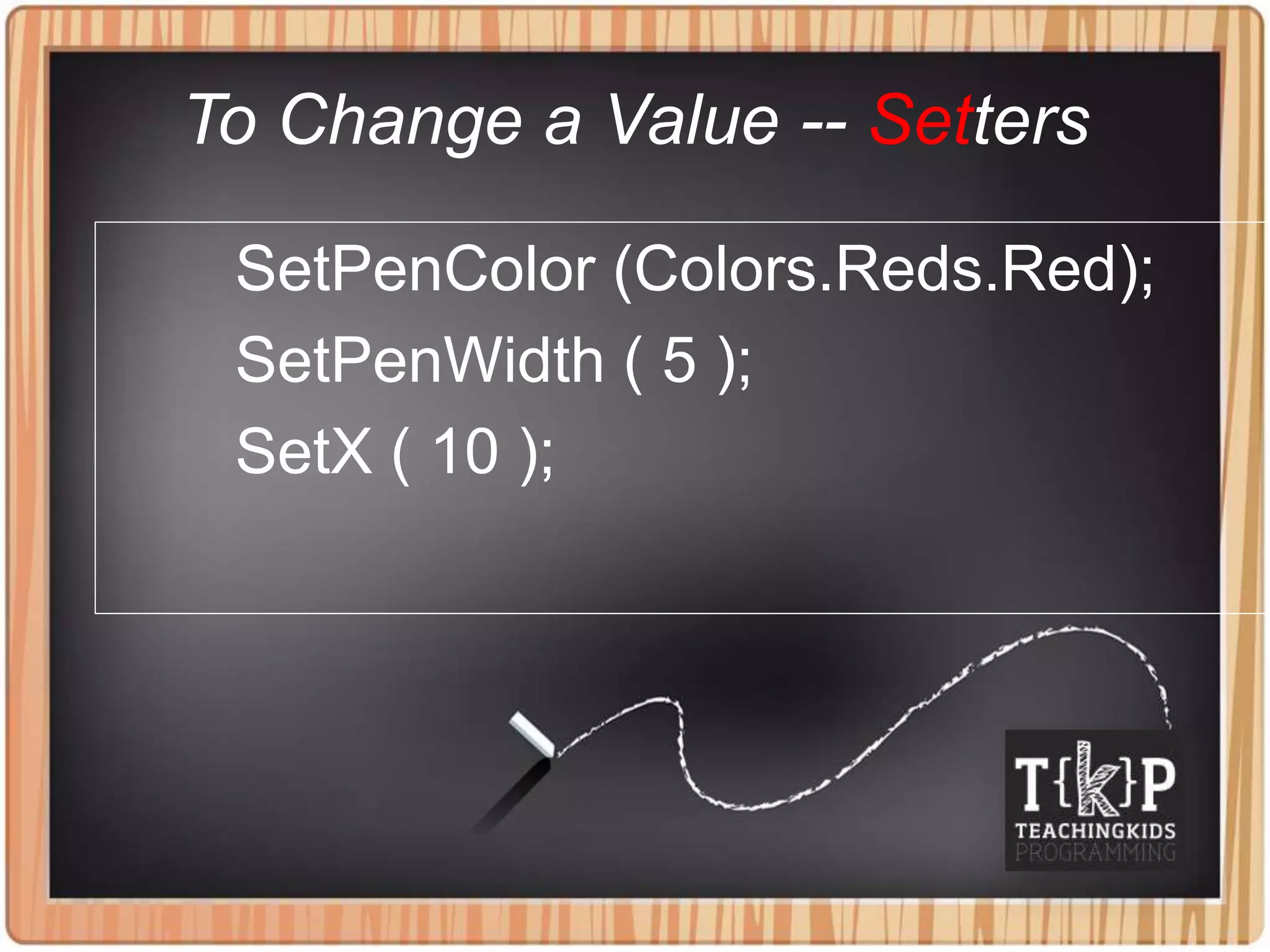
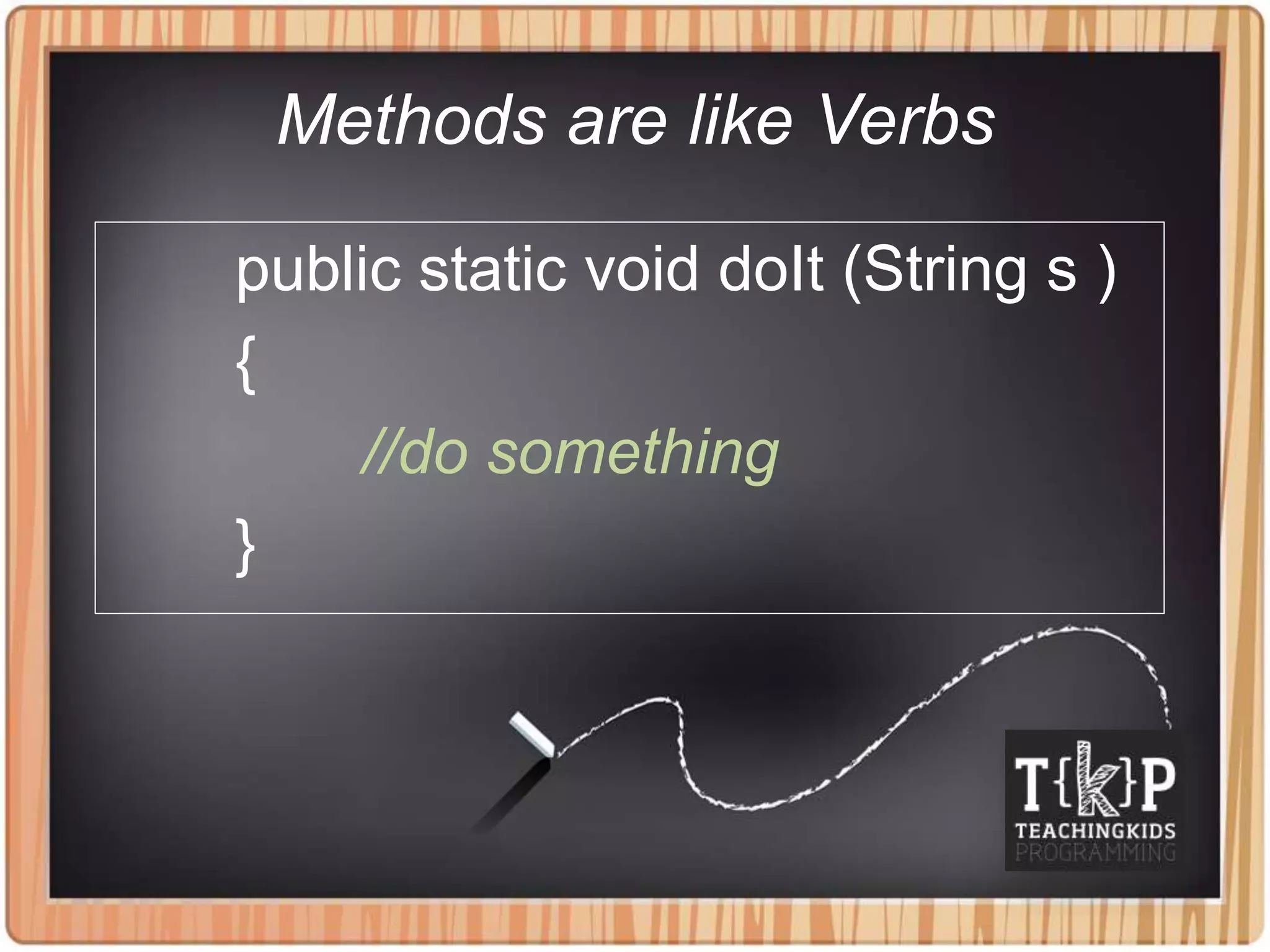
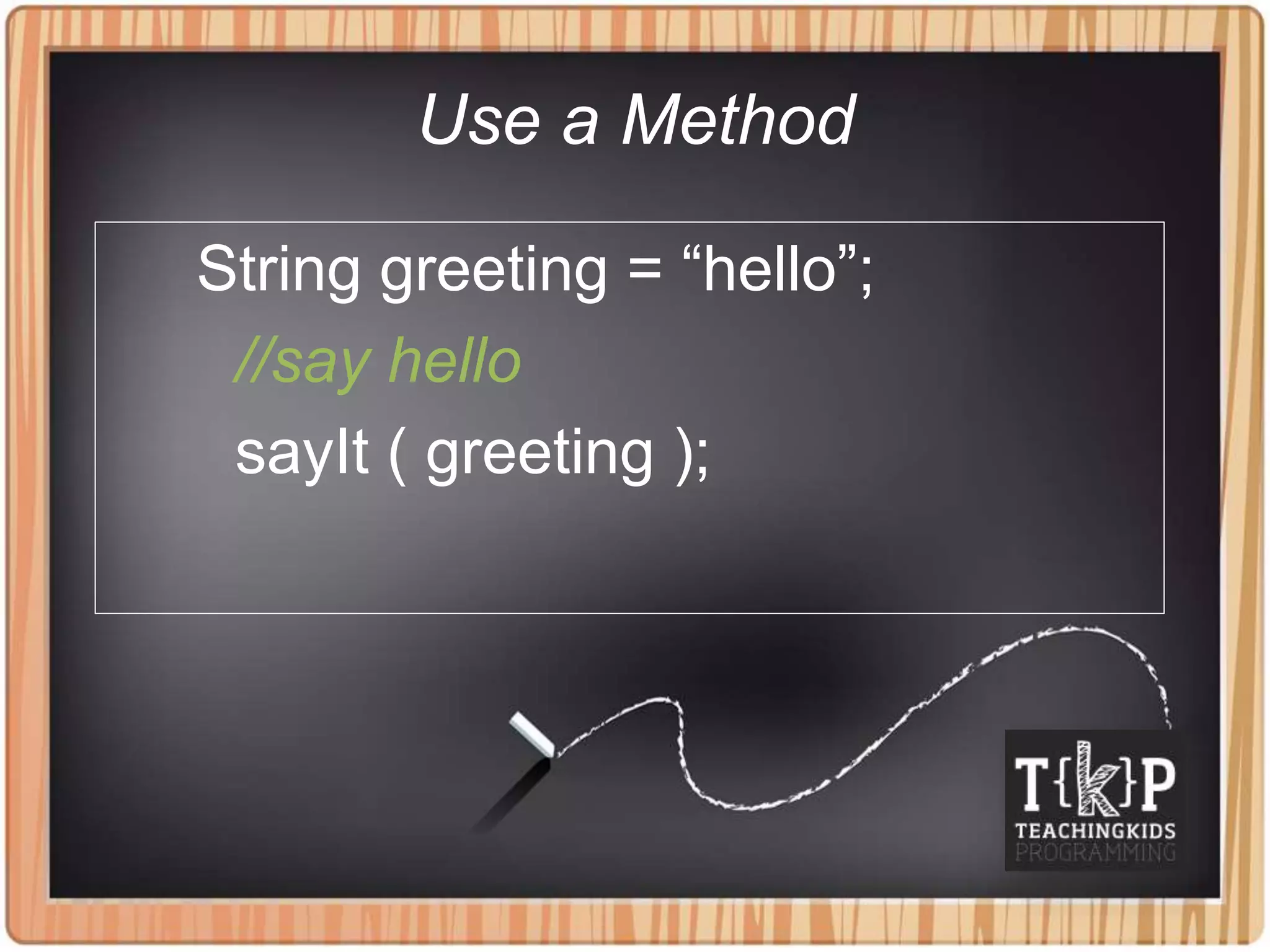
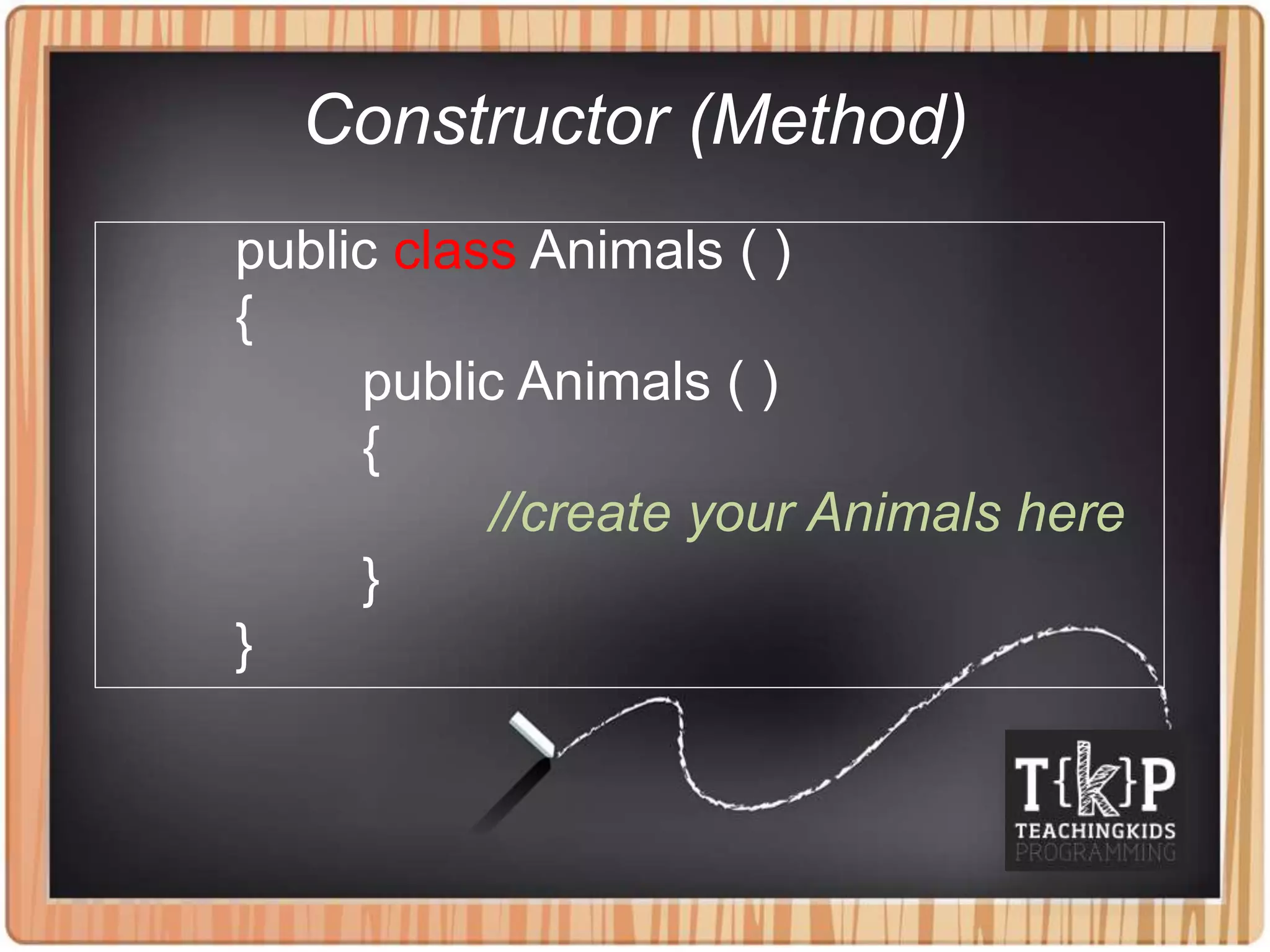
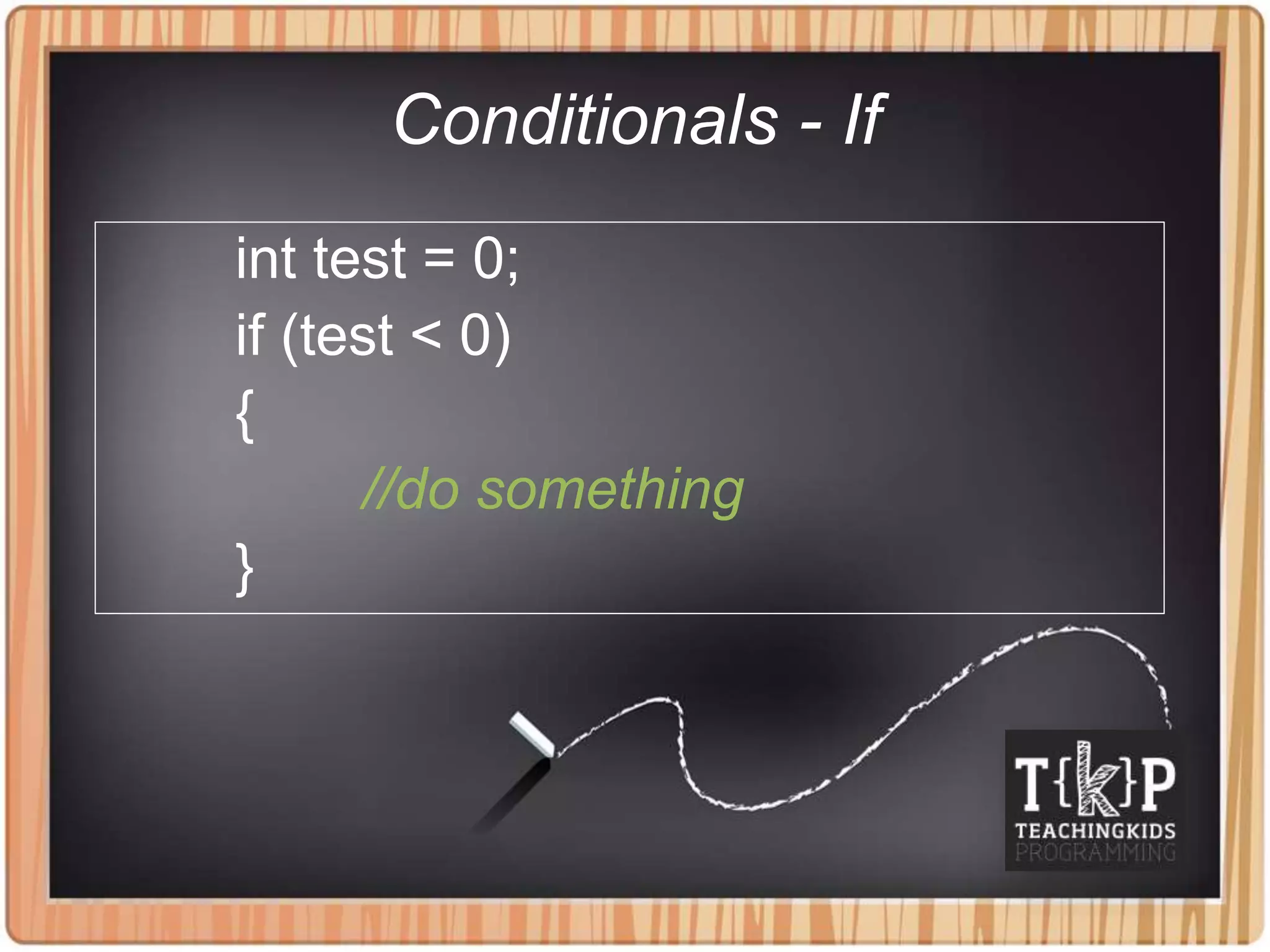
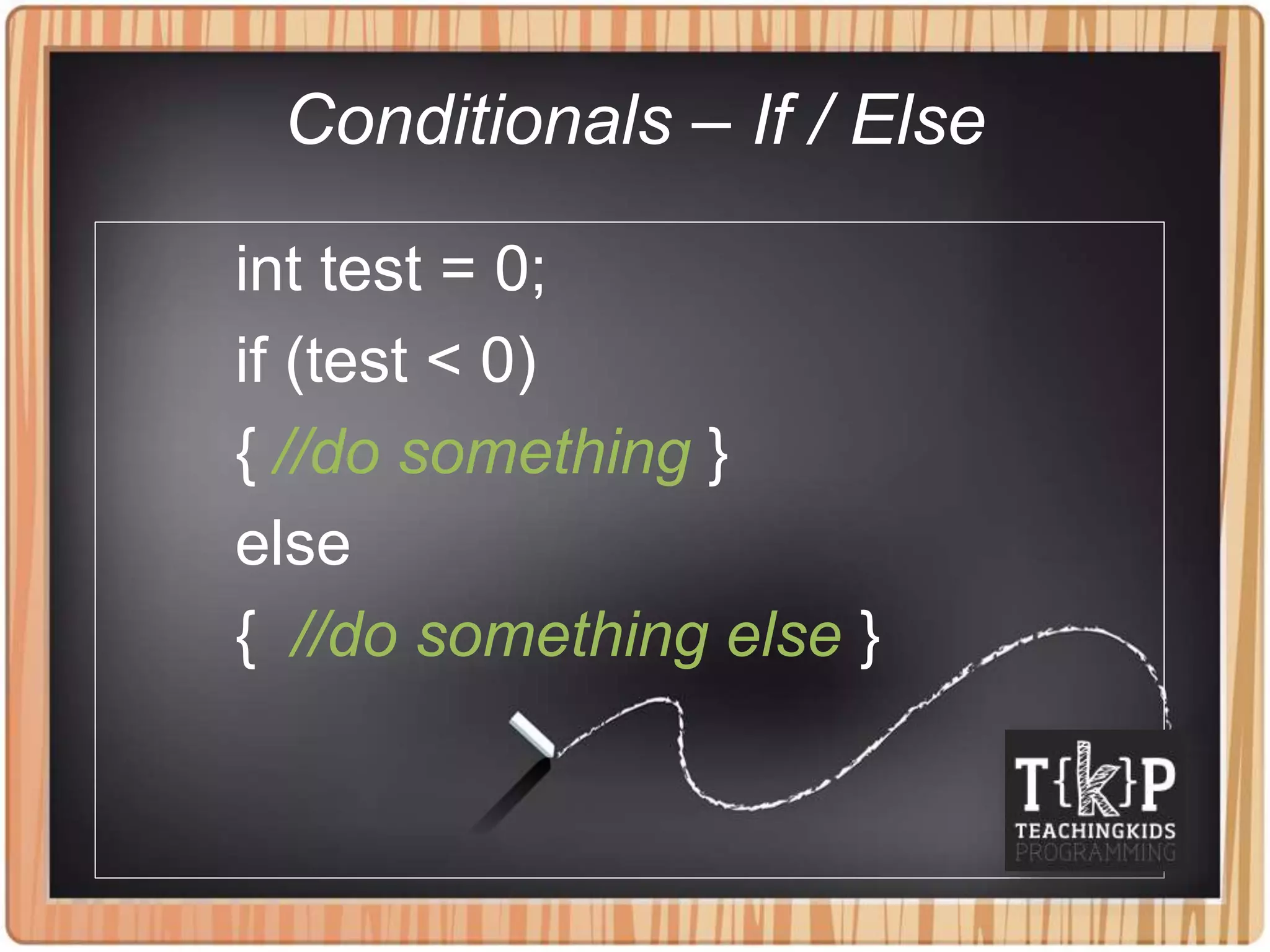
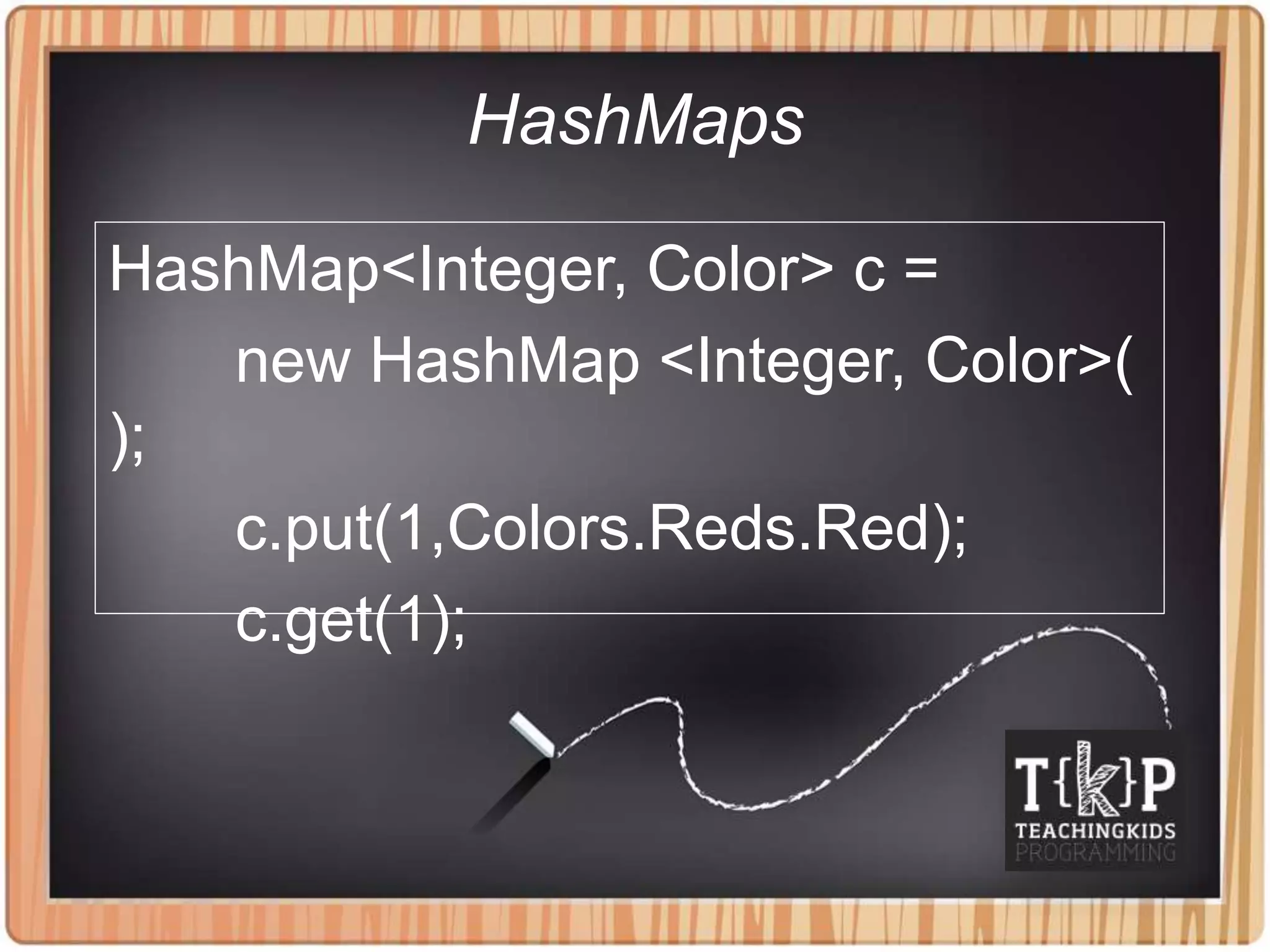
Java programming concepts covered in the document include: - Declaring and assigning variables such as strings and integers - Incrementing and decrementing variable values using shortcuts like += and ++ - Using for and foreach loops to repeat actions - Defining getter and setter methods to access and change variable values - Creating and calling methods to organize code into reusable blocks - Using conditionals like if/else statements to check conditions - Storing and accessing values in data structures like arrays, arraylists, and hashmaps - Implementing event listeners to handle user interactions like mouse clicks - Defining a main method that kicks off the program execution


