The Rails 4 Way
1 Rails Environments
and Configuration
Compass Study Group
Jian-Long Huang
2016.04.29
引言
• Rails 有三種預設好的環境:
 development
 test
 production
• 不同環境的設定放在 config/environments
• 使用環境變數 RAILS_ENV 切換模式
2
Bundler
• 用來管理 Gem 套件依賴
• 為 Rails 4 依賴套件,不需額外安裝
• 假設系統已經安裝以下的 Rubygems
 activesupport 4.0.2
 activesupport 3.2.11
 activemerchant 1.29.3
 rails 3.2.11
• activemerchant 1.29.3 依賴 activesupport >= 2.3.14
• 但 rails 3.2.11 不支援 activesupport 4.0.2
• 先裝 activemerchant,會自動裝 activesupport 4.0.2,接著再裝 rails 3.2.11,產生問題
• Bundler 解決套件依賴問題
3
Gemfile
• 定義 Rails app 的依賴,包含 Rails 版本
gem 'kaminari'
gem 'nokogiri'
# 特定環境下才安裝
group :development do
gem 'pry-rails'
end
group :development, :test do
gem 'rspec-rails'
gem 'factory_girl_rails'
end
4
Gemfile
• 指定版號
# only 1.5.6
gem 'nokogiri', '1.5.6'
# 0.2.3, 0.3.0, 1.0.0, etc
gem 'pry-rails', '> 0.2.2'
# >= 2.0.1 and < 2.1
gem 'decent_exposure', '~> 2.0.1'
# only 1.0.0.beta6
gem 'draper', '1.0.0.beta6'
5
Gemfile
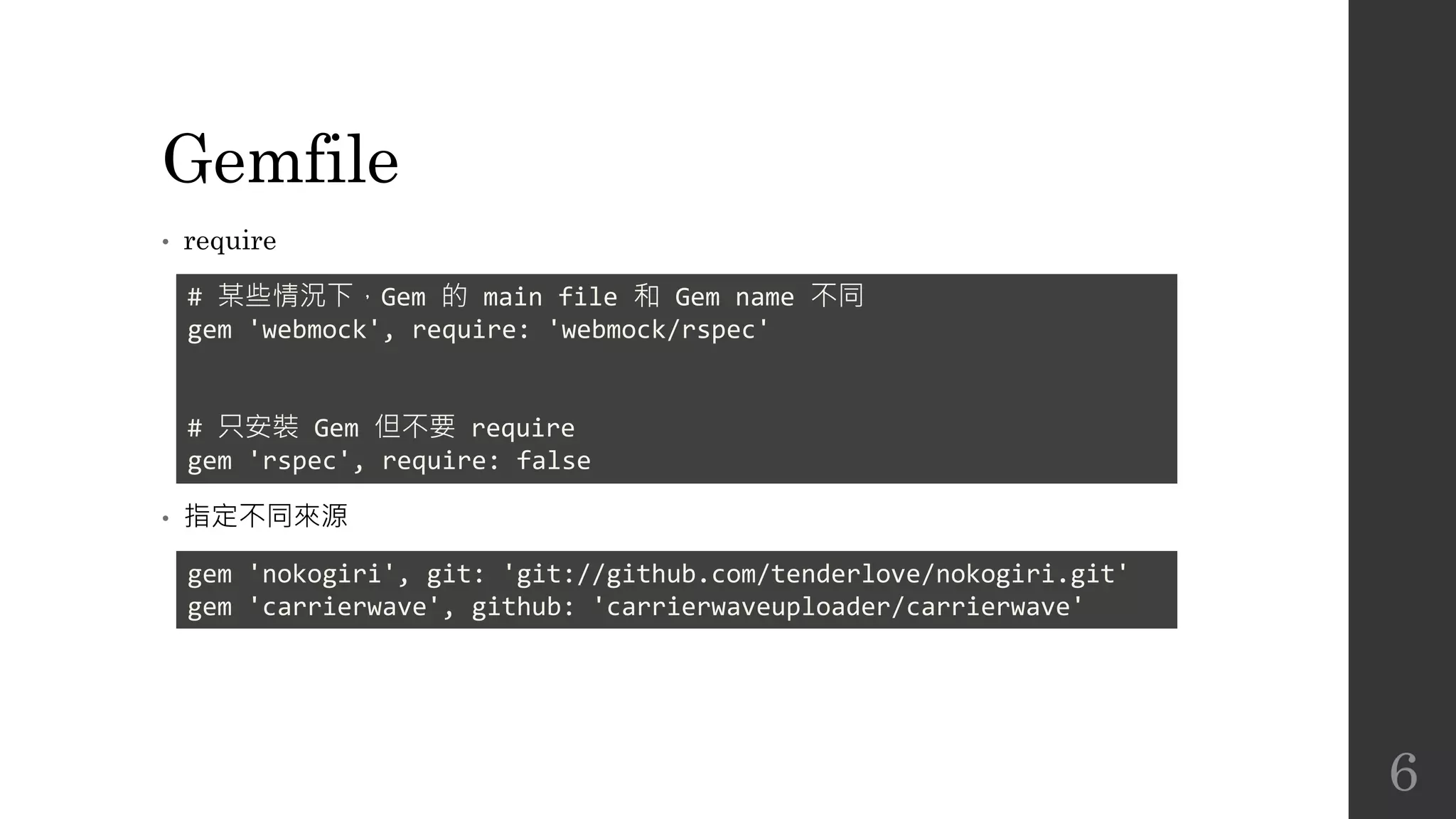
• require
• 指定不同來源
# 某些情況下,Gem 的 main file 和 Gem name 不同
gem 'webmock', require: 'webmock/rspec'
# 只安裝 Gem 但不要 require
gem 'rspec', require: false
gem 'nokogiri', git: 'git://github.com/tenderlove/nokogiri.git'
gem 'carrierwave', github: 'carrierwaveuploader/carrierwave'
6
安裝 Gems
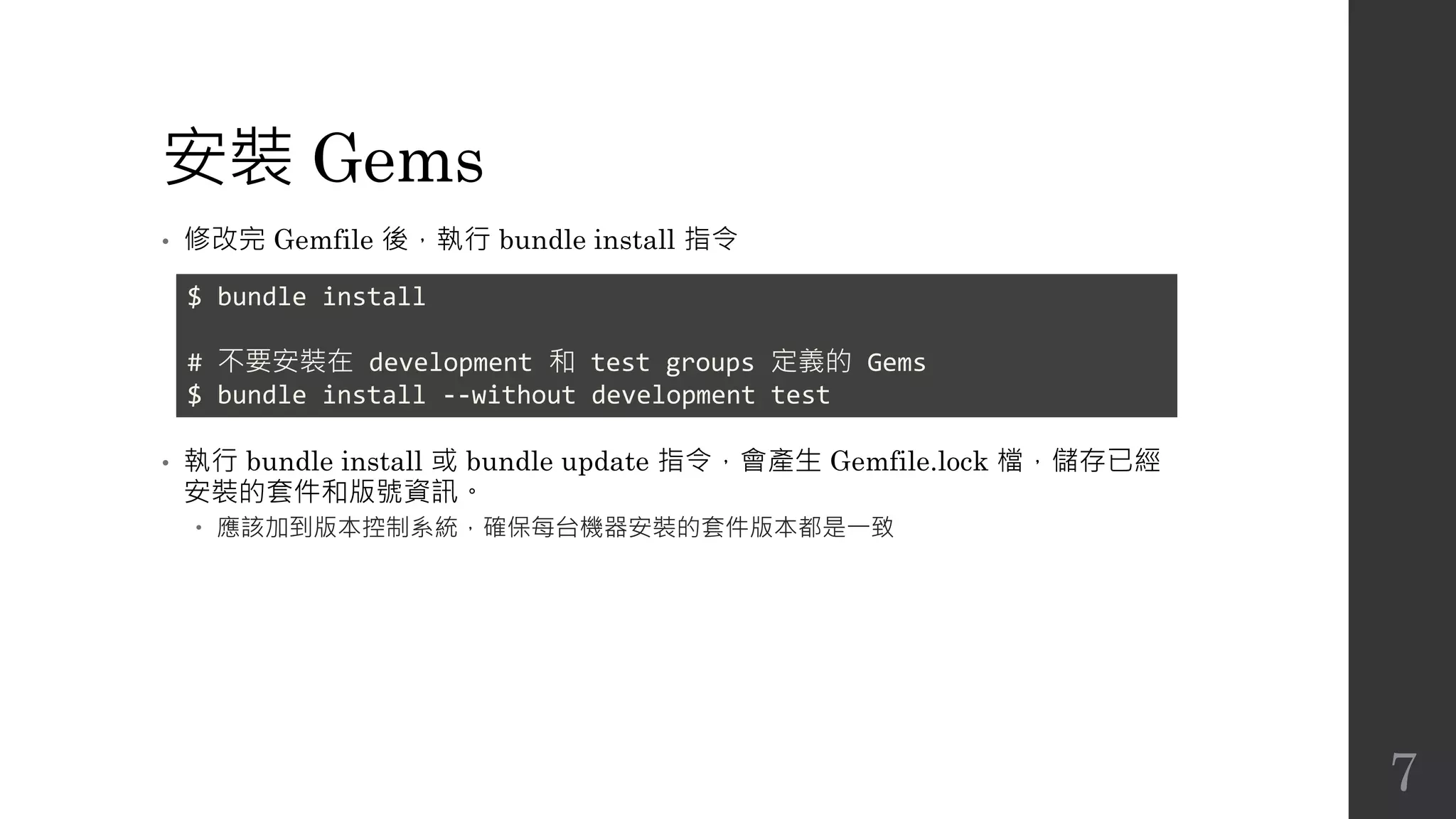
• 修改完 Gemfile 後,執行 bundle install 指令
• 執行 bundle install 或 bundle update 指令,會產生 Gemfile.lock 檔,儲存已經
安裝的套件和版號資訊。
 應該加到版本控制系統,確保每台機器安裝的套件版本都是一致
$ bundle install
# 不要安裝在 development 和 test groups 定義的 Gems
$ bundle install --without development test
7
打包 Gems
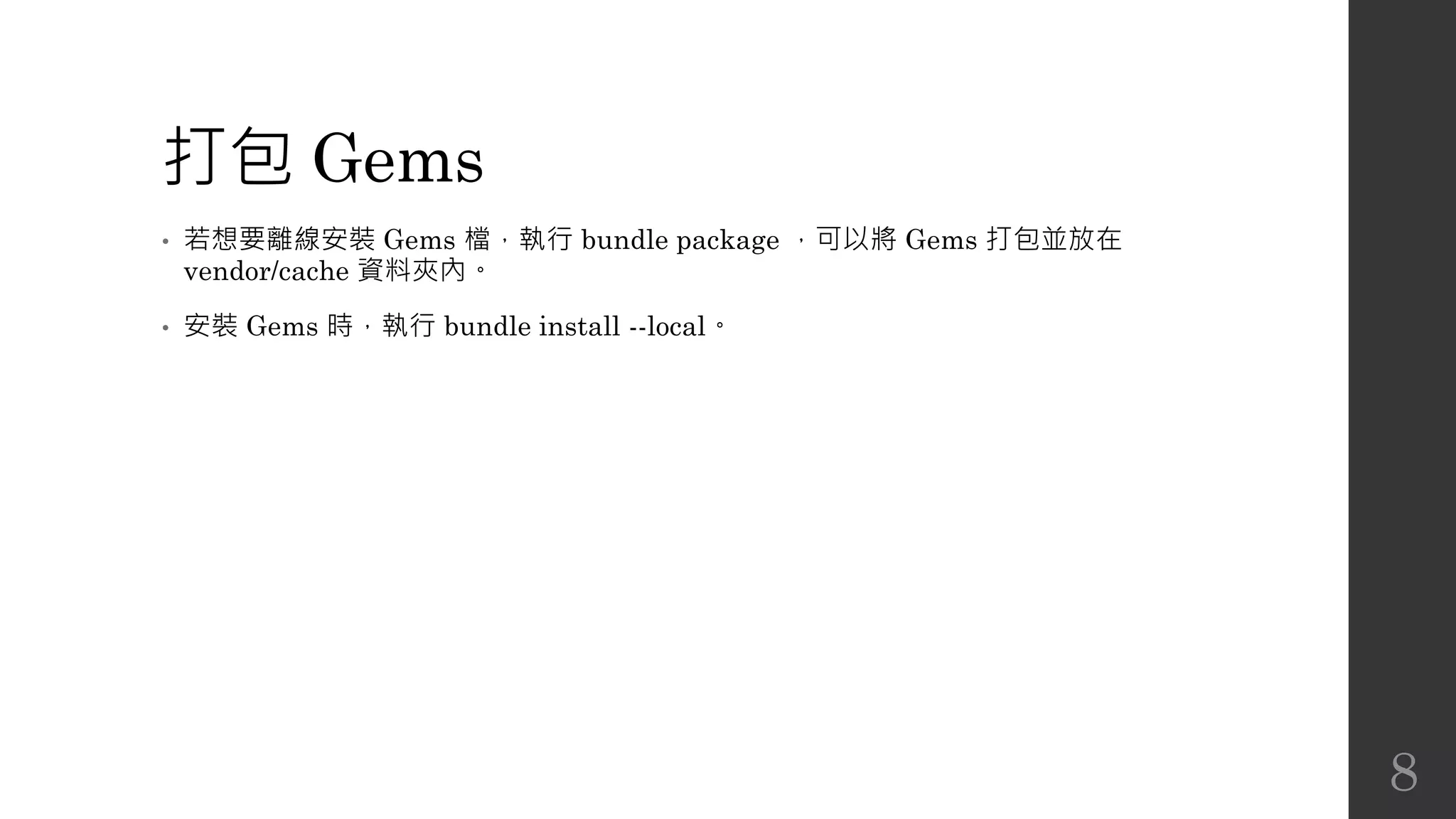
• 若想要離線安裝 Gems 檔,執行 bundle package ,可以將 Gems 打包並放在
vendor/cache 資料夾內。
• 安裝 Gems 時,執行 bundle install --local。
8
Bundler
• 若安裝的 Gems 有兩種以上版本,執行 Non-rails script,使用 bundle exec
<command>,才能取得正確依賴的版本
• bundle binstubs <some-gem-name>: 將 <some-gem-name> 加到 bin/ 資料夾內
9
Rails 設定檔
• config/boot.rb
 Sets up Bundler and load paths.
• config/application.rb
 Loads rails gems, gems for the specified Rails.env, and configures the application.
• config/environment.rb
 Runs all initializers.
10
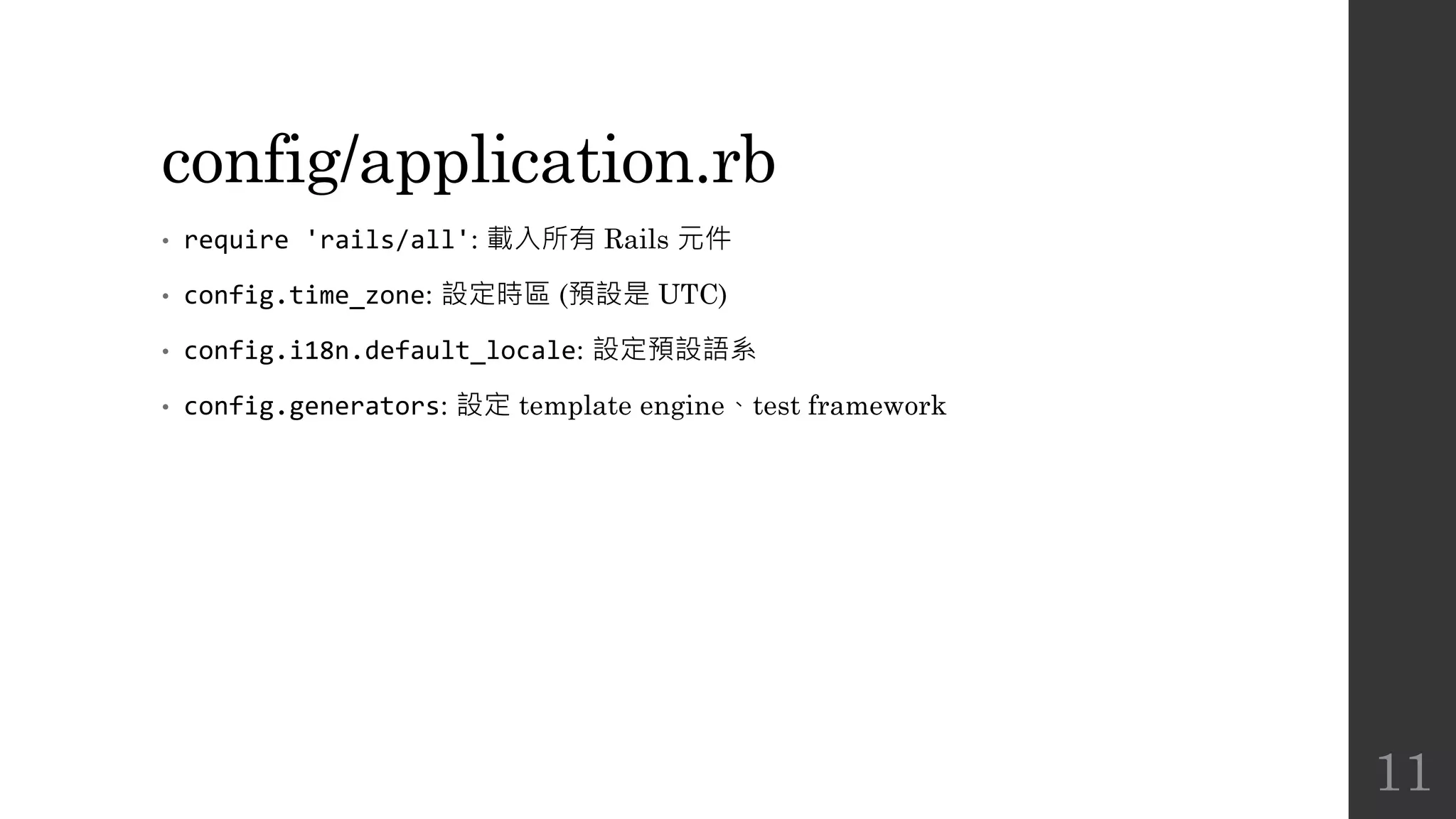
config/application.rb
• require 'rails/all': 載入所有 Rails 元件
• config.time_zone: 設定時區 (預設是 UTC)
• config.i18n.default_locale: 設定預設語系
• config.generators: 設定 template engine、test framework
11
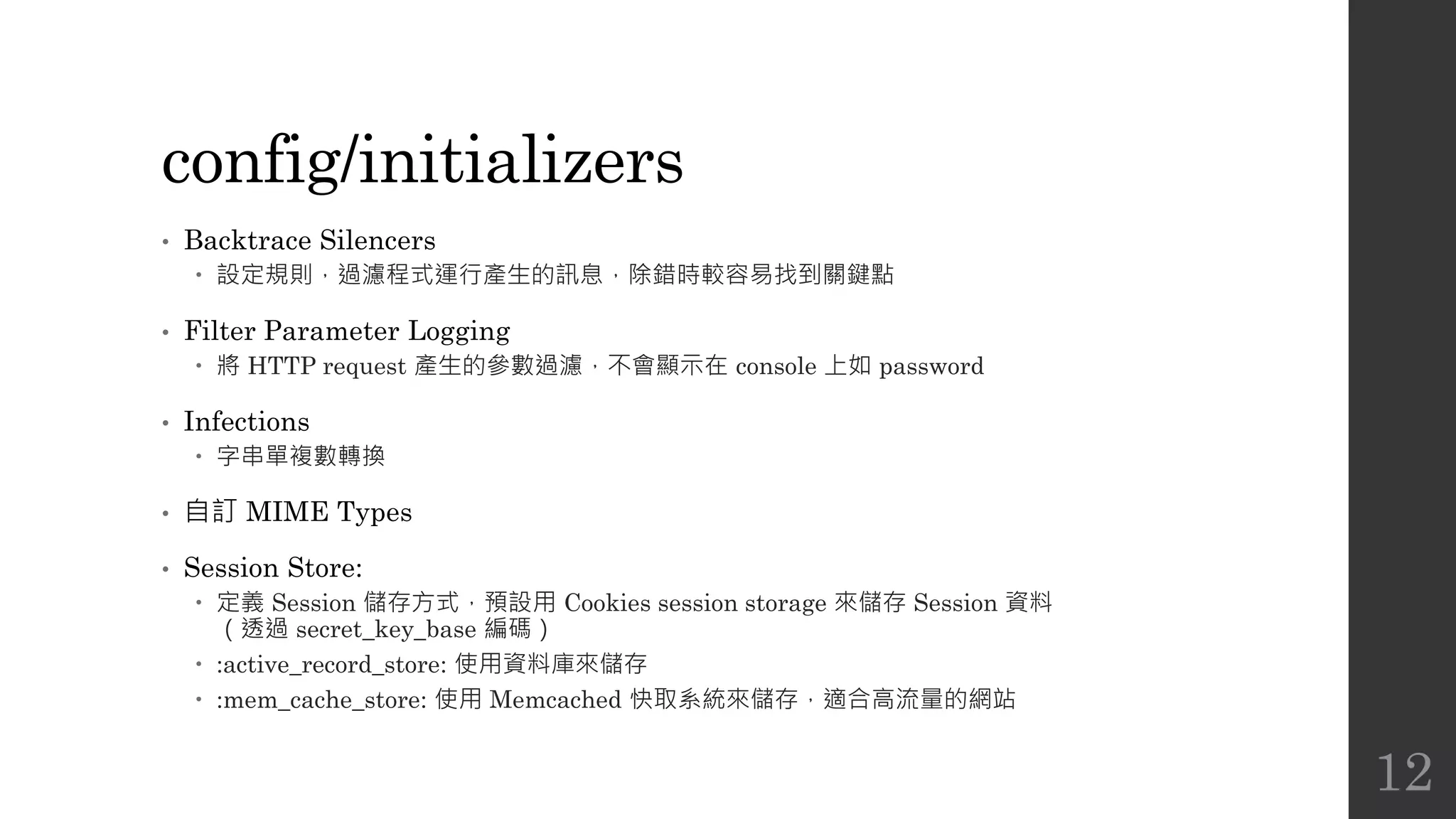
config/initializers
• Backtrace Silencers
 設定規則,過濾程式運行產生的訊息,除錯時較容易找到關鍵點
• Filter Parameter Logging
 將 HTTP request 產生的參數過濾,不會顯示在 console 上如 password
• Infections
 字串單複數轉換
• 自訂 MIME Types
• Session Store:
 定義 Session 儲存方式,預設用 Cookies session storage 來儲存 Session 資料
(透過 secret_key_base 編碼)
 :active_record_store: 使用資料庫來儲存
 :mem_cache_store: 使用 Memcached 快取系統來儲存,適合高流量的網站
12
config/initializers
• Wrap Parameters
 搭配其他 JavaScript MVC framework 使用
 將傳入參數 hash 包成 nested hash,讓 client 可以不用送 root elements 資料
13
config/applications.rb 其他設定
• config.autoload_paths
 要自動載入 class 和 module 的目錄或檔案路徑
• config.log_level
 強制所有環境使用相同的 log level
 預設 production 用 :info,其他用 :debug
• config.active_record.schema_format
 設定 schema dumper 格式,用來產生 db/schema.rb,預設是 :sql
14
個別環境設定
• config/environments/development.rb
• config/environments/test.rb
• config/environments/production.rb
• 覆寫 config/applications.rb
15
Development Mode
• config.cache_classes = false
 每次修改完 code 會自動更新 server,不需要重啟
• config.eager_load = false
 設定 true,會將較多的應用載入到記憶體,建議在 production 設為 true
• config.consider_all_requests_local = true
 顯示 developer-friendly error screens,如行號或 backtrace
• config.action_controller.perform_caching = false
 是否執行 cache 的行為
• config.action_mailer.raise_delivery_errors = false
 不要讓 Action Mailer 產生 delivery exceptions
16
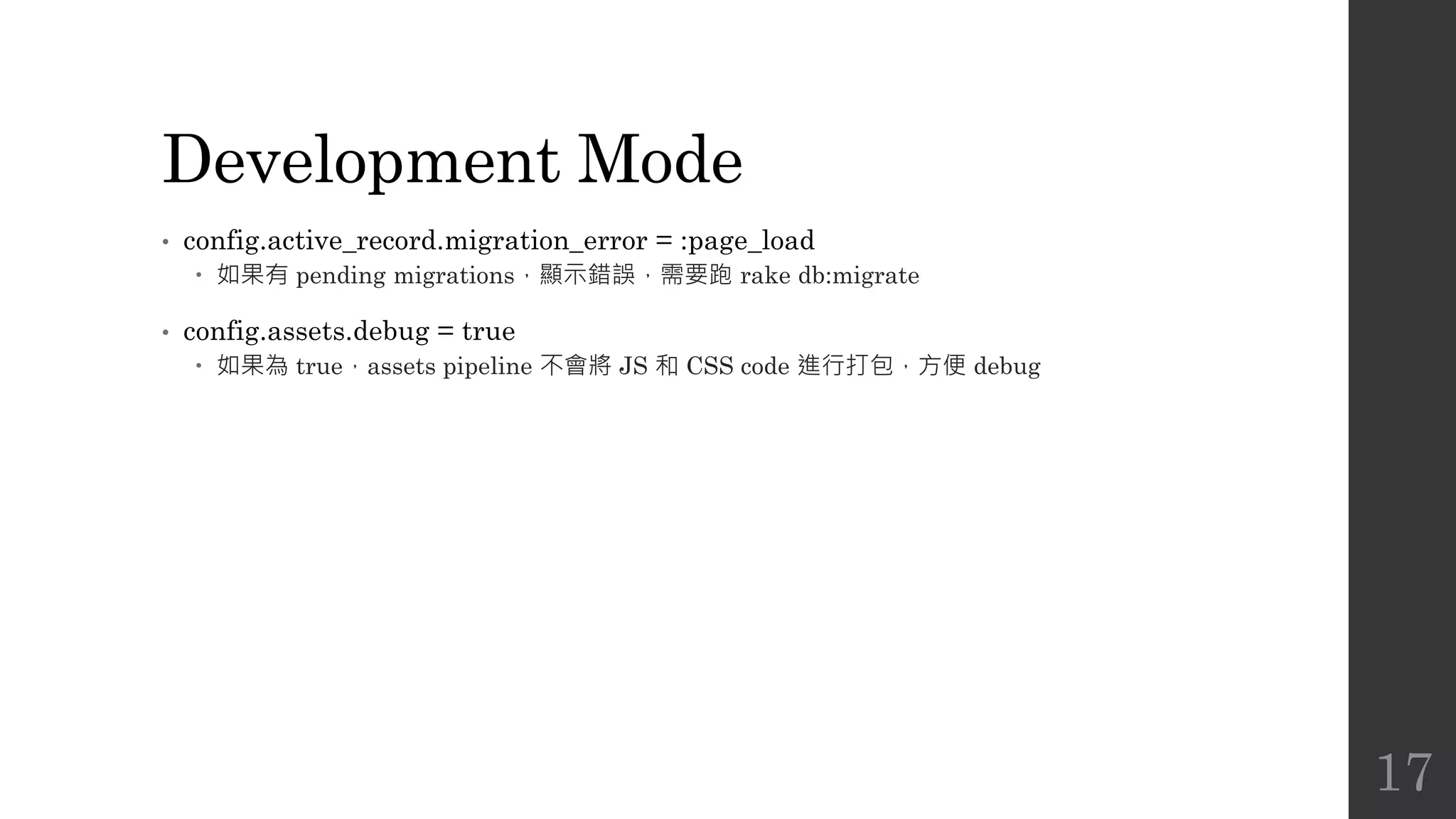
Development Mode
• config.active_record.migration_error = :page_load
 如果有 pending migrations,顯示錯誤,需要跑 rake db:migrate
• config.assets.debug = true
 如果為 true,assets pipeline 不會將 JS 和 CSS code 進行打包,方便 debug
17
資料庫設定
• config/database.yml
18
Logging
• 在 Rails 可以透過 logger 方法寫入 log
• Log level
 debug
 info
 warn
 error
 fatal
logger.warn "do not want!!!"
logger.info "in your logger, giving info"
19
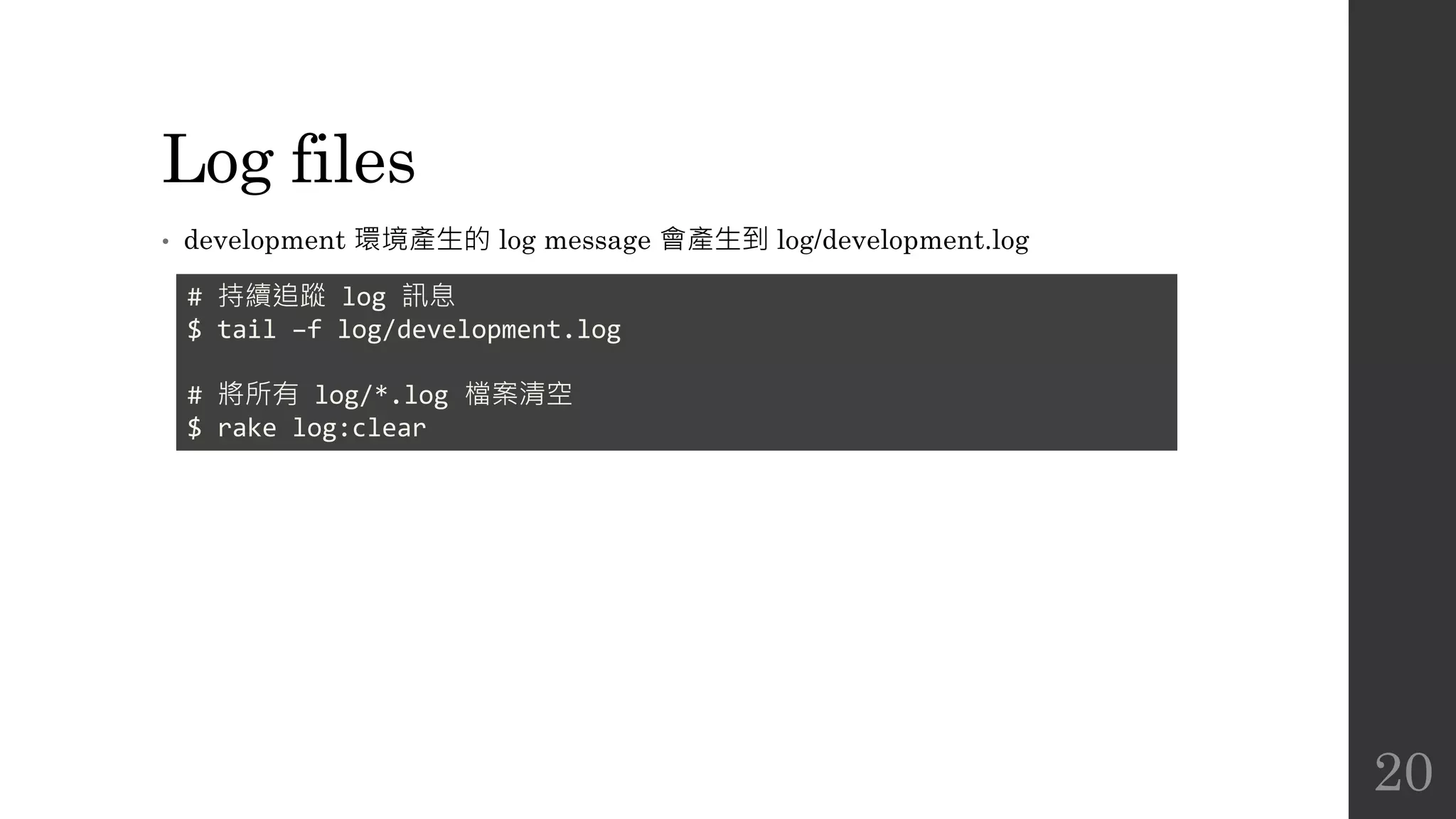
Log files
• development 環境產生的 log message 會產生到 log/development.log
# 持續追蹤 log 訊息
$ tail –f log/development.log
# 將所有 log/*.log 檔案清空
$ rake log:clear
20

The Rails 4 Way Chapter 1

  • 1.
    The Rails 4Way 1 Rails Environments and Configuration Compass Study Group Jian-Long Huang 2016.04.29
  • 2.
    引言 • Rails 有三種預設好的環境: development  test  production • 不同環境的設定放在 config/environments • 使用環境變數 RAILS_ENV 切換模式 2
  • 3.
    Bundler • 用來管理 Gem套件依賴 • 為 Rails 4 依賴套件,不需額外安裝 • 假設系統已經安裝以下的 Rubygems  activesupport 4.0.2  activesupport 3.2.11  activemerchant 1.29.3  rails 3.2.11 • activemerchant 1.29.3 依賴 activesupport >= 2.3.14 • 但 rails 3.2.11 不支援 activesupport 4.0.2 • 先裝 activemerchant,會自動裝 activesupport 4.0.2,接著再裝 rails 3.2.11,產生問題 • Bundler 解決套件依賴問題 3
  • 4.
    Gemfile • 定義 Railsapp 的依賴,包含 Rails 版本 gem 'kaminari' gem 'nokogiri' # 特定環境下才安裝 group :development do gem 'pry-rails' end group :development, :test do gem 'rspec-rails' gem 'factory_girl_rails' end 4
  • 5.
    Gemfile • 指定版號 # only1.5.6 gem 'nokogiri', '1.5.6' # 0.2.3, 0.3.0, 1.0.0, etc gem 'pry-rails', '> 0.2.2' # >= 2.0.1 and < 2.1 gem 'decent_exposure', '~> 2.0.1' # only 1.0.0.beta6 gem 'draper', '1.0.0.beta6' 5
  • 6.
    Gemfile • require • 指定不同來源 #某些情況下,Gem 的 main file 和 Gem name 不同 gem 'webmock', require: 'webmock/rspec' # 只安裝 Gem 但不要 require gem 'rspec', require: false gem 'nokogiri', git: 'git://github.com/tenderlove/nokogiri.git' gem 'carrierwave', github: 'carrierwaveuploader/carrierwave' 6
  • 7.
    安裝 Gems • 修改完Gemfile 後,執行 bundle install 指令 • 執行 bundle install 或 bundle update 指令,會產生 Gemfile.lock 檔,儲存已經 安裝的套件和版號資訊。  應該加到版本控制系統,確保每台機器安裝的套件版本都是一致 $ bundle install # 不要安裝在 development 和 test groups 定義的 Gems $ bundle install --without development test 7
  • 8.
    打包 Gems • 若想要離線安裝Gems 檔,執行 bundle package ,可以將 Gems 打包並放在 vendor/cache 資料夾內。 • 安裝 Gems 時,執行 bundle install --local。 8
  • 9.
    Bundler • 若安裝的 Gems有兩種以上版本,執行 Non-rails script,使用 bundle exec <command>,才能取得正確依賴的版本 • bundle binstubs <some-gem-name>: 將 <some-gem-name> 加到 bin/ 資料夾內 9
  • 10.
    Rails 設定檔 • config/boot.rb Sets up Bundler and load paths. • config/application.rb  Loads rails gems, gems for the specified Rails.env, and configures the application. • config/environment.rb  Runs all initializers. 10
  • 11.
    config/application.rb • require 'rails/all':載入所有 Rails 元件 • config.time_zone: 設定時區 (預設是 UTC) • config.i18n.default_locale: 設定預設語系 • config.generators: 設定 template engine、test framework 11
  • 12.
    config/initializers • Backtrace Silencers 設定規則,過濾程式運行產生的訊息,除錯時較容易找到關鍵點 • Filter Parameter Logging  將 HTTP request 產生的參數過濾,不會顯示在 console 上如 password • Infections  字串單複數轉換 • 自訂 MIME Types • Session Store:  定義 Session 儲存方式,預設用 Cookies session storage 來儲存 Session 資料 (透過 secret_key_base 編碼)  :active_record_store: 使用資料庫來儲存  :mem_cache_store: 使用 Memcached 快取系統來儲存,適合高流量的網站 12
  • 13.
    config/initializers • Wrap Parameters 搭配其他 JavaScript MVC framework 使用  將傳入參數 hash 包成 nested hash,讓 client 可以不用送 root elements 資料 13
  • 14.
    config/applications.rb 其他設定 • config.autoload_paths 要自動載入 class 和 module 的目錄或檔案路徑 • config.log_level  強制所有環境使用相同的 log level  預設 production 用 :info,其他用 :debug • config.active_record.schema_format  設定 schema dumper 格式,用來產生 db/schema.rb,預設是 :sql 14
  • 15.
    個別環境設定 • config/environments/development.rb • config/environments/test.rb •config/environments/production.rb • 覆寫 config/applications.rb 15
  • 16.
    Development Mode • config.cache_classes= false  每次修改完 code 會自動更新 server,不需要重啟 • config.eager_load = false  設定 true,會將較多的應用載入到記憶體,建議在 production 設為 true • config.consider_all_requests_local = true  顯示 developer-friendly error screens,如行號或 backtrace • config.action_controller.perform_caching = false  是否執行 cache 的行為 • config.action_mailer.raise_delivery_errors = false  不要讓 Action Mailer 產生 delivery exceptions 16
  • 17.
    Development Mode • config.active_record.migration_error= :page_load  如果有 pending migrations,顯示錯誤,需要跑 rake db:migrate • config.assets.debug = true  如果為 true,assets pipeline 不會將 JS 和 CSS code 進行打包,方便 debug 17
  • 18.
  • 19.
    Logging • 在 Rails可以透過 logger 方法寫入 log • Log level  debug  info  warn  error  fatal logger.warn "do not want!!!" logger.info "in your logger, giving info" 19
  • 20.
    Log files • development環境產生的 log message 會產生到 log/development.log # 持續追蹤 log 訊息 $ tail –f log/development.log # 將所有 log/*.log 檔案清空 $ rake log:clear 20