TestNG with Selenium
GOUSALYA RAMACHANDRAN
WHAT IS TESTNG?
 TestNG is an automation framework which allows organizing, prioritizing and
reporting the test automation scripts (Selenium cannot do this)
 TestNG allows us to execute multiple test cases simultaneously
 It also helps us separate the test case into suites.
What are the uses of TestNG
 TestNG provides several annotations to organize the test cases
 TestNG can be used to group and prioritize test cases
 Supports parameterization (multi browser testing)
 It supports data-driven testing using Data Providers.
 It can generate HTML test reports
 It supports parallel execution.
 Logs can be generated.
Installation of TestNG
 Install Eclipse IDE
 Method 1
 Go to Help > Eclipse Market place
 Search for “TestNG for Eclipse”
 Install the plugin
 Method 2
 Go to Help > Install new software
 Enter http://dl.bintray.com/testng-team/testng-eclipse-release/
 Install the plugin
 Restart Eclipse
Adding TestNG Library
 Create a Java project
 Add selenium jar from “Add External Jar” button
 Add TestNG Library using “Add Library” button
Annotations in TestNG
 BeforeSuite
 BeforeClass
 BeforeGroups
 BeforeTest
 Test
 AfterTest
 AfterGroups
 AfterClass
 AfterSuite
 Dataprovider
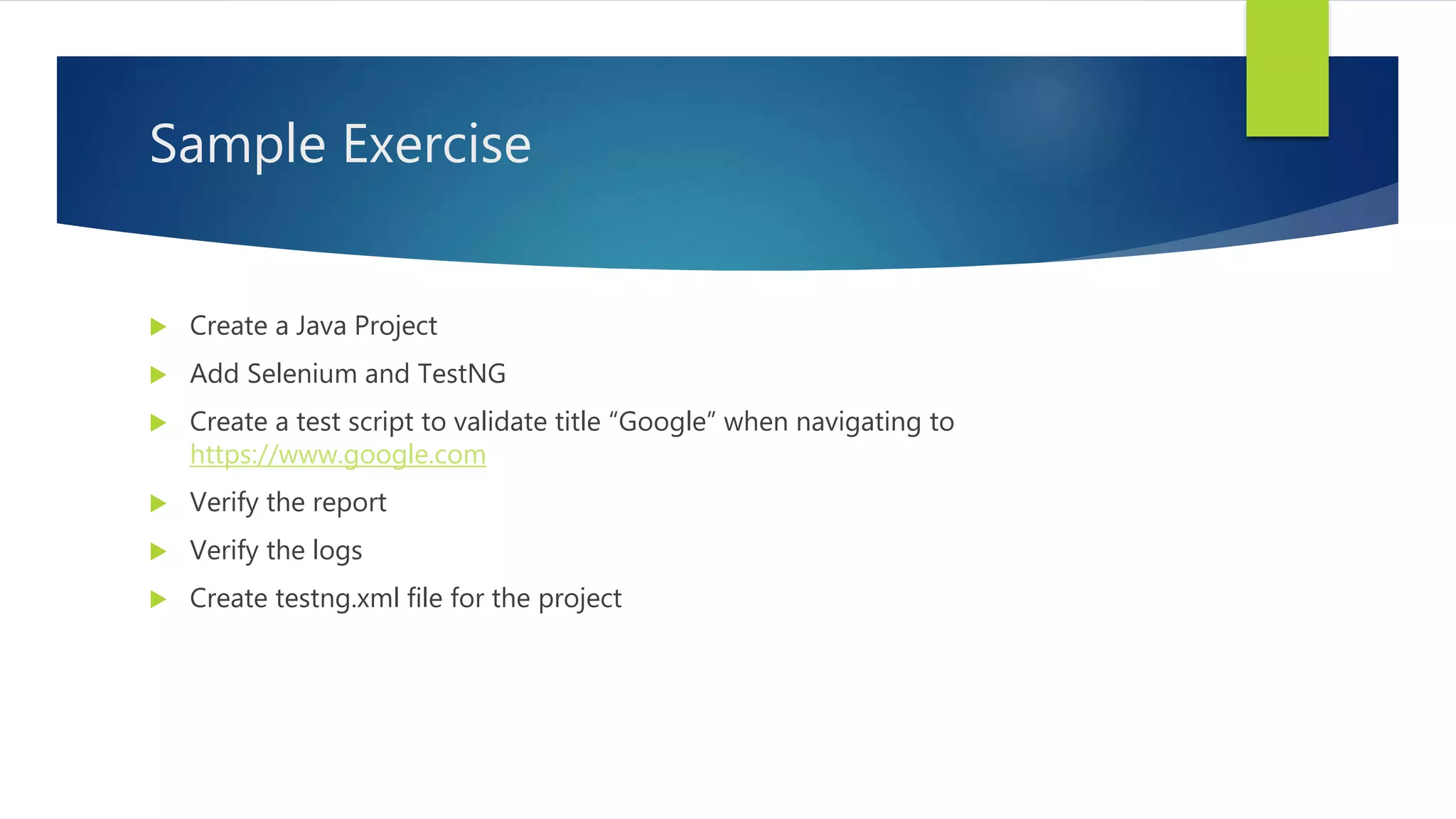
Sample Exercise
 Create a Java Project
 Add Selenium and TestNG
 Create a test script to validate title “Google” when navigating to
https://www.google.com
 Verify the report
 Verify the logs
 Create testng.xml file for the project

TestNG with selenium

  • 1.
  • 2.
    WHAT IS TESTNG? TestNG is an automation framework which allows organizing, prioritizing and reporting the test automation scripts (Selenium cannot do this)  TestNG allows us to execute multiple test cases simultaneously  It also helps us separate the test case into suites.
  • 3.
    What are theuses of TestNG  TestNG provides several annotations to organize the test cases  TestNG can be used to group and prioritize test cases  Supports parameterization (multi browser testing)  It supports data-driven testing using Data Providers.  It can generate HTML test reports  It supports parallel execution.  Logs can be generated.
  • 4.
    Installation of TestNG Install Eclipse IDE  Method 1  Go to Help > Eclipse Market place  Search for “TestNG for Eclipse”  Install the plugin  Method 2  Go to Help > Install new software  Enter http://dl.bintray.com/testng-team/testng-eclipse-release/  Install the plugin  Restart Eclipse
  • 5.
    Adding TestNG Library Create a Java project  Add selenium jar from “Add External Jar” button  Add TestNG Library using “Add Library” button
  • 6.
    Annotations in TestNG BeforeSuite  BeforeClass  BeforeGroups  BeforeTest  Test  AfterTest  AfterGroups  AfterClass  AfterSuite  Dataprovider
  • 7.
    Sample Exercise  Createa Java Project  Add Selenium and TestNG  Create a test script to validate title “Google” when navigating to https://www.google.com  Verify the report  Verify the logs  Create testng.xml file for the project