QUESTION 4 – TECHNOLOGY
HOW DID YOU USE NEW MEDIA TECHNOLOGIES IN THE RESEARCH,
PLANNING, CONSTRUCTION AND EVALUATION.
RESEARCH
PINTEREST
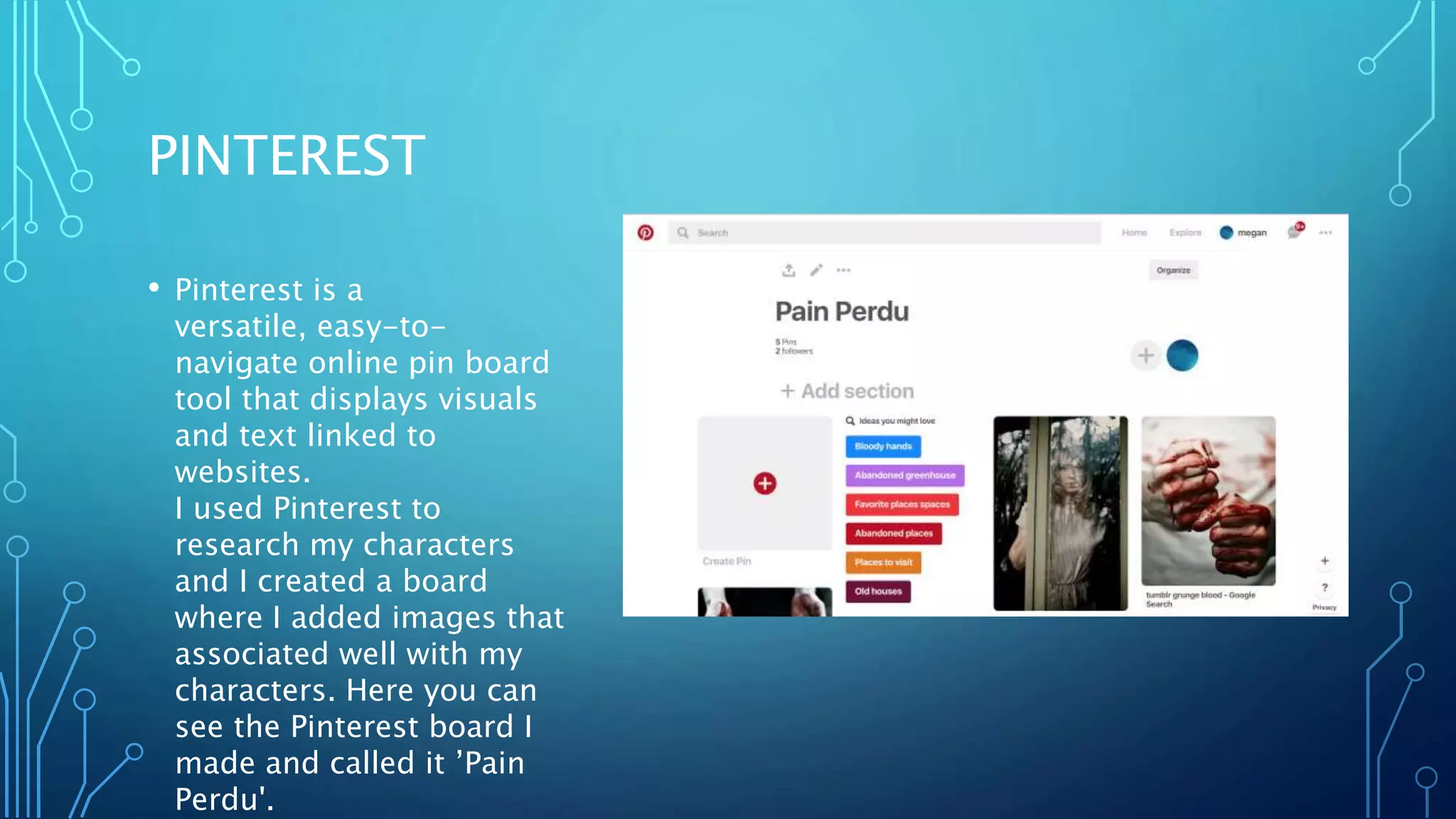
• Pinterest is a
versatile, easy-to-
navigate online pin board
tool that displays visuals
and text linked to
websites.
I used Pinterest to
research my characters
and I created a board
where I added images that
associated well with my
characters. Here you can
see the Pinterest board I
made and called it ’Pain
Perdu'.
PIKTOCHART
• An infographic tool with a
wide variety of templates
including useful charts (pie
charts, bar charts taken in
through Excel). Pictochart
works well for presenting your
research and ideas in a graphic
way. I used piktochart to
present my work on
researching audiences.
BLOGGER
• Blogger hosted all my other new
technologies at the research and planning
stage. As a multi-media social networking
tool it allowed me to collate, archive,
display and create research and planning
with images, videos, sound files and posts
that I could share with my group. It hosted
all my other presentational tools, from
Emaze to Slideshare. Later, I used it for
feedback (adding my work in progress)
and evaluation of my finished work (on
YouTube). It is easy to use and very
versatile. My blog is the hub of all my
production work.
I have used blogger to host all of media
studies course work.
TWITTER
• Twitter is an online news and social
networking service where users can
post and read short 140-
character messages called "tweets".
For me Twitter is a great place to
learn new concepts, read news in
the media and get inspiration for
new ideas. By creating my twitter
account, I can begin to build on my
knowledge of media by reading
tweets from great minds and
communities.
SLIDESHARE
• Slideshare is smiler to EMAZE
however this is a platform where
you can present research online
that you have put together on a
pervious platform, such as 'Power
Point'. I felt this was also a
very accessible and clear way to
present my work.
PLANNING
PINTEREST
• Pinterest allowed us to collect
together a series of images for
the mise-en-scene and . We
sourced images of gory weapons and
french scencery. This was essential
planning to guide our directing of
the scenes. We needed to create an
authentic period feel. Pinterest is a
collaborative tool that let us build up
an image bank.
MOBILE PHONE
• I used my phone to talk
to my group and keep
in contact for filming
location and production
ideas.
SNAPCHAT
• Snapchat is an image
messaging and multimedia
mobile application created
by Evan Spiegel, Bobby
Murphy, and Reggie Brown.
We used this a lot in our
group to communicate
different ideas and for
planning the film.
WHATS APP
• I used What'sApp to keep in
touch when planning with
my group. WhatsApp
Messenger uses the
Internet to make voice calls,
one to one video calls; send
text messages, documents,
PDF files, images, GIF,
videos, user location, audio
files, phone contacts and
voice notes to other users
using standard mobile
numbers.
CONSTRUCTION
DIGITAL CAMERAS
• I used a Nikon D3100 to film
my trailer and a Cannon
D300 to take photos for my
film poster and magazine
cover.
• I found both these cameras
simple and easy to use. They
both worked well as the
quality of filming was great
and uploaded quickly to the
computer.
ADOBE PHOTOSHOP
• I used Photoshop to make my film poster
and magazine cover.
• It was easy to navigate and gave me many
options when it came to designing my
magazine cover an poster.
• I used many different tool in Photoshop
to create my final poster such as the
smudge tool, the crop tool, text tool,
select tool and eyedropper tool to pick up
specific colours.
• I also used the levels settings to change
the saturation, contrast and brightness of
the main image.
IMOVIE
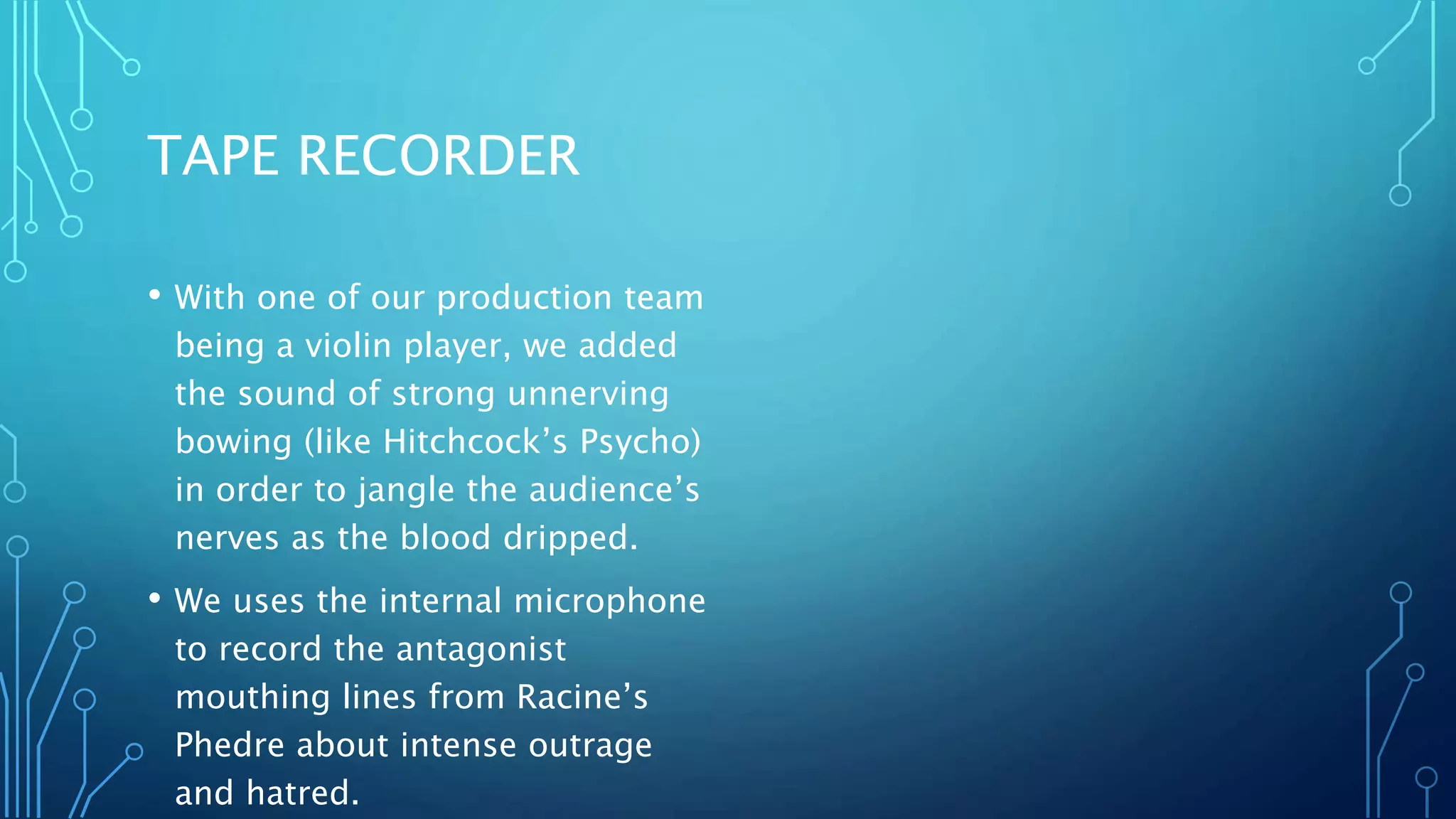
• I used this when editing my film trailer.
Whether you’re using a Mac or an iOS
device, iMovie is a fantastic way to edit
movies today. It was a great way for us
to add sound effects, cut clips and add
titles to create our final film trailer.
• In iMovie, I trimmed scenes in order to
create a sharper edit as trailers need a
fast pace particularly in the bloody and
violent sequence. We used filters to
create a distinctive visual quality to
confer a sombre mood and reflect the
sinister situation that the girl fins herself
in.
TAPE RECORDER
• With one of our production team
being a violin player, we added
the sound of strong unnerving
bowing (like Hitchcock’s Psycho)
in order to jangle the audience’s
nerves as the blood dripped.
• We uses the internal microphone
to record the antagonist
mouthing lines from Racine’s
Phedre about intense outrage
and hatred.
YOUTUBE
• I used this for inviting feedback on my video as I uploaded my
final film opening onto Youtube. I used the annotations in
media to answer my question one.
EVALUATION
YOUTUBE
• I used YouTube to present my first
evaluation question, Genre conventions.
This is where I annotated my film trailer
explaining how filmed and edited it. This
was an easy platform to share our trailer
on and is very accessible.
IMOVIE
• I used iMovie to help me put annotations
on to my film trailer. This allowed me to
have a final piece with clear annotations
over each shot.
PREZI
• I used Prezi to present my
second evaluation question
on combination of film trailer
and ancillaries. This is a
fantastic way to present your
work as it is very simple to
use and creates clear and
professional looking work.
EMAZE
• Emaze is a way to present your
work online, similar to a
powerpoint. This platform a clear
way to present my work and there
was many design
features available to personalize
your work.
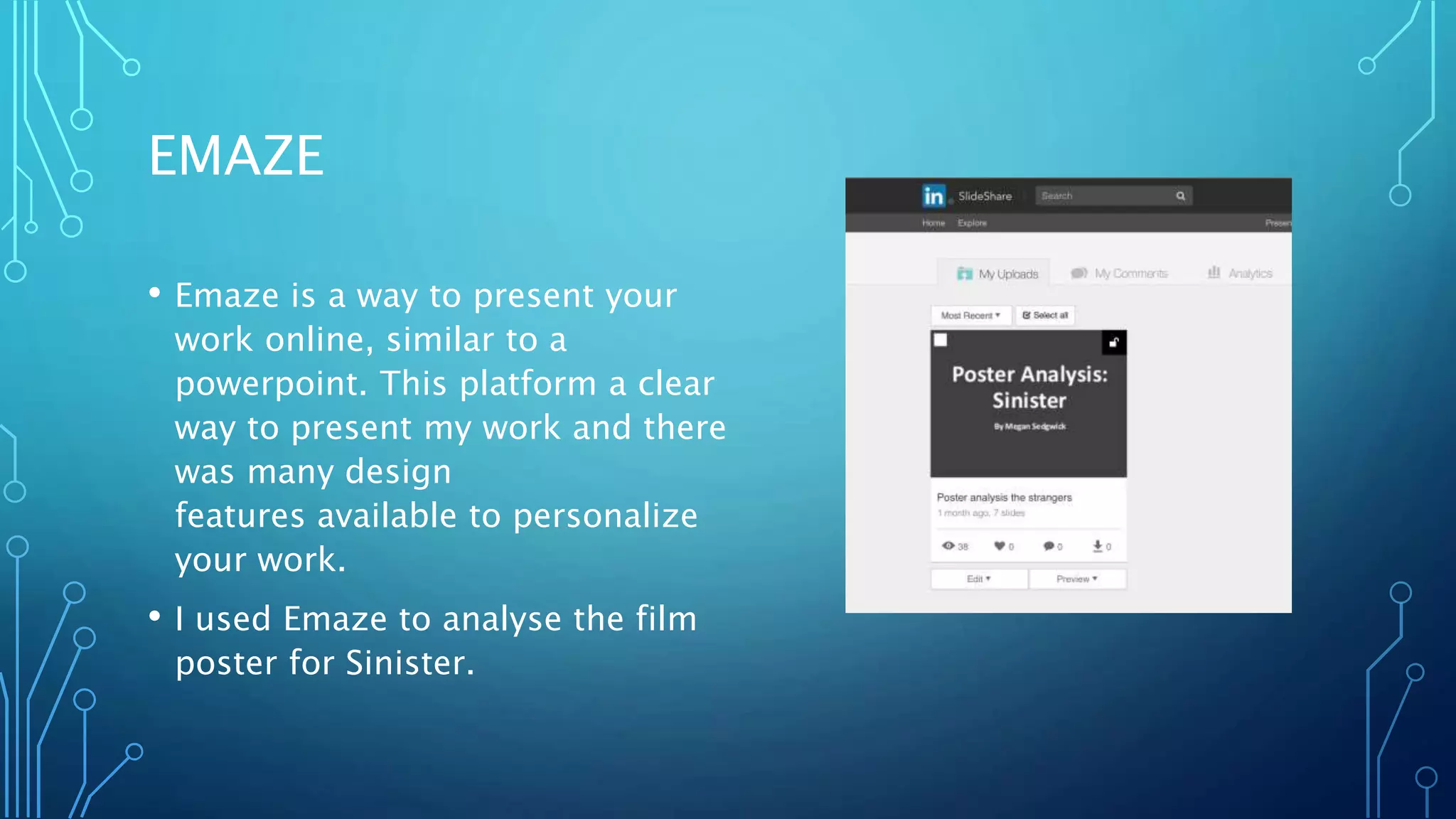
• I used Emaze to analyse the film
poster for Sinister.

Techno

  • 1.
    QUESTION 4 –TECHNOLOGY HOW DID YOU USE NEW MEDIA TECHNOLOGIES IN THE RESEARCH, PLANNING, CONSTRUCTION AND EVALUATION.
  • 2.
  • 3.
    PINTEREST • Pinterest isa versatile, easy-to- navigate online pin board tool that displays visuals and text linked to websites. I used Pinterest to research my characters and I created a board where I added images that associated well with my characters. Here you can see the Pinterest board I made and called it ’Pain Perdu'.
  • 4.
    PIKTOCHART • An infographictool with a wide variety of templates including useful charts (pie charts, bar charts taken in through Excel). Pictochart works well for presenting your research and ideas in a graphic way. I used piktochart to present my work on researching audiences.
  • 5.
    BLOGGER • Blogger hostedall my other new technologies at the research and planning stage. As a multi-media social networking tool it allowed me to collate, archive, display and create research and planning with images, videos, sound files and posts that I could share with my group. It hosted all my other presentational tools, from Emaze to Slideshare. Later, I used it for feedback (adding my work in progress) and evaluation of my finished work (on YouTube). It is easy to use and very versatile. My blog is the hub of all my production work. I have used blogger to host all of media studies course work.
  • 6.
    TWITTER • Twitter isan online news and social networking service where users can post and read short 140- character messages called "tweets". For me Twitter is a great place to learn new concepts, read news in the media and get inspiration for new ideas. By creating my twitter account, I can begin to build on my knowledge of media by reading tweets from great minds and communities.
  • 7.
    SLIDESHARE • Slideshare issmiler to EMAZE however this is a platform where you can present research online that you have put together on a pervious platform, such as 'Power Point'. I felt this was also a very accessible and clear way to present my work.
  • 8.
  • 9.
    PINTEREST • Pinterest allowedus to collect together a series of images for the mise-en-scene and . We sourced images of gory weapons and french scencery. This was essential planning to guide our directing of the scenes. We needed to create an authentic period feel. Pinterest is a collaborative tool that let us build up an image bank.
  • 10.
    MOBILE PHONE • Iused my phone to talk to my group and keep in contact for filming location and production ideas.
  • 11.
    SNAPCHAT • Snapchat isan image messaging and multimedia mobile application created by Evan Spiegel, Bobby Murphy, and Reggie Brown. We used this a lot in our group to communicate different ideas and for planning the film.
  • 12.
    WHATS APP • Iused What'sApp to keep in touch when planning with my group. WhatsApp Messenger uses the Internet to make voice calls, one to one video calls; send text messages, documents, PDF files, images, GIF, videos, user location, audio files, phone contacts and voice notes to other users using standard mobile numbers.
  • 13.
  • 14.
    DIGITAL CAMERAS • Iused a Nikon D3100 to film my trailer and a Cannon D300 to take photos for my film poster and magazine cover. • I found both these cameras simple and easy to use. They both worked well as the quality of filming was great and uploaded quickly to the computer.
  • 15.
    ADOBE PHOTOSHOP • Iused Photoshop to make my film poster and magazine cover. • It was easy to navigate and gave me many options when it came to designing my magazine cover an poster. • I used many different tool in Photoshop to create my final poster such as the smudge tool, the crop tool, text tool, select tool and eyedropper tool to pick up specific colours. • I also used the levels settings to change the saturation, contrast and brightness of the main image.
  • 16.
    IMOVIE • I usedthis when editing my film trailer. Whether you’re using a Mac or an iOS device, iMovie is a fantastic way to edit movies today. It was a great way for us to add sound effects, cut clips and add titles to create our final film trailer. • In iMovie, I trimmed scenes in order to create a sharper edit as trailers need a fast pace particularly in the bloody and violent sequence. We used filters to create a distinctive visual quality to confer a sombre mood and reflect the sinister situation that the girl fins herself in.
  • 17.
    TAPE RECORDER • Withone of our production team being a violin player, we added the sound of strong unnerving bowing (like Hitchcock’s Psycho) in order to jangle the audience’s nerves as the blood dripped. • We uses the internal microphone to record the antagonist mouthing lines from Racine’s Phedre about intense outrage and hatred.
  • 18.
    YOUTUBE • I usedthis for inviting feedback on my video as I uploaded my final film opening onto Youtube. I used the annotations in media to answer my question one.
  • 19.
  • 20.
    YOUTUBE • I usedYouTube to present my first evaluation question, Genre conventions. This is where I annotated my film trailer explaining how filmed and edited it. This was an easy platform to share our trailer on and is very accessible.
  • 21.
    IMOVIE • I usediMovie to help me put annotations on to my film trailer. This allowed me to have a final piece with clear annotations over each shot.
  • 22.
    PREZI • I usedPrezi to present my second evaluation question on combination of film trailer and ancillaries. This is a fantastic way to present your work as it is very simple to use and creates clear and professional looking work.
  • 23.
    EMAZE • Emaze isa way to present your work online, similar to a powerpoint. This platform a clear way to present my work and there was many design features available to personalize your work. • I used Emaze to analyse the film poster for Sinister.