Download to read offline

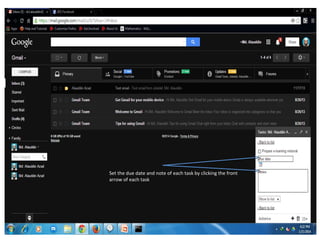

Select the "Tasks" feature from the Gmail menu dropdown to create a tasks list of items needing to be done as indicated by an arrow. Set the due date and add notes for each task by clicking on the arrow in front of the individual task. Manage tasks directly from Gmail.


