SQL Simple Queries – Ch 5


                              SQL Queries - Basics
                                     Worksheet - 2
                                  DATABASE OPERATIONS
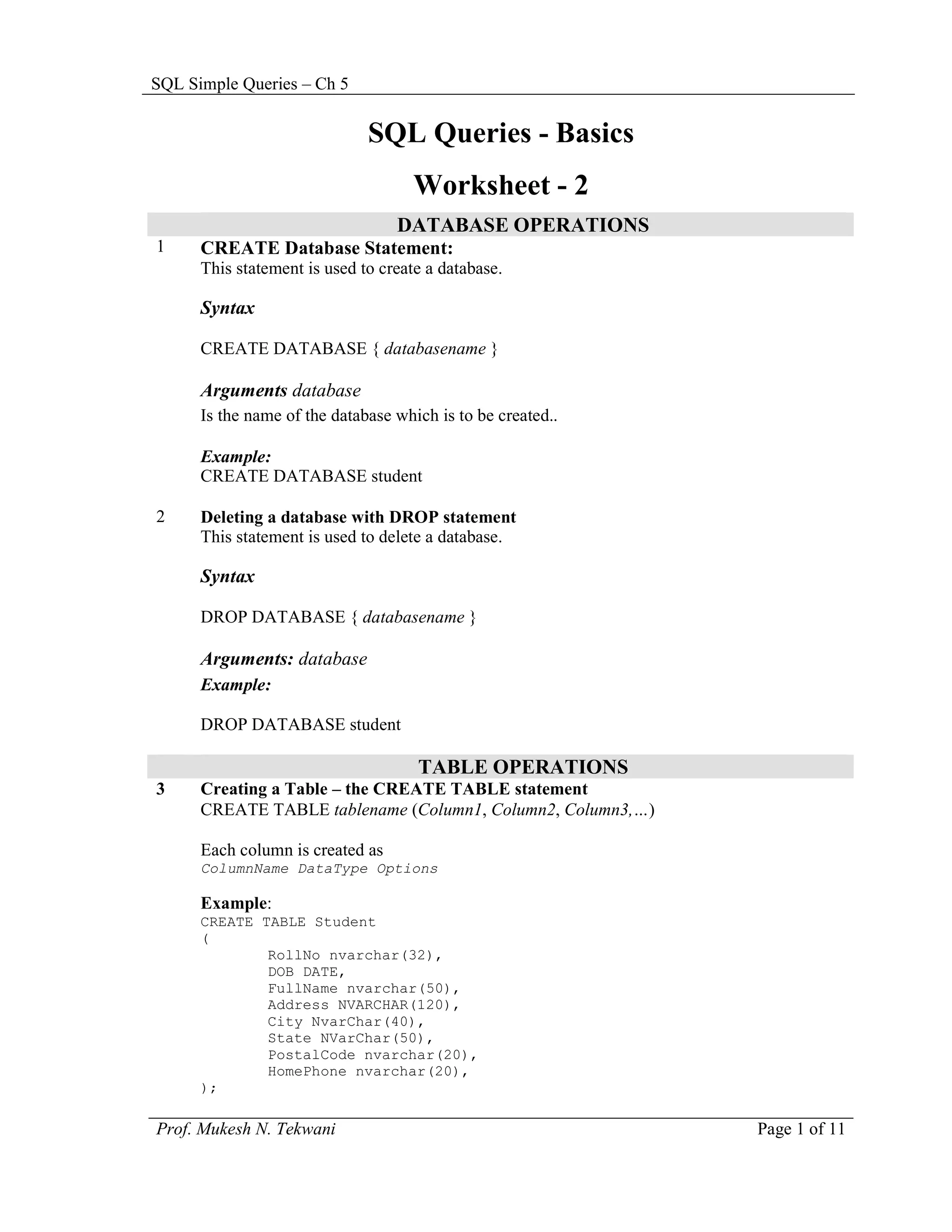
1     CREATE Database Statement:
      This statement is used to create a database.

      Syntax

      CREATE DATABASE { databasename }

      Arguments database
      Is the name of the database which is to be created..

      Example:
      CREATE DATABASE student

2     Deleting a database with DROP statement
      This statement is used to delete a database.

      Syntax

      DROP DATABASE { databasename }

      Arguments: database
      Example:

      DROP DATABASE student

                                     TABLE OPERATIONS
3     Creating a Table – the CREATE TABLE statement
      CREATE TABLE tablename (Column1, Column2, Column3,…)

      Each column is created as
      ColumnName DataType Options

      Example:
      CREATE TABLE Student
      (
              RollNo nvarchar(32),
              DOB DATE,
              FullName nvarchar(50),
              Address NVARCHAR(120),
              City NvarChar(40),
              State NVarChar(50),
              PostalCode nvarchar(20),
              HomePhone nvarchar(20),
      );

Prof. Mukesh N. Tekwani                                      Page 1 of 11
SQL Simple Queries – Ch 5

4    Delete a table with DROP TABLE statement
     DROP TABLE TableName


                                    COLUMN OPERATIONS
5    How will you specify unique values in a column?

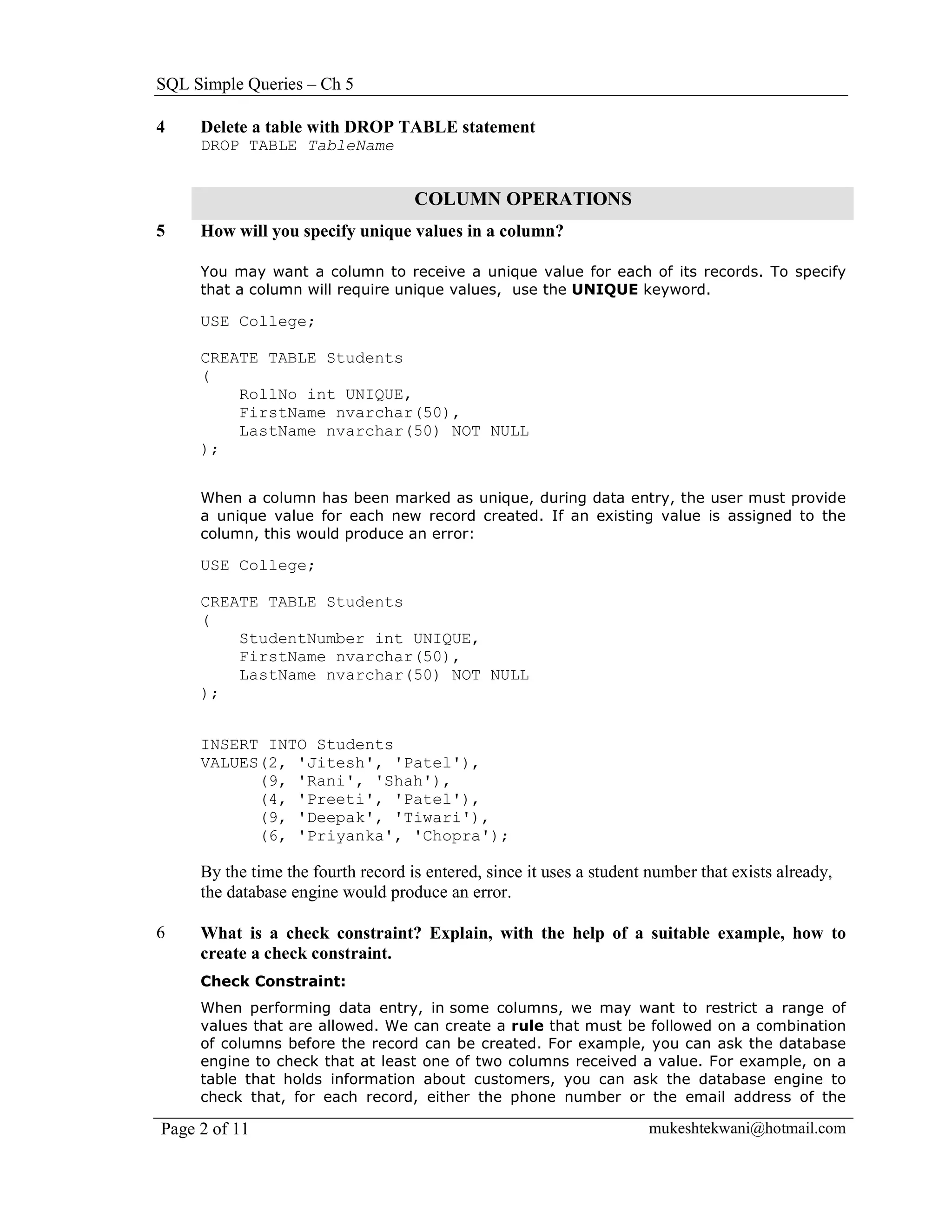
     You may want a column to receive a unique value for each of its records. To specify
     that a column will require unique values, use the UNIQUE keyword.

     USE College;

     CREATE TABLE Students
     (
         RollNo int UNIQUE,
         FirstName nvarchar(50),
         LastName nvarchar(50) NOT NULL
     );


     When a column has been marked as unique, during data entry, the user must provide
     a unique value for each new record created. If an existing value is assigned to the
     column, this would produce an error:

     USE College;

     CREATE TABLE Students
     (
         StudentNumber int UNIQUE,
         FirstName nvarchar(50),
         LastName nvarchar(50) NOT NULL
     );


     INSERT INTO Students
     VALUES(2, 'Jitesh', 'Patel'),
           (9, 'Rani', 'Shah'),
           (4, 'Preeti', 'Patel'),
           (9, 'Deepak', 'Tiwari'),
           (6, 'Priyanka', 'Chopra');

     By the time the fourth record is entered, since it uses a student number that exists already,
     the database engine would produce an error.

6    What is a check constraint? Explain, with the help of a suitable example, how to
     create a check constraint.
     Check Constraint:
     When performing data entry, in some columns, we may want to restrict a range of
     values that are allowed. We can create a rule that must be followed on a combination
     of columns before the record can be created. For example, you can ask the database
     engine to check that at least one of two columns received a value. For example, on a
     table that holds information about customers, you can ask the database engine to
     check that, for each record, either the phone number or the email address of the

Page 2 of 11                                                          mukeshtekwani@hotmail.com
SQL Simple Queries – Ch 5

      customer is entered.

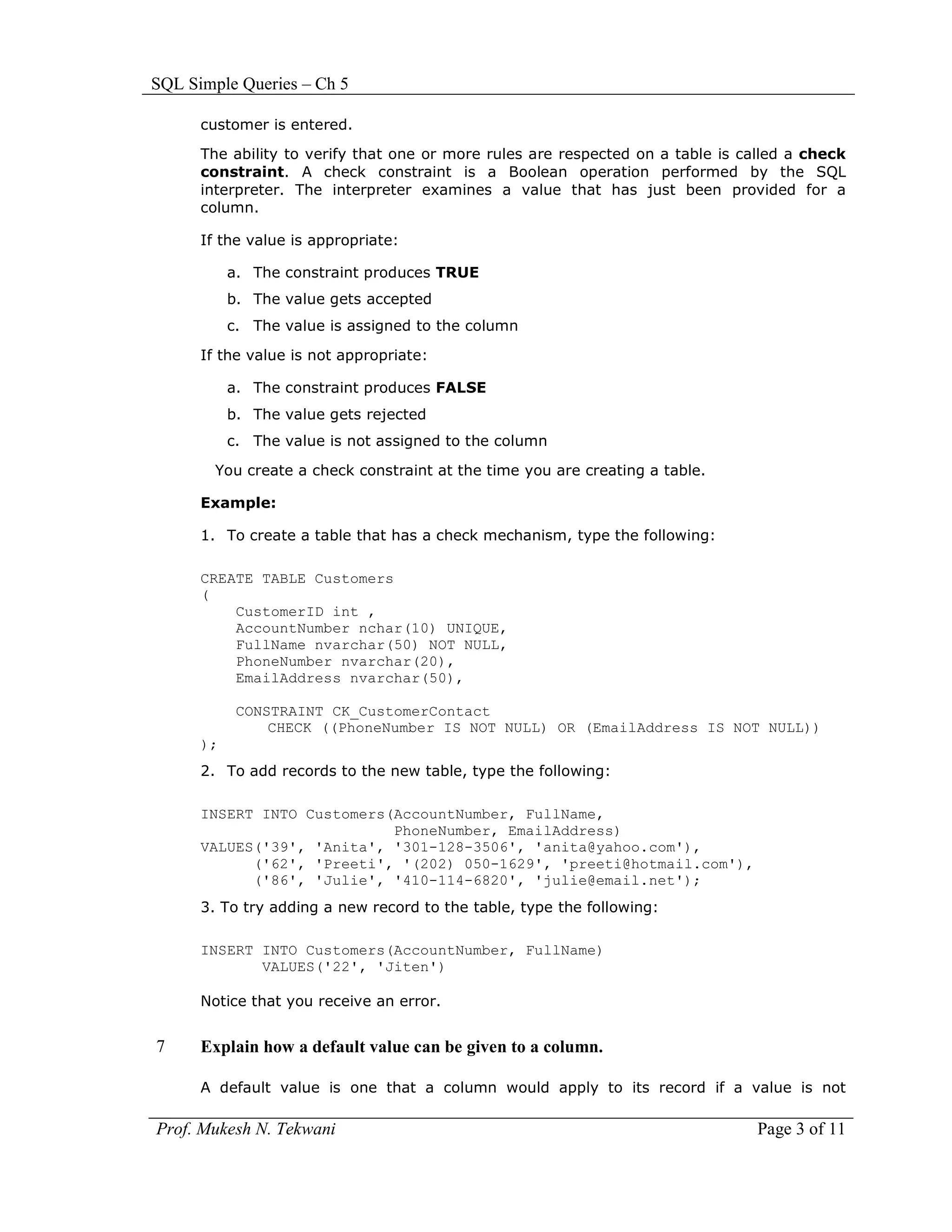
      The ability to verify that one or more rules are respected on a table is called a check
      constraint. A check constraint is a Boolean operation performed by the SQL
      interpreter. The interpreter examines a value that has just been provided for a
      column.

      If the value is appropriate:

           a. The constraint produces TRUE
           b. The value gets accepted
           c. The value is assigned to the column

      If the value is not appropriate:

           a. The constraint produces FALSE
           b. The value gets rejected
           c. The value is not assigned to the column

        You create a check constraint at the time you are creating a table.

      Example:

      1. To create a table that has a check mechanism, type the following:

      CREATE TABLE Customers
      (
          CustomerID int ,
          AccountNumber nchar(10) UNIQUE,
          FullName nvarchar(50) NOT NULL,
          PhoneNumber nvarchar(20),
          EmailAddress nvarchar(50),

            CONSTRAINT CK_CustomerContact
                CHECK ((PhoneNumber IS NOT NULL) OR (EmailAddress IS NOT NULL))
      );
      2. To add records to the new table, type the following:

      INSERT INTO Customers(AccountNumber, FullName,
                            PhoneNumber, EmailAddress)
      VALUES('39', 'Anita', '301-128-3506', 'anita@yahoo.com'),
            ('62', 'Preeti', '(202) 050-1629', 'preeti@hotmail.com'),
            ('86', 'Julie', '410-114-6820', 'julie@email.net');
      3. To try adding a new record to the table, type the following:

      INSERT INTO Customers(AccountNumber, FullName)
             VALUES('22', 'Jiten')

      Notice that you receive an error.


7     Explain how a default value can be given to a column.

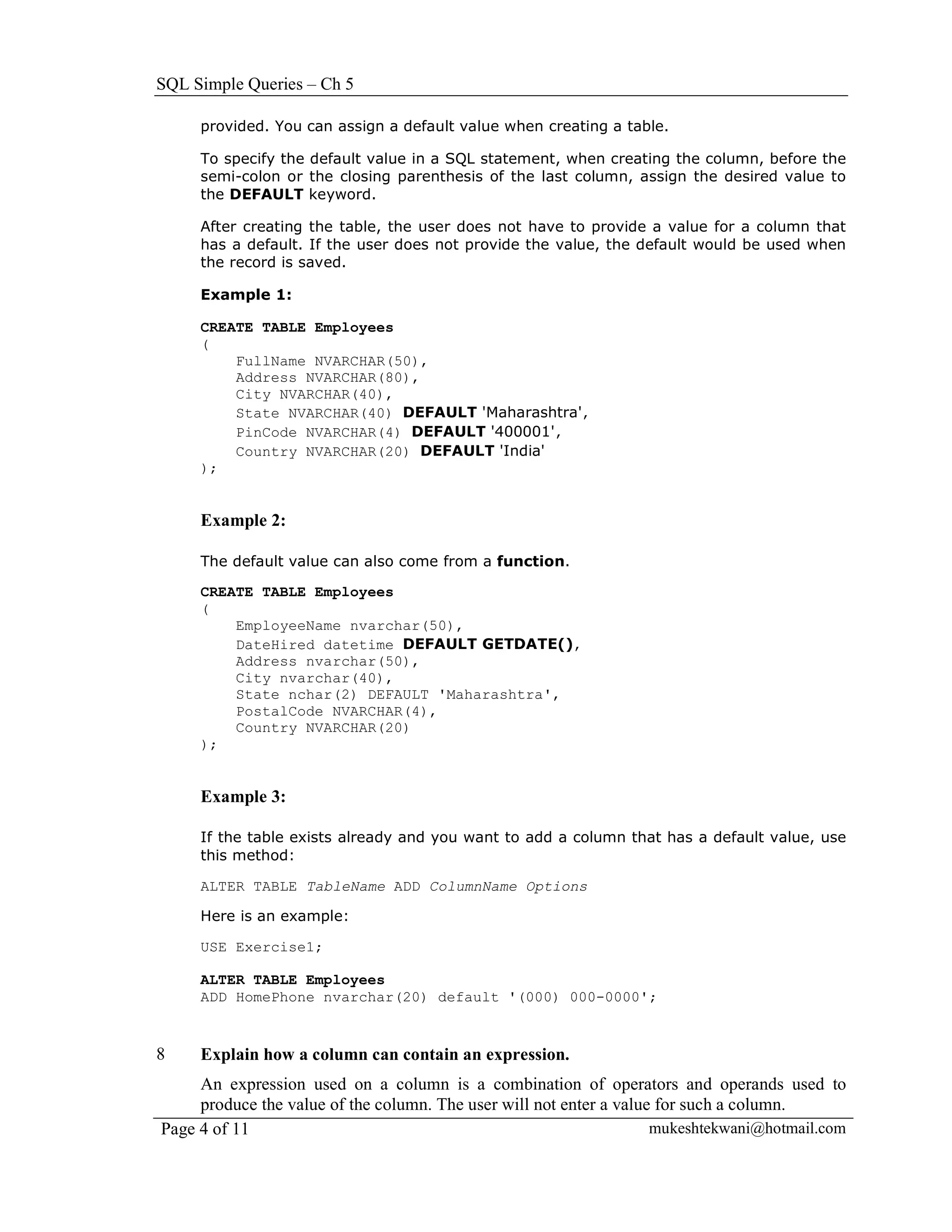
      A default value is one that a column would apply to its record if a value is not

Prof. Mukesh N. Tekwani                                                          Page 3 of 11
SQL Simple Queries – Ch 5

     provided. You can assign a default value when creating a table.

     To specify the default value in a SQL statement, when creating the column, before the
     semi-colon or the closing parenthesis of the last column, assign the desired value to
     the DEFAULT keyword.

     After creating the table, the user does not have to provide a value for a column that
     has a default. If the user does not provide the value, the default would be used when
     the record is saved.

     Example 1:

     CREATE TABLE Employees
     (
         FullName NVARCHAR(50),
         Address NVARCHAR(80),
         City NVARCHAR(40),
         State NVARCHAR(40) DEFAULT 'Maharashtra',
         PinCode NVARCHAR(4) DEFAULT '400001',
         Country NVARCHAR(20) DEFAULT 'India'
     );


     Example 2:

     The default value can also come from a function.

     CREATE TABLE Employees
     (
         EmployeeName nvarchar(50),
         DateHired datetime DEFAULT GETDATE(),
         Address nvarchar(50),
         City nvarchar(40),
         State nchar(2) DEFAULT 'Maharashtra',
         PostalCode NVARCHAR(4),
         Country NVARCHAR(20)
     );


     Example 3:

     If the table exists already and you want to add a column that has a default value, use
     this method:

     ALTER TABLE TableName ADD ColumnName Options

     Here is an example:

     USE Exercise1;

     ALTER TABLE Employees
     ADD HomePhone nvarchar(20) default '(000) 000-0000';


8    Explain how a column can contain an expression.
     An expression used on a column is a combination of operators and operands used to
     produce the value of the column. The user will not enter a value for such a column.
Page 4 of 11                                                         mukeshtekwani@hotmail.com
SQL Simple Queries – Ch 5


      Example 1:
      To create an expression in SQL, in the placeholder of the column, enter the name of
      the column, followed by AS, and followed by the desired expression.

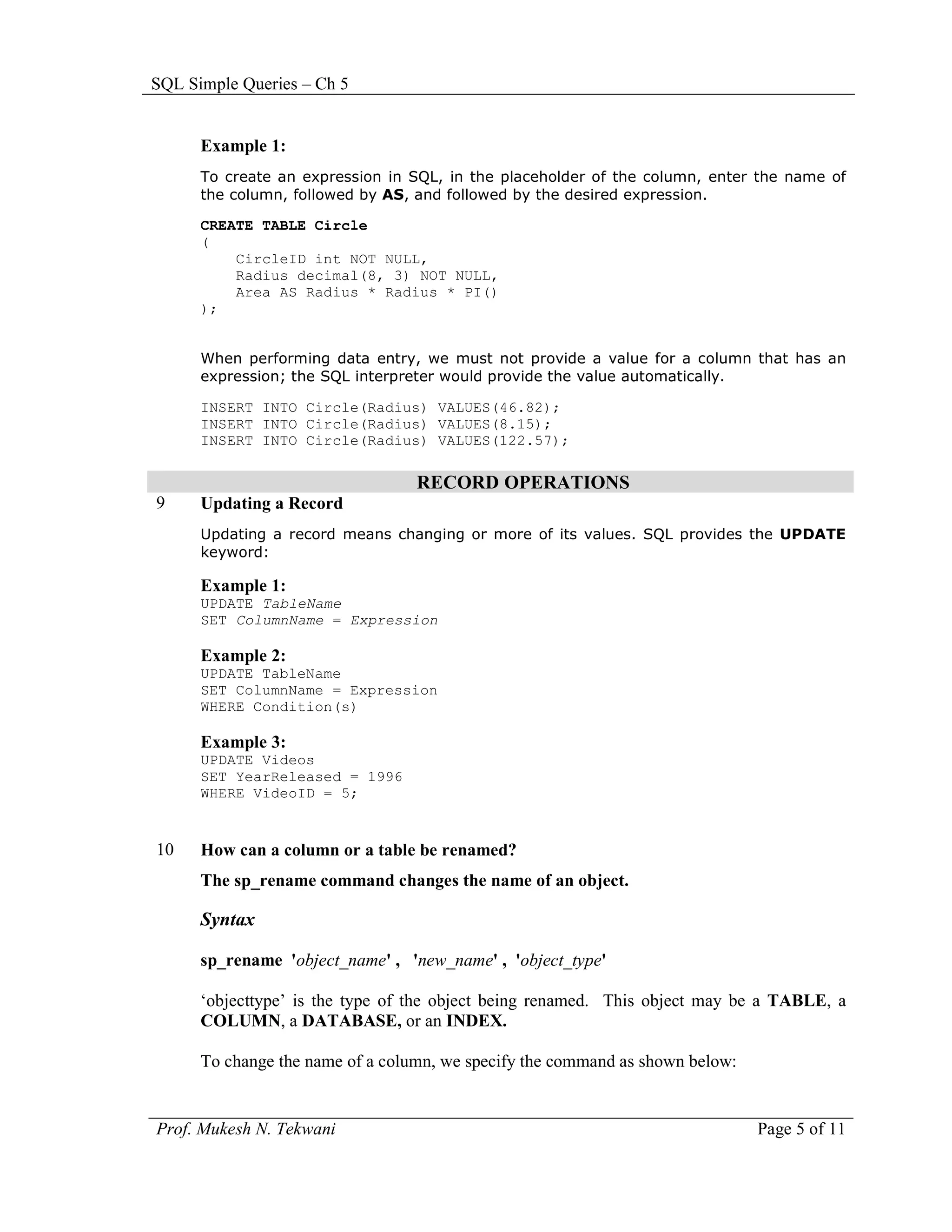
      CREATE TABLE Circle
      (
          CircleID int NOT NULL,
          Radius decimal(8, 3) NOT NULL,
          Area AS Radius * Radius * PI()
      );


      When performing data entry, we must not provide a value for a column that has an
      expression; the SQL interpreter would provide the value automatically.

      INSERT INTO Circle(Radius) VALUES(46.82);
      INSERT INTO Circle(Radius) VALUES(8.15);
      INSERT INTO Circle(Radius) VALUES(122.57);

                                  RECORD OPERATIONS
9     Updating a Record
      Updating a record means changing or more of its values. SQL provides the UPDATE
      keyword:

      Example 1:
      UPDATE TableName
      SET ColumnName = Expression

      Example 2:
      UPDATE TableName
      SET ColumnName = Expression
      WHERE Condition(s)

      Example 3:
      UPDATE Videos
      SET YearReleased = 1996
      WHERE VideoID = 5;


10    How can a column or a table be renamed?
      The sp_rename command changes the name of an object.

      Syntax

      sp_rename 'object_name' , 'new_name' , 'object_type'

      ‘objecttype’ is the type of the object being renamed. This object may be a TABLE, a
      COLUMN, a DATABASE, or an INDEX.

      To change the name of a column, we specify the command as shown below:


Prof. Mukesh N. Tekwani                                                        Page 5 of 11
SQL Simple Queries – Ch 5


     Example 1:

     This example renames the contact title column in the customers table to title.

     EXEC sp_rename 'customers.[contact title]', 'title', 'COLUMN'

     Example 2:
     To rename a column called rno to RollNo in the tybsc table:
     EXEC sp_rename 'tybsc.rno', 'RollNo', 'COLUMN'

     To change the name of a table, we specify the command as shown below:
     EXEC sp_rename 'tybscit', 'tybsc'


11   How can a database be deleted?
     The DROP DATABASE command is used to delete or DROP a database.

     Syntax
     DROP DATABASE database_name [ ,...n ]

     One or more databases can be deleted in this way.

     To use DROP DATABASE, the database context of the connection must be in the master
     database. A database that is currently in use cannot be dropped.

     Example 1:

     Drop a single database called publishing,

     DROP DATABASE publishing

     Example 2:

     Delete databases called sybscit and tybscit.

     DROP DATABASE sybscit, tybscit

12   Explain functions in SQL.

     In Transact-SQL, the primary formula of creating a function is:

     CREATE FUNCTION FunctionName()

     For a function to be useful, it must produce a result and return a value. When creating
     a function, we must specify the type of value that the function would return.

     To provide this information, after the name of the function, type the RETURNS
     keyword followed by a definition for a data type.
Page 6 of 11                                                        mukeshtekwani@hotmail.com
SQL Simple Queries – Ch 5

      Example 1:

      CREATE FUNCTION Addition()
      RETURNS Decimal(6,3)

      After specifying the type of value that the function would return, you can create a
      body for the function. The body of a function starts with the BEGIN and ends with the
      END keywords.

      CREATE FUNCTION Addition()
      RETURNS Decimal(6,3)
      BEGIN

      END

      Between the BEGIN and END keywords, we can define the statements the function must
      perform. After performing this assignment, just before the END keyword, you must specify
      the value that the function returns. This is done by typing the RETURN keyword followed
      by an expression.

      CREATE FUNCTION Addition()
      RETURNS Decimal(6,3)
      BEGIN
          RETURN Expression
      END

      Function Calling:
      After a function has been created, we can use the value it returns. Using a function is
      also referred to as calling it. To call a function, you must qualify its name. To do this,
      type the name of the database in which it was created, followed by the period
      operator, followed by dbo, followed by the period operator, followed by the name of
      the function, and its parentheses. The formula to use is:

      DatabaseName.dbo.FunctionName()

      A Parameterized Function
      To create a function that takes a parameter, specify a name and the type of value of
      the parameter(s) in its parentheses. Here is an example:

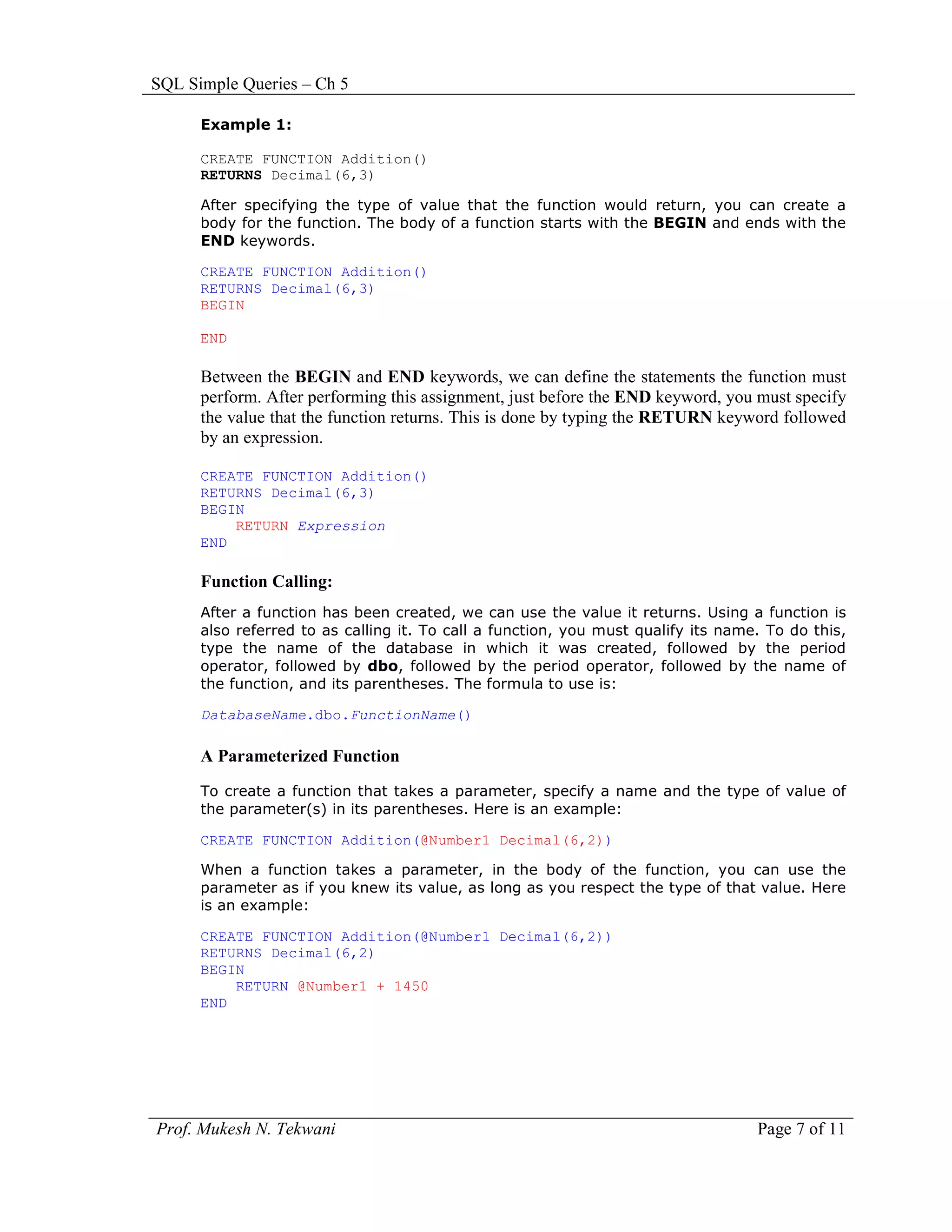
      CREATE FUNCTION Addition(@Number1 Decimal(6,2))

      When a function takes a parameter, in the body of the function, you can use the
      parameter as if you knew its value, as long as you respect the type of that value. Here
      is an example:

      CREATE FUNCTION Addition(@Number1 Decimal(6,2))
      RETURNS Decimal(6,2)
      BEGIN
          RETURN @Number1 + 1450
      END


Prof. Mukesh N. Tekwani                                                            Page 7 of 11
SQL Simple Queries – Ch 5

13   Explain what is meant by a procedure in SQL.
     A procedure is a collection of SQL statements.
     One of the simplest procedures is selecting columns from a table. This is done with the
     SELECT operator.

     For example, to create a stored procedure that would hold a list of students from a
     table named Students, we would create the procedure as follows:

     CREATE PROCEDURE GetStudDetails
     AS
     BEGIN
         SELECT FirstName, LastName, DateOfBirth, Gender
         FROM Students
     END


     Executing a Procedure
     To execute a procedure, you use the EXECUTE keyword followed by the name of the
     procedure.

     EXECUTE ProcedureName

     Instead of EXECUTE, you can use the EXEC keyword:

     EXEC ProcedureName

     For example, if you have a procedure named GetStudDetails, to execute it, we would
     type:

     EXECUTE GetStudentIdentification

     Example 3:
     Write a procedure that creates the full name using the fields ‘FirstName’ and ‘LastName’
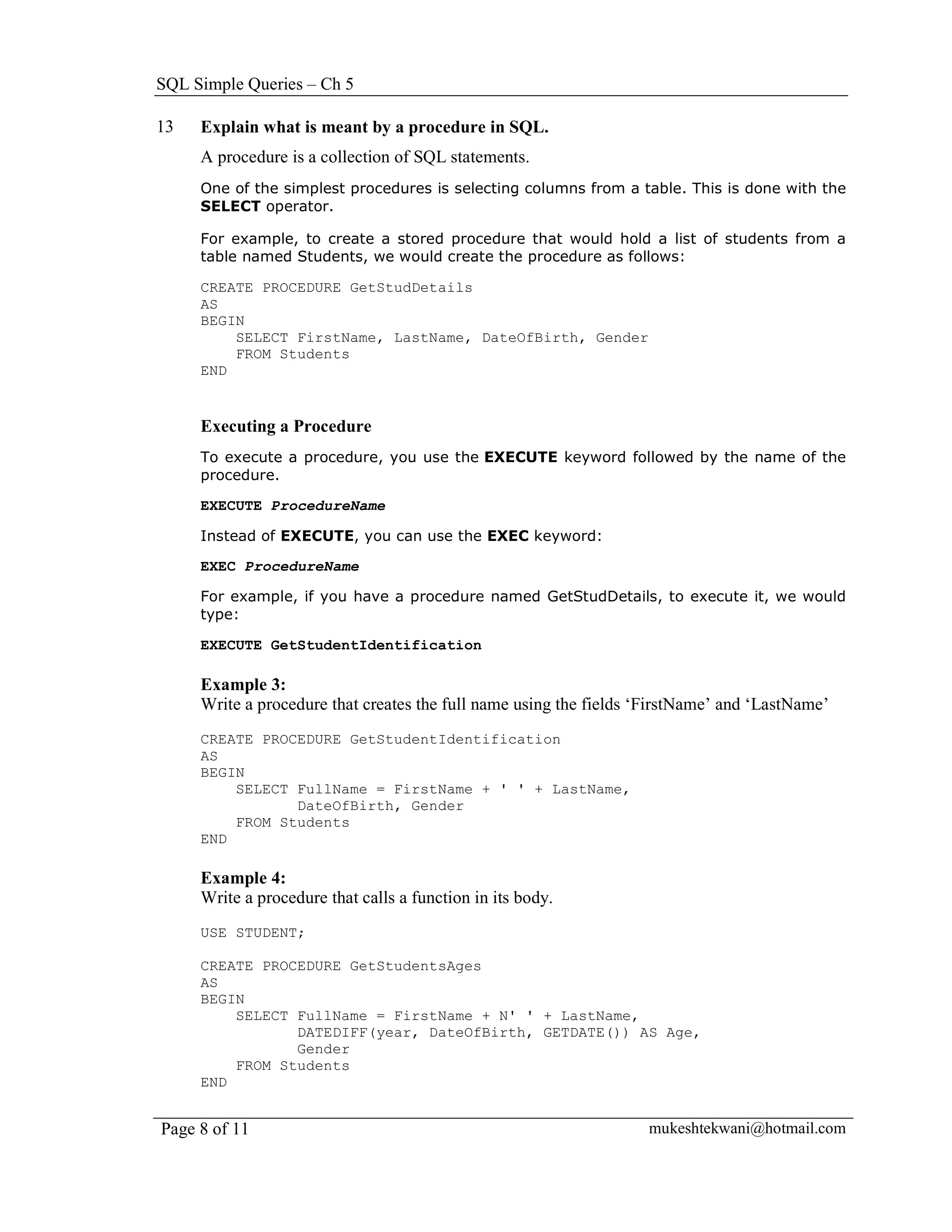
     CREATE PROCEDURE GetStudentIdentification
     AS
     BEGIN
         SELECT FullName = FirstName + ' ' + LastName,
                DateOfBirth, Gender
         FROM Students
     END

     Example 4:
     Write a procedure that calls a function in its body.
     USE STUDENT;

     CREATE PROCEDURE GetStudentsAges
     AS
     BEGIN
         SELECT FullName = FirstName + N' ' + LastName,
                DATEDIFF(year, DateOfBirth, GETDATE()) AS Age,
                Gender
         FROM Students
     END


Page 8 of 11                                                       mukeshtekwani@hotmail.com
SQL Simple Queries – Ch 5

14    How can a procedure be modified?
      ALTER PROCEDURE ProcedureName
      AS
      Body of Procedure


      How can a procedure be deleted?

      When we don’t need a procedure anymore, we can delete it.

      There are various types of stored procedures, some of which are considered
      temporary. Those types of procedures delete themselves when not needed anymore,
      such as when the person who created the stored procedure disconnects from the
      database or shuts down the computer. Otherwise, to delete a procedure, you can use
      either the Object Explorer or SQL.

      To delete a procedure in SQL, the syntax to use is:

      DROP PROCEDURE ProcedureName


                                              INDEX
15
      What is an index?

      If you take a look at the last pages of a book (such as a book about mathematics,
      computer science, etc), you may find a series of pages that start in a section label
      Index. The words in that series allow you to locate a section of the book that
      mentions, explains, or describes the word and related topics. An index in a book
      makes it easy and fast to get to a section of a book that deals with a particular topic.

      Like a book, a table or a view can use the mechanism provided by an index. In a table
      or a view, an index is a column (or many columns) that can be used to locate records
      and take a specific action based on some rule reinforced on that (those) column(s).


16
      How can an index be created in SQL?


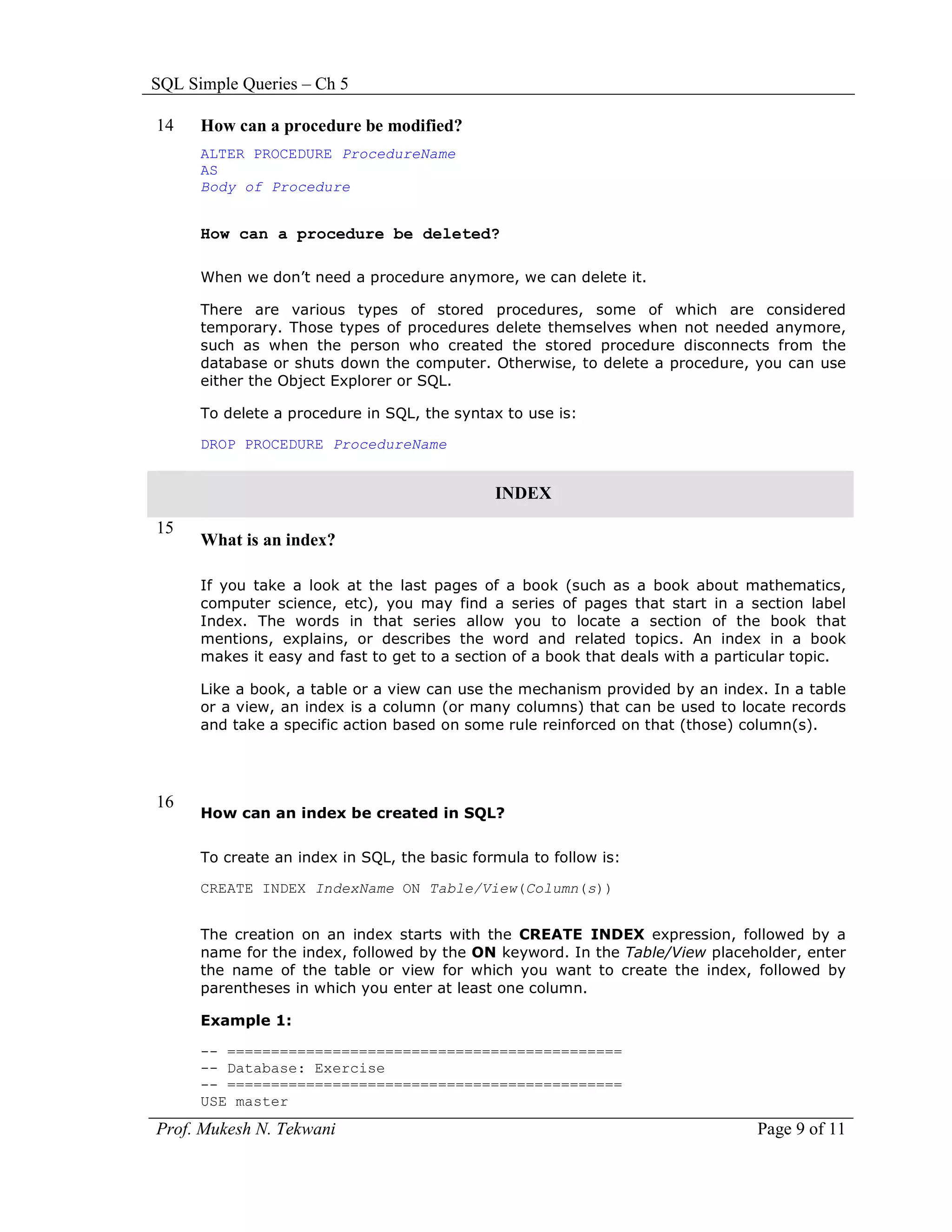
      To create an index in SQL, the basic formula to follow is:

      CREATE INDEX IndexName ON Table/View(Column(s))


      The creation on an index starts with the CREATE INDEX expression, followed by a
      name for the index, followed by the ON keyword. In the Table/View placeholder, enter
      the name of the table or view for which you want to create the index, followed by
      parentheses in which you enter at least one column.

      Example 1:

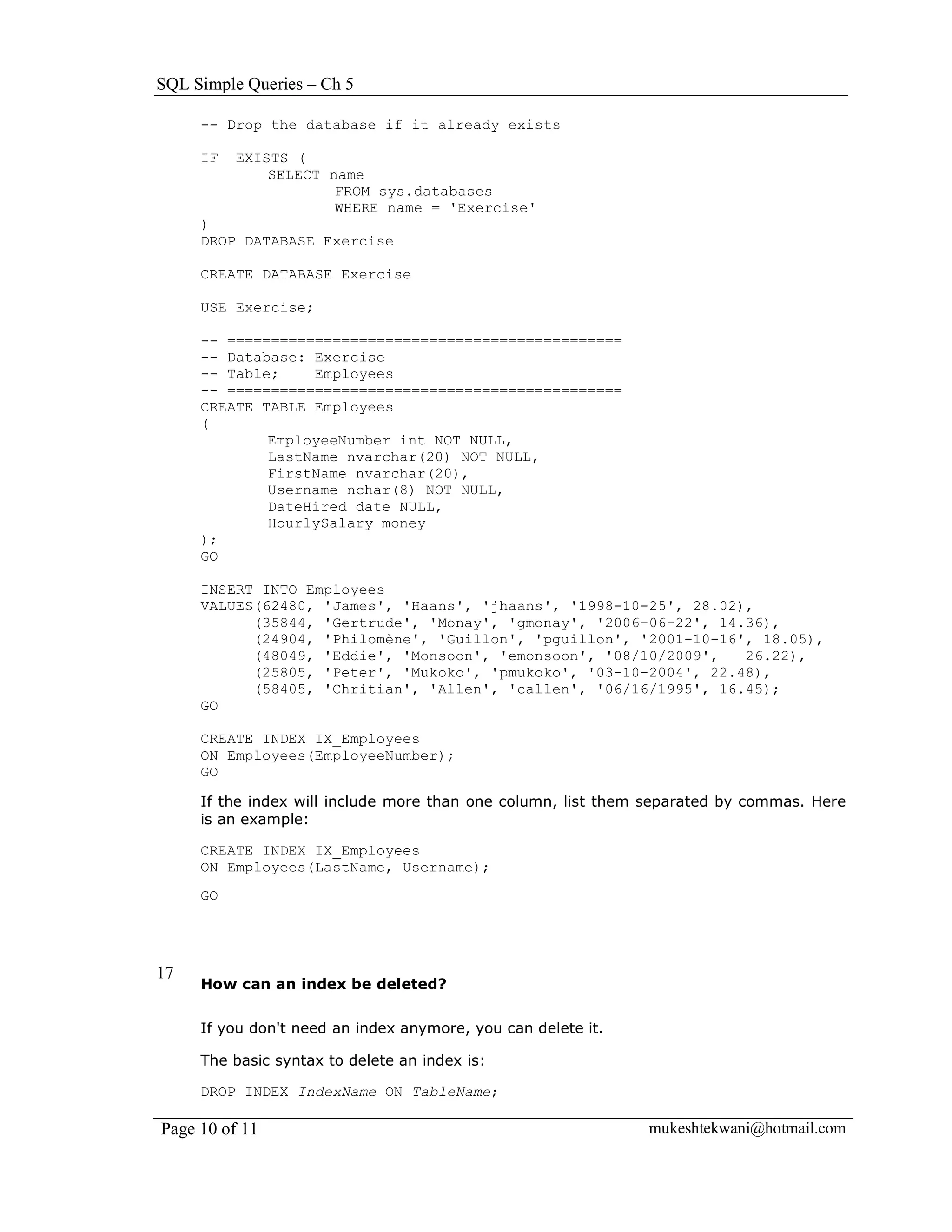
      -- =============================================
      -- Database: Exercise
      -- =============================================
      USE master
Prof. Mukesh N. Tekwani                                                          Page 9 of 11
SQL Simple Queries – Ch 5

     -- Drop the database if it already exists

     IF   EXISTS (
              SELECT name
                      FROM sys.databases
                      WHERE name = 'Exercise'
     )
     DROP DATABASE Exercise

     CREATE DATABASE Exercise

     USE Exercise;

     -- =============================================
     -- Database: Exercise
     -- Table;    Employees
     -- =============================================
     CREATE TABLE Employees
     (
             EmployeeNumber int NOT NULL,
             LastName nvarchar(20) NOT NULL,
             FirstName nvarchar(20),
             Username nchar(8) NOT NULL,
             DateHired date NULL,
             HourlySalary money
     );
     GO

     INSERT INTO Employees
     VALUES(62480, 'James', 'Haans', 'jhaans', '1998-10-25', 28.02),
           (35844, 'Gertrude', 'Monay', 'gmonay', '2006-06-22', 14.36),
           (24904, 'Philomène', 'Guillon', 'pguillon', '2001-10-16', 18.05),
           (48049, 'Eddie', 'Monsoon', 'emonsoon', '08/10/2009',   26.22),
           (25805, 'Peter', 'Mukoko', 'pmukoko', '03-10-2004', 22.48),
           (58405, 'Chritian', 'Allen', 'callen', '06/16/1995', 16.45);
     GO

     CREATE INDEX IX_Employees
     ON Employees(EmployeeNumber);
     GO

     If the index will include more than one column, list them separated by commas. Here
     is an example:

     CREATE INDEX IX_Employees
     ON Employees(LastName, Username);
     GO


17
     How can an index be deleted?


     If you don't need an index anymore, you can delete it.

     The basic syntax to delete an index is:

     DROP INDEX IndexName ON TableName;

Page 10 of 11                                                 mukeshtekwani@hotmail.com
SQL Simple Queries – Ch 5

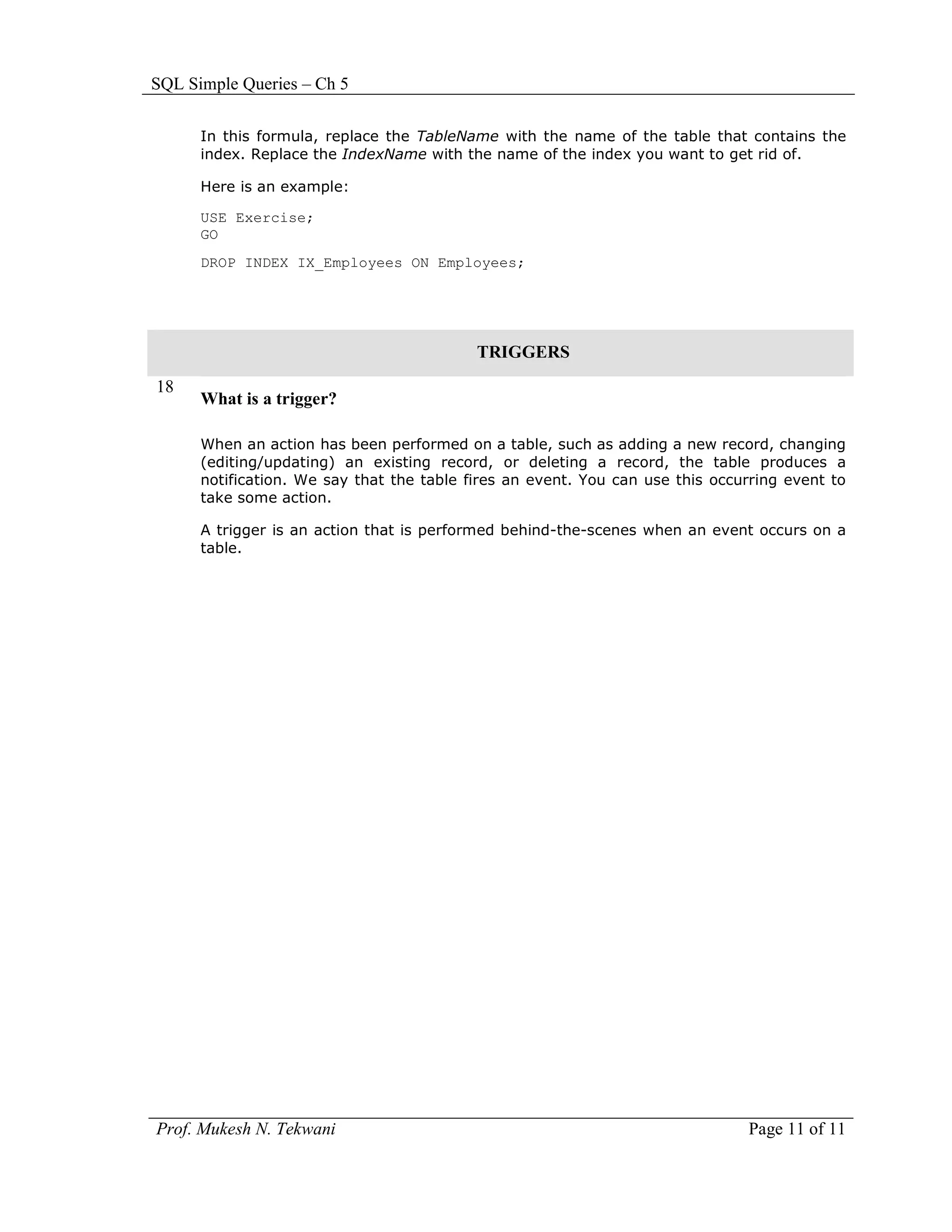
      In this formula, replace the TableName with the name of the table that contains the
      index. Replace the IndexName with the name of the index you want to get rid of.

      Here is an example:

      USE Exercise;
      GO
      DROP INDEX IX_Employees ON Employees;


                                           TRIGGERS
18
      What is a trigger?

      When an action has been performed on a table, such as adding a new record, changing
      (editing/updating) an existing record, or deleting a record, the table produces a
      notification. We say that the table fires an event. You can use this occurring event to
      take some action.

      A trigger is an action that is performed behind-the-scenes when an event occurs on a
      table.


Prof. Mukesh N. Tekwani                                                        Page 11 of 11

Sql wksht-2

  • 1.
    SQL Simple Queries– Ch 5 SQL Queries - Basics Worksheet - 2 DATABASE OPERATIONS 1 CREATE Database Statement: This statement is used to create a database. Syntax CREATE DATABASE { databasename } Arguments database Is the name of the database which is to be created.. Example: CREATE DATABASE student 2 Deleting a database with DROP statement This statement is used to delete a database. Syntax DROP DATABASE { databasename } Arguments: database Example: DROP DATABASE student TABLE OPERATIONS 3 Creating a Table – the CREATE TABLE statement CREATE TABLE tablename (Column1, Column2, Column3,…) Each column is created as ColumnName DataType Options Example: CREATE TABLE Student ( RollNo nvarchar(32), DOB DATE, FullName nvarchar(50), Address NVARCHAR(120), City NvarChar(40), State NVarChar(50), PostalCode nvarchar(20), HomePhone nvarchar(20), ); Prof. Mukesh N. Tekwani Page 1 of 11
  • 2.
    SQL Simple Queries– Ch 5 4 Delete a table with DROP TABLE statement DROP TABLE TableName COLUMN OPERATIONS 5 How will you specify unique values in a column? You may want a column to receive a unique value for each of its records. To specify that a column will require unique values, use the UNIQUE keyword. USE College; CREATE TABLE Students ( RollNo int UNIQUE, FirstName nvarchar(50), LastName nvarchar(50) NOT NULL ); When a column has been marked as unique, during data entry, the user must provide a unique value for each new record created. If an existing value is assigned to the column, this would produce an error: USE College; CREATE TABLE Students ( StudentNumber int UNIQUE, FirstName nvarchar(50), LastName nvarchar(50) NOT NULL ); INSERT INTO Students VALUES(2, 'Jitesh', 'Patel'), (9, 'Rani', 'Shah'), (4, 'Preeti', 'Patel'), (9, 'Deepak', 'Tiwari'), (6, 'Priyanka', 'Chopra'); By the time the fourth record is entered, since it uses a student number that exists already, the database engine would produce an error. 6 What is a check constraint? Explain, with the help of a suitable example, how to create a check constraint. Check Constraint: When performing data entry, in some columns, we may want to restrict a range of values that are allowed. We can create a rule that must be followed on a combination of columns before the record can be created. For example, you can ask the database engine to check that at least one of two columns received a value. For example, on a table that holds information about customers, you can ask the database engine to check that, for each record, either the phone number or the email address of the Page 2 of 11 mukeshtekwani@hotmail.com
  • 3.
    SQL Simple Queries– Ch 5 customer is entered. The ability to verify that one or more rules are respected on a table is called a check constraint. A check constraint is a Boolean operation performed by the SQL interpreter. The interpreter examines a value that has just been provided for a column. If the value is appropriate: a. The constraint produces TRUE b. The value gets accepted c. The value is assigned to the column If the value is not appropriate: a. The constraint produces FALSE b. The value gets rejected c. The value is not assigned to the column You create a check constraint at the time you are creating a table. Example: 1. To create a table that has a check mechanism, type the following: CREATE TABLE Customers ( CustomerID int , AccountNumber nchar(10) UNIQUE, FullName nvarchar(50) NOT NULL, PhoneNumber nvarchar(20), EmailAddress nvarchar(50), CONSTRAINT CK_CustomerContact CHECK ((PhoneNumber IS NOT NULL) OR (EmailAddress IS NOT NULL)) ); 2. To add records to the new table, type the following: INSERT INTO Customers(AccountNumber, FullName, PhoneNumber, EmailAddress) VALUES('39', 'Anita', '301-128-3506', 'anita@yahoo.com'), ('62', 'Preeti', '(202) 050-1629', 'preeti@hotmail.com'), ('86', 'Julie', '410-114-6820', 'julie@email.net'); 3. To try adding a new record to the table, type the following: INSERT INTO Customers(AccountNumber, FullName) VALUES('22', 'Jiten') Notice that you receive an error. 7 Explain how a default value can be given to a column. A default value is one that a column would apply to its record if a value is not Prof. Mukesh N. Tekwani Page 3 of 11
  • 4.
    SQL Simple Queries– Ch 5 provided. You can assign a default value when creating a table. To specify the default value in a SQL statement, when creating the column, before the semi-colon or the closing parenthesis of the last column, assign the desired value to the DEFAULT keyword. After creating the table, the user does not have to provide a value for a column that has a default. If the user does not provide the value, the default would be used when the record is saved. Example 1: CREATE TABLE Employees ( FullName NVARCHAR(50), Address NVARCHAR(80), City NVARCHAR(40), State NVARCHAR(40) DEFAULT 'Maharashtra', PinCode NVARCHAR(4) DEFAULT '400001', Country NVARCHAR(20) DEFAULT 'India' ); Example 2: The default value can also come from a function. CREATE TABLE Employees ( EmployeeName nvarchar(50), DateHired datetime DEFAULT GETDATE(), Address nvarchar(50), City nvarchar(40), State nchar(2) DEFAULT 'Maharashtra', PostalCode NVARCHAR(4), Country NVARCHAR(20) ); Example 3: If the table exists already and you want to add a column that has a default value, use this method: ALTER TABLE TableName ADD ColumnName Options Here is an example: USE Exercise1; ALTER TABLE Employees ADD HomePhone nvarchar(20) default '(000) 000-0000'; 8 Explain how a column can contain an expression. An expression used on a column is a combination of operators and operands used to produce the value of the column. The user will not enter a value for such a column. Page 4 of 11 mukeshtekwani@hotmail.com
  • 5.
    SQL Simple Queries– Ch 5 Example 1: To create an expression in SQL, in the placeholder of the column, enter the name of the column, followed by AS, and followed by the desired expression. CREATE TABLE Circle ( CircleID int NOT NULL, Radius decimal(8, 3) NOT NULL, Area AS Radius * Radius * PI() ); When performing data entry, we must not provide a value for a column that has an expression; the SQL interpreter would provide the value automatically. INSERT INTO Circle(Radius) VALUES(46.82); INSERT INTO Circle(Radius) VALUES(8.15); INSERT INTO Circle(Radius) VALUES(122.57); RECORD OPERATIONS 9 Updating a Record Updating a record means changing or more of its values. SQL provides the UPDATE keyword: Example 1: UPDATE TableName SET ColumnName = Expression Example 2: UPDATE TableName SET ColumnName = Expression WHERE Condition(s) Example 3: UPDATE Videos SET YearReleased = 1996 WHERE VideoID = 5; 10 How can a column or a table be renamed? The sp_rename command changes the name of an object. Syntax sp_rename 'object_name' , 'new_name' , 'object_type' ‘objecttype’ is the type of the object being renamed. This object may be a TABLE, a COLUMN, a DATABASE, or an INDEX. To change the name of a column, we specify the command as shown below: Prof. Mukesh N. Tekwani Page 5 of 11
  • 6.
    SQL Simple Queries– Ch 5 Example 1: This example renames the contact title column in the customers table to title. EXEC sp_rename 'customers.[contact title]', 'title', 'COLUMN' Example 2: To rename a column called rno to RollNo in the tybsc table: EXEC sp_rename 'tybsc.rno', 'RollNo', 'COLUMN' To change the name of a table, we specify the command as shown below: EXEC sp_rename 'tybscit', 'tybsc' 11 How can a database be deleted? The DROP DATABASE command is used to delete or DROP a database. Syntax DROP DATABASE database_name [ ,...n ] One or more databases can be deleted in this way. To use DROP DATABASE, the database context of the connection must be in the master database. A database that is currently in use cannot be dropped. Example 1: Drop a single database called publishing, DROP DATABASE publishing Example 2: Delete databases called sybscit and tybscit. DROP DATABASE sybscit, tybscit 12 Explain functions in SQL. In Transact-SQL, the primary formula of creating a function is: CREATE FUNCTION FunctionName() For a function to be useful, it must produce a result and return a value. When creating a function, we must specify the type of value that the function would return. To provide this information, after the name of the function, type the RETURNS keyword followed by a definition for a data type. Page 6 of 11 mukeshtekwani@hotmail.com
  • 7.
    SQL Simple Queries– Ch 5 Example 1: CREATE FUNCTION Addition() RETURNS Decimal(6,3) After specifying the type of value that the function would return, you can create a body for the function. The body of a function starts with the BEGIN and ends with the END keywords. CREATE FUNCTION Addition() RETURNS Decimal(6,3) BEGIN END Between the BEGIN and END keywords, we can define the statements the function must perform. After performing this assignment, just before the END keyword, you must specify the value that the function returns. This is done by typing the RETURN keyword followed by an expression. CREATE FUNCTION Addition() RETURNS Decimal(6,3) BEGIN RETURN Expression END Function Calling: After a function has been created, we can use the value it returns. Using a function is also referred to as calling it. To call a function, you must qualify its name. To do this, type the name of the database in which it was created, followed by the period operator, followed by dbo, followed by the period operator, followed by the name of the function, and its parentheses. The formula to use is: DatabaseName.dbo.FunctionName() A Parameterized Function To create a function that takes a parameter, specify a name and the type of value of the parameter(s) in its parentheses. Here is an example: CREATE FUNCTION Addition(@Number1 Decimal(6,2)) When a function takes a parameter, in the body of the function, you can use the parameter as if you knew its value, as long as you respect the type of that value. Here is an example: CREATE FUNCTION Addition(@Number1 Decimal(6,2)) RETURNS Decimal(6,2) BEGIN RETURN @Number1 + 1450 END Prof. Mukesh N. Tekwani Page 7 of 11
  • 8.
    SQL Simple Queries– Ch 5 13 Explain what is meant by a procedure in SQL. A procedure is a collection of SQL statements. One of the simplest procedures is selecting columns from a table. This is done with the SELECT operator. For example, to create a stored procedure that would hold a list of students from a table named Students, we would create the procedure as follows: CREATE PROCEDURE GetStudDetails AS BEGIN SELECT FirstName, LastName, DateOfBirth, Gender FROM Students END Executing a Procedure To execute a procedure, you use the EXECUTE keyword followed by the name of the procedure. EXECUTE ProcedureName Instead of EXECUTE, you can use the EXEC keyword: EXEC ProcedureName For example, if you have a procedure named GetStudDetails, to execute it, we would type: EXECUTE GetStudentIdentification Example 3: Write a procedure that creates the full name using the fields ‘FirstName’ and ‘LastName’ CREATE PROCEDURE GetStudentIdentification AS BEGIN SELECT FullName = FirstName + ' ' + LastName, DateOfBirth, Gender FROM Students END Example 4: Write a procedure that calls a function in its body. USE STUDENT; CREATE PROCEDURE GetStudentsAges AS BEGIN SELECT FullName = FirstName + N' ' + LastName, DATEDIFF(year, DateOfBirth, GETDATE()) AS Age, Gender FROM Students END Page 8 of 11 mukeshtekwani@hotmail.com
  • 9.
    SQL Simple Queries– Ch 5 14 How can a procedure be modified? ALTER PROCEDURE ProcedureName AS Body of Procedure How can a procedure be deleted? When we don’t need a procedure anymore, we can delete it. There are various types of stored procedures, some of which are considered temporary. Those types of procedures delete themselves when not needed anymore, such as when the person who created the stored procedure disconnects from the database or shuts down the computer. Otherwise, to delete a procedure, you can use either the Object Explorer or SQL. To delete a procedure in SQL, the syntax to use is: DROP PROCEDURE ProcedureName INDEX 15 What is an index? If you take a look at the last pages of a book (such as a book about mathematics, computer science, etc), you may find a series of pages that start in a section label Index. The words in that series allow you to locate a section of the book that mentions, explains, or describes the word and related topics. An index in a book makes it easy and fast to get to a section of a book that deals with a particular topic. Like a book, a table or a view can use the mechanism provided by an index. In a table or a view, an index is a column (or many columns) that can be used to locate records and take a specific action based on some rule reinforced on that (those) column(s). 16 How can an index be created in SQL? To create an index in SQL, the basic formula to follow is: CREATE INDEX IndexName ON Table/View(Column(s)) The creation on an index starts with the CREATE INDEX expression, followed by a name for the index, followed by the ON keyword. In the Table/View placeholder, enter the name of the table or view for which you want to create the index, followed by parentheses in which you enter at least one column. Example 1: -- ============================================= -- Database: Exercise -- ============================================= USE master Prof. Mukesh N. Tekwani Page 9 of 11
  • 10.
    SQL Simple Queries– Ch 5 -- Drop the database if it already exists IF EXISTS ( SELECT name FROM sys.databases WHERE name = 'Exercise' ) DROP DATABASE Exercise CREATE DATABASE Exercise USE Exercise; -- ============================================= -- Database: Exercise -- Table; Employees -- ============================================= CREATE TABLE Employees ( EmployeeNumber int NOT NULL, LastName nvarchar(20) NOT NULL, FirstName nvarchar(20), Username nchar(8) NOT NULL, DateHired date NULL, HourlySalary money ); GO INSERT INTO Employees VALUES(62480, 'James', 'Haans', 'jhaans', '1998-10-25', 28.02), (35844, 'Gertrude', 'Monay', 'gmonay', '2006-06-22', 14.36), (24904, 'Philomène', 'Guillon', 'pguillon', '2001-10-16', 18.05), (48049, 'Eddie', 'Monsoon', 'emonsoon', '08/10/2009', 26.22), (25805, 'Peter', 'Mukoko', 'pmukoko', '03-10-2004', 22.48), (58405, 'Chritian', 'Allen', 'callen', '06/16/1995', 16.45); GO CREATE INDEX IX_Employees ON Employees(EmployeeNumber); GO If the index will include more than one column, list them separated by commas. Here is an example: CREATE INDEX IX_Employees ON Employees(LastName, Username); GO 17 How can an index be deleted? If you don't need an index anymore, you can delete it. The basic syntax to delete an index is: DROP INDEX IndexName ON TableName; Page 10 of 11 mukeshtekwani@hotmail.com
  • 11.
    SQL Simple Queries– Ch 5 In this formula, replace the TableName with the name of the table that contains the index. Replace the IndexName with the name of the index you want to get rid of. Here is an example: USE Exercise; GO DROP INDEX IX_Employees ON Employees; TRIGGERS 18 What is a trigger? When an action has been performed on a table, such as adding a new record, changing (editing/updating) an existing record, or deleting a record, the table produces a notification. We say that the table fires an event. You can use this occurring event to take some action. A trigger is an action that is performed behind-the-scenes when an event occurs on a table. Prof. Mukesh N. Tekwani Page 11 of 11